
flight plan drone - Master Safer Skies with Precision
Think of a drone flight plan as the strategic backbone of any successful mission. It's not just a stack of paperwork; it’s a comprehensive game plan that maps out everything from airspace checks and hazard spotting to what you'll do if things go sideways. This is the work you do before the props even start spinning to ensure a safe, compliant, and efficient flight.
Why Your Drone Flight Plan Is Mission Critical
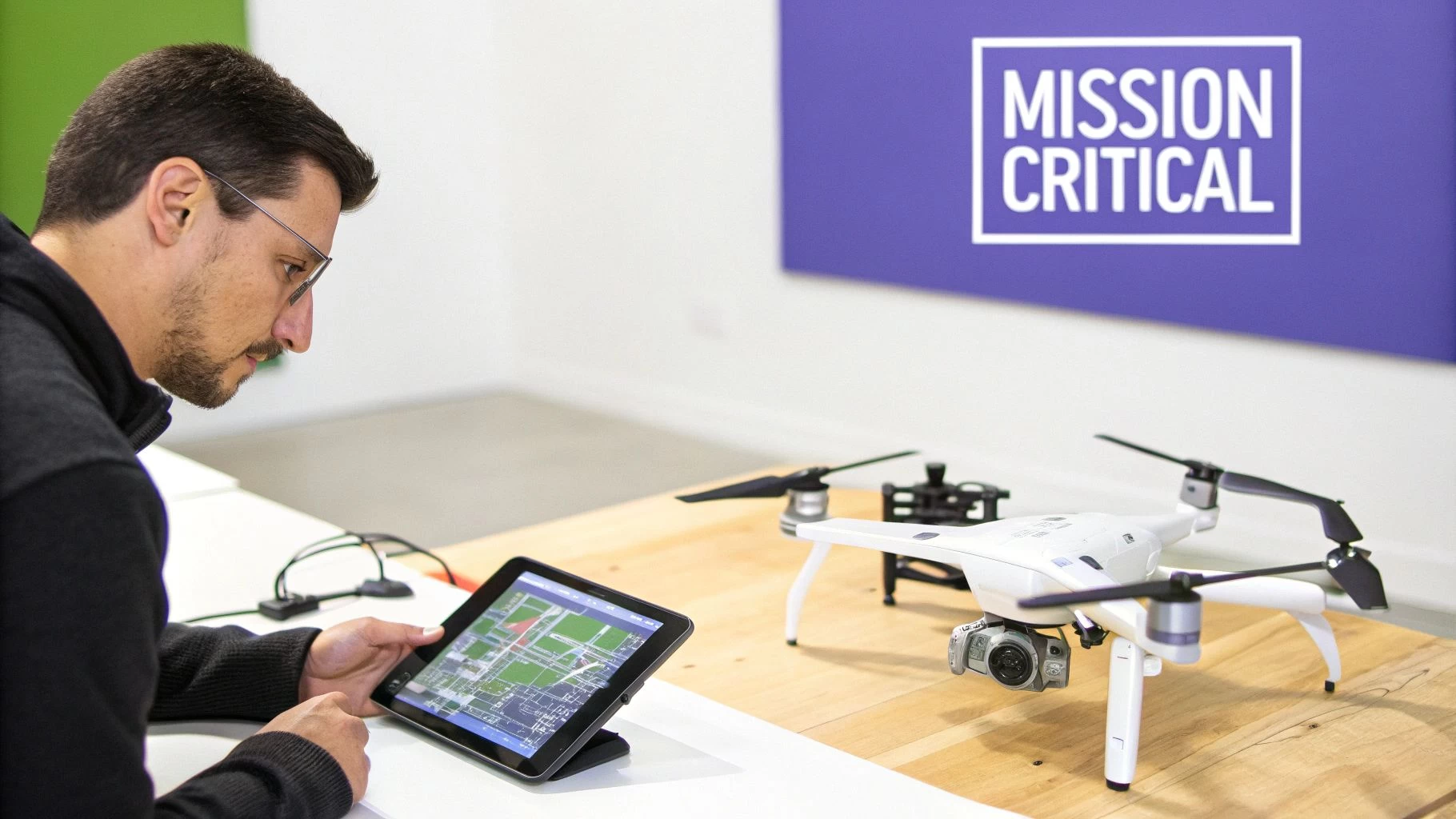
Let's get one thing straight: a flight plan isn't some bureaucratic box-ticking exercise you can skip. In the world of professional drone operations, it’s what separates the pros from the amateurs. A well-thought-out plan is your single best tool for mitigating risk, turning a long list of unknowns into predictable, manageable factors.
This proactive approach gives you a complete operational picture, letting you anticipate challenges instead of just reacting to them. For example, spotting a school or hospital near your flight zone during the planning stage allows you to tweak flight paths and timings. That simple adjustment minimises public disruption and risk—a critical detail you might easily miss without doing your homework.
The Foundation of Safety and Professionalism
A proper flight plan is way more than just a route on a map; it's the entire mission dossier. It’s your proof to clients, regulators, and even your own team that you operate at the highest standards of safety and professionalism.
This isn't just about looking good, either. The documentation serves a few vital functions:
- Safety First: By spotting potential ground and air hazards ahead of time, you create a much safer environment for your crew, the public, and your expensive gear.
- Stay Compliant: It acts as a verifiable record, proving you’ve met all regulatory requirements, from securing airspace authorisations to completing thorough risk assessments.
- Fly Smarter, Not Harder: A clear plan means less time hovering and burning through batteries on-site, leading to more productive—and profitable—missions.
- Build Client Confidence: Handing a client a detailed plan shows you're a serious, dependable operator who's committed to doing the job right.
The industry itself is reflecting how important this process has become. The global drone market is projected to hit USD 54.6 billion by 2025, a boom driven largely by sophisticated flight planning systems. These tools are what enable the precise, safe operations that are becoming standard across every application imaginable. You can dig into more insights on the drone market's growth and the tech behind it.
A solid flight plan contains several key pieces of information, all working together to ensure a smooth operation. Here’s a quick breakdown of what should be in every plan you create.
Core Components of a Professional Drone Flight Plan
| Component | Purpose & Key Considerations |
|---|---|
| Mission Details | Outlines the who, what, where, when, and why of the flight. Includes client info, job reference, date, and a clear description of the mission objectives. |
| Airspace Analysis | Identifies controlled airspace (e.g., airports, restricted zones), local advisories (like NOTAMs), and potential air traffic. This is non-negotiable for compliance. |
| Ground Hazard Assessment | Pinpoints risks on the ground, such as people, buildings, power lines, vehicles, and sensitive infrastructure. Crucial for developing a solid risk mitigation strategy. |
| Weather Forecast | Documents expected conditions like wind speed, gusts, precipitation, and temperature. This determines if the flight is a go/no-go and what operational limits to set. |
| Risk Assessment | A systematic evaluation of identified hazards (both air and ground) and the steps you'll take to mitigate them. Often a legal requirement (e.g., UK CAA's CRAM). |
| Contingency & Emergency Plans | Defines clear procedures for events like loss of signal, battery failure, or unexpected intrusions into the flight zone. What's your Plan B, C, and D? |
| Flight Log & Post-Flight Review | Records the actual flight data (takeoff/landing times, battery usage, issues encountered) and serves as a tool for continuous improvement on future missions. |
Each part of this plan feeds into the next, creating a comprehensive safety case that protects you, your client, and the public.
A great flight plan means you've already flown the mission in your head multiple times before you arrive on site. You're not just hoping for a successful outcome; you've engineered it.
Ultimately, investing time in a robust flight planning process isn't optional—it's the core discipline of a professional pilot. It underpins every safe takeoff, every successful data capture, and every confident landing. By mastering this skill, you elevate your work from just flying a drone to executing a professional aerial mission.
Conducting Pre-Flight Intelligence and Site Reconnaissance
The best drone missions are won long before the props even start spinning. Any seasoned pro knows their operational area inside and out before they ever set foot on site. This whole process is called remote site reconnaissance, and it's all about using digital tools to build a complete mental picture of the environment. You're basically identifying potential headaches from the comfort of your own desk.
This intelligence-gathering phase is the first real, practical step in putting together a flight plan drone operators can actually trust. Instead of just showing up and hoping for the best, you’re proactively spotting hazards and mapping out your strategy. It saves a massive amount of time and prevents those costly, last-minute surprises in the field.
Think of it as flying the mission virtually first.
Digital Scouting Your Flight Zone
Your main tools for this digital scouting mission are surprisingly easy to get your hands on. If you combine a general-purpose tool like Google Earth with a specialised platform like Dronedesk, you get a powerful, multi-layered view of the operational area.
I always start with a broad overview using satellite imagery. The goal here is to identify the big-picture features and potential problem areas that are going to shape your flight plan.
- Pinpoint Takeoff and Landing Zones (TOLZ): Look for open, flat, and secure spots well away from public access, trees, and power lines. It's good practice to identify at least one primary and one alternate TOLZ, just in case.
- Identify Ground Hazards: Scan for absolutely anything that could pose a risk. We're talking power lines, communication towers, busy roads, schools, hospitals—even fields with livestock.
- Map Obstacles and Terrain: Make a note of the height of buildings, trees, and any other structures. Getting a feel for the terrain's elevation changes is critical for maintaining a safe altitude throughout the flight.
This initial sweep gives you the foundational knowledge you need for a more detailed analysis later, turning a simple pin on a map into a properly understood mission environment.
A Real-World Scenario: Real Estate Near an Airport
Let's walk through a job I see all the time: a real estate video shoot for a property located two miles from a small, regional airport. A scenario like this immediately raises red flags about airspace, which have to be tackled head-on in your flight plan.
First thing's first, you've got to check the airspace classification. Using a VFR sectional chart or the mapping tools built into Dronedesk, you can instantly see if the property falls within controlled airspace, like Class D. This will tell you whether you need LAANC (Low Altitude Authorization and Notification Capability) approval to fly. For a much deeper dive, our guide on how to read sectional charts is an invaluable resource.
Here’s a quick look at how Dronedesk presents this vital airspace data, making some pretty complex information easy to digest.
The dashboard clearly shows controlled airspace, ground hazards, and other critical alerts. It transforms your flight plan from a bit of a guess into an informed, defensible strategy.
Your drone flight plan isn’t just about where you’ll fly; it’s about proving you understand why it’s safe to fly there. Remote reconnaissance is the evidence-gathering phase of that process.
Next, you'd use the satellite view to trace potential flight paths for those cinematic shots the client wants. You might spot a cluster of tall pine trees on the north side of the property, or a cell tower just beyond the west boundary. These observations get logged directly into your risk assessment, and your planned flight paths are adjusted to maintain a safe buffer.
Just like that, you’ve identified and mitigated two significant risks without ever leaving your office. That’s the power of thorough pre-flight intelligence.
Mapping Your Mission and Automated Flight Path
This is where the rubber meets the road—or rather, where your drone's props meet the air. You're moving from abstract goals to a concrete, actionable flight path. The real magic here isn't about fancy stick-work; it's about smart, upfront strategy powered by sophisticated UAV flight planning software. This is what will guide your drone with pinpoint precision.
The flight pattern you choose is dictated entirely by what you're trying to achieve. Want a stunning 3D model of a historic church? An orbit pattern is your best bet, capturing the structure from every conceivable angle. Surveying a farm for crop health? You’ll want a classic grid or lawnmower pattern to guarantee complete, even coverage with consistent image overlap. Getting these parameters right from the start is absolutely crucial.
Defining Key Flight Parameters
Once you've picked a pattern, it’s time to dial in the specifics. These settings have a direct impact on the quality of your data and, just as importantly, the safety of the entire operation.
- Altitude: Flying higher lets you cover more ground faster, but you'll sacrifice image resolution. For a detailed roof inspection, you need to get down low.
- Speed: A slower flight speed is your friend for capturing crisp, detailed images. It gives the camera's sensor more light and cuts down on motion blur, but it will chew through your battery life.
- Gimbal Angle: For mapping jobs, a nadir angle (pointing straight down) is the industry standard. But for cinematic shots or inspecting vertical surfaces like a cliff face, you'll need to get creative with oblique angles.
This is where automated waypoint missions, planned in software like Dronedesk, are a game-changer. Instead of relying on manual flight—which is always prone to human error—automation ensures that every flight over a site can be identical. This is non-negotiable for things like progress monitoring on construction sites. For a deeper dive, check out our guide on the essentials of mapping with drones.
This flow chart really nails the core steps in turning an initial idea into a planned, safe operation.
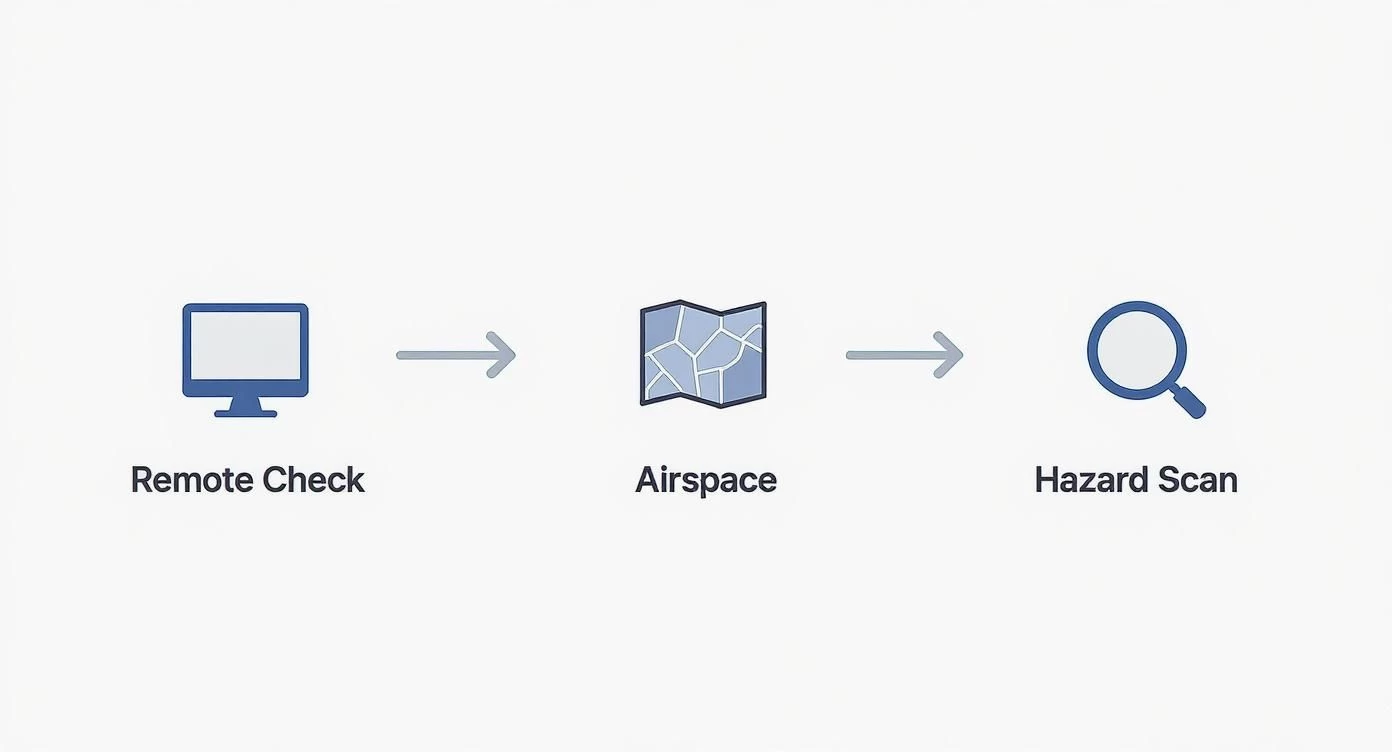
As you can see, the remote analysis logically flows into airspace checks and hazard identification, which together form the solid foundation of your flight path.
Automation in your flight plan isn't about replacing the pilot. It's about elevating the pilot's role from a simple flyer to a mission manager. It frees you up to focus on data quality and what's happening in the environment, not just keeping the drone in the air.
This level of detailed planning is especially vital for commercial operators. In the United States alone, the FAA-registered drone population has shot past 855,000, and 37% of those are commercial drones that depend on advanced planning tools to stay compliant and efficient. This trend is crystal clear: as the skies get busier, the need for a precise flight plan drone operators can trust becomes absolutely paramount for safety and professionalism.
Integrating Weather and Environmental Factors
A seasoned pilot knows the weather report is just the start of the conversation, not the end of it. Just getting a green light from a basic weather app is a classic rookie mistake. A truly professional flight plan drone operators can rely on goes much deeper, exploring how environmental conditions will actually affect the drone and the mission's outcome.
Relying on ground-level wind speed is one of the most common oversights I see. What you feel on the ground can be wildly different from the wind conditions at 200 feet, especially when you're flying near tall buildings or over varied terrain. For any serious mission, I always pull up a METAR (Meteorological Aerodrome Report). This gives you detailed aviation weather, including wind data at various altitudes, painting a far more accurate picture of what your drone is about to fly into.
Beyond Wind and Rain
Weather's impact is about so much more than just wind and rain. Two of the most frequently overlooked factors are temperature and solar activity, and both can have a massive impact on your flight.
- Temperature's Toll on Batteries: Cold weather is a notorious battery killer. LiPo batteries can lose up to 40% of their capacity in freezing conditions, which will slash your available flight time. Your flight plan has to account for this. That means scheduling shorter flights and making sure you keep your batteries warm before you pop them in the drone.
- The K-Index and GPS Reliability: The Kp-index is a measure of geomagnetic disturbances caused by solar activity. When the Kp-index is high (think 5 or above), it can seriously mess with your GPS signals. This can lead to erratic flight behavior or, in a worst-case scenario, a complete loss of satellite lock. Checking the Kp-index is a non-negotiable part of my pre-flight ritual.
Thinking like an aviator means you're not just checking the weather to see if you can fly. You're analyzing it to understand how you should fly, making constant adjustments to your plan to ensure both safety and high-quality results.
The Impact of Light on Your Data
Finally, never underestimate the quality and direction of sunlight. If you're on a mapping job, consistent lighting is everything. Scattered clouds can create a patchwork of shadows on your final orthomosaic, potentially rendering the data completely useless.
When I'm planning a real estate shoot, I'm always thinking about the sun's position. Scheduling the flight for the "golden hour" in the early morning or late afternoon can be the difference between a flat, uninspired video and a stunning, cinematic final product that absolutely wows the client. Every single one of these environmental factors needs to be thought through and documented in your plan.
Building Your Emergency and Contingency Protocols
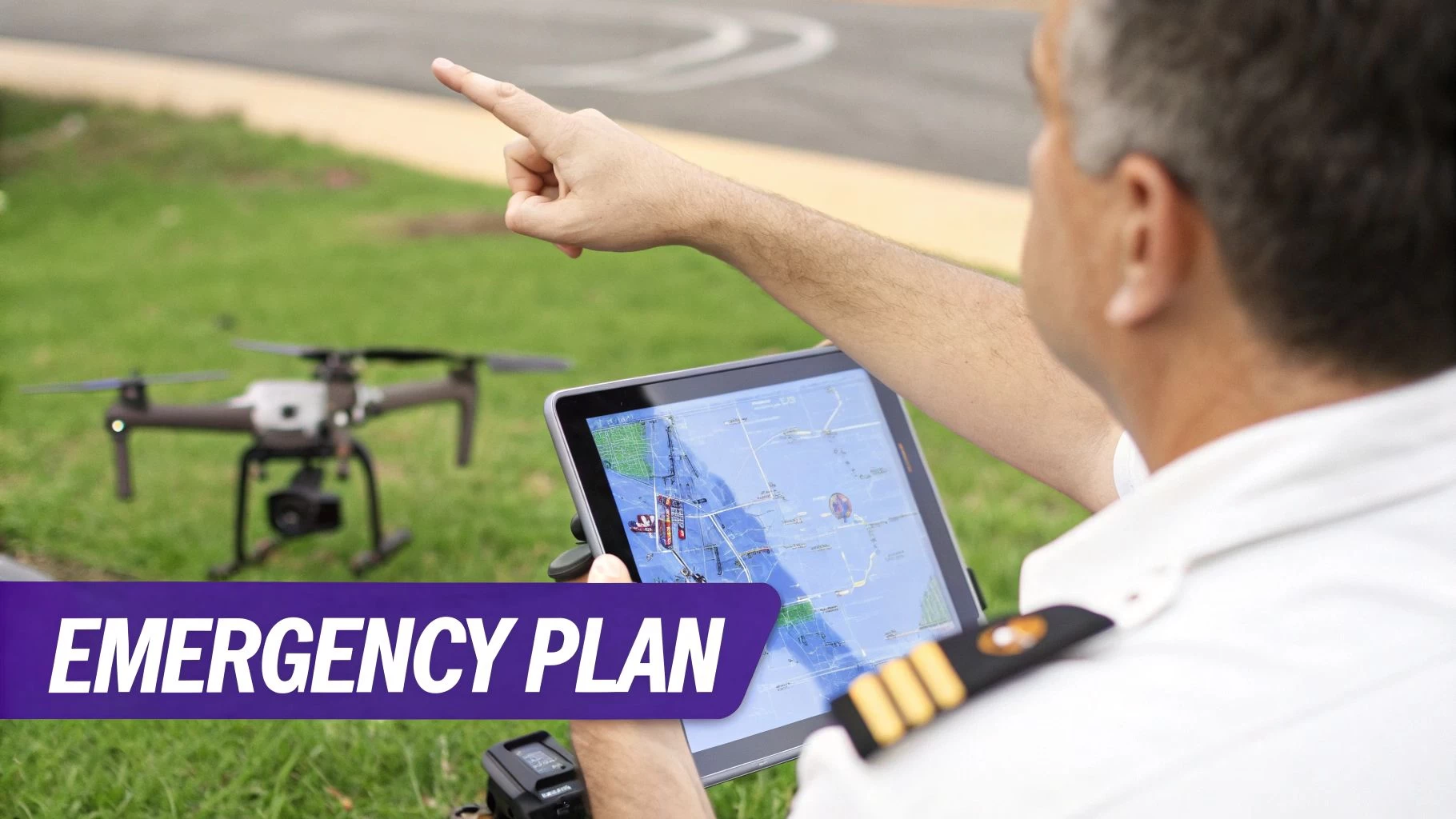
Even the most meticulously crafted flight plan drone pilots create needs a backup. What separates the pros from the amateurs is how they handle things when they go sideways, and that confidence comes from having solid, pre-defined emergency protocols. This isn't just about crossing your fingers and hoping for the best; it's about engineering a calm, decisive response to predictable problems.
Having these procedures written down is a game-changer. It transforms a moment of panic into a clear process. Instead of scrambling under pressure, you simply follow a plan you already know inside and out. It’s often the one thing that stands between a minor hiccup and a major incident, protecting your gear, your client’s project, and the public.
If you want to get into the strategic mindset, it's worth understanding the bigger picture of business continuity vs. disaster recovery, as the principles apply here, too.
Planning for Common In-Flight Failures
Most in-flight emergencies boil down to a handful of common culprits. Your contingency plan should have a simple, one-page procedure for each of these scenarios. No ambiguity, no flipping through a binder when your heart rate spikes.
- Lost Communication (Comms): What’s the plan if the controller disconnects? Your procedure should specify the drone's automated response—will it hover in place, land automatically, or kick in its Return-to-Home (RTH)?
- GPS Signal Failure: This is where skill comes in. The drone will likely switch to ATTI mode and start drifting with the wind. Your protocol needs to detail the manual flight inputs required to regain control and land safely without GPS.
- Critical Low Battery Warning: This is more than just an RTH trigger. Your plan needs to state the exact battery percentage that means "land now," factoring in wind speed and how far you are from your landing zone.
These aren't just vague ideas; they are specific, actionable responses. Knowing exactly what your next move is allows you to stay calm and keep control of the situation.
A contingency plan isn't a sign of pessimism; it's the ultimate mark of a professional pilot. You're not expecting failure, but you are absolutely prepared for it.
Configuring Return-to-Home and Emergency Zones
Your drone’s Return-to-Home (RTH) feature is a fantastic safety net, but only if it’s set up right for the job site. The classic mistake is leaving the RTH altitude at its default setting, which might be useless against trees, buildings, or power lines standing between your drone and home base.
During your site recce, always spot the tallest obstacle in your flight area and set your RTH altitude at least 50 feet above it. It’s a simple check that prevents your drone from automatically flying itself straight into a hazard.
Beyond that, your flight plan absolutely must identify pre-vetted Emergency Landing Zones (ELZs). These are your "plan B" spots—clear, safe areas where you can put the drone down quickly if your main landing zone is compromised or too far away. I always pick out at least two ELZs: one close by and another further out along my planned flight path. This covers me for different failure scenarios and is the kind of prep work that defines a truly professional operation.
Finalizing and Documenting Your Plan for Compliance
A flight plan is just a collection of thoughts and data until you get it down on paper. This final step is where all your hard work—from remote reconnaissance to risk assessments—comes together into a single, professional package. It's this document that proves your due diligence, helps you brief your crew, and gives your clients unshakable confidence in your operation.
Think of the final package as your mission's official record. It's the one place where every critical piece of information lives, from airspace authorisations to your emergency plans. If an auditor ever comes knocking, or an incident occurs, this document is your best friend. It shows you operated safely and by the book.
Consolidating Your Mission Data
Pulling everything together might seem like a chore, but it’s a pretty straightforward process. The goal is to create a packet that anyone—a crew member, a client, or a regulator—can pick up and understand immediately. This isn't just about ticking boxes; your final drone flight plan package should stand as a complete safety case for the mission.
And how you present it matters. A messy pile of screenshots and scribbled notes just won't do. Your documentation needs to be coherent and should always include:
- A Mission Summary: A quick overview with the client's name, date, location, and what you're there to do.
- Airspace Evidence: Screenshots from airspace maps, any LAANC authorisation numbers, and notes on relevant NOTAMs.
- The Complete Risk Assessment: The full matrix showing every hazard you identified and the specific steps you'll take to mitigate each one.
- Flight Path Visuals: Clear maps detailing your planned flight route, takeoff and landing zones, and pre-identified emergency landing spots.
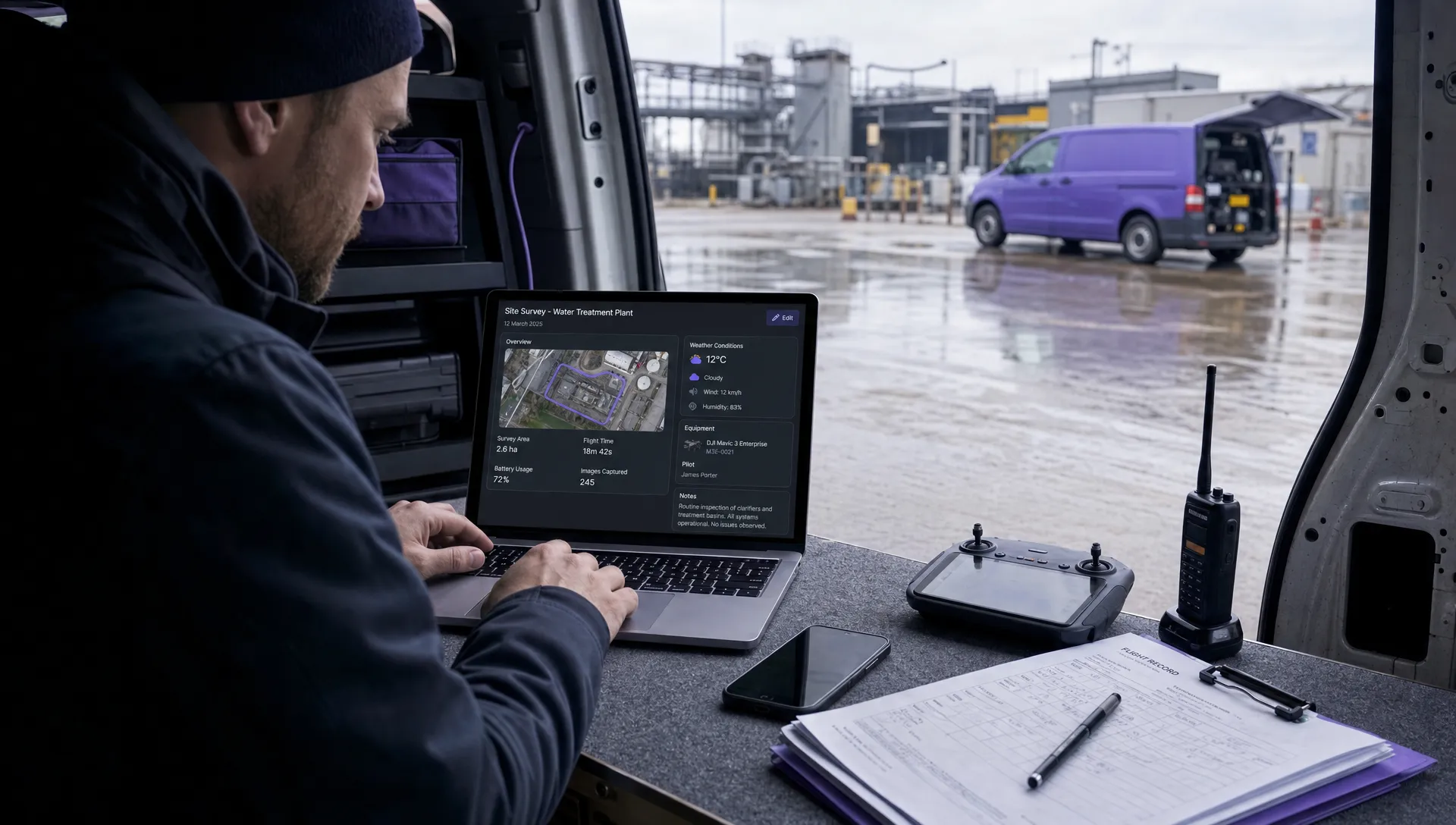
This is where platforms like Dronedesk really shine. Instead of manually wrestling with PDFs and Word docs for every job, the software automatically generates a comprehensive and standardised job pack. This creates a consistent, professional output every single time, which is huge for maintaining high standards without the headache.
The quality of your documentation is a direct reflection of the quality of your operation. A clean, well-organised flight plan tells everyone involved that you're a meticulous and safety-conscious professional.
Differentiating Planning from On-Site Checks
It's really important to understand the difference between the remote planning document you've built and the on-site checks you'll do right before you take off. Your flight plan is the overall strategy, meticulously crafted beforehand. Your on-site checklist is the final, tactical confirmation that everything—from the weather to your gear—is exactly as you expected.
To see how these pieces fit into the bigger picture of running a compliant operation, check out our complete commercial drone compliance guide.
On-Site Pre-Flight Checklist vs. Remote Flight Plan
This table should help clarify the two distinct roles. The remote plan is your homework; the on-site check is the final exam right before launch.
| Activity | Remote Flight Planning Phase | On-Site Pre-Flight Phase |
|---|---|---|
| Airspace Analysis | In-depth review of charts, requesting LAANC. | Final check for new TFRs or pop-up NOTAMs. |
| Hazard Identification | Spotting permanent obstacles on satellite maps. | A physical walk-around to spot temporary hazards. |
| Weather Check | Analysing forecasts to make a go/no-go decision. | Checking real-time wind speed and visibility on site. |
| Equipment Prep | Ensuring firmware is updated and all batteries are charged. | A physical inspection of props, gimbals, and sensors. |
This final document is much more than just paperwork. It's the culmination of your professional process, a clear blueprint for a safe and successful mission, and your key to building a reputable, compliant drone business.
Even with a solid planning routine, a few questions always seem to pop up. Let's tackle some of the most common ones I hear from pilots, because getting these details straight is key to operating with confidence.
Flight Plan vs. Pre-Flight Checklist: What's the Difference?
This is probably the question I get asked the most. The easiest way I've found to explain it is to think about strategy versus tactics.
Your flight plan is the strategic "what and why" you figure out long before you even get to the site. The checklist is the tactical "right now" confirmation you run through just before the props start spinning. Both are absolutely critical for a safe flight.
The plan is your mission's big picture: airspace analysis, risk assessments, emergency procedures, the whole nine yards. Your checklist, on the other hand, is all about the immediate, physical stuff—making sure the props are on tight, batteries are at 100%, and the IMU is calibrated. One doesn't replace the other; they work together.
Do I Really Need a Plan for Recreational Flying?
Legally speaking, a formal, documented plan like the ones commercial pilots create usually isn't required for hobbyists in most places. But adopting the mindset of a planner is what separates a responsible pilot from a risky one.
At the very least, you should be checking airspace maps on an app like B4UFLY, doing a quick scan of your area for hazards like power lines or people, and having a mental game plan for what to do if something goes wrong. It’s this kind of thinking that keeps you, your drone, and everyone else safe.
How Does Flight Planning Software Actually Help?
This is where tools like Dronedesk really shine. Think of it as a command center for your entire operation. Instead of juggling a dozen different apps and websites, it pulls everything you need into one place: live airspace data, detailed weather forecasts, terrain maps, and any local advisories.
So, what does that do for you in the real world?
- It drastically cuts down on human error. It's way too easy to miss one little detail when you're doing everything manually.
- It automates all the tedious paperwork and flight logging that's an absolute must for commercial compliance.
- It gives you a standardized, repeatable process. This ensures every single mission is planned to the same professional standard, every time.
Honestly, the biggest benefit is the time it saves. What used to take me hours of manual research and form-filling now takes just a few minutes of streamlined, guided planning.
Ready to stop juggling spreadsheets and start planning flights like a pro? Dronedesk brings everything together so you can plan safer missions, nail your compliance, and run your business more efficiently. Give the free trial a spin and see for yourself at https://dronedesk.io.
 Drone Airspace Rules: How to Document Your Site Checks →
 How to Evaluate a Free Drone Logbook Before Using It →
 FAA Part 107 Test: How to Master Airspace Questions →
 Drone Risk Assessment Controls That Work in the Field →
 FAA Drone License Costs Beyond the Knowledge Test →
 Drone Part 107 Operations: When a Waiver May Be Needed →
 Drone Operating Rules for Managing Contractors and Employees →
 BVLOS Drone Requirements for Building a Safety Case →
 Drone Pilot Test Mistakes That Cost Candidates Marks →
 FAA 107 License vs Part 107 Certificate: What’s the Difference? →