
Drone Pilot's Guide - Master drone in class d airspace safely
Flying your drone in Class D airspace? It’s completely legal, but there’s one non-negotiable rule: you must get prior authorization from the FAA. This airspace surrounds airports with an active control tower, which means it’s a busy place. Getting the rules right isn't just about avoiding a slap on the wrist; it’s about being a safe, responsible pilot.
What Class D Airspace Looks Like in Plain English
Aviation charts can look like an explosion in a spaghetti factory—a mess of lines, symbols, and colours that feel totally overwhelming. For drone pilots, though, there’s one key symbol you need to spot: the dashed blue circle.
When you see that on a map, you're looking at Class D airspace. Think of it as the managed airspace right around a local airport. It’s controlled territory, for sure, but it’s not the high-security fortress you’d find at a major international hub like Heathrow or JFK.
The whole point of Class D airspace is to keep the flow of traffic orderly and safe, both for manned aircraft and drones like yours. This is especially critical in the immediate vicinity of an airport, where planes and helicopters are in their most vulnerable phases of flight—takeoff and landing.
Breaking Down the Basics
To fly here safely, you need to know the lay of the land. Here's what every drone operator needs to have locked down before even thinking about taking off.
We can summarise the key points in this simple table:
Class D Airspace At a Glance
The table below summarises the essential characteristics of Class D airspace that every drone pilot must know before flying.
| Characteristic | What It Means for Drone Pilots |
|---|---|
| Typical Dimensions | Usually a cylinder from the ground up to 2,500 feet above the airport, with a radius of about four nautical miles. |
| Active Tower | The "D" might as well stand for "Daytime." The airspace is only "Class D" when the control tower is open. When it closes, the airspace often reverts to Class E or G. |
| Manned Aircraft | This is a hotspot for general aviation—think Cessnas, flight school trainers, and local helicopters. You’re sharing the sky, so you have to be alert. |
| Authorization | FAA authorization is mandatory. You'll likely use LAANC for near-real-time approval for flights up to 400 feet AGL. |
Simply put, you must understand the environment. According to FAA guidelines, Class D airspace is designed to protect manned aircraft during approach and departure. That's why securing clearance is so important—it’s all about mitigating collision risks.
Why Situational Awareness Is Everything
Getting that LAANC authorization is just the first step. You have to build a mental map of what’s happening around you. Before your drone’s props even start spinning, you should know where the runways are, what the typical flight paths for planes are, and if there are any other hazards like hospital helipads nearby.
A great way to get a feel for the area is by studying a Class D airspace map well before your mission.
The goal isn’t just to memorize rules; it’s to develop a pilot’s intuition. When you understand why a rule exists—like preventing a mid-air collision on final approach—you become a much safer and more professional operator.
Ultimately, getting comfortable with Class D is a cornerstone skill for any serious drone pilot. It opens up a ton of professional work in and around towns and cities, but it demands a higher level of preparation and a genuine respect for the national airspace system.
Getting Your Flight Approved With LAANC and DroneZone
So, you need to fly in Class D airspace. Getting the green light is a critical step, but it's much more straightforward than most pilots think. It really comes down to knowing which tool to use for the job. You’ve got two main paths: the slick, automated LAANC system or the more manual FAA DroneZone portal. Each is built for different kinds of missions.
For the vast majority of your day-to-day flights, the Low Altitude Authorization and Notification Capability (LAANC) system is going to be your best friend. Think of it as a digital handshake between your flight plan and Air Traffic Control (ATC). It provides near-instant, automated approvals in controlled airspace—a huge leap from the sluggish, paper-based hoops we used to jump through.
Before you even think about requesting an authorization, though, you have to know what you're dealing with. This simple process is the foundation.

This workflow—checking your chart, spotting the dashed blue lines, and confirming a control tower is present—is the bedrock knowledge you need before you can even touch LAANC. Get this part wrong, and you're already off course.
Navigating LAANC for Quick Approvals
LAANC works through a network of FAA-approved apps, like Aloft or AirMap. These platforms are integrated with UAS Facility Maps (UASFM), which are basically pre-vetted altitude grids layered over the Class D airspace. These maps show the maximum altitude (in feet Above Ground Level) where the FAA has already decided drone flights can be done safely without a human controller looking over your shoulder.
When you submit a request through a LAANC provider, the system just checks your plan against this grid. If your requested altitude is at or below the published ceiling for that spot, you can get an automated authorization in seconds. It’s that simple.
Let’s walk through a real-world example:
- The Job: You're a wedding videographer hired to get some epic aerial shots of a venue. The catch? It’s two miles from a regional airport, putting it squarely inside its Class D airspace.
- The Action: You pull up your go-to LAANC app and draw your flight area over the venue. The UASFM grid pops up, showing a pre-approved ceiling of 150 feet AGL.
- The Result: You submit your request for a two-hour flight at a safe 120 feet AGL. Moments later, your phone buzzes. Automated approval granted. You're legally cleared to fly.
This kind of speed and efficiency is what makes LAANC a game-changer for most commercial pilots. It cuts through the red tape, letting you plan flights with more agility and respond to client needs faster.
When to Use the FAA DroneZone Portal
As powerful as LAANC is, it's not a silver bullet. It’s built for routine flights that fit neatly inside the pre-approved safety box defined by those UASFM grids. For anything more complex, you'll have to roll up your sleeves and use the manual submission process through the FAA's DroneZone portal.
Think of DroneZone as the channel for operations that need "further coordination." This is code for "a human at the FAA needs to review this," which, as you can guess, is a much slower process. We're talking weeks, sometimes even months.
You’ll need to file through DroneZone if your mission involves any of the following:
- Flying Above the Grid Altitude: The client needs a tower inspection at 250 feet, but the LAANC grid in that area is capped at 200 feet. You'll have to request that extra 50 feet through DroneZone.
- Operating in a 'Zero Grid': Some areas, especially right next to runways, are marked with a "0" on the facility maps. This isn't a no-fly zone, but it does mean automated approval is off the table.
- Requests at Non-LAANC Airports: Believe it or not, not every Class D airport is LAANC-enabled. For those holdouts, DroneZone is your only option.
- Specific Waivers: Any flight that needs a waiver, like flying over people or Beyond Visual Line of Sight (BVLOS), will almost certainly involve a DroneZone application as part of the bigger picture.
Key Takeaway: LAANC is for speed and standard ops within the grid. DroneZone is for complexity, non-standard altitudes, and any situation that demands a detailed safety case for manual FAA review.
Here’s another scenario to highlight the difference:
- The Job: A construction firm needs a multi-day survey of a new development project, but it’s located right off the end of a runway. The plan requires flying up to 300 feet AGL, but the LAANC grid in this highly sensitive area is a measly 50 feet AGL.
- The Action: The chief pilot gets to work on a detailed application in DroneZone. This isn't a quick form; it includes a comprehensive risk mitigation plan, flight path diagrams, and a solid justification for why that higher altitude is necessary. This is a crucial step when planning to fly a drone near an airport where manned aircraft are a constant presence.
- The Result: After a 45-day review period, the FAA approves the operation, but with some very specific conditions attached. It’s a lengthy process, but it’s what ensures a non-standard flight can happen safely in a high-risk area.
Choosing the right tool from the start is half the battle. If you understand the strengths and weaknesses of both LAANC and DroneZone, you’ll be able to plan your drone in class d airspace operations far more efficiently and safely.
Building Your Pre-Flight Plan for Class D Operations
A safe mission in controlled airspace is almost always won on the ground, long before your props even start to spin. When you’re operating a drone in Class D airspace, your pre-flight planning is the bedrock of both safety and compliance. This isn't just about ticking boxes; it's about building a solid operational strategy that holds up under pressure.

This process goes way beyond a simple battery check. You need to do a deep dive into the specific conditions of your flight area, put together a simple but effective risk assessment, and make absolutely sure every piece of your authorization and equipment is good to go.
Comprehensive Airspace Verification
Before you even think about packing your gear, your first job is a thorough check of the airspace for any last-minute changes. Never assume the conditions you saw yesterday will be the same today. Airspace is incredibly dynamic, and new restrictions can pop up with little to no notice.
Fire up your favorite flight planning app or the FAA's own B4UFLY tool and scan for:
- Temporary Flight Restrictions (TFRs): These can be thrown up for anything from major sporting events and security operations to natural disasters. A surprise TFR can ground your entire operation in an instant.
- Notices to Air Missions (NOTAMs): These are critical alerts about potential hazards along your flight route. Think crane operations, closed runways, or unlit towers that weren't there last week.
Imagine planning a survey near a regional airport, only to arrive and find a TFR active because of a presidential visit you missed. A five-minute check from your desk would have saved a completely wasted trip. This step is non-negotiable for every single flight.
Crafting a Simple Risk Assessment
You don't need a massive, multi-page document for every single job, but you absolutely need a structured way to think about what could go wrong. A simple risk assessment is your chance to identify potential hazards and decide how you'll manage them before they become a problem.
For a Class D operation, your assessment should lock onto a few key areas:
- Manned Aircraft Traffic: What are the known traffic patterns? Are there common helicopter routes, maybe to a nearby hospital? Identifying these helps you know where to keep an extra vigilant watch.
- Environmental Factors: High winds are an obvious one, but what about the sun's position? Flying directly into the sun can make it completely impossible to maintain visual line of sight with your drone.
- Site-Specific Obstacles: Make a note of tall trees, power lines, and radio towers. These are the fixed hazards you have to plan your flight path around.
A pretty telling statistic from the FAA's 2025 Aerospace Forecast reveals that 26% of surveyed drone operators have conducted flights in Class D airspace. This really underscores how often professional pilots are navigating these exact risks near busy urban facilities.
Your risk assessment is your game plan. It’s the process of turning "what ifs" into "what I'll do." By thinking through potential problems on the ground, you can react with a cool head in the air.
Final Equipment and Authorization Checks
With your airspace confirmed clear and your risks assessed, the final stage is a meticulous check of your gear and your legal approvals. This is your last chance to catch a small issue that could scrub the entire mission.
Key Verification Checklist
- LAANC Approval: Don't just assume it went through. Open your LAANC provider's app and confirm you have an "Authorized" status for the correct date, time, and location. I always take a screenshot for my records.
- Remote ID Broadcast: Power on your drone and use a verification app to ensure your Remote ID is broadcasting correctly. A non-compliant broadcast is a fast track to an FAA violation.
- Battery and Return-to-Home (RTH): Check that all your batteries are fully charged and that your RTH altitude is set to a safe height, well above any obstacles on your site. Always plan to complete the mission, navigate back, and still land with a healthy 30% reserve.
Completing this structured pre-flight plan transforms you from someone who just flies drones into a genuine aviation professional. It builds a powerful layer of safety into your operations and ensures every flight you conduct in Class D airspace is buttoned-up, compliant, and ready for success.
Staying Safe and Compliant While in the Air
You’ve got your LAANC authorization, the pre-flight checks are done, and you’re ready to launch. But once that drone is airborne in Class D airspace, your job shifts from planning to pure, active awareness. This is where professional pilots really earn their stripes, staying vigilant to keep every flight safe and compliant from takeoff to landing.

The single most important rule is to maintain Visual Line of Sight (VLOS) at all times. This isn't just a friendly suggestion; it's a hard-and-fast FAA regulation. You, or a designated visual observer, must be able to see the drone with your own eyes, without any help other than your glasses or contact lenses.
This rule becomes exponentially more critical when you're flying in Class D. You're sharing the sky with manned aircraft that are moving a lot faster and are way less nimble than your drone.
Respecting Your Authorized Boundaries
Think of your LAANC or DroneZone approval as a contract with Air Traffic Control. It's a handshake deal that gives you permission to operate within a very specific, clearly defined box of air. Busting out of that box is a serious breach of trust and a regulatory violation.
You absolutely must operate strictly within the approved boundaries:
- Geographic Limits: Your authorization maps out a precise lateral area. Drifting even a few feet outside this zone is an airspace incursion. Keep a close eye on your controller's map display to make sure you stay inside the authorized polygon.
- Altitude Ceiling: Never, ever exceed the maximum altitude specified in your authorization. Flying higher isn't just a violation; it dramatically increases your risk of a conflict with manned aircraft that are following established traffic patterns.
A classic rookie mistake is getting so mesmerized by the camera feed that you lose track of where the drone actually is. Get into the habit of constantly glancing up from the screen to the drone itself, then back to your controller's telemetry data.
Emergency Procedures: What to Do When Things Go Wrong
Even the most carefully planned flights can hit a snag. How you react—calmly and correctly—is what separates a minor hiccup from a major incident. It's vital to have a clear game plan for common emergencies before you even take off.
Let's walk through a couple of scenarios.
Scenario 1: A Manned Aircraft Appears If you see or hear a helicopter or airplane getting close to your flight area, your duty is crystal clear: give way. Immediately.
- Stop Maneuvering: Halt any forward flight or complex movements.
- Descend: Bring your drone down to a much lower altitude.
- Land if Necessary: If the aircraft is on a direct path or flying low, land your drone right away and wait for the hazard to pass.
The guiding principle here is "see and avoid," and the responsibility always falls on the drone pilot to stay out of the way. Never assume the other pilot sees you; they probably don't.
Scenario 2: Lost Link or Flyaway Losing the connection between your controller and the drone is a heart-pounding moment. This is exactly why setting your Return-to-Home (RTH) function correctly during your pre-flight checks is so critical.
- If RTH Engages: Stay calm and monitor the drone's telemetry and flight path on your screen. If it's heading back safely, let the automated system do its job. Be ready to take back control as soon as the connection is re-established.
- If RTH Fails (Flyaway): This is a true emergency. If your drone is flying uncontrollably towards a sensitive spot like an active runway, you may need to notify ATC. This is one of the rare exceptions where direct contact might be necessary to alert them to a potential hazard in their airspace.
By mentally rehearsing these responses, you can replace panic with procedure. Your discipline in the air, paired with a solid understanding of what to do in an emergency, is the final and most important layer of safety for any drone operation in Class D airspace.
How Dronedesk Tames Your Class D Workflow
Let's be honest, managing a flight in controlled airspace can feel like you're trying to juggle chainsaws. You've got airspace checks, LAANC requests, risk assessments, and flight logs all flying at you at once. Trying to wrangle all that manually isn't just a massive time sink; it's a recipe for human error. This is exactly where a drone operations platform like Dronedesk steps in, turning a chaotic process into a smooth, repeatable workflow.
Instead of bouncing between a half-dozen apps and websites, Dronedesk pulls everything you need under one roof. It connects the dots from initial airspace checks all the way to post-flight logging, making sure nothing slips through the cracks when you're planning to fly your drone in Class D airspace.
Unified Airspace and Authorization Management
The real magic of an integrated system is how much friction it removes from your planning process. As soon as you plot a flight plan in Dronedesk, its built-in intelligence instantly checks the location against live airspace data. There’s no need to pull up a separate chart; the platform immediately flags that you're operating inside a Class D zone.
But it doesn't just stop at telling you that you're in controlled airspace. Dronedesk overlays the LAANC UAS Facility Map grids right onto your plan, clearly showing the maximum altitude you can get an automated approval for. This gives you instant, actionable data without ever having to leave your project dashboard.
The Dronedesk dashboard becomes the single source of truth for all your upcoming missions and their compliance requirements.
This centralized view lets you spot potential airspace conflicts, check on pending tasks, and see all your active authorizations at a glance. It's a simple way to prevent critical details from getting lost in the shuffle.
Automating Compliance and Record-Keeping
Once your flight is approved, Dronedesk keeps working for you. It automatically logs flight details, which is a non-negotiable for staying compliant with FAA regulations. This feature is an absolute game-changer for solo operators and a must-have for larger teams that need standardized, bulletproof records.
Think about it from a practical standpoint. Say you're a real estate photographer juggling multiple jobs near a local Class D airport. Dronedesk helps you:
- Plan Efficiently: Quickly map out jobs and get immediate airspace feedback.
- Manage Approvals: Keep all your LAANC authorization receipts neatly organized and attached to the specific job they belong to.
- Log Flights Automatically: Sync flight data straight from your drone, creating a perfect, audit-ready record every single time.
This kind of automation builds consistency and safety into every single flight you conduct. If you want to see more about how the tech works behind the scenes, you can learn more about Dronedesk’s airspace intelligence features.
For a larger company, this standardized workflow is invaluable. It makes sure every pilot in the fleet, whether they're in another city or another state, is following the exact same safety protocols and documentation standards. This creates a powerful layer of accountability and slashes the administrative burden.
By integrating every single step—from initial planning and risk assessment to flight logging and reporting—a platform like Dronedesk does more than just make your job easier. It builds a robust safety culture directly into your daily operations, turning complex compliance requirements into a simple, seamless part of your process.
Common Questions About Flying in Class D Airspace
Even with a solid flight plan, a few tricky questions about operating a drone in Class D airspace can pop up. Some of these rules have nuances that can catch even experienced pilots off guard. Let's clear up some of the most common points of confusion so you can fly with complete confidence.
Think of this as a final check of your knowledge base, making sure you're ready for whatever the mission throws at you.
What Happens If I Fly into Class D Without Authorization
Let's be blunt: flying a drone in Class D airspace without FAA authorization is a serious regulatory violation. The consequences aren't a slap on the wrist; they can range from substantial fines running into the thousands of dollars to the suspension or even total revocation of your remote pilot certificate. In the most serious cases, you could be facing legal action.
The FAA takes unauthorized flights near active airports incredibly seriously. Their job is to protect manned aircraft during takeoff and landing, which are the most critical phases of flight. You have to verify your airspace and lock in your authorization before every single flight to stay safe and avoid these severe penalties.
This isn't just about ticking boxes on a checklist; it's about being a responsible member of the aviation community. An unauthorized drone is a genuine risk to pilots and passengers, and the FAA's enforcement reflects just how serious that danger is.
Can I Get Approval to Fly Higher Than the LAANC Map Shows
Yes, it's possible, but not through the instant LAANC system you're used to. The altitudes shown on the UAS Facility Maps—those grids in your app—are pre-approved ceilings designed for fast, automated authorization. They represent the maximum height the FAA has deemed safe for a drone without a human at ATC needing to manually review the operation.
If your job requires you to fly higher than that grid allows, you'll need to submit a request for "further coordination" through the FAA's DroneZone portal. This kicks off a manual review process where an FAA official will scrutinize your request. You'll need to build a detailed safety case that clearly justifies why you need the extra altitude and explains exactly how you'll mitigate any associated risks.
Just be prepared for a much longer wait. While LAANC approval is nearly instant, a DroneZone request can take weeks or even months to process, and there's never a guarantee it will be approved.
Do I Need to Call the Control Tower If I Have LAANC Approval
No. For any routine flight approved through the LAANC system, you should not contact the control tower directly by phone or radio. The whole point of LAANC is to feed ATC all the necessary information about your flight digitally. This keeps their communication channels free for active aircraft and avoids cluttering up the frequency with unnecessary calls.
The only time you should even think about contacting the tower is during a genuine in-flight emergency. A classic example is a "flyaway," where your drone loses its link and is flying uncontrollably toward an active runway or flight path. In that specific, high-risk scenario, a call to ATC is absolutely necessary to alert them to the immediate hazard.
What Does a Zero-Altitude Grid on the Map Mean
When you see a "0" on a UAS Facility Map grid, it means automated LAANC authorizations are completely unavailable for that specific slice of airspace. It doesn't mean flying there is banned, but it's a clear signal that the area is too sensitive for an automated green light. These zero grids are usually right on top of runways, final approach paths, or other critical airport infrastructure.
To operate your drone inside a zero-altitude grid, you have to use the manual process. You'll need to submit a detailed authorization request through the FAA DroneZone portal, just like you would for a high-altitude request. Your application will need a rock-solid safety justification explaining why the flight is necessary and how you'll ensure it poses zero risk to manned aircraft.
Planning missions in complex airspace demands precision. Dronedesk integrates up-to-date airspace data directly into your workflow, automatically flagging Class D boundaries and LAANC requirements so every flight is compliant from the start. Streamline your planning and fly with confidence by exploring Dronedesk at https://dronedesk.io.
 How to Build a Drone Pilot Flight Log That Is Audit Ready →
 FAA Drone Licence Requirements for Commercial Pilots →
 FAA BVLOS Waivers Granted: What Successful Cases Show →
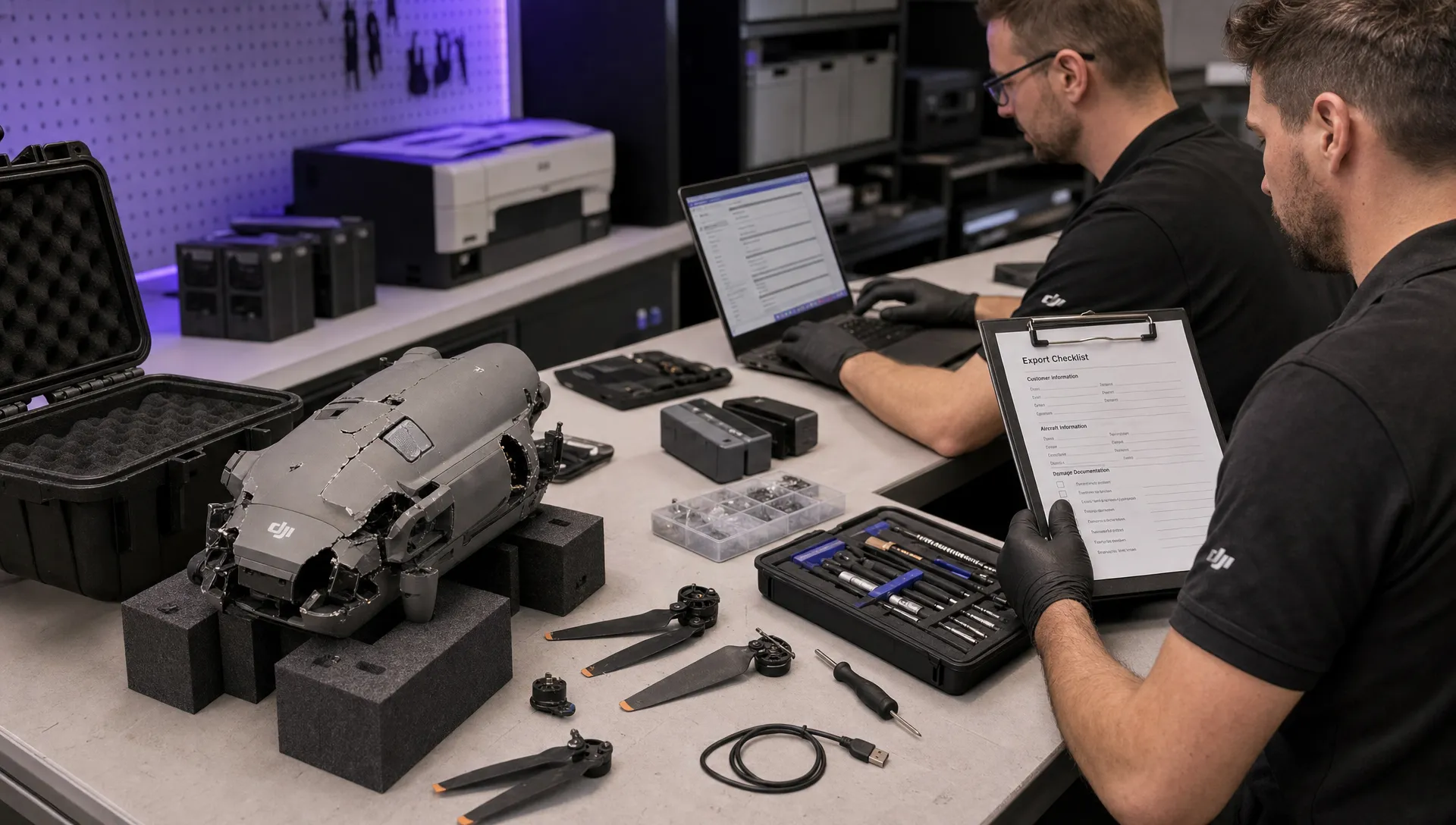 How to Export DJI Flight Logs for Incident Reviews →
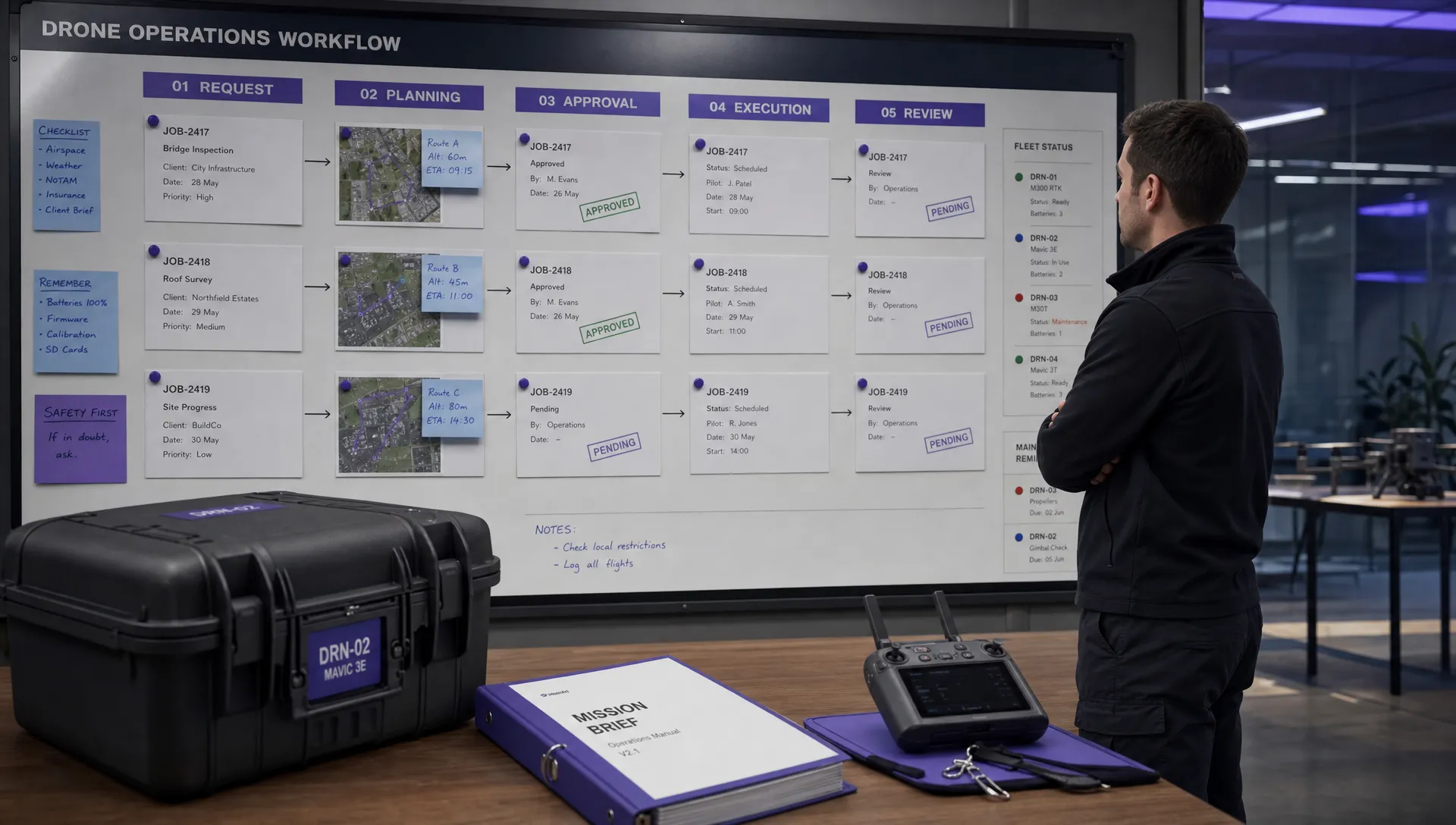 Drone Safety and Legal Duties for Business Operations →
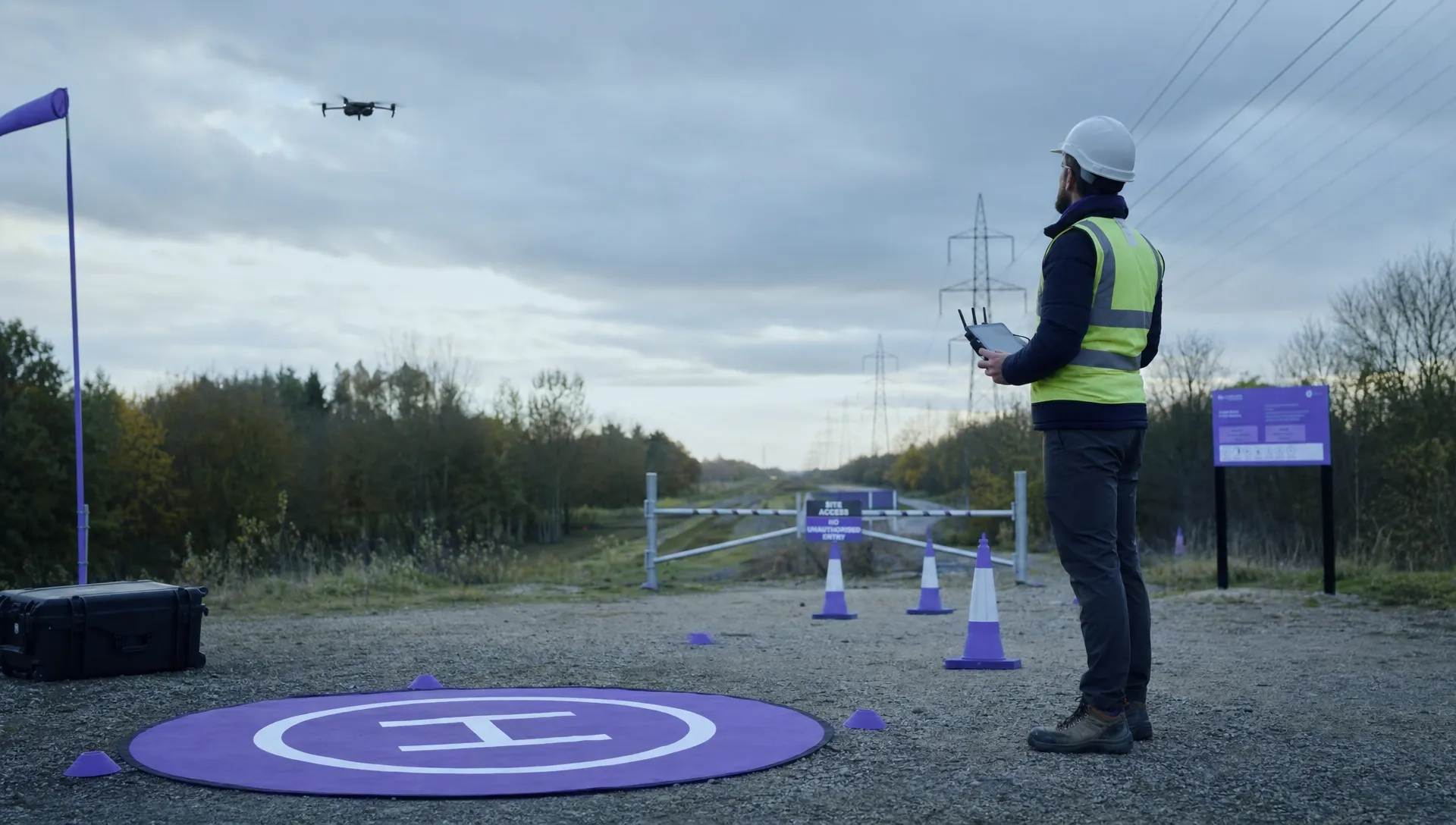 EASA Drone Regulations: Open, Specific and Certified Categories →
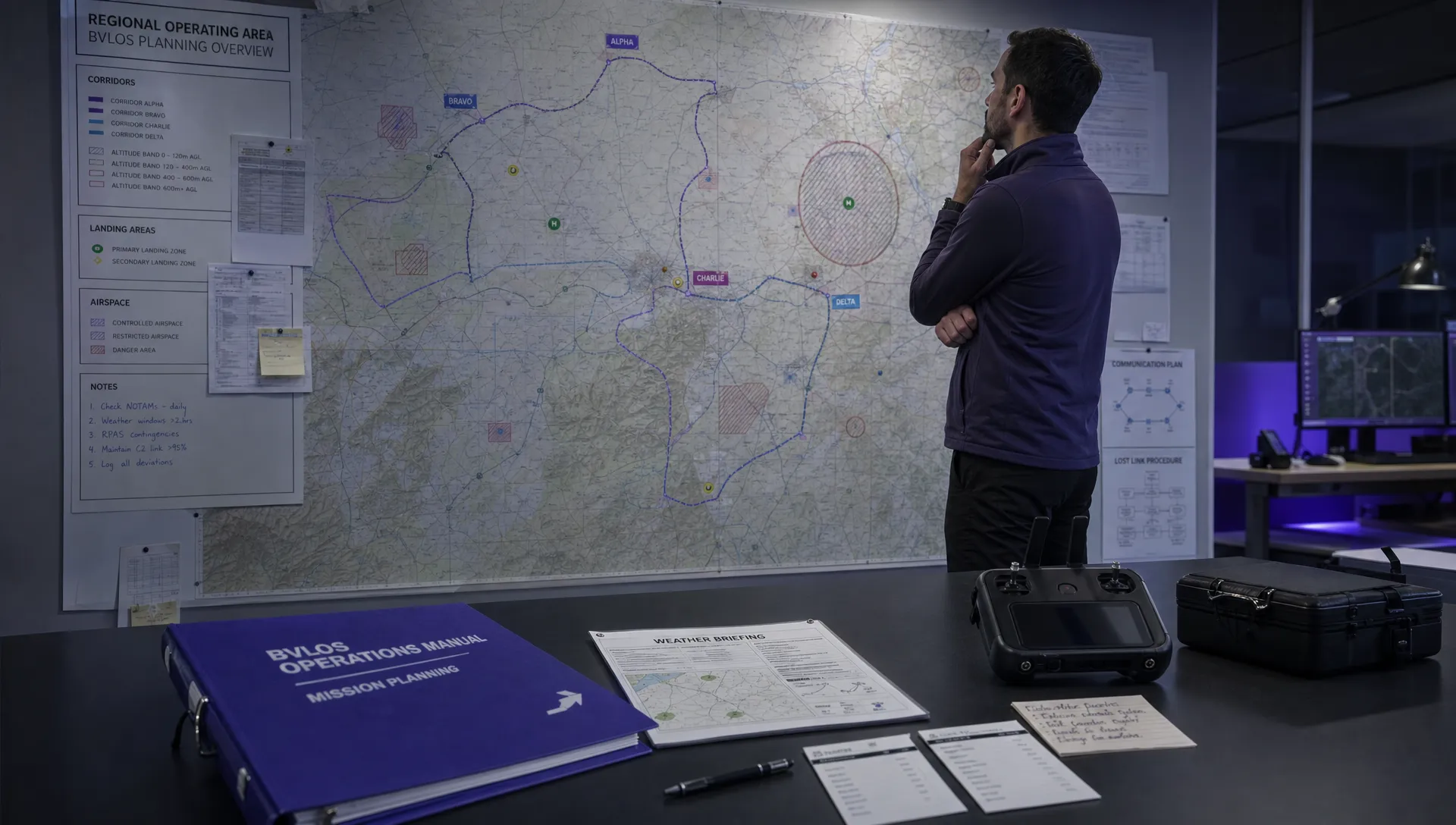 What the BVLOS ARC Report Means for UAS Operators →
 Free Drone Pre-Flight Checklist for Commercial Missions →
 Contingency Volume and Flight Risk Buffer Explained →
 FAA Policy Changes That Commercial Drone Teams Should Track →