
Mastering the Class D Airspace Map for Drone Pilots
When you see a dashed blue circle on an aviation map, you're looking at Class D airspace. For any drone pilot, understanding what this symbol represents is fundamental to planning safe, legal flights and getting the right approvals before you even think about taking off.
What Class D Airspace Means for Your Flight Plan
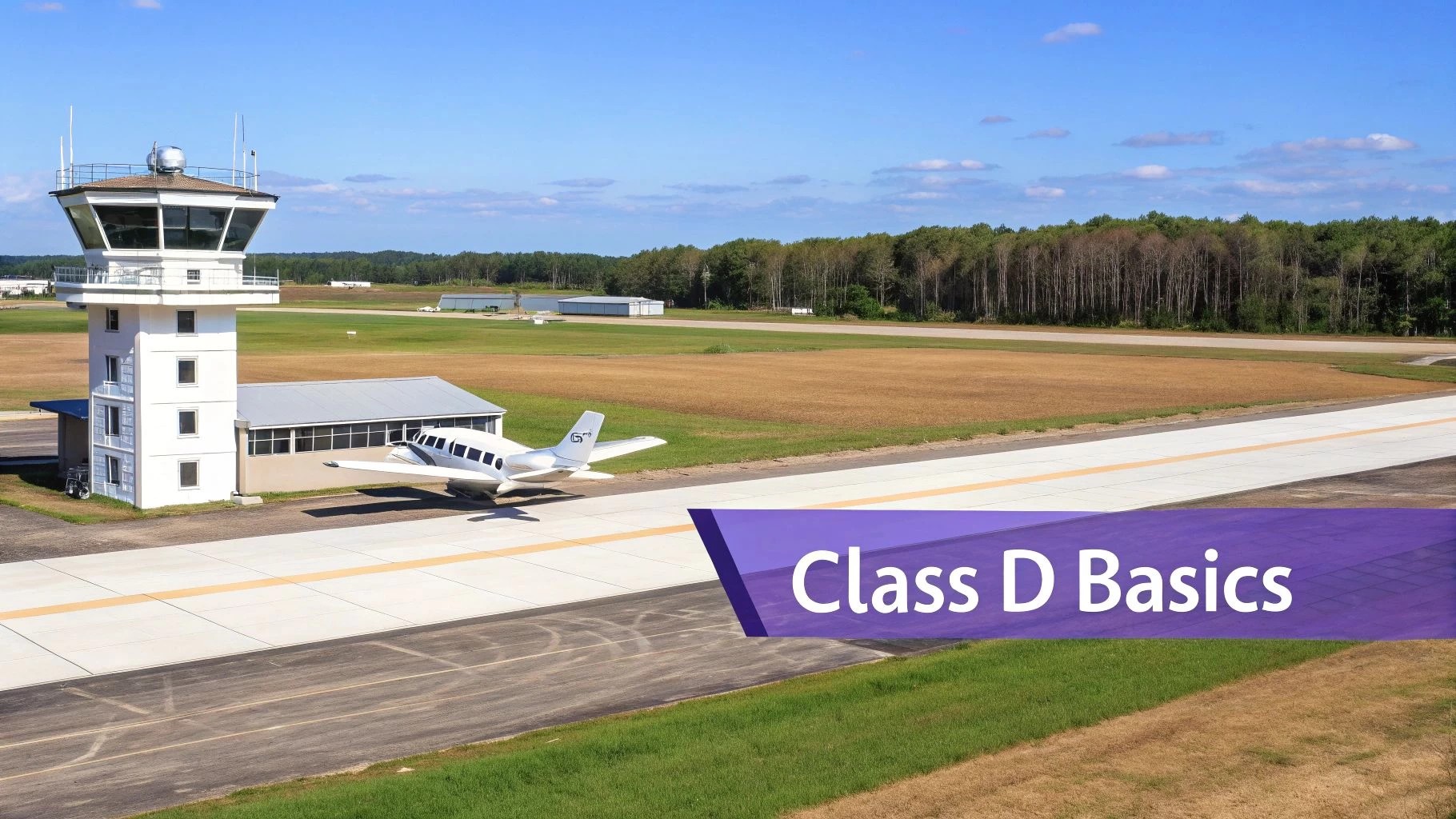
Think of Class D airspace as the managed front lawn of a local airport. It’s definitely controlled territory, but it’s nowhere near the high-security fortress of a major international hub like Class B. Its main job is to keep a safe, orderly flow of traffic—both manned aircraft and drones—in the immediate area around an airport that has an operating control tower.
But here’s the crucial detail: this controlled environment isn’t a 24/7 deal. One of the most important things to know about Class D airspace is that it can change its status. It's only considered "Class D" and actively controlled when the airport's tower is open.
The Importance of Tower Hours
When the control tower staff head home for the night or for a holiday, the airspace rules can change completely. That Class D zone often reverts to a less restrictive category, usually becoming Class E or sometimes even uncontrolled Class G airspace.
This means the regulations for flying in that exact same spot can literally depend on the time of day. Flying at 8 PM might be perfectly fine without any special permission, but flying there at 8 AM could be illegal without proper authorisation.
This is exactly why you can't just glance at a static map. Checking the tower’s operational hours is a non-negotiable step in your pre-flight planning.
Class D is set up around airports with active control towers but with less air traffic than you'd find in Class B or C. Typically, it extends from the ground up to 2,500 feet above the airport and forms a cylinder with a radius of about 4 nautical miles. You can learn more about the different types of airspace and how they interact.
Key Takeaway: The boundaries on a chart might be fixed, but the rules inside them are not. Always, always confirm the control tower's hours of operation before you plan a flight anywhere near Class D airspace.
To help you get a quick handle on this, the table below summarises the key features of Class D airspace.
Class D Airspace Quick Reference Guide
This table breaks down the essential characteristics of Class D airspace. Think of it as a quick-reference cheat sheet for identifying what you're dealing with on a map and in the field.
| Characteristic | Typical Specification | What It Means for Pilots |
|---|---|---|
| Lateral Dimensions | ~4 Nautical Mile Radius | Defines the circular boundary you need to stay aware of during flight planning. |
| Vertical Limits | Surface to 2,500 ft AGL | Sets the altitude ceiling. Flying above this requires specific ATC clearance. |
| Chart Symbol | Dashed Blue Circle | This is your main visual clue on any aviation chart for spotting Class D airspace. |
| Communication | Two-Way Radio Required (Manned) | For drone pilots, this means you need LAANC authorisation before you can enter. |
| Operational Hours | Only When Tower is Active | The rules change when the tower closes. You absolutely must verify these hours. |
Keep these details in mind as we move on to look at how these zones are specifically shown on charts and what you need to do to get permission to fly.
How to Read Class D Boundaries on a Sectional Chart
Learning how to turn a cluttered sectional chart into a practical, easy-to-read map is a foundational skill for any pilot. When you're looking for a Class D airspace map, what you're really doing is learning to spot specific symbols on these charts. Let's break down the visual language so you can find these zones in a heartbeat.
The most obvious giveaway for Class D airspace is a dashed blue line, which usually forms a circle or a segmented shape around an airport. Think of this line as the literal boundary fence for the controlled airspace. The second your flight plan crosses it, you’re in territory where you need authorization.
And right in the middle of that dashed blue circle, you'll always spot a blue airport icon. This confirms which airport the airspace is protecting. These two things—the dashed blue line and the airport icon inside—are your main visual cues.
Decoding Altitude Ceilings
Once you've found the Class D boundary, the next crucial bit of info is its vertical limit. How high does this airspace actually go? The answer is tucked away inside a small, blue-segmented box located somewhere within the boundary.
This box contains a number that tells you the ceiling of the Class D airspace. For instance, you might see a box with [25] printed inside. That’s not just a random number; it’s shorthand for the altitude in hundreds of feet above Mean Sea Level (MSL).
So, what does '[25]' actually mean? It means the Class D airspace extends from the surface all the way up to 2,500 feet MSL. This is the absolute ceiling you have to stay below unless you get specific clearance from Air Traffic Control.
Getting this right is non-negotiable. A drone flying at 2,600 feet MSL in this area would be just above the Class D ceiling, but one at 2,400 feet MSL would be squarely inside it and would absolutely need authorization.
Understanding Surface Area Extensions
Every now and then, you'll notice smaller dashed blue lines branching off the main circle. These are called surface area extensions, and they often look like little channels or corridors leading away from the primary airspace cylinder.
These extensions aren't just random shapes; they serve a very important purpose. They're designed to protect manned aircraft that are following specific instrument approach or departure procedures. In low visibility, pilots rely on these precise paths, and the extensions make sure the controlled airspace covers them right down to the ground.
- Function: To protect instrument flight paths.
- Appearance: Dashed blue lines extending out from the main Class D circle.
- Implication: The airspace inside these extensions is also Class D, from the surface up to the designated ceiling.
If your flight plan happens to fall within one of these extensions, you have to treat it exactly like the main circular area—authorization is a must. Overlooking these extensions is a common slip-up that can lead to seriously dangerous situations and regulatory trouble.
This visual language is just one piece of the puzzle when it comes to getting comfortable with aviation charts. To build a stronger foundation, check out our complete guide on how to read sectional charts for a deeper dive into all the symbols you'll encounter.
By mastering these three visual elements—the dashed blue boundary, the altitude box, and the surface extensions—you'll be able to glance at any sectional chart and instantly understand the limits of a Class D zone. This skill turns a confusing map into a clear, actionable tool for your flight planning.
Finding Reliable and Current Airspace Maps
Flying with an outdated map is like navigating a busy highway with your eyes closed—it’s a recipe for disaster. For any pilot, the currency of your Class D airspace map isn't just a suggestion; it’s a non-negotiable part of the job for both safety and legal compliance. Airspace rules, boundaries, and temporary restrictions are always changing, which makes up-to-date information your most critical pre-flight tool.
Luckily, finding reliable data is pretty straightforward if you know where to look. Your first and most authoritative stop should always be the official source: the Federal Aviation Administration (FAA). The FAA provides VFR Raster Charts, which are the digital versions of the classic paper sectional charts that pilots have used for decades. This is where you'll find the most accurate and legally binding information available.
Official Government Resources
The FAA’s digital chart portal is the definitive library for all U.S. airspace data. While these official charts are dense with information, they are the ground truth for any flight operation. It’s absolutely essential to check the chart’s effective dates, as they are updated on a strict 56-day cycle. Flying with a chart that’s even one day out of date could mean you miss a critical change in airspace configuration.
Why Currency is Critical: An airport's Class D airspace might be expanded, its ceiling adjusted, or new obstacles could have been built. Relying on old data is one of the quickest ways to bust airspace, risking hefty fines and action against your pilot certificate.
User-Friendly Digital Platforms
While the official sources are the ultimate authority, several trusted digital platforms make interpreting this data much, much easier. These tools overlay FAA data onto interactive, user-friendly maps, giving you the context you need, whether you're flying a drone or a Cessna.
For drone pilots, a few apps are indispensable for day-to-day operations:
- B4UFLY: This is the FAA’s official mobile app, and it's perfect for a quick and easy check of airspace restrictions right where you're standing. It gives a clear go/no-go status that's hard to misinterpret.
- Aloft (formerly Kittyhawk): As a leading LAANC provider, Aloft builds a real-time class d airspace map directly into its authorization workflow. This is incredibly useful because it shows you the pre-approved altitude ceilings for your mission right on the map.
For manned aircraft pilots, tools like ForeFlight or Garmin Pilot do a similar job, presenting sectional chart data with handy layers for weather, traffic, and flight planning.
This diagram breaks down the core visual elements you'll encounter on any chart when you're trying to spot Class D airspace.
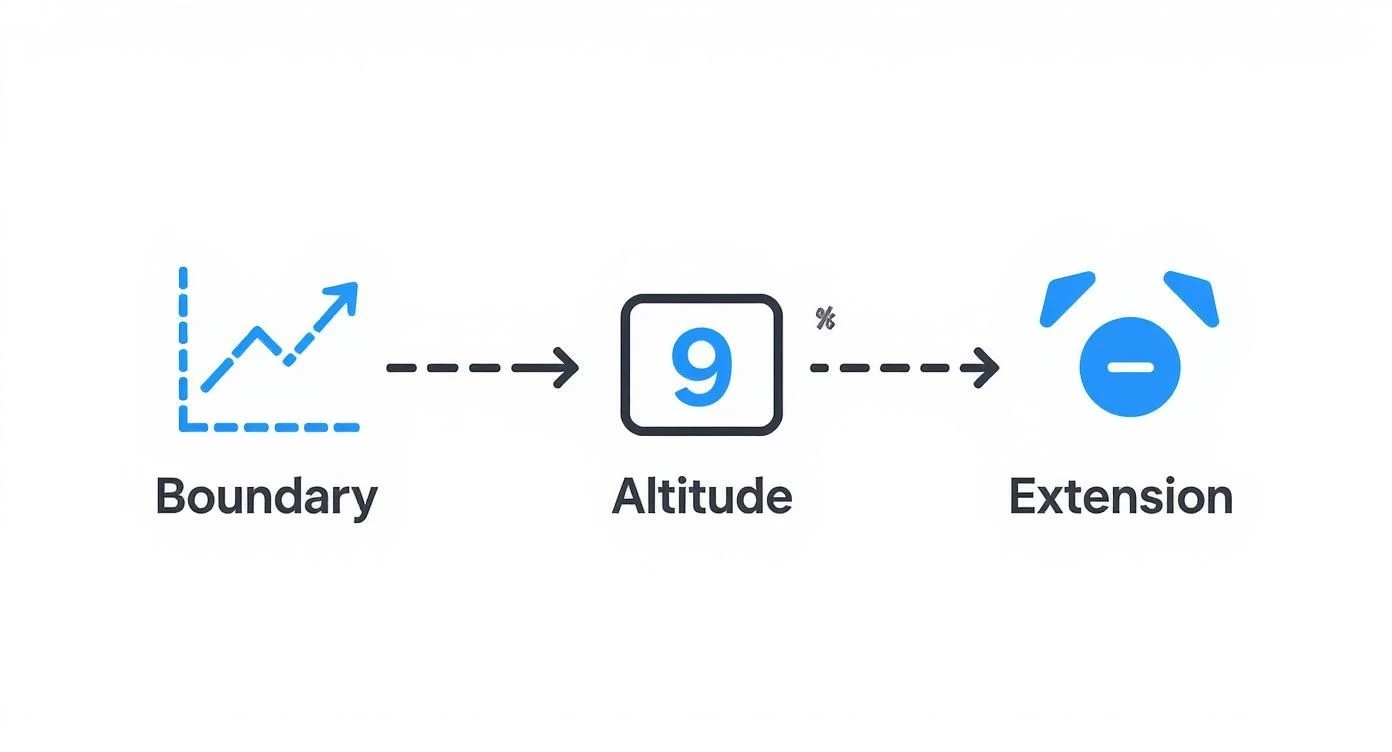
As the visual shows, once you know how to spot the boundary, read the altitude ceiling, and identify any surface area extensions, you're set. Regardless of the tool you use, these core symbols stay the same, making this knowledge something you can use across different platforms.
To see how these maps specifically apply to unmanned systems, you can explore our detailed guide to FAA UAS maps. Ultimately, a blended approach works best: use apps for everyday planning and quick checks, but always know how to pull up and reference the official FAA charts to verify the data you’re seeing.
Operating Drones Safely in Class D Airspace
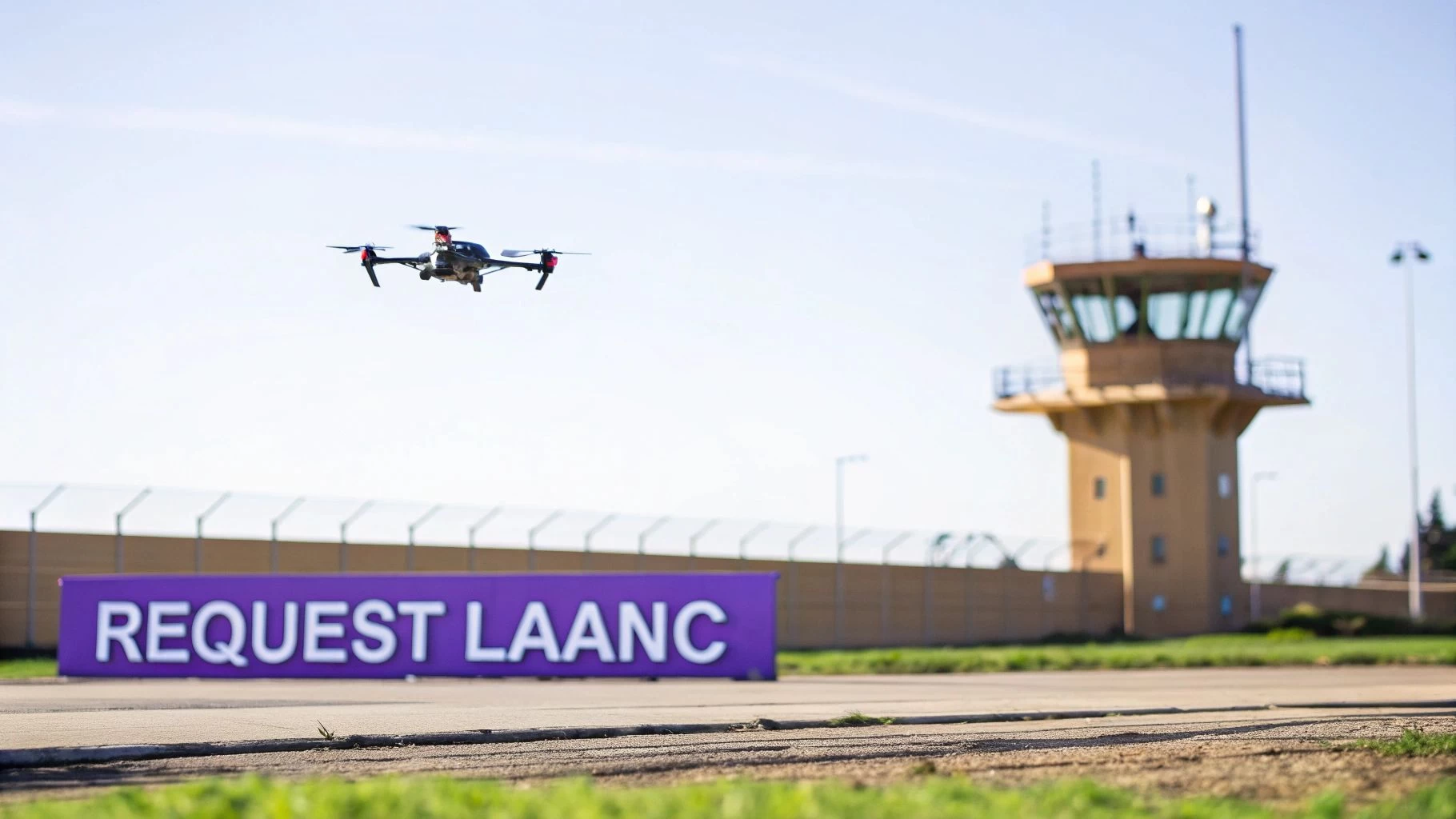
Knowing how to read a class d airspace map is only half the battle. The other half is knowing how to get permission to fly there. For drone pilots, entering this controlled airspace isn't a matter of simply flying carefully—it requires explicit authorization from the FAA.
Fortunately, the old days of submitting manual waivers and waiting forever are mostly gone. A modern system has taken its place.
This system is called LAANC, which stands for Low Altitude Authorization and Notification Capability. Think of it as an automated, digital handshake between your flight plan and the FAA. It connects drone pilots directly to Air Traffic Control, often providing near-instant approval for flights in controlled airspace like Class D.
The Power of LAANC Authorization
Before LAANC, getting a green light to fly in controlled airspace could take weeks, sometimes even months. Now, with LAANC-enabled apps, you can submit a request and often get an automated approval in seconds. This speed is a total game-changer for commercial drone operations, allowing for much more agile planning and on-demand flights.
So how does it work? The system uses pre-approved altitude grids laid over the airspace around airports. These grids, known as UAS Facility Maps (UASFM), show the maximum altitude at which the FAA has already determined drone flights can be safely conducted. As long as your request falls at or below that ceiling, LAANC can usually approve it automatically.
And this isn't some niche system. Data from the FAA's latest aerospace forecast shows that a huge chunk of drone activity—roughly 26% of reported UAS operations—happens inside Class D zones. This makes it a critical hub for drone flights around regional airports and highlights just how vital LAANC is for safe, everyday operations.
How to Submit a LAANC Request
Submitting a LAANC request is pretty straightforward, but you need to be precise. You'll need an account with an FAA-Approved LAANC UAS Service Supplier, like Aloft or AirMap. Once you're logged in, the process is generally the same across platforms:
- Define Your Flight Area: Pinpoint your exact operational area on the interactive map. The app will immediately show you the UAS Facility Map grid and its altitude limits for that specific location.
- Enter Mission Details: You’ll need to provide specific information about your planned flight.
- Submit for Approval: Once all the details are in, hit submit. The system checks your plan against the pre-approved UASFM altitudes and other FAA data in real-time.
For a successful submission, have these details ready to go:
- Pilot Information: Your name and contact details.
- Flight Date and Time: The specific start time and total duration of your flight.
- Maximum Altitude: The highest you plan to fly (which must be at or below the UASFM grid ceiling).
- Operational Area: A defined polygon on the map showing exactly where you'll be flying.
Pro Tip: Always request the lowest altitude you need to complete your mission safely. Even if the grid map shows a ceiling of 200 feet, requesting only 150 feet shows responsible planning and can improve your chances of a quick, frictionless approval.
What If an Airport Is Not LAANC-Enabled?
While LAANC covers hundreds of airports across the country, not every single airport with Class D airspace is part of the system just yet. If you need to fly near a non-LAANC airport, you can't use the automated system.
In this case, you have to go back to the old-school method: requesting authorization through the FAA DroneZone portal. This is a manual process that involves submitting a detailed operational plan and a solid safety justification.
Be warned: this process is significantly slower. It can take up to 90 days for approval. That means you absolutely have to plan far in advance if your work takes you near a non-LAANC Class D airport. Always check the FAA's list of LAANC-enabled facilities first—it could save you a massive headache.
Putting It All Together with Dronedesk
Knowing how to read a Class D airspace map on a paper chart is a foundational skill, but let's be honest—modern flight planning software makes the whole process faster, easier, and a lot less prone to mistakes. Platforms like Dronedesk basically take the guesswork out of the equation. They pull all the necessary data into one place, saving you from the headache of manual checks and seriously cutting down the risk of human error.
Think about it. Instead of flipping between a sectional chart, the Chart Supplement, and a LAANC app, these tools give you a single, live view of your entire operating area. This shift from old-school manual interpretation to automated intelligence lets you focus on flying the mission, not drowning in regulatory details.
Let the Software Do the Heavy Lifting
The real magic of a platform like Dronedesk is its ability to automatically flag airspace issues the second you start plotting a flight. Say you’re planning a shoot near a local airport. You just draw your flight area on the map, and the system instantly checks that location against a massive, up-to-date database of airspace rules.
If your flight path even kisses the edge of a Class D boundary, you get an immediate visual alert. This instant feedback is a huge leap forward for safety. A tiny misread of a paper chart could easily lead to an accidental incursion, but with this kind of tool, that's almost impossible.
Key Insight: Flight management software is like having a digital co-pilot who is constantly checking your plan against every known airspace restriction. It turns the reactive task of looking at maps into a proactive system of automated safety alerts.
And it goes beyond just showing you a blue line on a map. Dronedesk will visualize both the horizontal and vertical limits of the airspace, telling you exactly how high you can fly based on the UAS Facility Maps. No more guessing or estimating—the ceiling is right there on your screen. You can learn more about how this works by checking out Dronedesk's airspace intelligence features.
A Real-World Planning Workflow
So, what does this look like in practice? It’s surprisingly simple. Let’s walk through planning a quick property survey that happens to be just inside a Class D zone.
- Create the Job: First, you pop the client details and job address into Dronedesk. The map immediately zooms to your location.
- Define the Flight Area: Using the drawing tool, you outline the exact boundary of the property you need to fly.
- Get Instant Airspace Analysis: The moment you close the shape, the system flags that you're in Class D airspace. It shows you the dashed blue boundary and overlays the LAANC altitude grid, revealing a maximum ceiling of 200 feet for that specific spot.
- Handle LAANC Authorization: The platform sees that LAANC is required. Instead of jumping over to another app, you can typically start the authorization request right from your mission plan, with all the flight details already filled in.
This screenshot shows exactly how the software makes potential conflicts impossible to miss, visually confirming your flight zone's position relative to controlled airspace.
By rolling all these steps into one, the software turns a clunky, error-prone chore into a smooth, compliant operation. This integrated approach guarantees that every flight plan is automatically checked against the latest Class D airspace map data. It doesn't just save you a ton of time; it builds a powerful layer of safety and accountability into every single mission you fly.
The Future of Airspace Management Technology
The airspace we fly in is on the brink of a massive technological leap. The classic class d airspace map is quickly transforming from a static paper chart into a living, breathing, data-rich environment. This isn't just a minor update; it's a fundamental shift driven by powerful new surveillance and communication tech designed to build a safer, more integrated sky for everyone.
At the center of this change is Automatic Dependent Surveillance-Broadcast (ADS-B). Think of it like a digital conversation happening between aircraft in real-time. Instead of just relying on ground-based radar, planes equipped with ADS-B continuously broadcast their precise location, altitude, and speed to other aircraft and air traffic controllers. This paints a crystal-clear, live picture of the sky, giving every pilot a huge boost in situational awareness.
The Rise of Digital Surveillance
While ADS-B isn't mandatory for most aircraft in Class D airspace just yet, its growing adoption is a massive signpost for where things are headed. Regulators are definitely looking to expand these requirements to make our busier terminal environments safer.
From both a regulatory and tech standpoint, Class D is right at the heart of these modernization efforts. Sure, bigger airspaces like Class A and B have long required ADS-B, but Class D has generally been the exception. As of 2025, you don't need it for entry. But that's changing fast around the globe. For example, Canada is planning to extend ADS-B requirements to Class C, D, and E airspace no earlier than 2028, which clearly shows the trend toward advanced surveillance in these zones. You can get more insights on global ADS-B mandates from Universal Weather and Aviation, Inc..
Connecting Drones and Manned Aircraft
This leads us to the next big piece of the puzzle: UAS Traffic Management (UTM) systems. UTM is basically a parallel traffic management system built from the ground up for drones operating at low altitudes. It's designed to keep drone traffic from conflicting with each other and provides essential services like flight planning, weather data, and airspace authorizations.
The ultimate goal here is to build a digital bridge, connecting the traditional Air Traffic Control system with the new world of UTM. This will create seamless communication, so a controller in a Class D tower can have full visibility of both a passenger jet on final approach and a commercial drone doing an inspection a few miles away.
Future airspace management is going to lean heavily on the ability to process and act on information instantly. The technology that makes all of this possible is real-time data streaming. It's the engine that will power the connected, data-driven airspace of tomorrow, making our skies safer and more efficient for every single aircraft, big or small.
Common Questions About Class D Airspace Maps
Even after you've done your homework, studying the charts and prepping for a mission, a few nagging questions about Class D airspace can pop up. These rules have some tricky nuances that can catch even seasoned pilots off guard. Let’s clear up these common sticking points so you can be sure your drone operations are always safe and by the book.
Think of this as a final pre-flight check for your knowledge base, making sure you’re ready for whatever the airspace throws at you.
Do I Still Need Authorization if the Tower Is Closed?
Nope, you usually don't. Class D airspace is defined by the presence of an operating air traffic control tower. When the tower shuts down for the night or a holiday, the airspace almost always reverts to a less restrictive class—often Class E, or sometimes even uncontrolled Class G.
This is a really important detail. A flight at 2 PM might demand a LAANC authorization, but the very same flight at 10 PM could be good to go without one. The key is to always, always check the tower’s hours of operation in the Chart Supplement before you fly.
What if My Flight Area Is Half In and Half Out?
If any part of your planned flight area so much as kisses the dashed blue line of a Class D zone, you must get authorization for the entire flight. Airspace boundaries are hard lines, not gentle suggestions.
Even if your drone is only scheduled to be inside the Class D for a matter of seconds, you're still operating in controlled airspace. The only safe and compliant way to handle this is to plan your entire mission as if it were fully inside that boundary and get the LAANC approval you need.
Are the Altitudes on the Map AGL or MSL?
This one trips people up all the time. The altitude ceiling you see in the little blue box on a sectional chart (like [25]) is in hundreds of feet Mean Sea Level (MSL). So, that [25] actually means the airspace ceiling is 2,500 feet MSL.
But—and this is a big but—the altitude grids on a UAS Facility Map used for LAANC are given in feet Above Ground Level (AGL). When you put in a LAANC request, you'll be using AGL altitudes, and the system is smart enough to handle the conversion behind the scenes.
Key Takeaway: Sectional chart ceilings are in MSL. Your LAANC request and your drone's altitude settings are in AGL. You've got to know which one you're looking at to avoid making a dangerous mistake.
Can I Fly Higher Than the LAANC Grid Altitude?
Almost certainly not. The altitudes plastered all over the UAS Facility Maps are pre-approved ceilings for automated authorization. If you ask for an altitude higher than what the grid shows, the LAANC system will just give you an automatic "no."
If a specific job absolutely, positively has to be flown at a higher altitude, you'll need to go through the FAA DroneZone portal to request a waiver or special authorization. Be warned: this is a much slower, manual process that requires a detailed safety case. You should plan for it weeks, if not months, ahead of time. For your everyday flights, you must stick to the published grid altitudes.
Planning flights around controlled airspace demands precision and reliable information. Dronedesk pulls up-to-date airspace data directly into your planning workflow, automatically flagging Class D boundaries and LAANC requirements so every mission is buttoned up and compliant. Get your planning streamlined and fly with confidence by checking out Dronedesk.
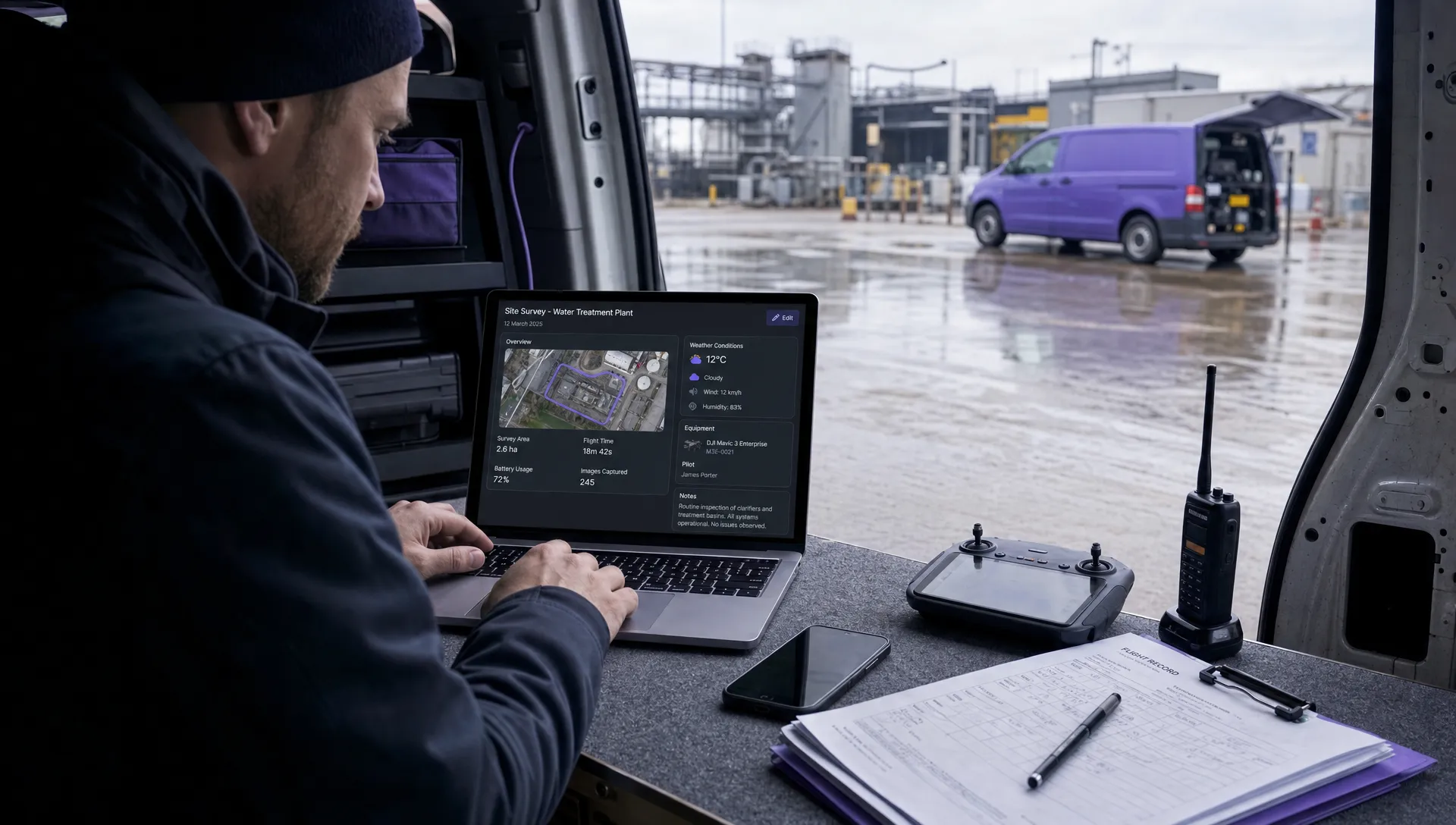 Drone Airspace Rules: How to Document Your Site Checks →
 How to Evaluate a Free Drone Logbook Before Using It →
 FAA Part 107 Test: How to Master Airspace Questions →
 Drone Risk Assessment Controls That Work in the Field →
 FAA Drone License Costs Beyond the Knowledge Test →
 Drone Part 107 Operations: When a Waiver May Be Needed →
 Drone Operating Rules for Managing Contractors and Employees →
 BVLOS Drone Requirements for Building a Safety Case →
 Drone Pilot Test Mistakes That Cost Candidates Marks →
 FAA 107 License vs Part 107 Certificate: What’s the Difference? →