
Drone Deploy App: Master Features & Alternatives
A lot of pilots land on the drone deploy app when the work gets serious. A client wants a current orthomosaic by tomorrow morning. Another needs a progress record for a construction site. Someone else asks for measurements, annotations, and a clean deliverable instead of a folder full of raw JPGs. Manual capture can still work, but once deadlines tighten, repetition and inconsistency start hurting the business.
That’s where DroneDeploy earns its place. It’s not just a flight app. It’s a reality capture system built to turn a physical site into a usable digital record. Think of it as the software layer between the aircraft and the final decision a project manager makes from a map, model, or inspection view.
For many professional pilots, the primary question isn’t whether the drone deploy app is capable. It clearly is. The harder question is whether it matches the way your operation runs day to day. If you fly a supported DJI workflow and your main output is mapping, modeling, and visual site intelligence, it can be a strong fit. If you run a mixed fleet or need broader business oversight, the answer gets more nuanced.
Introduction
A pilot gets the call at 4 p.m. A construction client wants a fresh site map before the morning meeting, the PM wants measurements on two stockpiles, and the ops team still expects the usual paperwork, flight logging, and team coordination to happen without mistakes. That kind of job exposes the gap between flying a drone and running a drone operation.
The drone deploy app is built for the first part of that problem. It gives pilots a structured way to capture repeatable aerial data and turn it into maps, models, and inspection outputs clients can use. For firms selling site visibility, progress tracking, or visual documentation, that matters because raw imagery alone rarely answers the client’s question.
The buying decision gets harder once you look beyond the map deliverable. DroneDeploy is strongest as a data capture and reality capture platform. It is not the system many operators use to manage quoting, scheduling, compliance records, pilot currency, asset tracking, and day-to-day business oversight across the whole operation. That distinction is important, especially for growing teams that need more than a flight app.
Fleet compatibility also deserves more attention than it usually gets in software reviews. If your work sits comfortably inside a supported DJI workflow, DroneDeploy can fit well. If you run a mixed fleet, support niche aircraft, or need to plan around hardware outside the usual DJI path, the decision takes more care. It helps to review the current DroneDeploy supported drones list before you commit, because software limits can shape your service offering as much as aircraft capability.
That is the lens for this guide. The question is not whether DroneDeploy can produce professional mapping outputs. The better question is whether a data-focused platform is enough for the way your drone business operates, or whether you also need an operations platform such as Dronedesk to run the business around the flight.
Understanding the DroneDeploy Platform
DroneDeploy works best when you evaluate it as a connected workflow, not just the mobile app a pilot opens on site. The product is the system that links flight planning, cloud processing, and client-facing analysis into one repeatable pipeline.
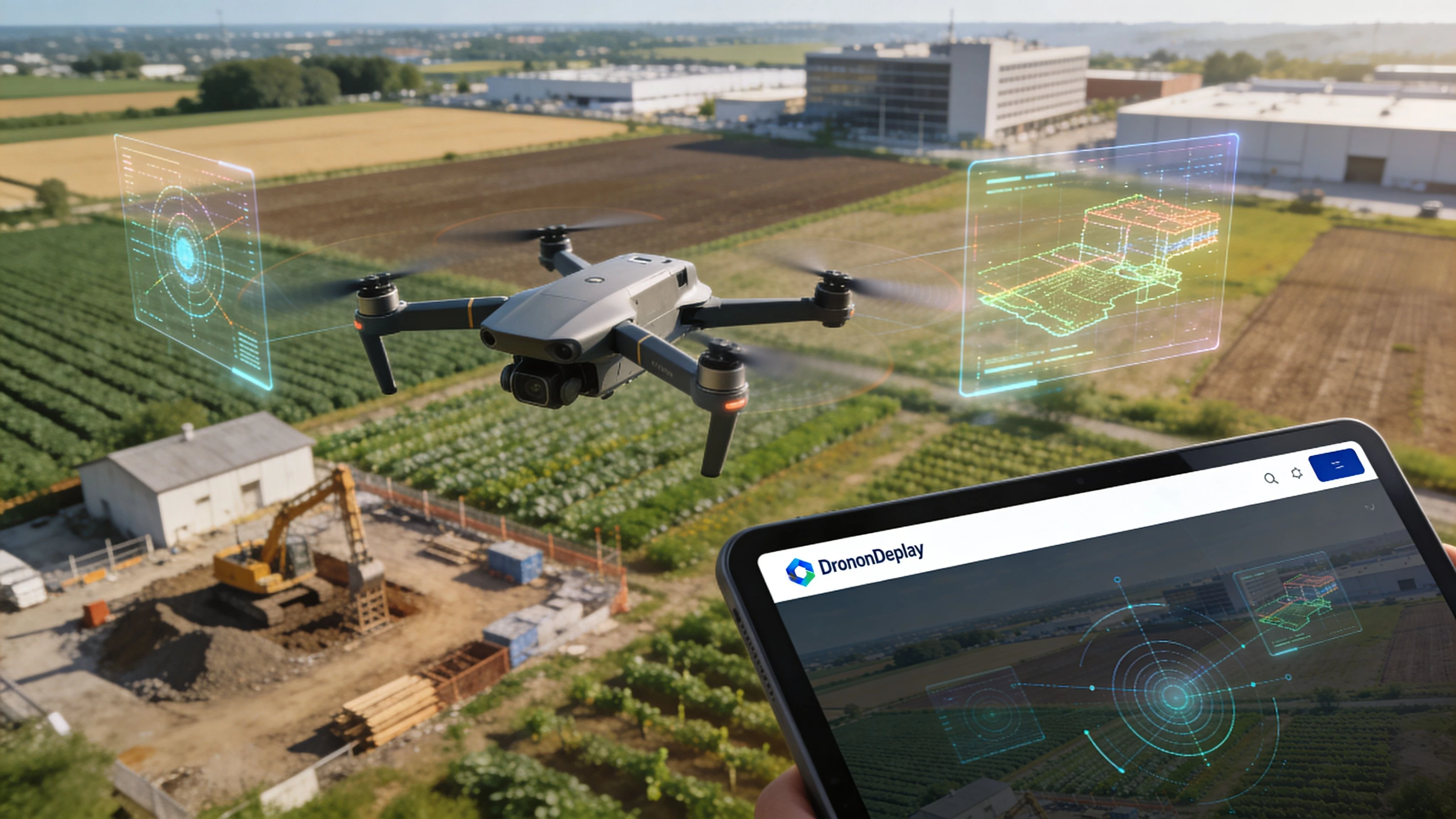
DroneDeploy has been in the market since 2013 and has built real scale in commercial reality capture. As noted earlier, its footprint spans millions of job sites globally. In practice, that shows up less as marketing polish and more as a product shaped around recurring field use, shared data access, and standardized outputs for construction, inspection, and survey-adjacent teams.
Flight
The first layer is capture. The drone deploy app plans automated missions so the pilot can focus on airspace, obstacles, weather, and site activity instead of manually repeating every line.
That matters on contracts where consistency drives the value of the deliverable. Weekly construction progress, stockpile checks, facade documentation, and corridor work all depend on collecting data the same way each visit. If the flight path changes too much from one mission to the next, the comparison becomes less useful.
Compatibility needs a hard look before any team builds a workflow around it. Operators flying DJI hardware often have the most straightforward path. Mixed fleets are where software decisions start affecting what jobs you can take, how you train pilots, and whether one standard operating procedure will hold across the business. This review of DroneDeploy supported drones is a practical place to confirm current aircraft support before you commit.
Process
After the flight, DroneDeploy shifts into cloud processing. Images are turned into orthomosaics, 3D models, elevation products, and other structured outputs that a client can review without touching raw files.
For working operators, the platform starts paying for itself.
A repeatable processing pipeline saves time, but the bigger benefit is consistency across projects and staff. A solo pilot gets a cleaner delivery workflow. A larger team gets fewer variations in how data is processed, checked, and handed off. That is useful if your clients expect regular reporting and do not care which pilot flew the mission that week.
It also highlights the boundary between DroneDeploy and an operations platform such as Dronedesk. DroneDeploy handles the data workflow well. It does not replace the wider business system many operators still need for quoting, scheduling, pilot records, maintenance logs, compliance oversight, and customer management.
Practical rule: If your client is paying for measurements, progress records, or a map they can act on, the processing workflow matters as much as the aircraft and sensor.
Analyze
The analysis layer is where the deliverable becomes usable across a project team. Site managers, engineers, and clients can review maps, take measurements, annotate issues, compare dates, and share findings without being part of the flight operation itself.
That is often the point that decides whether a drone service stays in budget next quarter. Good capture gets attention. Useful analysis gets renewals.
A simple way to assess DroneDeploy is to break it into the three jobs it performs:
| Platform layer | What it does in practice |
|---|---|
| Flight | Automates repeatable aerial capture |
| Process | Turns imagery into maps and models |
| Analyze | Helps teams interpret and share results |
Viewed that way, DroneDeploy is a data capture and reality capture platform first. That distinction matters. If your business needs to deliver visual intelligence from supported aircraft, it can be a strong fit. If you also need to run the whole operation around those flights, you may need DroneDeploy for the data side and Dronedesk for the operational side.
Navigating the Core Features and Capabilities
A weekly progress job is a good test of whether DroneDeploy fits your operation. It shows where the app saves time, where it depends on supported hardware, and where another platform still has to carry the business workflow.
The strongest part of DroneDeploy is mission standardization. A pilot can set the area, choose the capture settings, and let the app fly a repeatable pattern that is far more consistent than manual passes on a busy site. That matters on construction jobs, aggregates, and large inspection areas where the client wants the same view every visit, not a slightly different interpretation from each pilot.
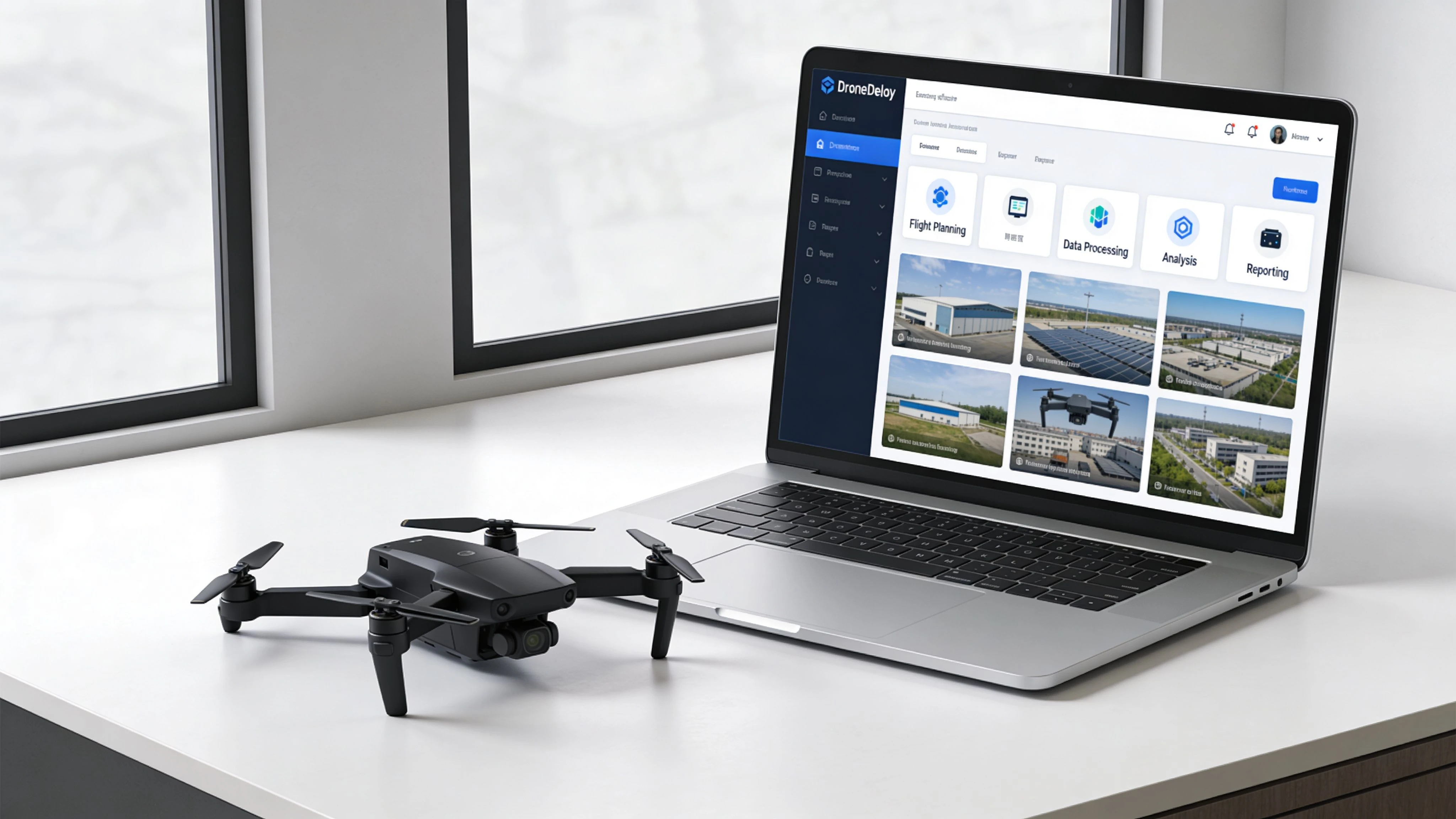
The flight app in the real world
In practice, the flight app does three things well. It reduces repetitive flying, improves capture consistency, and gives the pilot a clearer pre-flight view of route length and likely battery demand.
That sounds basic until you have to repeat the same mission over several months.
Consistency is where paid drone work is won or lost. If overlap drifts, if a corner is missed, or if the flight line changes too much between visits, processing quality drops and comparisons become harder to trust. DroneDeploy helps control that problem by automating the capture pattern instead of leaving it to manual stick work.
There is a trade-off. DroneDeploy is at its best with aircraft it supports well, especially in DJI-led workflows. Operators with mixed fleets or non-DJI aircraft need to check compatibility early, because the planning and automation experience is not equally strong across every setup. That is one of the biggest gaps in casual reviews. They often describe the app as if fleet support is a minor detail, when for many commercial operators it decides whether the software fits at all.
If your team is still refining capture standards, this practical guide to mapping with drones for commercial projects helps frame the settings and site decisions that matter before processing starts.
Cloud processing and deliverables
The mobile app gets attention, but the client usually pays for the output, not the flight screen. After capture, imagery moves into processing so the raw photos become something a project team can use: orthomosaics, 3D models, terrain views, or volumetric outputs depending on the job.
A key advantage is repeatability across a site history. A contractor, survey lead, or asset manager can review one location over time in a standard format without relying on the memory of the pilot who flew it. That shortens review cycles and reduces the usual back-and-forth of "can you go back and capture the same angle again?"
Processing still has limits. Bad light, weak overlap, reflective surfaces, moving equipment, and poor ground texture can all reduce model quality. DroneDeploy helps organize and process the data, but it does not remove the need for disciplined field capture.
Analysis tools that clients actually use
The analysis layer is where DroneDeploy starts earning its place with non-pilots. Project managers and engineers do not need another flight log. They need a fast way to check dimensions, review site changes, and flag issues that affect work on the ground.
On most commercial jobs, the useful actions are straightforward:
- Measure distance, area, and stockpile extents without sending someone back to site
- Mark defects or progress issues so field teams know what needs attention
- Compare captures across dates to track progress, delays, or rework
- Share map-based outputs with clients and stakeholders who care about decisions, not flight settings
That distinction matters strategically. DroneDeploy is strong at capture, processing, and visual analysis. It is not the system I would use to run pilot records, maintenance schedules, job scheduling, quoting, compliance tracking, and client administration across the whole business. That broader operational layer is where a platform like Dronedesk serves a different role.
For many operators, the right answer is not one platform replacing the other. It is using DroneDeploy for data products and using an operations platform to control the business around those flights.
Your First Mapping Mission with DroneDeploy
A first mapping job usually goes wrong in a familiar way. The flight itself looks fine, the app completes the route, and the problem only shows up back at the office when a missing edge, soft overlap, or bad exposure leaves a hole in the model. DroneDeploy helps standardize capture, but clean output still depends on disciplined setup and a pilot who checks the site instead of trusting the screen.
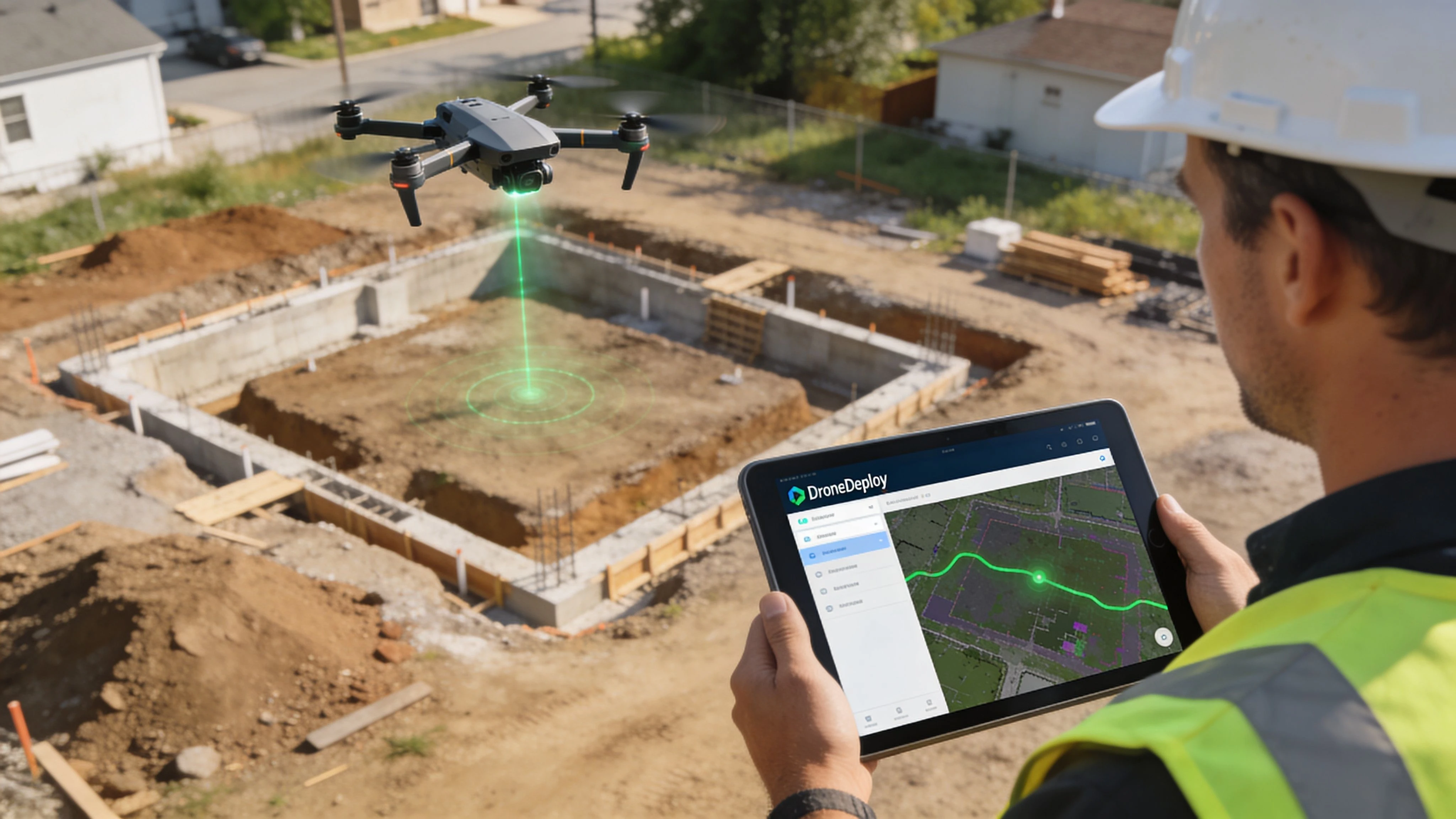
Set the site up properly
Start with the boundary. Draw it against the actual work area, not just the basemap, and leave enough margin for roads, stockpiles, drainage edges, or other context the client may ask for later. Pilots new to mapping often trim too tightly to save flight time, then end up missing the exact area that matters in review.
Then check the capture settings with the deliverable in mind. Altitude, overlap, camera angle, and flight direction affect model quality more than many first-time users expect. A flat construction pad is forgiving. A site with vertical structures, reflective roofs, or uneven terrain is not. If you need a solid refresher on planning choices before launch, this guide to mapping with drones is worth reviewing.
One more practical point. DroneDeploy is primarily a capture and data product tool. It is not the system I would rely on to run scheduling, maintenance, pilot records, client approvals, and job administration across the business. If your operation includes mixed fleets or regular non-DJI work, that difference shows up quickly because flight planning is only one part of the job.
Fly the mission like a pilot, not a passenger
Automated flight reduces stick time. It does not reduce accountability.
On site, watch for changing wind, moving vehicles, crane activity, people entering the work area, and GPS behavior around structures. I also recommend checking the first image set before the aircraft gets far into the grid. A bad exposure setting or focus issue caught early saves a second trip.
A reliable first-mission workflow looks like this:
- Walk or visually confirm the site limits before trusting the polygon.
- Set altitude and overlap for the output you sold, not just for battery efficiency.
- Confirm return-to-home behavior and obstacle exposure around tall assets.
- Monitor the aircraft throughout the mission for drift, speed changes, or interrupted lines.
- Review image coverage on site before packing up.
Field note: The expensive part of a failed mapping mission is rarely the flight. It is the remobilization, the delay to the client, and the loss of confidence that follows.
Process the data and check whether it is usable
After landing, upload the imagery and let DroneDeploy process it into the map or model you need. The important step is validation. Check the edges, look for warped surfaces, confirm that key features stitched cleanly, and compare what you received against the client brief. A map that processes successfully can still fail the job.
This is also where the strategic difference between platforms becomes clearer. DroneDeploy helps you turn images into a deliverable. An operations platform such as Dronedesk handles the business layer around that work, especially if you need to coordinate crews, documents, aircraft status, and repeat jobs across more than one pilot or more than one aircraft type. That split matters even more for operators running non-DJI fleets, because software fit is not just about whether a mapping mission can be flown. It is about whether the whole workflow stays controlled from quote to report.
For teams offering drone inspection services, that distinction is practical. Inspection clients usually expect more than imagery. They expect repeatable field execution, records, scheduling discipline, and a finished output that can stand up to review.
Where first missions usually succeed or fail
The same capture logic applies across sectors, but the failure points vary.
- Construction: Boundary mistakes and rushed battery planning are common because sites change fast.
- Agriculture: Light conditions and field uniformity affect how useful the final map will be.
- Solar and infrastructure: Repetitive surfaces can make poor capture discipline obvious during processing.
- Survey-adjacent work: Small gaps at the edge of the area often matter more than pilots expect.
The common thread is simple. DroneDeploy can make mapping faster and more consistent, but it does not replace judgment in the field.
Key Use Cases in Professional Industries
A site superintendent wants a weekly progress record by Friday. A solar asset manager needs a consistent visual baseline across multiple arrays. An agronomy team wants field coverage that is organized enough to compare over time. In all three cases, DroneDeploy fits best when the job is to capture reality in a repeatable format and turn it into something a client or internal stakeholder can review quickly.
Construction is the clearest example because the output is easy to value. Regular flights help teams verify progress, document disputes, track stockpiles, and give remote stakeholders a current view of the site without sending more people into the field. The same pattern applies in energy and utilities, where large footprints and repeated inspections make visual records useful long after the flight is done.
Agriculture is a little different. Coverage matters, but timing, crop stage, light, and wind often determine whether the output is useful. I tell pilots to treat agricultural capture as an agronomy support task, not just a mapping task, because a technically complete flight can still produce weak decision support if the collection window was wrong.
Where DroneDeploy earns its place
DroneDeploy is strongest in workflows built around deliverables such as:
- Recurring site maps for progress tracking and historical comparison
- Orthomosaics and models that replace scattered raw imagery with a usable record
- Inspection context that helps clients review assets, defects, or change over time
- Shared visual outputs for project managers, engineers, and clients who do not want to sort folders of photos
If your business sells interpretation on top of capture, that matters. A pilot can fly a mission with many tools. Getting from flight to a client-ready output is where a dedicated data platform starts to justify itself.
That is also why DroneDeploy often works well for firms offering drone inspection services. Inspection buyers usually care less about the aircraft used and more about whether the final output is clear, consistent, and easy to review.
Where the limits show up
The weak point is not usually mapping. It is operational fit once the fleet and workload get more complicated.
DroneDeploy is a data capture and analysis tool first. If your team runs mainly supported DJI aircraft on repeatable capture jobs, that model is efficient. If you operate a mixed fleet, including aircraft used for tasks outside DroneDeploy’s supported flight workflows, process gaps show up quickly. Pilots may end up splitting planning, logging, maintenance records, and job tracking across multiple systems. That is manageable for a solo operator. It becomes expensive for a growing team.
This is the part many software roundups miss. The primary decision is often between a strong capture platform and a broader operations system that can hold the business together across crews, aircraft, and job types. For teams comparing those categories directly, this guide to the best drone operations platform options for professional teams is a useful reference point.
| Operational need | DroneDeploy approach | Operations platform approach |
|---|---|---|
| Mapping and reality capture | Usually the stronger fit | Often secondary |
| Client-facing visual deliverables | Well aligned | Varies by platform |
| Mixed-fleet administration | Often fragmented outside supported workflows | Usually easier to centralize |
| Scheduling, records, and oversight | Limited compared with dedicated ops tools | Better suited to day-to-day management |
For a specialist mapping business, DroneDeploy can sit close to revenue because the deliverable itself is the product. For a company managing pilots, aircraft, compliance, and repeat jobs across different mission types, the better answer is often a platform built for operations first.
Choosing Your Drone Operations Software
Software choice gets expensive when the category is wrong.
A pilot can buy DroneDeploy for excellent reasons and still end up with operational friction a few months later. I see that most often when a business starts with a mapping requirement, then grows into a mixed operation with different aircraft, more pilots, repeat clients, maintenance records, and internal approval steps. At that point, the question is no longer whether DroneDeploy is good. The key question is whether a data capture platform is being asked to do an operations platform’s job.
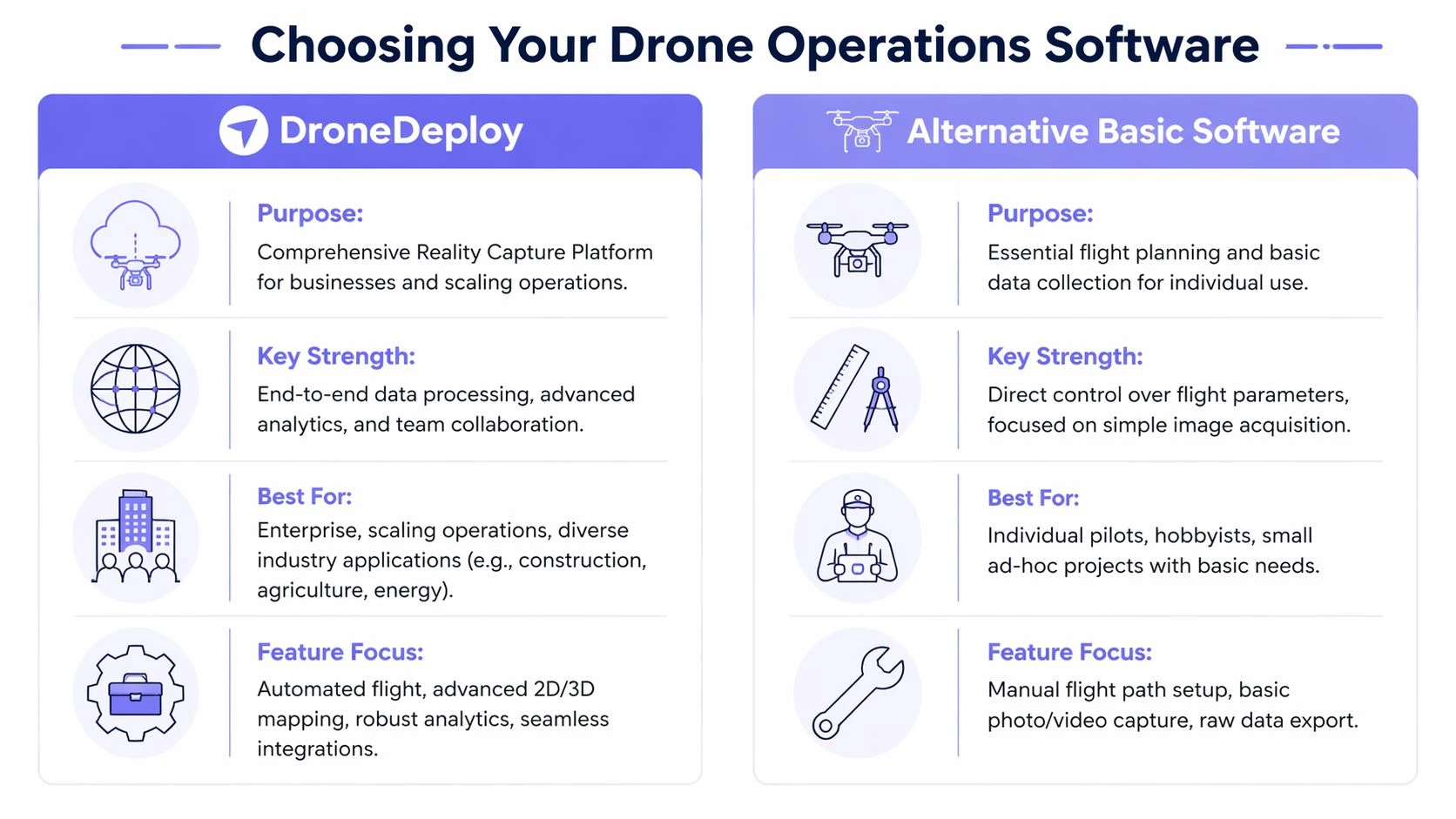
What DroneDeploy is really for
DroneDeploy is built for structured aerial data capture, processing, and review. That makes it a strong fit when the deliverable is the product. Orthomosaics, progress tracking, site models, and inspection imagery all sit comfortably inside that workflow.
That is a different software category from day-to-day operational control.
Dronedesk and similar platforms are built around planning jobs, assigning pilots, tracking aircraft status, storing records, logging flights, and keeping compliance visible across the business. They are not trying to replace photogrammetry processing. They are trying to stop the admin side of drone work from spreading across spreadsheets, chat threads, disconnected apps, and pilot memory.
The mixed fleet test
Many reviews stay too close to feature lists. Fleet composition changes the decision.
If your commercial work runs on supported DJI aircraft and your revenue depends on repeatable capture missions, DroneDeploy usually fits cleanly. If your fleet includes Autel, Parrot, or other aircraft that matter to client delivery, the workflow can become uneven. Capture may happen in one place, records in another, and job oversight somewhere else again. A solo pilot can tolerate that for a while. A team usually cannot.
That gap is easy to miss during a trial because the mapping workflow looks good on day one. The weakness tends to appear later, when someone needs a reliable view of pilot activity, maintenance status, job progress, and flight records across aircraft that do not all sit inside the same capture stack.
DroneDeploy vs. Dronedesk at a Glance
| Feature Area | DroneDeploy | Dronedesk |
|---|---|---|
| Primary focus | Reality capture, mapping, visual analysis | Drone operations management |
| Best fit | Pilots delivering maps, models, site visibility | Teams managing jobs, pilots, fleet, and compliance |
| Flight workflow | Strong for structured aerial capture | Strong for operational planning and logging |
| Data processing | Core strength | Not the primary purpose |
| Mixed fleet workflow | More limited, especially outside DJI-centered capture | Broader management fit |
| Business oversight | Secondary | Core strength |
A practical way to decide
Use the workflow that breaks first as your guide.
- Choose DroneDeploy first if your business wins work by delivering mapped or visual site data, and your main need is dependable capture through to client-ready output.
- Compare both categories carefully if non-DJI aircraft are part of normal operations, not just occasional backups.
- Start with an operations platform if your bigger problem is coordinating people, aircraft, records, and repeat jobs at business level.
For teams evaluating that management side in more detail, this guide to the best drone operations platform options for professional teams is a useful comparison.
The mistake is expecting one system to be equally good at capture, processing, dispatch, compliance, maintenance, and team oversight. In practice, software usually has a center of gravity. DroneDeploy centers on data capture and analysis. Dronedesk centers on running the operation. The right choice depends on which of those functions is carrying revenue, and which one is creating avoidable friction every week.
Making the Final Decision for Your Business
Most pilots don’t choose the drone deploy app because they want another app. They choose it because they need a dependable capture-to-deliverable workflow. If that’s your world, especially with supported DJI aircraft and recurring mapping or inspection work, DroneDeploy is easy to justify.
Pricing structure matters, but the more useful lens is operational fit. Some users need an individual setup for their own flight and processing work. Others need business or enterprise capability because multiple people touch the same jobs, data, and reviews. The right tier depends on how many people need access and how central mapping is to the business.
Use a simple filter when deciding:
- Choose DroneDeploy if your primary output is maps, models, and visual site intelligence.
- Pause and compare carefully if your fleet includes non-DJI aircraft that play a meaningful role in client work.
- Look beyond capture tools if your bigger challenge is coordinating pilots, jobs, aircraft records, and compliance across the whole business.
The wrong choice usually comes from buying for the most exciting feature instead of the most persistent operational problem. Mapping software can be excellent and still leave a team buried in admin. Operations software can be excellent and still not replace a dedicated photogrammetry workflow.
The best setup is the one that removes the bottleneck you feel every week, not the one with the longest feature page.
If your business has outgrown single-purpose flight tools and you need a better way to manage jobs, teams, fleet records, compliance, and day-to-day operational planning, Dronedesk is worth a serious look. It’s built for professional drone operators who need the business side of flying to run as smoothly as the missions themselves.
 FAA Part 107 Record-Keeping Rules for Commercial Teams →
 How to Review a DJI Flight Log After an Unexpected Event →
 Drone Laws Around the World: A Pre-Flight Research Framework →
 How to Compare Drone Survey Services for Complex Sites →
 How to Start a Drone Mapping Business With a Clear Workflow →
 Class C Airspace Drone Rules for Commercial Flights →
 How to Create a Drone Job Pack for Every Mission →
 FAA Small UAS Rule: Key Requirements for Operators →
 How to Build a Drone Pilot Flight Log That Is Audit Ready →
 FAA Drone Licence Requirements for Commercial Pilots →