
DJI Phantom 3 Professional Battery: DJI Phantom 3
A client is waiting on site. The weather window is open. You’ve packed the aircraft, checked the location, and cleared the paperwork. Then the weak point shows up where it usually does in older drone systems. The battery doesn’t wake up properly, it drops voltage too fast, or it finishes charging but doesn’t inspire confidence.
That’s the story with the dji phantom 3 professional battery. On paper, it’s a replaceable component. In practice, it decides whether you complete the job, cut the sortie short, or explain to a client why a simple mission slipped.
Operators who’ve run the Phantom 3 commercially know this already. Battery management isn’t housekeeping. It’s risk control, schedule control, and asset control. A reliable aircraft with unreliable batteries is not a reliable aircraft.
Your Mission Depends On This One Component
The familiar scenario goes like this. A Phantom 3 has been sitting for a while, but the aircraft still looks fine, the props are clean, and the controller powers on. You assume the job is routine. Then one battery refuses to hold up under load, another starts the day with less confidence than its LEDs suggest, and suddenly your mission plan is built around whatever battery seems least likely to fail.
That’s not a battery problem. That’s an operations problem.
Professional operators don’t get judged on whether a battery spec sheet looked good years ago. They get judged on whether they finish inspection runs, capture the required imagery, and come back without avoidable incidents. If your battery condition is uncertain, every decision downstream gets worse. You shorten shots. You land early. You skip a repeat pass you should have flown. You spend more time troubleshooting than producing deliverables.
The Phantom 3 platform was strong for its era, but age changes how you manage it. Older batteries demand more discipline, not less. You can’t treat them like sealed black boxes and hope the smart circuitry saves you every time.
Practical rule: If you don’t trust the battery, don’t trust the mission timeline built around it.
A lot of pilots learned LiPo basics through hard experience. If you need a broader refresher on how these packs behave under charge, storage, and load, this complete guide to LiPo batteries for peak RC performance is a useful companion to the Phantom-specific procedures in this article.
What matters most is simple. The battery is the one component that can subtly shift from “usable” to “business risk” while the rest of the aircraft still appears serviceable. That’s why serious operators track battery behavior with the same attention they give airspace, maintenance, and client scheduling.
The Technology Inside Your Phantom 3 Battery
A Phantom 3 can look airworthy on the bench and still become a problem in the air because the battery is the only major component that changes behavior minute by minute under load.
For operators managing older aircraft, that distinction matters. Battery specs are not marketing details. They tell you how much working margin you have for wind, repeat passes, payload strain, and safe return. If you plan jobs using advertised flight time instead of real battery behavior, your schedule gets optimistic fast. A better planning baseline starts with the relationship between pack condition and real-world drone flight time expectations.
What the core specifications mean
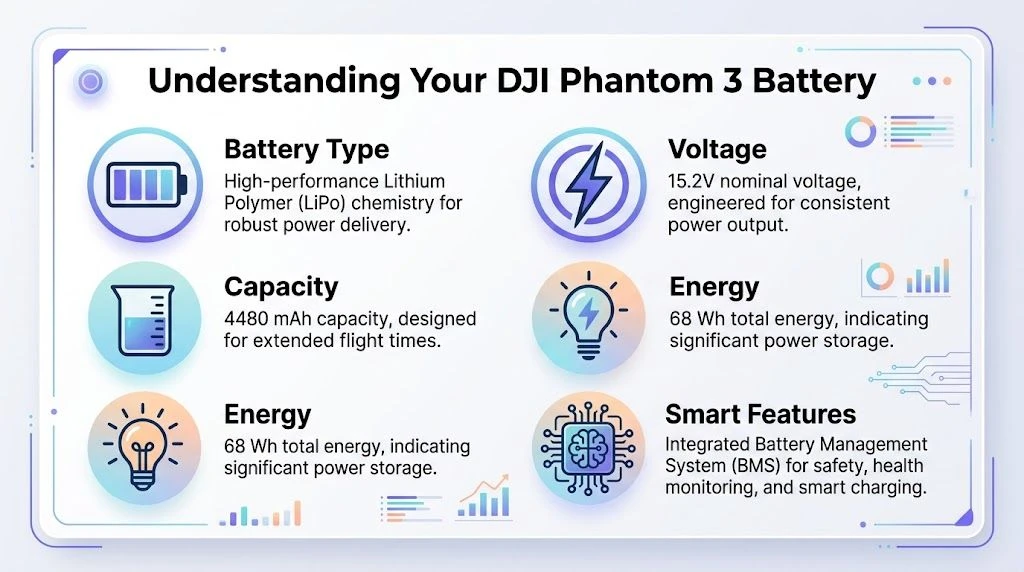
The Phantom 3 Professional Intelligent Flight Battery uses a LiPo 4S design and is rated at 4480 mAh, 15.2 V, and 68 Wh.
Each figure answers a different operational question:
| Specification | What it means in practice |
|---|---|
| 4480 mAh | Capacity. This affects how long the aircraft can stay productive before reserve becomes too thin for safe commercial use. |
| 15.2 V | Nominal pack voltage. It shows the electrical level the aircraft is designed to run on, not the whole story of battery health. |
| 68 Wh | Total stored energy. This is the better figure for comparing what the pack can actually deliver as work. |
| 4S LiPo | Four cells in series. One weak cell can pull down the whole pack under load. |
A lot of pilots focus on percentage because it is easy to read. Fleet managers watch voltage behavior and cell balance because those are earlier warnings of trouble. Two batteries can show similar charge levels on the app and perform very differently once the motors demand current.
Why the 4S design matters
Four cells in series give the Phantom 3 the voltage it needs, but they also create a clear failure point. The pack is only as stable as its weakest cell.
That matters more with age. An older pack may charge normally, arm normally, and still sag hard during climb, braking, or a headwind return. In field use, that shows up as early low-voltage warnings, shortened useful flight windows, or sudden drops in remaining power estimate. For a recreational pilot, that is frustrating. For a business running inspections or mapping work, it can mean a missed capture window, a second site visit, or a job that stops halfway through data collection.
This is why "intelligent battery" should be read as monitored battery, not self-healing battery. The internal electronics track status, help protect the pack, and support balanced charging. They do not fix cell aging or reverse poor storage habits. If you want a clear primer on what a modern Battery Management System (BMS) does inside a pack, that reference explains the control logic well.
A battery earns trust by holding voltage under load, not by showing a high percentage before takeoff.
What the smart features actually do
The integrated electronics support day-to-day operations in three useful ways:
- Cell balancing during charging helps keep the four cells aligned instead of letting one drift too far from the rest.
- Protection functions reduce the chance of damage from over-charging, over-discharging, and short circuits.
- Status reporting gives the pilot visibility into pack condition through DJI software.
Those features improve oversight. They do not remove operator responsibility.
The business takeaway is simple. On a newer pack, the smart features make battery use easier. On an aging pack, they become diagnostic tools that help you decide whether a battery still belongs in revenue work, should be reassigned to training flights, or should be retired before it costs you an aircraft or a client deliverable.
How to Charge and Store Your Batteries for Longevity
The battery that fails is usually not the one that looked bad on the bench. It is the one that sat fully charged in a case all week, got topped off in a hot vehicle, and then got asked to carry a paid flight with no margin left.
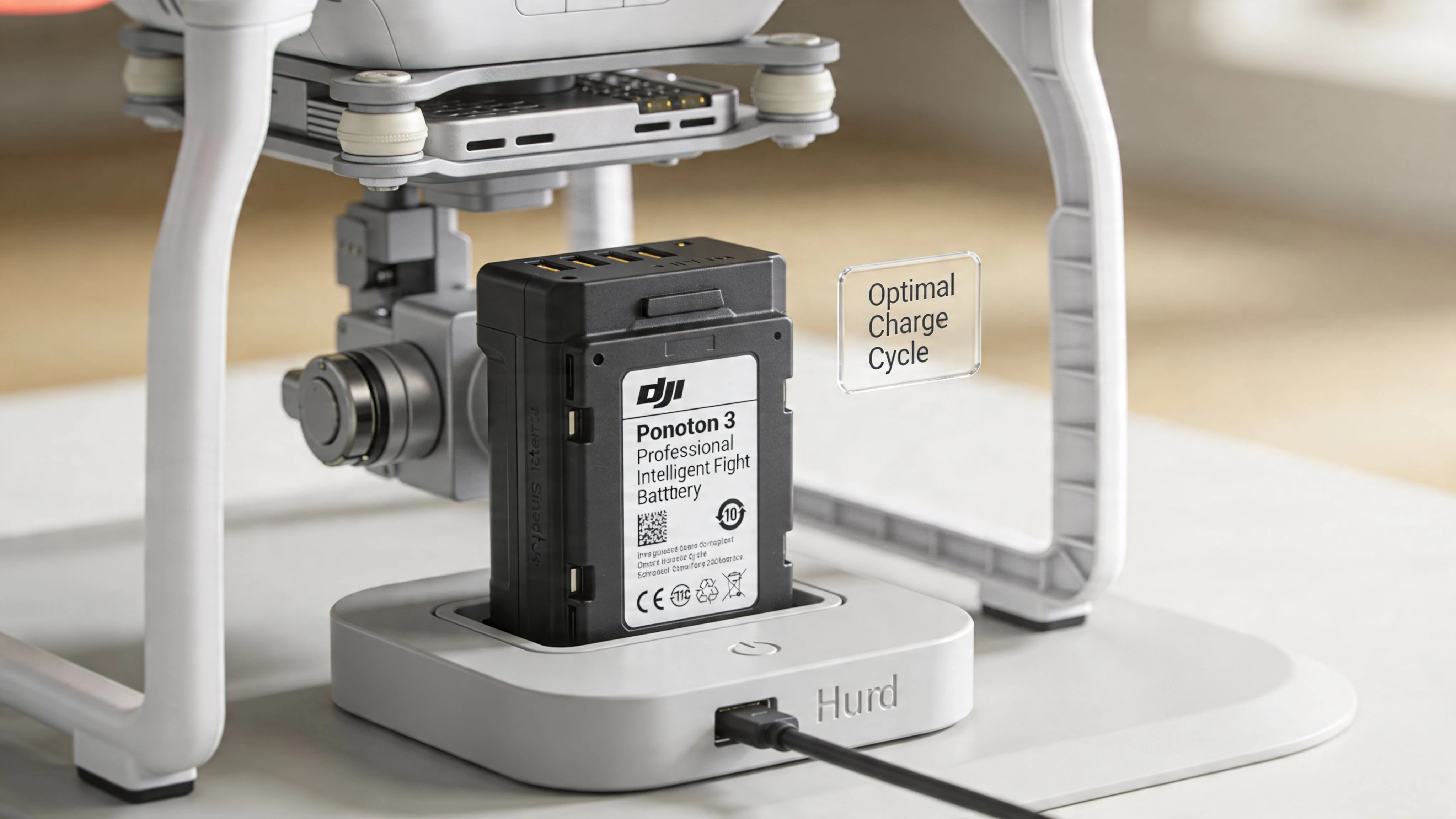
For professional use, charging and storage are asset management tasks, not housekeeping. Battery age is set as much by what happens between missions as by what happens in the air. If you are planning utilization, reserve time, and client commitments, battery condition has to be considered alongside expected endurance. This guide to realistic drone flight time planning is useful for that reason.
Charging rules that actually help
A good routine removes guesswork and reduces variation across the fleet.
- Charge within the manufacturer’s stated temperature range. Charging a cold or overheated pack increases stress and can shorten useful service life.
- Charge close to the mission. Leaving LiPo batteries at full charge for convenience costs you cycle life over time.
- Use a hard, stable surface with airflow. Benches are better than car seats, soft cases, or crowded worktops that trap heat.
- Stay with the correct charger. Older Phantom 3 packs have less tolerance for sloppy charging habits and off-brand substitutions.
- Let the pack cool before charging after a flight. Heat from discharge plus heat from charging is a poor combination for longevity.
This matters more in a working fleet than in occasional hobby use. A battery that loses consistency does not just reduce flight time. It forces shorter legs, larger safety buffers, and more battery swaps on site.
Storage rules that protect the pack
Storage is where a lot of avoidable battery aging starts. Packs should not sit fully charged for long periods unless they are about to be used. For longer idle periods, store them at a partial charge in a cool, dry indoor environment, then check them on a schedule instead of forgetting them in a case.
DJI designed these batteries to reduce charge during storage after sitting unused, as noted earlier. That feature helps, but it should back up your process, not replace it. I treat self-discharge as a safeguard, not a storage plan.
Storage rule: Charge for scheduled work. Store for the next realistic use window.
One neglected battery can distort your whole rotation. It becomes the pack nobody trusts for revenue flights, which means your best batteries absorb more cycles and age faster too.
A simple operator routine
For regular operations, this workflow is practical and easy to enforce:
- Charge the day before the job or the morning of the flight, based on call time and travel.
- If the mission is delayed, reassess the packs that were charged early. Do not leave them sitting full for days out of habit.
- If a battery is going out of rotation for a while, store it at partial charge and label the date.
- Before loading out, inspect each pack physically. Check casing condition, contacts, fit, and whether it seats normally in the aircraft.
That routine protects more than battery health. It protects dispatch reliability, crew time, and the resale value of a Phantom 3 kit that still performs predictably.
Extending Battery Lifespan with Smart Maintenance
A pack that looks fine on the bench can still become the battery that cuts a survey short, forces an early return, or gets pulled from a client job at the last minute. In a professional Phantom 3 operation, battery maintenance is asset management. Every decision about monitoring, cycling, and retirement affects dispatch reliability and the usable value of the aircraft kit.
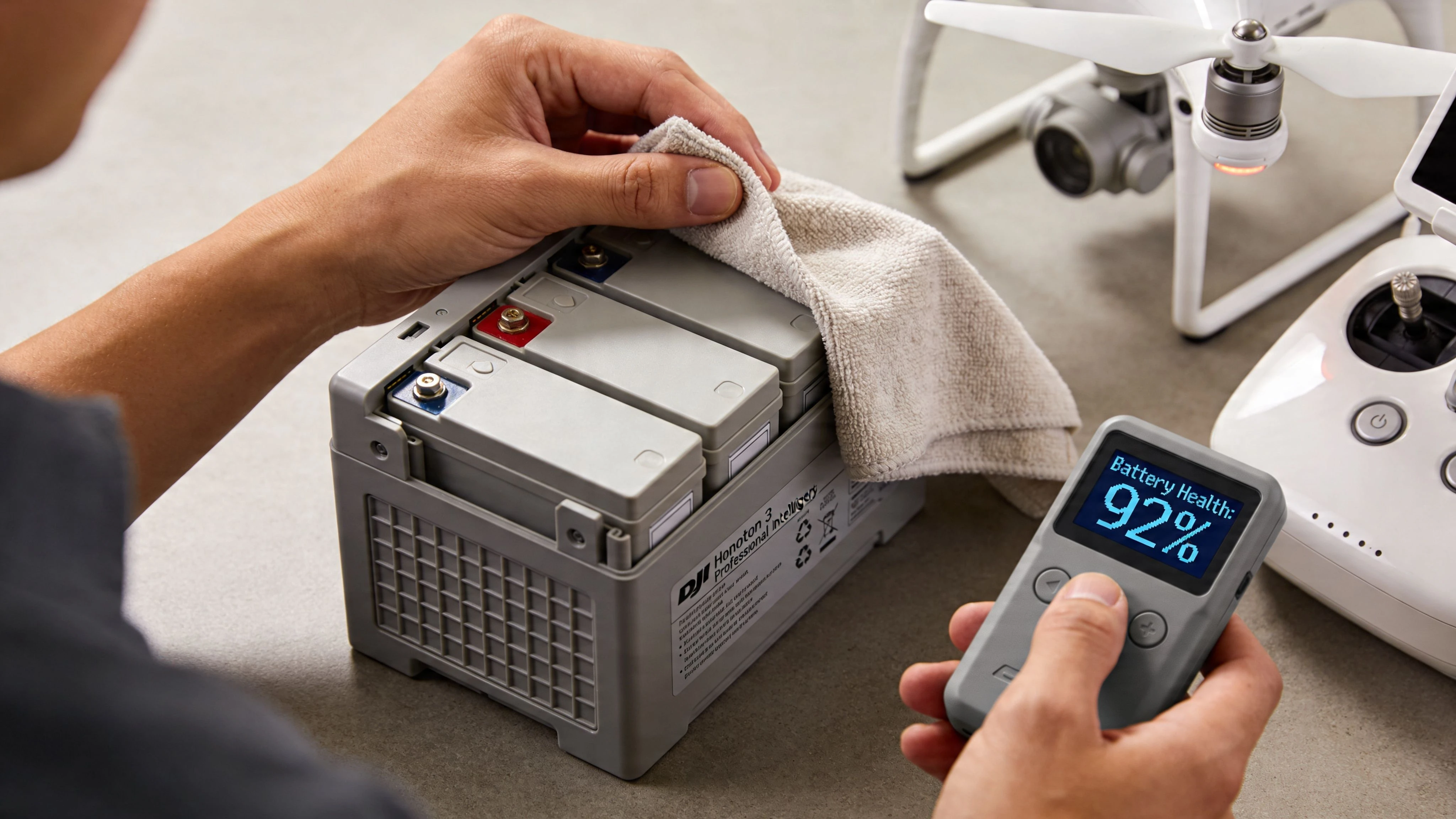
LED bars only tell you the battery has charge. They do not tell you whether that pack is still dependable under load.
What to watch in the app and in the field
The useful signals are consistency and trend. Check individual cell behavior in the DJI app, then compare that battery against how your other packs perform on similar flights. A professional pack earns trust by repeating the same result across jobs, not by powering on without a warning.
Watch for these changes:
- Shorter real flight time than the rest of your rotation on similar missions
- Faster voltage drop after takeoff or during climbs
- Unstable confidence under load, especially when the aircraft is working harder in wind
- Poor charge retention between use windows
- Any cell imbalance trend that keeps showing up in app data
One weak cell lowers the value of the whole pack. That matters operationally because battery management is never just about chemistry. It affects job planning, reserve margins, and whether a crew can trust the aircraft to finish paid work without cutting the mission profile.
Reclassify batteries before they become a flight problem
Phantom 3 batteries do not usually fail all at once. They lose margin first. That is the stage where operators get into trouble, because the pack still works well enough to tempt continued use on important flights.
Use a simple classification system:
| Battery status | How to use it |
|---|---|
| Primary mission pack | Revenue flights where normal runtime and stable voltage are required |
| Secondary pack | Training, short repositioning flights, and lower-risk work |
| Retire from flight service | Any pack with repeat imbalance, abnormal runtime loss, swelling, damage, or poor fit |
That classification protects more than safety. It protects scheduling. A marginal pack left in the main rotation creates hidden costs through extra preflight checks, reduced confidence on site, and wasted crew time. If a battery starts raising enough doubt that you brief around it, it has already lost business value.
Maintenance discipline that actually helps
Periodic calibration still has a place, but only as part of a documented routine. If you are keeping older Phantom 3 batteries in service, record cycle history, note unusual behavior, and flag packs that need closer observation after each job. Written records beat memory, especially once a fleet has enough batteries to rotate across multiple flying days.
Use this checklist for every active battery:
| Check | What you’re looking for |
|---|---|
| Cell trend | No repeat pattern of one cell drifting from the others |
| Runtime consistency | Similar missions produce similar usable flight time |
| Load response | No unusual voltage sag during climb, hover, or wind exposure |
| Physical condition | No swelling, cracks, heat damage, or abnormal insertion fit |
| Service decision | Clear status as primary, secondary, or retired |
If a pack sits in the gray area between usable and trustworthy, remove it from client work and decide whether it belongs in training use or disposal. If the aircraft or battery hardware also shows wear, schedule a proper DJI drone repair service review before that problem turns into a field failure.
The operators who get the longest service life from Phantom 3 batteries are rarely the ones trying to squeeze every last flight out of each pack. They are the ones who track trends early, downgrade packs without hesitation, and retire them before they cost the business more than a replacement battery.
Troubleshooting Common Phantom 3 Battery Problems
Most Phantom 3 battery problems fall into one of two categories. Either the battery is trying to tell you it’s old, or it’s trying to tell you it’s unsafe.
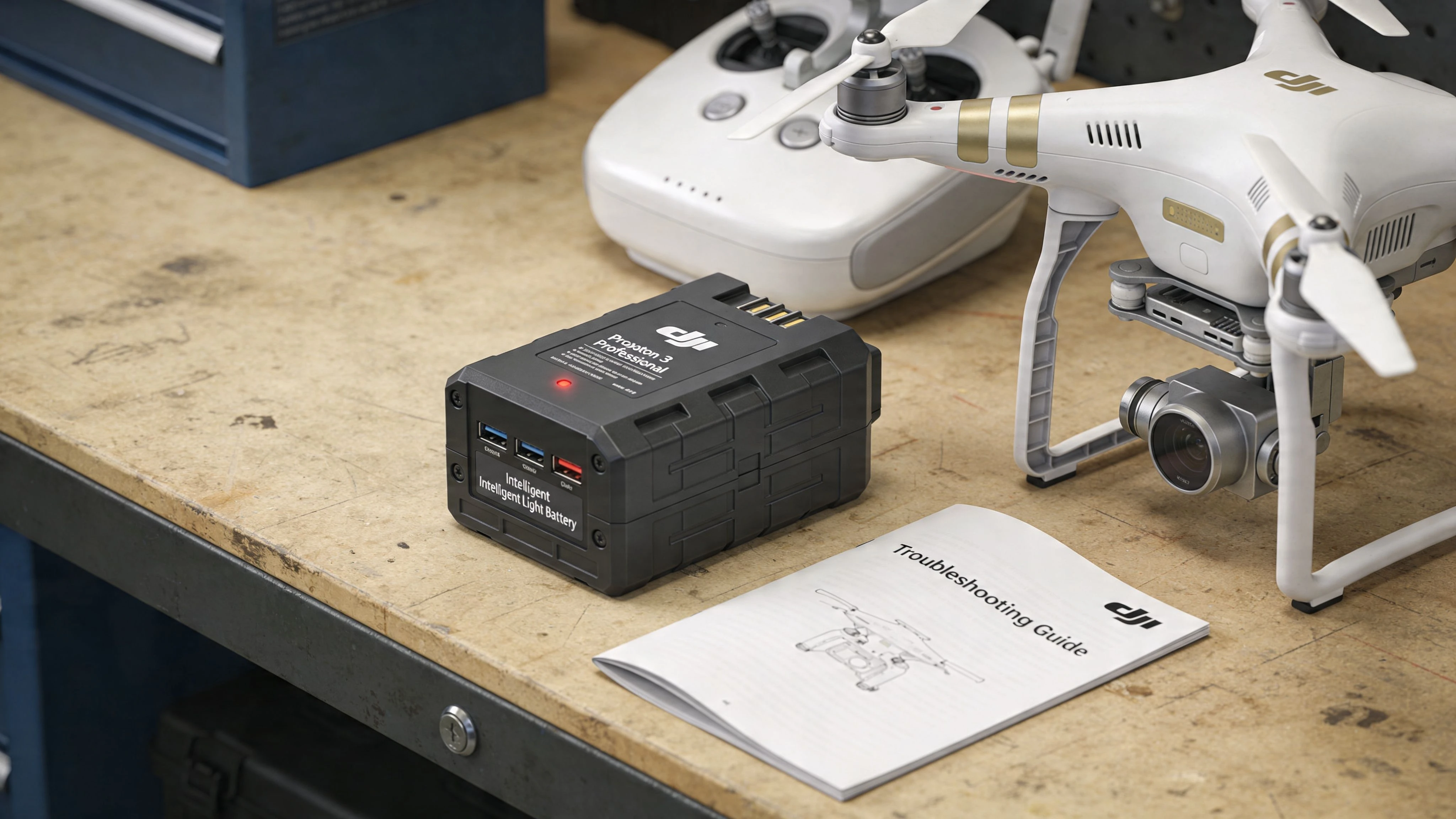
Treat those as different problems. A weak battery may still be diagnosable. An unsafe battery needs to leave service.
Battery won’t power on or charge
Start with the obvious and move toward retirement decisions, not rescue fantasies.
- Check storage history first. Long periods unused are bad news for older LiPo packs.
- Inspect physical fit and contacts. A battery that doesn’t seat cleanly or feels abnormal shouldn’t go airborne.
- Use known-good charging equipment. Eliminate charger issues before blaming the pack.
- Compare behavior against another battery. One bad pack in an otherwise functional system tells you more than repeated guesses.
Anecdotal evidence in Phantom user forums shows that people trying to revive Phantom 3 batteries after roughly a decade in storage often find some packs completely non-functional, as discussed in this PhantomHelp forum thread about a Phantom 3 left unused for 10 years.
That aligns with field reality. Long-stored batteries may not come back in any useful or trustworthy way.
Swelling, poor fit, or unusual physical changes
If a battery is swollen, hard to insert, hard to remove, or no longer sits the way it should, stop trying to rationalize it.
A battery that changes shape has already answered the question of whether it belongs on a commercial mission.
What doesn’t work is workaround thinking. Don’t force it into the aircraft. Don’t tape it. Don’t keep it “just for short flights.” In professional operations, a suspect pack is not a backup. It’s a liability.
Controller charging issues that get mistaken for battery problems
Some “battery” problems turn out to be controller problems. The search results in the verified data point to recurring controller charging failures, with anecdotal fixes shown in video tutorials, including pressing C1, C2, and the shutter button in sequence. That sequence is undocumented in official manufacturer guidance, which is exactly why it frustrates operators.
If your remote appears to charge only partially or inconsistently:
- Separate aircraft battery diagnosis from controller diagnosis.
- Confirm the charging setup with another device if possible.
- Test methodically before replacing multiple components.
- If downtime is costly, evaluate whether repair or replacement is the better operational choice.
If the issue points toward hardware support rather than field troubleshooting, this overview of DJI repair service options is a practical starting point.
When to stop troubleshooting
There’s a line between diagnosis and denial.
Use this table as a simple decision aid:
| Symptom | Best response |
|---|---|
| Battery inactive after very long storage | Assume high risk of permanent degradation |
| Charges, but behavior is inconsistent | Demote from mission-critical use until proven stable |
| Physical swelling or seating issues | Retire immediately |
| Controller charging is erratic | Isolate the controller as a separate fault path |
| Repeated uncertainty before jobs | Replace the pack and restore predictability |
The business cost of one unreliable pack is larger than the replacement cost most operators want to admit. It steals confidence, time, and margin from every job around it.
Managing Your Battery Fleet for Business Success
It is 6:30 a.m., the crew is on site, and the first flight window is tight. One weak Phantom 3 battery can turn a routine job into a delay, a reshoot, or an awkward client call. Across a fleet, that problem stops being technical and starts hitting margin.
Professional operators should manage batteries as depreciating assets with a job history, not as interchangeable spares. Each pack needs an identity, a service record, and a clear status. That record should cover purchase date, cycle history if you track it, storage condition, charging behavior, time-in-air trends, and any signs that the pack is becoming unpredictable. The point is simple. You want replacement decisions to happen in the office, not at the launch point.
Earlier sections covered battery behavior and fault symptoms. At the fleet level, the practical question is different. Which packs are cleared for revenue work, which are restricted to training or internal checks, and which are retired before they create downtime?
What a fleet record should include
Keep the system simple enough that your team will use it.
- Unique battery ID so no pack gets confused with another
- Age and purchase date to spot older inventory before performance drops become expensive
- Flight notes such as reduced endurance, voltage sag, or unusual heat after landing
- Duty status such as mission-ready, secondary use, observation only, or retired
- Current storage state so you know which batteries need prep before the next job
- Incident history including hard landings, long inactivity, or charging irregularities
A spreadsheet can work for a small operation. Once you have multiple aircraft, pilots, and recurring client work, battery records should sit inside the same process you use for inspections and service planning. This fleet maintenance manager workflow is a useful model if you want battery oversight tied to the rest of your asset management.
The business payoff
Good battery management protects three things. Schedule reliability, safety margin, and replacement timing.
The schedule piece is often underestimated. A pack that delivers shorter flights than expected forces more battery swaps, more interrupted work, and more pressure on the remaining inventory for the day. That can push a two-battery site plan into a three-battery problem very quickly.
The safety margin matters just as much. A Phantom 3 battery may still power up and pass a basic preflight check, but that does not make it suitable for critical work. If a pack changes how conservatively the pilot has to fly, it has already lost value as a primary mission battery.
Replacement timing is where disciplined operators save money. Running every battery until failure feels frugal, but it usually costs more in lost time, rushed purchasing, and avoidable uncertainty. Planned retirement protects aircraft availability and keeps your client-facing schedule predictable.
The Phantom 3 is an older platform, but the operating lesson still applies. Battery fleet discipline is how you preserve trust in the aircraft, control replacement costs, and get more usable value from the packs that still deserve a place in rotation.
Frequently Asked Questions
Are third-party Phantom 3 batteries worth using
For professional work, caution is the right default. The battery is too central to aircraft reliability to treat unknown quality as an acceptable trade. If you use anything other than the manufacturer ecosystem, inspect closely, test conservatively, and never assume equal behavior just because the form factor matches.
How should I handle cold-weather flying
Use a conservative mindset. Older LiPo batteries are less forgiving in demanding conditions, and cold weather can make an already marginal pack feel worse under load. Keep batteries in stable conditions before flight, avoid launching with any doubt about pack condition, and shorten your tolerance for “it’s probably fine.”
Can I fly with a battery that still works but seems weaker than the others
Only if the mission is low-risk and you’ve clearly downgraded that battery in your own records. A battery that changes your in-flight decisions isn’t a primary mission battery anymore.
Can an old battery be revived after years in storage
Sometimes pilots try. The anecdotal reports in the earlier troubleshooting section show that after very long storage, some Phantom 3 batteries are non-functional. Even when a pack appears to come back, trust is the core issue. Recovery is not the same as reliability.
What’s the best simple habit for extending battery life
Don’t leave batteries sitting fully charged when they aren’t going to fly. That one practice, combined with regular health checks and honest retirement decisions, does more for long-term reliability than most operators realize.
If you’re managing drone jobs, pilots, aircraft, and battery assets at the same time, Dronedesk gives you one place to organize operations, maintenance, compliance, and fleet records so fewer issues get discovered at the launch site.
 How to Review a DJI Flight Log After an Unexpected Event →
 Drone Laws Around the World: A Pre-Flight Research Framework →
 How to Compare Drone Survey Services for Complex Sites →
 How to Start a Drone Mapping Business With a Clear Workflow →
 Class C Airspace Drone Rules for Commercial Flights →
 How to Create a Drone Job Pack for Every Mission →
 FAA Small UAS Rule: Key Requirements for Operators →
 How to Build a Drone Pilot Flight Log That Is Audit Ready →
 FAA Drone Licence Requirements for Commercial Pilots →
 FAA BVLOS Waivers Granted: What Successful Cases Show →