
DJI Flight Planner Your Guide to Automated Missions
You are in one of two situations right now.
Either you’ve outgrown manual flying and you’re tired of inconsistent results, or you already use some form of automation and you want a cleaner workflow that doesn’t fall apart once the mission is finished. That’s where the phrase dji flight planner starts to matter, not as a buzzword, but as the difference between “we flew the site” and “we captured repeatable, usable data with a clear audit trail.”
In practice, flight planning software changes the job before takeoff. It determines where the aircraft goes, how the camera behaves, how much overlap you’ll get, whether terrain changes are handled safely, and whether you can come back next month and run the same mission again. For solo pilots, that means fewer wasted batteries and less guesswork. For teams, it means standardization, handoffs, and fewer avoidable errors.
The important part is this: A planner alone doesn’t run your drone operation. It handles the mission. Your wider system has to handle the job, the client, the airspace checks, the records, and the follow-up. That gap is where many operators feel friction, especially as they scale beyond one pilot and one drone.
From Manual Flying to Automated Missions
A manual flight can work for a quick visual check. It breaks down fast when the job has to be repeatable.
Take a construction progress survey. The client doesn’t just want photos. They want a consistent record of the site over time. If one flight is lower, slower, more angled, or skips part of the area, the dataset becomes harder to compare. You may still bring back images, but you won’t bring back confidence. This marks a significant shift from manual flying to automated missions. The drone stops being a camera platform and becomes a data collection system.
Where manual flying starts to fail
Manual control creates three common problems:
- Inconsistent coverage: Operators miss edges, vary altitude, or change line spacing without realizing it.
- Poor repeatability: The next visit depends on memory, not a saved plan.
- Unstable outputs: Photogrammetry, stockpile work, and progress tracking all suffer when capture conditions drift.
For inspections, the issue is similar but looks different. A pilot can manually orbit a structure, but small differences in angle, distance, and gimbal position change what the client sees. If you need to revisit the same asset later, those differences matter.
Automated missions don’t replace pilot judgment; they remove avoidable variation so judgment can focus on safety and outcomes.
What automation changes
A good flight plan controls the parts of the mission that should be standardized:
- Route geometry
- Altitude
- Speed
- Camera trigger behavior
- Gimbal angle
- Overlap and line spacing for mapping
That matters in surveying, stockpile work, facade inspection, and recurring site monitoring. It also matters in creative work when you need the same reveal, push-in, or orbit more than once.
The biggest mindset change is simple: Don’t start with the drone. Start with the deliverable. If the output is a map, a model, an inspection record, or a recurring report, the mission should be planned backward from that result.
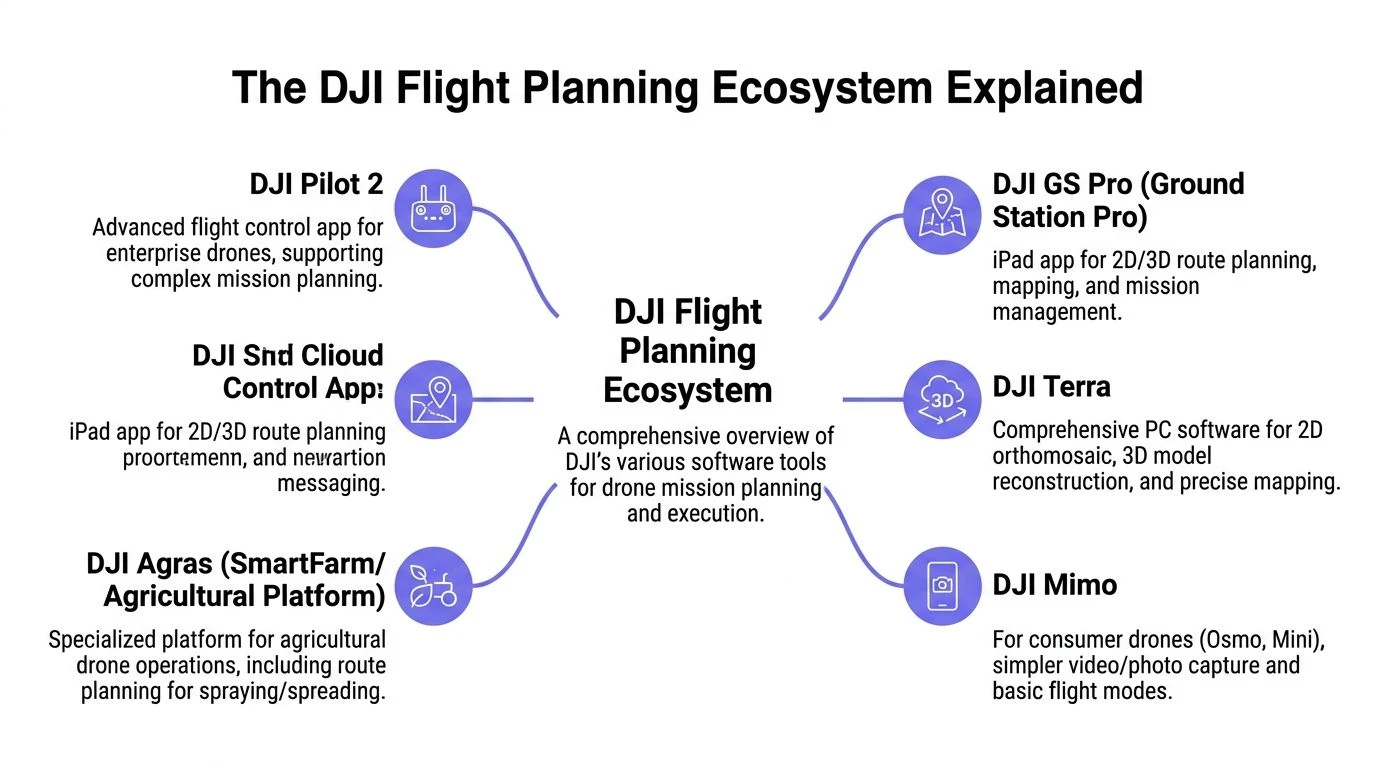
The DJI Flight Planning Ecosystem Explained
“DJI flight planner” sounds like one product. It isn’t.
It’s a mix of DJI’s native tools and third-party planners that support DJI aircraft. If you don’t separate those categories early, you’ll waste time comparing tools that were built for different jobs.
Native DJI tools
Think of DJI’s own apps as the factory-fitted system. They are tightly integrated with supported DJI hardware, meaning smoother setup and fewer surprises in the field.
DJI Pilot 2 is the core planning app most enterprise DJI operators will care about. DJI’s ecosystem, including Pilot 2 and FlightHub 2, supports automated waypoint missions with 70% side overlap and 80% front overlap for mapping, terrain-follow using DSMs, and geofencing for compliance, according to DJI’s published materials on YouTube: https://www.youtube.com/watch?v=NllVDS5itOU
Pilot 2 is the tool you open when you need to build and fly the mission on supported enterprise hardware. It’s practical, direct, and well suited to standard mapping grids, waypoint inspections, and repeat missions.
DJI FlightHub 2 sits higher up the stack. It’s less about thumb-on-screen route building and more about fleet visibility, cloud coordination, and oversight. That distinction matters; Pilot 2 helps you execute a mission, while FlightHub 2 helps teams manage missions across people, locations, and devices.
Third-party planners
Third-party tools matter when DJI’s native workflow doesn’t fit the aircraft, the mission type, or the budget. Consequently, many pilots use “dji flight planner” as a category term rather than a product name.
A useful analogy is built-in car navigation versus a specialist sat-nav unit. The built-in system works well and knows the vehicle. The specialist device may give you more niche control for a certain kind of route or workflow.
How to choose the right starting point
Don’t choose based on feature volume. Choose based on your aircraft, your deliverable, and who needs access to the mission.
Consider this simple framework:
| Need | Better starting point |
|---|---|
| Standard enterprise mapping mission | DJI Pilot 2 |
| Cloud oversight across teams | DJI FlightHub 2 |
| Wider model support or niche planning needs | Third-party DJI-compatible planner |
| Repeat work tied to airspace awareness and compliance workflow | Planning plus operations layer |
If you operate in built-up or restricted environments, pair your planning decision with an airspace workflow. DJI’s own geofencing is part of the picture, but it’s not the whole preflight process. A useful reference for that side of the job is this guide to the DJI Fly Safe Map.
What solo operators and teams need isn’t the same
Solo operators care about speed, reliability, and not carrying admin back home. They need a planner that gets them airborne quickly and lets them save a repeatable mission.
Teams need that too, but they also need consistency between pilots. If one pilot builds missions one way and another pilot uses a different convention, quality drifts. That’s where native planning tools need support from a broader operations system.
The planner answers, “How will this aircraft fly this mission?” The operation needs to answer, “Who approved it, what job is it tied to, and where do the records live?”
That distinction becomes more important as client expectations rise.
Core Features for Automated Missions
Most operators don’t fail because they picked the wrong brand of software. They fail because they use the right software with the wrong settings.
The core features inside a dji flight planner matter more than the logo on the start screen. If you understand how those features affect capture quality, mission time, and safety, you can make better decisions with almost any planning app.
Waypoint missions
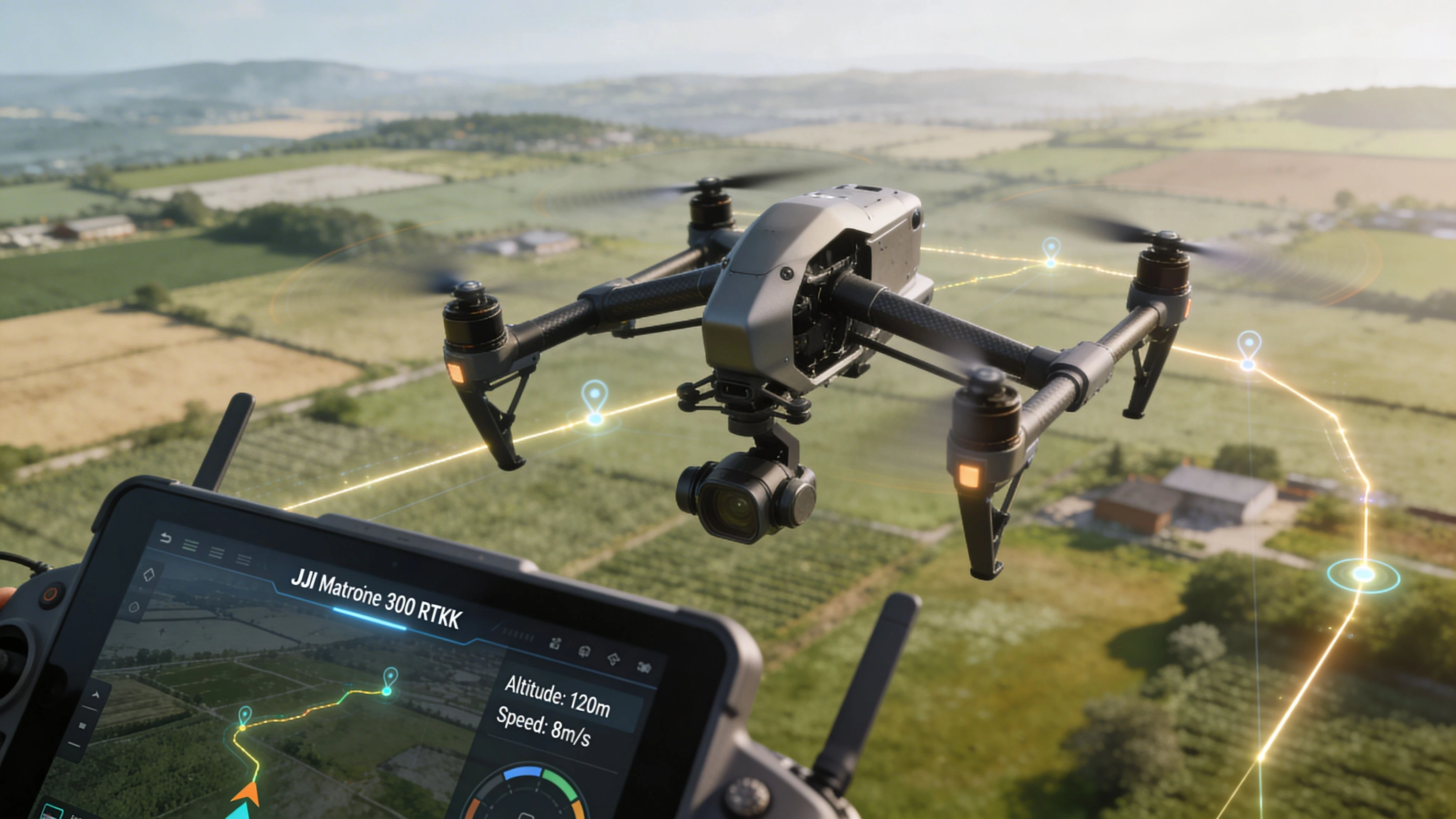
Waypoint missions are the backbone of repeatable inspections and cinematic repeat passes.
You set a sequence of positions, then define what happens at each point. On better systems, that includes altitude, speed, heading, and gimbal angle. For inspection work, that precision is what separates a usable asset record from a loosely similar flyby.
Use waypoint missions when:
- You need repeat visits: Cell towers, roofs, facades, solar arrays, and infrastructure checks benefit from the same route every time.
- The camera angle matters: A saved gimbal angle prevents the “close enough” problem.
- You need safer stand-off: Planning the route in advance reduces the temptation to improvise near obstacles.
What doesn’t work is using waypoint missions casually around complex structures without checking line-of-sight and obstacle clearance. Automation is only safe when the route has been thought through.
Grid and mapping missions
Grid missions are built for coverage. The planner creates parallel flight lines and camera triggers to capture a complete dataset for mapping or modeling.
Third-party tools such as DJI FlightPlanner support a wide range of DJI models, from the Mini series to the Matrice 600 series, at a $29 license cost, while allowing control over parameters such as forward overlap, typically 80%, and side overlap, 70%, with optimized settings reducing mission times by over 40% in some cases according to DJI FlightPlanner: https://www.djiflightplanner.com
Those numbers matter because overlap drives both model reliability and flight efficiency.
Overlap is a quality lever, not a default to leave alone
Many operators leave overlap on the default value and never question it. That’s a mistake.
Higher overlap gives the processing software more to work with. It also means more photos, longer missions, larger datasets, and more time spent on site. Lower overlap can save time, but if you push it too far for the task, gaps and weak reconstruction show up later.
Consider the following:
- Use stronger overlap when the surface is complex, textured poorly, or the model needs to hold up from multiple angles.
- Trim overlap carefully when the site is straightforward and the deliverable doesn’t require maximum redundancy.
- Don’t change overlap in the field without understanding the downstream impact on processing and deliverables.
This becomes especially relevant in engineering workflows, where data quality affects design, measurement, and reporting. If your work touches that side of the industry, this piece on drones in engineering for modern site assessments is worth reading because it frames mission planning around decision-ready site data rather than just image capture.
Terrain follow
Terrain follow is one of those features people underestimate until they need it.
On uneven ground, a fixed altitude above takeoff point can produce inconsistent ground distance. That changes image scale and can create clearance issues. Terrain-follow planning uses elevation information so the aircraft maintains a more consistent height over the surface.
It is useful for:
| Mission type | Why terrain follow helps |
|---|---|
| Sloped sites | Keeps image scale more consistent |
| Quarries and stockpiles | Reduces abrupt altitude mismatch |
| Long rural corridors | Helps maintain safer separation from changing ground levels |
Camera and flight settings that affect results
Planning software gives you a route, but the route alone doesn’t guarantee a good dataset.
Pay attention to:
- Flight speed: Too fast and the camera payload may not keep pace with capture needs.
- Gimbal pitch: Nadir is standard for many mapping jobs, while inspection work often needs controlled oblique views.
- Trigger behavior: Consistent capture spacing matters more than “lots of images.”
- Height selection: This affects both coverage and the detail level you’ll get.
Practical rule: If you can’t explain why a setting is changed, don’t change it on site.
That sounds strict, but it prevents the most common field error. Operators start tweaking speed, angle, and overlap under pressure, then return with a dataset that doesn’t match the brief.
Planning a Professional Mission Step by Step
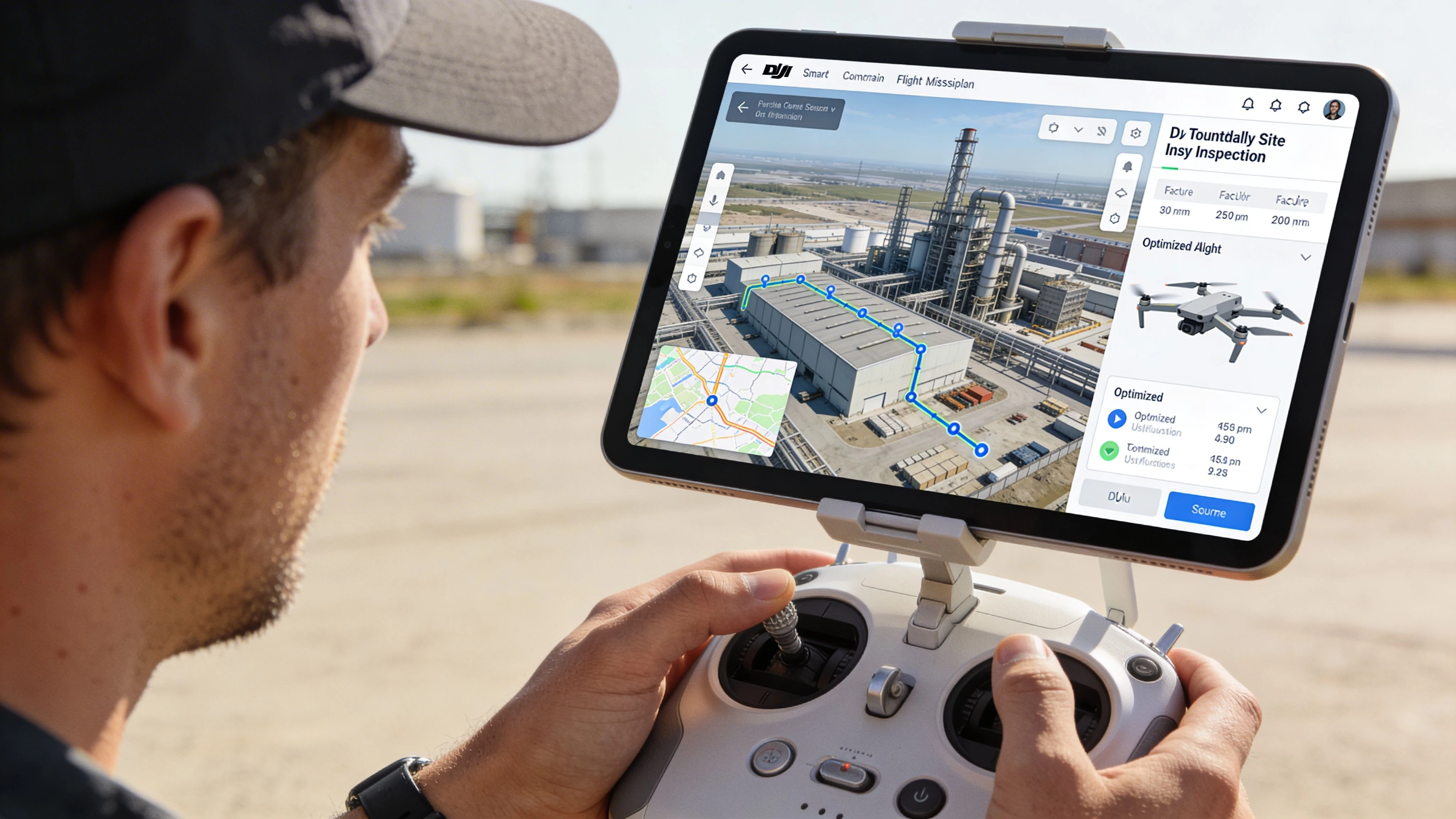
A professional mission starts long before the aircraft powers on.
Consider a recurring stockpile measurement job at a quarry. The site manager wants dependable volume comparisons across reporting periods. That means your mission has to produce consistent geometry, not just decent-looking photos.
Step one starts with the client brief
Before opening the planner, pin down the actual deliverable.
Ask questions that expose what success means:
- What output do they need: Orthomosaic, stockpile volume, progress imagery, or inspection record?
- How often will this be repeated: One-off and recurring work are planned differently.
- Where will the result be used: Internal reporting, engineering decisions, insurance, or compliance records all have different tolerances for inconsistency.
If the answer is vague, the mission will be vague.
Step two checks the operating environment
Many rushed jobs go wrong at this stage, as operators jump straight into drawing polygons and forget the site context.
Check the things that can break the mission before takeoff:
- Airspace and restrictions
- Access and launch location
- Obstacles and elevation changes
- Signal conditions
- Vehicle and personnel movement on site
For the planning side, a practical companion resource is this guide to a flight plan for DJI, especially if you’re standardizing how missions are prepared and documented.
Risk thinking matters here too. Drone work is project work, and the same failure patterns show up in both. This overview of effective risk management in project planning is useful because it pushes the conversation upstream, where most avoidable issues belong.
Step three builds the route around the deliverable
For stockpile work, you want clean, repeatable coverage over the target area with enough consistency to support model generation and comparison.
The route follows a logic like this:
- Mark the site boundary so the mission area is explicit.
- Exclude irrelevant zones if nearby roads, plant, or structures add data you don’t need.
- Choose a mapping pattern that gives complete, orderly coverage.
- Review turns and battery logic so the mission isn’t efficient only on paper.
A common operator mistake is planning too tightly around the pile itself. That can leave poor context around the edges, which makes later interpretation harder.
Step four sets capture behavior
Now the plan becomes a data job rather than just a route.
For recurring quarry work, keep the variables under control:
| Setting area | What to focus on |
|---|---|
| Camera angle | Stay consistent across repeat missions |
| Height | Match the required detail and clearance |
| Flight direction | Consider wind and site layout |
| Trigger setup | Prioritize consistent image spacing |
Experienced operators slow down at this point. The route might take minutes to draw, but the settings determine whether the output is usable.
If the mission must be repeated next month, plan it as a template today. Don’t rely on memory.
Step five validates the mission before field execution
A final review should catch practical issues, not just software settings.
Look for:
- RTH altitude conflicts
- Unsafe launch placement
- Unrealistic battery assumptions
- Mission legs that cross active site movement
- Controller map or data availability issues in low-connectivity areas
At this point, the mission should be clear enough that another qualified pilot could understand what you intended and why. That’s a good standard. If only the original planner can decode it, the workflow isn’t mature yet.
Integrating Planners with Operations Management
A flight planner solves one problem well. It helps the aircraft fly the mission.
That’s only part of professional operations. The rest lives in scheduling, client records, risk documentation, equipment oversight, reporting, and flight logs. When operators keep those pieces in separate apps, spreadsheets, and memory, friction builds fast.
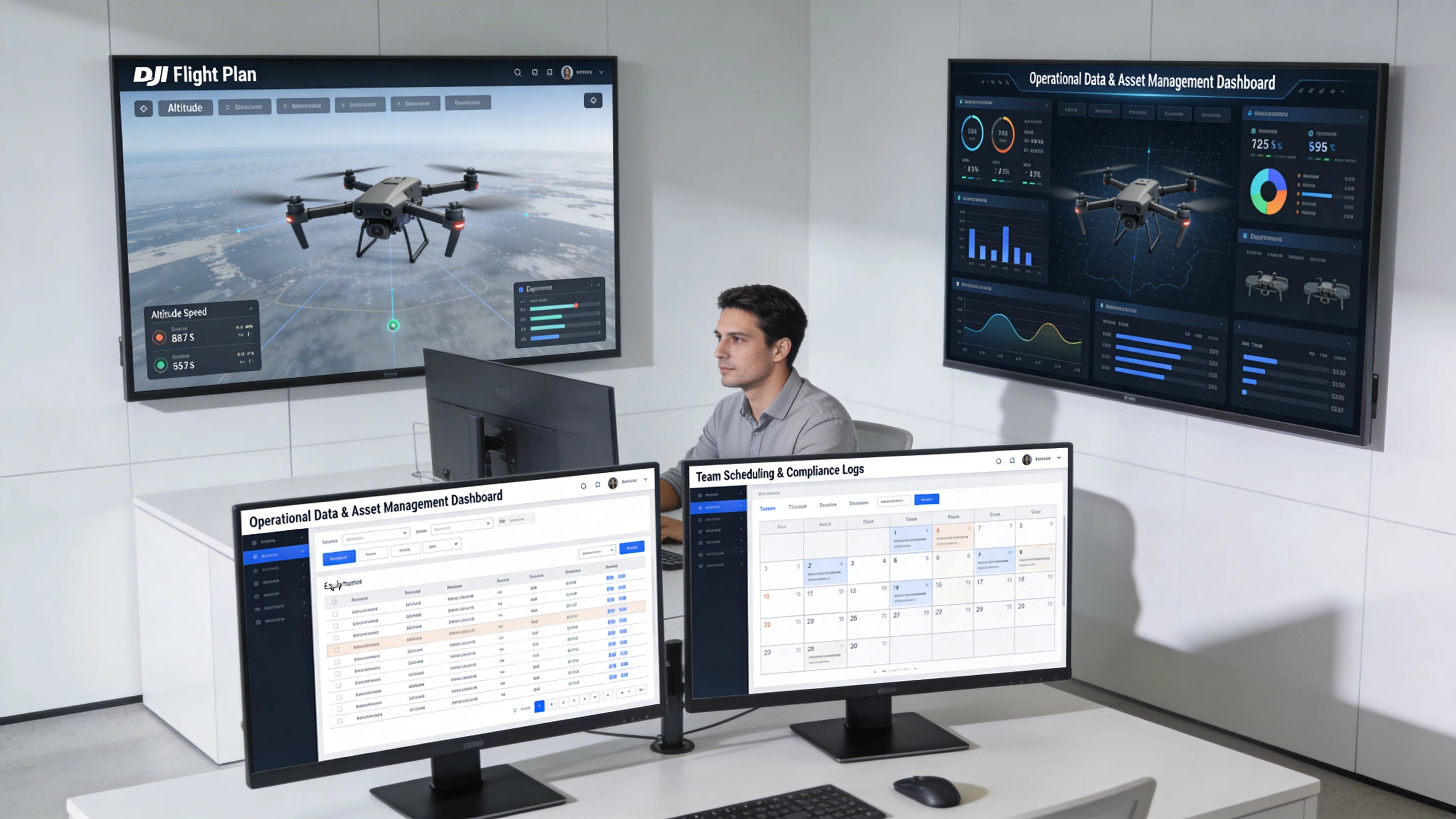
The planner is not the operating system
This is the distinction many growing teams miss.
Your planner answers mission-level questions:
- Where will the drone fly?
- How will the camera behave?
- Can the route be repeated?
Your operations layer answers business-level questions:
- Which client and site does this mission belong to?
- Has the risk assessment been completed?
- Which pilot and aircraft were assigned?
- Where are the logs and reports stored?
- What needs follow-up after the flight?
If those answers live in different places, the team spends more time reconciling information than doing useful work.
What integration looks like in real life
For a solo operator, integration is about reducing admin drag. The ideal workflow is simple. Plan the mission, fly it, sync the flight record, and have the operational context already attached to the job.
For a team, the value is broader. Managers need visibility without interrupting pilots. Compliance records need to be tied to actual flights. Client communication needs to reflect what happened on site, not what someone remembers later.
A practical stack looks like this:
| Layer | Role |
|---|---|
| Flight planner | Builds and executes the mission |
| Airspace and safety tools | Supports preflight decision-making |
| Operations platform | Ties jobs, pilots, aircraft, logs, and records together |
| Processing and delivery tools | Turn captured data into outputs for the client |
One example in that operations layer is Dronedesk’s DJI drone mapping workflow, which shows how planning and logging fit into wider job management rather than sitting in isolation.
Solo operator versus enterprise team
The software needs are related, but not identical.
Solo operators
A solo pilot wants fewer taps, fewer duplicate entries, and a clean record of what was flown. If the planner works well but everything after the flight becomes manual admin, the workflow is still inefficient.
The right integrated setup helps with:
- Client and site organization
- Flight logging
- Basic compliance records
- Job status visibility
Team operations
Teams need structure. Not because enterprise likes complexity, but because inconsistency becomes expensive once multiple pilots, aircraft, and clients are involved.
They need:
- Shared job records
- Standardized preflight workflows
- Centralized fleet oversight
- Clear pilot assignment and accountability
The bigger the team, the less you can rely on “the pilot knows what we mean.”
That’s why a planner and an operations platform should be seen as connected tools, not competing ones. One executes the route. The other keeps the business and compliance side coherent.
Best Practices and Common Mistakes to Avoid
Most failed automated missions don’t fail because the software is bad. They fail because the operator assumed automation would cover weak planning.
The fix is simple. Be deliberate before launch, and stay skeptical of any mission that looks clean on the screen but hasn’t been tested against the actual site.
Do this
- Set a conservative Return to Home altitude: Check every obstacle on and around the route, not just the obvious one near takeoff.
- Load maps before leaving for site: If the area has poor connectivity, planning and verification become much harder in the field.
- Build battery swaps into the mission plan: Large jobs rarely fail in one dramatic moment. They fail when the second or third flight becomes rushed.
- Fly the wind, not just the polygon: Long legs, turns, and image consistency are all affected by wind direction.
- Save templates for repeat work: If the client expects consistent outputs over time, your plan should be reusable from the start.
Don’t do this
- Don’t trust defaults blindly: A default setting may be acceptable, but “acceptable” isn’t the same as right for the job.
- Don’t plan from a desk and stop there: Satellite imagery doesn’t show temporary cranes, parked equipment, or changed access points.
- Don’t over-tighten the mission area: Cropping too close saves little and often removes useful context.
- Don’t assume automation removes legal obligations: You still need to operate within the relevant rules and site constraints.
- Don’t improvise major setting changes on site: Pressure causes bad decisions, especially when the client is watching.
A simple field check before launch
Use a quick final review:
- Mission intent is clear
- Route and altitude make sense on the actual site
- RTH is safe
- Maps and mission files are available offline if needed
- Battery plan matches reality
- The deliverable still matches the capture settings
That last point is the one people skip. If the client asked for measurement-grade repeatability and the pilot switched to a casual visual-only approach in the field, the mission has already drifted off brief.
Troubleshooting and Frequently Asked Questions
Some problems show up after you’ve planned many flights. They are less about features and more about edge cases.
What if I’m using an older DJI drone model
Older aircraft sit in an awkward place. The drone may still fly well, but software support can be limited.
In that case, start with compatibility before workflow preferences. If native support is weak, a third-party DJI-compatible planner may be the better route, for legacy hardware. Keep the mission type simple and test on a non-critical site before using it for client work.
How should I handle magnetic interference concerns
Don’t try to out-plan a bad environment with software alone.
If a site has known interference risks, reduce complexity. Use a simpler route, verify control responsiveness before committing to the full mission, and maintain enough operational margin to abort cleanly. The more congested and interference-prone the site, the less wise it is to treat an automated mission as hands-off.
Are cloud-connected planning tools a privacy concern
They can be, depending on the client and the data involved.
The practical answer is to match the tool to the job. Some clients are comfortable with cloud-connected workflows. Others want tighter control over mission files, logs, and deliverables. Decide that before the mission, not after capture.
What’s the best way to move complex plans into the field
Use a repeatable handoff process.
That means naming conventions, version control, and a final device check before you leave for site. The field is the wrong place to discover that the controller doesn’t have the current plan, the offline map is missing, or the pilot loaded last month’s template by mistake.
Why does a mission look fine in software but fail operationally
Because software doesn’t know the full job context.
It doesn’t know that the launch area is muddy, the haul road is active, the client moved the safe access point, or the battery strategy is unrealistic. Good operators use the planner as a control tool, not as a substitute for operational judgment.
If you want your flight planning to connect cleanly with the rest of the job, Dronedesk is worth considering. It’s built for drone operations management, so planning, airspace checks, logging, client records, and operational oversight can sit in one workflow instead of being patched together across separate tools.
 FAA Drone License Costs Beyond the Knowledge Test →
 Drone Part 107 Operations: When a Waiver May Be Needed →
 Drone Operating Rules for Managing Contractors and Employees →
 BVLOS Drone Requirements for Building a Safety Case →
 Drone Pilot Test Mistakes That Cost Candidates Marks →
 FAA 107 License vs Part 107 Certificate: What’s the Difference? →
 Drone Airport Rules: A Field Checklist for Site Assessments →
 FAA Part 107 Record-Keeping Rules for Commercial Teams →
 How to Review a DJI Flight Log After an Unexpected Event →
 Drone Laws Around the World: A Pre-Flight Research Framework →