
AT&T Fleet Management Vs Dronedesk A Drone Ops Comparison
When you’re looking at drone management software, the choice often boils down to one simple question: do you need a generalist tool or a specialist one? This is the core difference between AT&T Fleet Management and Dronedesk. AT&T brings a powerful, broad-strokes IoT platform to the table, perfect for huge companies managing all sorts of assets, including drones. Dronedesk, on the other hand, is an all-in-one system built from the ground up specifically for the nitty-gritty workflow of professional drone pilots.
Choosing Your Drone Operations Command Center
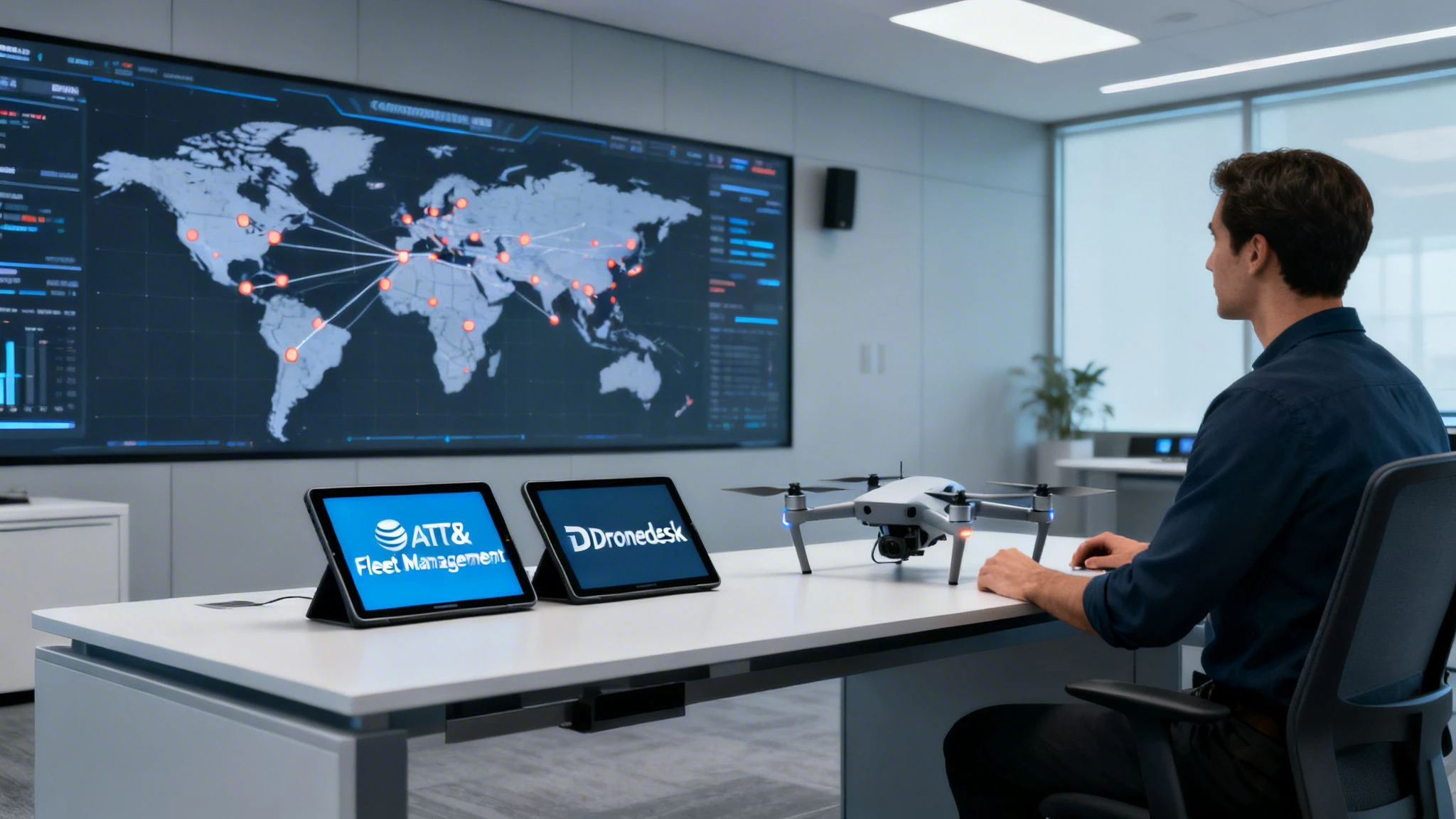
Picking the right platform to run your drone operations isn't a small decision. As the industry grows up, having the right tools is no longer a "nice-to-have"—it's absolutely essential for staying safe, compliant, and efficient. This guide will break down two very different solutions to help you make the right call.
On one side, you have AT&T Fleet Management, a true titan in large-scale IoT logistics. Its biggest advantage is its sheer scale and massive infrastructure, which can track thousands of assets—from company trucks to heavy equipment—all under one roof. If your enterprise is already plugged into the AT&T ecosystem, adding drones might feel like the next logical step.
On the other side is Dronedesk, a specialist platform built by drone pros, for drone pros. It’s designed to handle the unique, day-to-day challenges of drone missions that more generic systems just weren't built for. The entire focus is on the pilot's workflow, from the first client call to the final project report and compliance logs.
This comparison pits AT&T's broad, infrastructure-first approach against Dronedesk's focused, pilot-centric workflow. It’s all about helping you figure out which one truly fits the way you work.
Key Differences at a Glance
This guide gets into why a dedicated system is so important for managing the complexities of drone missions. While a platform like AT&T Fleet Management can certainly tell you where a drone is, it wasn't built to handle the fine-grained details of aviation compliance. You can learn more about what goes into a dedicated system by exploring the core parts of a modern https://blog.dronedesk.io/flight-operations-centre/.
| Aspect | AT&T Fleet Management | Dronedesk |
|---|---|---|
| Core Focus | General IoT & vehicle asset tracking | End-to-end drone operations management |
| Primary User | Enterprise logistics/fleet managers | Professional drone pilots and teams |
| Key Strength | Massive scalability and network integration | Drone-specific workflow automation and compliance |
| Approach | Infrastructure-first | Pilot-centric |
It's also worth noting how physical manufacturing advancements, like those in UAV 3D Printing, are shaping the hardware we manage. Ultimately, the choice between these two platforms comes down to a simple question: do you need a tool that does a little bit of everything, or one that does one thing exceptionally well?
Understanding The Platforms: AT&T Vs Dronedesk
To pick the right command center for your drone ops, you first need to get what makes each platform tick. They come from completely different worlds, and that history directly shapes what they’re good at, where they fall short, and who they’re really for. This isn’t just about a list of features; it’s about their core philosophy.
On one side, you've got AT&T, the telecommunications and IoT behemoth. AT&T Fleet Management grew out of the need to manage massive fleets of ground vehicles. It uses its huge network to deliver rock-solid connectivity and large-scale asset tracking. Their expertise is in telematics and wrangling data from thousands of connected devices spread over vast areas.
The Generalist Powerhouse: AT&T
The real strength of AT&T Fleet Management is its broad IoT foundation. Think of it as a powerful, horizontal platform built to track any connected "thing"—whether that's a delivery truck, a piece of heavy machinery, or, by extension, a drone. This is what makes it a compelling choice for big companies already using AT&T’s ecosystem for their vehicle fleets and looking to keep all their vendors under one roof.
This approach has made them a market leader. The global fleet management market was valued at a whopping USD 28.29 billion in 2023 and is expected to hit USD 78.36 billion by 2031. AT&T is a major player here, pushing forward with IoT and 5G, as we saw with their 2023 partnership with Rivian to test EVs in their fleet. You can dig into more data on this growth and AT&T's role in this detailed KBV Research analysis.
The Specialist Solution: Dronedesk
In sharp contrast, Dronedesk was built with one thing in mind: the complete workflow of a professional drone operation. It was designed from the ground up to solve the unique regulatory, operational, and admin headaches that define the drone industry. Its DNA is pure aviation compliance and pilot efficiency.
This purpose-built design means every feature feels right at home for a drone pilot. It’s not just about knowing where a drone is on a map; it's about managing everything that happens before, during, and after a flight.
AT&T offers a powerful, generalized asset management tool that can be adapted for drones. Dronedesk provides a specialized, all-in-one ecosystem that directly solves the specific problems drone operators face every day.
This fundamental difference leads to two very distinct propositions. For an enterprise that needs a single dashboard to see all its assets—trucks, equipment, and drones—AT&T Fleet Management offers a strong, if generalized, solution. It'll show you a drone on a map right next to your van fleet.
However, for a dedicated drone service provider or an internal drone program, Dronedesk offers a vertical solution that manages the entire operational lifecycle:
- Client & Project Management: From the first quote to the final invoice.
- Pre-Flight Planning: Integrated airspace checks, risk assessments, and weather reports.
- Automated Logging: Direct DJI integration to sync flight and battery data automatically.
- Compliance Reporting: FAA-ready reports and pilot/equipment documentation.
Ultimately, your choice boils down to the problem you're trying to solve. Are you just adding drones as another asset to a massive logistics network? Or are you building a professional, compliant, and efficient drone operation from the ground up? The answer to that question will point you to the right platform.
Core Feature Showdown For Drone Operations
When you’re trying to pick the right software for your drone business, it’s easy to get lost in marketing fluff. The only way to know what’s right is to look at the features that actually matter for day-to-day flying. This is where the difference between a general-purpose tool like AT&T Fleet Management and a specialist platform like Dronedesk becomes glaringly obvious.
Let’s put them side-by-side across the five areas that will make or break your operational workflow. We’re comparing AT&T’s broad asset tracking against Dronedesk’s drone-specific features to see how they stack up in the real world.
Fleet and Pilot Management
First things first: you need to manage your gear and your people. This isn't just about knowing where your drones are; it's about tracking pilot certifications, logging maintenance, and knowing who has what equipment. It’s the foundation of a professional operation.
AT&T Fleet Management is brilliant at one thing: real-time GPS tracking. Thanks to its powerful IoT network, it can tell you the exact location of a drone case just like it would a company van. For a large company with a mixed fleet of vehicles and equipment, having that single map view is powerful. But for a drone team, that’s pretty much where the useful features stop.
Dronedesk, on the other hand, was built from the ground up for aviation management.
- Pilot Records: It keeps track of everything from licenses and flight hours to recency requirements. You get automatic alerts when a pilot's certification is about to expire.
- Equipment Logs: You can manage maintenance schedules for every drone, battery, and controller based on flight hours or calendar time. This is how you prevent unexpected (and expensive) failures in the field.
- Asset Assignment: You can easily assign specific pilots, drones, and batteries to a job, creating a clear chain of responsibility for every single flight.
The real difference here is context. AT&T will tell you where your drone is. Dronedesk tells you where it is, who's flying it, whether they’re qualified to fly it, and if the gear is even safe to fly in the first place.
Airspace Intelligence And Risk Assessment
This is probably the biggest deal-breaker between the two. For any commercial drone pilot, checking the airspace isn't optional—it's a legal and safety requirement for every flight.
Because AT&T Fleet Management isn't an aviation tool, it has zero built-in airspace intelligence. You’d have to jump over to a separate app like B4UFLY or AirMap before every job to check for controlled airspace, TFRs, and other advisories. That adds another clunky, disconnected step to your workflow and dramatically increases the chance of missing something important.
Dronedesk bakes this right into the platform. As you’re planning a job, the map automatically shows live, detailed airspace data pulled directly from aviation authorities. You see restricted zones, airports, and other hazards right there, making your risk assessment a natural part of the planning process. This is critical for jobs like using drones for home inspections in crowded suburban neighborhoods where compliance is key.
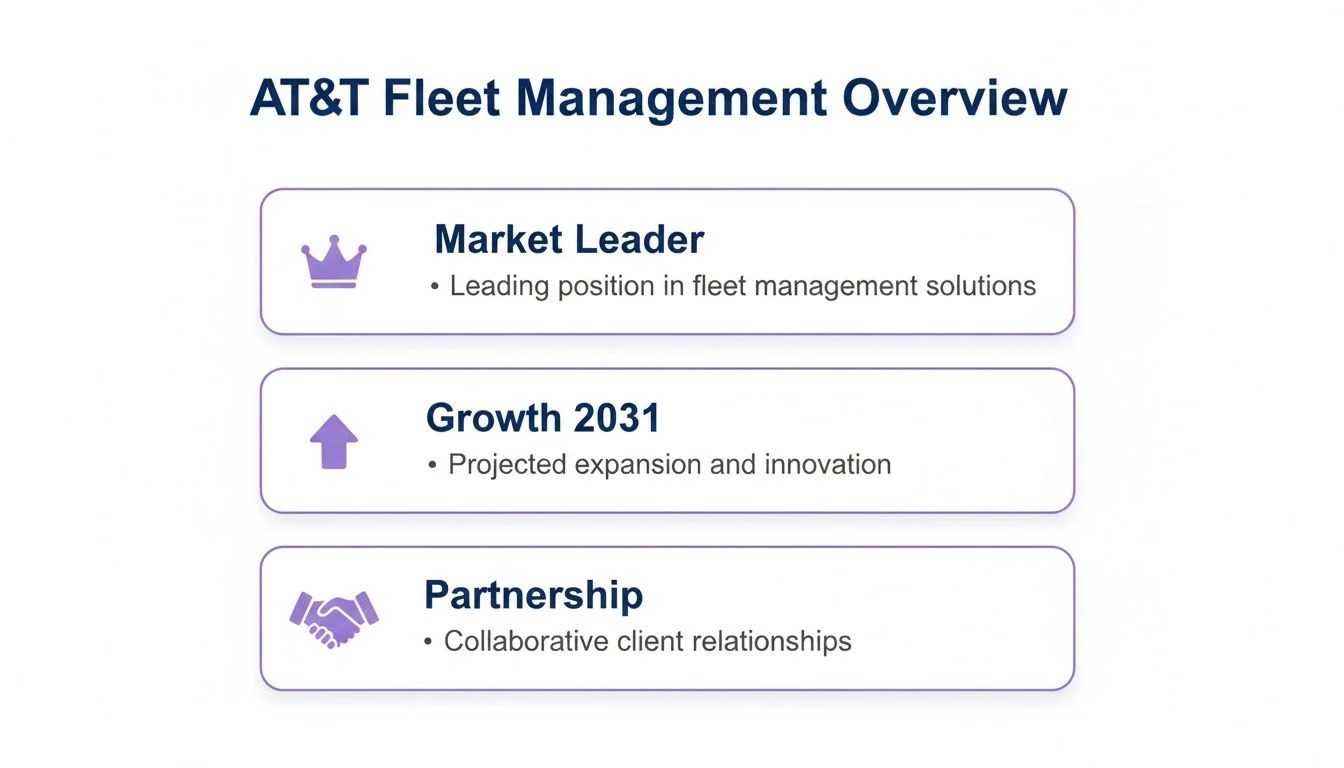
AT&T's huge market share comes from its success in general fleet management, but this also shows its focus is on broad, non-specialized industries, not aviation.
DJI Data Integration
Let's be honest, most of us in the commercial drone world fly DJI. A platform that doesn’t play nicely with DJI’s flight data is just creating more work for you.
AT&T’s platform has no direct connection to DJI flight logs. To keep records, your pilots would have to manually pull log files off their controllers and upload them somewhere. It’s a tedious, time-sucking process that’s just asking for mistakes and missing data.
Dronedesk’s direct DJI API integration is a total game-changer. Your pilots link their DJI account once, and that's it. After a flight, the complete log—telemetry, flight path, battery data, and all—is automatically pulled and attached to the right project. This simple feature saves hours of admin and creates a perfect, audit-ready record every time.
Automated Compliance and Logging
Staying compliant with aviation authorities is a massive, non-negotiable part of being a commercial operator. A good UAS fleet management system should make this easier, not harder.
With AT&T, all your compliance logging is on you. You'd be stuck using separate spreadsheets or paper logs to track flight times, pilot details, battery cycles, and maintenance. This creates a mess of disconnected data and makes the thought of an audit terrifying.
Dronedesk puts the whole compliance workflow on autopilot.
- Flight Logs: Automatically created and stored from the DJI sync.
- Battery Logs: Keeps track of charge cycles and overall health.
- Maintenance Records: Tied directly to specific drones and triggered by flight hours or time.
- Reporting: You can generate detailed compliance reports for any audit with just a couple of clicks.
This turns compliance from a major headache into something that just happens in the background, letting your team focus on their actual job.
To put this all into perspective, here’s a quick breakdown of how the platforms compare feature by feature.
Feature Comparison AT&T Fleet Management vs Dronedesk
This table gives a clear, side-by-side look at how a generalist fleet tool adapted for drones stacks up against a purpose-built drone operations platform.
| Feature Category | AT&T Fleet Management (Adapted for Drones) | Dronedesk (Purpose-Built for Drones) |
|---|---|---|
| Fleet Management | Excellent real-time GPS asset tracking. | Comprehensive drone, battery, and gear logs with maintenance scheduling. |
| Pilot Management | No specific features for pilot tracking. | Manages certifications, flight hours, and recency with automated expiry alerts. |
| Airspace Intelligence | None. Requires external third-party apps. | Fully integrated live airspace maps (controlled airspace, TFRs, advisories). |
| Risk Assessments | No built-in tools. Manual process required. | Integrated, customizable risk assessment templates (RAMS). |
| DJI Integration | None. Requires manual flight log uploads. | Direct API sync for automatic flight and telemetry logging. |
| Compliance Logging | Entirely manual. Relies on external logs. | Automated flight, battery, and maintenance logs for audit-readiness. |
| Project Management | No client or project-facing features. | Built-in CRM, quoting, invoicing, and client portal for end-to-end management. |
As you can see, while AT&T can tell you where your equipment is, Dronedesk is designed to manage the entire ecosystem of a professional drone operation, from the pilot's credentials to the final client report.
Client and Project Reporting
Finally, you’re not just flying drones—you’re running a business. That means managing clients, sending quotes, and delivering reports. With the fleet management market forecast to grow from USD 29.94 billion in 2023 to a staggering USD 215.19 billion by 2032, having tools that manage the business side is just as important as managing the flying.
AT&T Fleet Management is an internal tool. It’s built to track your own assets, not to manage your customers. It has no features for quoting jobs, sending invoices, or sharing project updates with clients.
Dronedesk, however, is designed to run your entire business. It includes a lightweight CRM for client management, a quoting and invoicing system, and even a client portal where your customers can log in to see project updates and download their final reports. It connects your flight ops directly to your business ops, all in one place.
Which Platform Fits Your Drone Business Model?
Choosing between a big-name generalist like AT&T Fleet Management and a purpose-built tool like Dronedesk isn't about picking a "winner." It's about picking the right tool for your business, right now. What’s a game-changer for a massive enterprise could be totally useless for a solo pilot, and what a one-person-band needs to stay profitable might just slow a big team down.
To get past the feature lists, let's look at how each platform actually works for three different types of drone businesses. This is all about real-world application, helping you find the setup that truly fits how you operate.
The Solo Drone Pilot
For the solo pilot, efficiency is profit. Simple as that. Every minute you're stuck doing admin—logging flights, wrestling with risk assessments, or chasing invoices—is a minute you're not flying or lining up your next job. You need one system that handles the paperwork automatically, making you look professional and keeping you compliant without needing a back-office team.
-
AT&T Fleet Management: For a solo operator, this platform is a non-starter. Its strengths are in tracking thousands of IoT assets, which is complete overkill, and the price tag would be a tough pill to swallow. More importantly, it’s missing every single feature a pilot needs to be efficient: automated flight logging, built-in airspace checks, and client management tools.
-
Dronedesk: This is exactly where Dronedesk shines. It's designed to be your business-in-a-box, automating everything from the initial quote right through to the final invoice. The direct DJI sync alone is a huge time-saver, cutting out hours of manual data entry. Plus, with integrated airspace and weather checks, you can plan your missions faster and with a lot more confidence.
Recommendation: For any solo pilot, the choice is clear. Dronedesk gives you the end-to-end automation you need to run a lean, profitable, and compliant one-person operation. The time you get back from admin goes straight into billable hours.
The Small Drone Services Team
Once you grow to a small team of 2 to 10 pilots, you’ve got a whole new set of problems: collaboration and consistency. You need a central place to manage multiple pilots, keep on top of fleet-wide maintenance, and make sure everyone is using the same risk assessments and compliant workflows. The mission is to scale the business without letting your standards drop.
-
AT&T Fleet Management: A small team might find some value in tracking the location of their drone kits, but the platform still comes up way short. It has no way to manage pilot qualifications, assign specific drones or batteries to jobs, or create the kind of standardized safety checklists you need. Your team would still be juggling different apps and spreadsheets for pretty much every important task.
-
Dronedesk: This is what Dronedesk was built for. You get a central dashboard to see all your pilots, drones, and batteries in one place. Team leaders can assign out jobs, review the flight logs that come in, and lock in company-wide risk assessment templates so every mission is done by the book. It creates that single source of truth that keeps everyone consistent and professional.
The Enterprise Program Manager
At the enterprise level, a drone program manager is thinking about scalability, integration, and rock-solid risk management. You’re overseeing hundreds of assets and pilots, navigating strict corporate and federal rules, and trying to plug drone data into the company’s other systems. Consolidating vendors is also a huge priority.
- AT&T Fleet Management: This is the only scenario where AT&T Fleet Management really enters the conversation. If your company already relies on AT&T for its massive vehicle fleet, adding drones to that same platform has one massive appeal: a single vendor and one map for all your assets. The platform’s security and ability to scale are also a natural fit for a corporate IT environment.
But even here, you're making some serious trade-offs. The complete lack of aviation-specific features means the business has to either live with major compliance gaps or—you guessed it—bolt on another system like Dronedesk to handle flight logging, airspace intelligence, and pilot management.
- Dronedesk: For an enterprise that just wants to run a best-in-class drone program, Dronedesk delivers all the specialized tools for compliance and safety at scale. Its reporting and detailed audit trails are built to withstand the scrutiny of a corporate environment. The only catch is that it would exist as a separate system from your other fleet management software.
The fleet management market is booming, growing from USD 15.9 billion to USD 31.5 billion by 2023, and it shows just how much companies are looking for smarter solutions. For enterprises, this means weighing the powerful proximity intelligence of a platform like AT&T Fleet Management against the critical, drone-specific compliance tools needed to operate safely. You can dig into these market drivers and see how providers are adapting in this global market overview.
Recommendation: For an enterprise already deep in the AT&T world, using it for basic drone tracking while bringing in a specialist tool for the actual operations is a workable, if complicated, strategy. For an enterprise that puts operational excellence and airtight compliance for its drone program above all else, a dedicated platform like Dronedesk is the smarter, more direct solution.
Analyzing The True Cost And ROI
When you're choosing a management platform, the price tag is just the start of the story. The financial side is just as critical as the feature list, and you have to dig deeper than the surface-level cost to see which solution actually delivers value for your drone operations.
The pricing between AT&T Fleet Management and Dronedesk couldn’t be more different, and that really speaks to who they’re built for. AT&T typically works on a per-asset, enterprise-style contract. This can be great for massive corporations wanting a single vendor for everything, but the pricing is often bundled and unclear, making it a pricey and confusing option for most drone teams.
Dronedesk, on the other hand, uses transparent, tiered subscription plans. The idea is simple: the platform scales with your business, whether you're a one-person shop or a growing team. This clarity means you know exactly what you're paying for and can budget predictably.
Evaluating Total Cost of Ownership
Looking past the monthly fee, you’ve got to factor in the "hidden costs" that sneak up when you try to force a non-specialized tool to do a specialist's job. Adapting a system like AT&T Fleet Management might look like you're saving money at first, but the expenses quickly pile up elsewhere.
These hidden costs usually show up as:
- Manual Data Entry: Think about the hours your pilots waste every single week just logging flights, tracking battery cycles, and updating maintenance schedules. Dronedesk automates all of that.
- Compliance Risk: Without integrated airspace intelligence and automated reporting, the financial and legal risks of a compliance slip-up are huge. One single fine from a regulator could easily cost more than a year's subscription to a purpose-built platform.
- Integration Headaches: The cost and frustration of trying to make a generalist tool talk to drone-specific gear, like DJI flight controllers, often results in patchy, unreliable data.
- Training and Workarounds: Your team ends up spending valuable time learning complicated, cobbled-together processes just to fill the software's gaps.
To get a real grip on the financial impact, it’s worth learning more about how to reduce operational costs in a drone business. You'd be surprised how quickly small inefficiencies drain your budget.
Calculating The Return On Investment
The ROI for each platform tells a very different story about its value. For a generalist tool, any return is usually measured in broad strokes, like having one less vendor to deal with. For a specialist tool, the ROI is concrete, measurable, and hits your bottom line directly.
For AT&T, the ROI is built around unified asset management and using the corporate infrastructure you already have. For Dronedesk, the ROI is all about direct operational efficiencies that make your business more profitable.
Let's look at the real, tangible returns you get from a system designed specifically for drones:
| Dronedesk ROI Driver | Tangible Benefit |
|---|---|
| Time Saved on Admin | Automating flight logs, reports, and project management frees up hundreds of hours that can be shifted from paperwork to billable flight time. |
| Reduced Regulatory Risk | Built-in airspace checks and automated compliance logs dramatically cut the risk of expensive fines and having your operations suspended. |
| Increased Mission Capacity | With faster planning and smoother workflows, your team can take on more jobs without needing more people, which directly boosts revenue. |
At the end of the day, the true cost of using a platform like AT&T Fleet Management for your drone program isn't just the subscription fee—it's the lost productivity and the mountain of risk you take on. For most drone professionals, the investment in a specialized platform like Dronedesk pays for itself many times over through time saved, improved safety, and the ability to get more work done.
How To Migrate Your Drone Operations

Let's be honest, switching your drone management system can feel like a huge job. But with a solid plan, you can make the transition without losing your mind or grounding your fleet.
Whether you're finally ditching a messy collection of spreadsheets or moving from a generic tool like AT&T Fleet Management, the secret is breaking the move into manageable phases. This isn't just about shuffling data around; it's about fundamentally improving how you operate.
A well-executed migration gets your team up and running on a purpose-built system fast, so you can see the benefits right away. Here’s a practical checklist to get you from A to B smoothly.
The Pre-Migration Phase
Before you touch a single flight log, you need to do your homework. This first stage is all about taking stock of what you have and figuring out what a "win" looks like on the other side. Spending a week on this now can save you months of headaches later.
Here are your main jobs in this phase:
- Audit Your Data: Pull together all your records—flight logs, pilot certs, gear maintenance histories, client details. Figure out what's absolutely essential to bring over and what can be archived.
- Define Your Goals: What are you trying to fix? Maybe it's cutting admin time by 50%, finally automating compliance reports, or just planning missions faster. Get specific.
- Pick a Migration Lead: Put one person in charge of the whole process. This gives you clear ownership and a single point of contact for everyone involved.
The real aim of pre-migration is to build a detailed roadmap. You should know exactly what data is moving, who’s handling it, and what success looks like before you even think about starting the transfer.
The Migration And Onboarding Phase
With your plan locked in, it’s time to tackle the technical and human parts of the switch. This is where you physically move your historical data and, just as crucially, get your pilots comfortable with the new software.
This phase runs on two parallel tracks:
-
Data Import:
- Export from Your Old System: Get your flight logs, pilot hours, and equipment details out of whatever you're using now.
- Import into Dronedesk: Use the platform’s import tools to bring in that historical data. My advice? Start with a small test batch to make sure everything lines up correctly before you dump all your records in.
-
Team Training and Onboarding:
- Set Up Permissions: Create user accounts for your pilots and set their roles and what they can see or do.
- Run Training Sessions: Walk your team through the key stuff—how to plan a job, fill out a risk assessment, and sync their flight logs.
- Fly a Test Mission: Have every pilot plan and log a simple test mission from start to finish. There's no substitute for hands-on practice to make it all click.
Frequently Asked Questions
When you're weighing up a big IoT provider against a dedicated drone platform, a few common questions always pop up. Let's get you the answers you need to make the right call for your business.
We Already Use AT&T Fleet Management For Our Vehicles. Can We Just Use It For Our Drones, Too?
Technically, yes. You can use AT&T Fleet Management for basic drone tracking, and it’s tempting to keep everything under one roof if you're already a customer. Many large companies like the idea of seeing all their assets—trucks and drones—on a single map.
But here’s the reality: you’ll hit a wall pretty fast. The platform simply wasn’t built for drone operations. It's missing all the critical, drone-specific features you need to fly efficiently and, more importantly, compliantly. We're talking about things like automated DJI flight log syncing, built-in airspace intelligence, or aviation-style compliance reports. Your team will be stuck juggling spreadsheets and other apps to fill the gaps, which defeats the purpose of a management platform in the first place.
Isn't Dronedesk Overkill For A Solo Drone Pilot?
Not at all. In fact, for a solo pilot, it’s a game-changer. When you’re a one-person show, your time is your most valuable asset. Every minute you spend on admin is a minute you're not flying, editing, or finding your next client. Dronedesk is built to automate that grind.
For a solo pilot, every minute spent on paperwork is a minute not spent flying or finding the next client. Automation is a direct path to higher profitability and professionalism.
Think about it: no more manual flight logging, instant airspace checks as part of your planning, and automated maintenance reminders. Dronedesk gives you back your time so you can focus on the activities that actually make you money—flying missions and growing your business.
How Does Dronedesk's DJI Integration Work, And Why Is It So Important?
The DJI integration is what truly separates a purpose-built drone platform from a generic asset tracker like AT&T Fleet Management. It’s the seamless link between your drone in the field and your operations hub.
Here’s the simple breakdown:
- You connect your DJI account to Dronedesk just once.
- After you land, the system automatically pulls in all the critical flight data.
- This includes everything from flight paths and telemetry to battery performance stats.
This automation isn't just about saving time; it's about accuracy and compliance. It completely removes the risk of human error from manual data entry and creates a perfect, time-stamped audit trail for every single flight. With a generic tracker, you'd be stuck downloading log files and uploading them by hand—a clunky, error-prone process that completely undermines the efficiency you’re trying to achieve.
Ready to see how a purpose-built platform can transform your drone operations? Explore Dronedesk and discover a smarter, more efficient way to manage your flights, fleet, and business. Get started at https://dronedesk.io.
 Drone Airspace Rules: How to Document Your Site Checks →
 How to Evaluate a Free Drone Logbook Before Using It →
 FAA Part 107 Test: How to Master Airspace Questions →
 Drone Risk Assessment Controls That Work in the Field →
 FAA Drone License Costs Beyond the Knowledge Test →
 Drone Part 107 Operations: When a Waiver May Be Needed →
 Drone Operating Rules for Managing Contractors and Employees →
 BVLOS Drone Requirements for Building a Safety Case →
 Drone Pilot Test Mistakes That Cost Candidates Marks →
 FAA 107 License vs Part 107 Certificate: What’s the Difference? →