
The 12 Best Pilot Logbook Apps for 2025 - A Detailed Review
The meticulous ritual of logging flight hours is a cornerstone of every pilot's career, but the days of paper logbooks are numbered. Modern digital solutions offer unparalleled convenience, accuracy, and insight, transforming a tedious chore into a powerful data management tool. These platforms automate flight data capture, provide instant currency tracking, create secure cloud backups, and generate seamless reports for FAA, EASA, or CAA compliance. For professional drone operators and traditional aviators alike, pilot logbook apps have become essential.
But with a crowded market, how do you choose the right one? This comprehensive guide cuts through the noise. We dive deep into the 12 best pilot logbook apps available, analyzing their real-world performance, standout features, pricing structures, and ideal user profiles. We'll explore everything from ForeFlight's all-in-one ecosystem to specialized tools like CrewLounge PILOTLOG, providing the detail you need to make an informed decision. Beyond personal records, the rich data collected by these apps also helps pilots and operators address broader industry shifts, such as the increasing demand for flight emissions data in private aviation.
Whether you're a student pilot on your first solo, a seasoned airline captain managing a complex schedule, or a commercial drone operator scaling a business, this resource will help you find the perfect digital co-pilot. Each review includes screenshots and direct links, equipping you to streamline your record-keeping and stay focused on what matters most: flying.
1. ForeFlight Logbook
For pilots already embedded in the ForeFlight ecosystem for flight planning and electronic flight bag (EFB) use, the ForeFlight Logbook is less of a separate app and more of an integrated command center. Its primary strength lies in its seamless connection to the main ForeFlight Mobile application, transforming flight planning and in-flight data into automated logbook entries. This makes it one of the most efficient pilot logbook apps for those who value a unified workflow.

The platform excels at reducing manual data entry. It automatically creates draft entries from recorded track logs or filed flight plans, calculating details like night flight time with precision. This automation significantly reduces administrative burden, allowing pilots to focus more on flying and less on paperwork.
Key Considerations
Access to the logbook is tied to a ForeFlight subscription, starting with the "Basic Plus" tier at $120 per year. While this is more expensive than many standalone logbook apps, the value is in the integration, not just the logging feature itself. The user interface is clean, intuitive, and consistent with the main app, making it familiar to existing users.
- Best For: Pilots heavily invested in the ForeFlight EFB for flight planning and in-flight navigation.
- Pros: Unmatched integration with flight planning tools, robust currency tracking, and automatic entry creation from track logs.
- Cons: Primarily iOS-centric with no native Android app, and the cost is higher as it requires a full ForeFlight subscription.
Its deep feature set, including detailed reporting and endorsement capabilities, solidifies its position as a top-tier professional tool. You can find out more by checking out a comprehensive review of ForeFlight Logbook.
Website: foreflight.com/logbook
2. LogTen (Coradine)
For pilots deeply integrated into the Apple ecosystem, LogTen by Coradine stands out as a polished, purpose-built digital logbook. It offers dedicated native apps for iPhone, iPad, and Mac, ensuring a seamless and powerful user experience across all devices. Its strength lies in its meticulous design and deep analytical capabilities, making it a top choice for professional pilots who need robust reporting and airline-specific features.

The platform is particularly renowned for its powerful schedule importer, which supports over 100 airlines, and its "Smart Groups" feature that allows for highly customized flight time analysis. This focus on advanced data management and reporting makes it one of the most comprehensive pilot logbook apps for career-focused aviators who require detailed tracking of currency, duty, and rest times.
Key Considerations
LogTen offers a free tier for pilots with up to 50 hours of flight time, making it accessible for students to start. To unlock its full professional feature set, an ongoing subscription is required. The user interface is clean, intuitive, and adheres to Apple's design principles, providing a premium feel. Assisted data import services are also available to help new users transition from paper or other digital logs smoothly.
- Best For: Career pilots, especially those at airlines, who are exclusively using Apple devices (iPhone, iPad, Mac).
- Pros: Highly polished Apple-native experience, excellent reporting and analytics, and powerful airline schedule integration.
- Cons: Limited to the Apple ecosystem with no native Android or Windows app, and pro features require a subscription.
Its extensive report library and batch editing capabilities further cement its status as a professional-grade tool. You can explore a detailed breakdown of its features in this electronic pilot logbook analysis.
Website: logten.com/pricing
3. Garmin Pilot (Logbook feature)
For aviators operating within the Garmin ecosystem, the logbook feature within the Garmin Pilot app offers a deeply integrated and powerful solution. Much like ForeFlight, its core advantage is not as a standalone product but as a component of a comprehensive Electronic Flight Bag (EFB). The system leverages its connection to Garmin avionics and the app's own GPS data to streamline the logging process, making it one of the most cohesive pilot logbook apps for users of Garmin hardware.

The logbook excels at automatic flight data capture. It can automatically generate entries by detecting engine start-up and shutdown (OOOI times) from connected avionics or based on GPS track logs. This data syncs seamlessly with the flyGarmin website, ensuring your records are backed up and accessible across devices. The app is available on both iOS and Android, offering broader device compatibility than some competitors.
Key Considerations
Access to the logbook is included with a Garmin Pilot subscription, which offers a 30-day free trial on iOS. Pricing varies significantly based on geographic coverage and desired features, starting from around $79.99 per year for a U.S. standard subscription. The full value is unlocked when your aircraft is equipped with compatible Garmin avionics, enabling features like wireless flight plan transfer and automatic data logging.
- Best For: Pilots who use Garmin avionics in their aircraft and leverage the Garmin Pilot EFB for navigation.
- Pros: Tight integration with the Garmin ecosystem, automatic OOOI-based logging, and cross-platform support for iOS and Android.
- Cons: Full potential is only realized if you are invested in Garmin's hardware and EFB, and pricing can become complex with add-ons.
The platform also includes robust features for managing endorsements, tracking currency, and generating detailed reports, positioning it as a professional-grade tool for dedicated Garmin users.
Website: apps.apple.com/us/app/garmin-pilot/id340917615
4. MyFlightbook
MyFlightbook stands out as a long-running, community-supported, and entirely free electronic logbook. It offers robust functionality across web, iOS, and Android platforms, making it a highly accessible choice for pilots who prioritize cost-effectiveness and open data portability without sacrificing core features. Its strength lies in its comprehensive reporting, customization, and strong import/export capabilities.

The platform is designed to be a powerful data hub. Pilots can perform bulk imports from other services, generate printable reports in various formats like Jeppesen or EASA styles, and even integrate with third-party services such as CloudAhoy for post-flight analysis. This focus on data freedom makes it one of the most flexible pilot logbook apps available.
Key Considerations
The core service is completely free, supported by donations. While the user interface is more functional than flashy, it is highly effective and packed with features, including digital signatures, endorsements, and custom currency rules. The platform's open nature and powerful analytics make it a favorite among general aviation and professional pilots alike who need a reliable, no-cost solution.
- Best For: Pilots seeking a powerful, multi-platform, and completely free logbook with excellent data portability.
- Pros: Free to use with extensive features, available on web, iOS, and Android, and strong import/export tools.
- Cons: The interface is less modern than paid competitors, and as a community-supported project, it's wise to maintain personal backups.
Its long-standing reputation and dedication to providing a full-featured service at no cost make it a cornerstone in the digital logbook community. You can discover more about its capabilities in this overview of MyFlightbook.
Website: myflightbook.com
5. Logbook Pro (NC Software)
Logbook Pro represents a more traditional, desktop-centric approach to flight logging, making it a stalwart choice for pilots who prefer a powerful PC-based application as their primary data hub. Developed by NC Software, it has a long-standing reputation built over decades, appealing to users who value data ownership and robust reporting capabilities over a purely mobile-first experience.

The platform's main strength is its comprehensive Windows desktop software, which offers extensive customization, powerful filtering, and unparalleled printing options for generating FAA-compliant reports and physical logbook pages. While it has mobile companion apps for iOS and Android, they are designed to supplement the desktop program, syncing data via an optional cloud service rather than operating as standalone solutions. This makes it one of the more unique pilot logbook apps for those who manage records primarily from a computer.
Key Considerations
Unlike many modern apps, Logbook Pro's desktop editions (Standard, Professional, Enterprise) can be purchased with a one-time license, which is a significant draw for pilots averse to recurring subscriptions. The mobile apps and cloud sync are available as add-ons. The user interface, while highly functional, feels more traditional and less streamlined than newer, mobile-native applications, reflecting its deep-rooted desktop heritage.
- Best For: Pilots who prefer a desktop-first workflow, value a non-subscription purchase model, and require extensive printing and reporting features.
- Pros: One-time purchase option for desktop software, trusted for decades by professional pilots, and powerful data reporting and printing capabilities.
- Cons: The primary interface is Windows-based and can feel dated; cloud sync and mobile access are optional, paid add-ons.
Its focus on data integrity and comprehensive record-keeping ensures Logbook Pro remains a trusted tool for serious aviators.
Website: nc-software.com/logbook-pro-desktop
6. APDL – Airline Pilot Logbook (NC Software)
Developed by NC Software, the creators of Logbook Pro, APDL is a highly specialized logbook app designed from the ground up for professional airline pilots. Its core strength is the deep integration with airline operations, focusing on schedule importing, duty time legality under FAR Part 117, and detailed payroll calculations. This makes it one of the most powerful pilot logbook apps for pilots whose primary concern is managing a complex commercial schedule.

The platform’s standout feature is its schedule importer, which supports over 275 formats, allowing pilots to pull their entire schedule into the app with a few taps. It then automatically calculates flight times, duty periods, and rest requirements, providing clear alerts for any potential legality issues. The APDL.net cloud portal complements the iOS app, offering robust data backup, management, and export capabilities.
Key Considerations
APDL operates on a subscription basis, priced at $59.99 per year, which is separate from a Logbook Pro subscription. While the user interface is dense with information, it's logically laid out for pilots who need to track specific airline-centric data points like OOOI times and crew assignments. Its targeted feature set is its greatest asset but also its main limitation, as it offers far more complexity than a general aviation pilot would ever need.
- Best For: Professional airline pilots who need to manage complex schedules and track FAR Part 117 compliance.
- Pros: Exceptional schedule importing capabilities, robust duty and rest legality tracking, and seamless sync with its web portal.
- Cons: iOS only with no Android version, and the feature set is overkill for non-airline pilots.
Its mature ecosystem and dedicated focus on the airline industry make it an indispensable tool for pilots navigating the intricacies of commercial aviation.
Website: www.nc-software.com/apdl-airline-pilot-logbook
7. Safelog (Dauntless Aviation)
Safelog by Dauntless Aviation stands out as one of the most established and versatile pilot logbook apps, catering to a global audience with its extensive international compliance. Its key strength is its cross-platform availability, with native apps for Windows, Mac, iOS, and Android, all syncing seamlessly with its SafelogWeb portal. This makes it an ideal choice for pilots who operate across different devices and need consistent, reliable access to their logs.

The platform is built for detail and customization, supporting rulesets for FAA, EASA, CAA, Transport Canada, and Australian authorities right out of the box. Its powerful reporting engine offers hundreds of print formats, ensuring pilots can generate compliant and professional-looking reports for any regulatory body or job application. For airline pilots, the integration with RosterBuster automates log entries from over 500 operator schedules, dramatically cutting down on manual data input.
Key Considerations
Safelog operates on a subscription model, with pricing that can vary depending on whether you purchase through their website or an app store. While the interface is feature-rich, its depth can present a learning curve for new users accustomed to more streamlined apps. However, for pilots who need granular control and comprehensive international support, the initial time investment pays off.
- Best For: International pilots, airline professionals, and users who require deep customization and cross-platform syncing.
- Pros: Exceptional international rules support, native apps for all major platforms, and powerful RosterBuster integration.
- Cons: The user interface can feel complex and dated compared to modern competitors, and the subscription cost can be a factor.
Its long history and robust feature set make it a dependable workhorse for professional pilots who prioritize functionality and compliance over a minimalist design.
Website: dauntless-soft.com/products/safelog
8. CrewLounge PILOTLOG
CrewLounge PILOTLOG is tailored for the commercial and airline pilot, functioning as a comprehensive flight data management system rather than just a simple logbook. Its key differentiator is the deep integration with airline rostering systems via the separate CrewLounge CONNECT module, which can automatically import flight schedules. This focus on commercial operations makes it one of the most powerful pilot logbook apps for professionals managing complex duty and flight time regulations.

The platform boasts an extensive library of over 100 printable logbook formats, ensuring compliance with a vast range of civil aviation authorities worldwide. It also features automatic night time calculations compliant with various global regulations and provides over 140 different reports, charts, and maps. This level of detail is invaluable for airline pilots who need to produce specific reports for audits or job applications.
Key Considerations
CrewLounge offers several pricing tiers, starting with a free plan for students that is limited to 250 logged flights. The paid ENT (Private) plan starts at €3.75 per month, with commercial plans costing more. While mobile apps are available, achieving the best user experience often involves the desktop application, particularly for complex data imports and report generation. Users should also note that pricing is in euros and in-app purchases can be more expensive than buying directly from the website.
- Best For: Airline pilots and commercial operators who need to sync with company rosters and generate authority-specific reports.
- Pros: Extensive library of printable logbook formats, powerful roster import capabilities, and detailed duty and currency tracking.
- Cons: The full experience relies on the desktop app, and the pricing structure can be confusing with different costs for in-app vs. web purchases.
The platform's dedication to serving the global airline community with specific, compliant reporting tools makes it a standout choice for career pilots.
Website: pilotlog.crewlounge.aero/pricing/
9. Pilot Partner
Pilot Partner is a cloud-based electronic logbook designed with the general aviation pilot firmly in mind. It offers a straightforward, no-frills approach to flight logging, emphasizing core functionalities like flight totals, currency tracking, and report generation. This makes it a compelling choice among pilot logbook apps for pilots and flying clubs who prioritize simplicity and affordability over a vast, integrated ecosystem.

The platform stands out with its user-friendly policies. A generous 60-day free trial allows for extensive evaluation, and its data-export guarantee is particularly noteworthy. Even if a subscription lapses, users retain the ability to export their flight data, providing peace of mind that their records are never held hostage. Optional modules for flying club invoicing and maintenance tracking extend its utility for small fleet operations.
Key Considerations
With a simple annual subscription fee, Pilot Partner is one of the more economical options available. The mobile apps for iOS and Android are designed as companions to the more powerful web-based service, which serves as the primary interface for detailed management and reporting. This web-first approach might differ from app-centric competitors but ensures full functionality across all devices with a web browser.
- Best For: General aviation pilots, students, and flying clubs seeking an affordable, easy-to-use logbook with transparent data policies.
- Pros: Very affordable annual pricing, clear data-export guarantee even after subscription ends, and optional tools for flying clubs.
- Cons: A smaller ecosystem compared to larger brands, and the mobile apps are less feature-rich than the main web platform.
Its focus on essential GA features and its commitment to data accessibility make it a trusted and practical choice for many pilots.
Website: pilotpartner.net
10. ZuluLog
ZuluLog positions itself as more than just a digital logbook; it’s an integrated aviation management toolkit that combines logging with EFB-style features. Its strength lies in offering a comprehensive solution that serves individual pilots, flight schools, and public safety operations under one roof. The platform provides automatic flight logging alongside valuable tools like ADS-B weather and traffic, geo-referenced charts, and scheduling, making it a powerful choice for those who want a unified system.

The platform is built with a strong emphasis on data security, utilizing US-hosted servers and distributed backups to ensure pilot data is always safe and accessible. This commitment to security, combined with its wide feature set, makes ZuluLog one of the more robust pilot logbook apps available, especially for professional or organizational use where data integrity and operational tools are paramount.
Key Considerations
ZuluLog offers a free basic plan for individual pilots, which is a significant advantage for those just starting or on a budget. More advanced features are available through paid subscriptions, though the pricing tiers can be less prominent on the site, which heavily markets its enterprise solutions. The user interface is functional but can feel busy, reflecting its focus on a wide range of professional users.
- Best For: Pilots and organizations seeking an all-in-one logbook and EFB-style management tool with a strong emphasis on data security.
- Pros: Broad feature set including EFB functions, a free tier for individual users, strong security posture with US hosting, and available phone support.
- Cons: The website's focus on enterprise clients can make the interface feel cluttered for individual users, and advanced feature pricing isn't immediately obvious.
Its comprehensive reporting, including PDF and Excel exports formatted for airline applications, adds significant value for career-focused pilots.
Website: https://zululog.com/
11. FlyGo Pilot Logbook – Flight Tracker
Developed by FlyGo-Aviation, this iOS-first logbook appeals to pilots who prefer a one-time purchase over a recurring subscription. It offers a comprehensive, standalone solution with strong customization features and compliance with both FAA and EASA standards. Its core value lies in providing a robust, traditional logging experience enhanced with modern digital conveniences, making it one of the more flexible pilot logbook apps for Apple users.
The app is built around a powerful offline database containing over 50,000 airports, allowing for reliable logging even without an internet connection. It automatically calculates night flight time and supports digital signatures for endorsements, streamlining the verification process. The ability to customize columns lets pilots tailor the logbook to their specific operational needs, from student training to commercial flights.
Key Considerations
FlyGo Pilot Logbook offers a "Pro" version as a one-time purchase, a significant differentiator from the subscription models dominating the market. While a free version is available, the Pro upgrade unlocks unlimited entries and advanced features. The user interface is functional and data-rich, though it may feel less modern than some competitors. It syncs seamlessly across iPhone, iPad, and Mac via iCloud.
- Best For: iOS users, student pilots, and professionals seeking a non-subscription logbook with strong offline capabilities.
- Pros: One-time purchase option for the Pro version, extensive offline airport database, and highly customizable columns.
- Cons: Primarily focused on the Apple ecosystem with limited Android support, and the interface design is more utilitarian than sleek.
For those invested in FlyGo’s suite of aviation tools, this logbook integrates smoothly, creating a more unified pilot toolkit. Its focus on core logging functions and exportability to PDF and Excel makes it a practical and cost-effective choice.
Website: flygo-aviation.com/aviation-apps/logbook-app/pilot-logbook-flight-tracker/
12. AvionLog
AvionLog presents itself as a modern, cross-device logbook designed for pilots who prioritize a clean user interface and robust backup options. Its standout feature is its airline-centric design, which includes flight-number recognition for quick, automated entry creation from schedules. This focus makes it an attractive choice among pilot logbook apps for professional airline and corporate pilots looking for efficiency and reliability.

The platform emphasizes data security and accessibility with its multi-cloud backup system, allowing users to sync their records with both Dropbox and Box. This dual-backup approach provides an extra layer of redundancy. AvionLog's live sync feature ensures that flight data is instantly consistent across all of a user's devices, from mobile to desktop.
Key Considerations
AvionLog’s most compelling offer is its exceptionally generous trial period, which lasts for six months or 350 flight hours, whichever is greater. This allows pilots to thoroughly test the app in a real-world operational environment before committing to a subscription. The pricing details are less prominent on the website, encouraging users to first experience the platform's full capabilities.
- Best For: Airline pilots, corporate pilots, and users who value a modern interface and extensive trial period.
- Pros: Generous trial to evaluate at scale, dual-cloud backup options for redundancy, and a clean, modern user interface.
- Cons: A smaller brand with a shorter track record in some markets, and subscription pricing is not immediately clear on the website.
The combination of a sleek design, airline-friendly features, and a risk-free trial makes AvionLog a strong contender for pilots seeking a contemporary digital logging solution.
Website: www.avionlog.com
Pilot Logbook Apps: 12-Point Feature Comparison
| Product | Core features ✨ | UX / Quality ★ | Value & Price 💰 | Target audience 👥 | Unique selling point 🏆 |
|---|---|---|---|---|---|
| ForeFlight Logbook | ✨ Auto-draft from track logs, cloud sync, night/landing calcs | ★★★★☆ | 💰 Subscription (ForeFlight required), premium cost | 👥 ForeFlight users, professional GA/flight crews | 🏆 Seamless ForeFlight EFB & avionics integration |
| LogTen (Coradine) | ✨ Schedule import (100+), Smart Groups, deep analytics | ★★★★☆ | 💰 Subscription; free up to 50 h | 👥 Apple ecosystem pilots, airline-focused | 🏆 Best-in-class Apple UX & airline reporting |
| Garmin Pilot (Logbook) | ✨ OOOI auto-entry, multi-device sync, EFB features | ★★★★☆ | 💰 Subscription; regional pricing/add‑ons | 👥 Garmin-equipped pilots, GA/commercial | 🏆 Tight Garmin avionics/EFB integration |
| MyFlightbook | ✨ Free account, bulk import/export, digital signatures | ★★★☆☆ | 💰 Free core service — excellent value | 👥 Cost-conscious GA & professional pilots | 🏆 Free, open data portability & community support |
| Logbook Pro (NC Software) | ✨ Desktop-first, powerful prints/reports, mobile companion | ★★★☆☆ | 💰 One-time desktop license; cloud add-ons | 👥 Desktop-preferring professionals, paper-centric users | 🏆 Non-subscription desktop licensing & ownership |
| APDL – Airline Pilot Logbook | ✨ Schedule importer (275+), FAR117 legality, APDL.net | ★★★★☆ | 💰 Subscription (separate from Logbook Pro) | 👥 Airline pilots needing Part 117/roster tools | 🏆 Deep airline scheduling & legality focus |
| Safelog (Dauntless) | ✨ Native apps + web, custom rules, roster integrations | ★★★★☆ | 💰 Subscription varies; enterprise options | 👥 International/commercial pilots & operators | 🏆 Highly customizable international reporting |
| CrewLounge PILOTLOG | ✨ Duty/currency monitoring, 100+ formats, roster connect | ★★★★☆ | 💰 Free Student tier; paid plans (EUR) | 👥 Airline/commercial operations & roster users | 🏆 Massive report/print library & CrewLounge CONNECT |
| Pilot Partner | ✨ Flight totals, exports, club/fleet invoicing & tools | ★★★☆☆ | 💰 Affordable annual pricing, 60‑day trial | 👥 GA pilots, flying clubs, small fleets | 🏆 Simple pricing + clear data-export policy |
| ZuluLog | ✨ EFB-style tools, auto-logging, strong security/backups | ★★★★☆ | 💰 Free basic; enterprise tiers for advanced features | 👥 Individuals, companies, public safety agencies | 🏆 Integrated EFB + emphasis on security & backups |
| FlyGo Pilot Logbook | ✨ One-time Pro purchase, offline airport DB, customizable | ★★★☆☆ | 💰 One-time Pro purchase option (iOS) | 👥 iOS-focused GA pilots wanting print formats | 🏆 One-time purchase + strong customization/printing |
| AvionLog | ✨ Fast entry, flight-number recognition, multi-cloud backup | ★★★★☆ | 💰 Generous trial (6 months/350 h), subscription after | 👥 Airline & corporate pilots seeking modern UI | 🏆 Generous trial period & dual-cloud backups |
Making Your Final Approach: Choosing the Right Logbook for Your Mission
Navigating the landscape of modern aviation tools can feel as complex as interpreting a crowded instrument panel. We've journeyed through a comprehensive lineup of the best pilot logbook apps, from legacy powerhouses like ForeFlight and LogTen to specialized solutions such as APDL for airline professionals and accessible options like MyFlightbook. Each platform presents a unique combination of features, pricing, and operational philosophy, underscoring a critical truth: there is no single "best" app for every pilot or drone operator. The ideal choice is deeply personal and mission-specific, hinging on your career stage, the complexity of your operations, and your long-term goals.
The transition from paper to digital is no longer a question of if, but how. The core benefit extends far beyond mere convenience. Digital logbooks offer unparalleled accuracy through GPS tracking and automatic data entry, robust security via cloud backups, and powerful analytics that can reveal patterns in your flying habits. For professional pilots, they streamline the creation of Form 8710 reports, track currency with precision, and simplify the once-dreaded task of compiling a complete flight history for job interviews.
Key Takeaways for Your Selection Process
As you weigh your options, revisit the core themes we've discussed. Remember that a tool's true value is measured by how well it integrates into your specific workflow.
- For the Career Aviator: If you're flying for airlines or building hours for your ATP, prioritize apps with strong compliance features, detailed reporting (like the 8710-1), and proven reliability. Platforms like LogTen, Safelog, and APDL are built with your career trajectory in mind, offering features that cater directly to professional requirements.
- For the General Aviation Enthusiast or Student Pilot: Your focus might be on ease of use, affordability, and a clean interface. Apps like Garmin Pilot (if you're already in its ecosystem) or MyFlightbook provide excellent, cost-effective solutions for logging VFR flights, tracking endorsements, and simply enjoying the journey without administrative friction.
- For the Commercial Drone Operator: Your needs are fundamentally different. Simple flight time logging is insufficient. You require an integrated system that manages the entire operational lifecycle, from client proposals and mission planning to risk assessments and equipment maintenance. This is where dedicated drone operations platforms like Dronedesk provide a distinct advantage over traditional pilot logbook apps.
Making an Informed Decision: Actionable Next Steps
Before committing to a subscription, take a methodical approach to your final selection. The time invested now will save you countless hours of frustration later.
- Identify Your Non-Negotiables: Create a short list of 3-5 essential features. Is it seamless airline schedule integration? Offline access in remote areas? Or perhaps comprehensive drone fleet management? Let this list be your primary filter.
- Trial and Test: Nearly every app on our list offers a free trial or a limited free version. Take advantage of this. Import a few past flights or log your next couple of sessions. Pay close attention to the workflow. Is data entry intuitive or cumbersome? Can you find what you need without digging through menus? When comparing different pilot logbook apps, understanding fundamental user experience design principles can help you identify which applications are most intuitive and efficient for your needs.
- Evaluate the Ecosystem: Consider the other tools you use. Does the logbook integrate with your EFB, scheduling software, or drone hardware (like DJI)? A well-connected ecosystem minimizes manual data entry and reduces the risk of errors, creating a more streamlined and efficient operation.
- Consider Your Future: The right tool shouldn't just meet your current needs; it should be able to scale with you. If you're a solo drone operator today but plan to build a team tomorrow, choose a platform that supports multi-pilot operations, fleet management, and collaborative project tools.
Choosing the right digital logbook is a significant step in modernizing your flight operations. It’s an investment in efficiency, accuracy, and professional presentation. By carefully considering your unique mission profile and future aspirations, you can select a tool that not only records your past but also actively supports your journey forward, keeping you organized, compliant, and focused on what truly matters: the flight itself.
Ready to move beyond basic flight logging? If you're a professional drone operator, Dronedesk integrates your pilot logbook into a complete end-to-end operational management platform. Manage clients, plan missions, conduct risk assessments, and track fleet maintenance all in one place by starting your free trial at Dronedesk today.
 How to Start a Drone Mapping Business With a Clear Workflow →
 Class C Airspace Drone Rules for Commercial Flights →
 How to Create a Drone Job Pack for Every Mission →
 FAA Small UAS Rule: Key Requirements for Operators →
 How to Build a Drone Pilot Flight Log That Is Audit Ready →
 FAA Drone Licence Requirements for Commercial Pilots →
 FAA BVLOS Waivers Granted: What Successful Cases Show →
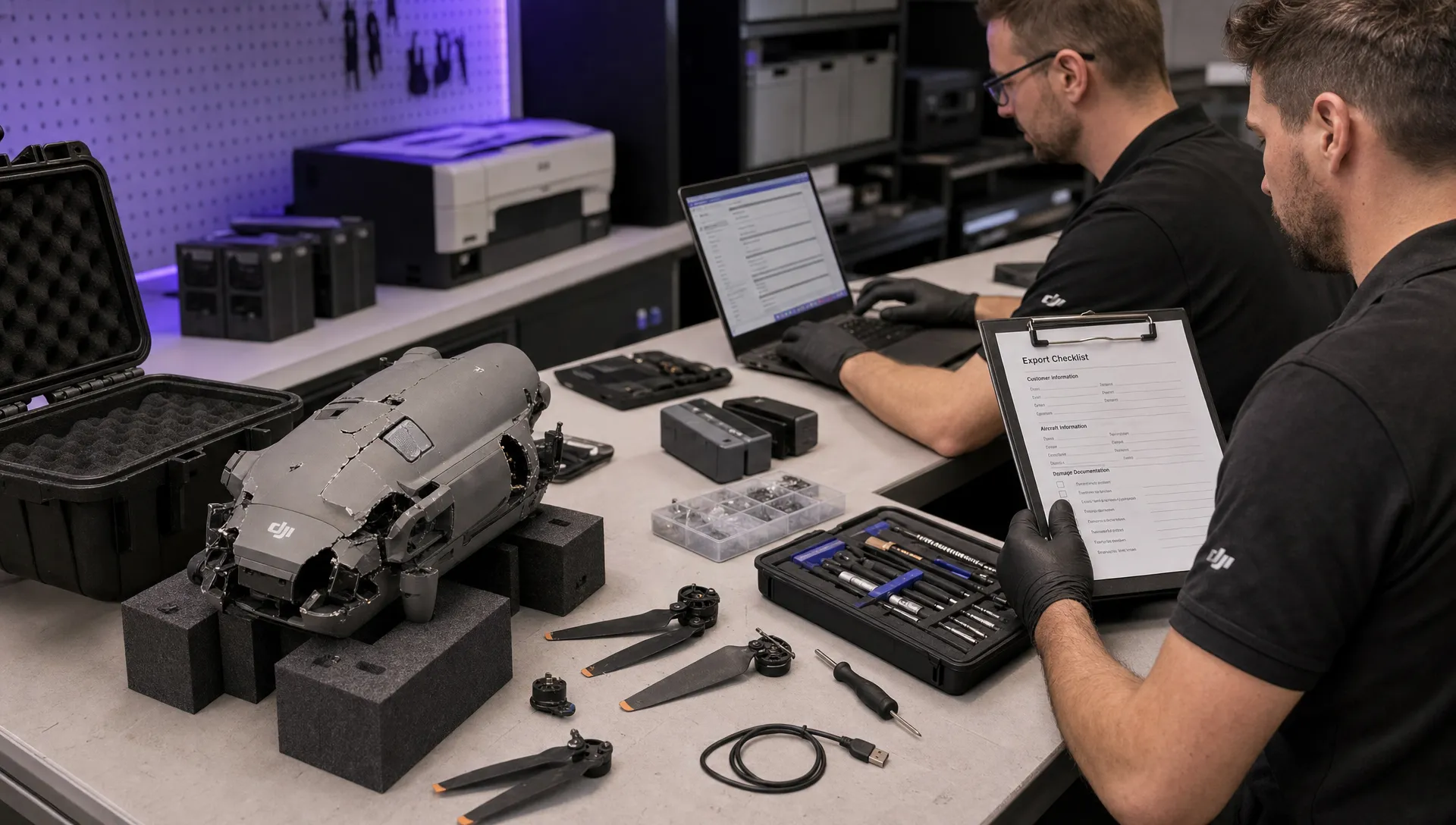 How to Export DJI Flight Logs for Incident Reviews →
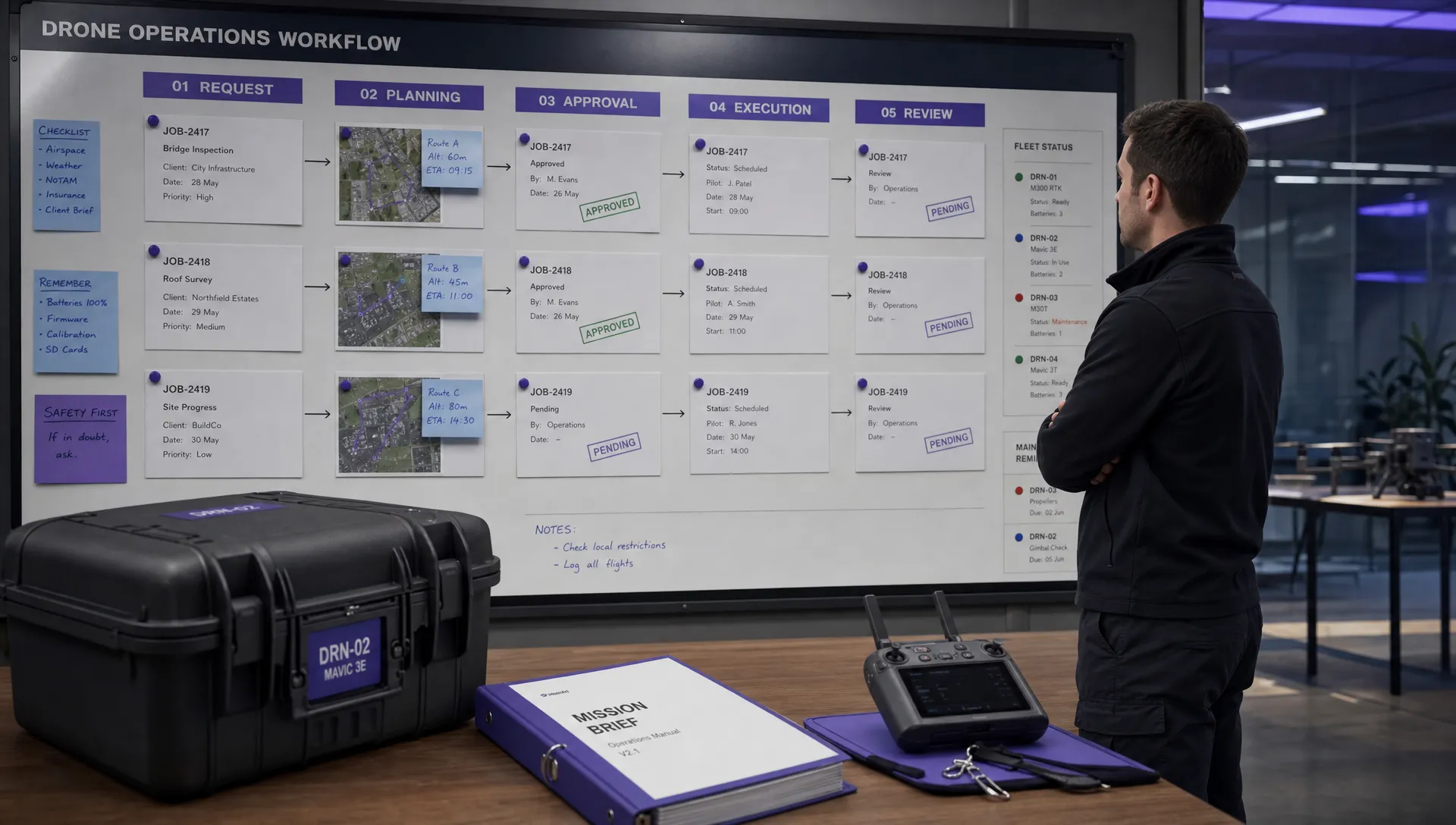 Drone Safety and Legal Duties for Business Operations →
 EASA Drone Regulations: Open, Specific and Certified Categories →