
On the Fly App for Drones: A Pilot's Guide to Agility
You’re on site. Batteries are warm, permissions are in place, the client is waiting, and the aircraft is ready to lift.
Then the plan breaks.
A crane that wasn’t there yesterday now sits inside your intended flight path. The landowner wants coverage of an adjacent area. Wind has shifted enough that your original route no longer feels sensible. None of that is unusual. It’s normal fieldwork.
The problem isn’t change itself. The problem is relying on a workflow that only works when nothing changes. That’s where the idea of an on the fly app matters for drone operations. Not as a gimmick, and not as a single calculator on a phone, but as a way to keep planning, risk, communications, and records moving together when the mission changes in real time.
The Moment Your Drone Flight Plan Fails
The most dangerous part of a drone job often isn’t the takeoff. It’s the moment the original plan stops matching the world.
A utility inspection is a good example. You arrive expecting a straightforward capture run along a fixed asset line. On the ground, you find a temporary works vehicle parked closer than expected, a crew working under the structure, and a client contact asking for extra imagery of an area that wasn’t in the brief.
Now you’ve got three choices. Ignore the changes and fly the old plan. Abort the whole job. Or adapt properly.
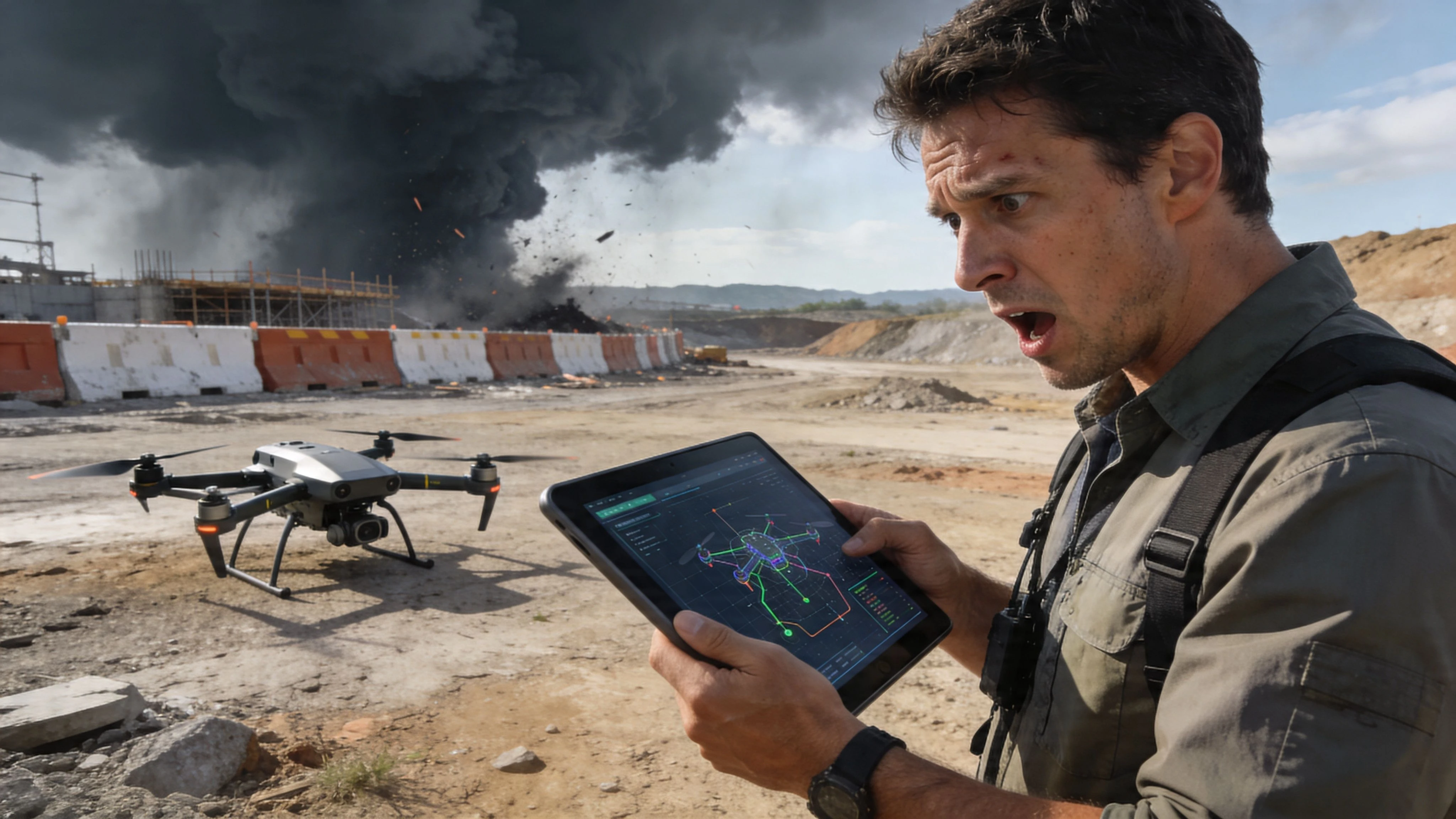
What usually goes wrong
Most pilots don’t struggle because they lack flying skill. They struggle because their operational system is fragmented.
One app holds the checklist. Another has the site notes. Airspace sits somewhere else. Client changes come in by text. A revised hazard note gets scribbled on paper or stored in someone’s camera roll. At that point, the mission may still happen, but control starts slipping.
Common field failures look like this:
- Outdated assumptions: The pilot flies to a route built on yesterday’s site conditions.
- Unlogged changes: The mission shifts, but the audit trail doesn’t.
- Team disconnects: The pilot knows the new plan, but the office, observer, or second pilot doesn’t.
Small changes in the field become safety problems when they aren’t captured as operational changes.
What experienced operators do instead
A solid operator treats the plan as live, not fixed.
That doesn’t mean improvising recklessly. It means adjusting with discipline. If the obstacle changes, the route changes. If the client adds scope, permissions and risk controls get checked again. If weather shifts, the flight profile gets reconsidered before anyone launches.
I’ve seen jobs recover cleanly when the operator could update the mission while standing on site, with everyone working from the same current version. I’ve also seen simple jobs become messy because the pilot tried to manage a live operation with static paperwork.
That difference is the true meaning of on the fly.
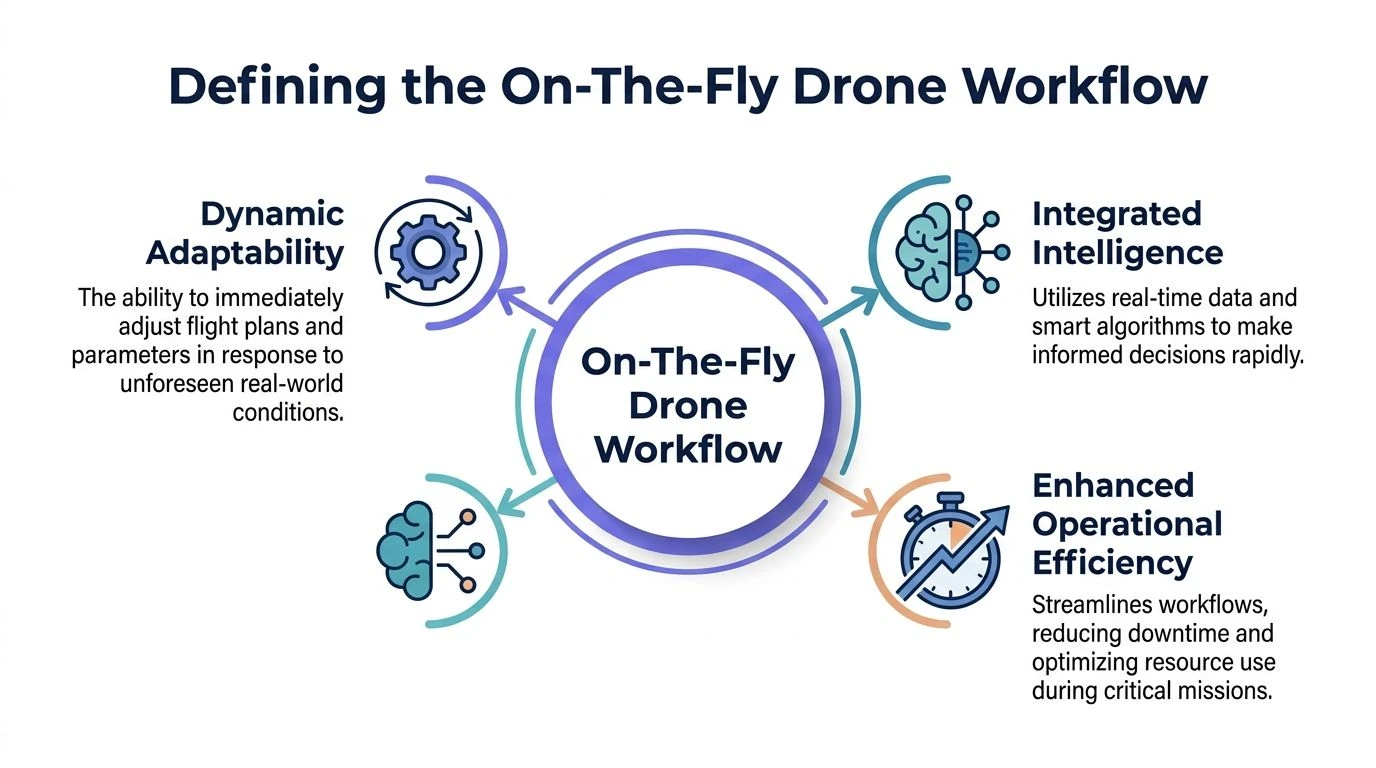
Defining the On-The-Fly Drone Workflow
An on the fly app in drone work shouldn’t mean a basic field utility that solves one small task. It should mean a connected workflow that lets you make operational decisions in the field without losing safety, compliance, or coordination.
That’s the key distinction. A calculator helps you compute. A workflow system helps you operate.
It’s closer to live operations management
A useful analogy comes from hospitality software. Compeat’s On The Fly mobile app lets restaurant managers monitor live sales, labor, and food cost data so they can act the same day instead of waiting for end-of-day reporting. The app description says that access to today’s performance can support timely adjustments that boost profitability by 5 to 10% (Apple App Store listing).
Drone operations need the same mindset. Not the restaurant metrics, obviously. The principle.
When a pilot is in the field, the questions are immediate:
- Is the airspace picture still acceptable?
- Has the site risk changed?
- Did the job scope just expand?
- Does the team need a new task allocation?
- Will the records still make sense later if this mission is reviewed?
If your answers sit in separate tools that don’t talk to each other, you’re not running on the fly. You’re patching together workarounds.
The workflow has three moving parts
A proper on-the-fly drone workflow rests on three elements.
| Element | What it means in practice |
|---|---|
| Live situational awareness | You can see current operational context, not just the pre-flight snapshot. |
| Connected updates | Changes made in the field become visible across the operation. |
| Persistent recordkeeping | Mid-mission decisions are captured, not remembered later from memory. |
That’s why the phrase matters. It shifts the pilot’s role from following a frozen plan to managing a live operation.
Practical rule: If a change affects route, risk, scope, or responsibility, it needs to enter the workflow, not stay in someone’s head.
What it is not
It’s not winging it.
It’s not making up procedures because the client is impatient. And it’s not replacing pre-flight planning with guesswork. Good on-the-fly operations depend on strong pre-planning. The difference is that the system stays useful when reality diverges from the plan.
That’s the standard professionals should aim for.
Core Features of On-The-Fly Systems
You can tell quickly whether a platform supports real field agility or just looks tidy in the office. The test is simple. When the mission changes, does the system help you adapt cleanly, or does it force you into side notes, screenshots, and memory?
The strongest systems share a small set of capabilities.
Bi-directional sync
This matters more than many teams realise.
If the pilot updates a mission note, risk item, or flight detail in the field, that change should appear in the central operation record. If the office updates a task or adds information, the field team should see it without waiting for a separate call or email.
Without bi-directional sync, everyone starts operating from different versions of the mission.
A good planning stack also needs to support rapid edits without breaking the structure of the job. If you’re reviewing options for that side of operations, a dedicated guide to a drone flight planner workflow is worth reading alongside your app selection process.
Live intelligence layers
A proper on the fly app for drones needs more than a map.
It should bring live operational context into the same workspace where decisions happen. That can include airspace status, proximity concerns, job details, aircraft assignment, and team responsibilities. The exact mix will vary by operation type, but the pattern stays the same. You need current context beside the active mission.
What doesn’t work is forcing the pilot to bounce between separate tools while conditions are changing.
Dynamic risk assessment
The mission risk profile doesn’t stay frozen after takeoff prep.
A new vehicle enters the site. Pedestrian movement increases. A client asks for a different angle that pushes the aircraft closer to a structure. Those are operational changes, and the risk assessment should reflect them.
Look for systems that support:
- Editable hazards: You can add or change field hazards without rebuilding the whole job.
- Decision traceability: The reason for the change is captured while it’s fresh.
- Operational prompts: The platform nudges the pilot to review linked impacts, not just type a note.
Team communication inside the job record
Phone calls and messaging apps are useful, but they’re weak as the primary record.
If one pilot diverts to a new area and another picks up the original zone, the instruction should live with the mission. That protects the team later when someone asks who changed what and why.
A message thread can help you coordinate. It rarely gives you a clean audit trail.
Field-ready usability
This is the feature list people ignore until they’re standing outdoors with gloves on, battery clocks running, and a client watching.
If an app takes too many taps, hides critical actions, or assumes strong connectivity at all times, the field team will bypass it. Once that happens, the process is broken even if the software looks impressive in a demo.
The best systems are the ones crews will still use when conditions stop being neat.
Achieve Safer and More Productive Drone Flights
A flexible workflow isn’t just convenient. It changes the quality of the mission.
When an operator can update the job as conditions shift, safety improves because the aircraft is no longer being flown against stale assumptions. Compliance improves because the record reflects what happened. Productivity improves because the team spends less time rebuilding the job after the fact.
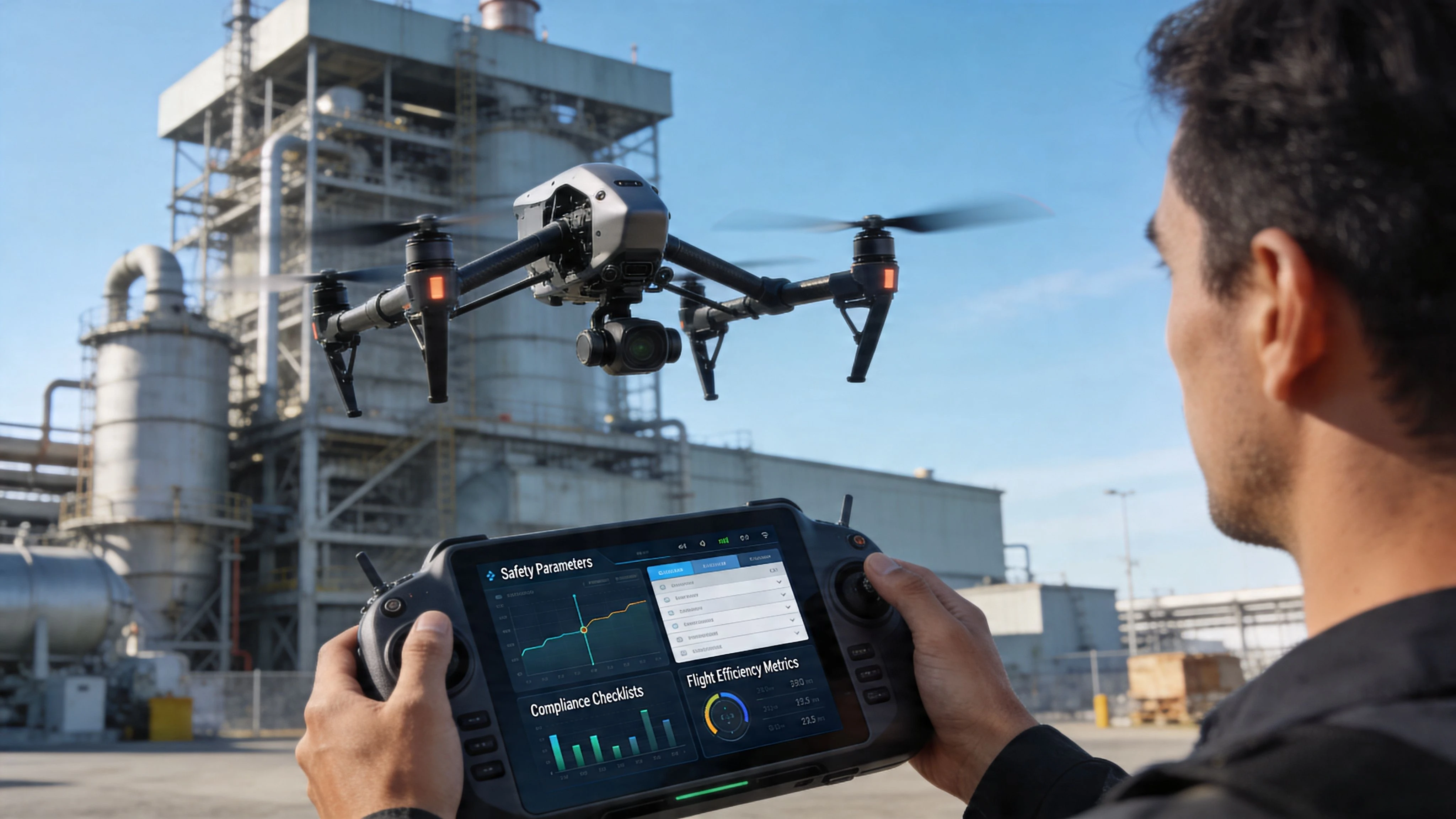
Safety improves when the plan can move
Field risk is rarely dramatic at first. More often, it drifts.
A delivery truck parks where your return route was meant to run. A crew starts work under the structure you planned to inspect. The wind doesn’t force a cancellation, but it does make your original path less sensible. A rigid workflow encourages pilots to squeeze those changes into the old plan. That’s where avoidable mistakes happen.
An on-the-fly workflow supports a safer habit. Stop, update, confirm, continue.
If the environment changes, the safe response is to change the operation, not to defend the original plan.
Compliance gets easier when records are integrated
Many teams experience the pain of using too many standalone apps.
The challenge isn’t only speed. It’s consistency. Verified app-market data notes that drone teams combining data from standalone tools with airspace intelligence can face 15 to 20% error rates in proximity calculations, and integrated platforms can cut administrative burden by up to 40% for regulatory recordkeeping (Apple App Store listing).
That matters because compliance reviews are unforgiving. If your route changed, your supporting record needs to show it clearly. If one team member captured a field measurement in one app and another updated the mission elsewhere, mismatch risk rises fast.
Productivity rises when adaptation is built in
The fastest team isn’t the one that never changes plan. It’s the one that absorbs change without chaos.
That can mean adding a requested capture, reallocating a task, or adjusting a route after a site briefing. If the workflow supports those updates cleanly, you keep moving. If it doesn’t, every change creates more admin, more calls, and more rework.
For operators who depend on visual awareness during active jobs, resources on real-time monitoring via live feeds can also help frame how live visual context supports faster field decisions, especially on inspections and industrial work.
The real payoff
The value isn’t only fewer delays.
It’s that the team can stay professional under pressure. Clients notice that. Regulators notice that. Internal managers notice that. A workflow that holds together when the site shifts is what separates a competent drone business from one that only looks organised before takeoff.
On-The-Fly Workflows in Action
The best way to judge an on the fly app is to watch what happens when the mission moves off-script. The following scenarios are where a connected workflow earns its place.
Infrastructure inspection with a new defect
A pilot arrives to inspect a structure and starts with a preplanned route. Midway through the site walk, the client identifies an area of concern that wasn’t in the original brief. It needs imagery now, while the team is already mobilised.
In a weak workflow, the pilot captures the extra area informally and plans to sort out the paperwork later. That usually creates confusion in the deliverables, weakens the mission record, and leaves the office team guessing about why the extra captures exist.
In a stronger workflow, the operator updates the mission scope on site, adjusts the planned flight activity, logs the reason for the additional capture, and keeps the new task tied to the same operational record. The result is cleaner for everyone. The pilot knows what changed. The client gets the evidence they asked for. The back office doesn’t have to reconstruct the job from memory.
That kind of use case is common in technical sectors. If your work sits in asset-heavy environments, this overview of Drones in Engineering is a useful companion read because it reflects how quickly field requirements can evolve on engineering projects.
Surveying job with live sync problems
Surveyors feel this issue more sharply than most because mapping workflows punish disconnects.
A common frustration with apps built for on-the-fly topography work is the lack of smooth live transfer from DJI aircraft into the working environment. Reviews and forum questions often mention data import delays, along with trouble handling GPS drift or altitude corrections during active surveys (Google Play listing).
When that happens in the field, the pilot loses confidence in the current dataset. The team starts second-guessing what has synced, what needs exporting, and whether the model they’re building still reflects the aircraft’s latest position data.
The practical lesson is simple. If your survey workflow relies on manual export as the normal path, it isn’t on the fly.
Multi-pilot mission with a hardware problem
A larger team job exposes a different weakness. One pilot has an aircraft issue after setup, but the site window is still usable and another team member can cover part of the work.
Ad-hoc coordination either works beautifully or becomes a mess.
A strong workflow lets the team lead reassign task ownership, adjust flight zones, record the reason for the change, and keep the mission record coherent. A weak workflow spreads those updates across calls, text messages, and handwritten notes.
If you want to see how operators think about reducing that admin burden at scale, this write-up on real-world results saving time and reducing admin gives useful context for the operational side of platform choice.
Good dynamic operations don’t remove structure. They preserve structure while the mission changes.
How Dronedesk Enables Dynamic Operations
For drone teams, the hardest part of working on the fly isn’t recognising that change happens. It’s keeping planning, intelligence, records, and team coordination connected while that change happens.
That’s where an integrated platform earns its place. Dronedesk is strongest when you treat it as the operational system of record rather than just a planning add-on.
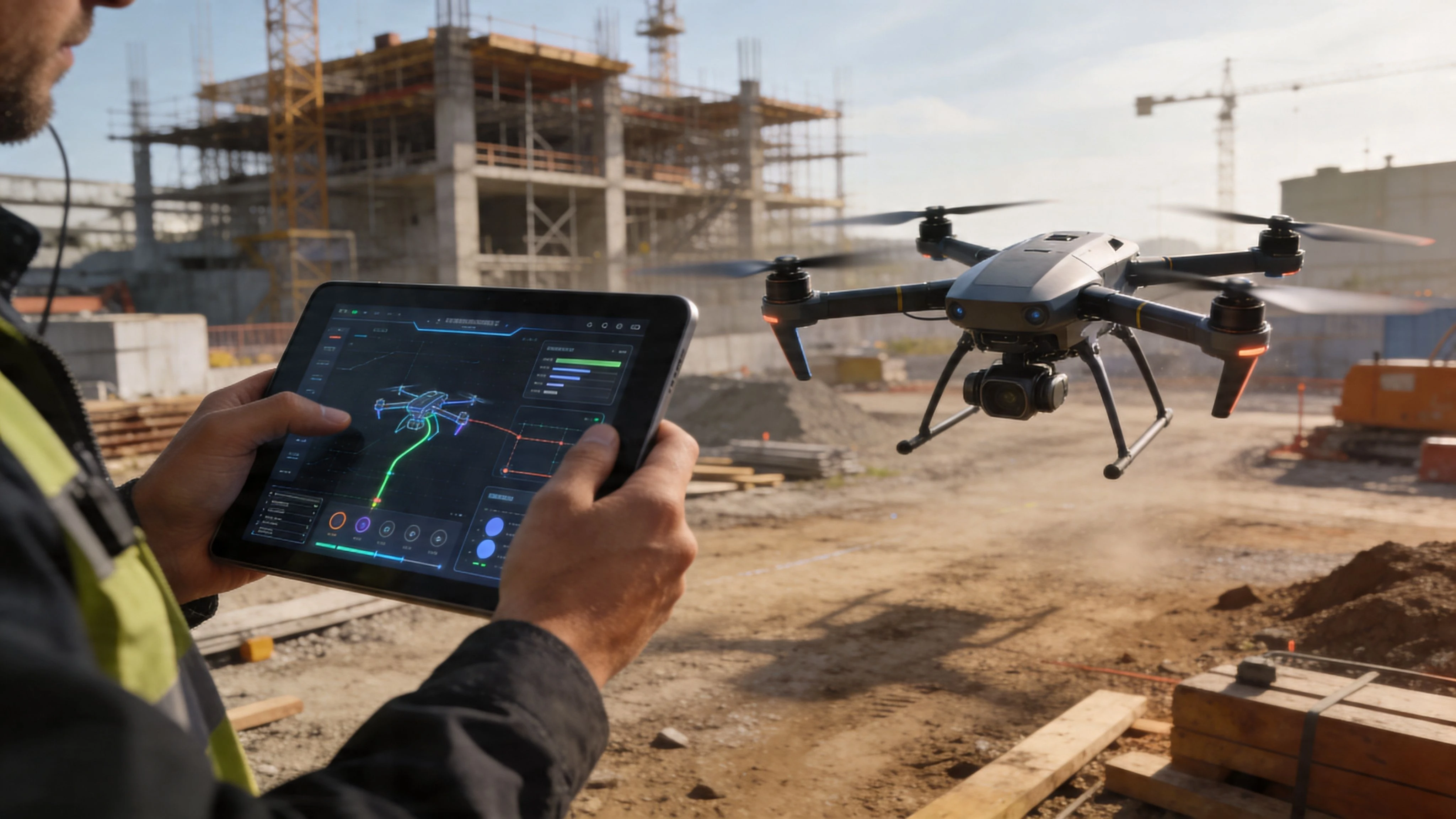
Direct syncing reduces field friction
One of the biggest practical failures in drone workflows is manual movement of data between tools.
That’s especially painful in survey and inspection work, where pilots need flight records, mission context, and job documentation to stay aligned. Dronedesk’s direct DJI syncing matters because it removes a major source of delay and inconsistency. Instead of treating aircraft data as something you tidy up later, it becomes part of the operational flow.
That’s what most field teams need from an on the fly app. Less exporting. Less duplication. Fewer chances to lose context.
Live intelligence belongs inside the operation
A dynamic mission only works if the pilot can assess current conditions from the same operational environment where the job is being managed.
Dronedesk’s airspace and proximity capabilities are central here because they let teams evaluate live constraints alongside the rest of the mission record. If you want to look closely at that layer, the platform’s airspace intelligence tools show why integrated context is more useful than checking separate maps in isolation.
Connectivity still matters in the field
Even the best platform can’t fix a bad field connection by magic.
There’s a useful analogy from remote application streaming. AppOnFly states that an optimal 1080p experience requires 25Mbps bandwidth and latency under 40ms (system requirements). Drone operations aren’t the same as cloud gaming, but the comparison is still practical. Reliable syncing of telemetry, mission updates, and field changes depends on a stable connection that won’t choke under live operational load.
That means good teams plan for connectivity the same way they plan for batteries and weather. They check coverage. They know what can be done offline. They understand when to sync and when to pause.
It solves the scale problem better than app stacks
Solo pilots can get away with a patchwork setup longer than teams can.
Once multiple aircraft, multiple pilots, and office oversight enter the picture, standalone apps start creating hidden process debt. One tool handles field notes. Another stores logs. Another covers planning. Another tracks assets. The pilot may cope, but the operation becomes harder to supervise and harder to audit.
Dronedesk works better in that environment because it pulls those operational threads together. That’s what makes it suitable for agile missions. Not because it encourages improvisation, but because it keeps change inside a controlled system.
Best Practices for Ad-Hoc Drone Missions
Technology helps, but field discipline is what keeps dynamic operations safe. The pilots who handle unexpected changes well usually follow the same habits.
Build a dynamic mission checklist
Don’t rely on your normal pre-flight list alone. Keep a second checklist for changes that happen after arrival.
Include items such as:
- Scope change check: Confirm whether the client has altered the deliverable, area, or priority.
- Site change review: Note any new obstacles, vehicles, people, or works activity.
- Authority check: Confirm you still have the right permissions for the adjusted task.
Use one communication path for operational changes
If a job update matters, it should go through the same agreed channel every time.
That may be inside your operations platform, or it may begin with a call followed by an in-system log entry. What doesn’t work is letting some changes live in texts, some in verbal briefings, and some nowhere at all.
When teams argue about what was agreed on site, the real problem is usually that nobody captured the change properly.
Verify the data after the mission shifts
Any mid-mission change creates a chance for mismatch.
Check that the flight activity, captured outputs, updated risk notes, and assigned responsibilities still line up. This is especially important after route changes, task handoffs, and added capture requests.
Manage the client in real time
Clients often assume a quick adjustment is always simple.
Sometimes it is. Sometimes a “small extra shot” changes the risk picture, the permissions, or the deliverable structure. Explain that clearly, and do it on site while the decision is still current. Good clients usually respect that approach because it sounds like what it is: professional control.
Frequently Asked Questions About On-The-Fly Operations
How do you keep a clean audit trail when the flight plan changes mid-mission
Use a system that records updates inside the mission record itself.
The key is to log the change when it happens, not after the fact. Capture what changed, who approved it, and what operational impact it had. If the platform separates planning, flight records, and notes too aggressively, the audit trail gets weaker.
What if there’s poor or no signal on site
Assume this will happen sometimes and plan for it before deployment.
Use tools that support offline work where possible, then sync once the connection is stable again. Keep critical operational information available on device before travel. For remote sites, decide in advance which updates must happen live and which can wait until connectivity returns.
Can solo operators use an on the fly app effectively
Yes, and solo pilots often benefit quickly because they feel admin friction immediately.
The main risk for solo operators is thinking speed means skipping structure. It doesn’t. The app should reduce mental load while preserving a clear record of the decisions you made in the field.
How do you get enterprise clients comfortable with more dynamic workflows
Frame it as controlled adaptation, not looser planning.
Enterprise clients usually don’t want improvisation. They want reliability. Show them that a dynamic workflow improves traceability, keeps risk assessments current, and reduces the gap between what happened on site and what appears in the final record.
What’s the clearest sign a tool isn’t fit for on-the-fly operations
The field team avoids using it when pressure increases.
If pilots revert to screenshots, paper notes, exports, and after-action reconstruction the moment a job changes, the software isn’t supporting real operations. It’s only supporting ideal conditions.
If your team wants one system for planning, logging, airspace checks, DJI syncing, fleet oversight, and day-to-day operational control, Dronedesk is built for exactly that. It helps solo pilots and larger teams run safer, cleaner, more adaptable drone operations without juggling disconnected apps.
 How to Build a Drone Pilot Flight Log That Is Audit Ready →
 FAA Drone Licence Requirements for Commercial Pilots →
 FAA BVLOS Waivers Granted: What Successful Cases Show →
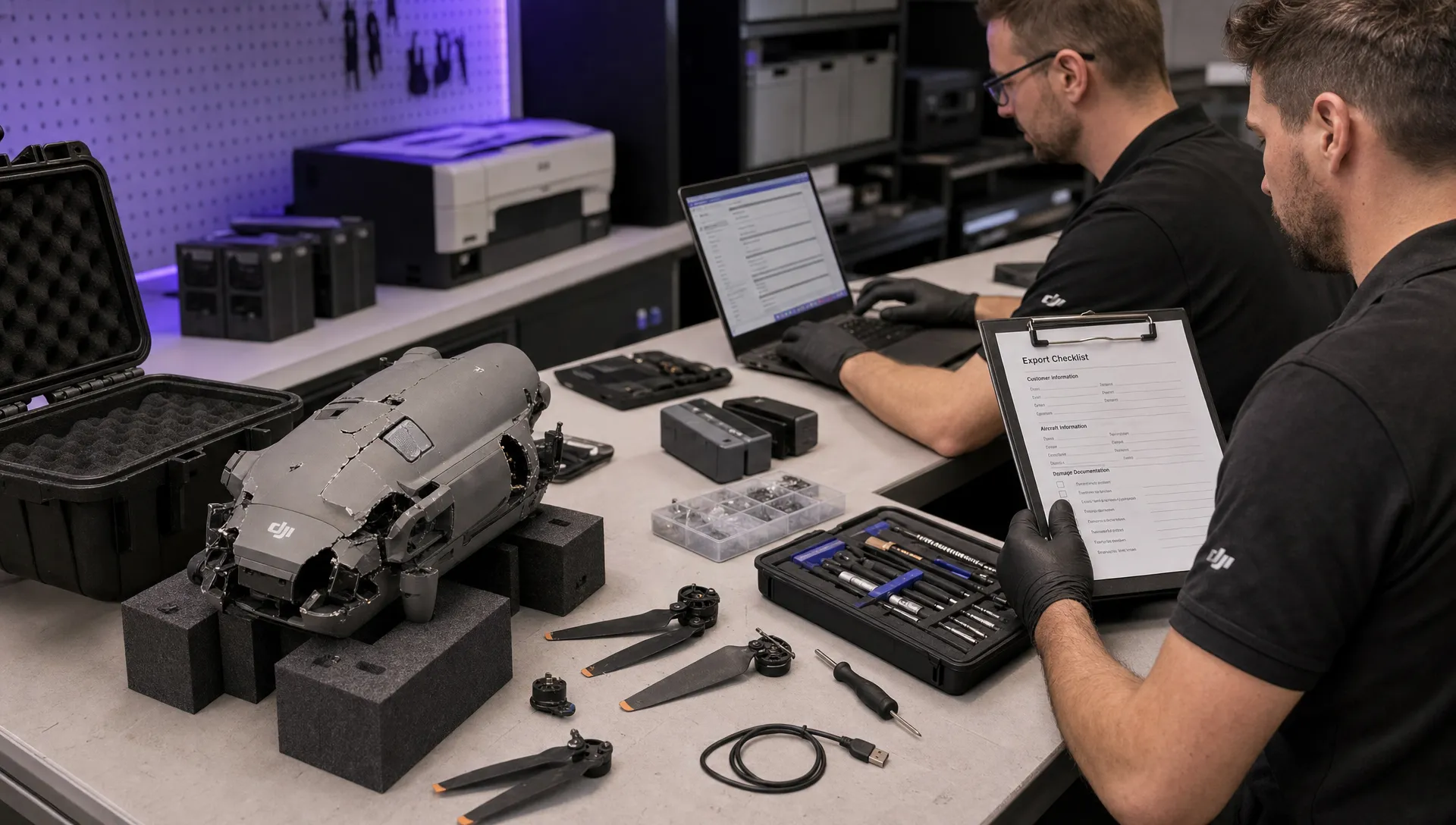 How to Export DJI Flight Logs for Incident Reviews →
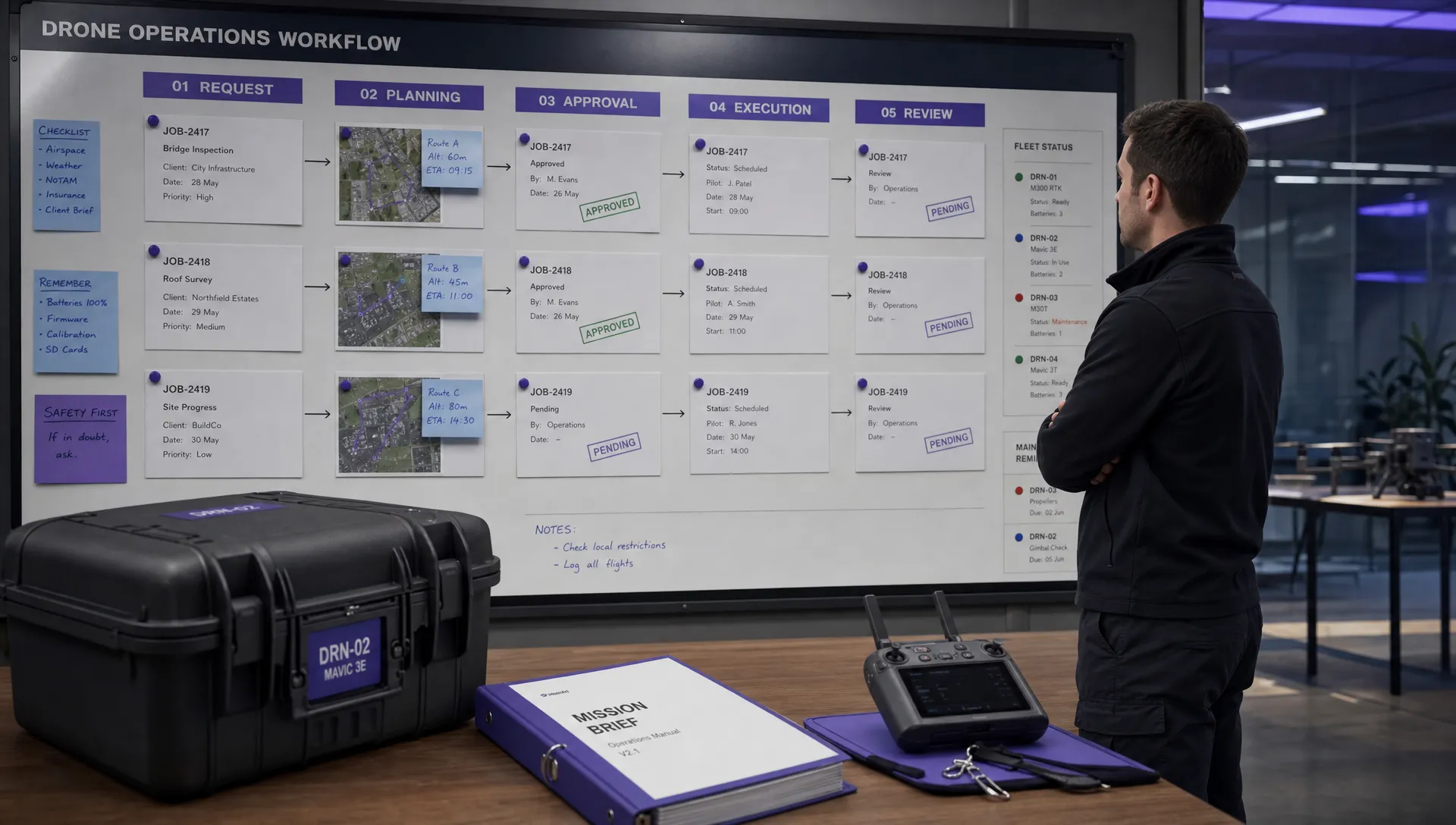 Drone Safety and Legal Duties for Business Operations →
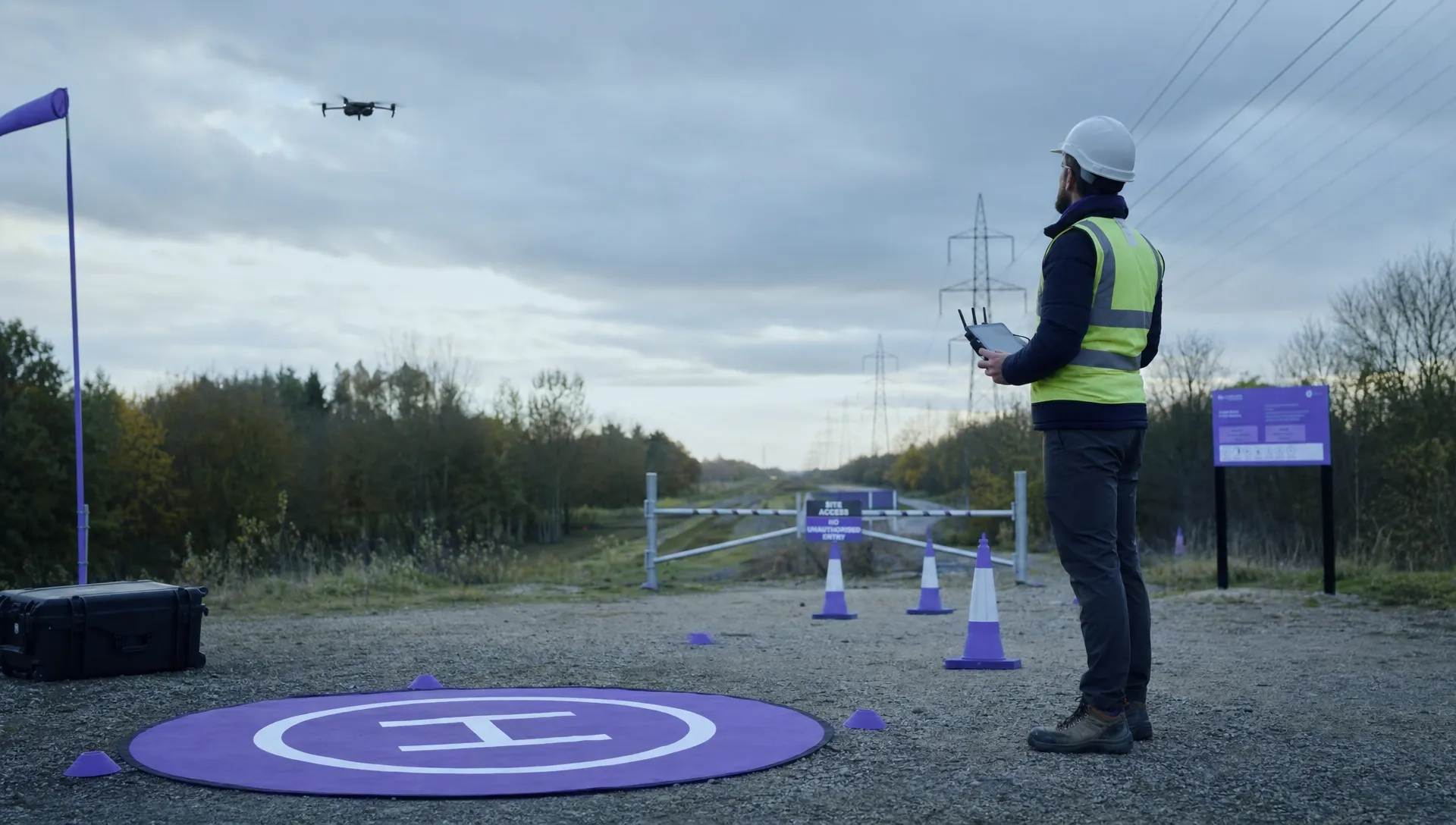 EASA Drone Regulations: Open, Specific and Certified Categories →
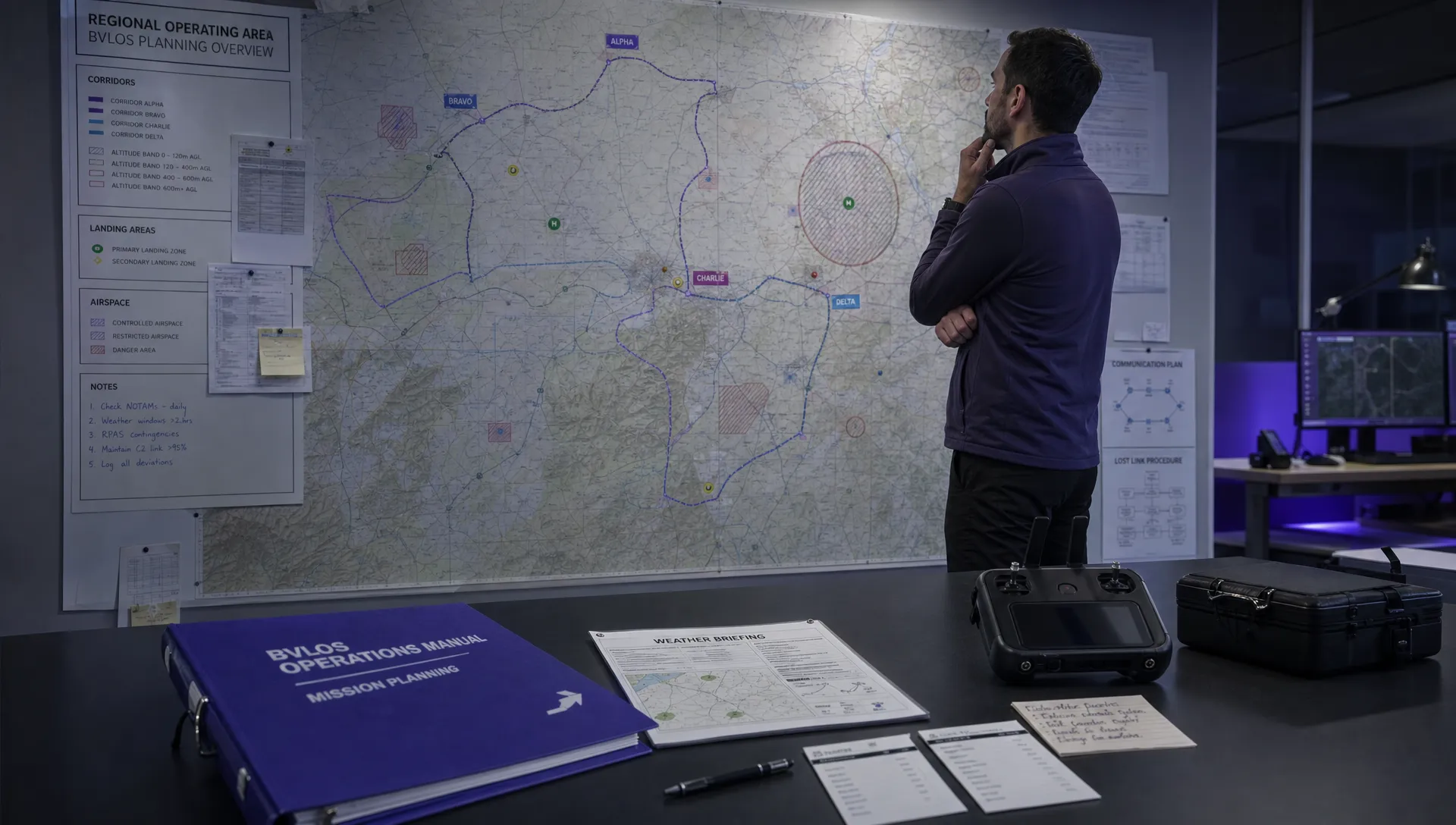 What the BVLOS ARC Report Means for UAS Operators →
 Free Drone Pre-Flight Checklist for Commercial Missions →
 Contingency Volume and Flight Risk Buffer Explained →
 FAA Policy Changes That Commercial Drone Teams Should Track →