
Mastering the Navigation Log Aviation's Essential Roadmap
Think of a navigation log in aviation as the detailed, turn-by-turn roadmap for a flight. It documents absolutely everything, from your route and headings to fuel burn and arrival times. It's both a critical planning tool you complete on the ground and a live record you update in the air. Essentially, it's the mission's blueprint, ensuring a safe, efficient, and predictable journey from takeoff to touchdown.
What Is an Aviation Navigation Log
At its heart, a navigation log is so much more than paperwork. It’s the story of a flight, written before the aircraft ever leaves the ground. This document meticulously outlines every segment, or "leg," of the journey, turning abstract flight goals into a series of concrete, flyable steps.
Imagine trying to drive across the country with nothing but a single, large-scale highway map. Sure, it shows your destination, but it's missing the critical details: where to stop for gas, how long it takes between cities, and what to do if there's a road closure. The nav log fills these gaps for a pilot, creating a detailed itinerary that accounts for variables like wind, aircraft performance, and fuel burn.
The Dual Role of a Nav Log
The real genius of a navigation log is its dual purpose. It works as both a planning instrument before you go and a real-time tracking sheet once you're flying.
- Pre-Flight Planning Tool: Before you even think about starting the engine, you're at your desk with the nav log, calculating vital numbers. This is where you figure out the correct headings to fly, estimate your time for each leg, and plan for fuel consumption—all with the required safety reserves. It’s a methodical process of managing risk before it ever becomes a problem.
- In-Flight Management Record: Once airborne, the log transforms into a dynamic worksheet. Pilots jot down actual departure times, note when they pass over waypoints, and constantly compare their planned figures with real-world performance. This ongoing check-in allows for immediate adjustments if the flight starts to stray from the plan.
This rhythm of "plan the flight, fly the plan" is a cornerstone of good airmanship. Whether you're a student pilot learning to do these calculations by hand or a commercial drone operator managing a complex survey, mastering the nav log is a fundamental skill.
The navigation log is the physical manifestation of a pilot's situational awareness. It forces you to think through every phase of the flight, anticipate challenges, and confirm your progress along the way. That's precisely why it remains a critical part of training, even in an age of advanced GPS.
Ultimately, this document is the single source of truth for the mission. It ensures every decision is backed by careful calculation and verified by what you're seeing out the window. Grasping this is essential before we dive into the more advanced components and digital tools later in this guide.
Core Components of a Standard Aviation Navigation Log
To really understand how a nav log works, it helps to break it down into its core parts. The table below gives you a quick reference for the essential data points you'll find in almost any nav log, whether it's for a Cessna 172 or a commercial drone flight.
| Component Category | Data Points Included | Purpose in Flight Planning |
|---|---|---|
| Route & Waypoints | Checkpoints, VORs, GPS coordinates, leg distances | Defines the flight path and breaks the journey into manageable segments. |
| Altitude & Airspeed | Planned cruising altitude, true airspeed (TAS) | Determines aircraft performance, fuel burn, and time calculations. |
| Wind & Correction | Forecast wind direction/speed, wind correction angle (WCA) | Accounts for wind's effect, allowing calculation of true heading and groundspeed. |
| Headings & Tracks | True course, true heading, magnetic heading, compass heading | Provides the actual headings to fly to maintain the desired course over the ground. |
| Time Calculations | Estimated time en route (ETE) per leg, cumulative ETE | Predicts flight duration and helps monitor progress against the plan. |
| Fuel Management | Fuel burn rate, fuel required per leg, total fuel, reserves | Ensures the aircraft has sufficient fuel for the entire flight plus a safety margin. |
| Actuals & Notes | Actual time of arrival (ATA) at waypoints, actual fuel burn | Used in-flight to compare planned vs. actual performance and make adjustments. |
As you can see, each piece of information builds on the last, creating a complete operational picture of the flight from start to finish.
Decoding Each Field of the Navigation Log
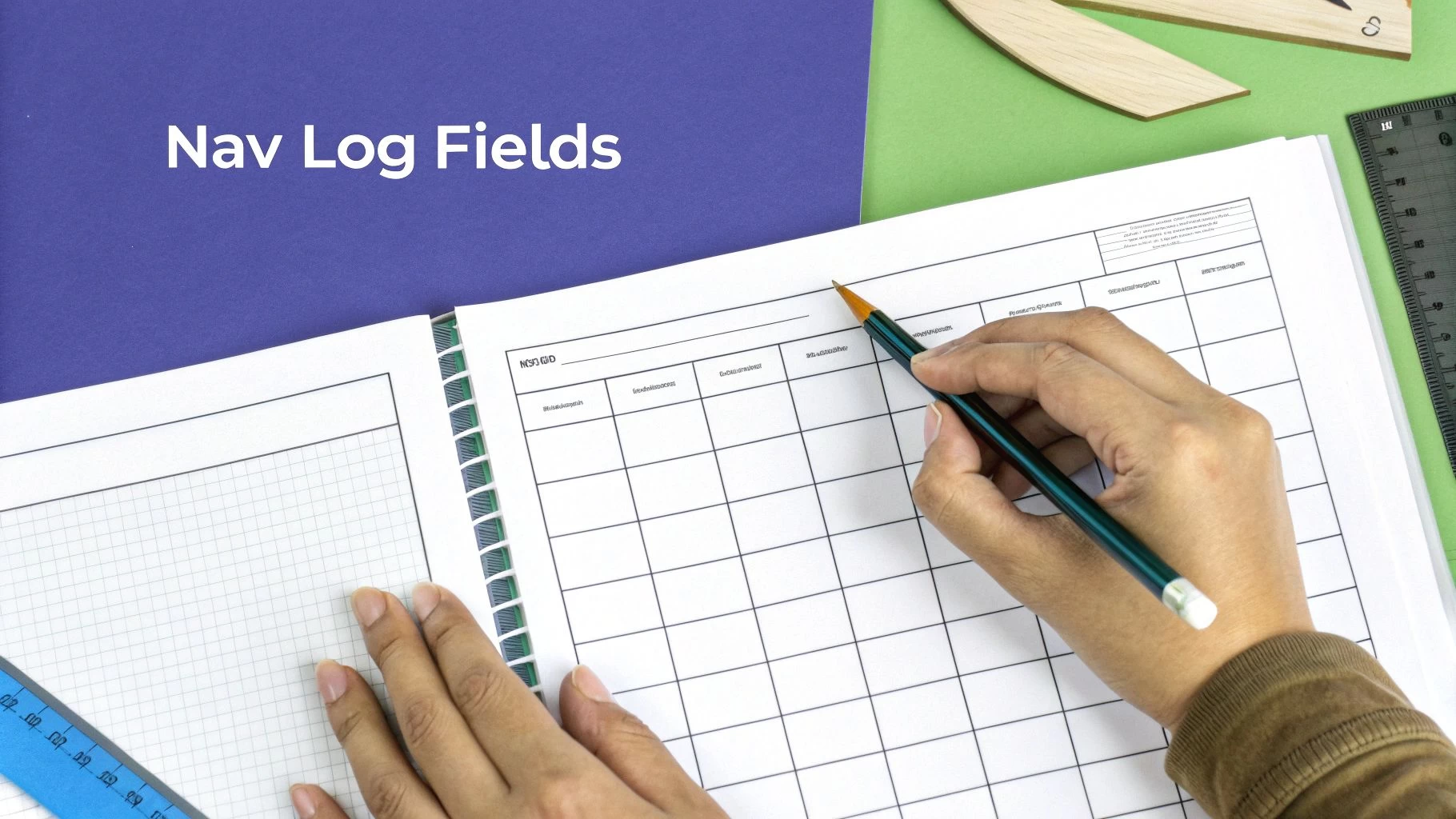
A blank nav log can look pretty intimidating. It's a grid of columns, strange abbreviations, and empty boxes just waiting for numbers. But don't think of it like a tax form; it's more like a recipe for a safe and successful flight.
Once you understand what each field is for, the log transforms from a confusing chart into your most powerful flight planning tool. The whole process starts by breaking your flight down into manageable chunks, or legs. Each row on your log represents one of these legs, usually defined by two waypoints.
Waypoints and Course Plotting
The very first step is to define your path. You'll select a series of waypoints—specific geographic points that mark your route from departure to destination. These aren't just random spots on a map; they are carefully chosen landmarks that build your route.
- For VFR Flights: These could be towns, lakes, airports, or even prominent VOR radio navigation aids. Anything you can reliably spot from the air.
- For Drone Missions: Waypoints are often precise GPS coordinates that outline the corners of a survey area or mark inspection points on a building.
After plotting your waypoints on a chart or digital map, you draw a line between each pair to establish your true course (TC). This is simply the direction of your intended flight path, measured in degrees clockwise from true north. It's the perfect-world track you'd follow if there were no wind at all.
This initial course is the bedrock for all your other calculations. Getting it right is non-negotiable.
The Heading Correction Sequence
Now we get to the heart of the nav log: turning that line on the map into a heading you can actually fly. Your aircraft’s compass doesn't point to true north, and the wind is always trying to push you off course. The log provides a step-by-step sequence to account for these forces.
A navigation log is fundamentally a tool for managing variables. It forces a pilot to systematically account for wind, magnetic variation, and compass deviation to translate a line on a map into a precise heading on an instrument.
This correction process follows a clear, logical flow:
- True Course (TC): This is your starting point—the intended path over the ground relative to true north.
- Wind Correction Angle (WCA): You adjust your TC for wind to get your True Heading (TH). This is the direction the aircraft's nose must point to counteract wind drift and stay on the desired course.
- Magnetic Variation: Next, you apply the local magnetic variation (found on your chart) to your TH to find the Magnetic Heading (MH). This corrects for the difference between true north and magnetic north.
- Compass Deviation: Finally, you adjust your MH using the aircraft's specific compass deviation card to get your Compass Heading (CH). This is the actual heading you will see and fly on the aircraft's magnetic compass.
Mastering this sequence is the core of dead reckoning and an essential skill for any pilot.
Time, Speed, and Distance Calculations
With your headings sorted, the next block of fields tackles time, speed, and distance. This is where you figure out how long the flight will take and how fast you’ll actually be moving across the ground.
You start with your aircraft's True Airspeed (TAS), which you'll find in the Pilot's Operating Handbook (POH) for your planned altitude and power setting. After factoring in the forecasted winds aloft, you can calculate your Ground Speed (GS). A headwind means your GS will be lower than your TAS; a tailwind means it will be higher. Simple as that.
Once you know your ground speed and the distance of each leg, you can calculate the Estimated Time En Route (ETE). These individual ETEs are then added up to give you a cumulative time for the entire flight, which is perfect for monitoring your progress in the air.
Fuel Planning and Management
This is arguably the most important section of any nav log. Running out of fuel is a completely preventable emergency, and meticulous planning is your best defense. Using your aircraft's known fuel burn rate (in gallons or pounds per hour), you calculate the fuel required for each leg based on its ETE.
Of course, your calculation has to include more than just the cruise portion:
- Fuel for taxi and takeoff
- Fuel for the climb to your cruise altitude
- Required fuel reserves (e.g., an extra 30-45 minutes of flight time, per regulations)
A good pilot always knows exactly how much fuel they need, how much they have, and how much they expect to land with. This kind of disciplined tracking is a hallmark of professional airmanship.
The precision of modern navigation logging systems can capture minute-by-minute position data, including latitude, longitude, ground speed, altitude, and heading. For drone operations, management platforms serving both large enterprises and solo operators maintain similarly rigorous logs. These detailed records help operators analyze performance, optimize flight paths, improve safety, and prove compliance to clients and regulators alike. You can discover more insights about aviation data reporting on platforms like FlightAware.com.
Seeing It in Action: Aircraft and Drone Log Examples
Theory is one thing, but seeing a completed navigation log is what makes it all click. A nav log transforms from a blank grid into the living story of a flight. To really bridge that gap from concept to reality, let's walk through two distinct, real-world examples.
First, we'll look at a classic Visual Flight Rules (VFR) flight plan for a manned aircraft to see how traditional planning works. Then, we’ll switch gears and analyze a drone-specific log for a commercial mission, highlighting the unique data points essential for unmanned operations.
Manned Aircraft Example: A VFR Cross Country
Picture a pilot prepping for a VFR flight in a Cessna 172, flying from Johnson County Executive Airport (OJC) to Springfield-Branson National Airport (SGF). This is a pretty standard cross-country trip where a detailed nav log isn't just a good idea—it's vital for safety and staying ahead of the aircraft.
The pilot starts by plotting the route on a sectional chart, picking out waypoints like Butler Memorial Airport (BUM) and Stockton Municipal Airport (MO3) to break the flight into manageable legs.
- Leg 1: OJC to BUM: The pilot calculates a true course of 165° for a distance of 45 nautical miles.
- Leg 2: BUM to SGF: The second leg follows a true course of 140° over 60 nautical miles.
With the route sorted, it's time to fill out the log. Using the weather forecast, the pilot notes the winds aloft are from 240° at 15 knots. This is crucial for calculating the Wind Correction Angle (WCA) and ground speed for each leg. After factoring in magnetic variation and compass deviation, the pilot has the exact compass headings to fly.
According to the Pilot's Operating Handbook (POH), the Cessna cruises at a true airspeed of 115 knots and burns 8.5 gallons per hour. With these figures, the log gets populated with the estimated time en route (ETE) and fuel needed for each leg, plus the mandatory 45-minute fuel reserve. The final log is now a complete roadmap for the flight.
Once airborne, this log becomes a dynamic tool. The pilot jots down the actual time they pass over each waypoint and compares it to their estimate. If there's a big difference, it's a clear sign the winds have shifted, prompting them to adjust the plan for the next leg.
This systematic process is the bedrock of safe navigation, whether you're using a paper log or a digital app.
Drone Mission Example: A Commercial Survey Flight
Now, let's jump over to a commercial drone operator hired to survey a 50-acre construction site. The nav log here serves a similar purpose but has fields unique to drone ops. For a job like this, operators often use integrated platforms that automate a big chunk of the logging process.
Here’s what a modern digital flight planning interface looks like. It’s the kind of tool that generates the core data for a professional drone nav log.
This interface handles the automated plotting of waypoints and airspace checks, which are fundamental entries for any drone log.
The operator’s log for this survey mission will have the usuals—waypoint coordinates, headings, and altitudes. But it will also feature several drone-specific data points that are critical for keeping things safe and compliant.
Key Drone-Specific Log Entries:
- Battery Management: Instead of fuel, the log tracks battery health. It shows starting voltage, estimated flight time per battery (usually 20-25 minutes), and the calculated return-to-home (RTH) trigger point.
- Data Link Status: There are columns to monitor the strength of the command-and-control link and video feed. Any signal drop-off is noted immediately.
- Payload Settings: Details about the camera or sensor—like gimbal angle, camera mode, or ISO—are recorded. This ensures mission consistency and helps with post-flight data processing.
- Automated Flight Plan ID: When using an automated flight app, the mission file name or ID is logged for perfect traceability.
For professional operators, keeping these meticulous records isn't optional. You can dive deeper into creating the perfect record with our comprehensive guide to drone flight log templates. This level of detail is essential for proving compliance, troubleshooting problems, and delivering reliable results to clients.
A Step-by-Step Guide to Completing Your Nav Log
Think of filling out a navigation log in aviation less like a chore and more like building a bridge. Each calculation and entry is a support beam; when you’re done, you have a solid structure that will carry you safely from departure to destination. It's a disciplined process that ensures no beam is out of place, creating a flight plan you can count on.
This process flow shows the core planning stages for both traditional aircraft and modern drone operations.
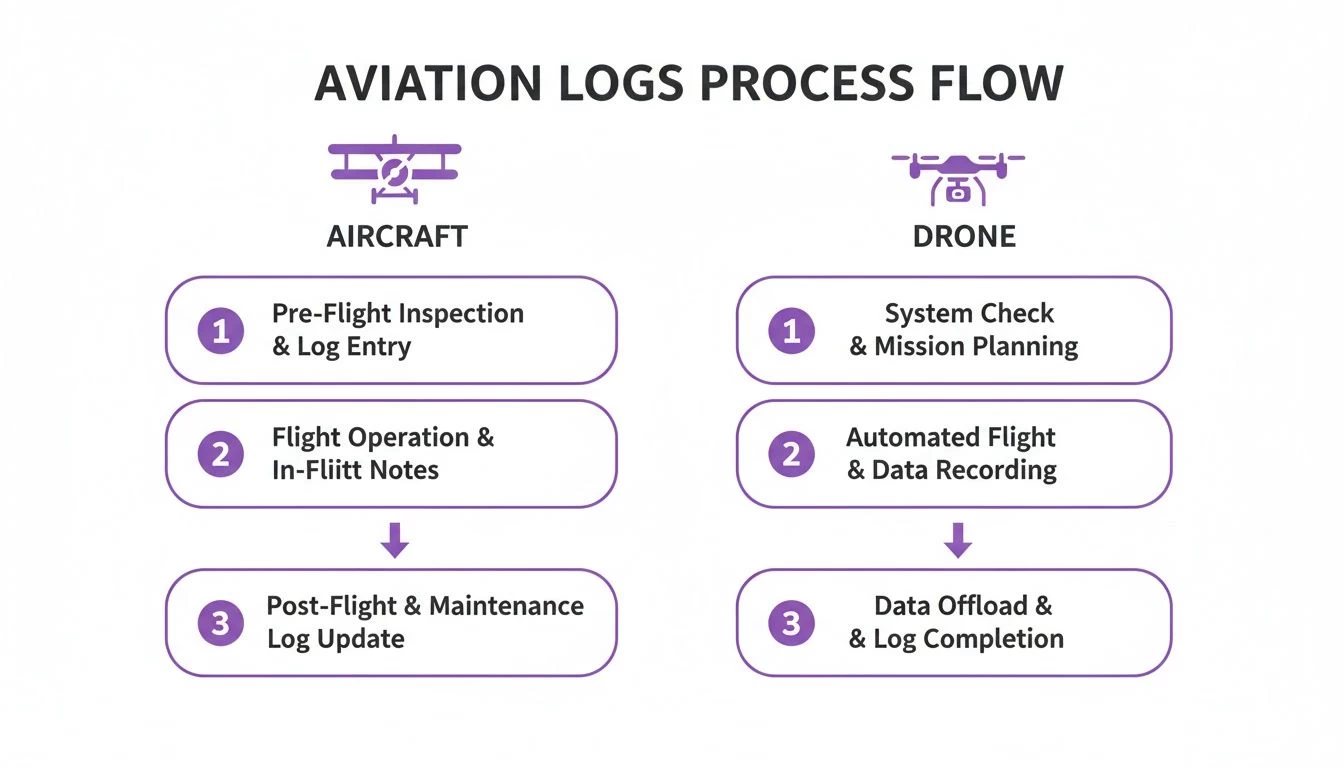
As you can see, the foundational planning steps are pretty much universal. The real difference comes down to the specific tools and data points required for each type of aircraft.
Step 1: Gather Your Mission Briefing and Weather Data
Before a single number hits the paper, you need to understand the mission's "what" and the environment's "how." This always starts with a thorough weather briefing. Don't just glance at the destination forecast; scrutinize the entire route. You need to know the winds aloft at your planned altitude, potential cloud layers, and any significant weather systems moving through the area.
Next, pull up all the Notices to Air Missions (NOTAMs) for your route. These alerts give you the heads-up on critical info that won't show up on standard charts, like temporary flight restrictions (TFRs), runway closures, or unlit obstacles. This initial data-gathering phase is the bedrock of your entire plan.
Step 2: Plot Your Route and Identify Waypoints
With a clear picture of what you'll be flying into, it's time to draw your line on the map. Using a sectional chart or your favorite flight planning software, plot the most logical and safest route from Point A to Point B.
Then, break that total route into smaller, manageable legs by selecting distinct waypoints. These are crucial checkpoints that help you monitor your progress once you're in the air.
- For Aircraft: Choose prominent visual landmarks like towns, lakes, airports, or VORs. Easy to spot from the cockpit.
- For Drones: Waypoints are often precise GPS coordinates that define a survey grid or an inspection path.
For each leg, measure the true course and distance. This route plotting forms the skeleton of your navigation log, and now you're ready to add the muscle.
Completing a navigation log is an exercise in disciplined thinking. It forces you to move from the big picture—the overall route—down to the granular details of headings, fuel burn, and time, ensuring every aspect of the flight has been considered before you leave the ground.
Step 3: Calculate Performance, Heading, and Fuel
Now for the fun part—filling in the core columns of your log. Using your aircraft or drone's performance data and the winds aloft you gathered earlier, you'll calculate the essential numbers for each leg of your flight.
- Calculate Headings: Start with your true course. From there, apply corrections for wind (your Wind Correction Angle, or WCA), magnetic variation, and compass deviation. The result is the final compass heading you'll actually fly.
- Determine Ground Speed: This is where you factor in the wind's effect on your true airspeed to calculate your ground speed (GS). A headwind will slow you down, while a tailwind will give you a nice push.
- Estimate Time En Route (ETE): With your ground speed and the distance of the leg, you can now calculate how long it'll take to fly.
- Plan Fuel or Battery: Based on the ETE and your platform's burn rate or battery consumption, figure out the fuel or power needed for each leg. And always, always add your required reserves.
For drone operators, our guide on creating an effective drone flight plan dives deeper into battery planning specifics.
Step 4: Conduct a Final Pre-Flight Review
Don't just finish the log and call it a day. Conduct one final, meticulous review. Double-check all your math—a simple addition error on the ground can balloon into a serious problem in the air. Verify your headings and fuel calculations against your planned route one last time and make sure you haven't missed any last-minute NOTAMs.
This final check is your last chance to catch an error where it’s easy and safe to fix: right here on the ground.
Common Mistakes to Avoid When Logging Flights
Even seasoned pilots can get tripped up when filling out a navigation log in aviation. It’s easy to make small oversights on the ground that snowball into much bigger problems once you’re in the air. Think of your nav log as your first line of defense; meticulous planning is what stands between you and in-flight uncertainty.
One of the most common traps I see is the over-reliance on digital tools. Apps and EFBs are fantastic, no doubt about it. But blindly trusting their output without knowing how to verify the numbers is a massive risk. It’s one thing to bring a digitally generated log to a checkride, but if you can’t explain how the true airspeed was calculated or why a certain heading was chosen, it flags a serious gap in your airmanship.
Another classic mistake is using outdated information, especially for magnetic variation. The Earth's magnetic field is always on the move. The variation printed on an old chart could easily be off by several degrees, which might not sound like much, but it’s enough to send your magnetic heading astray. Over a long leg, that small error compounds, pushing you significantly off course, burning extra fuel, and possibly leading to an airspace bust.
Inaccurate Calculations and In-Flight Neglect
You’d be surprised how often simple arithmetic errors creep in. A misplaced decimal in a fuel calculation or a basic addition mistake when totaling your estimated time en route (ETE) can have some pretty hairy consequences. Always, always double-check your math before you even think about heading out to the aircraft.
Here are three calculation-based blunders that happen all too often:
- Incorrect Wind Correction: It’s easy to misread winds aloft data or, even worse, apply the correction angle backward. Do that, and the wind will be pushing you far from where you intended to go.
- Forgetting Performance Adjustments: Failing to account for density altitude on a hot day will make your climb performance and fuel burn calculations completely useless.
- Ignoring Fuel Reserves: This one’s a biggie. Calculating just enough fuel for the trip without adding mandatory reserves isn't just poor planning—it’s a serious safety violation.
But perhaps the most dangerous mistake of all is treating the navigation log as a "set it and forget it" document. Its real job starts in the cockpit. If you’re not updating it with actual times over waypoints and actual fuel burn, you're flying blind to how your flight is actually progressing against your plan.
The Consequences of Poor Logging
These aren't just academic slip-ups. They have real-world consequences: you’ll burn more fuel, show up late, and in the worst-case scenario, compromise the safety of your flight. For commercial operators, sloppy logs can also mean a failed regulatory audit.
This level of diligence is now the industry standard, and it extends to professional drone operations as well. As aviation data management evolves, the expectation for detailed, accurate records through integrated platforms is the baseline for everyone. If you want to dive deeper into the scope of commercial aviation data management, the folks at Cirium.com have some great insights.
Ultimately, building disciplined logging habits and using digital tools that automate and verify your calculations is just part of modern airmanship.
The Shift to Digital Navigation Logs
The era of the paper navigation log is quietly coming to a close. In its place, powerful digital solutions are completely changing the game for flight planning and record-keeping. While the core principles haven't changed, the way we execute them is now faster, more accurate, and plugged directly into the modern cockpit and operations centre.
This jump from paper to pixels is about so much more than just convenience. It’s a fundamental upgrade in how we operate, turning the static nav log into a dynamic, intelligent tool. For professional pilots and drone operators, getting on board with this shift isn't just a good idea anymore—it's a must.
Unlocking Efficiency and Accuracy
Digital navigation logs do away with the tedious, error-prone grunt work of manual calculations. Instead of spending ages hunched over a chart with a plotter and calculator, pilots can now whip up a complete, accurate flight plan in just a few minutes.
- Automated Calculations: The software does the heavy lifting, instantly figuring out headings, ground speed, ETE, and fuel burn using real-time weather and your aircraft’s performance data. This massively cuts down the risk of a simple math mistake, which can have serious consequences.
- Seamless Integration: These logs pull in live weather feeds, airspace data, and the latest NOTAMs, ensuring your plan is built on the most current information available.
- Simplified In-Flight Updates: Once you're airborne, digital logs can track your progress via GPS, automatically logging your actual times over waypoints. If you need to divert, it can recalculate everything on the fly.
Going digital transforms the navigation log from a historical record into a live situational awareness tool. It frees up your mental bandwidth to focus on what matters: flying the aircraft, not wrestling with paperwork.
For those looking to overhaul their entire workflow, you can learn more about the broader benefits of a digital pilot logbook for all-around better record-keeping.
Enhancing Compliance and Analysis
Beyond the flight deck, digital logs are a game-changer for compliance and post-flight analysis. For any commercial operator, keeping meticulous, easily accessible records is non-negotiable. Digital platforms make this a breeze, storing every flight log securely in the cloud.
As aviation leans more into digital tools, it’s useful to see how larger organizations handle their internal processes. You can get some perspective on the hidden complexity of communication in a 2,500 employee airline to understand the bigger picture.
This ability to instantly pull up and analyze flight data unlocks powerful insights. Fleet managers can spot operational trends, pilots can debrief their performance with pinpoint accuracy, and businesses can generate compliance reports with just a few clicks. Platforms like Dronedesk build the navigation log aviation pros need directly into a complete operational management system, creating a single source of truth for every mission from planning to the final report.
Common Questions About Aviation Navigation Logs
Even after you've got the basics down, a few practical questions always seem to pop up. Let's tackle some of the most common ones we hear from both seasoned pilots and professional drone operators, giving you the clear answers you need to fly with confidence.
Is a Navigation Log Legally Required for Every Single Flight?
That's a great question, and the real answer is: it depends on the flight. For almost any commercial operation, including professional drone missions under FAA Part 107, keeping detailed operational records isn't just a good idea—it's mandatory. These logs are your proof of due diligence and professionalism.
Now, for a private pilot on a clear VFR day in a Cessna, is there a strict legal mandate to have a nav log filled out and on board? Not always. But it's taught for a reason and is universally considered a cornerstone of good airmanship. It's your primary tool for staying ahead of the aircraft.
What’s the Best Way to Adjust My Log for Changing Weather?
Think of your navigation log as a living document, not something set in stone. Your pre-flight numbers are all based on forecasts, which are essentially just educated guesses about what the atmosphere will do. Once you're airborne, you have to constantly check your actual ground speed and track against what you planned.
If you find your actual time over a waypoint is way off from your estimate, that's a huge red flag that the winds aloft are not what you expected.
The professional move here is to immediately note the actual conditions right on your log. Use this new, real-world data to quickly re-calculate your heading, ground speed, and fuel burn for the next leg of your journey. This dynamic approach is what keeps your plan relevant and, more importantly, keeps you safe.
Can I Just Use an App Instead of a Paper Log?
Yes, and if you're operating professionally, you absolutely should be. Digital navigation logs and Electronic Flight Bags (EFBs) are the standard in modern aviation, and that includes the commercial drone world. They offer some massive advantages that paper just can't compete with.
Going digital isn't just about convenience; it directly boosts safety and efficiency:
- Automated calculations take the risk of simple but critical math errors right off the table.
- Real-time data integration means you have live weather and TFRs piped directly into your plan.
- Easy storage and retrieval turn a potential compliance headache into a simple, searchable archive.
Modern flight management platforms designed for aviation navigation log workflows don't just replace paper—they integrate planning into the entire operational lifecycle. It creates a seamless system from the initial client brief all the way to the final flight report, making the whole process more robust and less prone to error.
Ready to stop wrestling with spreadsheets and paper logs? Dronedesk integrates flight planning, risk assessments, and compliance tracking into one powerful platform. Plan smarter, fly safer, and grow your business by visiting https://dronedesk.io to start your free trial today.
 How to Build a Drone Pilot Flight Log That Is Audit Ready →
 FAA Drone Licence Requirements for Commercial Pilots →
 FAA BVLOS Waivers Granted: What Successful Cases Show →
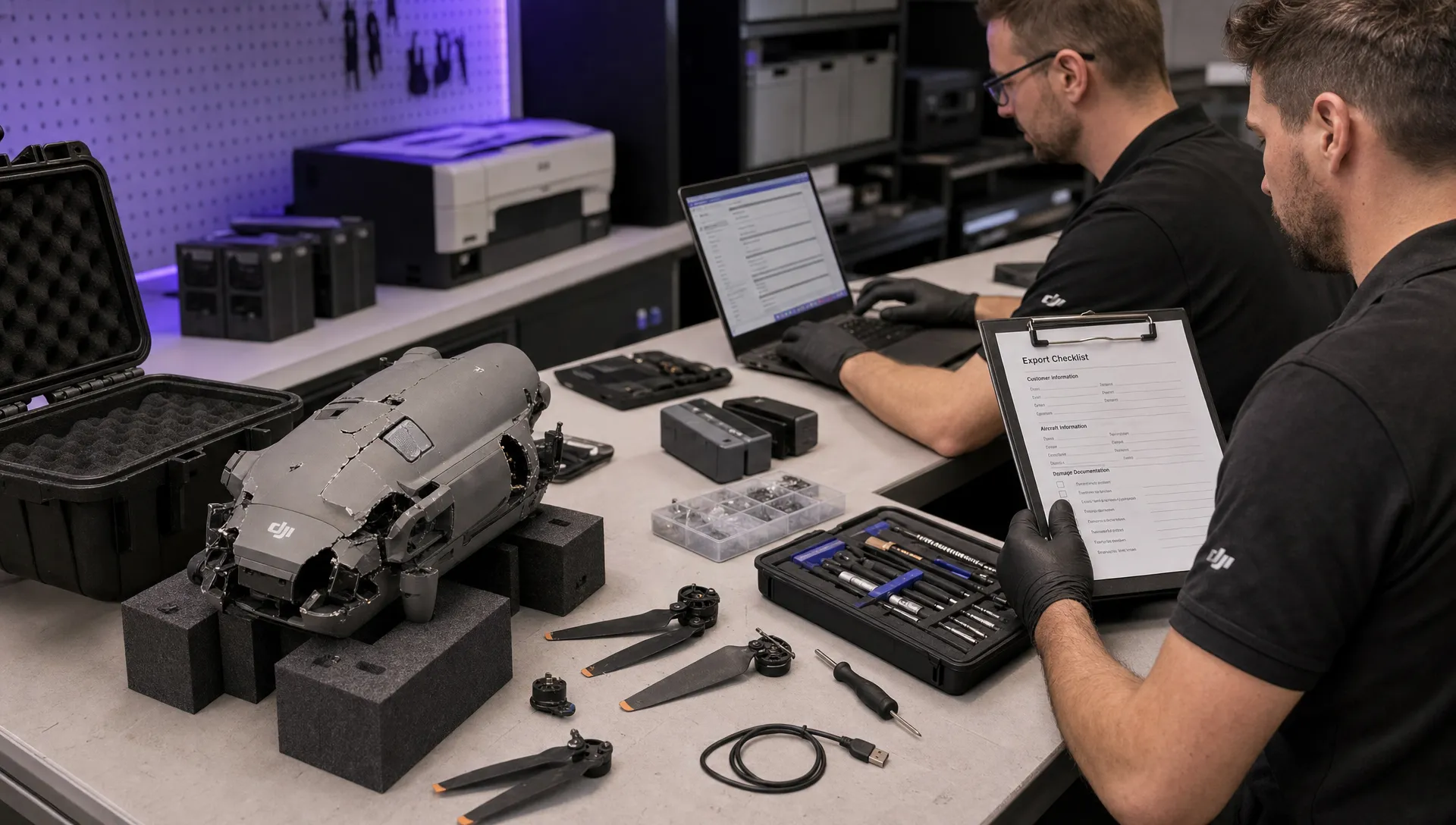 How to Export DJI Flight Logs for Incident Reviews →
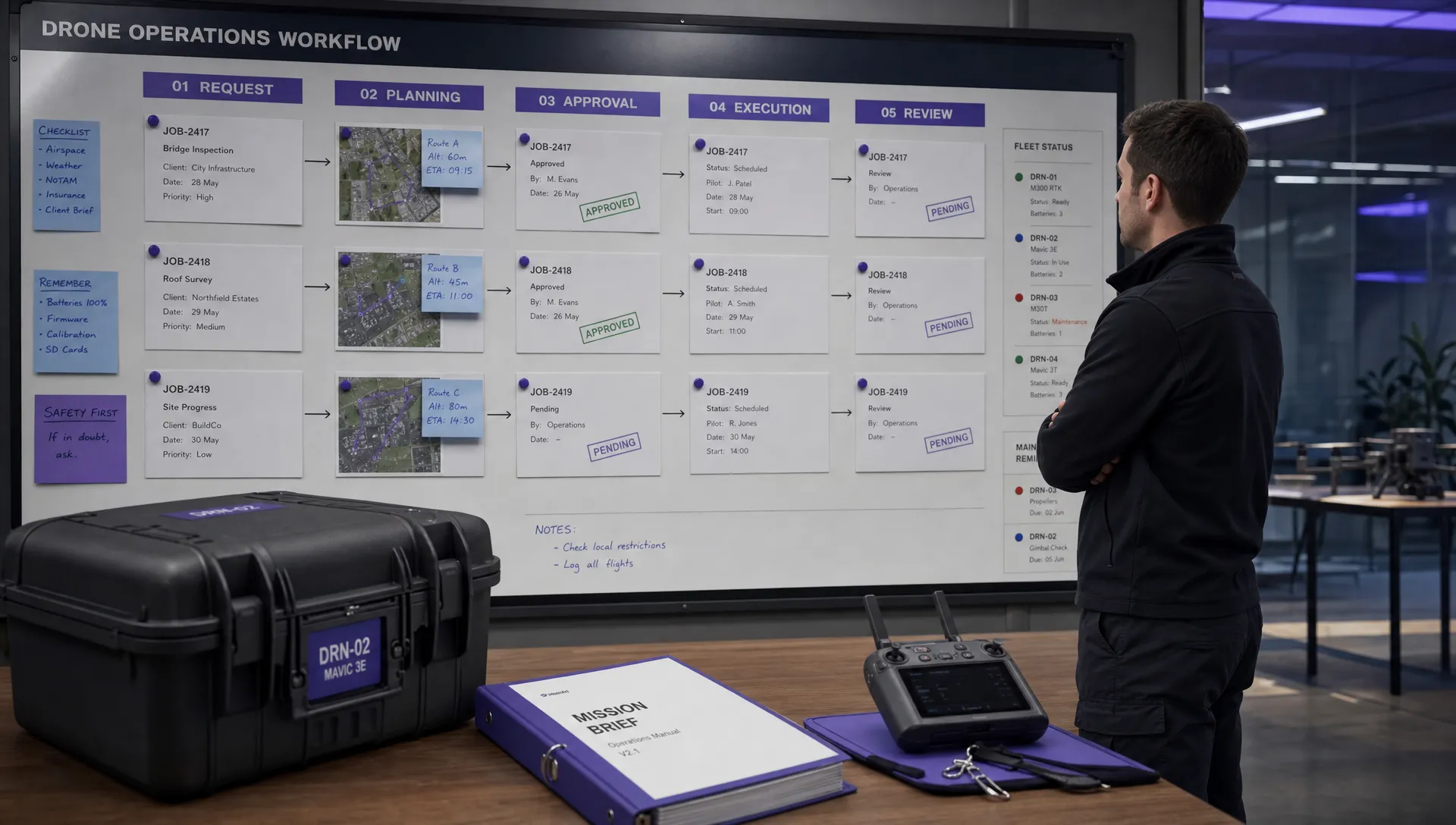 Drone Safety and Legal Duties for Business Operations →
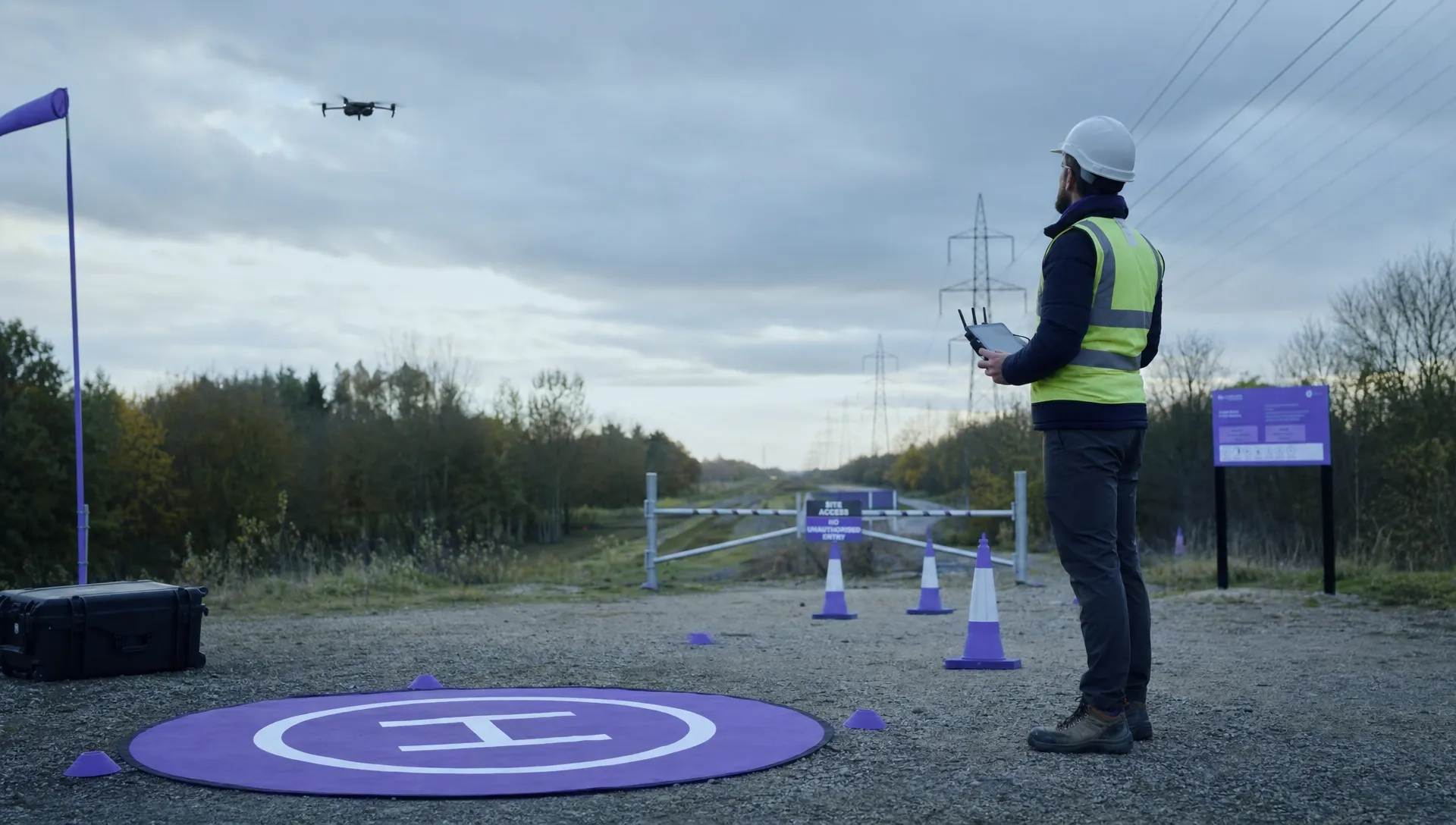 EASA Drone Regulations: Open, Specific and Certified Categories →
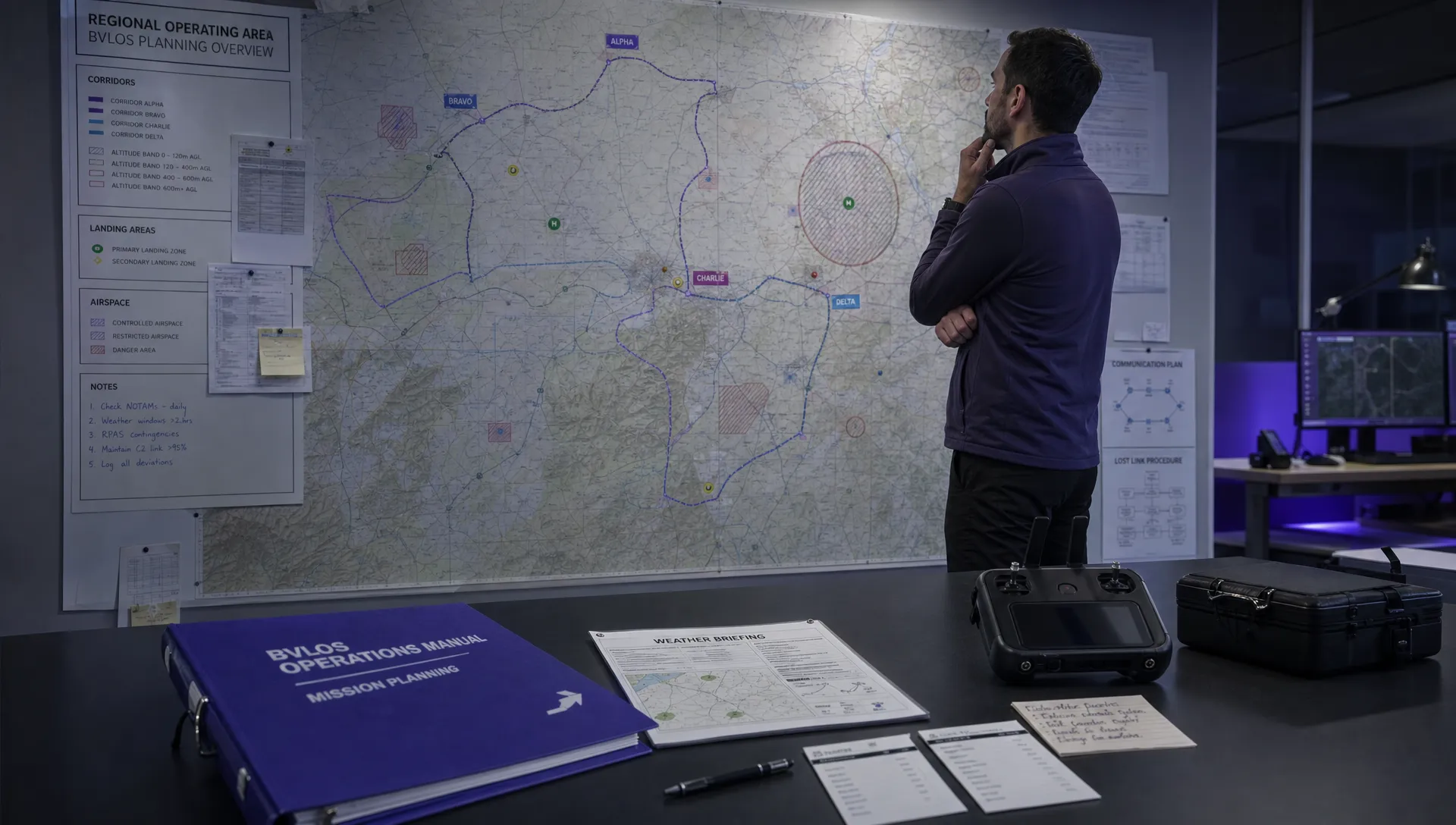 What the BVLOS ARC Report Means for UAS Operators →
 Free Drone Pre-Flight Checklist for Commercial Missions →
 Contingency Volume and Flight Risk Buffer Explained →
 FAA Policy Changes That Commercial Drone Teams Should Track →