
How Do I Register My Drone? Easy FAA Registration Guide
Before you even think about the paperwork, the first thing you need to figure out is whether you have to register your drone at all. In the U.S., it really boils down to two things: how much it weighs and what you're using it for. The magic number is 250 grams (that's about 0.55 pounds). If your drone weighs that much or more, it needs to be registered with the FAA, no matter if you're flying for fun or for a job.
First Check if Your Drone Needs Registration

Before diving into how to register, you have to know which set of rules you're playing by. The Federal Aviation Administration (FAA) has two main lanes for drone pilots, and knowing which one you're in is the first step to staying on the right side of the law.
Recreational vs. Commercial Flights
So, are you just flying for the sheer joy of it? Maybe capturing some cool shots of your family vacation or a weekend hike? That’s what the FAA calls a recreational flight. The rules here are a bit more relaxed, but that weight limit is non-negotiable—if your drone is over 250 grams, it still needs to be registered.
On the other hand, if you’re getting paid or using your drone for any kind of business, you’re flying commercially. This falls under the FAA's Part 107 rules. Think real estate photos, construction site monitoring, or even shooting video for a client's wedding. This path requires more than just drone registration; you'll also need a Remote Pilot Certificate. If you're doing something like a wedding, it's a good idea to brush up on specific legal tips for drone wedding photography to make sure all your bases are covered.
The weight is the crucial first check. If you're not sure, dig out your drone's manual or hop on the manufacturer's website. Look for the official takeoff weight and see if it tips the scales past 250 grams.
This isn't some niche requirement, either. The drone community is massive. In the United States alone, there are over 1.61 million registered recreational drone owners. That number tells you just how standard this process is for anyone with a drone heavier than a couple of sticks of butter.
To help you figure this out quickly, here's a simple table.
Drone Registration at a Glance
This table breaks it down so you can see exactly where you stand based on your drone's weight and how you plan to fly it.
| Drone Weight | Your Flight Purpose | FAA Registration Required? |
|---|---|---|
| Under 250g | Recreational (Fun) | No |
| Under 250g | Commercial (Work) | Yes |
| 250g or more | Recreational (Fun) | Yes |
| 250g or more | Commercial (Work) | Yes |
As you can see, the only time you can skip registration is if your drone is super lightweight and you're only flying for fun. Any commercial use, regardless of weight, means you have to register.
Once you know your drone's weight and your flight purpose, you'll know exactly what you need to do next. For a complete rundown on the rules of the sky, take a look at our deep dive into the latest regulations at https://blog.dronedesk.io/new-drone-laws/.
Gathering Your Essentials for FAA Registration

Alright, so you’ve figured out your drone definitely needs to be registered. The next part is getting all your ducks in a row before you start the official process. Trust me on this—having everything ready to go turns what could be a headache into a simple five-minute task.
Think of it like prepping your gear before a flight. You wouldn't just show up to a location and hope for the best, right? Same principle applies here. You'll need some basic personal details and the specifics of your drone.
Your Pre-Flight Checklist
Before you even open the FAA's website, take a moment to pull together the following. It will make your life much easier.
- Your Legal Name and Physical Address: This has to be your official, government-ID info. No P.O. boxes or nicknames allowed here.
- A Valid Email Address: The FAA will send your registration certificate here, plus any renewal reminders. Use an email you actually check.
- Drone Make and Model: Something like "DJI Mavic 3" or "Autel EVO II." You can usually find this printed right on the drone’s body, on the box it came in, or in the manual.
- Credit or Debit Card: There’s a small registration fee that’s unavoidable. Right now, it's just $5, which covers you for a full three years.
Seriously, having just these four things sitting on your desk before you start is the secret to a painless registration. It stops you from having to dig through your wallet or flip your drone over looking for a model number mid-application. A little prep goes a long way when you're learning how do I register my drone the right way.
Navigating the FAADroneZone Registration Portal
Alright, with your details handy, it's time to get this done. The only place you should be heading is the official FAADroneZone website. Seriously, watch out for third-party sites that pop up in search results. They'll often charge you extra for a process that's incredibly simple and cheap to do yourself.
Once you land on the FAA's site, the first thing you'll do is create an account. It's the usual deal—email, secure password, and you're in. From there, the portal gives you a choice that sets the course for your entire registration.
Choosing Your Registration Type
This is the most important decision you'll make on the portal. You need to tell the FAA if you're flying for work or just for fun. The site will ask you to choose between registering under Part 107 or under The Exception for Recreational Flyers.
- Part 107: This is for any commercial work. If you're getting paid, this is you. Each drone you use for business gets its own unique registration number. The cost is $5 per drone.
- Recreational Flyer: This is for hobbyists who only fly for fun. You'll register yourself as the pilot, not the individual drones. You pay a single $5 fee and get one registration number to put on all the drones you own.
This simple infographic gives you a quick visual of how the process flows.

As you can see, no matter which path you take, the core steps are the same. You pick your category, pay the small fee, and get your certificate. The FAA has made it pretty straightforward for everyone.
Entering Your Details Securely
After you've picked your registration type, you'll be asked to enter the information you collected earlier—name, address, and drone details (if you're registering under Part 107). The portal is secure, so you can feel confident putting in your payment info for the $5 fee.
Once you've paid, your registration number and confirmation will pop up almost instantly.
Pro Tip: Grab a screenshot of your confirmation page right away. The FAA will email you the official certificate, but having a quick backup of your registration number means you can label your drone and get flying without delay. It’s a simple step for instant peace of mind.
Having that number immediately means you have proof of registration before the official PDF even hits your inbox. Now that you're registered, the next step is knowing exactly what to do with that new number.
Labeling Your Drone and Carrying Your Certificate

So, you've got your registration number. That’s a big step, but you're not quite ready for takeoff. Just having the number isn't enough; you need to display it on your drone and always have proof of registration with you when you fly.
Think of the registration number as your drone’s license plate. The FAA is very clear that it has to be legible and on an exterior surface of the aircraft. Tucking it inside the battery compartment won’t cut it. An official needs to be able to spot it easily without having to dismantle anything. The side of the main body or one of the arms are usually the best spots.
Making Your Mark Last
How you actually label the drone is up to you, but the key is durability. The FAA requires that the marking is maintained in a condition that is readable and legible upon close visual inspection. It needs to hold up.
Here are a few common methods I’ve seen and used:
- Permanent Marker: This is the quick-and-dirty method. It works in a pinch, but be warned, it will fade over time with sun and weather exposure, so you'll have to keep an eye on it.
- Engraving: Easily the most permanent solution. An engraved number isn't going anywhere and won't wear off from regular handling.
- Printed Labels: Using a label maker or ordering a custom vinyl decal gives a clean, professional look. In my experience, these are far more durable than a marker and look much better.
No matter which way you go, make sure it’s tough enough to handle transport, flights, and whatever else you throw at it. Getting this small detail right is a crucial part of the registration process.
Always have a copy of your registration certificate with you during flights. The FAA allows for either a printed paper copy or a digital version stored on your phone or tablet. Being unable to produce it during an inspection can lead to penalties.
Proof of Registration and Remote ID
Having the certificate on hand is just as important as the label on your drone. If an FAA official or a law enforcement officer asks to see your registration, you must be able to show it to them right away.
I find the easiest way to stay compliant is to keep a screenshot on my phone's home screen before a flight or save the PDF in a cloud drive like Google Drive or Dropbox for quick access.
This registration number also connects directly to another critical piece of drone regulation. To see how this number works as a sort of digital license plate during flight, it's a good idea to learn about what Remote ID is for drones. Understanding that will complete the compliance puzzle, ensuring you're not just registered but fully set for legal flying.
What About Flying My Drone Abroad?
So you've got your FAA registration sorted out. That's great! But what happens when you want to pack up your drone for a trip overseas?
A classic rookie mistake is thinking your U.S. registration is some kind of golden ticket, a global passport to fly wherever you please. I hate to be the bearer of bad news, but it's not. Your FAA certificate is only good within the United States.
Every country plays by its own rules, enforced by its own aviation authority. This means you’ve got a bit of homework to do before you even think about putting your drone in your luggage. Skip this step, and you could be looking at some seriously hefty fines or, even worse, having your expensive gear confiscated right at the airport. No one wants that.
The drone market has exploded globally, and as a result, more and more countries are rolling out their own registration systems. The U.S. and most of the European Union, for example, have a registration requirement for any drone weighing over 250 grams—a standard the FAA helped set. In a place like India, pretty much every drone needs to be registered through their Digital Sky platform. You can get a sense of the global trends and what's driving them over at market.us.
Do Your Homework Before You Fly
First things first: find out who calls the shots for aviation in your destination country. A quick Google search for "[Country Name] drone laws" is usually the perfect place to start. Heading to Europe? You'll be dealing with regulations from EASA (European Union Aviation Safety Agency).
Don’t just take a single blog post or forum comment as gospel. Your best bet is to always go straight to the source: the official government or national aviation authority website. These rules can and do change, often without much warning.
If you're traveling within the European Union or the UK, you'll need to get familiar with their local operator registration process. It's a bit different from the FAA system. We've actually put together a guide that walks you through the new drone regulations for UK and EU operators to help you stay compliant.
And if your travels take you north to Canada, you'll be logging into Transport Canada's online portal, which is thankfully pretty straightforward. A little bit of planning upfront can save you a world of headaches later, ensuring your international drone flights are legal, safe, and completely stress-free.
Common Questions About Drone Registration
So, you've got your registration number—what now? Even after you get through the main process, a few specific situations always seem to pop up that can leave pilots scratching their heads. Let's clear up some of the most common questions we see.
Think of this as your guide to the "what-ifs" that can save you a major headache down the road.
How Long Is My Registration Valid?
Your FAA drone registration is good for three years from the day it's issued. You don’t have to keep track of this on your own; the FAA sends a courtesy email to the address you have on file when your renewal date is getting close.
When it's time to renew, the process is straightforward. Just log back into your FAADroneZone account, make sure your details are still correct, and pay the same small $5 fee. It's still a good idea to pop a reminder in your personal calendar as a backup—letting your registration lapse can ground you when you least expect it.
What happens if I sell my drone or buy a used one? This is a crucial one. Your registration is tied to you as the pilot (for recreational flying) or to that specific drone (for commercial use). It doesn't just transfer with the aircraft.
If you sell your drone, you absolutely must log into your FAADroneZone account and formally cancel the registration for that aircraft. This is a critical step to sever your legal responsibility for it.
On the other hand, if you buy a used drone, the seller's registration number is totally useless to you. You're required to register it under your own name through the FAA portal and put your new number on it before your first flight.
Do I Need Separate Registrations for Multiple Drones?
This is probably one of the biggest points of confusion, and the answer comes down to how you fly.
-
For Recreational Flyers: Good news—the answer is no. You register yourself as a pilot just once. That single registration number you get can be used on every single drone you own, no matter how big your collection gets.
-
For Commercial Part 107 Pilots: Here, the rules are different. Every drone you use for business purposes has to be registered individually. This means each commercial drone will have its own unique registration number and will require a separate $5 fee.
At Dronedesk, we help professional drone operators manage every aspect of their business, from fleet management to flight logging and compliance tracking. Take control of your operations and reduce administrative overhead by visiting https://dronedesk.io to see how our platform can support your work.
 How to Build a Drone Pilot Flight Log That Is Audit Ready →
 FAA Drone Licence Requirements for Commercial Pilots →
 FAA BVLOS Waivers Granted: What Successful Cases Show →
 How to Export DJI Flight Logs for Incident Reviews →
 Drone Safety and Legal Duties for Business Operations →
 EASA Drone Regulations: Open, Specific and Certified Categories →
 What the BVLOS ARC Report Means for UAS Operators →
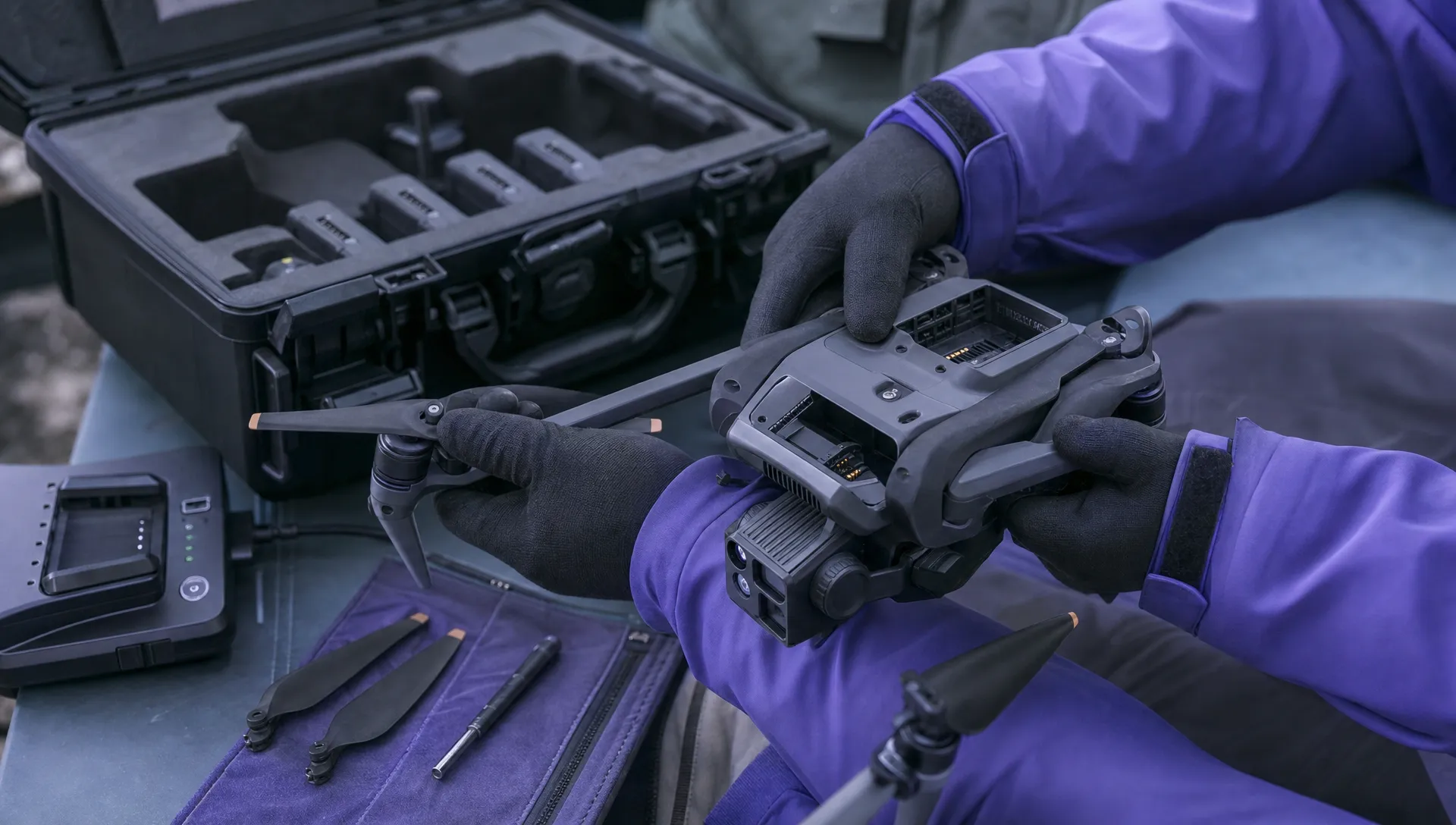 Free Drone Pre-Flight Checklist for Commercial Missions →
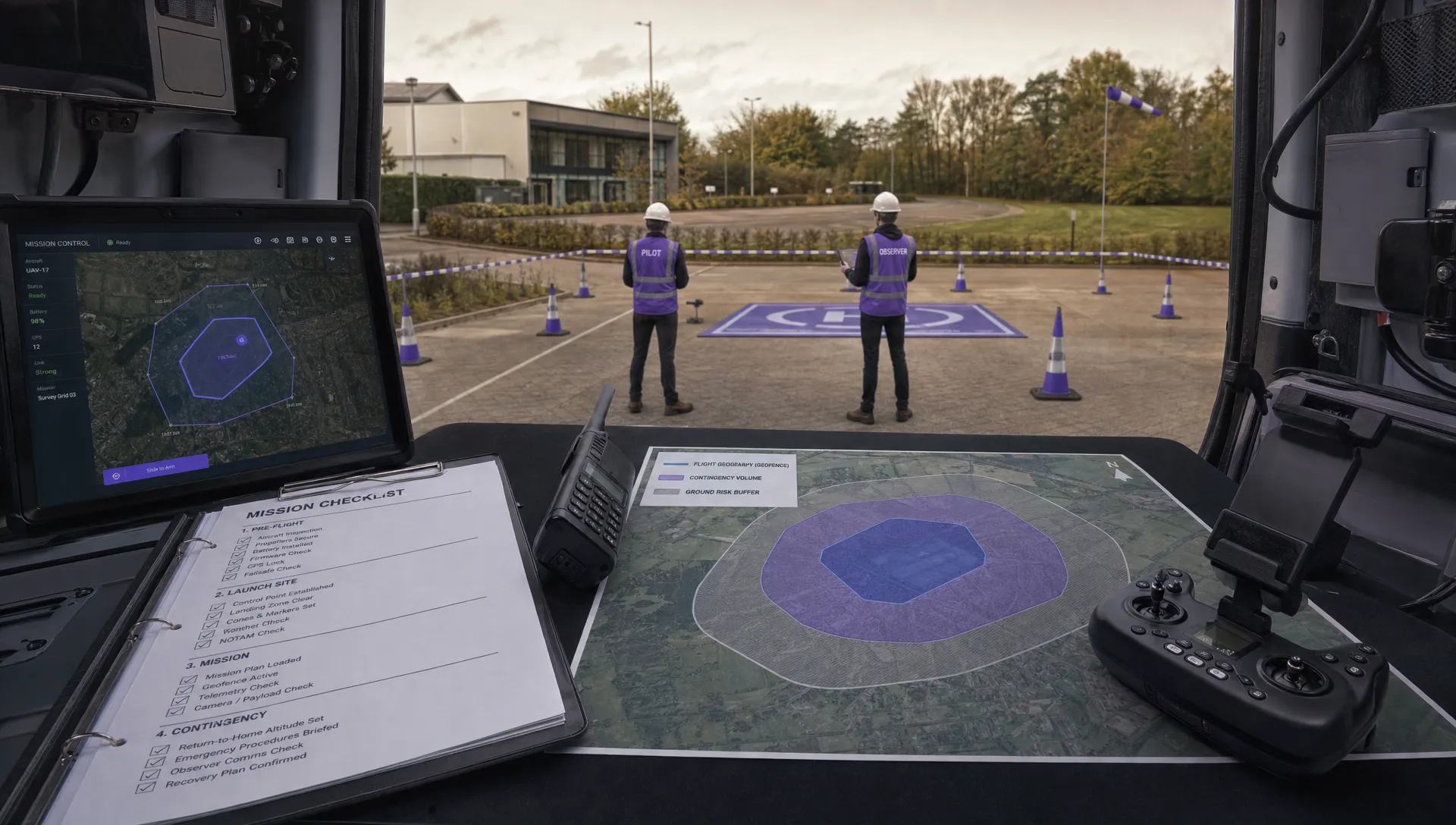 Contingency Volume and Flight Risk Buffer Explained →
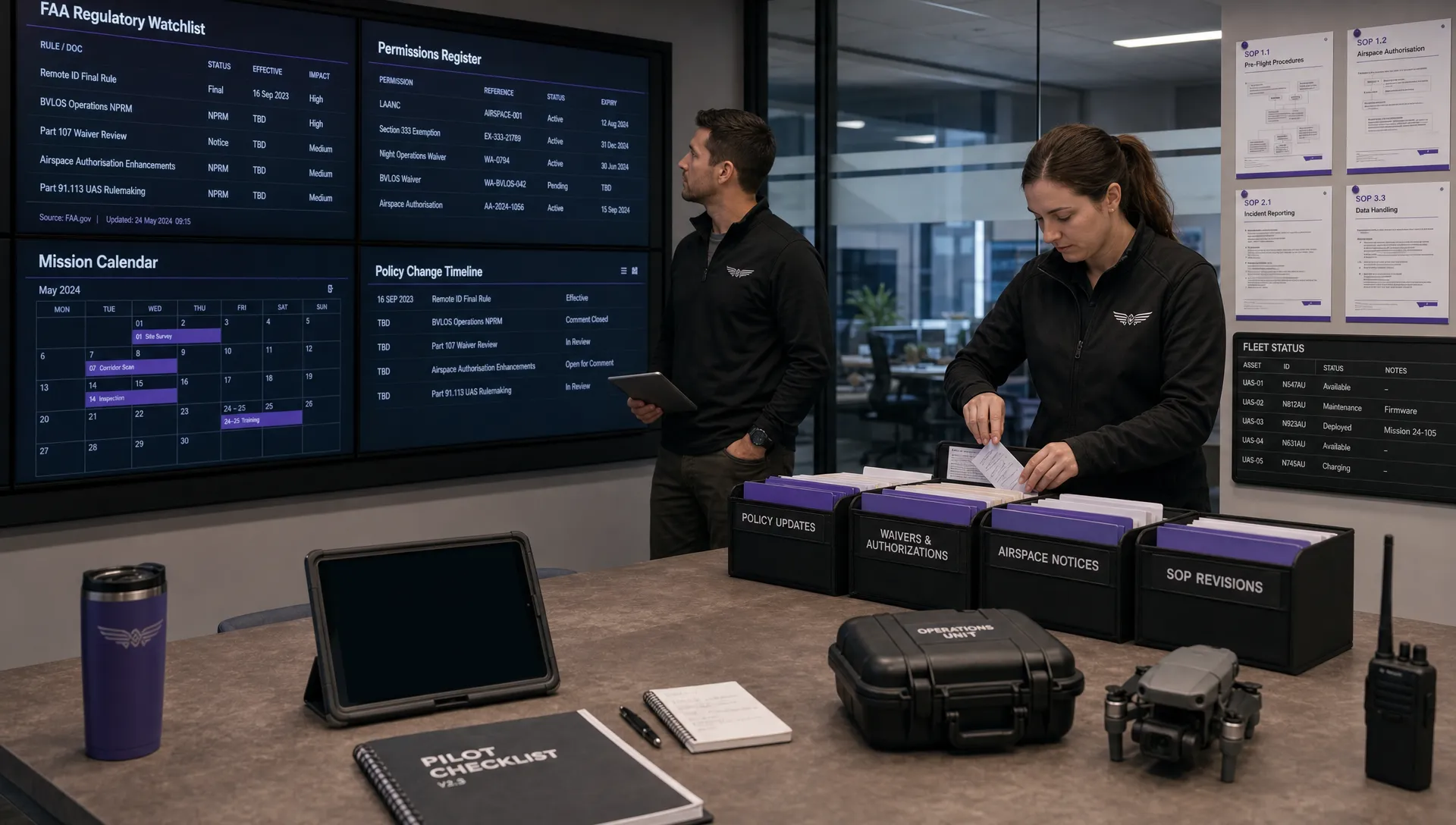 FAA Policy Changes That Commercial Drone Teams Should Track →