
Top 10 Free Drone Mapping Software for 2026
You’ve finished the flight. The batteries are on charge, the SD cards are full, and you’ve got a folder packed with overlapping images that should become something valuable. Then the software question hits. Most operators discover the same problem at this point. Capturing the data is often the cheap part. Turning it into clean orthomosaics, elevation products, and usable 3D outputs is where the subscription wall usually appears.
That’s exactly why free drone mapping software matters. If you’re a solo pilot, a small inspection team, or a survey outfit testing a new workflow, you don’t always need to jump straight into a paid platform. You need software that fits the job, your hardware, and your tolerance for setup headaches. Sometimes that means a polished browser interface. Sometimes it means a command line tool that gives you more control and fewer guardrails.
The important distinction is that “free” covers very different categories. Some tools are open-source and run locally. Some are freemium cloud products. Some are research-grade photogrammetry engines that are powerful but not friendly. If you pick the wrong category, you waste time before you even process your first dataset.
There’s also a second problem most comparison lists ignore. Processing is only half the job. Commercial operators still need to connect outputs to flight records, client jobs, compliance notes, and deliverables. That’s where a platform like Dronedesk starts to matter, because free drone mapping software can create the mapping output, but you still need a professional operations system to organize the business side of the work.
Below are the tools I’d shortlist, with the trade-offs that matter in the field.
1. WebODM
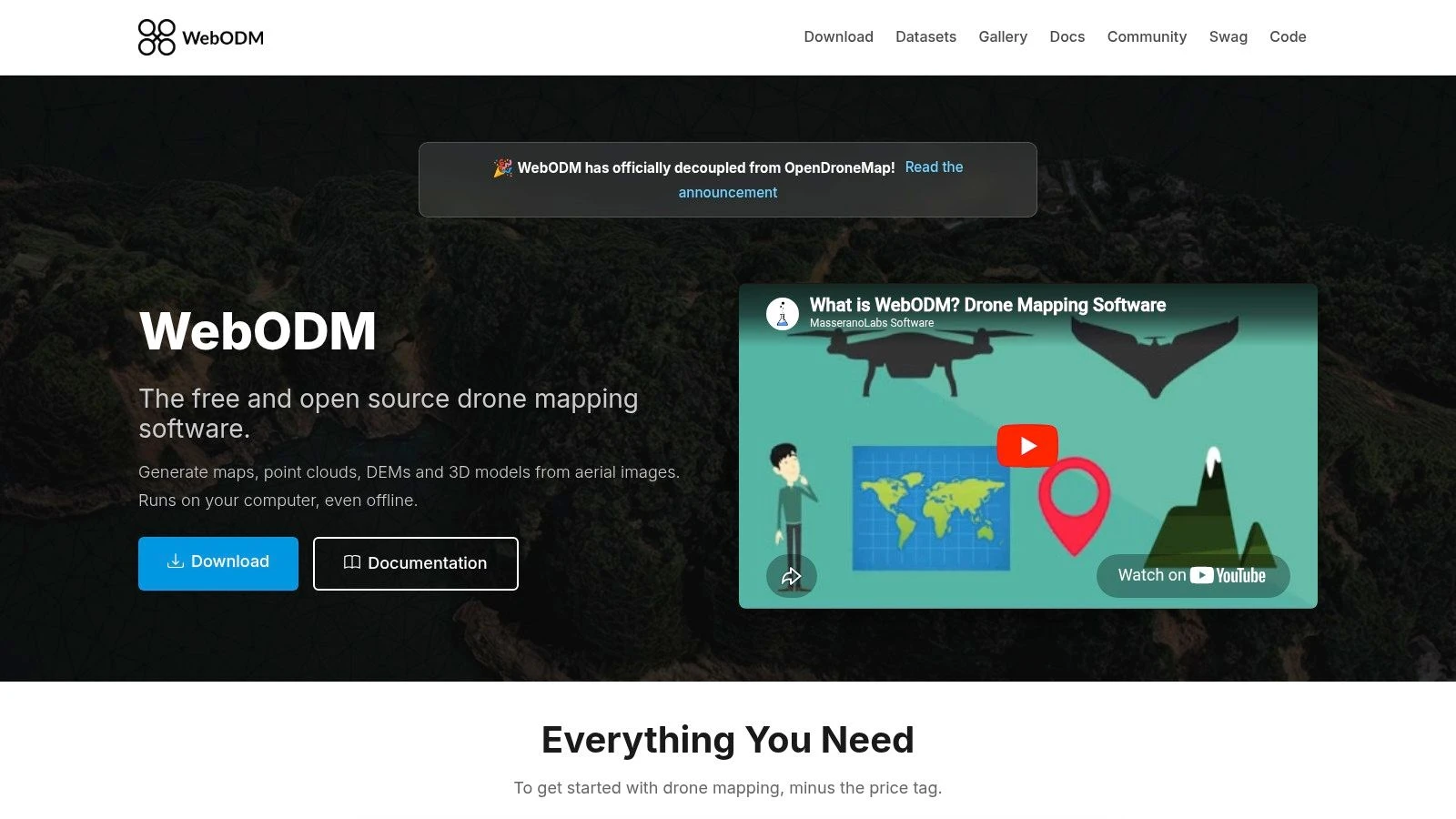
You get back from site with a few hundred nadir images, the client wants an orthomosaic tomorrow, and the first question is simple. Do you need a cloud subscription, or can your own workstation handle it? WebODM is one of the few free options that gives operators a proper interface without giving up local control.
WebODM is the browser-based front end for the OpenDroneMap ecosystem, which has been available since 2014 through the OpenDroneMap project site. It can produce the outputs most commercial drone teams typically deliver: orthomosaics, point clouds, DEMs, and 3D models. That matters because the gap between hobby software and paid survey platforms usually shows up in export quality and workflow discipline, not in the marketing copy.
Where WebODM makes sense
WebODM fits crews that want to process jobs in-house and keep imagery off third-party servers. I’ve found that especially useful on infrastructure, utility, and private estate work where clients ask direct questions about where their data sits after the flight.
It also suits operators who want a decision point before committing to a paid stack. If your work is mostly standard photogrammetry from RGB image sets, WebODM covers a lot of ground. If your workload includes frequent corridor mapping, tight turnaround deadlines, or very large datasets every week, hardware starts to become the primary cost.
- Best fit: Small commercial teams and solo operators running repeatable photo-mapping jobs on their own machines
- Big advantage: Local processing and full control over project data
- Main downside: Processing speed depends heavily on RAM, storage, and CPU or GPU performance
That trade-off is the main thing to judge. Free software saves subscription spend. It does not save compute.
What to check before you commit
WebODM is easier to live with than many open-source photogrammetry tools, but it still expects a capable workstation and some patience. On weak hardware, large image sets can turn a simple deliverable into an overnight process. On a well-specced machine, it becomes a practical production tool.
The other factor is operator skill. WebODM is a good entry point if you want a GUI and do not want to live in the command line, but it still helps to understand overlap, camera quality, GCP handling, and basic reconstruction settings. Bad capture discipline will still produce weak outputs.
My rule is simple. Use WebODM if your project type is standard aerial mapping and your technical skill sits in the middle. You want control, you want useful outputs, and you are willing to manage your own hardware. If that sounds right, WebODM is often the best first stop in free mapping software.
For a professional workflow, keep processing separate from business operations. Generate the map products in WebODM, then log the flight, client records, site notes, and deliverables in a dedicated software stack for drone operations. That split works well in practice because mapping output alone does not run the job. The admin, compliance trail, and handoff process still need a home.
Use WebODM when you want the closest thing to a production-ready free mapping tool, and you understand that the trade-off is software cost versus workstation performance.
2. OpenDroneMap ODM
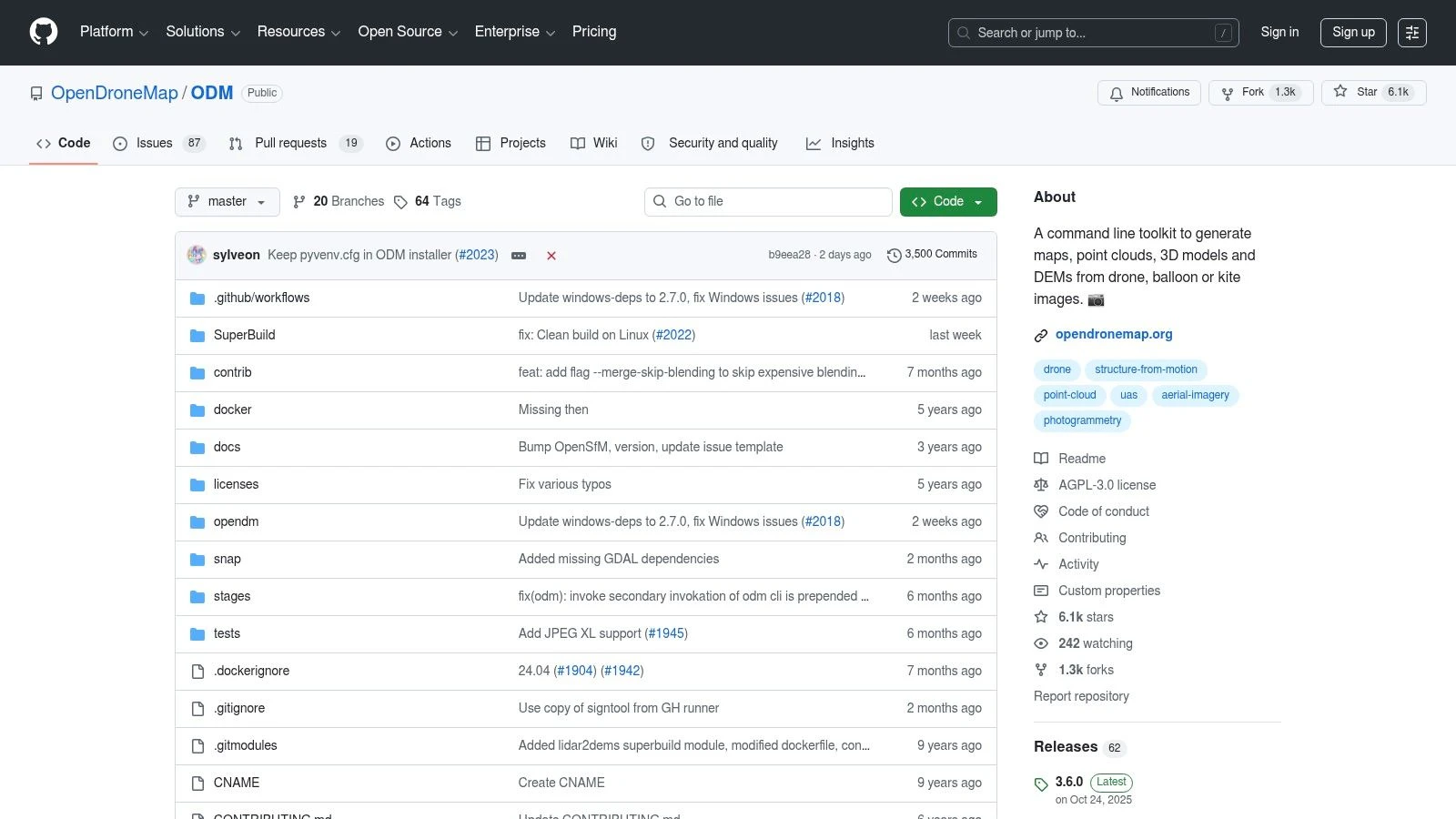
A common field scenario goes like this. The flight went well, the imagery is clean, and now the question is whether you need a point-and-click app or a processing engine you can wire into your own workflow. ODM fits the second job.
ODM is the core processor behind WebODM, but it serves a different operator. It suits teams that want command-line control, repeatable job settings, and a mapping pipeline they can script around standard project types. That matters if you process the same kind of roof survey, stockpile set, or corridor capture every week and want the output handled the same way every time.
The trade-off is straightforward. ODM gives you control over convenience. You gain flexibility in setup, automation, and deployment, but you also take responsibility for installation, job configuration, logs, and troubleshooting. For a solo operator with limited technical confidence, that can slow delivery. For a team with even basic scripting skills, it can save a lot of manual work.
Why ODM still matters on its own
A GUI is not always the right answer. If your goal is consistency, ODM is often easier to standardize than a desktop workflow built around manual clicks. You can define processing parameters, run batches against organized folders, and keep outputs predictable across repeated jobs.
That is where ODM starts to earn its place in a professional stack. It is less about pretty interface design and more about process discipline.
- Best fit: Operators who are comfortable with terminals, scripts, or server-based workflows
- Project fit: Repeated mapping jobs with similar capture patterns and deliverables
- Strength: Batch processing, automation, and easier integration with custom pipelines
- Weak point: Setup takes longer, and mistakes in configuration are less forgiving than in a GUI tool
ODM also fits the bigger workflow gap that catches many drone businesses. Processing software creates the orthomosaic, point cloud, or DSM. It does not manage the client, flight record, site paperwork, or delivery trail. The practical approach is to let ODM handle reconstruction, then move the finished outputs and project metadata into your operations platform so the job stays tied to the client record, mission notes, and handoff process. That split is usually cleaner than trying to force one tool to do everything.
My rule is simple. Choose ODM when your technical skill is above average and your project mix rewards repeatability more than interface simplicity. If you mainly need occasional maps and want the shortest path to an export, a GUI tool makes more sense. If you want a processing engine you can build around, ODM is often the better call.
The official download and documentation live at the OpenDroneMap ODM repository.
3. NodeODM
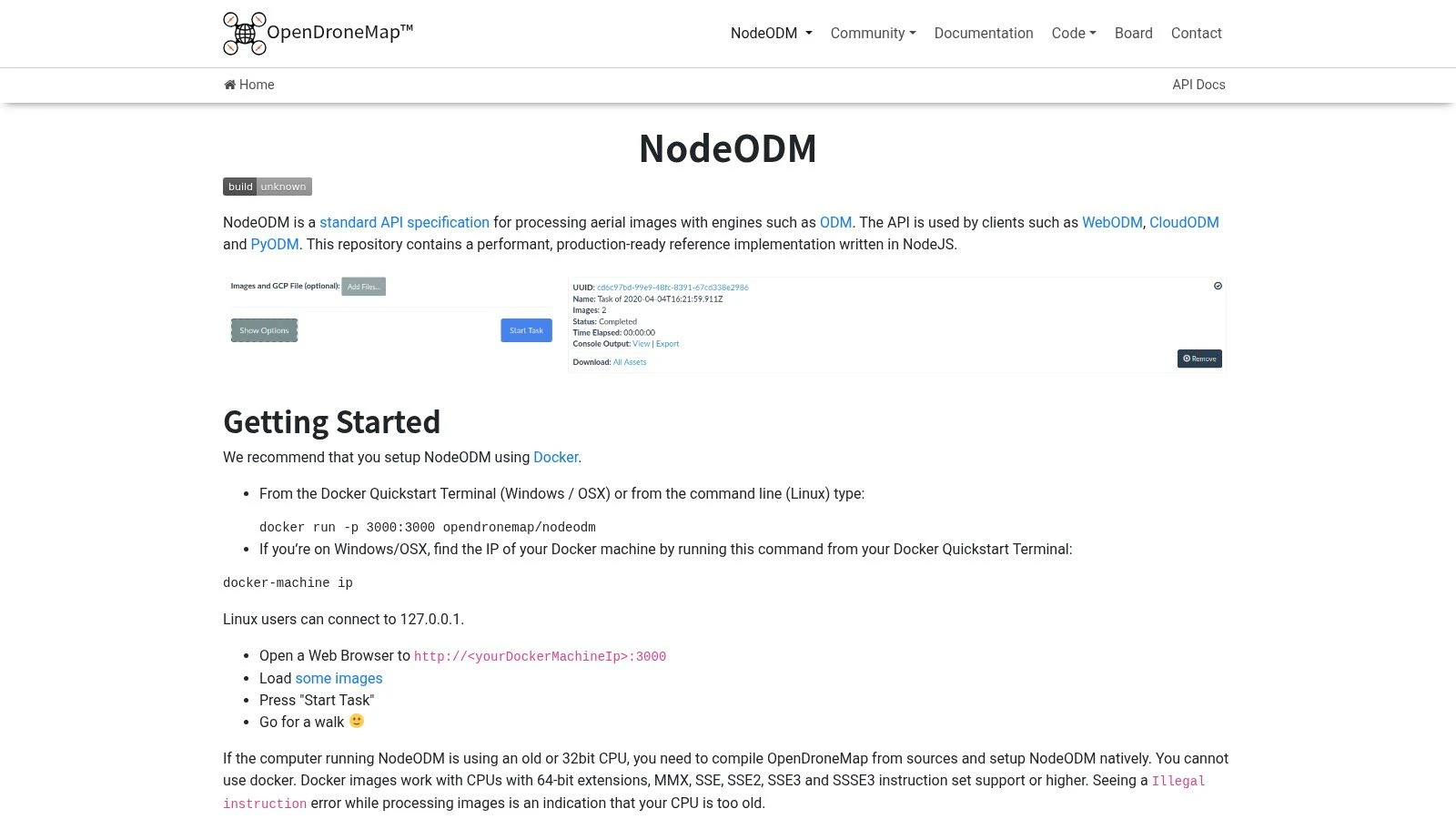
A common turning point comes when one pilot is still flying jobs while another person needs processed outputs for QA, client updates, or delivery. Passing image folders around a shared drive gets messy fast. NodeODM solves that specific problem by turning processing into a service your team can submit jobs to, monitor, and pull results from.
That makes it a better fit for operators who already know their capture workflow and need repeatability more than interface comfort. If WebODM is the easier front end and ODM is the processing engine, NodeODM is the piece that lets you build a multi-user or automated workflow around that engine.
Why NodeODM earns a place in a serious workflow
NodeODM exposes photogrammetry processing through an API. In practice, that means you can send image sets from another app, queue jobs on a dedicated machine, and return outputs without making every user touch the command line.
This matters when the business starts separating field work from office work. The pilot captures the data. The processor checks overlap, runs reconstruction, and reviews the deliverables. The operations lead tracks what was flown, what was delivered, and what still needs attention. NodeODM supports that split well because processing does not have to live on the same desktop as planning and admin.
It also helps close a gap that free mapping tools often leave behind. They can produce orthomosaics, DEMs, and point clouds, but they do not keep the full operational record together. That is why it makes sense to pair NodeODM with a platform built for aerial drone mapping operations and job management, so processed outputs stay tied to the site, client, flight history, and delivery trail.
A practical way to use it
Keep the workflow simple and consistent:
- Plan the job in Dronedesk: Store the client record, site notes, risk documentation, and flight details before capture.
- Capture with repeatable settings: Consistent overlap, altitude, and camera settings make NodeODM far more predictable on recurring jobs.
- Send imagery to NodeODM for processing: Run the reconstruction on a dedicated machine or server instead of tying up the pilot's laptop.
- Review outputs before delivery: Check coverage gaps, GCP alignment if used, and whether the export type matches the client need.
- Attach final files back to the job record: Keep orthos, models, screenshots, and delivery notes in the same operational thread.
That structure works well for inspection teams, survey support work, and any operation running the same type of mission every week. It is less attractive for a solo operator who just wants to drop in photos and get a map with minimal setup.
My rule is straightforward. Choose NodeODM when you need API access, shared processing, or a system another tool can plug into. Skip it if your jobs are occasional, your team is small, and a desktop interface already does the work without slowing you down.
4. MicMac
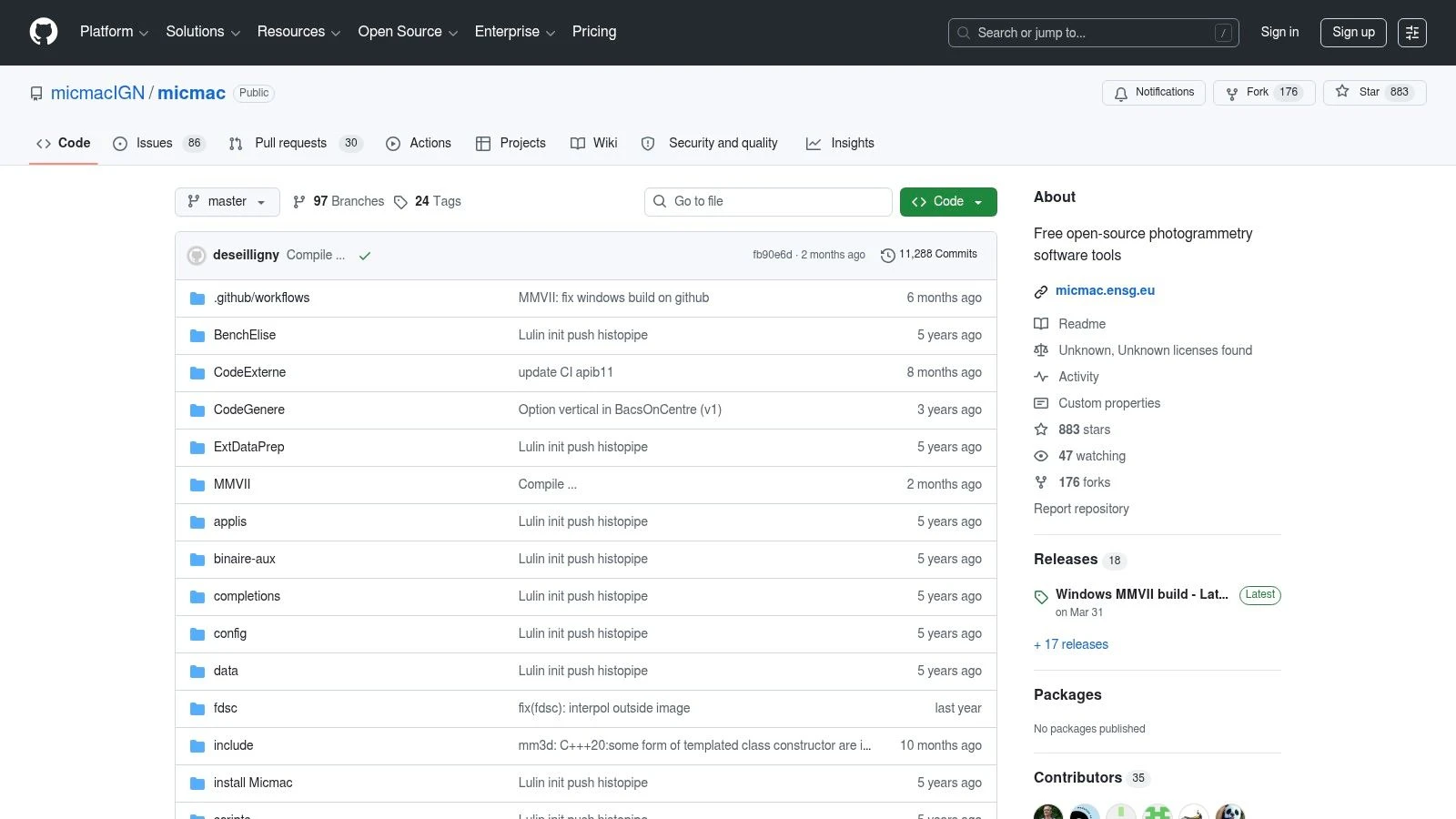
MicMac has a different personality from the ODM family. It feels less like a convenience tool and more like a serious photogrammetry environment built for users who care about geodesy, calibration, and processing discipline.
That’s why surveyors, heritage teams, and technical users keep coming back to it. If your priority is methodological control, MicMac deserves respect.
Where MicMac earns its place
Some free drone mapping software is about removing cost. MicMac is more about preserving rigor. It gives you detailed control over camera calibration, bundle adjustment, dense reconstruction, and GCP handling.
That control makes it attractive when mapping quality matters more than speed of onboarding. It’s not the tool I’d put in front of a busy real estate media team. It is the tool I’d consider for technical mapping projects where I want to understand and tune what the software is doing.
For a broader operational view of how mapping fits into field work, Dronedesk’s article on aerial drone mapping is worth pairing with MicMac thinking. MicMac handles the photogrammetry depth. Dronedesk handles the operational side around missions and outputs.
What most operators get wrong with MicMac
They underestimate the learning curve. MicMac assumes the user is willing to learn photogrammetry concepts, not just click through a wizard. That’s the price of getting more control.
- Why use it: Strong accuracy-focused workflow with deep technical options
- Why avoid it: Command-line centric workflow and denser documentation
- Who it suits: Surveyors, researchers, engineers, and technically confident drone teams
Don’t choose MicMac because it’s free. Choose it because you need the control it gives.
The official project is available through the MicMac repository.
5. 3DF Zephyr Free
You finish a short test flight, load the images into Zephyr Free, and get a clean, guided workflow instead of a command line prompt. For a lot of operators, that first experience matters. It lowers the barrier to entry and lets you focus on what image quality and overlap are doing to the model.
That ease is the main reason to keep 3DF Zephyr Free on this list.
The catch is the project limit. The free version caps how much you can process, so it stops being practical fast once you move from test sets to actual mapping missions. On a real site survey, roof job, or stockpile run, that ceiling usually shows up before the software does.
Best treated as a training tool
Zephyr Free works well for learning the photogrammetry pipeline in a GUI that feels closer to commercial software than many open-source options. Newer pilots can step through alignment, dense cloud generation, mesh creation, and texturing without wrestling with setup first.
That makes it useful for skill-building and for choosing your next step. If your team is still figuring out whether it needs a simple interface or more control, this is a good checkpoint before committing to a paid platform or a heavier open-source stack.
Where it fits in a real workflow
I’d use 3DF Zephyr Free for controlled practice, small asset captures, and internal testing. It is also handy for checking field discipline. Poor overlap, motion blur, and inconsistent exposure show up quickly in reconstruction, which makes it a practical training aid for pilots who need feedback on capture habits.
I would not build a production mapping service around it. The free tier is too limited for repeatable commercial work, and that matters more than how polished the interface feels.
Here is the decision point. Choose Zephyr Free if your bottleneck is technical confidence. Skip it if your bottleneck is project scale.
- Good fit for: Learning photogrammetry, testing capture quality, and very small reconstruction jobs
- Poor fit for: Routine orthomosaic work, larger mapping grids, and teams delivering client-ready outputs
- Best user profile: New operators, solo pilots testing workflows, and teams comparing GUI-based tools before investing further
If you are weighing that next step, Dronedesk’s guide to best drone mapping software for professional operations helps frame the bigger decision. Process the data in the tool that fits your skill level, then push the final outputs into your operations system for job records, client delivery, and repeatable workflow management.
3DF Zephyr Free is available from the official 3DF Zephyr Free page.
6. Meshroom
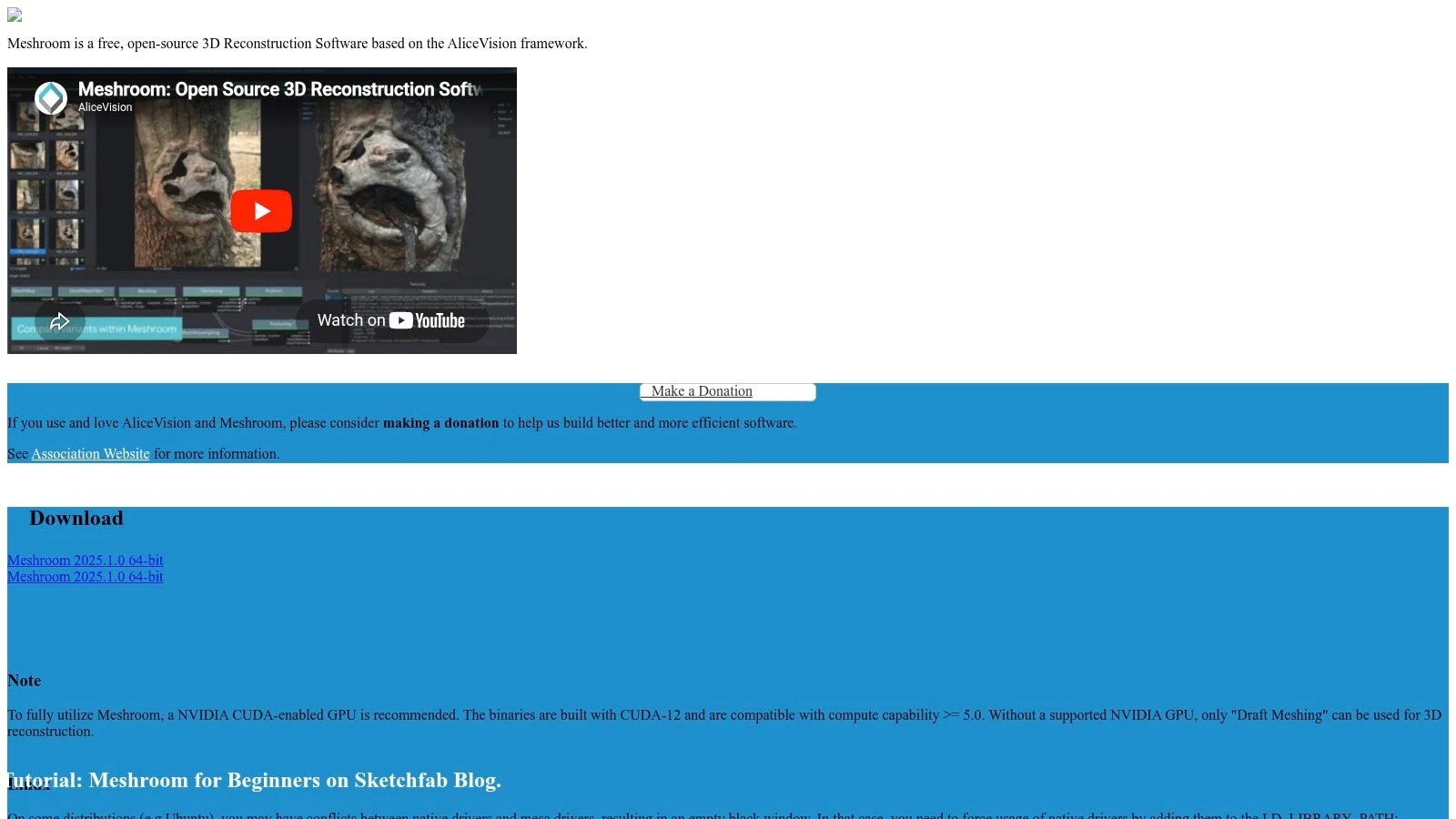
Meshroom is attractive for a different reason. It shows you the pipeline. Instead of hiding the reconstruction process behind a simple button, it exposes a node-based workflow that makes experimentation easier.
If you want to understand how reconstruction stages connect, Meshroom is one of the better free environments around. If you want fast, turnkey geospatial outputs, it isn’t.
Best for reconstruction, not full mapping
Many users are often confused: Meshroom is strong for 3D reconstruction, but it is not a full geospatial mapping product with an end-to-end orthomosaic and DEM workflow built for field operators.
That means you can absolutely use it in a mapping-oriented workflow, but you’ll need other steps for proper georeferencing, GIS handling, and delivery. For technical users, that’s fine. For beginners, it often becomes a dead end.
Why I’d still keep it on the shortlist
Meshroom is useful when visual control matters. The node graph helps you inspect, tweak, and learn the process in a way many black-box tools don’t.
- Use it for: Experimentation, object reconstruction, and custom visual workflows
- Be careful with: Large datasets and GPU demands
- Expect extra work for: GIS-ready mapping outputs
One practical downside with free drone mapping software in this category is local hardware dependency. Some tools are much happier on strong GPUs. Meshroom is one of them. If your workstation is average, performance can become the deciding factor before software quality does.
The official site is the Meshroom project page.
7. COLMAP
COLMAP sits in the same broad family as research-grade reconstruction tools, but it has earned a particularly strong reputation for camera pose estimation and Structure-from-Motion work. It gives you both GUI and CLI options, which is a nice middle ground for technical users who don’t want to live entirely in the terminal.
Still, it’s important to call it what it is. COLMAP is not a turnkey drone mapping product.
Where COLMAP shines
If you’re building custom pipelines, testing reconstruction quality, or integrating photogrammetry stages into a larger technical workflow, COLMAP is excellent. It’s flexible and widely used for good reason.
What it does not give you out of the box is a finished, operator-friendly map production workflow with direct ortho and DEM export. That means more downstream work. For some teams, that’s acceptable. For most job-driven drone operators, it’s friction.
Who should use it
COLMAP makes sense when your team has a technical specialist who can bridge reconstruction outputs into geospatial tools. It’s less sensible when the person flying the drone also needs to turn the deliverable around quickly the same afternoon.
A good reconstruction engine isn’t automatically good field software. COLMAP proves that difference.
Because COLMAP is more of a building block than a finished mapping environment, I’d put it in the “advanced toolkit” category rather than the “daily driver” category for free drone mapping software.
The project is available at the COLMAP repository.
8. OpenSfM
OpenSfM is the kind of tool that developers and technical imaging teams appreciate more than casual operators. It’s a Python-based Structure-from-Motion library, and that wording matters. This is a toolkit. It is not an out-of-the-box desktop mapping app.
That immediately narrows the audience, but for the right user, it opens a lot of doors.
Why OpenSfM is valuable
If you need a custom processing pipeline, OpenSfM gives you a scriptable foundation. It can use EXIF GPS when available and connect into downstream reconstruction and meshing tools.
That makes it useful for repeatable automation, backend systems, and specialized workflows where you want to control the sequence instead of accepting a fixed software path. It also suits organizations that already have in-house technical support and want to avoid vendor lock-in.
The practical trade-off
The same flexibility that makes OpenSfM powerful also makes it less friendly. Most drone service providers don’t need a library. They need a reliable process to get from image set to deliverable.
- Strong fit: Developer-led teams and bespoke workflows
- Weak fit: Operators who want a guided mapping interface
- Real advantage: Scriptability and integration potential
OpenSfM is one of those free drone mapping software options that can become very capable inside the right stack, but only if someone on the team can own the technical side.
You can explore it through the OpenSfM repository.
9. NASA Ames Stereo Pipeline ASP
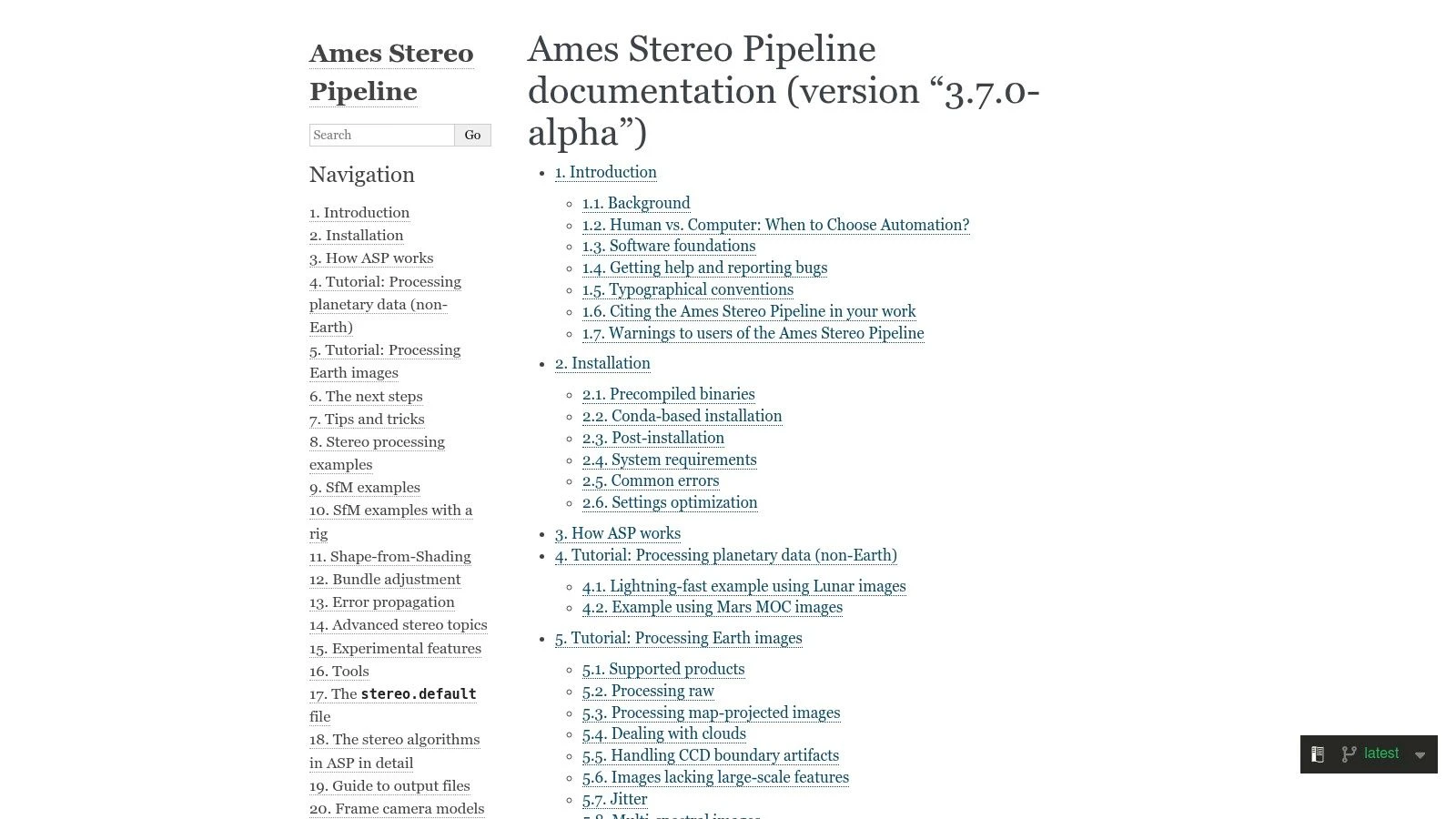
ASP comes from a different heritage altogether. NASA Ames Stereo Pipeline was developed for stereo photogrammetry and terrain work, originally with satellite and planetary imagery in mind, but the toolset can also be applied to aerial and drone image workflows.
That background shapes the user experience. ASP feels technical because it is technical.
Why technical teams rate it highly
ASP gives you tools for DEM generation, orthorectification, bundle adjustment, and SfM in a transparent environment. If you care about terrain products and algorithm visibility, that’s a serious advantage.
This isn’t the tool most pilots will launch after a routine roof inspection. It’s more at home with users who are comfortable building and validating a technical workflow step by step.
What to expect before you install it
Setup and parameter tuning can take time. That’s the main caution. Free drone mapping software at this end of the spectrum asks the user to bring skill, patience, and a reason for using it.
One market analysis projects drone mapping software market growth at a 20.1% CAGR from 2026 to 2034 in the broader sector, driven in part by surveying and GIS applications, according to The Insight Partners drone mapping software market report. ASP fits that more technical end of the market better than the casual one.
Use ASP if terrain accuracy and methodological transparency matter more than convenience. The project documentation is at the NASA Ames Stereo Pipeline documentation site.
10. Regard3D
Regard3D is a simpler, lighter GUI option that still has value, especially for education, small projects, and users who want to understand the reconstruction process without diving straight into heavier technical stacks.
It’s not geospatially focused in the same way WebODM is, and that’s the key framing to keep in mind.
Where Regard3D is useful
Regard3D gives you a straightforward path from feature matching through dense reconstruction and mesh generation. For smaller datasets, that can be enough to learn the fundamentals or produce a usable 3D output.
It’s cross-platform and relatively approachable, which matters when you’re experimenting or training. If your aim is full mapping deliverables with ortho and DEM outputs, though, you’ll need downstream tools.
The reality check
This is not the software I’d choose for large regular mapping operations. It’s slower and less scalable for bigger datasets, and it lacks a built-in geospatial production workflow.
That doesn’t make it bad. It just makes it specific.
- Use it when: You want a lightweight GUI and small-project learning tool
- Skip it when: You need repeatable survey-style outputs
- Keep in mind: You’ll likely need other tools for GIS and final deliverables
Regard3D is available on the official Regard3D website.
Top 10 Free Drone Mapping Tools Comparison
| Tool | Core features | Quality ★ | Price / Value 💰 | Target audience 👥 | Unique strength ✨/🏆 |
|---|---|---|---|---|---|
| WebODM (OpenDroneMap) | Browser UI, orthomosaic/DEM/point cloud, plugins, local processing | ★★★★ | 💰 Free / open-source, full local control | 👥 Drone operators, SMEs, GIS users | ✨ End-to-end GUI + local data control |
| OpenDroneMap (ODM) | CLI photogrammetry pipeline (images→ortho/DEM/mesh) | ★★★★ | 💰 Free / open-source, scriptable at scale | 👥 Developers, automation-focused teams | 🏆 Highly scriptable, tunable parameters |
| NodeODM (OpenDroneMap) | REST API server, Dockerized processing, job management | ★★★ | 💰 Free / open-source, scalable deployment | 👥 Integrators, ops teams, cloud builders | ✨ Lightweight API for distributed processing |
| MicMac (IGN/ENSG) | SfM/MVS with rigorous geodesy, GCPs, bundle adjust | ★★★★★ | 💰 Free / open-source, research-grade accuracy | 👥 Surveyors, researchers, heritage mapping | 🏆 Very high geodetic accuracy & configurability |
| 3DF Zephyr Free | Polished GUI, alignment→mesh→texture, CUDA support | ★★★ | 💰 💰 Free (non-commercial), 50-image limit | 👥 Learners, hobbyists, small projects | ✨ Easy-to-start GUI for small datasets |
| Meshroom (AliceVision) | Node-based pipeline, GPU acceleration, plugins | ★★★★ | 💰 Free / open-source | 👥 Visual pipeline users, researchers, creatives | ✨ Visual node-graph for experimentation |
| COLMAP | State-of-the-art SfM/MVS, GUI+CLI, binaries/Docker | ★★★★★ | 💰 Free / open-source | 👥 Researchers, advanced users, integrators | 🏆 Top-performing camera pose & dense recon |
| OpenSfM (Mapillary) | Python SfM library, EXIF georef, exports to OpenMVS | ★★★★ | 💰 Free / open-source, library-focused | 👥 Developers, large-scale pipeline builders | ✨ Scalable, scriptable SfM for automation |
| NASA Ames Stereo Pipeline (ASP) | Stereo DEM/ortho, bundle adjust, parallelized tools | ★★★★★ | 💰 Free / open-source, robust for large jobs | 👥 Remote sensing analysts, terrain mappers | 🏆 Engineered for high-accuracy terrain mapping |
| Regard3D | Cross-platform GUI SfM→MVS→mesh, multiple backends | ★★★ | 💰 Free / open-source | 👥 Educators, hobbyists, small-site users | ✨ Simple GUI workflow for learning & small jobs |
Take Flight Putting Your Free Software to Work
You finish a flight, dump the images, run them through a free mapper, and end up with an ortho, a mesh, or a point cloud. That part feels productive. A crucial test comes next. Can you turn those files into a documented job, with clear records, repeatable processing, and deliverables a client can readily use?
That is the gap many operators run into with free drone mapping software. The tools on this list are not interchangeable, and choosing well has less to do with price than with fit. Two filters make the decision easier: your technical skill level and the kind of work you do.
For operators who want a practical starting point, WebODM usually makes the most sense. It covers a lot of day-to-day mapping work without forcing you straight into the command line. ODM and NodeODM suit teams that want more control, batch processing, or integration into a larger workflow. MicMac, COLMAP, OpenSfM, and ASP belong in the hands of users who are comfortable configuring pipelines and checking outputs critically. 3DF Zephyr Free, Meshroom, and Regard3D are useful learning tools, but each has limits that matter once you move from practice data to client work.
Project type matters just as much.
If the job is a roof inspection, marketing model, training exercise, or quick site visual, speed and ease often matter more than squeezing out every adjustment setting. If the job is construction progress, stockpile tracking, utility inspection, or survey-adjacent mapping, consistency matters more. That means cleaner capture, better ground control, stronger QA, and software that gives you enough control over georeferencing and exports.
Free processing software is only one layer of the operation. Clients pay for an organised result, not for the fact that a point cloud exists on your laptop.
A workflow that holds up in real jobs usually looks like this:
- Plan the mission in Dronedesk: Keep the site record, risk assessment, permissions, airspace checks, and flight logs tied to one job.
- Capture with discipline: Good overlap, stable altitude, controlled speed, and consistent exposure still matter more than the processing brand you pick.
- Process in the right tool for the job: Use WebODM for straightforward local mapping, ODM or NodeODM for scripted or repeatable processing, and MicMac or similar tools when you need tighter technical control.
- Check outputs before delivery: Review alignment quality, edge distortion, holes in reconstruction, coordinate consistency, and whether the final export answers the client brief.
- Attach deliverables to the same job record: Store orthomosaics, DSMs, 3D exports, screenshots, notes, and revision history with the mission details.
- Deliver context, not just files: A map, model, or surface becomes more useful when it is paired with flight records, site notes, and a short explanation of what the client is looking at.
This workflow is where free tools either save money or create extra admin. A capable operator can do solid commercial work with free software, but only if the process around that software is controlled. Otherwise, the savings disappear into rework, missing files, unclear versioning, and manual reporting.
I treat free mapping tools as production components, not as the whole business stack. That mindset helps with tool selection too. Choose the mapper based on the output you need and the amount of setup you can realistically support. Then connect that output to planning, compliance, records, and delivery so the job stays usable after processing is finished.
If you want your mapping outputs tied to flight planning, logging, compliance, clients, teams, and deliverables in one place, Dronedesk is the operational layer that makes the rest of the workflow usable in the world. It helps solo operators and larger drone teams turn processed imagery into organized, professional jobs instead of scattered files and manual admin.
 FAA Drone License Costs Beyond the Knowledge Test →
 Drone Part 107 Operations: When a Waiver May Be Needed →
 Drone Operating Rules for Managing Contractors and Employees →
 BVLOS Drone Requirements for Building a Safety Case →
 Drone Pilot Test Mistakes That Cost Candidates Marks →
 FAA 107 License vs Part 107 Certificate: What’s the Difference? →
 Drone Airport Rules: A Field Checklist for Site Assessments →
 FAA Part 107 Record-Keeping Rules for Commercial Teams →
 How to Review a DJI Flight Log After an Unexpected Event →
 Drone Laws Around the World: A Pre-Flight Research Framework →