
Top 10 Free Drone Detection App Choices for 2026
You hear a buzz overhead and stop what you’re doing. Maybe you’re on a job site. Maybe you’re setting up a survey flight. Maybe you’re just in the garden wondering whether that drone is a neighbor’s quadcopter, a commercial operator nearby, or something worth paying closer attention to.
That’s the exact moment a free drone detection app earns its keep.
In the Remote ID era, a phone can do more than guess. It can pick up broadcast signals and show whether a nearby drone is sharing identification and telemetry in a way that’s meant to be visible to people around it. That’s useful for pilots checking their own compliance, useful for landowners who want basic awareness, and useful for teams who need a fast read on local drone activity before a job starts.
But this is also where marketing gets ahead of reality. Free apps can help with awareness. They can’t replace a proper detection stack, and they definitely can’t replace good operational planning. They only see what’s being broadcast and what your device can receive. Some work much better on Android than iPhone. Some become much more useful only when paired with paid hardware. And none of them turn your phone into a professional security system.
That’s the practical lens for this guide. The list below covers the strongest free options available right now, but it also calls out the blind spots, platform limitations, and legal boundaries people tend to miss. If all you need is a quick way to check for Remote ID broadcasts, several of these are worth installing. If you’re managing repeat commercial work, fixed sites, or larger teams, you’ll also see where the app-only approach stops being enough.
1. AirSentinel Mobile App (Android)
If you want the cleanest starting point for a free drone detection app on Android, AirSentinel is near the top of the list. It’s built specifically around Remote ID awareness instead of trying to be a general-purpose drone utility, and that focus shows in day-to-day use.
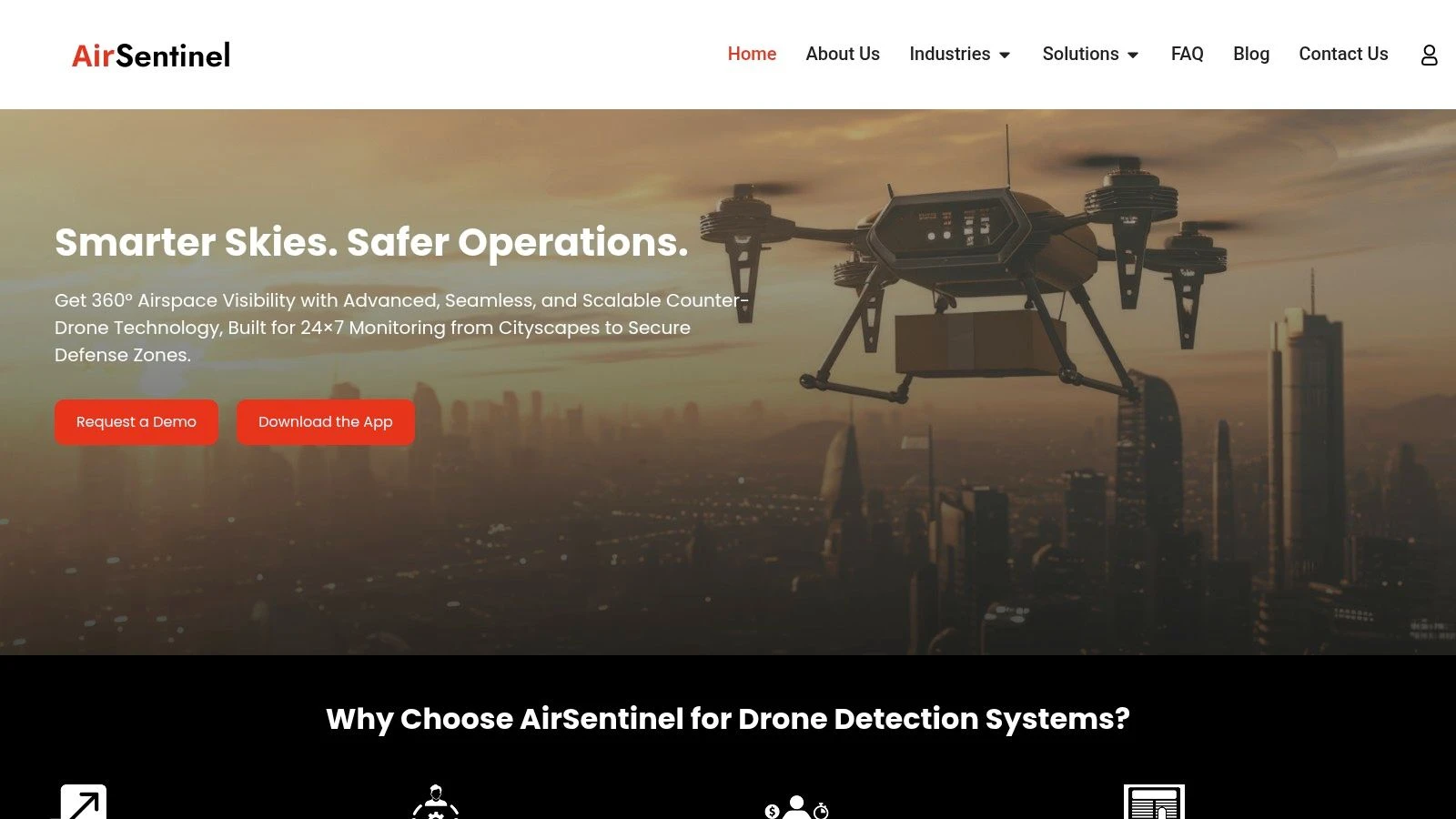
The baseline version is free to use with no subscription cost, and AirSentinel says the app can detect drones broadcasting Remote ID at ranges between 1,000 feet and 5,000 feet in suitable conditions through the AirSentinel mobile app page. For a phone-based tool, that’s enough to make it useful for preflight checks, public-facing awareness, and quick verification that your own aircraft is visible.
Where it works well
AirSentinel is strongest when you need quick confirmation, not deep investigation. Open the app, scan, look at the map, and check whether a compliant drone is showing nearby. That simplicity matters when you’re in the field and don’t want to fight the interface.
A few practical strengths stand out:
- No-cost entry: You can use the core scanner without adding subscription friction.
- Straightforward map view: Nearby detections are easy to interpret when you’re juggling other tasks.
- Upgrade path: If you later move into site monitoring, the same ecosystem can connect with broader sensor coverage.
Practical rule: Use AirSentinel as an awareness layer, not as proof that no other drones are present.
What it won’t do
This is Android only, and that matters. If your team carries mixed devices, AirSentinel isn’t the one-app answer.
More important, it only detects drones broadcasting Remote ID. That sounds obvious, but it’s where a lot of users overestimate these tools. If a platform isn’t broadcasting, or your phone can’t decode what’s being transmitted in the world around you, the app won’t help.
If your concern is perimeter protection or persistent site monitoring, you’re already into the territory where UAV detection radar systems and dedicated sensors matter more than a phone app. AirSentinel is good at quick situational awareness. It isn’t a substitute for that larger stack.
Use it when you want a clean Android scanner with very little setup and a clear path from casual awareness to more serious coverage.
2. Drone Scanner by Dronetag (Android, iOS)
Drone Scanner is one of the most practical cross-platform options because it gives you a solid Remote ID map without forcing you into paid hardware on day one. That alone makes it easy to recommend to pilots, event teams, and operations managers who want something they can install immediately.
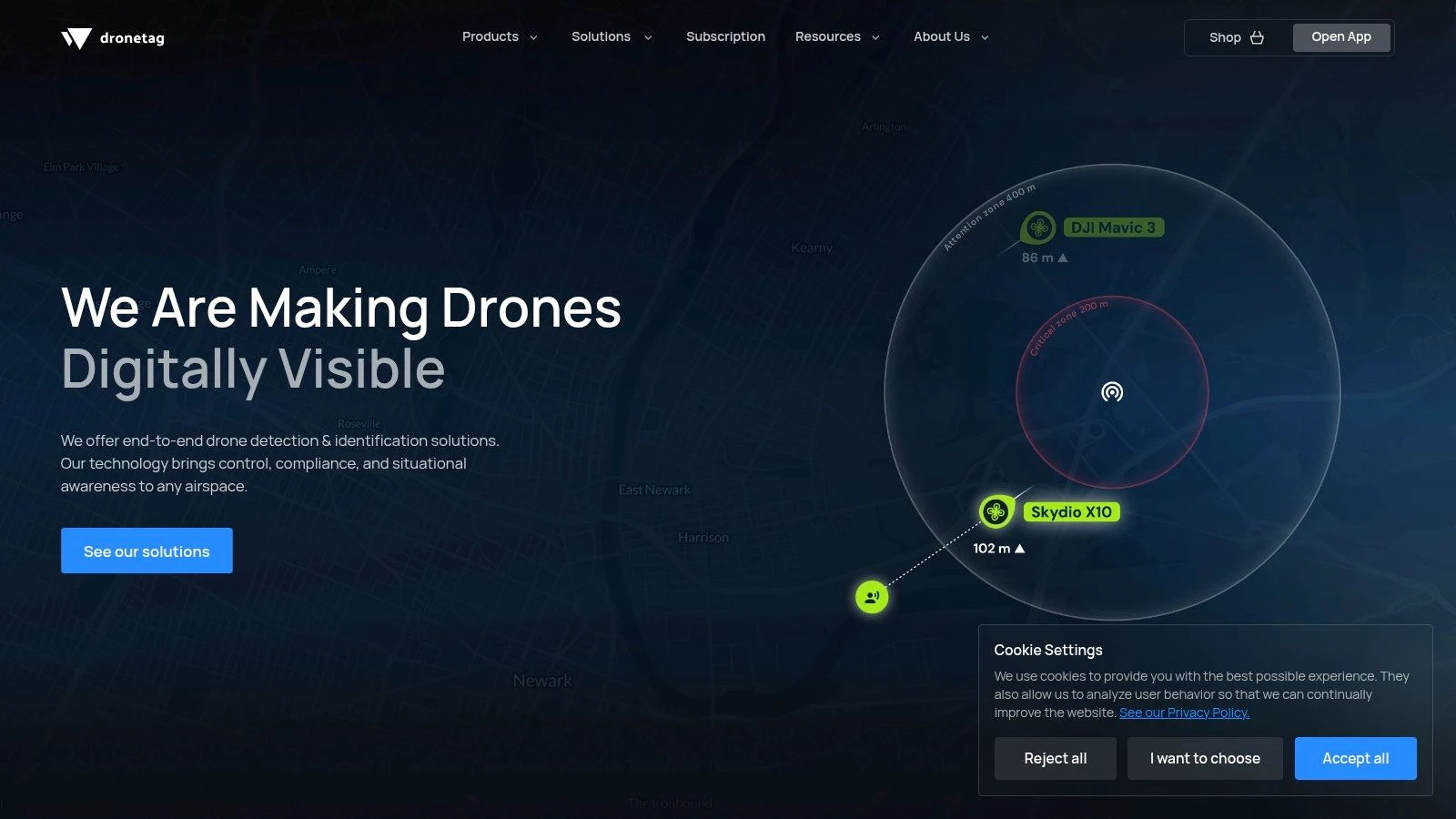
On Android, the app supports Bluetooth 4/5 and Wi-Fi Beacon and Wi-Fi NAN Remote ID reception. On iOS, the app is more limited and works over Bluetooth Remote ID only. That difference is a real field issue, not a spec-sheet footnote. If someone says “this app works on iPhone too,” that’s true, but it doesn’t mean the iPhone experience is equivalent.
The practical trade-off
Drone Scanner is one of the better tools for people who want a free drone detection app that can stay useful as their workflow matures. The app itself is approachable, and the optional Dronetag hardware path makes sense for teams that discover phone-only scanning isn’t enough.
For a lot of operators, the biggest benefit is simple: it helps confirm whether the local air picture matches what you expected before launch. That makes it a good companion to broader drone airspace planning apps rather than a replacement for them.
- Best fit: Pilots and teams using modern Android devices who want broad Remote ID protocol support.
- Acceptable fit: iPhone users who understand they’ll have a narrower detection picture.
- Poor fit: Anyone expecting the app alone to cover wide sites reliably.
Where people get caught out
The common mistake is assuming a map with no detections means clear airspace. It doesn’t. It means no relevant broadcasts are being picked up by that device, through those supported radios, in that spot.
Dronetag does have a serious hardware path if you need more than a handset can offer. That matters because the free-app promise usually breaks down on larger sites, around buildings, or whenever operational confidence matters more than convenience.
If your phone is the only sensor in the system, your confidence level should stay low.
Drone Scanner is still one of the easiest apps to keep installed because it’s useful in both directions. You can detect nearby broadcasts, and you can check whether your own aircraft’s broadcast is visible. For working pilots, that second use case is often the more valuable one.
3. DroneScout Pro (Android, iOS)
You arrive on a utility inspection site, open a free detection app, and get just enough information to feel informed. That is the exact point where DroneScout Pro makes sense, and where its limits start to matter.
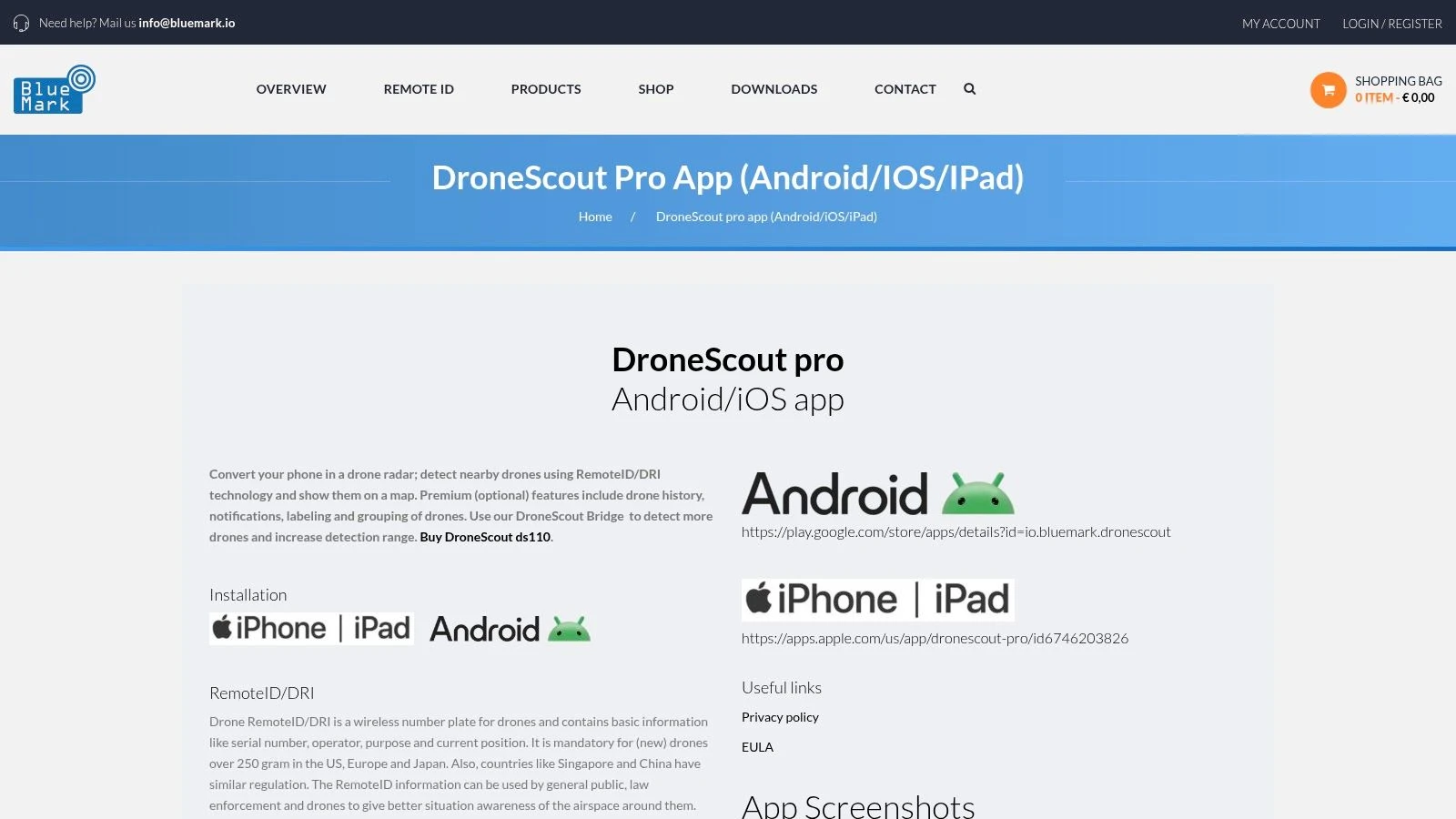
DroneScout Pro is one of the more usable cross-platform options in this category. The free version gives Android and iPhone users a straightforward way to check for nearby Remote ID activity, and the interface is easy to interpret under field conditions. For a solo pilot, event marshal, or small crew lead, that low-friction start has real value.
The important caveat is operational depth. DroneScout keeps several features behind paid tiers, including alerts, history, and richer aircraft identification. That product split is reasonable, but buyers should read it correctly. The free app is an awareness tool, not a full monitoring solution.
Why teams keep it installed
DroneScout Pro works well for crews that need one app across mixed devices and do not want to train everyone on a more technical interface. It is also a practical stepping stone for teams that are starting to formalize site checks but are not ready to buy into a larger detection stack.
A few things stand out:
- Cross-platform support: Easier to standardize across Android and iOS users.
- Clear presentation: Map and track views are readable without much setup.
- Upgrade path: Optional paid tiers and hardware exist if your use case grows.
Where the free version stops being enough
The break point usually shows up on larger sites, around structures, or anywhere your safety margin depends on earlier notice. A phone-based app can help confirm that broadcasts are present. It is less reliable as the only source of airspace awareness when terrain, buildings, device radios, and operator position all affect what gets picked up.
DroneScout is fairly candid in how its product line is built. There is an app for convenient detection, and there is separate hardware for users who need better coverage and more operational confidence. That is the honest pattern across this whole category. Free apps are useful for spot checks, self-verification, and light local awareness. They are not a substitute for a purpose-built setup when the consequences of missing an aircraft are higher.
If you need dependable coverage across a working site, budget for more than the app.
DroneScout Pro is a sensible choice for pilots and small teams who want a clean starting point on either mobile platform. It becomes a weaker fit once your job requires consistent detection performance, team-wide alerting, or confidence beyond what a handset can provide.
4. OpenDroneID OSM (Android, open source)
OpenDroneID OSM is the app I’d point technical operators to first. It isn’t the prettiest option in this list, and it doesn’t try to be. What it does offer is transparency.
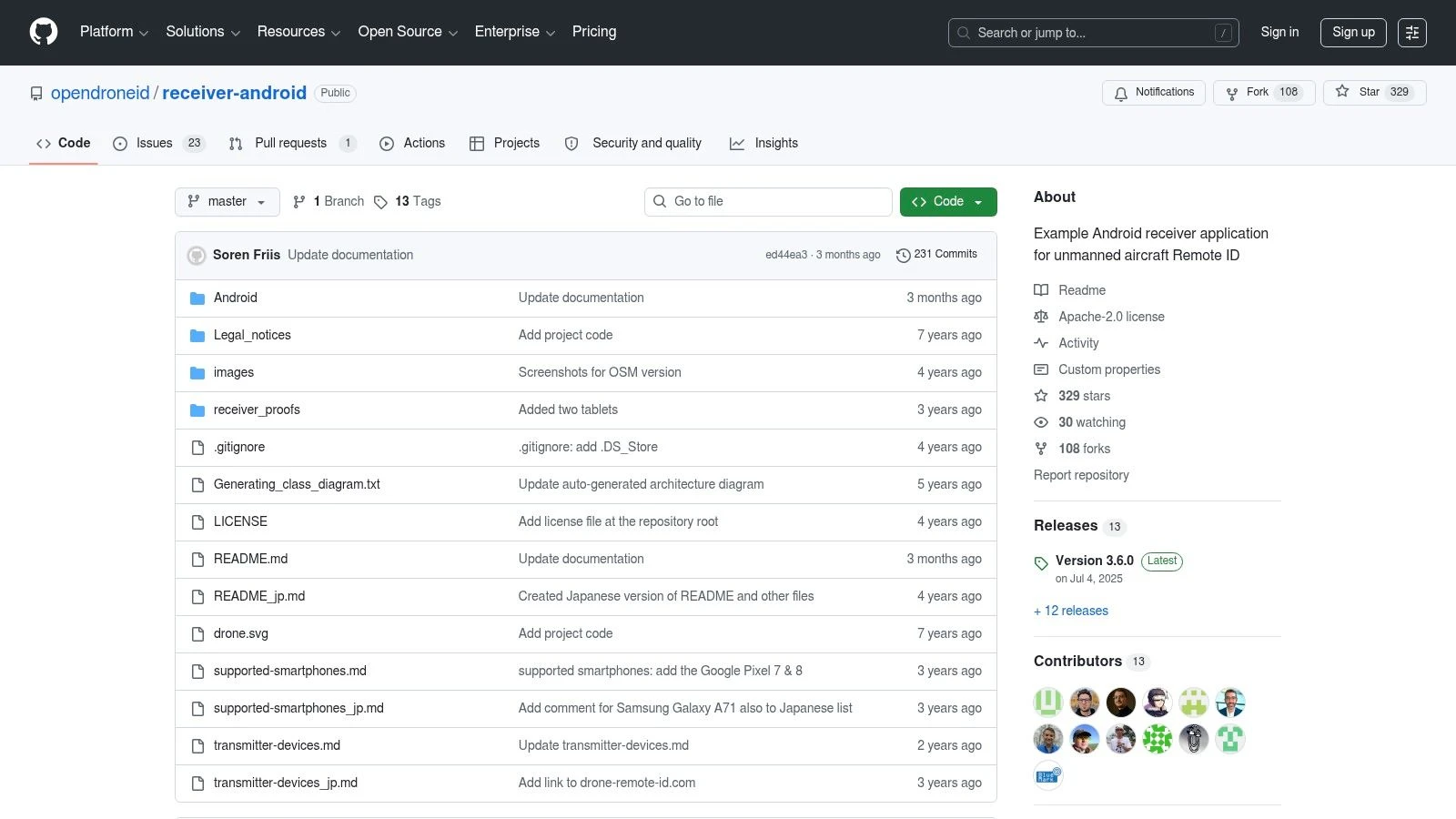
This is the reference-style Android receiver for ASTM F3411 and ASD-STAN Remote ID, with source code available for review and customization. For compliance testing, lab validation, and field checks where you want to understand what’s being parsed rather than just trust the vendor interface, that matters a lot.
Why it matters
Most free drone detection app reviews focus on convenience. OpenDroneID OSM is more useful when your question is, “What exactly is my device seeing, and how is it interpreting that broadcast?”
That makes it valuable for:
- Developers: You can inspect the code path instead of guessing.
- Ops leads: You can use it during compliance checks and equipment validation.
- Technical teams: You can compare app behavior against expected standards.
The app supports Bluetooth Advertising, BT5 Extended Advertising, Wi-Fi NAN, and Beacon Remote ID reception on Android. In practice, it’s the kind of tool you keep around even if you also use a more polished app for day-to-day scanning.
Where it falls short
The interface is utilitarian. That’s fine if you know what you’re doing, but less ideal if you want a fast visual answer while you’re juggling a crew, client, and launch clock.
Phone-only range is still phone-only range. No amount of open-source credibility changes the limits of handset radios, local clutter, and the basic fact that these apps are only seeing eligible broadcasts.
OpenDroneID OSM is best when trust and auditability matter more than polish. If you’re troubleshooting whether your own aircraft’s broadcast looks right, or comparing how different Android devices behave, it’s one of the strongest free tools available.
Visit OpenDroneID OSM on GitHub
5. MyGLE (Android)
MyGLE is the odd one in this list, and that’s why some operators will like it. It isn’t framed purely as a drone detector. It’s more of a local RF awareness tool that includes Bluetooth, Wi-Fi, and Remote ID visibility.
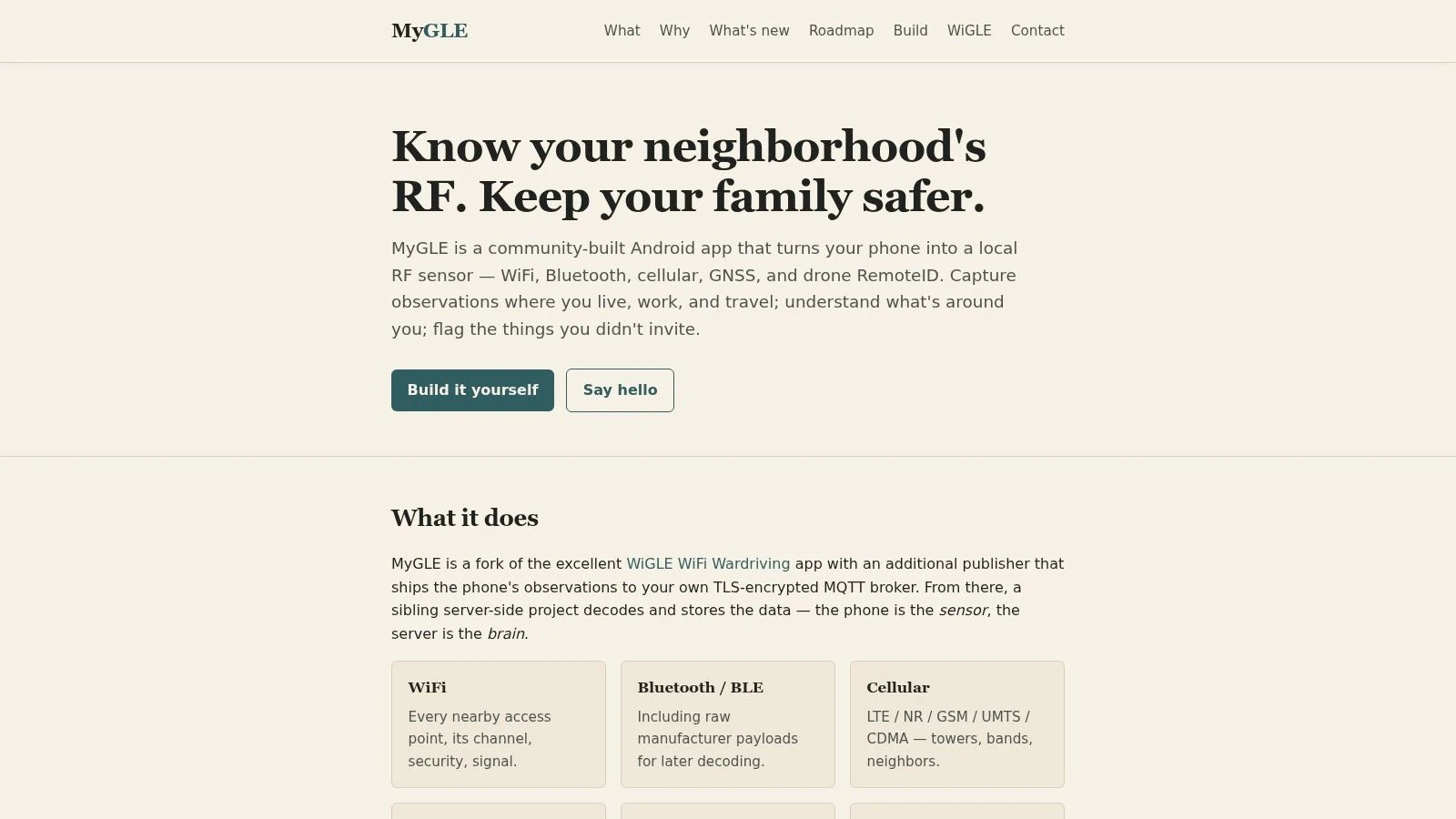
That broader view can be useful if you’re working in a noisy RF environment and want more context than a simple “drone found” screen. On a crowded urban site, for example, seeing the surrounding signal picture can help you understand why one handset behaves differently from another.
Best use case
MyGLE works best for users who are curious, technically minded, and comfortable with a community-built tool that may vary from one device to the next. If your mindset is “show me the local RF environment and let me inspect it,” this is closer to the right fit than a polished consumer app.
You may find it useful for:
- RF-aware field checks: Especially before launching in dense signal environments.
- Community experimentation: Testing how different Android hardware responds.
- Privacy-conscious use: If local processing matters to you.
What to expect in the field
Community projects can be excellent, but they’re not always uniform. Device support may vary because handset radios vary. Some phones play nicer with this class of scanning app than others.
That means MyGLE is not the app I’d hand to a nontechnical team member and expect a smooth result every time. It’s more of a specialist utility. For the right user, that’s a plus.
The more an app depends on handset radio behavior, the more your phone choice becomes part of the tool review.
If you want a broader RF picture and don’t mind a less commercial feel, MyGLE is worth testing on a spare Android device before you decide whether it belongs in your standard field kit.
6. Gargoyle Sentinel (iOS)
Gargoyle Sentinel takes a different route from most entries here. It’s an iOS app, but it isn’t trying to make your iPhone the primary detector. Instead, it shows detections and alerts from Gargoyle’s rooftop node network where that coverage exists.
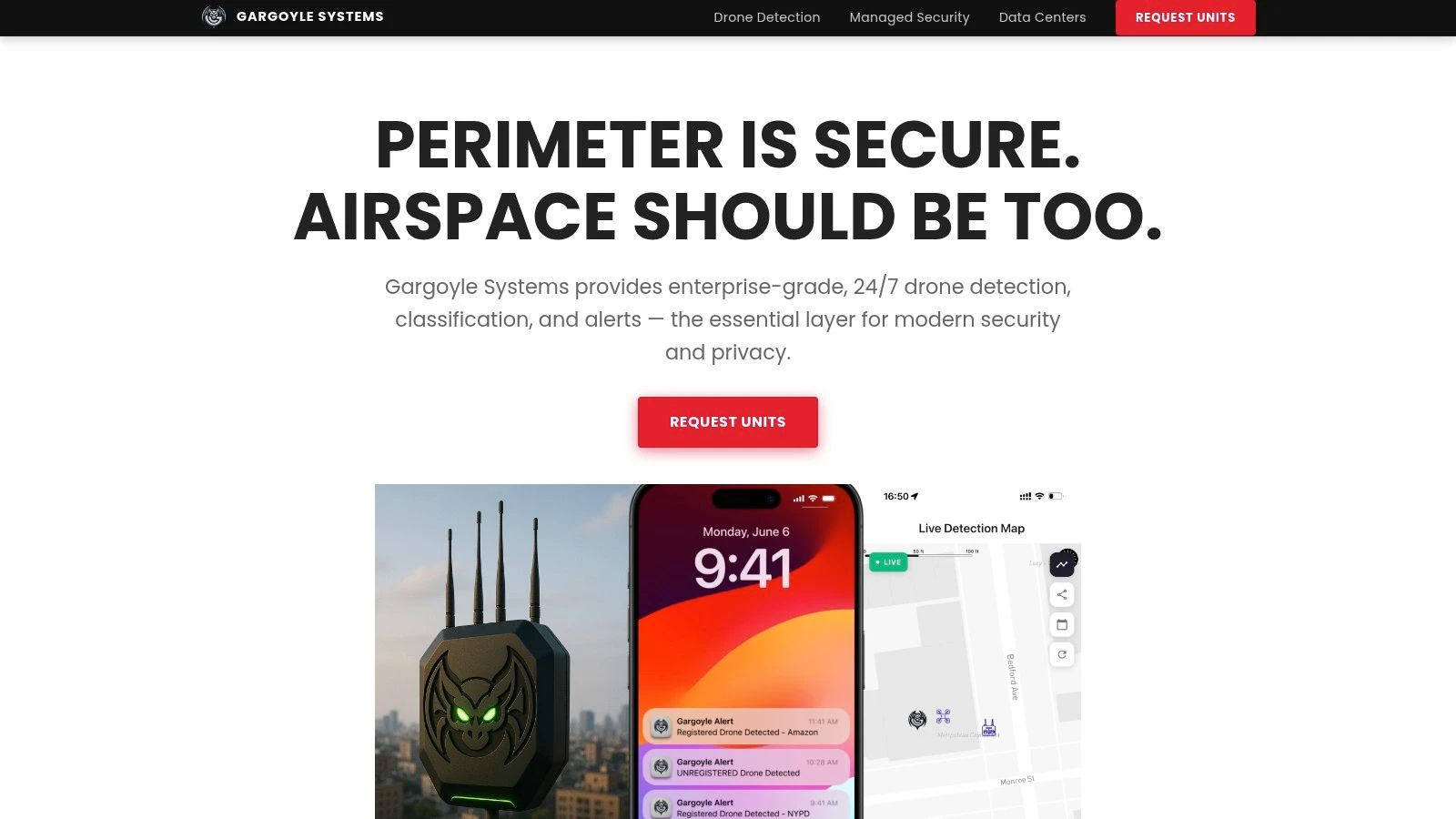
That means the value depends almost entirely on whether you’re inside a covered area. If you are, the app can be much more useful than a phone-only scanner. If you aren’t, it’s effectively the wrong product for the job.
Who should consider it
This setup makes sense for fixed locations. Homes, campuses, office sites, and community-monitored areas are the obvious fit. You’re benefiting from network-backed detections rather than asking a single handset to do all the sensing work.
That gives Gargoyle Sentinel a different profile from the Android-heavy Remote ID scanner apps:
- Better for fixed-site awareness: Where nodes are already deployed.
- Better for iOS users: Who want an easier mobile experience tied to infrastructure.
- Worse for ad hoc field checks: Since it isn’t a pure on-phone detector.
The real limitation
Coverage is the whole game. If the local node network isn’t there, this isn’t your free drone detection app answer.
That makes Gargoyle Sentinel less universal than the phone-scanning apps, but in the right setting it can feel more useful because the sensing burden sits elsewhere. For residential or campus-style monitoring, that’s a practical distinction.
The main caution is not to assume the app reflects the wider area beyond deployed nodes. It reflects the network’s footprint. Used within that boundary, it’s a sensible iOS option. Outside it, you’ll need a different approach.
7. Flight Portal ID (Android) – Pierce Aerospace
Flight Portal ID is one of the more interesting Android options because it sits closer to public-safety and enterprise workflows than most consumer-style scanners. The app gives you free Remote ID visibility on consumer Android hardware, but it also serves as a front door into a larger commercial ecosystem.
That makes it appealing if you’re the kind of user who wants to test on a handset now and potentially move into more structured services later.
Why it stands out
Pierce Aerospace has credibility in the Remote ID services side of the market, and that shows in how Flight Portal ID is positioned. It’s less of a casual gadget app and more of a bridge between field scanning and enterprise data services.
This can be useful for:
- Ops managers evaluating options: You can test workflow fit before a bigger buy-in.
- Public-safety adjacent teams: The app feels aligned with more formal use cases.
- Android field users: Who want a scanner from a vendor operating beyond the app layer.
Practical downside
Availability can fluctuate, which is common with more specialized apps. That makes it a little less straightforward than the biggest consumer-facing names.
Also, the deeper value sits in the broader commercial ecosystem. The free app is useful, but not self-sufficient if your operation depends on repeatable, managed airspace visibility. That’s not a flaw. It’s just the business model.
Flight Portal ID is worth testing if you want a free Android scanner with a clearer path into institutional or professional services than most of the hobby-adjacent alternatives provide.
8. Remote ID Radar (Android) – realglobe Inc.
Some tools don’t need a long explanation. Remote ID Radar is one of them. It’s a lightweight Android app focused on basic broadcast Remote ID visibility, and that’s exactly how I’d judge it.
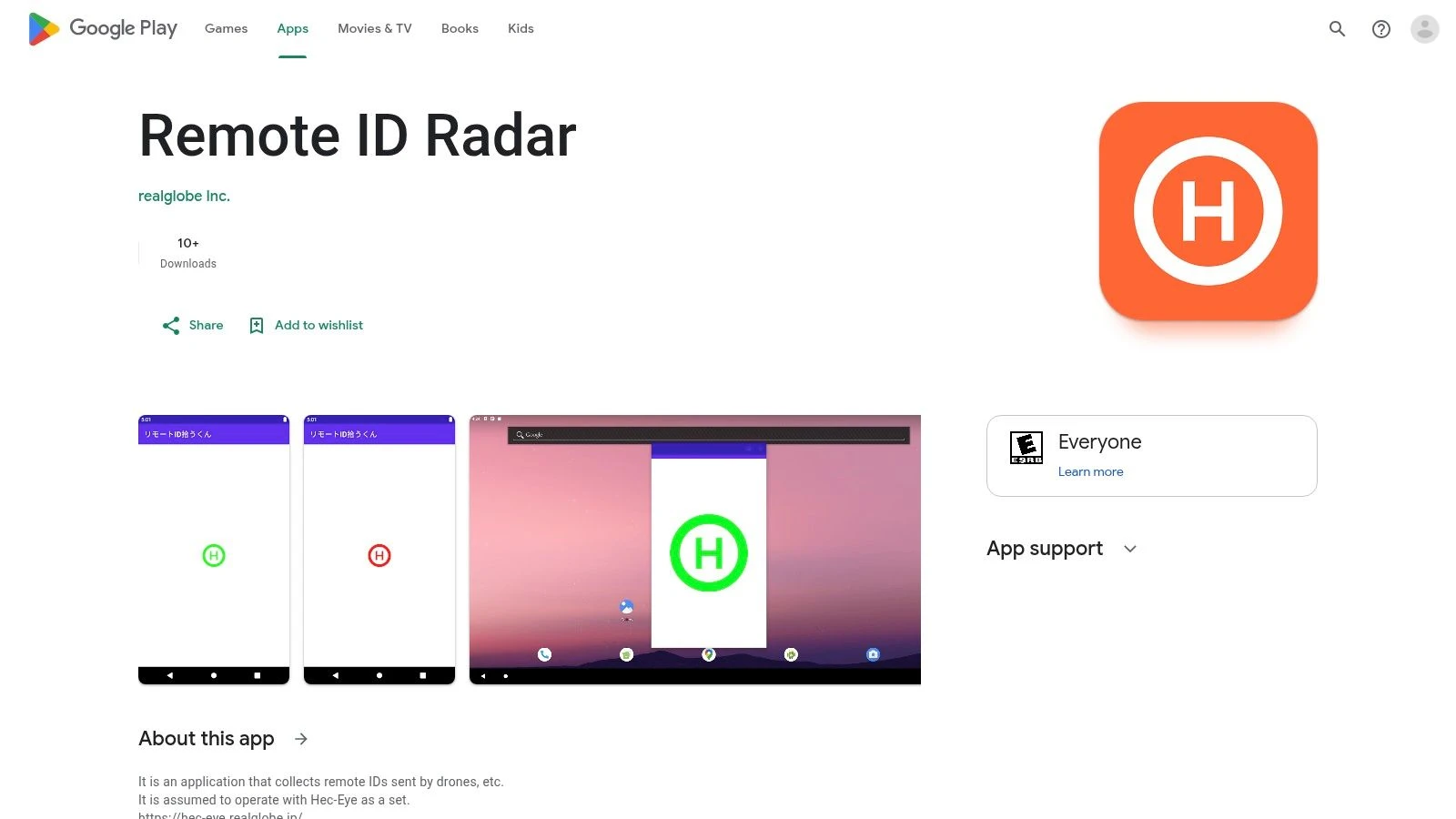
If your goal is a quick field check rather than a polished ecosystem, this kind of app can be useful. Open it, scan, review the map, and move on.
Where it fits
Remote ID Radar makes the most sense as a backup utility. I wouldn’t build a team workflow around it first, but I would keep it installed on a test handset to cross-check detections against another app.
That’s useful when you’re doing practical Remote ID validation and want to compare behavior across tools, especially if you’re still getting comfortable with how drone Remote ID works in practice.
- Good for: Quick checks and second-opinion scans.
- Less good for: Team deployment, training, or nontechnical users.
- Best mindset: Treat it like a field utility, not a platform.
The trade-off
Documentation and user experience are basic. That isn’t fatal, but it does mean you’ll get more from it if you already understand what you’re looking at.
As with every phone-based app in this category, the result depends heavily on the handset’s radios and permissions. A weak experience on one Android phone doesn’t always mean the app itself is poor. Sometimes the device is the limiting factor.
Remote ID Radar earns its spot because simple tools still have value, especially when you want a clean secondary app to confirm what another scanner is showing.
Visit Remote ID Radar on Google Play
9. RID Detector (Android) – RadioTrack
RID Detector is the kind of app that tends to appeal to technically minded users who appreciate straightforward tools and vendor documentation more than polished branding. It focuses on Bluetooth and Wi-Fi Remote ID reception on Android and presents telemetry and map details in a direct way.
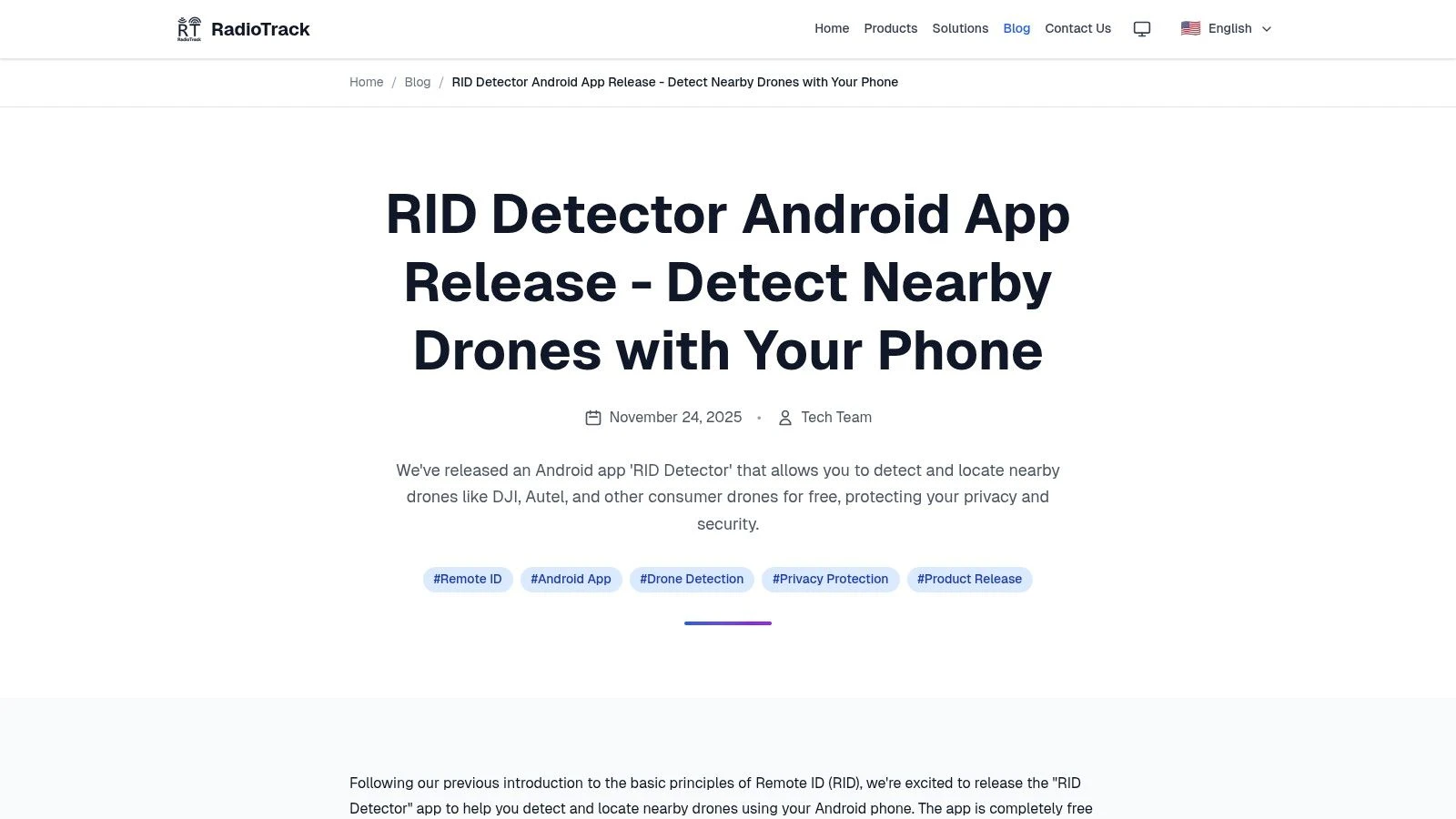
That makes it a decent fit for people who want to inspect detections rather than just glance at an alert.
Where it’s useful
RID Detector works best when you’re validating signals in the field and want supporting technical material from the vendor. That can be handy for smaller teams testing handset-based detection without committing to a more polished ecosystem.
It also suits operators who don’t mind APK-style or region-dependent distribution. Not every specialized Android tool arrives through the smoothest mainstream channel.
What to keep in mind
The support footprint is smaller than with the biggest names in this list. That may not matter if you’re comfortable troubleshooting Android permissions and device quirks on your own. It matters more if you’re trying to standardize a tool across a nontechnical crew.
The main value here is clarity. If you want a lightweight Android scanner with telemetry parsing and vendor examples to help you make sense of results, RID Detector is a credible utility to test alongside one of the larger apps.
10. Friend or Foe (Android, open source)
Friend or Foe is the most experimental entry here, and that’s the right reason to try it. It combines local Remote ID scanning with ADS-B integration, nearby drone Wi-Fi SSIDs, and on-device visual labeling. For an open-source Android project, that’s an ambitious mix.
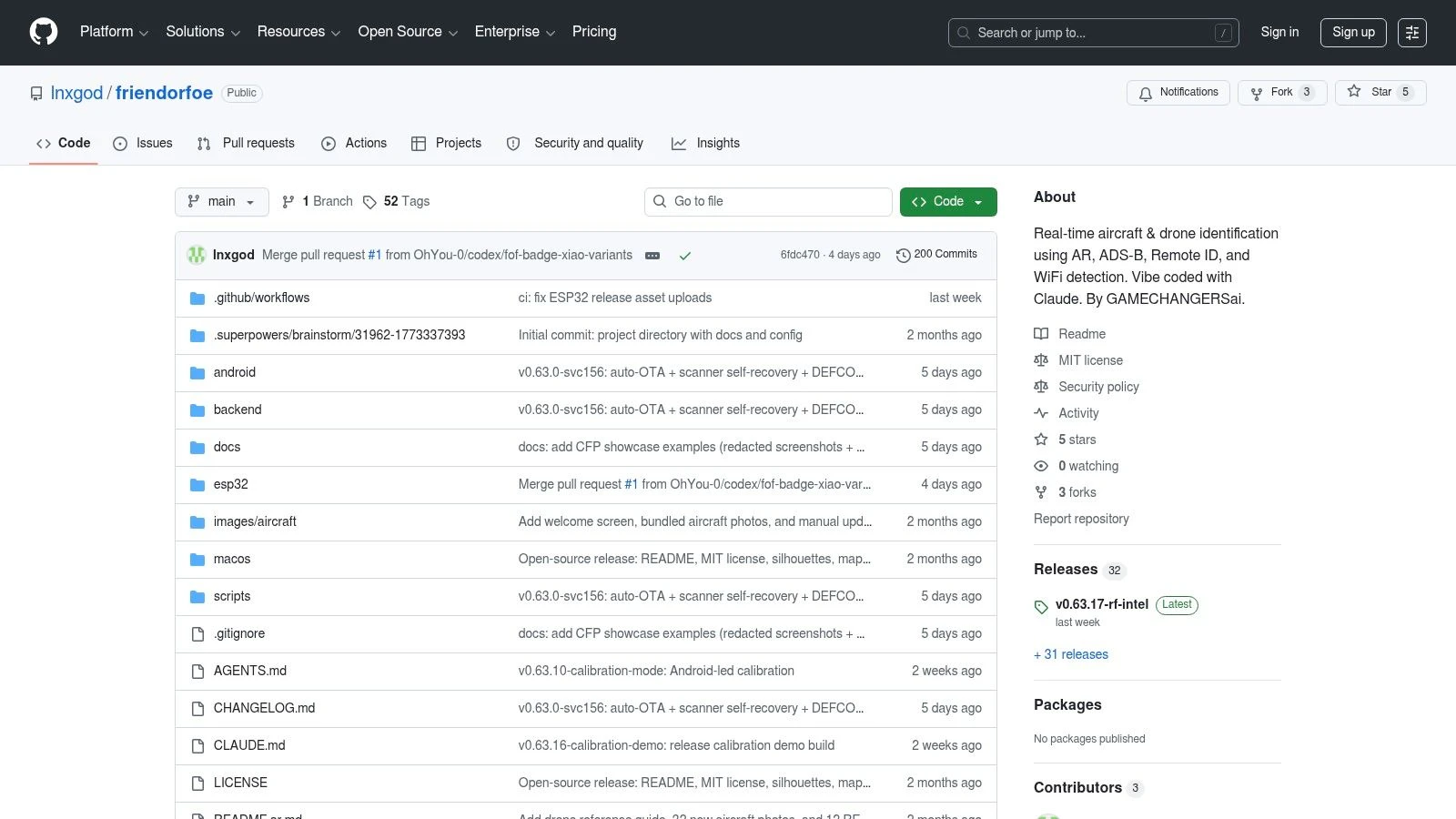
If you like auditable code, local processing, and the idea of fusing multiple inputs rather than relying on one feed, this will be more interesting than a conventional app-store scanner.
Why enthusiasts and technical teams care
A lot of free drone detection app options do one thing. Friend or Foe tries to combine several awareness layers into one local, privacy-first workflow. That’s compelling for experimentation and for teams who want to understand the edges of what a phone can realistically do.
Its appeal is strongest for:
- Open-source users: You can inspect and adapt the code.
- Experimenters: The multi-input design is more interesting than a plain scanner.
- Privacy-focused teams: Local processing avoids some of the discomfort people have with cloud-heavy tooling.
Use projects like this to learn and prototype. Don’t mistake a promising experiment for a production-ready security layer.
Where caution matters
Community projects move fast. Features can change quickly, and stability can vary. That’s part of the value and part of the risk.
Friend or Foe is not the app to hand a client-facing field team unless someone technical is prepared to own it. But if you’re building internal knowledge around drone awareness tooling, it’s one of the most interesting open-source projects in the space.
Top 10 Free Drone Detection Apps: Feature Comparison
| App | Core features | Unique selling points ✨ | User experience ★ | Target audience 👥 | Price & value 💰 |
|---|---|---|---|---|---|
| AirSentinel Mobile App (Android) | Bluetooth & Wi‑Fi RID scan; proximity alerts; live map; sensor pairing | Public‑safety focus; pairs with enterprise sensors 🏆 | ★★★★, clear UI, actively maintained | Public safety, general users, Android | 💰Free app; paid enterprise sensors |
| Drone Scanner by Dronetag (Android, iOS) | BT/Wi‑Fi NAN/Beacon on Android; BT on iOS; map & export; hardware pairing | Mature, widely adopted; extendable with RIDER hardware 🏆 | ★★★★, polished, popular | Operators, pros & hobbyists | 💰Free; optional hardware/cloud paid |
| DroneScout Pro (Android, iOS) | BT & Wi‑Fi RID scan; cross‑platform map tracks; optional Bridge accessory | Simple cross‑platform app; expandable hardware path | ★★★★, easy entry, intuitive | Beginners to operators planning sensors | 💰Core free; premium features & hardware paid |
| OpenDroneID OSM (Android, open source) | BT4/BT5, Wi‑Fi NAN/Beacon; standards‑aligned parsing; source code | Reference receiver; transparent & audit‑friendly 🏆 | ★★★, utilitarian, developer‑oriented | Developers, labs, compliance testers | 💰Free & open‑source |
| MyGLE (Android) | Local RF view: Bluetooth, Wi‑Fi, RID; on‑phone processing | Community‑driven; broad RF awareness; privacy‑minded | ★★★, varied polish across devices | RF enthusiasts, privacy‑focused users | 💰Free; community project |
| Gargoyle Sentinel (iOS) | Shows live detections from Gargoyle rooftop nodes; coverage map | Network‑backed detections for fixed sites; good alerts | ★★★★, smooth inside coverage | Campuses, homes, enterprises with nodes | 💰App free; requires paid Gargoyle nodes |
| Flight Portal ID (Android) – Pierce Aerospace | RID scanning Wi‑Fi & Bluetooth; enterprise integration | Gov/DoD integrations; enterprise service path | ★★★★, reliable for field scanning | Public safety, government, enterprise users | 💰Free app; enterprise services paid |
| Remote ID Radar (Android) – realglobe Inc. | Android BLE & Wi‑Fi RID scan; map display | Lightweight, fast checks in the field | ★★★, simple & functional | Field techs, quick inspectors | 💰Free |
| RID Detector (Android) – RadioTrack | On‑phone RID detection; telemetry parsing; map panels | Clear vendor docs; lightweight technical tool | ★★★, straightforward for testers | Technical users, testers | 💰Free (distribution varies) |
| Friend or Foe (Android, open source) | Fuses ADS‑B, Bluetooth RID, Wi‑Fi SSIDs & on‑device visual AI | AR labeling + multi‑sensor fusion; privacy‑first | ★★★, ambitious, experimental | Enthusiasts, researchers, devs | 💰Free & open‑source |
Beyond the App From Awareness to Professional Operations
You are on site before first light, phone in hand, checking whether the drone nearby is broadcasting Remote ID and whether your own aircraft is visible before takeoff. In that moment, a free detection app is useful. It gives a fast read on compliant traffic and helps confirm that basic signals are present.
That is the right way to frame these apps. They are awareness tools for short-range checks, not full operational coverage.
Used properly, they answer a narrow set of practical questions. Is a nearby drone broadcasting Remote ID over Bluetooth or Wi-Fi? Is my aircraft showing up the way it should? Do I have enough local awareness to hold position, reposition, or verify conditions before flying? For pilots, landowners, event staff, and site teams, that can be enough to make a better decision in the field.
The primary limitation is certainty. A phone can only detect what it can receive, and that usually means compliant broadcasts within the range and hardware limits of that device. It will miss non-broadcasting aircraft, weak signals, obstructed transmissions, and anything outside the app’s detection method. It also does not tell you why the aircraft is there, whether the pilot is acting lawfully, or what will happen next.
That legal boundary matters. Remote ID data supports awareness and compliance checks. It does not give anyone authority to confront a pilot, interfere with a flight, or improvise security enforcement. If something looks suspicious around a sensitive site, the correct response is still to follow local law, internal reporting procedures, and the protocols for the property you are protecting.
Commercial operators run into a different issue. After a certain point, spotting another drone is not the hard part. Running your own operation safely, repeatedly, and with records you can defend is the harder job.
That is why mature teams move past app-only awareness.
Analysts at Grand View Research project the drone detection market to reach roughly USD 2.33 billion to USD 3.36 billion by 2030, with critical infrastructure showing especially fast growth, according to Grand View Research’s drone detection market report. The point is not the headline number. Organizations with higher exposure are paying for persistent monitoring, layered sensing, and documented response workflows because a phone app does not provide dependable site coverage.
The same report describes strong growth in RF scanning, while the professional end of the market continues to combine RF, radar, optical, acoustic, and software-based analysis. That matches what operators see in practice. Better coverage comes from multiple sensors watching continuously, not from one handset checked a few times during the day.
For many readers, though, the next purchase should not be a complex sensor stack. It should be better operational control.
Dronedesk fits that need because it manages the work around the flight. Planning. Pilot and team coordination. Fleet oversight. Airspace and proximity checks. Logs. Reports. Client and asset management. Those are the systems that reduce preventable errors before they turn into incidents, delays, or compliance problems.
A solo pilot gets fewer gaps between planning, flying, and record-keeping. A small team gets one shared operating picture instead of scattered notes and separate apps. A larger operation gets structure, repeatability, and audit-ready records.
I would still keep a free detection app installed. It is a practical tool for checking your own Remote ID visibility and getting a quick sense of nearby compliant traffic. Once flights become routine business activity, the priority changes. The question stops being only what is in the air nearby. The question becomes whether your operation is controlled, documented, and repeatable.
For teams also building, modifying, or prototyping airframes and accessories, UAV parts 3D printing is another area where practical production decisions can shape field performance and maintenance workflows.
Dronedesk is the tool to reach for when a free drone detection app is no longer enough. If you need one place to plan flights, manage pilots, track aircraft, handle compliance, and keep your operation moving without administrative drag, Dronedesk is built for that job.
 How to Build a Drone Pilot Flight Log That Is Audit Ready →
 FAA Drone Licence Requirements for Commercial Pilots →
 FAA BVLOS Waivers Granted: What Successful Cases Show →
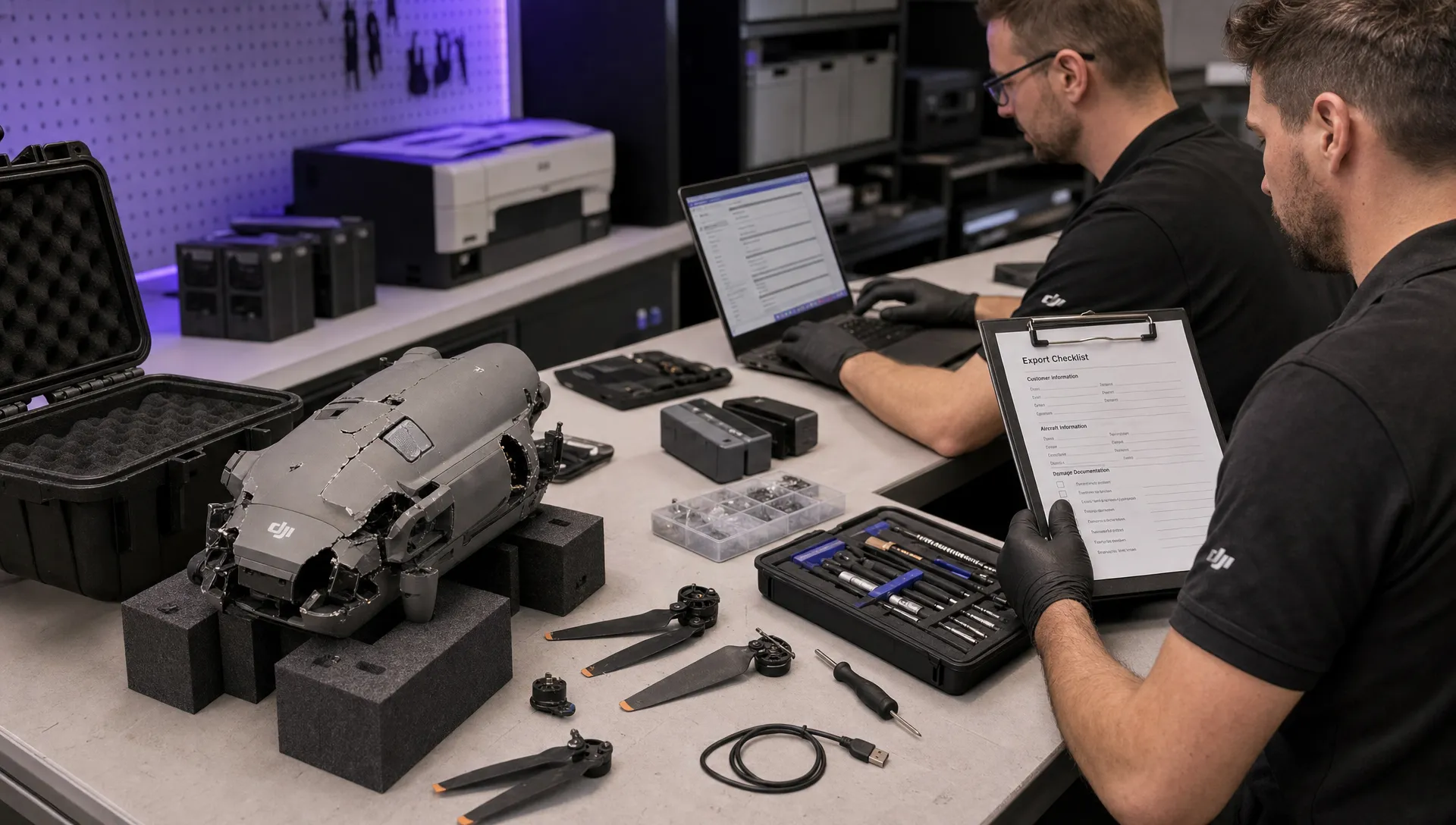 How to Export DJI Flight Logs for Incident Reviews →
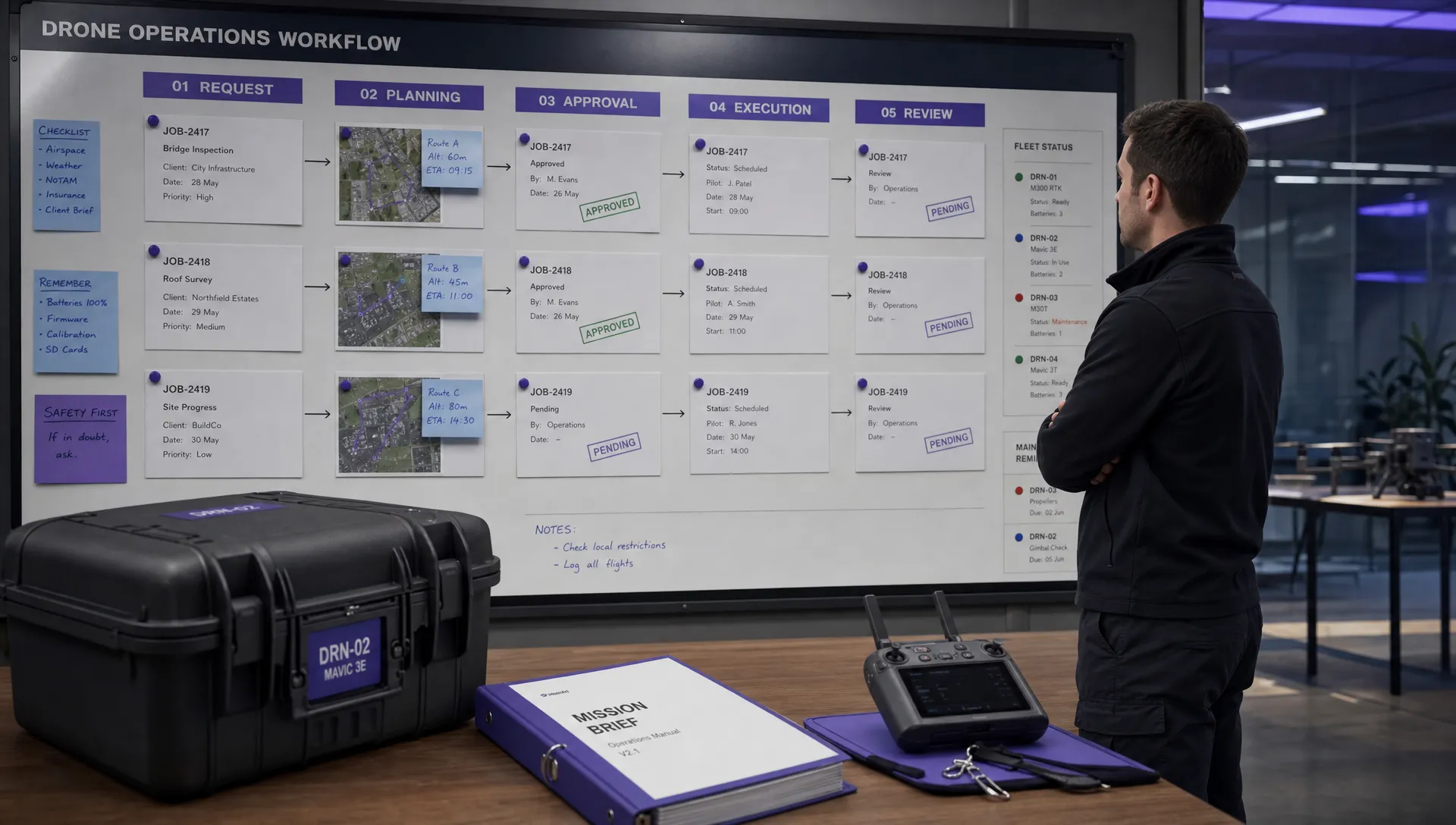 Drone Safety and Legal Duties for Business Operations →
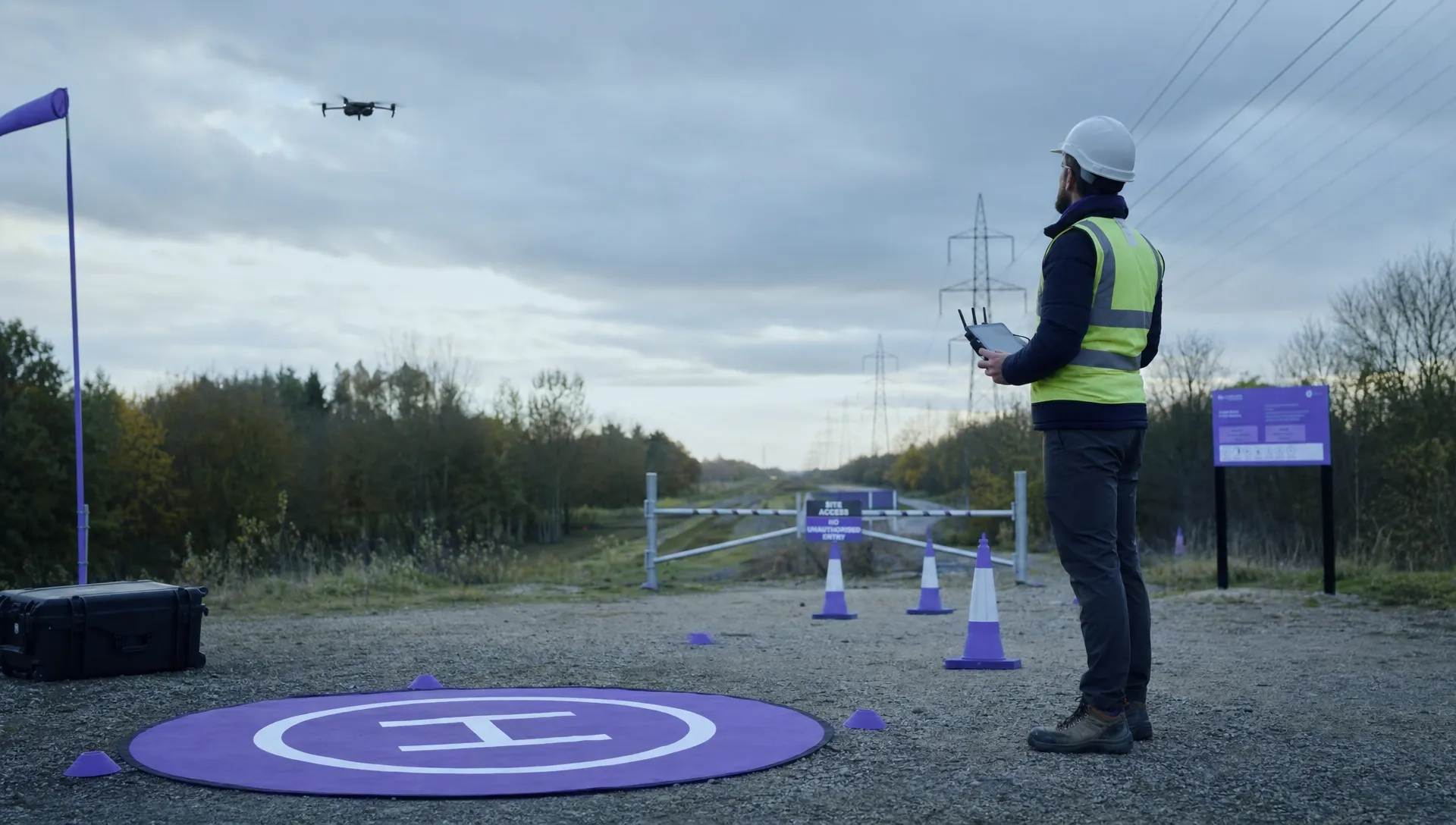 EASA Drone Regulations: Open, Specific and Certified Categories →
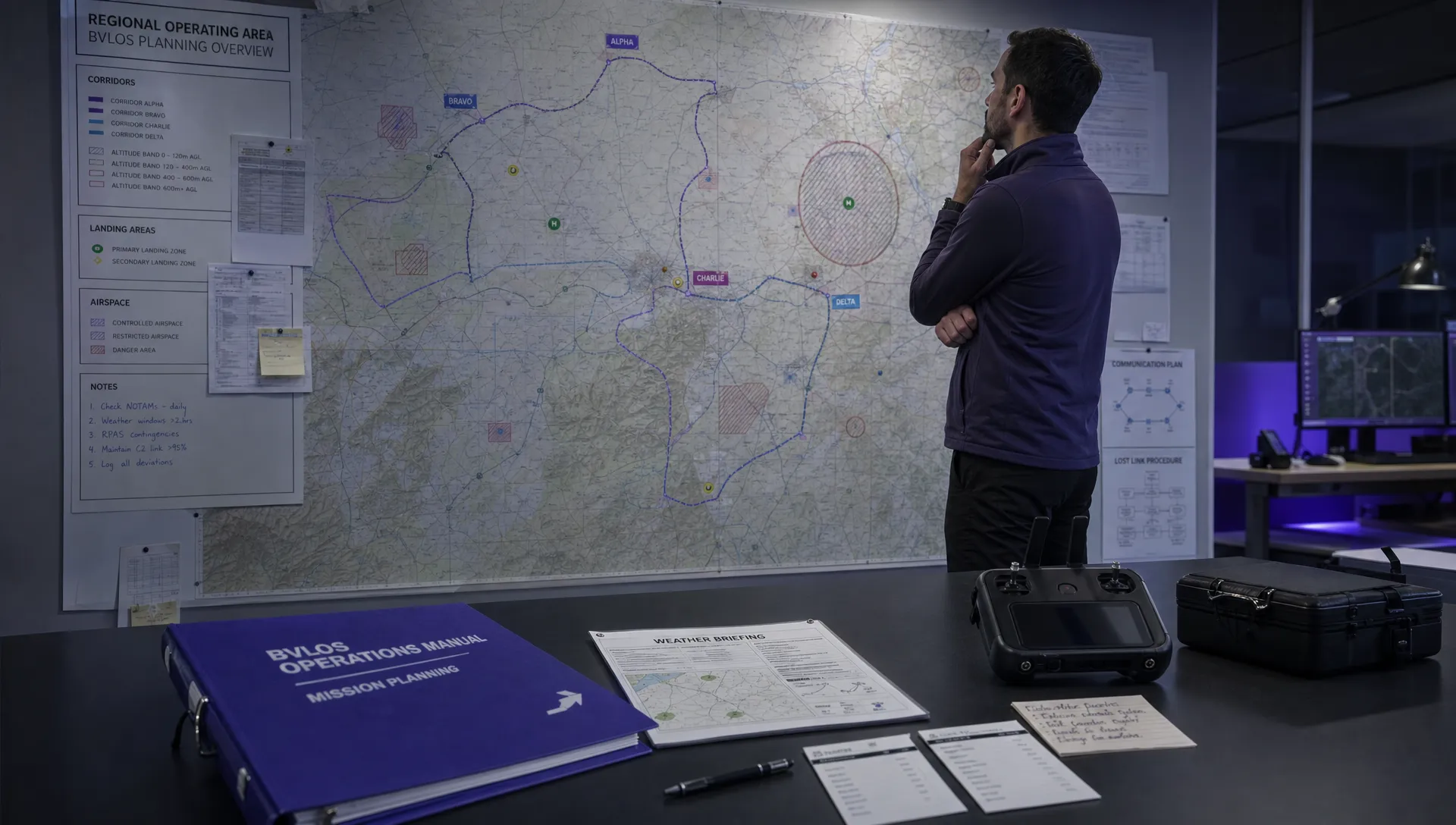 What the BVLOS ARC Report Means for UAS Operators →
 Free Drone Pre-Flight Checklist for Commercial Missions →
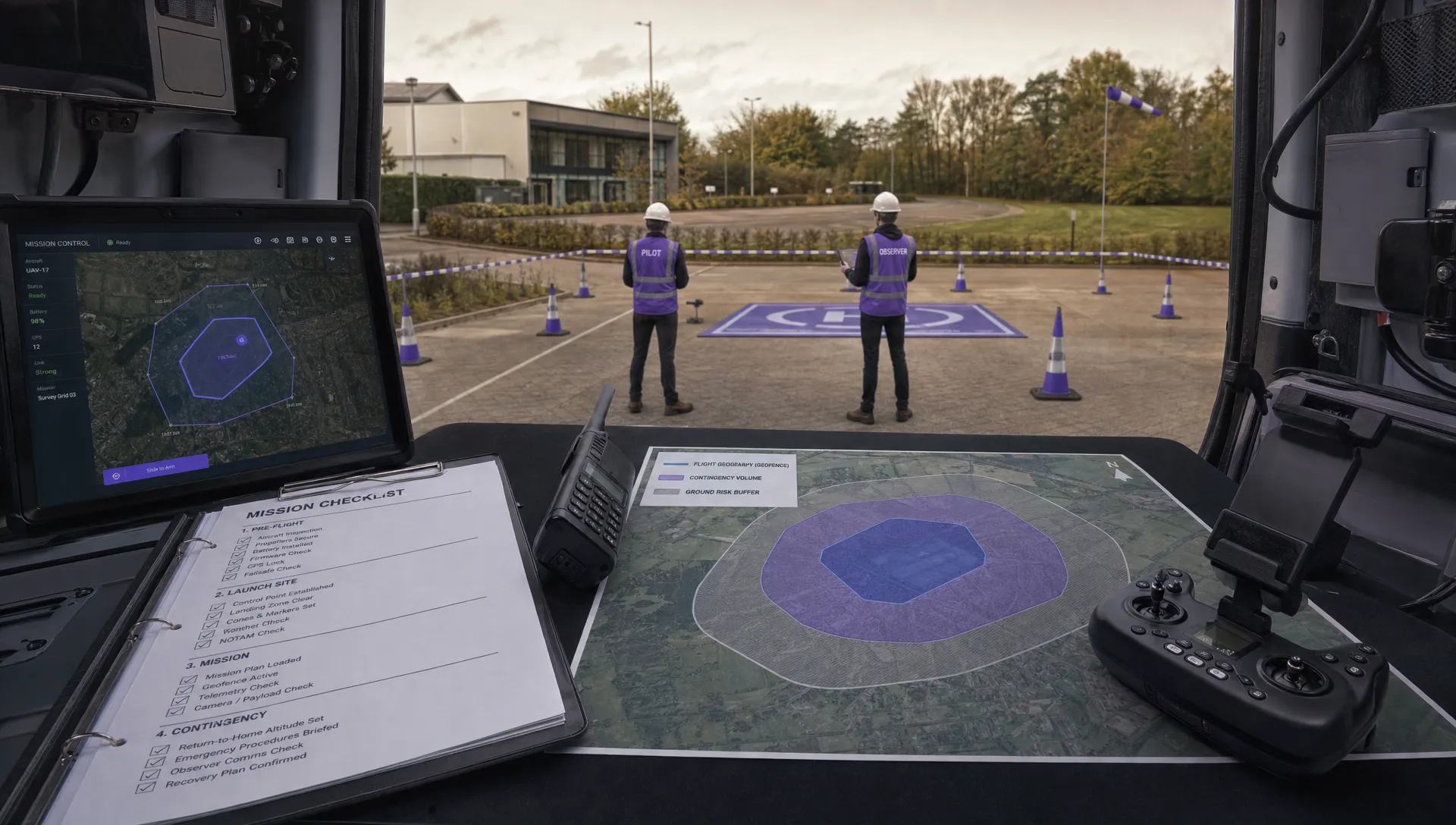 Contingency Volume and Flight Risk Buffer Explained →
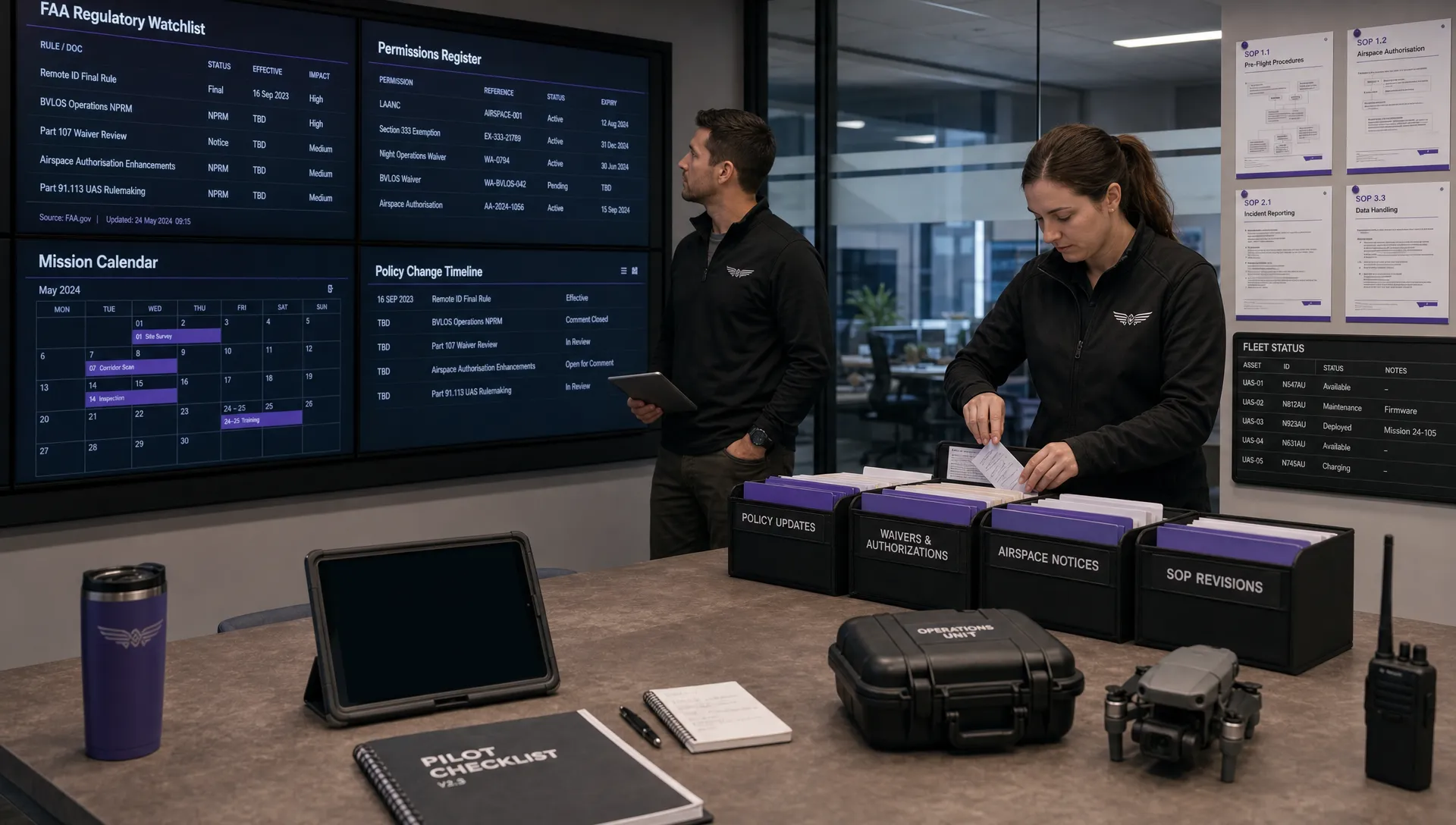 FAA Policy Changes That Commercial Drone Teams Should Track →