
Your Guide to the 2026 Drone Restrictions Map
Think of a drone restrictions map as your digital co-pilot. It’s a simple visual guide that translates dense aviation rules into something you can actually use, showing you precisely where you can—and more importantly, can’t—fly. It’s basically Google Maps for the sky, and it's your best friend for keeping every flight safe, legal, and professional.
Your Essential Guide to the Drone Restrictions Map
Flying a drone these days isn't just about launching it into the air. It's about navigating an increasingly crowded and complex digital airspace. A drone restrictions map is the most important tool in your kit, turning mind-numbing regulations from bodies like the FAA and EASA into a clear, interactive picture. This isn't just a "nice-to-have"—it's the bedrock of responsible piloting.
Without one, you're flying blind. It's shockingly easy to accidentally drift into an airport's flight path, hover over a secure government building, or get in the way of an emergency response. The consequences aren't pretty, ranging from hefty fines and losing your drone to causing a serious safety incident. A good map takes all that guesswork away, giving you the confidence to fly right.
Why Every Pilot Needs a Drone Map
Look, understanding these maps is about more than just dodging trouble. It’s the cornerstone of any professional, safe, and efficient drone operation. And as the rules keep changing, the need for solid airspace intelligence has never been greater.
For instance, by 2026, many countries have completely reshaped the market with mandatory Remote ID and even bans on certain foreign-made drones. In the US alone, the FAA reports there were 855,860 registered drones as of October 2026. Since late 2023, nearly all of them have been required to broadcast Remote ID signals or stay on the ground. You can get a deeper dive on how drone policy is shaping market access on Global Airu.
This ever-growing complexity makes a reliable drone map non-negotiable. Here's why:
- Public Safety: It keeps you clear of manned aircraft and protects people on the ground.
- Legal Compliance: You're ticking all the boxes for national, state, and local flight rules.
- Efficient Missions: You can quickly scout viable locations without wasting time and fuel on site visits only to find out it's a no-fly zone.
- Protecting Your Investment: It helps you avoid fines and legal battles that could ground your business or hobby for good.
From Hobbyist to Professional
Whether you’re just trying to get some cool vacation footage or you're running commercial surveys, that map is your ticket to a successful flight. It's the one source of truth that gives you a clear "go" or "no-go" for your mission.
Think of it this way: You wouldn't get in your car without knowing the rules of the road, reading signs, or checking a map for dead ends. A drone restrictions map does all that for the airspace you're about to enter.
This guide will walk you through everything you need to know. We’ll break down how to read the symbols, compare the best mapping tools out there, and show you how to build this data into a slick, professional workflow. By the time we’re done, you’ll be reading these maps like a seasoned pro.
How to Read Colors and Symbols on Your Drone Map
Cracking open a drone restrictions map for the first time can feel like you're trying to decipher an ancient, secret code. You’re met with a crazy quilt of colors, lines, and acronyms that all carry mission-critical meaning.
The easiest way to get your head around it is to imagine the map as a stack of transparent sheets laid over a landscape. One sheet shows all the airport zones, another highlights national parks, and a third displays temporary restrictions for things like concerts or VIP visits. When you see them all together, these layers create the complete picture of the airspace, telling you exactly where it’s safe and legal to fly.
This section will help you get fluent in this visual language.
This concept map illustrates how a drone pilot must balance regulations, mission goals, and safety to operate successfully.

The image puts the pilot right at the heart of it all, hammering home that you're the decision-maker responsible for pulling all these different, interconnected pieces together for every single flight.
Decoding the Color Spectrum
Colors are your first, most immediate clue on any drone map. They give you a quick-glance idea of what you’re dealing with. And while the exact shades might differ a bit from app to app, their basic meanings are pretty much universal.
-
Red Zones (No-Fly/Restricted): Red is a universal stop sign. These areas mark the most critical and restricted airspace, like major airports (Class B), military bases, national security sites, or active Temporary Flight Restrictions (TFRs). Flying in a red zone without explicit, high-level authorization is a definite no-go.
-
Yellow Zones (Caution/Authorization Required): Think of yellow as a "proceed with caution" sign. These zones often point to controlled airspace around smaller airports (Class D) or other areas where you need to be on your toes. Flying isn't banned outright, but it almost always requires automated authorization, like LAANC in the United States, before you can even think about taking off.
-
Green or Clear Zones (Generally Safe to Fly): An area without any colored shapes is usually uncontrolled airspace (Class G). This is where most of us do our flying, both for fun and for work. But "green" doesn't mean you can just forget the rules; you still have to follow all the standard aviation regulations, like staying below 400 feet and keeping your drone in sight.
Interpreting Common Map Symbols
Beyond the colors, your drone map is packed with symbols and lines that provide vital information. They’re basically simplified versions of what you’d find on official aviation charts. Nailing these symbols is just as important as knowing your colors.
Just like a road map uses symbols for motorways, rest stops, and construction zones, a drone map has its own set of icons for different airspace types. Learning them is absolutely essential for navigating the sky safely.
Key Airspace Symbols to Know:
- Concentric Circles: These almost always mean there's an airport nearby. The type of circle (solid, dashed, colored) and its label (e.g., B, C, D) tell you the class of airspace and which rules are in play.
- Polygonal Shapes: Oddly shaped areas, often in red or yellow, typically represent Temporary Flight Restrictions (TFRs) for events like festivals, wildfires, or VIP movements. They can also mark permanent No-Fly Zones over sensitive locations like prisons or power plants.
- Altitude Numbers: You’ll often see numbers like "400" or "200" inside a gridded area on the map. This is the maximum altitude (in feet Above Ground Level) you're allowed to fly in that specific sector, which might be lower than the usual 400-foot ceiling.
Many of the visual cues on modern drone apps have their roots in traditional aviation mapping. If you want to get a better handle on the fundamentals and why your drone map looks the way it does, it's worth checking out information on ICAO VFR Navigation Maps. That background knowledge gives you a much deeper context.
For pilots who really want to step up their game, it’s a great idea to learn how to read sectional charts. These are the detailed maps used by pilots of manned aircraft, and understanding them will give you the most complete picture of the national airspace system.
Choosing the Best Drone Restriction Mapping App
Flying a drone safely means more than just knowing the rules; you absolutely need the right tools for the job. And when it comes to drone restriction map apps, they are definitely not all created equal. Your choice here can make or break your workflow, your safety, and your ability to get in the air without a headache.
Think of your mapping app as a trusted co-pilot. You need one that gives you accurate, up-to-the-minute data, is easy to read when you're on-site and under pressure, and fits neatly into your flight planning routine. A great app doesn't just flash red zones at you; it helps you understand why an area is restricted and what, if anything, you can do to get legal permission to fly there.
What to Look for in a Mapping App
When you're comparing drone apps, it’s easy to get distracted by a slick-looking interface. But the real test is whether it delivers airspace intelligence you can bet your license on.
Here’s what really matters:
- Data Accuracy and Source: Does the app pull its information directly from official sources like the FAA or other national aviation authorities? This is non-negotiable. Your data has to be authoritative and in real-time.
- Ease of Use: Can you quickly find your location, figure out the airspace class, and see any restrictions without needing a user manual? A cluttered or confusing app is a recipe for a dangerous mistake.
- Update Frequency: How fast does the app show new Temporary Flight Restrictions (TFRs) or Notices to Air Missions (NOTAMs)? An app that only updates once a day could leave you completely in the dark about a last-minute restriction.
- LAANC Integration: For pilots in the US, the ability to request and get Low Altitude Authorization and Notification Capability (LAANC) approval right inside the app is a massive time-saver. For many, it's an essential feature for operating in controlled airspace.
Official Sources vs. Third-Party Apps
The app market is split into two main camps: official tools provided by government bodies and feature-packed apps from third-party developers. Each has its place.
FAA's B4UFLY App
This is the official app from the Federal Aviation Administration and serves as the baseline for airspace awareness in the United States. It's developed in partnership with Aloft to deliver official airspace information straight from the source.
Its biggest strength is its simplicity. The "Clear for Takeoff" message shown above is a great example of its direct, no-fuss feedback, making it perfect for a quick go/no-go check. It provides the core data you need and LAANC access, but you won't find the advanced mission planning or logging features that commercial operators often need.
Leading Third-Party Applications
Apps like Aloft (which actually powers B4UFLY), AirMap, and AutoPylot have become go-to tools for both hobbyists and pros. They take the raw data from sources like the FAA and wrap it in a suite of powerful features built for active pilots.
Think of B4UFLY as the government-issued road atlas—it's accurate and official, but basic. Third-party apps are more like Waze or Google Maps—they use the same core map but add real-time traffic, user reports, and advanced routing to make the whole journey smoother.
These platforms often stand out in a few key areas:
- Global Coverage: Many third-party apps cover multiple countries, which is a lifesaver for international operators.
- Advanced Features: You’ll often find tools for fleet management, flight logging, risk assessment checklists, and detailed weather overlays.
- Streamlined Workflow: The ability to plan a mission, check airspace, get authorization, and log the flight—all in one place—is a huge efficiency boost.
So which one is right for you? It really depends on what you're doing. A hobbyist just needing a quick LAANC approval has different needs than a commercial operator managing a fleet of drones for complex jobs. For a much deeper dive, check out our guide on the best drone airspace apps to find the perfect fit for your operation. At the end of the day, the right app is a critical investment in your safety and professionalism.
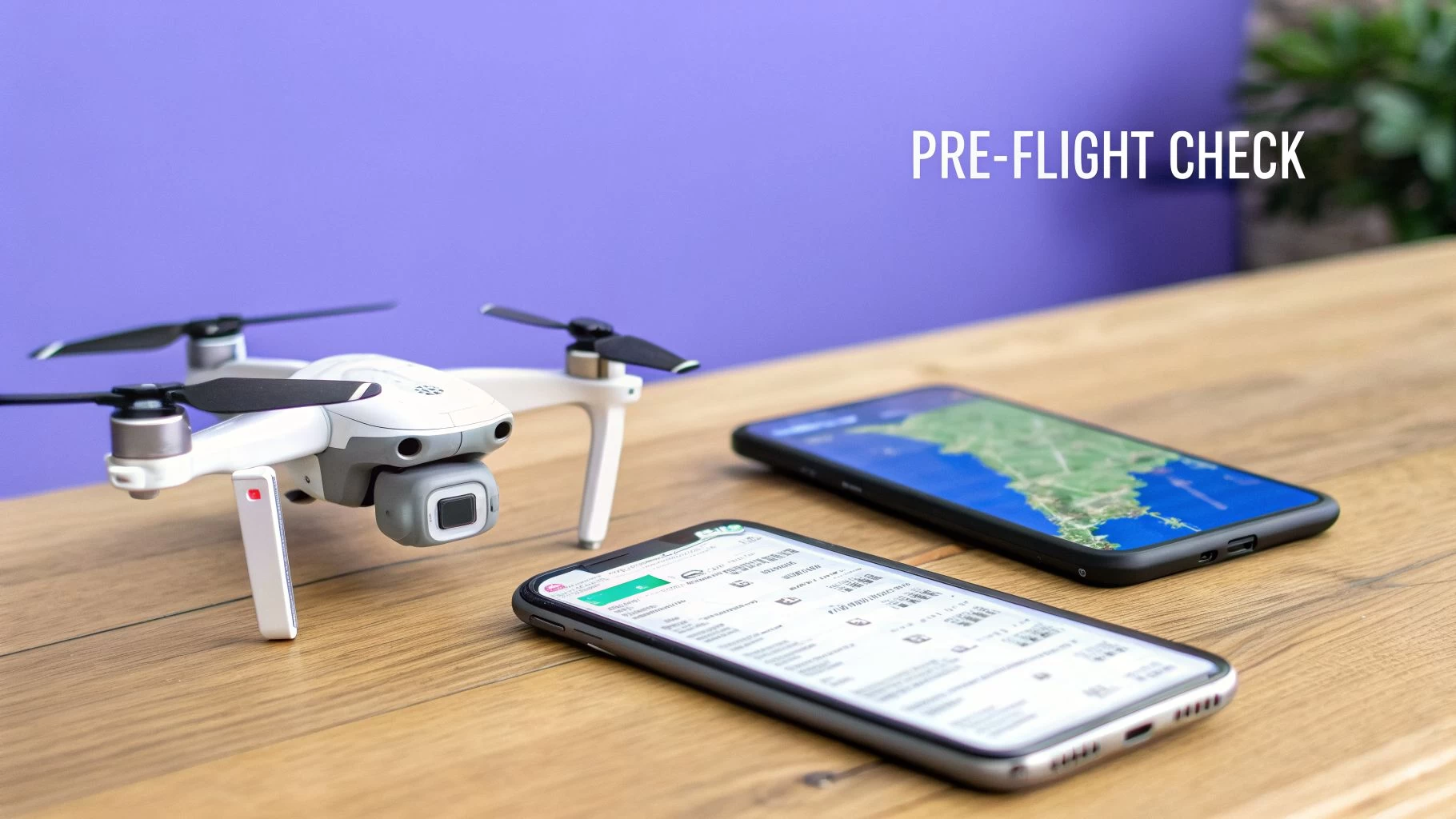
Your Pre-Flight Airspace Assessment Checklist
Knowing how to read a drone restrictions map is one thing; systematically using it to guarantee a safe and legal flight is a whole other skill. Just glancing at a map isn't nearly enough. A professional pilot turns that passive map-viewing into an active, repeatable safety protocol for every single mission.
This section is your bulletproof pre-flight checklist. Think of it as your standard operating procedure before the props ever start spinning. Following these steps consistently will build a critical safety habit that protects you, your equipment, and the public.
Step 1: Pinpoint Your Exact Operating Area
First things first: you need to define your playground. Don't just look at the general vicinity; drop a precise pin on your intended takeoff, landing, and primary flight zones. A mission to film a single property might be contained within a 50-meter radius, while a survey could cover several acres.
Get specific. Zoom right in on your drone restrictions map and draw a virtual boundary around the entire area where your drone will be. This precision is vital because airspace rules can change dramatically from one side of a street to the other.
Step 2: Analyze All Visible Airspace Layers
With your area defined, it's time to play detective. Methodically examine every colored shape, grid, and line that touches your operational zone. Each layer represents a different rule you absolutely have to follow.
- Controlled Airspace: Is your zone inside the concentric rings of Class B, C, or D airspace around an airport? If it is, you'll need authorization—no exceptions.
- Altitude Grids: Look for gridded sections with numbers like "200" or "100". This is the maximum altitude (in feet above the ground) you are cleared to fly up to with automated authorization, which is often lower than the standard 400 feet.
- Special Use Airspace: Keep an eye out for military operations areas (MOAs), restricted zones, or alert areas. Flying in these often requires special permission or, at the very least, extreme caution.
Think of this step like checking for traffic signs before pulling onto a highway. You wouldn't just merge without looking; you check for speed limits, construction warnings, and lane closures. The layers on your drone map are the sky's equivalent of these signs.
Step 3: Check for Temporary Restrictions
Permanent airspace is only half the story. The sky is dynamic, and temporary rules can pop up with little notice. This is where you must check for active TFRs (Temporary Flight Restrictions) and NOTAMs (Notices to Air Missions).
These can be issued for all sorts of reasons:
- Major sporting events or concerts
- VIP movements (like a presidential visit)
- Wildfires or other emergency response situations
- Airshows or other aviation events
A TFR that wasn't there yesterday could completely ground your flight today. Always check for TFRs and NOTAMs for the exact date and time of your planned flight. This is one of the most common—and easily avoidable—mistakes a pilot can make.
Step 4: Confirm Maximum Altitude and Local Rules
Based on your analysis so far, determine the absolute maximum legal altitude for your flight. Is it the standard 400 feet in Class G airspace, or is it a lower ceiling dictated by an airport grid? This number is your hard limit.
Next, you need to expand your search beyond the federal drone restrictions map. Many local and state jurisdictions have their own rules. For example, some states make it illegal to capture images of private property without consent, and many local parks ban drone takeoffs and landings entirely. A quick search for "[City Name] drone laws" or "[State Park Name] drone policy" is a crucial final check.
Step 5: Obtain Authorization and Document Everything
If your flight is in controlled airspace, now is the time to request authorization. For most pilots in the US, this means using an app to get automated LAANC (Low Altitude Authorization and Notification Capability) approval. The request is usually processed in seconds.
Do not proceed until you have received explicit approval. Once you get it, take a screenshot. Documenting your due diligence—your map checks, your LAANC approval, and your review of local rules—creates a professional record of compliance. This paper trail can be invaluable if your flight is ever questioned. This habit is what separates amateurs from true professionals.
Flying Abroad? How International Drone Regulations Show Up on a Map
Drone regulations don't just stop at the border, and for a professional pilot, neither do the opportunities. But here’s the catch: when you fly internationally, a drone restrictions map might use the same colours you're used to, but the rules behind them can be wildly different. A red zone over an airport in one country is simple enough, but in another, it could mark a complex urban flight corridor with its own unique set of access requirements.
This global patchwork of rules means a one-size-fits-all approach to flight planning is a non-starter. Each country’s Civil Aviation Authority (CAA) sets its own standards, and those standards are exactly what you see reflected on a drone map. A flight that’s a walk in the park in one region might demand a mountain of paperwork and special waivers in the next.
A Tale of Two Systems: FAA vs. EASA
To really get a handle on international drone law, you need to understand the two most influential regulatory bodies: the U.S. Federal Aviation Administration (FAA) and the European Union Aviation Safety Agency (EASA). Their philosophies are fundamentally different.
- USA (FAA): The FAA’s system is largely built around its Part 107 rules for commercial pilots. It’s a relatively straightforward model of controlled and uncontrolled airspace (Classes B, C, D, E, and G), with the LAANC system providing automated authorisations. The whole system is geared toward pilot certification and getting operational waivers for more advanced flights.
- Europe (EASA): EASA, on the other hand, uses a risk-based framework split into three categories: Open, Specific, and Certified. The ‘Open’ category, for low-risk flights, is what most pilots operate in. It's then broken down into subcategories (A1, A2, A3) based on drone weight and how close you’re flying to people. This creates a completely different set of zones and rules on a drone restrictions map compared to what you’d see in the US.
Other Key International Players
Beyond the big two, other nations have their own distinct approaches that you'll see on any global drone restrictions map.
In the United Kingdom, the CAA’s rules are similar in spirit to EASA's, but Brexit has introduced its own specific nuances. Over in Canada, Transport Canada governs the skies with its own system of Basic and Advanced operations, each with rules that heavily influence where and how you can fly.
Emerging drone markets are also building their own unique digital frameworks. India’s ‘Digital Sky Platform’ is a fascinating example, aiming to create a fully digital ecosystem for drone management with clear green, yellow, and red zones for every pilot. Meanwhile, Japan is pioneering advanced urban flight corridors, which will show up as specialised routes on a drone map, enabling complex operations like package delivery right in the heart of a city.
The real takeaway is this: never assume the rules are the same. Regulatory complexity, especially around Beyond Visual Line of Sight (BVLOS) flights, remains the number one global challenge for the drone industry. For instance, under the FAA's Part 107 rules, a staggering 54% of waiver requests get rejected, demanding ironclad safety cases that drain time and money. As you can see in this in-depth analysis of global drone challenges, navigating these strict requirements is a massive hurdle.
For any professional operator, this means having a mapping tool or platform with robust, up-to-date global airspace intelligence isn't a luxury—it’s a fundamental requirement for legal and safe international operations. Platforms like Dronedesk integrate this intelligence directly into your workflow, making it far easier to stay compliant, no matter where the job takes you.
Integrating Airspace Intelligence Into Your Workflow
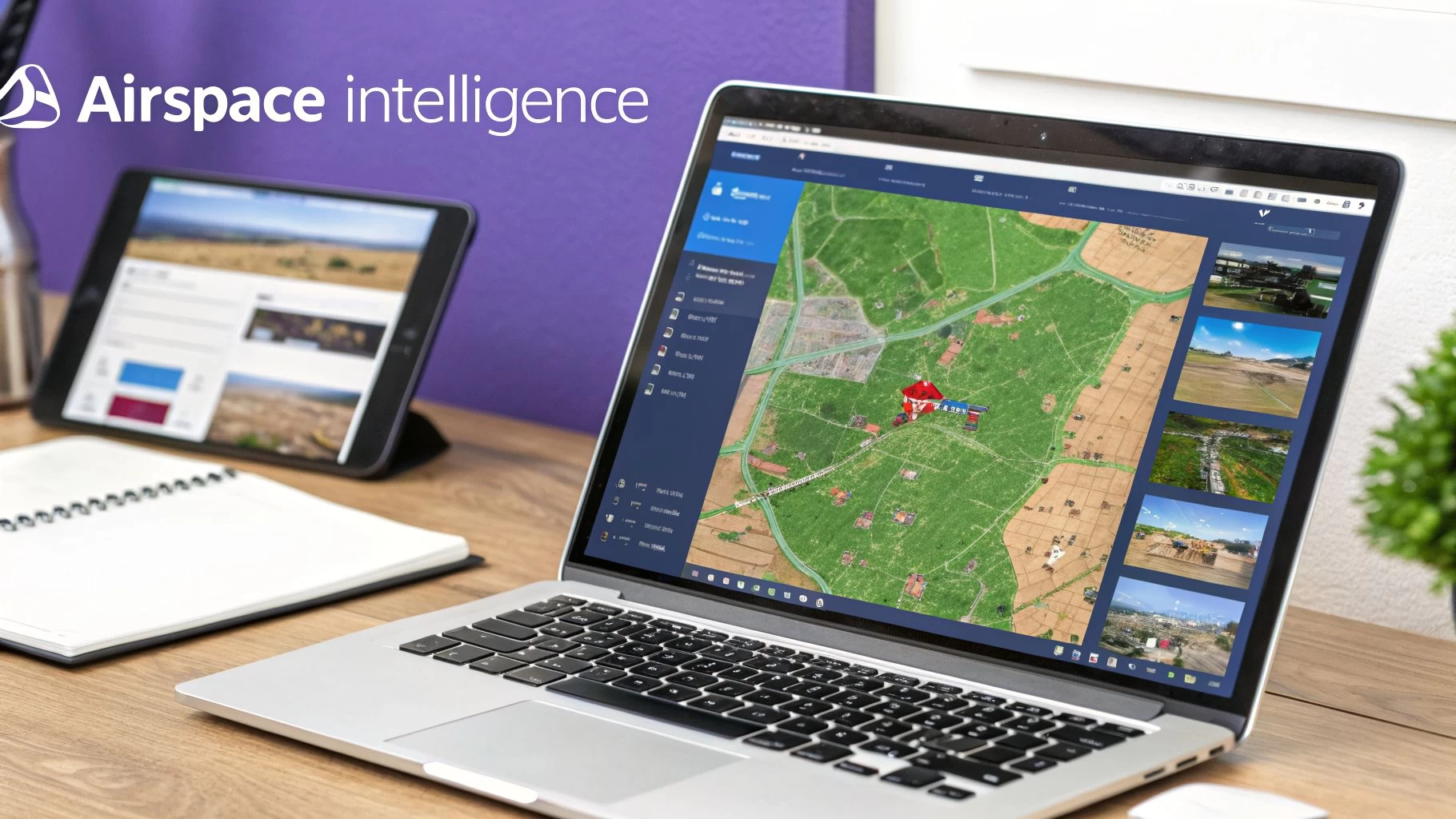
For any professional drone pilot, a standalone restrictions map is just the first step on the ladder. The real pros don't just check airspace data; they weave it right into the fabric of their entire operation using platforms like Dronedesk. This is a game-changer, turning a simple pre-flight check into an automated, compliant, and totally defensible record.
It’s all about moving from a patchwork of separate tools to a single command centre. Think about it: are you still manually juggling a map app, a weather forecast, and a spreadsheet? Or do you have one platform doing all that heavy lifting for you? This is where real efficiency and safety meet.
Beyond The Map To Total Operational Awareness
Imagine this: you're planning a new job. The second you key in the address, the system automatically gets to work analysing the airspace. It pulls real-time data from official sources, instantly flagging controlled airspace, TFRs, and any ground hazards. At the same time, it’s fetching detailed weather forecasts and logging all of it as part of that specific mission plan.
That's the power of true integration. It helps you nail several critical business goals:
- Slash Human Error: When data pulls and checks are automated, the risk of missing a critical NOTAM or misreading an airspace boundary vanishes.
- Build a Defensible Record: Every scrap of due diligence—from the first airspace check to the final flight log—is automatically documented and stored. It’s a bulletproof record of your compliance.
- Claw Back Admin Hours: What used to take hours of manual planning, screenshotting maps, and logging data can now be done in minutes. That frees you up to focus on flying and growing your business.
To really push efficiency and guarantee compliance, this often involves advanced route optimization for your flights. This ensures the path you fly is not only safe but also as efficient as possible.
This integrated approach is your operational "black box." If an incident ever happens or a client questions your process, you have a complete, time-stamped record of every single safety check and decision you made before takeoff. This documentation is invaluable for proving your professionalism and managing risk.
Ultimately, integrating your drone restriction map data is about building trust and scaling your business. Clients are far more likely to hire operators who can show they have robust, professional safety protocols in place. Platforms that deliver this level of integration let you take on more complex jobs and expand your business—without getting buried in paperwork. To see how this can genuinely change your operations, find out more about what a dedicated airspace intelligence platform can do for you.
Answering Your Drone Map Questions
When you're out in the field, staring at a drone map can sometimes raise more questions than it answers. An unexpected colour or a confusing rule can pop up when you least expect it. Let's tackle some of the most common practical questions pilots have, so you can clear up any confusion and fly with confidence.
What Should I Do if My Flight Area Is in a Red Zone?
Seeing a big red blob on a drone restrictions map is a clear signal to stop and reassess. In almost every case, a red zone means it's a complete no-fly area. These zones protect our most sensitive locations, like major airports, military bases, critical infrastructure, or spots under a Temporary Flight Restriction (TFR).
Flying in these areas is strictly off-limits without very specific, high-level authorisation—something that's almost never granted for routine flights. Your first, and safest, move should be to assume you cannot fly there. The only correct action is to find a new spot entirely outside the red zone's boundaries.
How Often Is the Information on a Drone Map Updated?
Good-quality drone map apps update their data with impressive speed. Permanent restrictions, like the airspace around an international airport, are pretty stable and rarely change. The real game-changer, however, is Temporary Flight Restrictions (TFRs).
TFRs for big events, emergencies like wildfires, or VIP movements can appear with almost no warning. This is exactly why checking your map the day before a flight just isn't enough. You absolutely must check it again immediately before takeoff, every single time.
Can I Rely Solely on One Drone Map App?
While the top-tier apps are incredibly reliable, it’s a professional best practice to cross-reference at least two different sources, especially for commercial jobs. This simple step is your safety net, helping you catch any odd data discrepancies and ensuring you have the full picture.
For instance, you might use a primary app like Aloft (formerly Kittyhawk) for its advanced features and LAANC access, then do a quick final check of the area using the official FAA B4UFLY app. This adds a crucial layer of redundancy to your pre-flight checks.
Does the Map Show Local Park or City Drone Rules?
This is a critical point that trips up a lot of pilots: not always. Most drone restriction maps are fantastic at showing you FAA-regulated airspace—things like airport zones and federal TFRs. But they often miss the hyper-local rules.
Many cities, counties, and state parks have their own specific ordinances that ban or restrict drone takeoffs and landings from their property. These local rules won't appear on a federal airspace map. It's on you to always check the official website for the local council or park authority that governs your planned flight area.
Ready to stop juggling multiple apps and start managing your drone operations from a single, powerful command center? Dronedesk integrates real-time airspace intelligence, mission planning, and compliance records into one seamless workflow. Streamline your flights and fly safer with Dronedesk today.
 How to Start a Drone Mapping Business With a Clear Workflow →
 Class C Airspace Drone Rules for Commercial Flights →
 How to Create a Drone Job Pack for Every Mission →
 FAA Small UAS Rule: Key Requirements for Operators →
 How to Build a Drone Pilot Flight Log That Is Audit Ready →
 FAA Drone Licence Requirements for Commercial Pilots →
 FAA BVLOS Waivers Granted: What Successful Cases Show →
 How to Export DJI Flight Logs for Incident Reviews →
 Drone Safety and Legal Duties for Business Operations →
 EASA Drone Regulations: Open, Specific and Certified Categories →