
UAS Remote ID: Your Guide to FAA Compliance in 2026
You're on site, batteries are charged, airspace is checked, the client is waiting, and one question still nags at the back of your mind. Is this aircraft compliant for today's job?
That's where uas remote id stops being a legal abstraction and becomes part of normal flight readiness. For professional operators, it affects whether a mission launches on time, whether your records hold up after an inspection, and whether an older airframe is still worth keeping in service. It also adds a layer of admin that many pilots underestimate until they're managing multiple aircraft, multiple registrations, and different workflows across a team.
The good news is that Remote ID is manageable once you treat it like any other operational control. You need to know which compliance path fits each aircraft, how to register it correctly, how to verify it before launch, and how to handle the privacy and workflow trade-offs that come with it.
Your Essential Pre-Flight Check for Remote ID
Most pilots already run a mental sequence before takeoff. Airspace. weather. batteries. firmware. SD card. Home point. Permissions. Remote ID belongs on that list every single time.
If you skip it, the failure usually isn't dramatic. The drone may arm. The mission may look normal. The problem shows up later, when you realize the aircraft wasn't registered with the right identifier, the module wasn't paired correctly, or the aircraft type you brought isn't legal for the operation you planned.
What to confirm before you launch
A practical pre-flight check for uas remote id should answer four questions:
- Aircraft status: Is this drone built with Standard Remote ID, dependent on an external module, or restricted to a different operating category?
- Registration match: Does the identifier on file match the aircraft or module you're flying today?
- Broadcast readiness: Has the aircraft completed startup cleanly, with no Remote ID warning or error?
- Mission fit: Does this compliance method support the kind of operation you're about to conduct?
That last point matters more than people think. A drone that's fine for a short local flight may be the wrong aircraft for a more demanding commercial mission if its compliance method creates extra setup, more failure points, or operating limits that don't suit the job.
Practical rule: If a pilot has to “double-check later” whether the Remote ID details were correct, the check wasn't finished.
Teams that operate smoothly usually bake this into the same workflow as battery health, maintenance status, and authorization checks. If you want a good model for that process, use a structured drone pre-flight checklist rather than relying on memory.
Why this deserves attention
Remote ID changed the baseline for legal professional flying. It isn't just another document requirement. It ties the aircraft in the sky to a specific registration path and operational identity.
For a solo pilot, that means fewer surprises on job day. For a team manager, it means cleaner aircraft assignment, less registration confusion, and fewer avoidable compliance gaps across the fleet.
What Is UAS Remote ID and Why Does It Matter
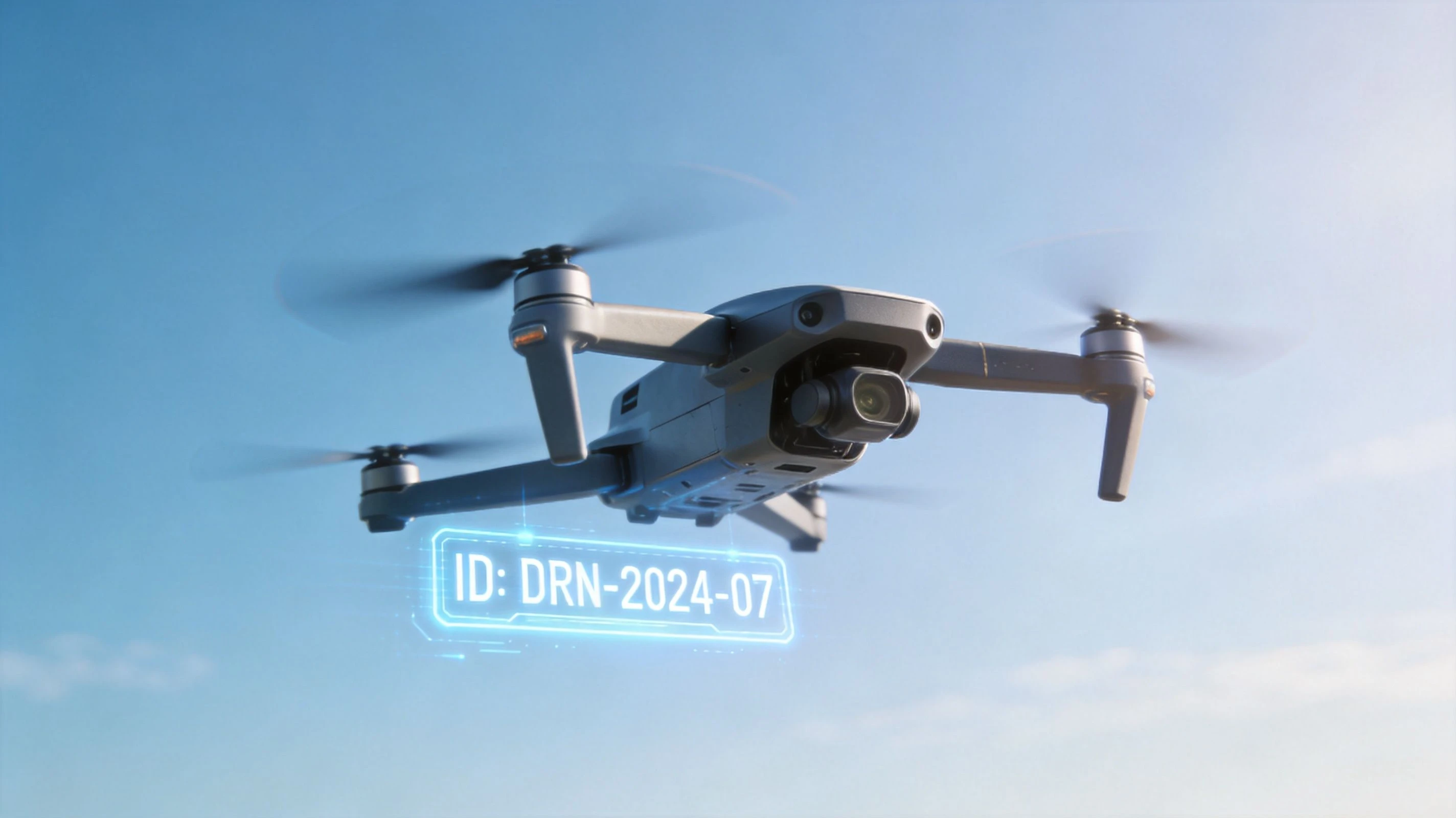
The simplest way to explain uas remote id is this. It's a digital license plate for the sky.
It identifies the aircraft during flight and supports accountability in the airspace. That matters to regulators, law enforcement, other airspace stakeholders, and increasingly to commercial operators who need clear records of what flew, where, and under what authorization.
What the system is trying to do
The policy goal is straightforward. The regulations aim to “increase UAS remote pilot accountability by removing anonymity”, as described in the ASTM-related material hosted by The Drone Professor.
For a new team member, the operational takeaway is simple. Anonymous flying isn't the model anymore. The FAA framework expects drones in the national airspace to be identifiable during operations.
That matters beyond enforcement. It supports broader integration of drones into busier airspace, especially as commercial activity expands and regulators need a reliable way to connect an aircraft in flight to a legitimate operator.
What professionals should pay attention to
For professional operators, this creates a real tension. The same system that improves accountability also exposes more operational detail than many businesses are used to sharing.
Real-time location data of the aircraft and control station raises legitimate questions about who can access that information, how long it's retained, and how operators protect sensitive job locations.
If you fly infrastructure, utilities, high-value real estate, private estates, or sensitive industrial sites, that concern isn't theoretical. Your operation may be fully lawful and still involve commercially sensitive movement patterns, launch points, or site activity.
Many basic guides fall short in this area. They explain the rule but fail to address the business consequence. In practice, Remote ID is both a compliance tool and a data-governance issue.
What it means on a normal job
For day-to-day work, think in these terms:
- Safety and accountability: The aircraft is no longer operating as an anonymous object in the airspace.
- Operational traceability: Your records, registration details, and aircraft setup need to stay aligned.
- Business exposure: Site locations and operator positions may carry privacy implications.
That doesn't make Remote ID optional or unreasonable. It means professional operators need to manage it with the same discipline they use for flight logs, maintenance records, and client-sensitive data.
Comparing Your Remote ID Compliance Options
The best compliance path depends on what's in your fleet and what kind of work you do. Some aircraft are easiest to keep in service with built-in capability. Others become admin-heavy the moment you start relying on add-on hardware or trying to force an aircraft into a role it no longer fits.
Standard Remote ID in practice
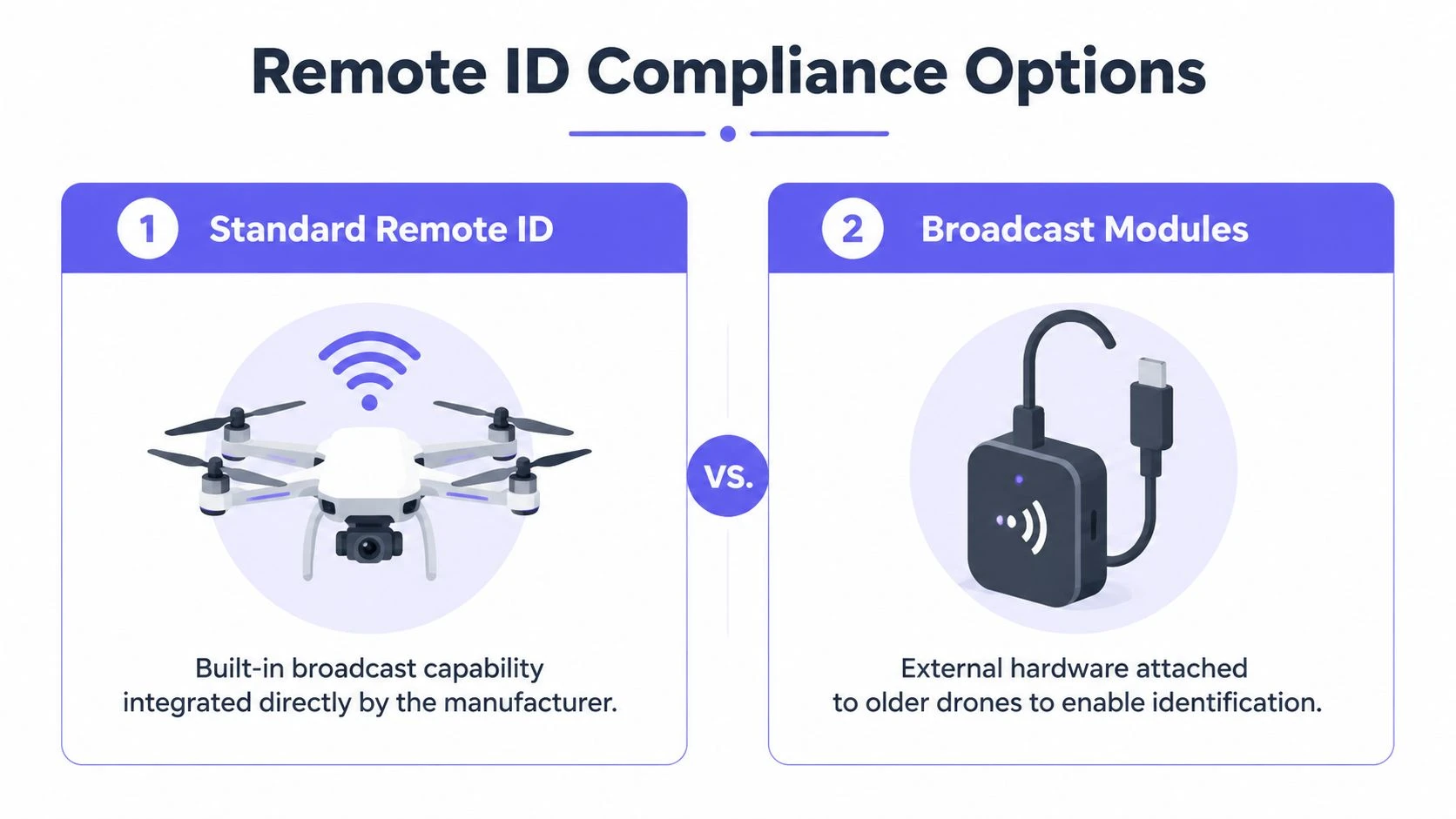
A Standard Remote ID aircraft has Remote ID built into the drone by the manufacturer. According to the FPVFC Remote ID NPRM guide, Standard Remote ID UAS must broadcast data via radio frequency and transmit the same data over the internet to a Remote ID USS. The message includes a unique ID, precise location, altitude, and a time mark, creating a redundant system for real-time tracking and ensuring near-100% traceability for FAA oversight.
From an operations standpoint, this is usually the cleanest option. The aircraft, firmware, and compliance path were designed together. That means fewer physical add-ons, fewer mounting decisions, and less risk of somebody forgetting a separate device in the case.
It's usually the best fit for teams that want predictable deployment, standardized workflows, and fewer handoff errors between pilots.
Broadcast modules and where they get messy
A broadcast module lets you add Remote ID capability to an older aircraft that didn't ship with it. On paper, this sounds like an easy way to preserve existing fleet value.
In practice, broadcast modules can create friction. You have more hardware to manage, more chances for setup inconsistency, and more room for registration mistakes if the module identifier and aircraft assignment aren't documented carefully. For single-aircraft owners, that may be manageable. For a team rotating pilots and aircraft across jobs, it can get untidy fast.
Broadcast modules still have a place. They can buy time for legacy aircraft that remain useful for training, niche payloads, or lower-priority work. But they're rarely the simplest long-term answer.
Limited Remote ID and when it fits
There's also a Limited Remote ID category, which is better thought of as an operationally narrow solution than a general fleet strategy. It suits very specific aircraft and mission profiles rather than broad commercial deployment.
Use it only when the aircraft design and your job profile match the limitations. Don't treat it as a shortcut for avoiding better fleet planning.
Remote ID Compliance Methods Compared
| Attribute | Standard Remote ID | Broadcast Module |
|---|---|---|
| How compliance is provided | Built into the aircraft by the manufacturer | Added through external hardware |
| Setup burden | Usually lower once configured | Higher because hardware, mounting, and assignment must stay consistent |
| Best fit | Main commercial fleet aircraft | Older aircraft you still need to keep flying |
| Operational risk | Fewer separate components to forget or misconfigure | More chances for mismatch, damage, or admin errors |
| Team workflow | Easier to standardize across pilots | Harder to manage when modules move between aircraft |
| Long-term practicality | Stronger for regular business use | Useful as a stopgap or for limited legacy roles |
Choose the compliance path that reduces routine mistakes, not just the one that seems cheapest on day one.
What usually works best
For most professional businesses, the strongest approach is simple:
- Use Standard Remote ID for your primary revenue-generating aircraft.
- Use broadcast modules sparingly for legacy platforms that still have a defined role.
- Retire or reassign awkward aircraft if the compliance overhead is bigger than the value they produce.
That's the practical lens that matters. Remote ID isn't only about legal eligibility. It's also about whether the aircraft remains efficient to operate.
Navigating FAA Rules and Exemptions
A pilot arrives at a client site with an older aircraft, assuming the job is close-range and figuring Remote ID will not be an issue. That is how teams end up burning a morning on calls, paperwork checks, and a scrubbed mission. In commercial operations, exemption mistakes rarely fail without notice. They cost dispatch time, create avoidable compliance exposure, and force the office to clean up records after the fact.
The FAA's Remote ID compliance date is already behind us. The agency outlines the current rule framework in its Remote Identification of Unmanned Aircraft fact sheet. For a drone business, that means Remote ID is not a planning topic. It is part of job acceptance, aircraft assignment, and pilot release.
The exemption many commercial teams misunderstand
The biggest problem I see is not the rule itself. It is teams assuming an exception applies because the flight feels low risk or stays on private property.
FRIAs are the clearest example. An FAA-Recognized Identification Area is a specific approved location, not a flexible option you can recreate at a customer site. Landowner permission does not turn a warehouse yard, utility corridor, or farm into a FRIA. If your scheduler or pilot treats it that way, the job can look compliant on paper right up to the moment someone checks the details.
If you want broader context on how these requirements fit with other operating changes, this summary of new drone laws is a useful companion read.
Limited Remote ID needs a narrow reading
Another area that gets overstated is Limited Remote ID UAS. Under 14 CFR Part 89, that category depends on the aircraft being designed and produced to meet that standard, including operation within 400 feet of the control station.
That matters for certain tightly controlled use cases. It does not give a pilot discretion to keep any noncompliant aircraft nearby and call it legal. The aircraft has to qualify by design, not by intention.
That distinction matters operationally. If your company mixes newer aircraft with legacy units, one bad assumption can spread fast. Pilots start borrowing aircraft across teams, coordinators assign the wrong platform to a job type, and the admin staff has to untangle whether the aircraft, registration record, and mission profile matched.
The practical rule for day-to-day decisions
Use this standard with new pilots and dispatch staff:
- Part 107 commercial work usually requires a clear Remote ID compliance path.
- Exemptions are narrow and need to be verified before the aircraft is assigned.
- Small size, short distance, or private property do not create an exemption by themselves.
- Aircraft certification status matters more than pilot intent.
A simple habit prevents a lot of expensive mistakes. If anyone says, "we're only flying nearby," stop the release and confirm the aircraft's actual compliance basis.
That check is not just about avoiding an FAA problem. It protects utilization across the fleet, reduces last-minute aircraft swaps, and keeps your team from carrying hidden administrative costs every time an older drone gets pushed onto a commercial job it was never set up to support.
How to Make Your Drone Fleet Compliant
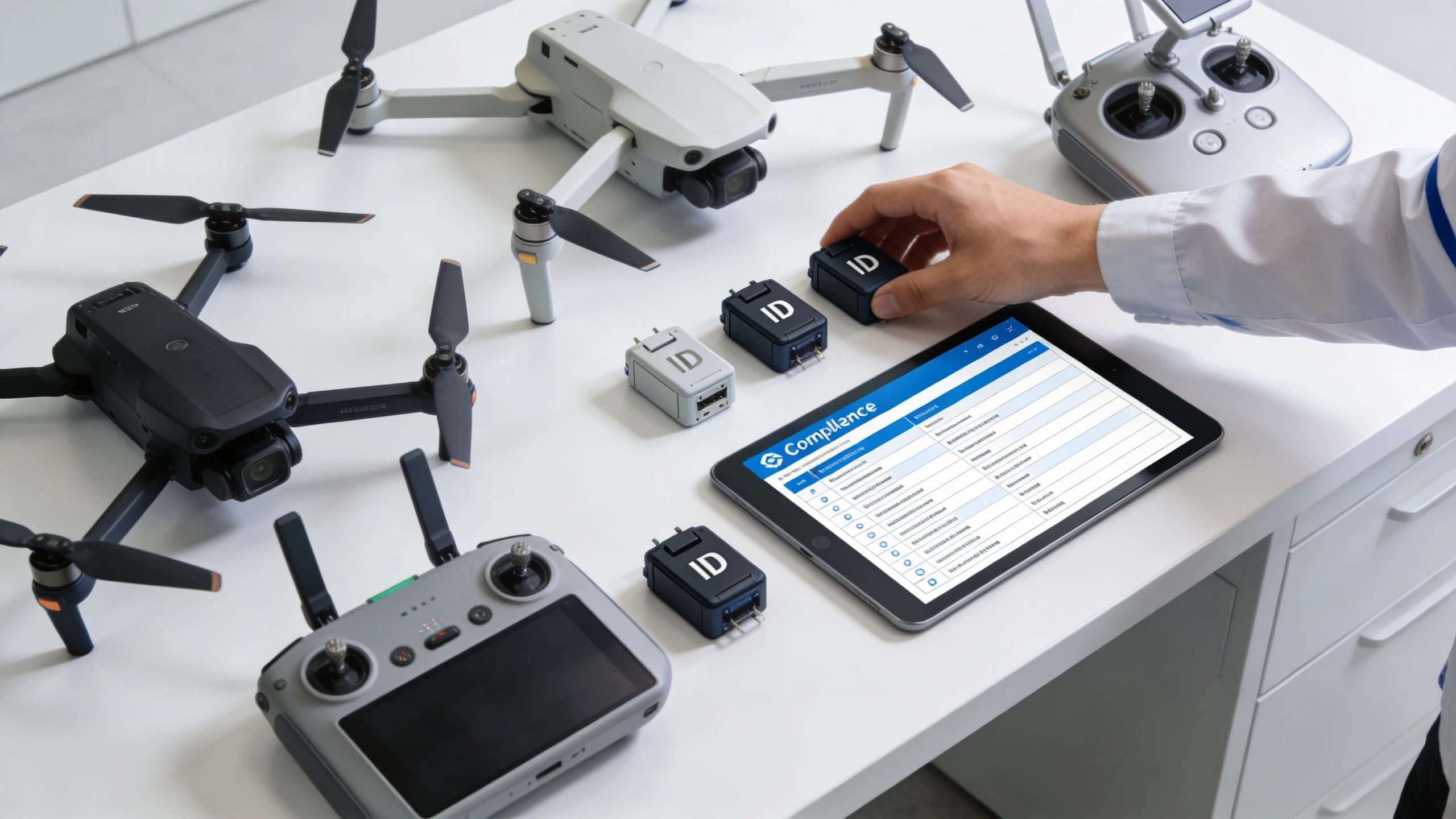
Fleet compliance starts with a boring task that saves a lot of trouble later. You need a clean inventory of every aircraft you own, every identifier attached to it, and the exact compliance path each one uses.
That sounds basic, but it's where many operators slip. Aircraft get renamed. Modules get moved. Pilots assume someone else updated the registration. A drone that was fine last quarter ends up on a job with outdated records because nobody closed the loop.
Start with a fleet audit
Build a simple master list and verify each aircraft against reality, not memory.
Include:
- Aircraft make and model
- Whether it has Standard Remote ID or depends on a module
- The exact serial or Remote ID identifier used for registration
- The pilot or team typically assigned to it
- Any notes about mission restrictions or setup quirks
This step matters because registration errors are common. Research examining FAA registrations found that operator-led retrofit compliance had an under 1% success rate for properly updated non-standard drones, according to Rupprecht Law's Remote ID compliance analysis. The lesson isn't that retrofits are impossible. It's that details get missed when operators treat registration as an afterthought.
Then verify the registration path
Once the fleet list is accurate, confirm that each aircraft's registration reflects the identifier in use. Don't trust old screenshots, handwritten notes, or labels on storage cases. Check the aircraft and the registration record.
For teams, mistakes multiply at this stage. A module gets swapped after maintenance. A pilot grabs a backup aircraft. Someone copies a serial number incorrectly. One small mismatch turns a compliant setup into a noncompliant one.
Make pre-flight verification routine
Before launch, the assigned pilot should confirm that the aircraft starts without Remote ID warnings and that the planned aircraft matches the registration and mission profile.
A strong workflow looks like this:
- Select the aircraft scheduled for the job.
- Confirm the compliance method tied to that aircraft.
- Check registration details against your records.
- Power up and review system status before takeoff.
- Ground the aircraft if there's uncertainty until the mismatch is resolved.
If you're managing more than a handful of aircraft, use a dedicated uas fleet management system rather than tracking this in scattered spreadsheets and chat threads.
A fleet is compliant only when the aircraft, the identifier, the registration, and the pilot assignment all match on the day of flight.
Integrating Remote ID into Your Daily Operations
A pilot shows up on site, powers up the backup aircraft, and everything looks normal until dispatch realizes the aircraft was swapped after maintenance and the Remote ID paperwork was never updated. The flight gets delayed, the client is waiting, and someone from your team now has to untangle whether this is a quick fix or a grounded aircraft. That is how Remote ID usually causes problems in real operations. Not during training. During a live job.
Remote ID is simple as a rule and expensive as a process. The cost is rarely just the aircraft or module. It shows up in staff time, extra checks, training, maintenance handoffs, and the mistakes that happen when fleet records drift from what is sitting in the case.
The FAA Remote ID compliance dates are already in force, so the practical question for a professional operator is not whether to deal with it. The question is how to keep it from slowing down every mission.
Where the hidden work shows up
The first cost is obvious. You need compliant aircraft, or you need modules for aircraft that can legally use them.
The larger cost comes later. Someone has to track which aircraft has standard Remote ID, which one relies on a module, which registrations were updated after repairs, and which pilots know the quirks of each setup. On a small team, that work usually lands on one operations lead. On a larger team, it gets spread across dispatch, maintenance, and pilots, which creates more chances for mismatch.
The trouble spots are predictable:
- Procurement: A low-cost aircraft can become expensive if it adds a separate compliance process to the fleet.
- Dispatch: Backup aircraft are useful only if dispatch can confirm their compliance status quickly.
- Maintenance: Swapping parts, updating firmware, or moving a broadcast module can create recordkeeping work that people forget to close out.
- Training: Pilots need to know what a Remote ID warning means and when to stop the mission.
- Audit prep: If a client, regulator, or internal reviewer asks who flew what aircraft on a specific day, you need a clean answer.
Businesses lose time here. Not because the rule is hard to read, but because routine changes create small administrative tasks that nobody owns until something goes wrong.
Build the check into normal operations
Remote ID should sit inside the same workflow you already use for aircraft release, dispatch approval, and post-flight closeout. If it lives on a separate checklist that only some pilots remember, it will fail under schedule pressure.
For solo operators, that usually means one added confirmation during pre-flight and one entry after landing if anything changed. For teams, it means operations, maintenance, and pilots are all working from the same current aircraft record.
A workable standard usually includes:
- One current fleet record that shows the aircraft identifier, compliance method, registration status, and maintenance status
- A dispatch gate that prevents assignment of aircraft with unresolved Remote ID questions
- A grounding rule for warnings, identifier mismatches, or missing documentation
- A return-to-service step after maintenance or module changes
- A post-flight note when a pilot sees any Remote ID alert, even if the mission was completed
Keep it boring. Boring systems scale.
Mixed fleets create extra friction
This is the trade-off many businesses underestimate. A mixed fleet gives you flexibility on payloads, airframes, and price. It also gives you multiple compliance paths to manage at once.
Aircraft with built-in standard Remote ID are usually easier to dispatch and easier to train around. Module-based aircraft can still be useful, especially for legacy platforms or limited-use backup roles, but they add handling steps and more opportunities for error. In practice, the cheapest aircraft to keep is often the one that creates the fewest exceptions for your team.
If you run both types, assign them deliberately. Put module-based aircraft into defined mission categories, limit who can use them, and make sure the records are updated the same day any module is moved or replaced.
The privacy issue is operational, not theoretical
Professional operators already understand why accountability matters. The harder question is how broadcast location and identification affect sensitive work, client expectations, and internal policy.
That matters for utility inspection, private estates, security-adjacent work, agricultural operations, and any mission where the client cares about location confidentiality. The regulation sets the legal floor. Your company still has to decide what crews disclose to clients, what job details get stored in third-party tools, and how launch locations are communicated internally.
If your work touches private land or location-sensitive activity, the broader privacy mindset is worth paying attention to. The Karoo Outdoor pro guide for hunters is not about drones, but it shows how another field handles access, safety, and location-sensitive operations in practice.
Treat Remote ID as an operations control issue. Teams that do that usually see fewer dispatch delays, fewer aircraft mix-ups, and cleaner records when questions come up later.
What holds up in day-to-day use
The teams that manage this well usually follow a few simple rules:
- Standardize the fleet where possible. Fewer compliance methods mean fewer mistakes.
- Keep exception aircraft in defined roles. Do not let every pilot grab them for any job.
- Write down aircraft-specific quirks. The next pilot should not have to rediscover them on site.
- Review admin effort, not just airworthiness. Some aircraft cost more in coordination than they are worth.
- Assign ownership. Someone needs to be responsible for closing the loop after maintenance, swaps, or registration updates.
That is the actual operational effect of uas remote id. It changes more than legal status. It changes dispatch discipline, maintenance handoff, training needs, and the amount of administrative overhead your business has to carry to keep flying without delays.
Remote ID FAQs for Professional Pilots
What if Remote ID fails during a mission
Treat it as an operational issue, not a minor warning. If the aircraft reports a Remote ID problem, the pilot should follow the company's defined procedure, assess whether the flight should continue safely, and document what happened immediately after landing. Don't keep flying and assume you'll sort out the paperwork later.
Can I use a client's property as a temporary FRIA
No. Client permission to launch from private property doesn't turn that location into a FRIA. A lot of commercial pilots make this assumption because it sounds practical, but it isn't how the exemption works.
Who can see Remote ID information
That's one of the biggest professional concerns. The accountability purpose is clear, but operators still have valid questions about access, retention, and how operationally sensitive data is handled. If your work touches hunting land, private estates, or rural managed property, it's worth understanding how land users think about location privacy more broadly. This Karoo Outdoor pro guide for hunters isn't about drones, but it's a useful example of how professionals in another outdoor field think about site access, safety context, and location-sensitive activity.
Are broadcast modules a good long-term answer
They can be useful, but they often create more handling and recordkeeping burden than operators expect. For many businesses, they work best as a bridge for specific legacy aircraft, not as the foundation of the fleet.
Does a very small commercial drone avoid Remote ID automatically
Don't assume that. Weight alone doesn't answer the compliance question for professional operations. Check the actual operating rule, aircraft category, and registration path before you send it on a paid job.
If you want one place to manage aircraft records, pilot assignments, compliance checks, and flight logs without juggling separate tools, Dronedesk helps professional operators keep Remote ID and the rest of their operation organized. It's built for solo pilots, growing teams, and enterprise programs that need safer workflows with less admin.
 Atypical Airspace Explained for UK Drone Operators →
 FAA Unmanned Aircraft Regulations Made Simple →
 Part 107 Test Tips to Pass With Confidence →
 How to Pass the FAA Drone Written Test First Time →
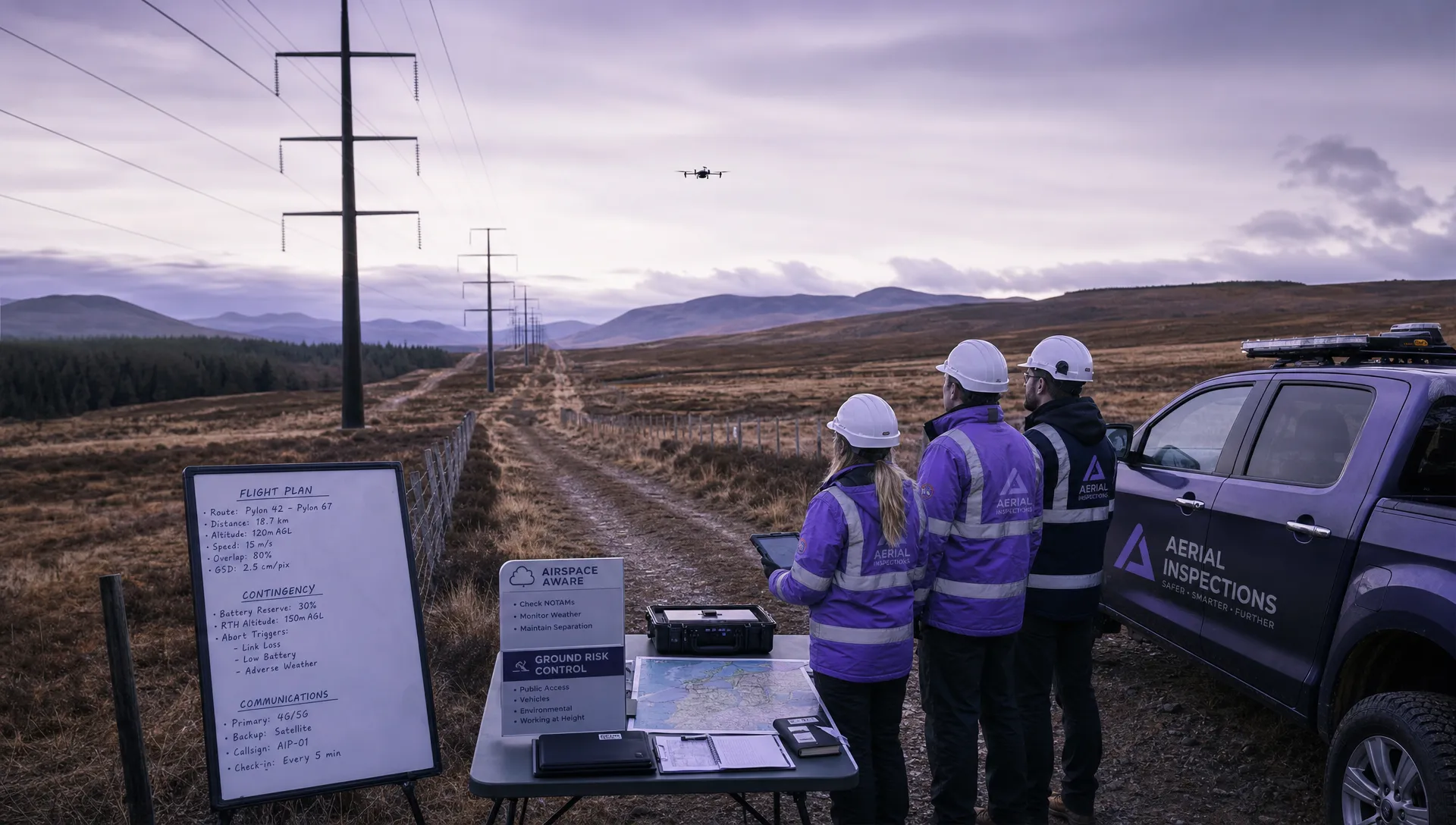 What a BVLOS Flight Means for Risk and Compliance →
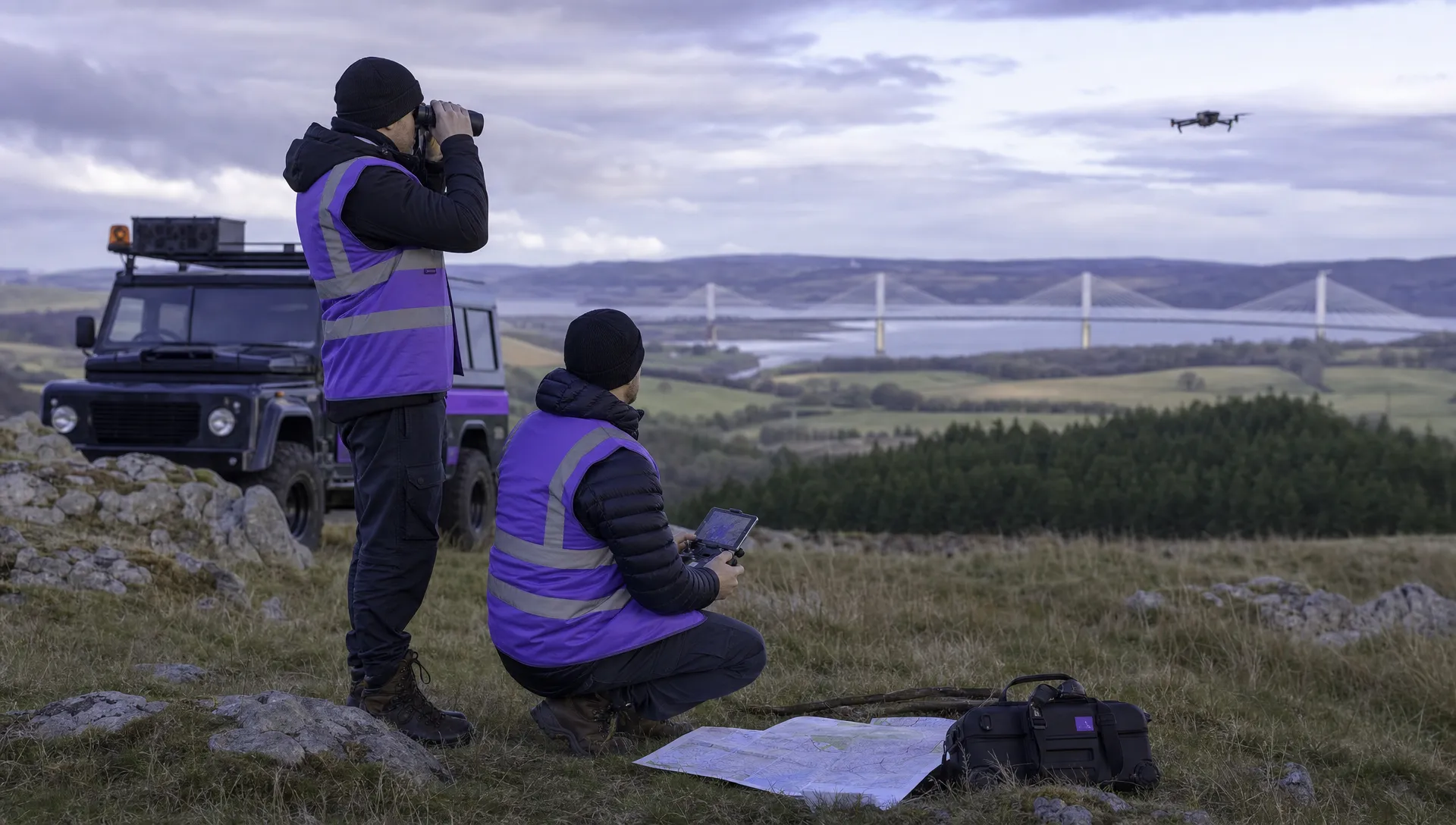 Drone VLOS Rules Explained for Commercial Teams →
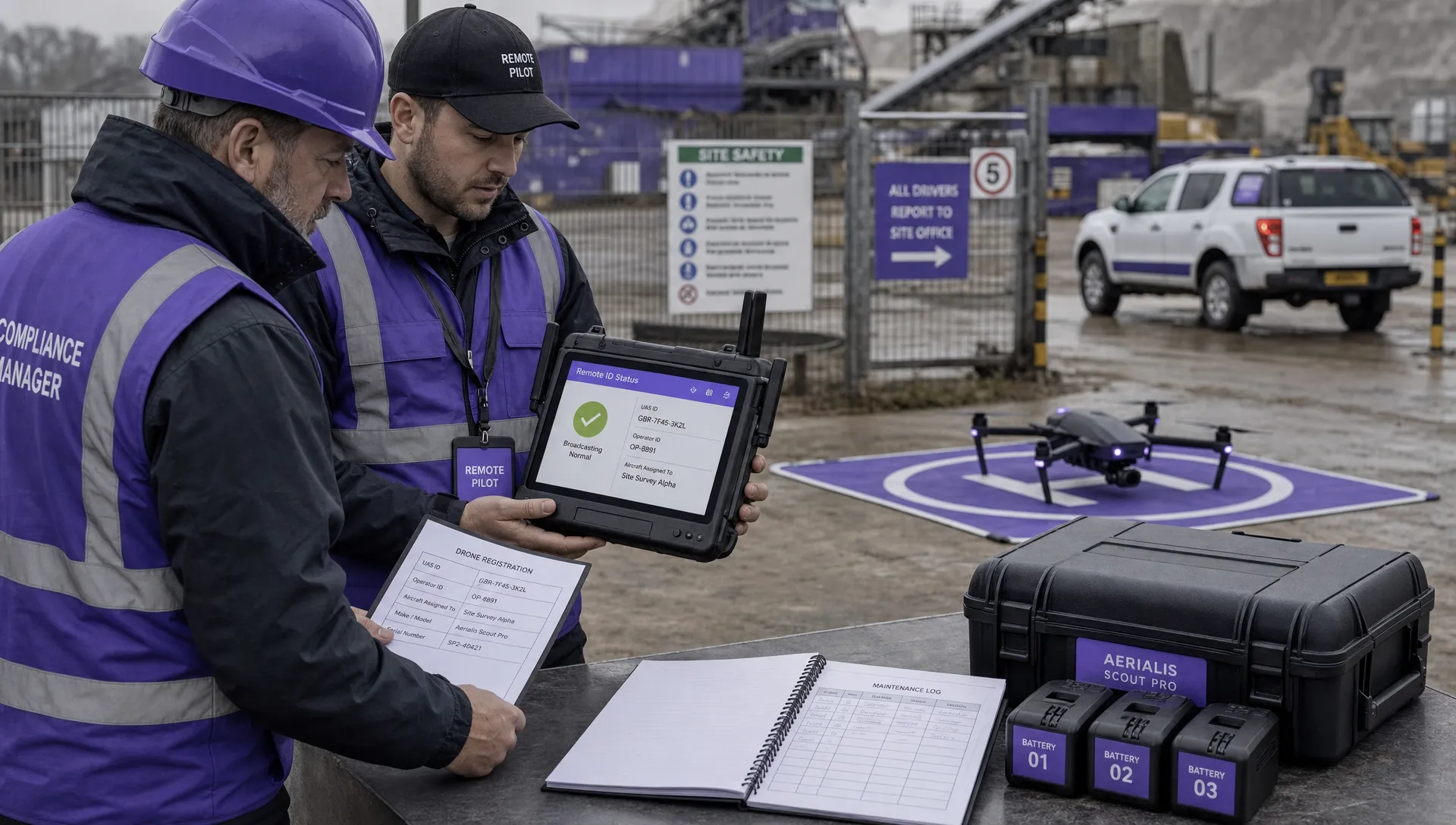 FAA Remote ID Rule Explained for Commercial Pilots →
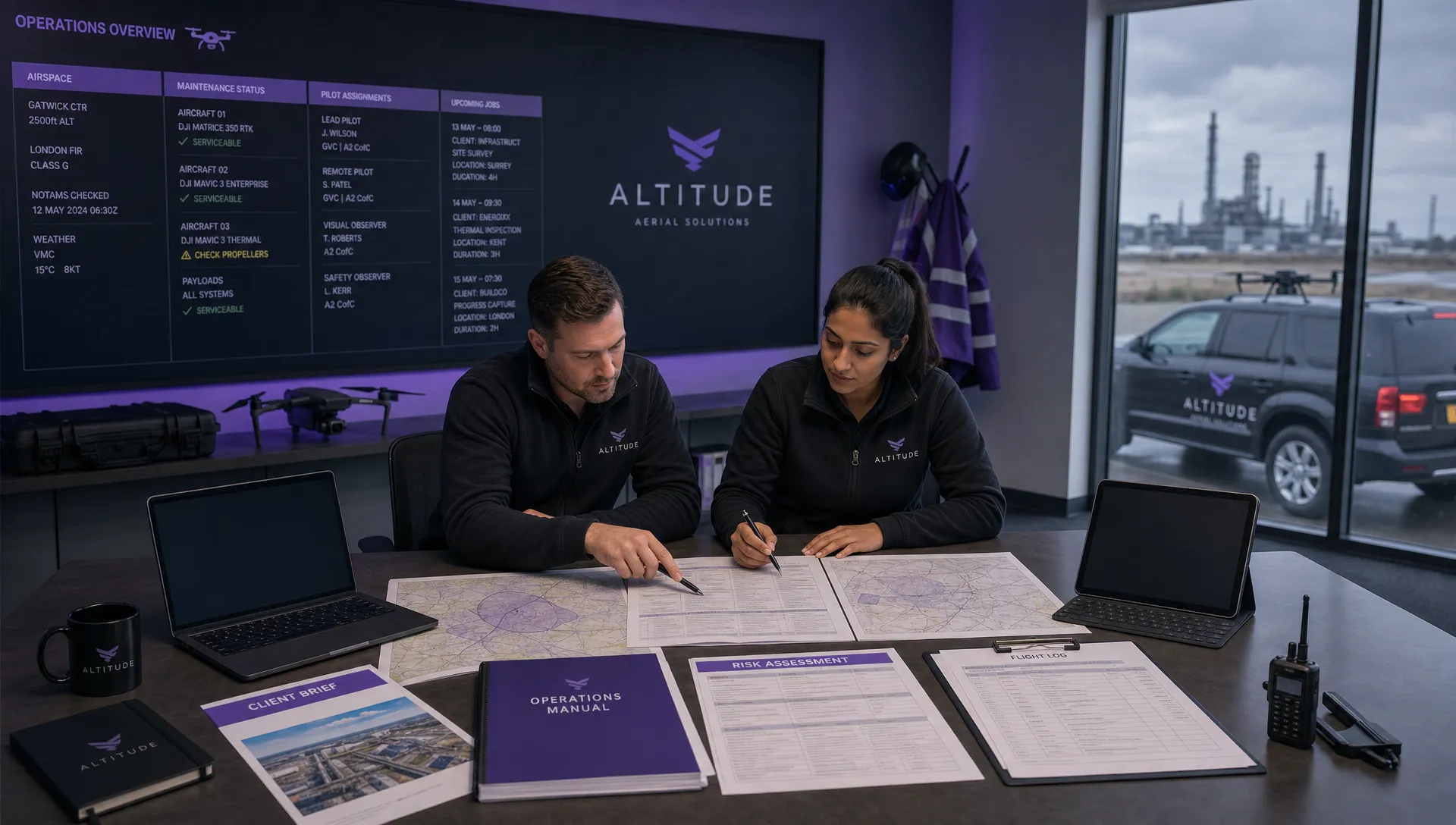 Drone Legal Requirements for Commercial Operations →
 Drone Near Airport Rules Explained for Safer Planning →
 International Drone Regulations Every Global Team Should Know →