
Your Ultimate Guide to Finding the Best Fly Drone App
Think of a fly drone app as the digital cockpit for your drone. It’s the software running on your phone or tablet that bridges the gap between your thumbs and the props whirring in the sky. This app is what translates your commands into flight, beams back what the camera sees, and gives you total control over all the drone's systems.
Decoding Your Drone's Digital Cockpit
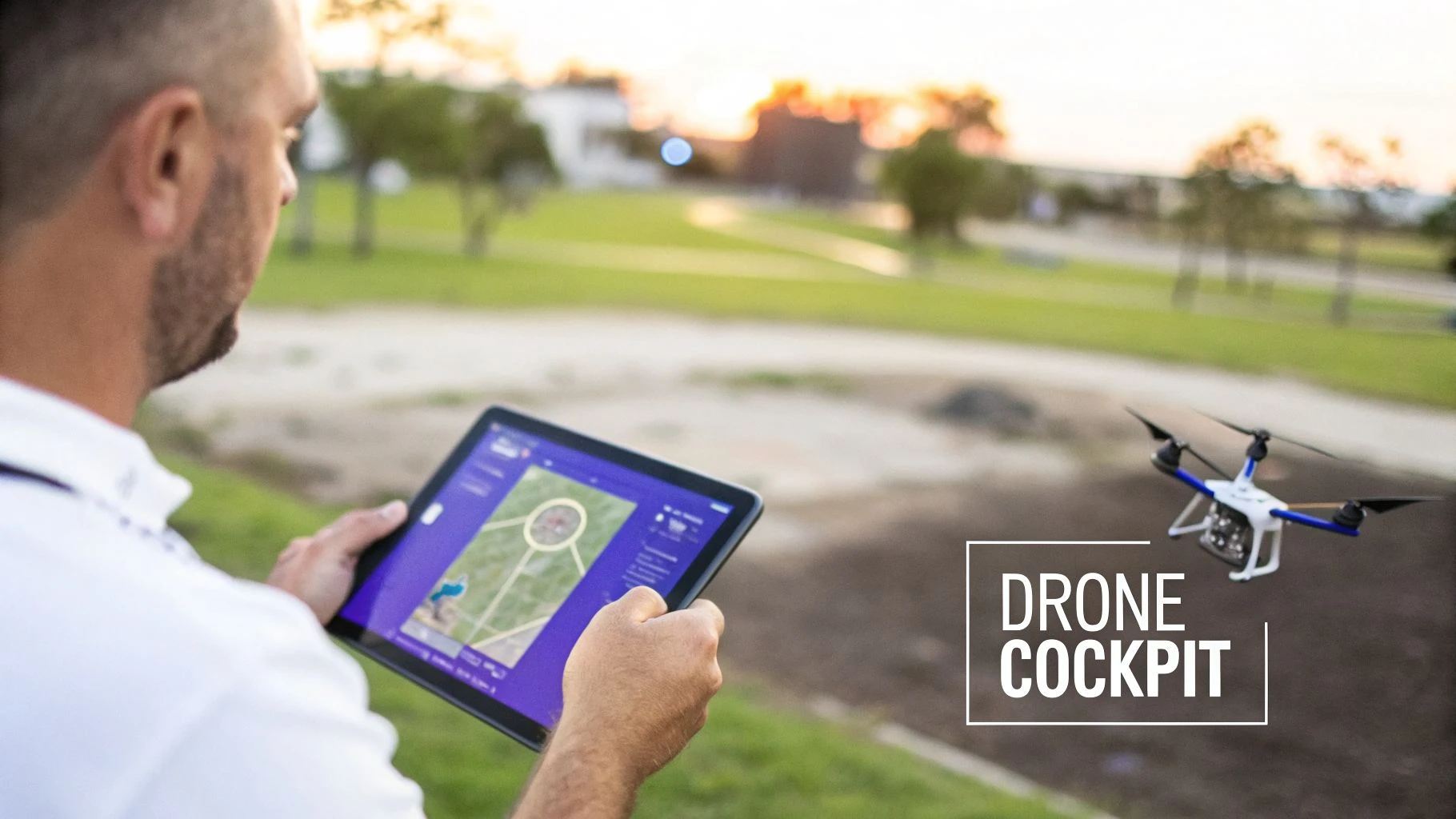
It’s your command centre, your navigator, and your camera's viewfinder, all rolled into one sleek interface. Just like a smartphone is useless without its operating system, your drone is just an impressive-looking paperweight until you fire up its app. It’s the brain behind the brawn.
This powerful software is a huge reason the industry has absolutely taken off. The global drone market was valued at around USD 83.81 billion in 2025 and is on track to blow past USD 147.8 billion by 2036. That's a clear sign of just how essential these flying tools have become.
The Main Flavours of Drone Software
Not all drone software is built for the same job, and knowing the difference is the first step to picking the right tools. The app you need for a quick holiday video is worlds apart from what a professional surveyor uses.
To help clear things up, software generally falls into three buckets. We’ve also got a detailed guide to the essential drone control app if you want to go deeper.
Here's a quick look at the main app categories and what they're designed to do.
Quick Guide to Drone App Categories
| App Category | Primary Function | Best For |
|---|---|---|
| Flight Control | Manual, real-time piloting | Hobbyists, photographers, and general-purpose flying. |
| Mission Planning | Automated, pre-programmed flights | Mapping, surveying, inspections, and repeatable data capture. |
| Operations Management | Business and compliance admin | Professional pilots and drone companies managing multiple projects. |
Let's break down what each of these really means for you as a pilot.
-
Flight Control Apps: This is your virtual joystick. Apps like DJI Fly or Autel Sky are made for hands-on, real-time flying. They give you a live video feed and direct stick control, making them the standard for most pilots out there.
-
Mission Planning Apps: Think of this as your drone's autopilot. With apps like DroneDeploy or Pix4D, you're not flying manually. Instead, you're telling the drone where to fly to gather data automatically, perfect for creating maps, 3D models, or agricultural surveys.
-
Drone Operations Platforms: This is the air traffic control tower for your entire business. A platform like Dronedesk doesn’t fly the drone, but it manages everything before and after a flight—from client details and compliance paperwork to fleet maintenance and flight logging.
Understanding which category an app fits into is key. A hobbyist will probably only ever need a solid flight control app. But a growing drone business will eventually rely on all three to operate safely, efficiently, and professionally.
Essential Features Every Pilot Should Master
Any good fly drone app is built around a core set of features that help you fly safely, predictably, and with confidence. You can think of these as the non-negotiables—the absolute must-knows before you even think about taking off.
Getting these fundamentals down is what turns a jittery first flight into a smooth, creative session.
At the center of it all is the real-time flight interface. This is your drone's digital cockpit. It's the screen that shows you exactly what your drone’s camera is seeing, with a layer of critical flight data on top.
Your Digital Dashboard
Just like the dashboard in your car gives you your speed and fuel level, your app’s interface displays vital telemetry. This constant stream of information keeps you in the loop on your drone's status, turning a bunch of complex data into simple, glanceable facts.
You'll always have these key stats in view:
- Altitude and Distance: How high and far away your drone is from the home point.
- Speed: Your drone's current ground speed.
- Battery Life: The most important number on the screen. This tells you how much flight time you have left.
- GPS Signal Strength: Shows the quality of your satellite lock, which is crucial for a stable hover and essential safety features.
Beyond just watching the numbers, the app also translates your physical stick movements into action. It’s the brain that processes your commands for pitch, roll, yaw, and throttle, giving you direct, hands-on control of the aircraft.
The screenshot below of the DJI Fly app is a perfect example of a clean, modern flight dashboard.
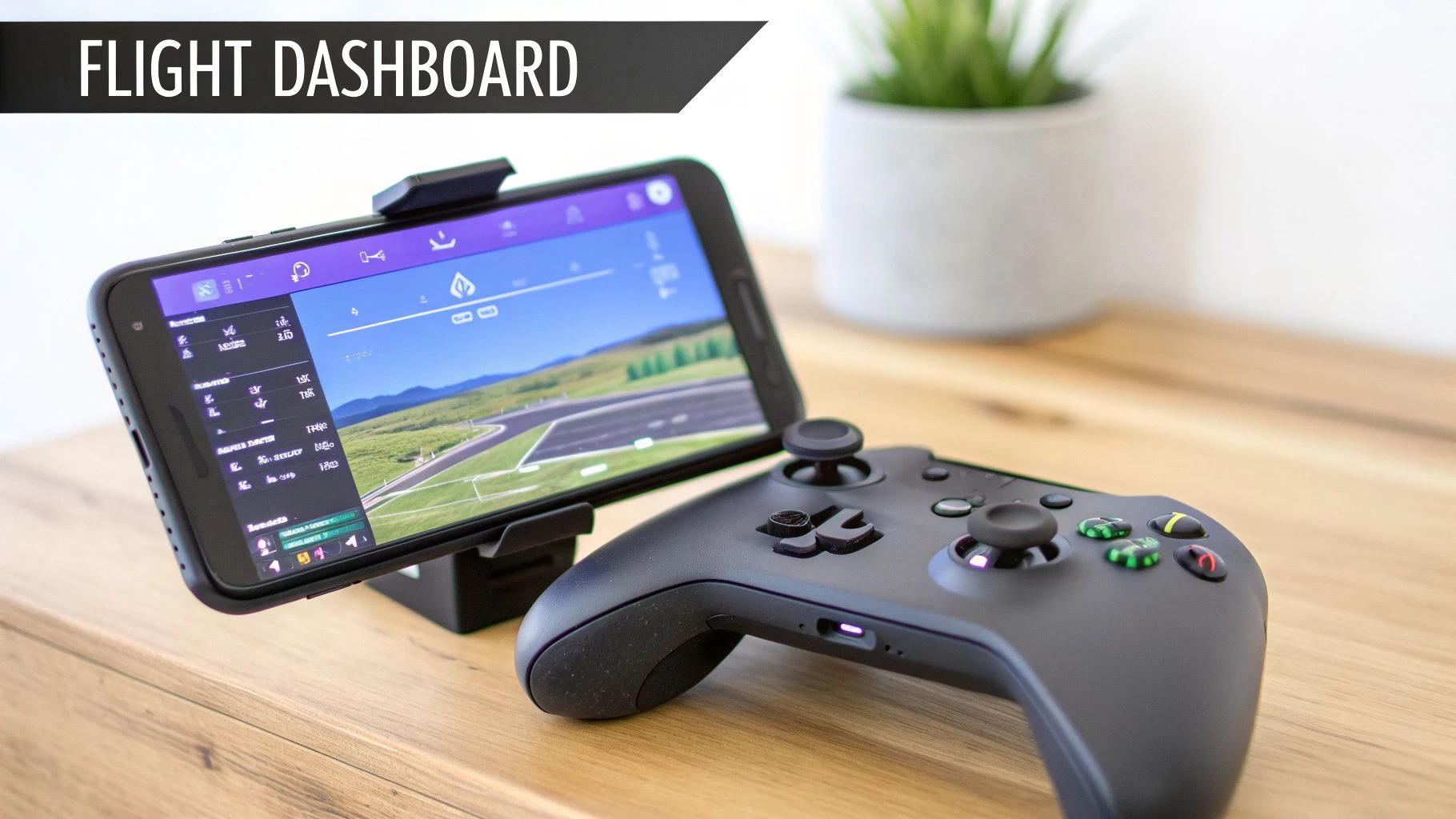
See how the important data like battery percentage, signal strength, and flight mode are easy to spot without getting in the way of your camera view? That's good design.
Automated and Safety-First Features
While flying manually is the bedrock of piloting, modern flight apps come packed with intelligent flight modes. Think of these as your drone's "cruise control" or a set of pre-programmed camera moves that help you get cinematic shots without being a thumb-master.
These automated modes are what separate basic flying from aerial storytelling. They handle the complex stick movements for you, delivering smooth, professional-looking shots that would be difficult for even seasoned pilots to achieve manually.
Some of the most common intelligent modes you'll use are:
- Follow Me: The drone automatically tracks and follows a moving subject.
- Orbit / Point of Interest: The drone circles a target, keeping the camera pointed at it for a perfect wrap-around shot.
- Waypoint: You can map out a specific flight path for the drone to follow on its own.
But the most important features of all are the ones that keep your drone safe. The Return-to-Home (RTH) function is an absolute lifesaver. When you trigger it—or when it kicks in automatically because of a low battery or lost signal—the drone will fly itself back to its takeoff spot. This one feature has saved countless drones from being lost forever.
On top of that, obstacle avoidance systems give you visual warnings about nearby objects, helping you fly with more awareness and avoid a nasty collision. Together, these systems create a safety net that lets you push your creative boundaries with confidence.
Unlocking Professional Drone Capabilities
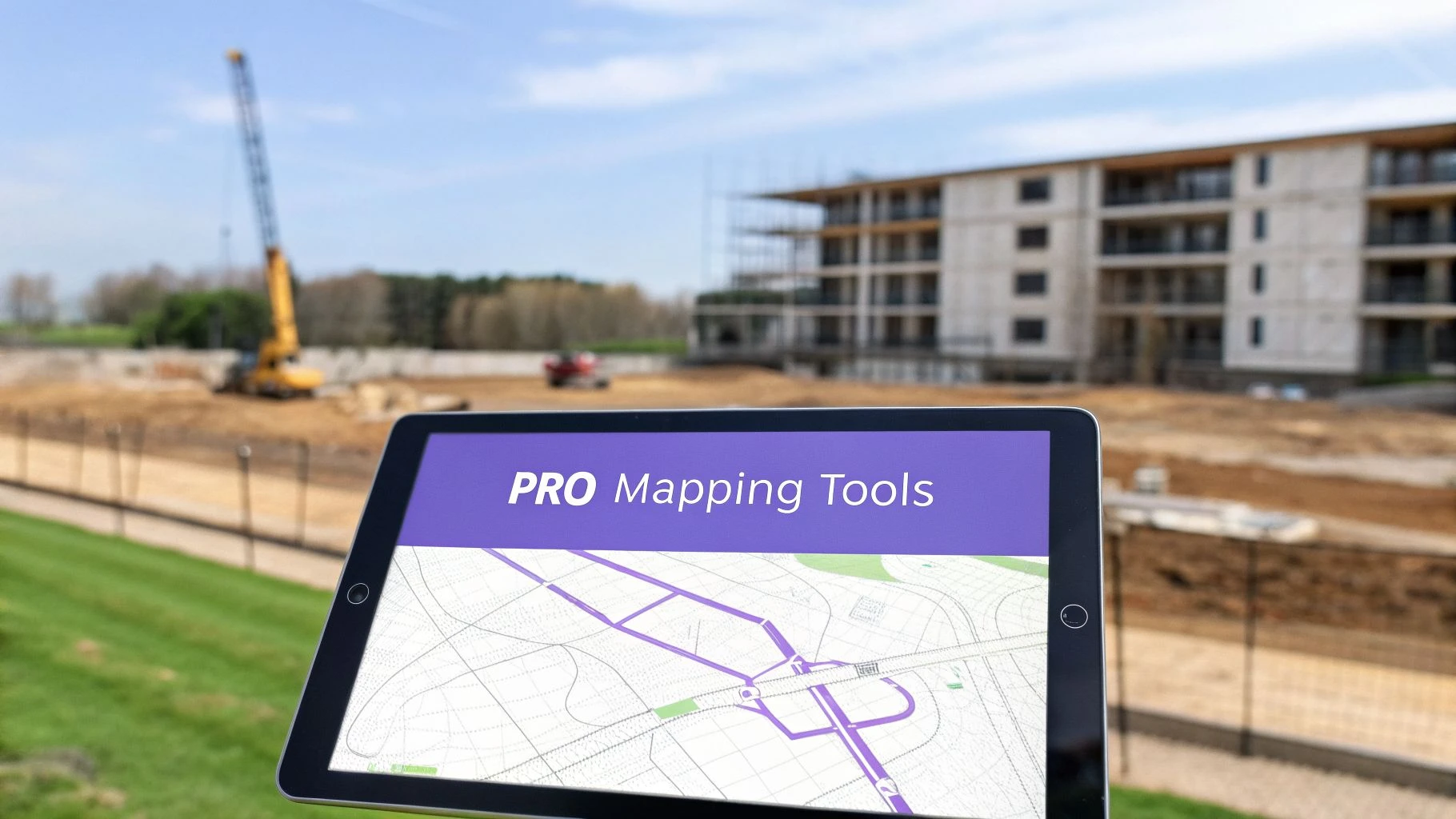
When you make the jump from flying your drone as a weekend hobby to offering a professional service, you’ll quickly find the standard fly drone app just doesn't cut it. Commercial drone work is a whole different ball game, demanding a level of precision, automation, and data quality that only advanced software can deliver. It’s the difference between taking a pretty picture and creating a measurable asset for a client.
This leap into serious commercial work is fuelling massive industry growth. The global commercial drone market is on track to explode from USD 116.81 billion in 2026 to an eye-watering USD 1,755.97 billion by 2035. That's a compound annual growth rate of 35.53%, which shows just how fast businesses are putting drones to work. You can dig into the commercial drone market trends and see the data for yourself.
To get a piece of that pie, you need tools that do more than just let you fly manually.
Automated Mission Planning for Precision Work
The real workhorse of most professional drone operations is automated mission planning. Forget flying with joysticks. Instead, you design a flight path on a map, and the drone follows it perfectly on its own. This is absolutely critical for getting consistent and accurate results.
Think about it. Imagine you’re hired to survey a 50-acre construction site. Trying to fly that manually would be a nightmare—inefficient, inconsistent, and the data would be all over the place. With a proper flight planning app, you simply draw a box over the site, set parameters like altitude and image overlap, and the app calculates the perfect grid pattern for the drone to fly.
This kind of automation is the backbone for several key commercial services:
- Mapping and Surveying: Creating high-resolution orthomosaic maps where every flight is nearly identical, allowing for centimetre-accurate progress tracking over time.
- Volumetric Measurement: Calculating the exact volume of stockpiles on a building site or in a quarry by capturing precise, repeatable data.
- Inspections: Programming a drone to inspect every bolt on a cell tower or every blade on a wind turbine, ensuring no critical component is missed on any flight.
From Images to Actionable Data
Professional drone apps don’t just capture images; they transform them into valuable, actionable data through a process called photogrammetry. By taking hundreds of overlapping photos from specific angles, the software can stitch them all together to create stunningly detailed 3D models and digital twins of real-world assets.
A standard flight app shows you a picture. A professional mapping app gives you a measurable 3D model where you can calculate distances, areas, and elevations with incredible accuracy. That’s where the real commercial value is.
To make this happen, these apps give you advanced camera controls. You get full manual control over shutter speed, ISO, and white balance. Most importantly, they unlock the ability to shoot in RAW format. RAW files contain vastly more image data than standard JPEGs, giving you the flexibility you need in post-production to create professional-grade visuals and spot-on accurate models.
Comparing Flight Apps and Operations Platforms
As your drone business starts to grow, a very clear line appears between flying your drone and running your drone business. Getting your head around this is where understanding the difference between a standard fly drone app and a full-blown drone operations platform becomes so important. They both live in the same world, but they're built for entirely different jobs.
It’s actually pretty simple when you break it down.
A fly drone app is for doing the flight. It’s the tool you use in the field to control the drone. An operations platform is for running the business. It handles everything that happens before and after the props start spinning.
One is a single-purpose tool for a specific task. The other is your complete system for managing the entire business from start to finish.
A Tale of Two Toolkits
Think of it like being a carpenter. Your fly drone app is your favourite power drill—an absolutely essential tool for the job of driving screws and making holes. You couldn’t build a house without it. But that drill isn't going to help you quote the job, order the timber, manage your schedule, or send the final invoice to your client.
That's where the operations platform steps in. It’s your entire workshop and back office rolled into one. It’s the system that keeps your client list organised, tracks your fleet of drones and gear, manages project timelines, and handles all the crucial paperwork. You still need the drill on-site, but the workshop is what lets you run a profitable, scalable business.
If you want to see more examples of field-specific tools, you can check out our guide on the best apps for drone pilots.
To make this distinction even clearer, let's put them side-by-side.
Flight App vs Operations Platform At a Glance
The table below gives you a quick snapshot of where each tool focuses its efforts. It shows how a standard flight app and a comprehensive platform like Dronedesk tackle different parts of a professional drone operation.
| Feature Area | Standard Fly Drone App | Drone Operations Platform (e.g., Dronedesk) |
|---|---|---|
| Primary Focus | In-the-field flight control and camera operation. | End-to-end business management, compliance, and reporting. |
| Flight Logging | Basic log of flight time, distance, and path. | Detailed, compliant logs linked to specific projects, clients, and assets. |
| Fleet Management | Generally no features for managing multiple drones. | Comprehensive tracking of all aircraft, batteries, and equipment, including maintenance schedules and history. |
| Client & Project Data | No client or project management capabilities. | Full Client Relationship Management (CRM) and project organisation from quote to completion. |
| Team Collaboration | Designed for a single operator. | Manages multiple pilots, assigns roles, and centralises team communication and job allocation. |
| Compliance & Safety | Limited to basic warnings like airspace alerts. | Generates complete risk assessments, method statements, and full pre-flight compliance paperwork automatically. |
| Financials | Does not handle any business financials. | Supports quoting, invoicing, and provides financial reporting to track business profitability. |
As you can see, a fly drone app is a mission-critical tool, but its job is very specific and limited. It does one thing, and it does it well: flying the drone. The reality for any professional, though, is that flying is just a small slice of the pie. The real work is in the planning, the admin, and making absolutely certain every job is safe, compliant, and profitable.
An operations platform like Dronedesk was built from the ground up to solve these administrative headaches. It gives you the solid, structured system you need to grow your operation without drowning in paperwork, letting you focus on what you actually love to do—fly.
How Your Flight App and Ops Platform Work Together
There’s a common misconception floating around that a powerful drone operations platform like Dronedesk is meant to replace your standard fly drone app. In reality, they're two sides of the same coin, partners in a professional workflow, with each one handling a specific part of the job. Your flight app is for the in-air stuff, while an operations platform manages everything that happens before you take off and after you land.
Think of it as the ultimate mission control system. It's your pre-flight checklist, mission planner, and post-flight debrief all rolled into one. This diagram shows exactly how a simple flight app, the pilot, and an operations platform join forces.
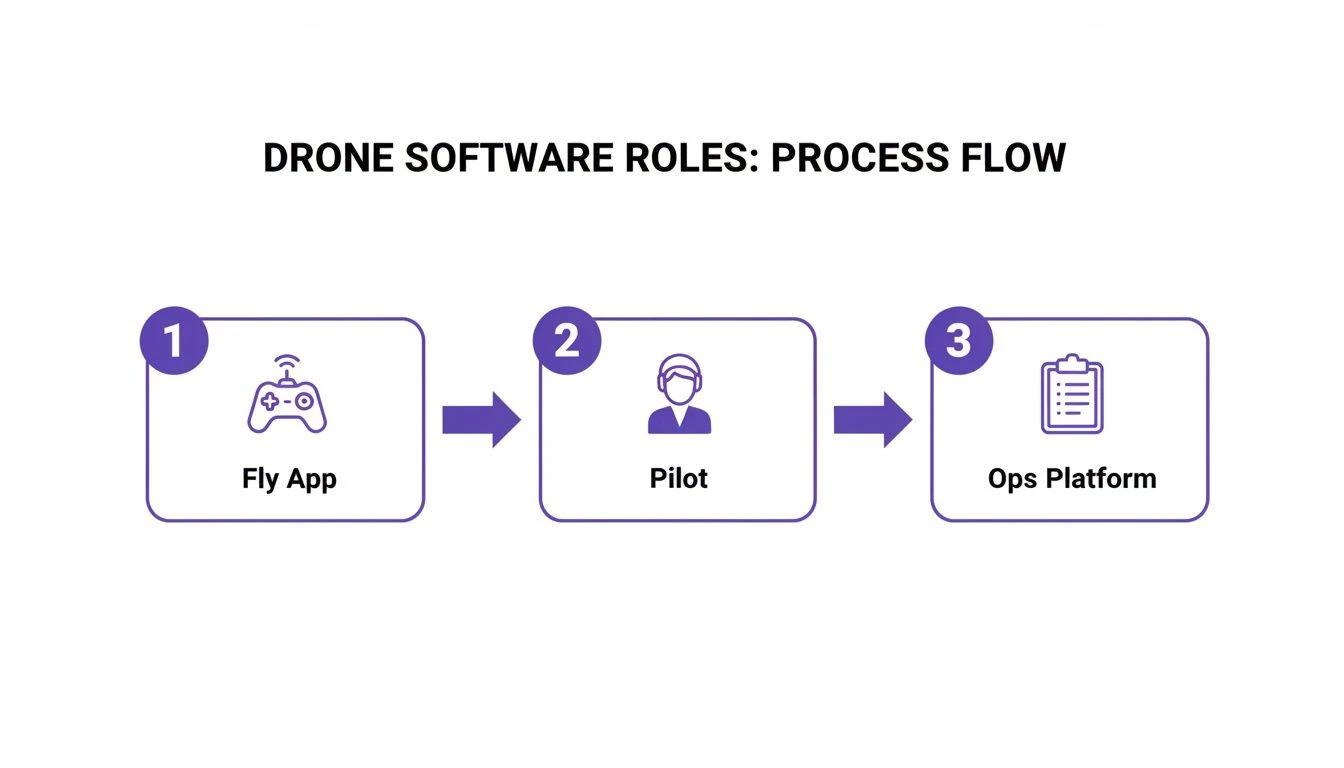
The flow couldn't be simpler: the pilot plans the mission in the operations platform, uses the flight app to fly the drone, and then syncs the flight data back to the platform for logging and analysis.
From Job Brief to Invoice
Let's walk through what this looks like in the real world. Imagine a construction company hires you to document site progress. Instead of fumbling with spreadsheets and juggling different apps, your workflow becomes beautifully straightforward.
-
Plan the Job in Dronedesk: First, you create a new project and link it to your client, scheduling the flight right inside the platform. Dronedesk then automatically runs airspace checks and helps you generate a site-specific risk assessment in minutes, making sure you’re compliant from the get-go.
-
Fly the Mission: Once you're on-site, you fire up your go-to fly app, like DJI Fly, and get the job done. Your only focus is on capturing top-notch data, with zero administrative distractions getting in the way.
-
Sync Your Data: After you land, your flight logs automatically sync back into Dronedesk. Just like that, they're attached to the right project and client, creating a perfect, auditable record of the entire operation.
This seamless process eliminates the very administrative headaches that flight apps don't even pretend to solve. For pilots looking to really dial in their efficiency, seeing how other pros leverage tech for things like aerial roof measurement services further proves just how much a solid process matters.
This connected workflow isn't just about saving a bit of time; it's about fundamentally reducing business risk. By automating compliance paperwork and centralizing your records, you build a professional, scalable operation that clients trust.
Why This Matters on a Global Scale
This need for robust management isn’t a niche problem—it’s a global one. While Asia currently dominates the commercial drone market, with China alone responsible for 70-80% of production, adoption is skyrocketing everywhere. As operators expand, they run into a maze of different regulatory landscapes, making a flexible drone operations management system absolutely critical for success.
At the end of the day, features like automated compliance, client invoicing, and fleet maintenance are what separate a profitable drone business from a struggling freelancer. A dedicated platform handles the 90% of the work that happens on the ground, freeing you up to nail the 10% that happens in the air.
Your Checklist for Choosing the Right Drone Software
So, how do you pick the right fly drone app or software suite from the hundreds out there? The truth is, there’s no single "best" option. It all boils down to what you’re trying to achieve. The software a hobbyist needs for holiday videos is worlds apart from what a professional survey team requires for a large-scale inspection project.
Think of this less as a rigid checklist and more as a way to take stock of where you are on your drone journey. By figuring out what you really need, you can confidently decide whether a simple flight app will do the trick or if it’s time to invest in a proper operations platform.
For the Hobbyist or Casual Flyer
If you’re flying for fun, your priorities are simple: get in the air quickly, fly safely, and capture some great-looking shots without a fuss. You don't need all the business-focused bells and whistles.
- Is the interface easy to pick up? You want an app that feels second nature, not one that requires you to pore over a manual for hours.
- Does it have cool intelligent flight modes? Let's be honest, features like Orbit, Dronie, and Follow Me are brilliant for getting impressive shots with minimal effort.
- Are the safety features obvious? You need to know that the Return-to-Home (RTH) button is easy to find and that you understand exactly how it works before you need it.
For the Freelance Professional
Once you start flying for paying clients, your needs change dramatically. You're now a solo operator or a small team, and every minute counts. Efficiency, compliance, and delivering a professional product are everything.
- Do you need automated flight planning? If you're doing any kind of mapping, 3D modelling, or repeatable inspections, this is non-negotiable. Manually flying a grid pattern is a nightmare you don't need.
- Do you need to create reports for your clients? Any software that can help you pull together flight data and imagery into a polished, professional deliverable is worth its weight in gold. It's a huge time-saver.
- Is compliance eating up your time? For a pro, the flight is just one part of the job. A platform like Dronedesk can automate the endless paperwork—like risk assessments and flight logging—freeing you up to focus on flying and growing your business.
Frequently Asked Questions About Drone Apps
When you're trying to figure out the right software for your drone, it's easy to get lost in all the options. Let's tackle some of the questions I hear most often from other pilots to help you find the perfect fly drone app for what you do.
Can I Use Any Third-Party App with My Drone?
I wish the answer was yes, but unfortunately, it's a definite no. Drone compatibility is a real minefield, and it's all down to the manufacturer.
Big names like DJI provide a software development kit (SDK) which lets other developers create apps to control their drones. The catch is, not every drone model is included. It’s crucial you always check the app’s compatibility list before you even think about buying it.
You might find an app that works perfectly with a DJI Mavic 3 but won't even recognise a Mini 4 Pro. It’s a common trip-up, so your very first move should be to confirm it supports your exact drone model.
Do I Really Need a Separate App for Mission Planning?
It all comes down to what you're trying to accomplish. If you’re a hobbyist just out there to get some nice photos, the standard app like DJI Fly is more than capable. But if you’re a pro offering services like mapping or surveying, a specialised mission planning app is absolutely essential.
These apps are what allow you to automate complex flight patterns. They’re the key to capturing the kind of consistent, high-quality data that you simply can't get by flying manually. For professional work, they aren't just a nice-to-have; they're a necessity.
A platform like Dronedesk works with your flight app, it doesn't replace it. It handles everything before and after you fly—the planning, compliance, and logging—so your flight app can focus purely on the mission itself. It's the perfect partner for a pro workflow.
The way it works is brilliant. Dronedesk automatically pulls the flight logs straight from your drone after a mission. It then links that flight data to the right client and project, creating a perfect, auditable record with zero effort. It completely closes the loop on your entire operation.
Ready to stop juggling spreadsheets and start running your drone business like a pro? See how Dronedesk automates your admin, manages compliance, and gives you back hours of your day. Explore our features and sign up.
 Drone Pilot Test Mistakes That Cost Candidates Marks →
 FAA 107 License vs Part 107 Certificate: What’s the Difference? →
 Drone Airport Rules: A Field Checklist for Site Assessments →
 FAA Part 107 Record-Keeping Rules for Commercial Teams →
 How to Review a DJI Flight Log After an Unexpected Event →
 Drone Laws Around the World: A Pre-Flight Research Framework →
 How to Compare Drone Survey Services for Complex Sites →
 How to Start a Drone Mapping Business With a Clear Workflow →
 Class C Airspace Drone Rules for Commercial Flights →
 How to Create a Drone Job Pack for Every Mission →