
Choosing the Best Data Logging Software for Drones in 2026
Many drone operators encounter the same obstacle as their business expands. While flight operations remain smooth and clients stay satisfied, the administrative burden becomes difficult back at the desk. Flight times are stored in one app, battery notes reside in a spreadsheet, maintenance records stay hidden in emails, and someone must eventually transform all that data into a professional audit trail.
That setup works until it doesn't. One missing flight record can slow down an invoice. One incomplete maintenance note can create doubt after an incident. One manual copy-and-paste from a DJI log into a compliance report can introduce an error you don't catch until much later.
Data logging software fixes that by giving you one operational record instead of five partial ones. For a professional drone business, that record isn't admin overhead. It's how you prove what happened, when it happened, which aircraft flew, which pilot flew it, and whether the job stayed inside your safety and compliance process.
Your Drone Operation's Digital Flight Recorder
A familiar scene in drone operations looks like this. The aircraft is packed away, the client has gone home, and the essential work starts. Someone has to remember takeoff time, update the pilot log, match the flight to the right project, note the battery cycle, and save the evidence in case the regulator, insurer, or client asks for it later.
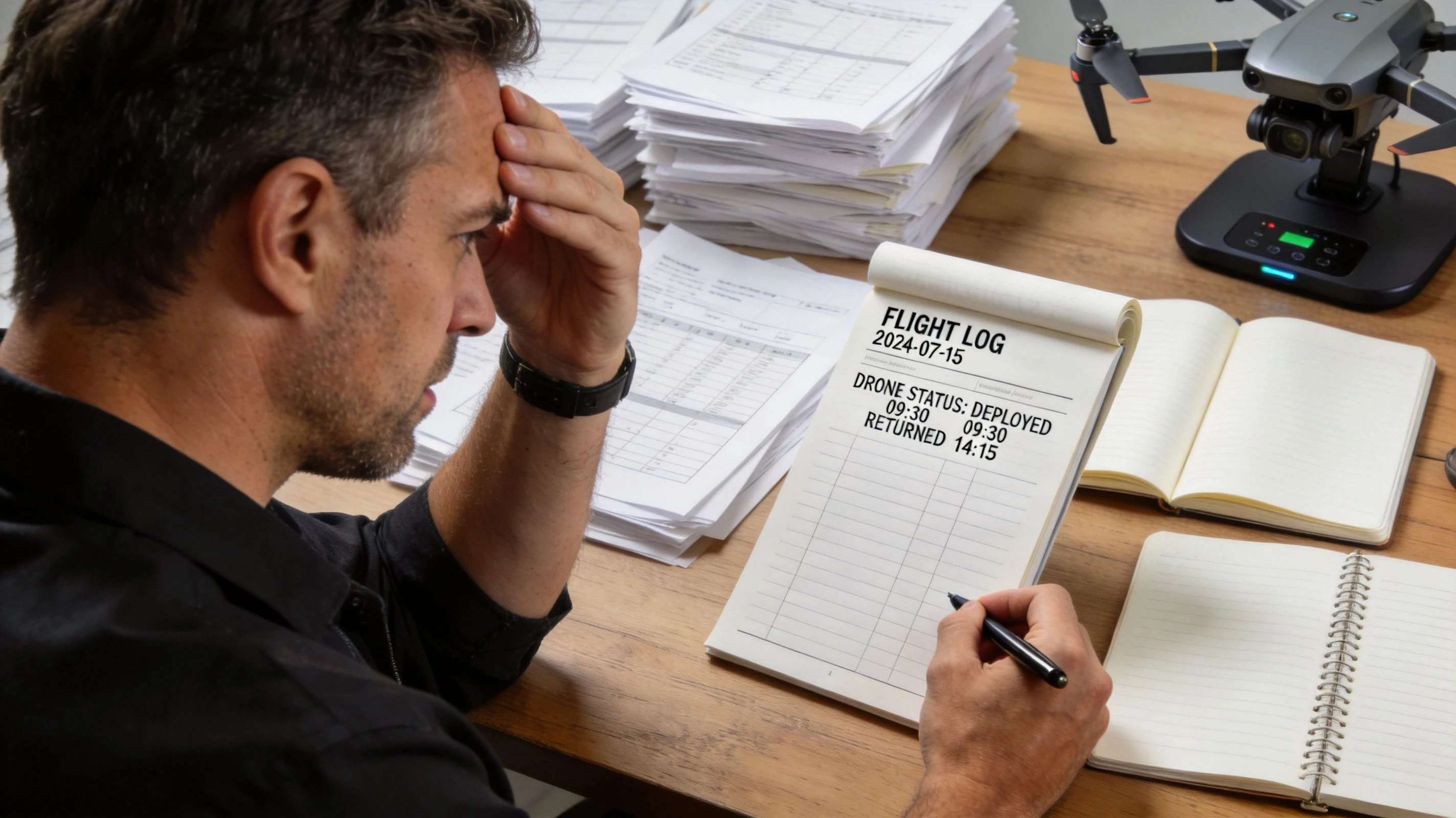
That manual process creates friction in small teams and turns into real operational risk in larger ones. A pilot may know the mission went fine. But if the records are scattered across notebooks, SD cards, cloud folders, and separate maintenance sheets, the business still lacks a reliable account of the flight.
What the software replaces
Good data logging software acts like a digital flight recorder plus an operations register. It captures what the aircraft reported, ties it to the mission, and keeps the record usable later. That matters for day-to-day management and for the moments when you need to answer specific questions fast.
Typical examples include:
- A client query after delivery: You need to confirm when the aircraft was airborne and where the work took place.
- A maintenance review: You need to see which batteries, aircraft, and pilots were involved across recent jobs.
- A compliance check: You need a record that shows the flight happened within your documented process.
Why this category keeps growing
The wider software market is moving in the same direction. The global data logging software market was valued at $2.5 billion in 2025 and is projected to reach approximately $7 billion by 2033, driven by demand for real-time data analysis across operational sectors, including professional drone work, according to Market Report Analytics research on data logging software.
That growth makes sense from an operator's point of view. More flights create more records. More records create more opportunities for mistakes if the process stays manual.
Practical rule: If you can't reconstruct a mission in minutes, your logging process is too fragmented.
For drone teams that need a clearer view of what a digital record should include, this guide to flight data recorder software for drone operations is a useful next reference point.
Understanding Drone Data Logs and Telemetry
Drone operators often hear three terms used interchangeably: telemetry, flight logs, and sensor data. They overlap, but they're not the same thing. If you want useful reporting, you need to know what each record tells you.
The simplest way to think about data logging software is this. It combines a black box with a pilot's logbook. One part records machine and mission behavior. The other part preserves the business context around the flight.
Telemetry tells you how the aircraft behaved
Telemetry is the live operational stream coming off the aircraft and control system. In drone work, that usually includes the movement and condition of the aircraft during flight.
Common telemetry fields include:
- Position data: GPS coordinates and route history
- Aircraft state: Altitude, speed, heading, and climb or descent behavior
- Power information: Battery status and voltage behaviour
- Link and control indicators: Signal quality and related in-flight status information
This is the data you turn to when you need to reconstruct a flight path, understand an abnormal landing, or check whether a recurring issue shows up only under certain conditions.
Flight logs tell you what mission took place
Flight logs are broader. They usually combine aircraft records with operational details that make the mission meaningful to the business.
A strong flight log links:
- Who flew: Pilot identity or assigned operator
- What flew: Aircraft and equipment used
- When it happened: Date, start time, end time, or duration
- Why it happened: Job, client, site, and task reference
Without that context, telemetry is just a technical file. Useful for engineers, maybe. Less useful for compliance, invoicing, or project management.
Good logging turns a line on a map into a documented job.
Sensor logs tell you what the payload captured
Payload data matters just as much as aircraft data in commercial work. Surveyors, inspectors, photographers, and utility teams all rely on records beyond basic flight movement.
Depending on the setup, sensor-related logs may include:
- Camera settings and capture events tied to a mission timeline
- Inspection measurements linked to a location or asset
- Survey and mapping records that need to line up with flight path and timestamp data
Generic industrial advice usually falls short for drone teams in these specific situations. A factory logger may care about temperature trends or process values. A drone operation needs the aircraft record, the mission record, and the payload record to line up cleanly.
That need is only getting bigger. Organizations are experiencing an average year-over-year growth of 250% in log data generation, which is why drone teams need efficient ways to collect and analyze expanding flight and sensor records, as noted in Chronosphere's review of log data trends.
What operators often get wrong
The common mistake is storing raw files without a retrieval plan. Teams download logs, archive them, and assume they're covered. Then a client asks for proof of flight time on a specific job or a regulator wants a clean record tied to an aircraft and pilot. The files exist, but the usable record doesn't.
That's the difference between having data and running a logging system.
How Data Logging Improves Safety and Profitability
A drone business doesn't benefit from data logging software just because it stores more information. It benefits when that information changes decisions. The strongest platforms do that in four places: safety, compliance, billing, and management reporting.
Safety gets more objective
Manual logging leaves too much room for assumption. A pilot may remember that the aircraft was checked, the battery looked fine, and the mission stayed routine. But memory is weak evidence.
When logs are tied to pre-flight records, maintenance status, and in-flight alerts, safety becomes easier to verify. In regulated environments, advanced data logging software can include 21 CFR Part 11-style features, including automated calibration and alarm triggers for excursions, and some systems reduce manual analysis time by up to 70% while supporting audit-ready records, according to Mesa Labs on data logging software and compliance.
That matters even if your drone work isn't under that exact regulatory framework. The principle carries over. Automated records are stronger than reconstructed ones.
Compliance becomes easier to defend
FAA and EASA reporting problems usually aren't caused by a dramatic failure. They're caused by incomplete records. Missing pilot details. Missing aircraft assignment. Missing maintenance context. Missing proof that the flight happened as described.
A proper logging workflow helps you answer questions like:
- Which aircraft flew this mission?
- Which pilot was assigned?
- Was the equipment current for use?
- Can you produce a report without reassembling it by hand?
That's what “audit-ready” really means. Not fancy formatting. A record that stands up without extra explanation.
Billing gets cleaner
Operators regularly underbill when flight records are weak. They round down time, forget secondary sorties, or lose small but legitimate chargeable activity around a project.
When flight data is automatically connected to jobs, the invoice conversation changes. You're not relying on memory or a rough note in a field book. You have mission-linked records that support what was delivered.
The fastest way to damage trust with a client is to bill from memory when the aircraft already recorded the truth.
Analytics helps you run the business
The long-term value sits here. Once logs are consistent, you can spot patterns that aren't obvious during individual jobs. Certain batteries may create repeated delays. One site type may generate more aborted launches. A specific aircraft may require more support time than expected.
That's also where data handling discipline matters. Flight logs can contain sensitive operational information, location history, and client-linked activity. Teams that are expanding their digital workflows should understand broader security risks too. These GoSafe data breach insights are a useful reminder that operational data needs protection as well as organization.
Profitability improves when fewer hours are wasted fixing records, disputing invoices, or chasing missing evidence after the fact.
Automating Flight Logs with DJI and API Integrations
The value of data logging software drops fast if your team still has to manually pull files after every mission. In practice, the make-or-break issue is integration. If the platform can't reliably ingest flight data from the drones you already use, admin work merely moves from one place to another.
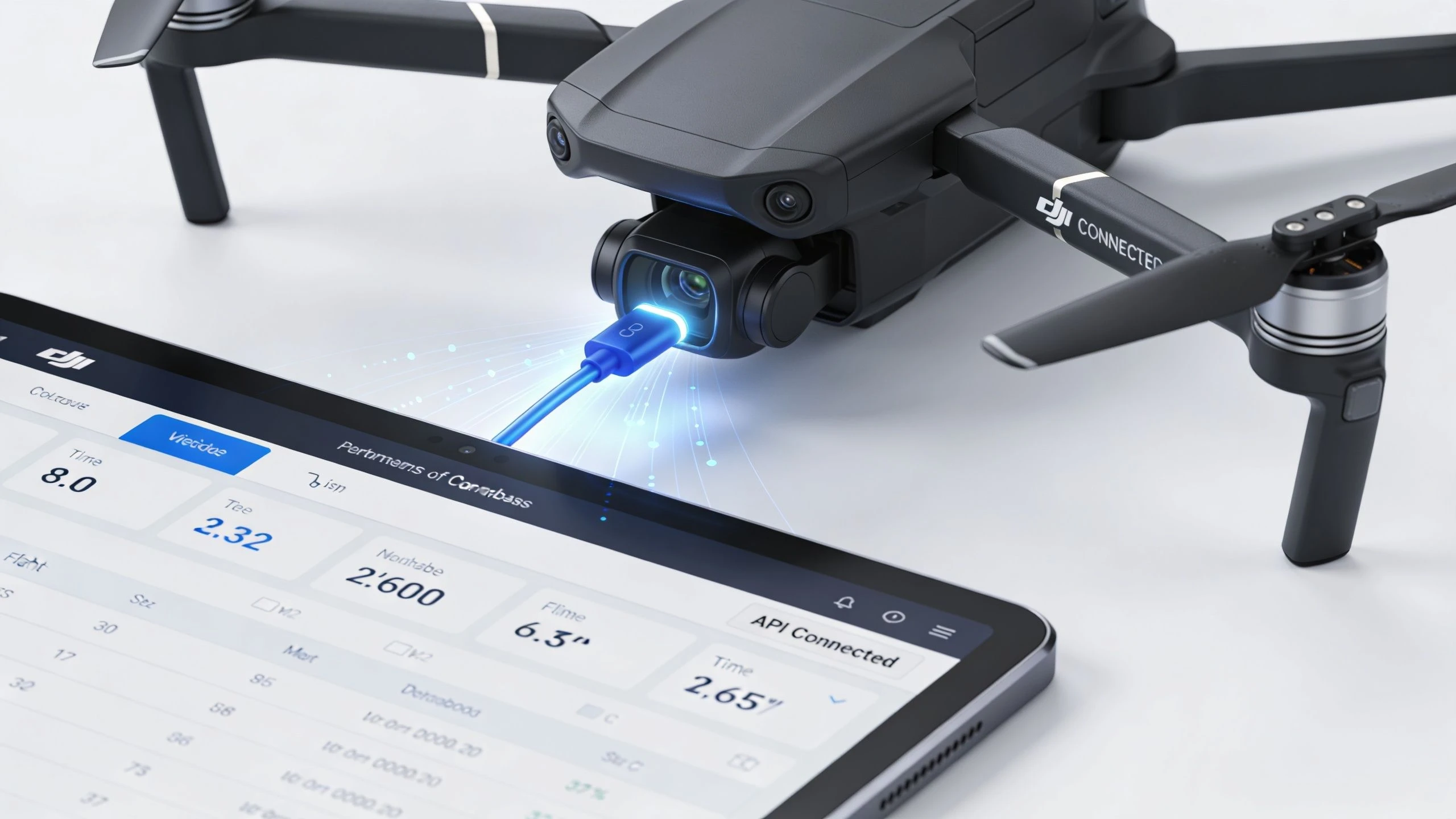
A common pain point is DJI. Operators use DJI aircraft widely across photography, surveying, inspection, and utility work, but many software tools still treat DJI data as something the user has to manually clean up and import. That gap matters because poor integration with drone-specific hardware like DJI flight controllers leads to manual entry and error-prone reporting, which is exactly the problem operators need to solve for FAA and EASA reporting, as discussed in Encardio's overview of data logger integration challenges.
What a workable sync flow looks like
The best workflow is simple:
- Fly the mission
- Sync the flight record automatically
- Attach that record to the right job, pilot, and aircraft
- Use the same record for reporting, maintenance review, and invoicing
No exporting CSVs just to re-enter the same information elsewhere. No naming conventions that only one team member understands. No separate folder structure that falls apart when staff change.
Direct sync beats manual import
For most operators, direct sync from the aircraft ecosystem is the practical answer. It reduces transcription errors and shortens the gap between mission completion and usable reporting.
If you're comparing approaches, look for:
- Automatic post-flight import instead of manual upload
- Job matching so the flight lands against the correct client or mission
- Aircraft and pilot association without duplicate entry
- Export options for audits, insurers, and client documentation
One example is Dronedesk, which supports DJI flight data syncing so raw flight records can be pulled into the operations platform and linked to wider mission records. For a closer look at the workflow impact, this article on automated flight logging and reporting for drone teams is worth reading.
APIs matter when your fleet isn't uniform
Direct sync is ideal when the ecosystem supports it. APIs matter when it doesn't. If your operation uses mixed aircraft, custom payloads, or internal tools for maintenance, asset tracking, or reporting, API access becomes the bridge between systems.
That's where broader lessons about automation of data for smarter business operations apply well to drone programs. The principle is straightforward. Data should move once, then stay available everywhere it's needed.
If a pilot enters the same flight details twice, the software design is the problem.
The strongest setup is usually “drone to dashboard” with as little human re-keying as possible.
Essential Features for Fleet and Compliance Reporting
Once data is flowing in automatically, the next question is whether the software helps you act on it. Plenty of platforms can store logs. Far fewer can turn those logs into a daily operations view that supports fleets, pilots, equipment, and compliance work without constant manual cleanup.
Fleet visibility has to work at a glance
A useful dashboard answers operational questions before you have to ask them. Which aircraft are active. Which batteries are attached to ongoing work. Which pilots are current. Which jobs are waiting on documentation. Which records still need attention.
That sounds basic, but it changes how teams work. Instead of opening separate systems for flight records, maintenance, and project notes, operations managers can review one connected picture and deal with exceptions.
A strong fleet view usually includes these functions:
- Aircraft status tracking connected to actual usage history
- Equipment records that show where payloads and batteries are being used
- Pilot record management tied to missions and internal oversight
- Project linking so flights sit inside the commercial job, not outside it
Reporting has to survive scrutiny
“Audit-ready” gets used loosely in software marketing. In real drone operations, an audit-ready report is one that another party can read without needing your memory to fill the gaps.
That means the report should clearly connect the flight to the pilot, aircraft, date, place, and purpose. If maintenance or equipment status matters, that context should be easy to retrieve from the same system.
A practical reporting stack often includes:
| Report type | What it should prove |
|---|---|
| Flight record report | When and where the mission happened, who flew, and which aircraft was used |
| Maintenance support report | Usage history that supports servicing and equipment review |
| Client delivery report | Operational evidence that supports work completed and billing |
| Internal performance report | Trends in utilization, delays, recurring issues, or workflow bottlenecks |
Scale matters more than many buyers expect
Small teams often underestimate future complexity. A solo operator may think in terms of one aircraft and one pilot. Then work expands. New batteries come in, more sensors get added, second crews start flying, and the reporting model breaks.
For drone fleets, data logging software must support scalable architectures that handle hundreds of data channels such as GPS, telemetry, and battery data simultaneously without data loss, so transient events like proximity alerts or vibration spikes are captured accurately, according to Hioki's explanation of data logger requirements.
That matters in drone work because the important detail is often brief. A momentary alert. A short power anomaly. A vibration issue that only appears during a specific maneuver or payload condition. If the software can't retain that fidelity, the post-flight record becomes less useful.
A report that hides the messy parts of a flight isn't a reporting tool. It's a liability.
The features that usually disappoint
The weak points are predictable:
- Pretty dashboards with weak search so records look good but are hard to retrieve
- Manual tagging requirements that rely on staff discipline
- Poor export formatting that creates extra work before sending anything to a client or regulator
- Disconnected maintenance modules that don't reflect real flight usage
The software should reduce admin burden, not create a more polished version of it.
A Buyer's Checklist for Choosing Your Platform
Most buyers compare data logging software by feature count. That's usually the wrong approach. The better test is whether the platform fits the way your operation runs today, and whether it can still fit when your workflow gets more complicated.
A solo photographer, a survey crew, and an enterprise inspection team all need logging. They don't need the same implementation.
Start with operational fit
Before you look at reports and dashboards, answer three practical questions. Which drones are in use. How does flight data enter the system. Who needs the output after the mission. If those answers are fuzzy, the evaluation will drift toward cosmetic features.
The platforms worth shortlisting are the ones that can handle your real environment:
- Mixed fleet operations if you use more than one aircraft ecosystem
- Project-based work if records need to map to jobs and clients
- Regulated workflows if you need stronger evidence trails and formal review
- Team use if pilots, managers, and admin staff all touch the same data
Use this checklist in vendor calls
| Category | Evaluation Question |
|---|---|
| Compatibility | Does it support the drones, controllers, and data sources we already use? |
| Data capture | Can it pull flight records automatically, or does the team have to import files manually? |
| Job linkage | Can flights be connected to jobs, clients, and sites without duplicate entry? |
| Fleet management | Does it track aircraft, batteries, payloads, and pilot activity in one place? |
| Reporting | Can it generate records suitable for compliance review, client documentation, and internal audits? |
| Searchability | How quickly can we find one specific mission, aircraft record, or pilot history? |
| Scalability | Will it still work if we add more pilots, aircraft, and service lines? |
| Integration | Does it offer API access or other ways to connect with our existing systems? |
| Security controls | Can we control who sees sensitive operational and client-linked data? |
| Implementation | How much setup and ongoing admin will the platform require from our team? |
Watch for the hidden costs
The biggest hidden cost isn't usually the subscription. It's operational drag. A cheaper platform that forces staff to clean, upload, relabel, and re-check every flight can become expensive very quickly in time and error risk.
Ask the vendor to walk through a real mission lifecycle. Not a polished product demo. A real workflow from completed flight to final report. If they can't show that clearly, assume your team will be filling the gaps by hand.
Turning Raw Flight Data into Business Intelligence
Raw flight data on its own has limited value. It becomes useful when the business can ask a question and get a trustworthy answer back. Which pilot is spending too much time on preventable admin. Which aircraft is causing repeat delays. Which client jobs take more field time than estimated. Which sites create higher operational friction.
That's the shift from recordkeeping to management.
For many drone companies, maturity begins to show at this stage. They stop treating logs as a compliance burden and start using them as an operating dataset. Flight history informs maintenance planning. Mission records improve quoting. Recurring anomalies shape training. Reporting gets faster because the structure is already there.
Teams that need custom workflows sometimes reach a point where off-the-shelf tooling has to be extended with internal systems or specialist support. In those situations, outside help from groups such as Blocsys Technologies specialized development teams can make sense when integration work goes beyond standard configuration.
For the analytical side of the workflow, this guide to drone flight data analysis is a useful next step if you want to move from simple logging into trend review and operational insight.
The practical takeaway is simple. Your flight logs are not just evidence of past work. They are a dataset for running the next job better. Operators who organize that data well tend to spend less time reconstructing missions, less time defending invoices, and less time scrambling during audits.
If you want one system to plan missions, log flights, sync DJI data, manage fleet records, and produce usable reports, take a look at Dronedesk. It's built for professional drone operations and helps teams replace scattered records with a connected operational workflow.
 Drone Manufacturers Compared for Enterprise Operations →
 How to Prepare for the Drone Licence Test →
 How to Choose a Drone Mapping Service for Your Project →
 Drone Safety Rules That Every Commercial Team Needs →
 Airport Drone Rules: How to Plan Flights Without Surprises →
 FAA Part 107 Licence: Your Step-by-Step Application Guide →
 How to View DJI Flight Logs Online Safely →
 What Part 107 Covers Beyond the Pilot Certificate →
 How to Download and Read a DJI Flight Log →
 Drone Videography Planning Tips for Professional Crews →