
The 12 Best Workflow Automation Software Tools of 2026
In professional drone operations, efficiency is everything. From pre-flight checks and airspace intelligence to post-flight logging and client invoicing, every minute spent on manual administrative tasks is a minute not spent flying, analyzing data, or growing your business. The administrative burden can quickly escalate, leading to duplicated efforts, compliance risks, and costly human errors that directly impact your bottom line.
The right workflow automation software can transform your operations, replacing scattered spreadsheets and manual data entry with streamlined, auditable systems that save time, reduce errors, and ensure compliance. This guide cuts through the noise to evaluate the best workflow automation software on the market, with a special focus on tools that can support the unique demands of drone professionals. We'll compare general-purpose automation platforms with specialized solutions like Dronedesk, helping you identify the right fit for your scale of operations, from solo pilots to enterprise fleets.
This comprehensive resource provides a detailed analysis of each platform, complete with screenshots, direct links, and practical use cases to inform your decision. Looking beyond the immediate cost savings, the integration of AI in business automation is rapidly transforming how operations are managed, offering more advanced efficiencies than traditional manual processes. Our goal is to equip you with the insights needed to select a tool that not only solves today’s challenges but also scales with your business for years to come.
1. Dronedesk
Best for: End-to-end drone operations management
Dronedesk solidifies its position as our top choice by providing a purpose-built, all-in-one system that elegantly replaces the chaos of spreadsheets and disparate apps. It's not just a tool; it's a complete operational ecosystem designed to professionalise drone services, making it some of the best workflow automation software available for this niche. The platform centralises every critical aspect of a drone job, from initial client contact to final invoice, ensuring compliance and efficiency are built into the workflow, not bolted on as an afterthought.
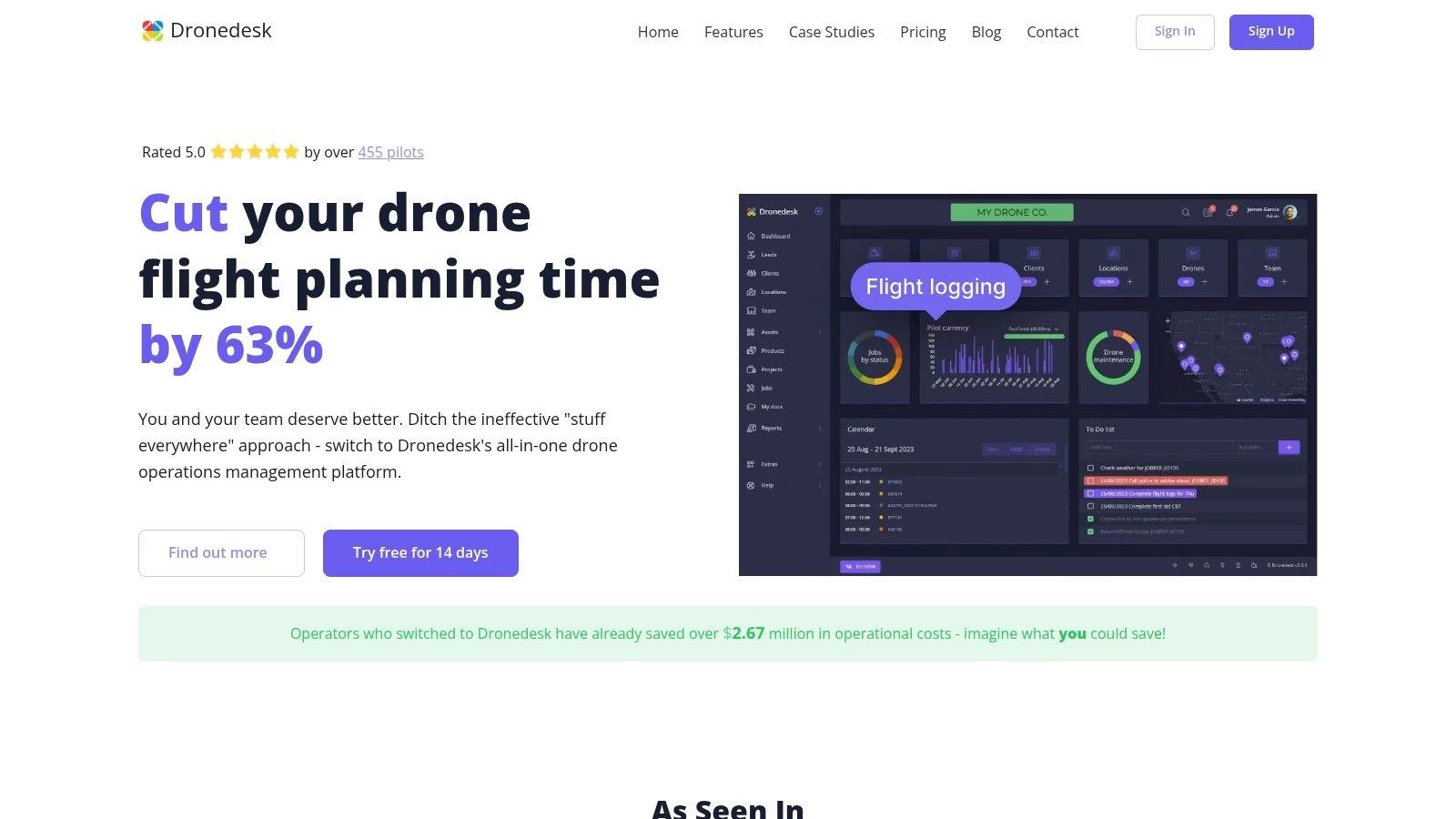
This comprehensive approach allows solo pilots and enterprise teams alike to manage flight planning with live airspace data, automate DJI flight log syncing, track fleet maintenance schedules, and manage team certifications seamlessly. The result is a significant reduction in administrative overhead, with Dronedesk reporting an average time saving of 54 minutes per job. Its standout feature is the creation of a single, auditable system of record that simplifies compliance and risk management, a critical need in the highly regulated drone industry. For a deeper dive into the specific challenges this software solves, you can learn more about its role in effective drone operations management.
Key Features & Analysis
Dronedesk excels by integrating mission-critical data points into a single dashboard. Automated checks for NOTAMs, Flight Restriction Zones (FRZs), and detailed hourly weather forecasts are seamlessly integrated into the planning phase. Proximity intelligence identifies potential ground hazards, while configurable risk assessments and checklists ensure every operation adheres to strict safety protocols. This end-to-end integration creates a robust, auditable job pack that can be exported as a professional PDF, streamlining client communication and internal record-keeping. The platform’s scalability is another key strength, offering clear pathways from a solo operator to a full-scale enterprise fleet.
- Pros:
- Massive time savings: A documented 50-65% faster planning process, backed by a 90-day money-back guarantee.
- End-to-end workflow: Consolidates everything from quoting and flight planning to logging and invoicing in one auditable system.
- Scalable plans: Affordable entry points for solo pilots and robust, white-label options for large enterprises.
- Proven & trusted: Highly rated by over 450 pilots and used by major organisations like National Grid.
- Cons:
- Geographic limitations: Airspace data and support are not yet global; users should verify coverage for their specific region.
- Tiered feature access: Key features like unlimited jobs and configurable risk assessments require upgrading to Pro or higher plans.
Pricing Structure
Dronedesk offers a flexible pricing model designed to grow with your operations. The Startup plan is €11.50/month for a single user with a 3-job monthly limit. For professional use, the Pro plan at €24/month unlocks unlimited jobs. The enterprise-level Unlimited tier is €640/month, providing support for unlimited users and advanced features, making it a viable solution for large-scale operations.
Website: https://dronedesk.io
2. Zapier
Zapier is arguably the most recognizable name in the no-code automation space, serving as the essential connective tissue between thousands of different applications. For drone operators, it’s a powerful tool for linking otherwise disconnected systems without needing a developer. Its core strength lies in its vast library of over 7,000 app integrations, allowing you to create automated workflows, or "Zaps," in minutes. For instance, you could automatically save flight logs from a spreadsheet to your cloud storage or create a new client project in your CRM whenever a new folder is created in Dropbox.
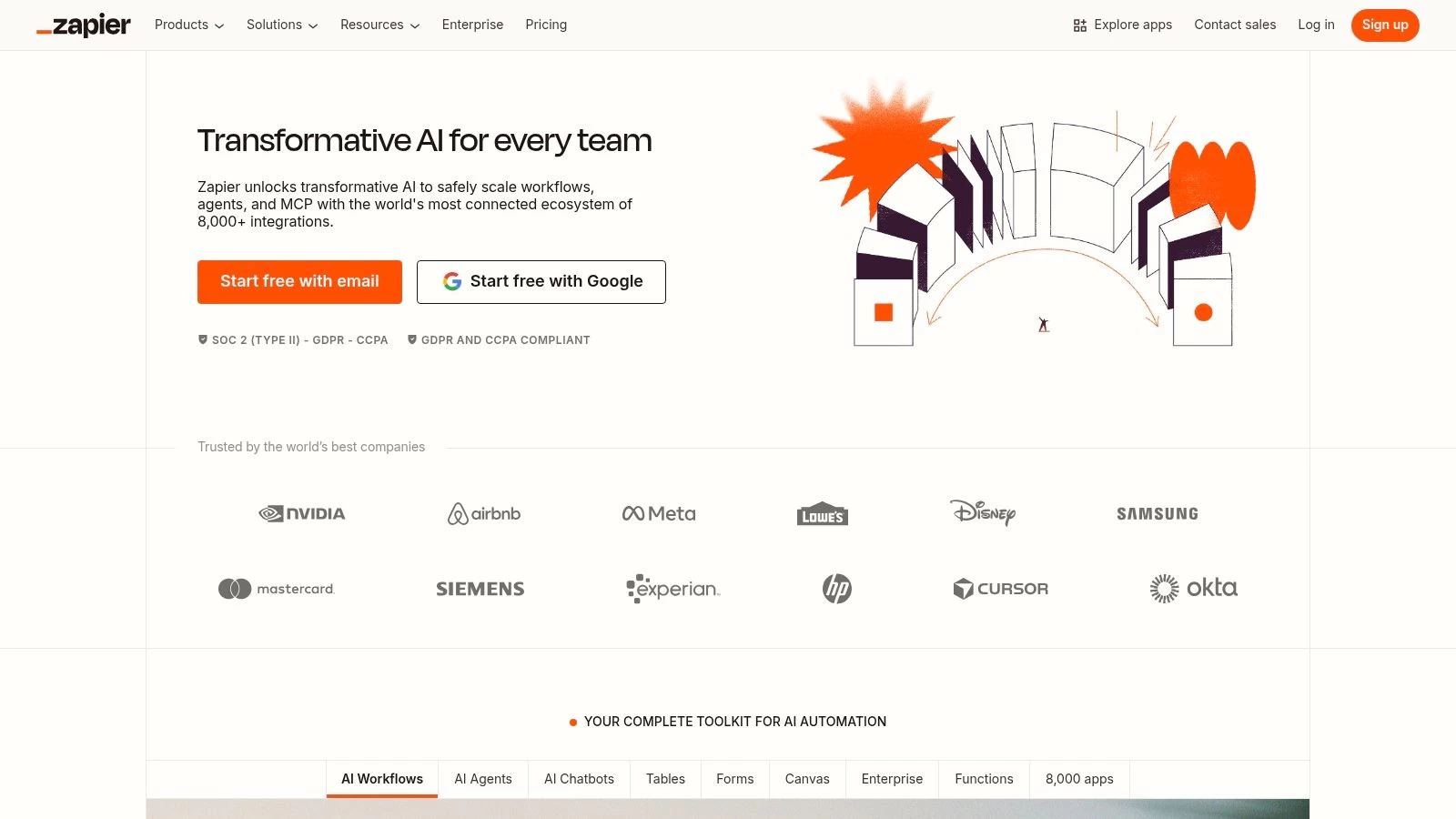
This platform excels at automating simple, linear tasks and shines for solo operators or small teams needing quick wins. The user interface is clean, intuitive, and supported by excellent documentation, making it one of the best workflow automation software options for non-technical users. The real power comes from chaining actions together; a single trigger like a new email attachment can kick off a sequence that saves the file, notifies a team channel, and creates a task in your project management tool. Automations like these are key, as you can see how automated flight logging and reporting can save drone teams hours every week.
Key Features & Considerations
- Integrations: Connects with over 7,000 applications, the largest library on the market.
- Workflow Logic: Multi-step Zaps can include filters and paths to handle different conditions.
- Built-in Tools: Offers internal utilities like Formatter for text and data manipulation, plus Webhooks for custom integrations.
- Pricing Model: Starts with a free tier. Paid plans are based on the number of "tasks" (actions your Zaps perform) you run per month, which can become costly for high-volume operations. Plans begin at around $19.99/month (billed annually) for 750 tasks.
Visit Website: https://zapier.com
3. Make (formerly Integromat)
Make (formerly Integromat) stands out as one of the best workflow automation software options for users who crave more control and complexity than simpler platforms allow. Its visual, drag-and-drop interface lets you build intricate "scenarios" that can handle complex logic, branching paths, and data transformations. For drone operators, this means you can build sophisticated workflows, such as automatically parsing data from flight log CSVs, enriching it with weather information via an API, and then creating detailed project updates in multiple systems simultaneously.
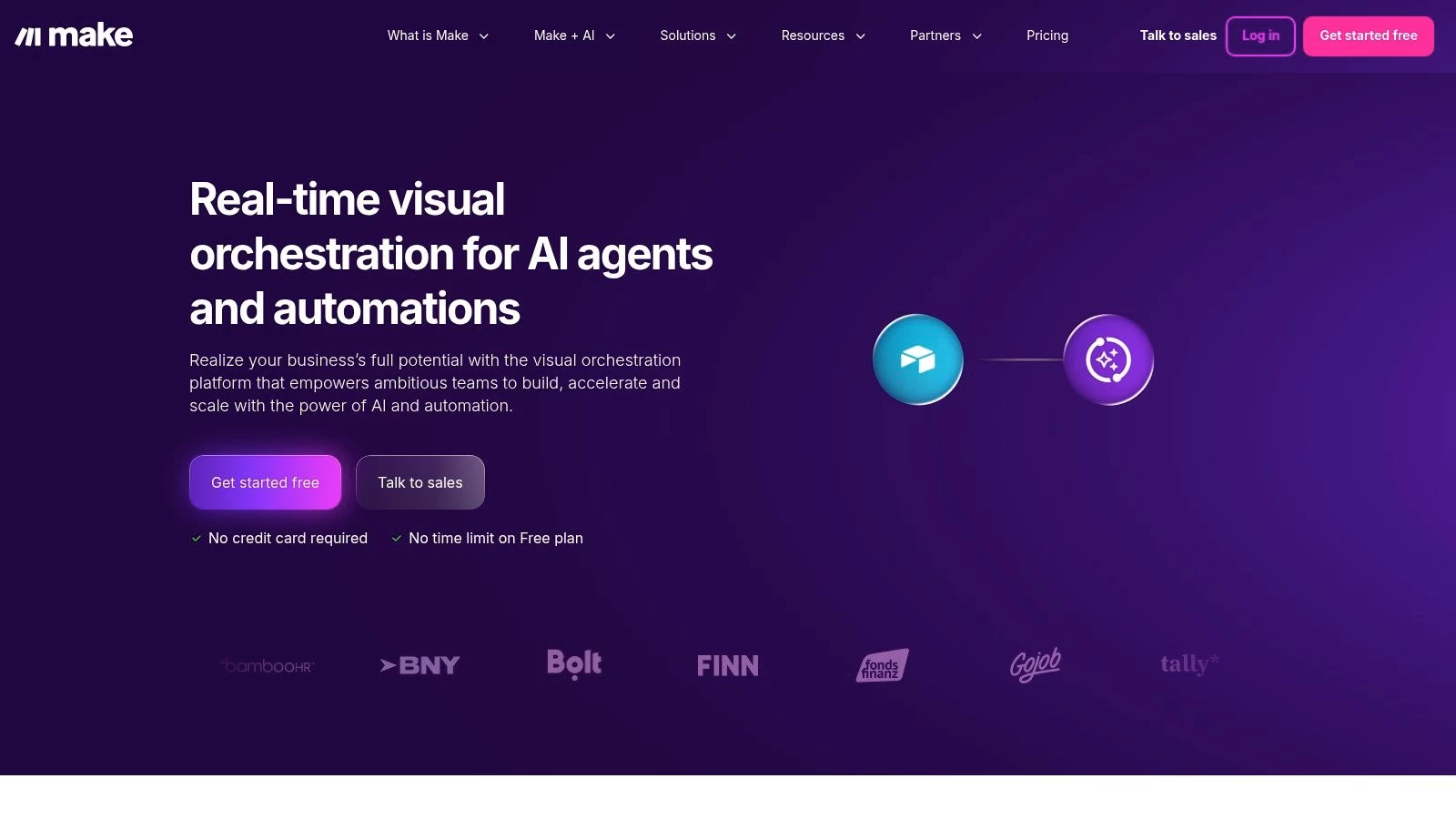
This platform is a favorite among tech-savvy users and those with high-volume needs because of its powerful feature set and competitive pricing model. While its learning curve is steeper than some alternatives, the investment pays off for complex automation. For example, a drone team could create a scenario that triggers when a client uploads files to a specific cloud folder, then automatically processes those images, sends them to an AI analysis tool, and populates a custom report in a Google Doc based on the results.
Key Features & Considerations
- Integrations: Connects with over 1,700 applications and supports generic HTTP/API modules for universal connectivity.
- Workflow Logic: Features powerful tools like routers for branching paths, iterators for handling multiple data items, and aggregators for compiling results.
- Built-in Tools: Includes advanced data manipulation functions, error handling routes, and the ability to schedule scenarios to run as frequently as every minute.
- Pricing Model: Starts with a generous free tier. Paid plans are based on "operations" (similar to tasks), offering excellent value for high-volume automation. Plans begin at around $9/month (billed annually) for 10,000 operations.
Visit Website: https://www.make.com
4. Microsoft Power Automate
For drone teams already embedded in the Microsoft ecosystem, Microsoft Power Automate offers a deeply integrated and powerful automation solution. It extends beyond simple app connections to include robotic process automation (RPA) for automating desktop tasks, making it ideal for bridging modern cloud services with legacy software. Drone operators can use it to create sophisticated workflows, such as automatically parsing data from an Excel flight log, saving mission photos from an Outlook email to a specific SharePoint folder, and then notifying a channel in Microsoft Teams.
This platform stands out as one of the best workflow automation software choices for organizations that need enterprise-grade security and governance. Microsoft Power Automate is a cornerstone of business process automation, enabling powerful low-code automation through Microsoft Power Platform. For a drone operation, this means you can build flows that not only handle data but also adhere to strict corporate compliance standards managed via Azure and Microsoft Entra ID. It’s a robust tool for scaling automation across a business, from individual pilot tasks to company-wide operational processes.
Key Features & Considerations
- Integrations: Deep, native connections with Microsoft 365, Dynamics 365, SharePoint, and the wider Microsoft suite.
- Workflow Logic: Supports complex conditional logic, loops, and both cloud (API-based) and desktop (UI-based) automation flows.
- Built-in Tools: Includes AI Builder for adding intelligence to workflows, plus process and task mining to discover automation opportunities.
- Pricing Model: Licensing can be complex, often tied to existing Microsoft 365 plans. Standalone premium plans start around $15 per user/month for unlimited flows, with add-ons required for RPA and other advanced features.
Visit Website: https://www.microsoft.com/en-us/power-platform/products/power-automate
5. n8n
n8n is a powerful, open-source workflow automation tool that offers a fundamentally different approach compared to its competitors. It’s highly extensible and can be self-hosted for complete data control and cost savings, or used via its managed cloud platform. For drone operators with some technical expertise, n8n provides an unparalleled level of customization and power, allowing for complex, multi-step workflows without the limitations often found in other tools. For instance, you could build a custom workflow that pulls drone telemetry data via an API, processes it, generates a custom report with a script, and then emails it to specific stakeholders.
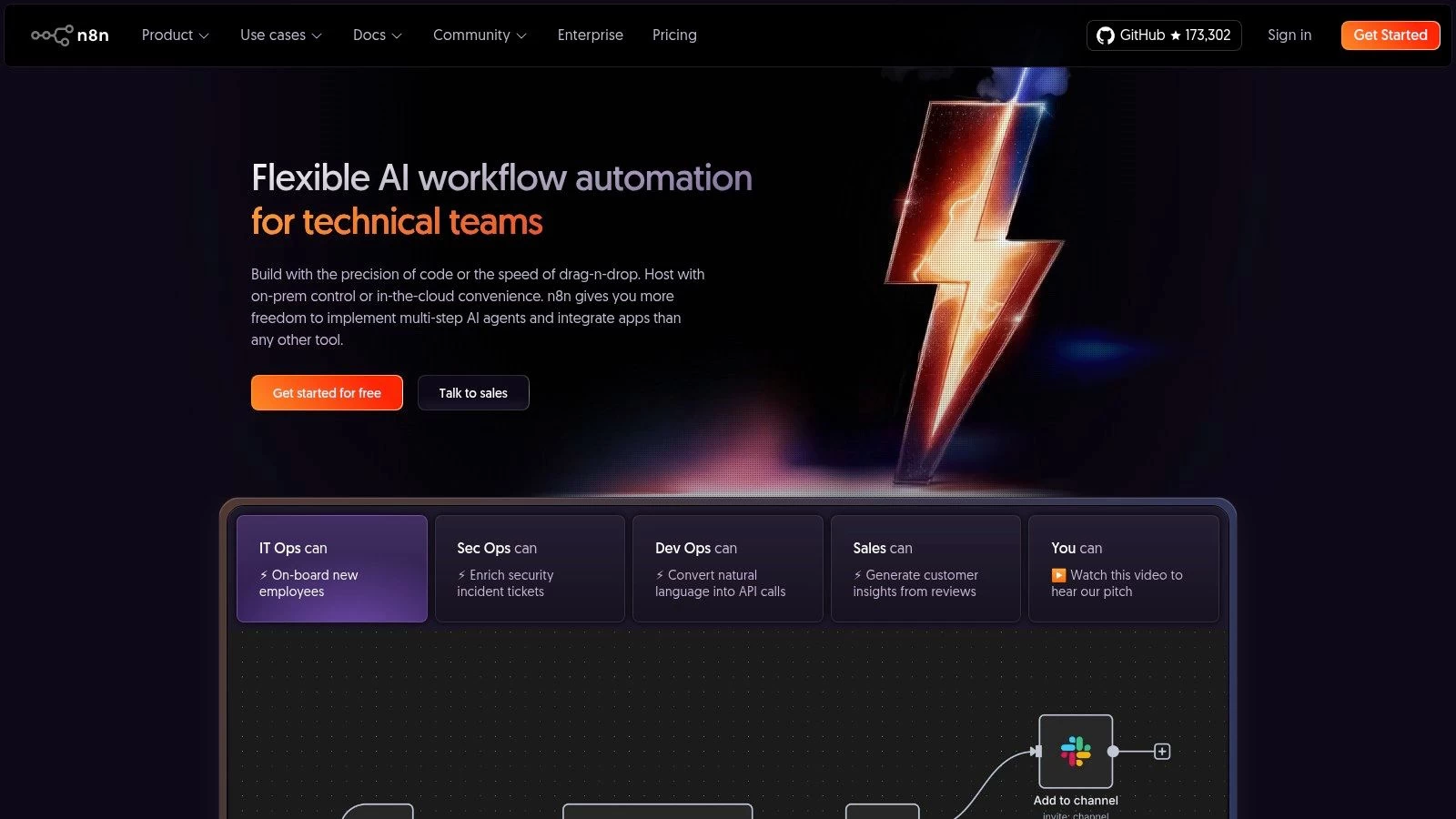
This platform is one of the best workflow automation software options for developers or technical teams who want to move beyond simple linear automations. Its node-based visual editor is intuitive yet allows for intricate logic, including branching, merging, and error handling. Because you can self-host it, n8n is incredibly cost-effective for high-volume tasks, as you are not paying per-task fees to a third party. The ability to write custom JavaScript functions directly within a workflow opens up endless possibilities for data transformation and integration with proprietary drone systems.
Key Features & Considerations
- Hosting Options: Can be self-hosted for free (on your own infrastructure) or used on their managed cloud platform.
- Extensibility: Open-source nature allows for creating custom nodes and integrations.
- Workflow Logic: Supports complex logic with a visual, node-based editor that is powerful for developers.
- Pricing Model: The cloud offering is based on the number of workflow executions, not individual tasks or steps, which can be more predictable. Cloud plans start at €20/month for 2,500 executions. Self-hosting the community edition is free.
Visit Website: https://n8n.io
6. Workato
Workato positions itself as an enterprise-grade Integration Platform as a Service (iPaaS), designed for businesses where security, governance, and complex, high-volume automations are non-negotiable. For large-scale drone operations, Workato handles mission-critical workflows that go beyond simple task connections. This could involve syncing flight data from on-premise servers with cloud-based analytics platforms, managing API connections for custom software, or orchestrating multi-departmental processes triggered by field operations.
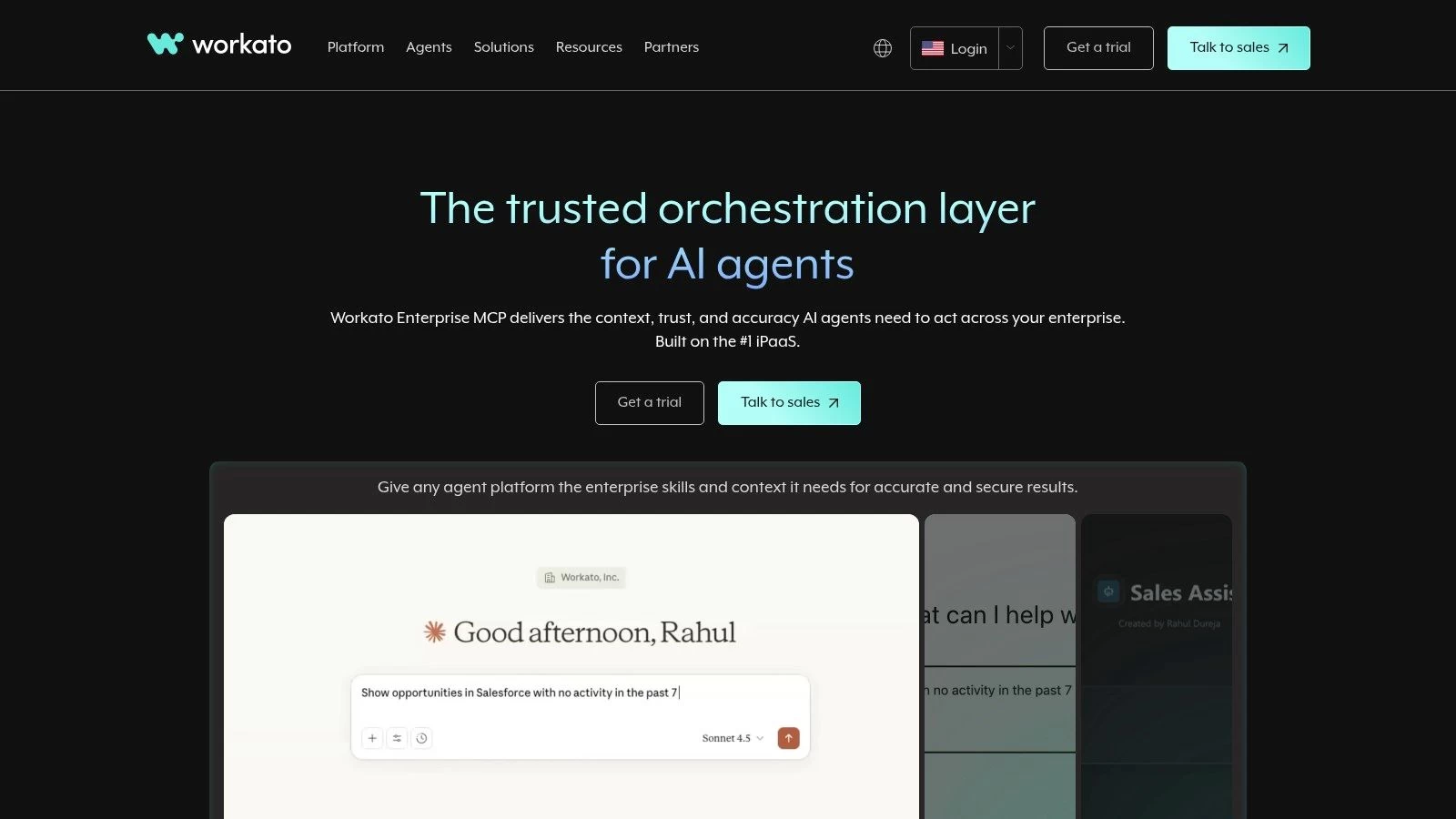
The platform is built for reliability and auditable scaling, making it one of the best workflow automation software choices for enterprises that must adhere to strict compliance and security standards. Its "recipes" (workflows) can handle sophisticated logic, branching paths, and data transformations required for integrating complex systems like ERPs, CRMs, and proprietary databases. This level of control is crucial for making drone teams more efficient with automation in a corporate environment. However, this power comes with a steeper learning curve and higher overhead compared to tools aimed at smaller businesses.
Key Features & Considerations
- Integrations: Focuses on enterprise-grade applications, with robust capabilities for custom API management and on-premise system connections via agents.
- Workflow Logic: Supports highly complex, mission-critical recipes with advanced error handling, security, and governance controls built-in.
- Built-in Tools: Features advanced API management, workflow apps for internal use, and AI-powered tools for intelligent document processing (IDP).
- Pricing Model: Pricing is not publicly listed and requires engaging with their sales team. It's a usage-based model structured into platform editions (Standard, Business, Enterprise) suited for high-scale needs.
Visit Website: https://workato.com
7. Tray (Tray.io / tray.ai)
Tray is a modern integration platform as a service (iPaaS) that offers a sophisticated, visual workflow builder for automating complex business processes. For drone teams, Tray provides an enterprise-grade backbone to standardize integrations, connecting everything from CRM and ERP systems to specialized mapping software. It's particularly powerful for creating customer-facing integrations, such as automatically delivering processed data to a client's portal or triggering notifications based on project milestones. Its recent addition of the Tray Merlin AI Agent Builder further enhances its capabilities, allowing for more intelligent, AI-driven actions within workflows.
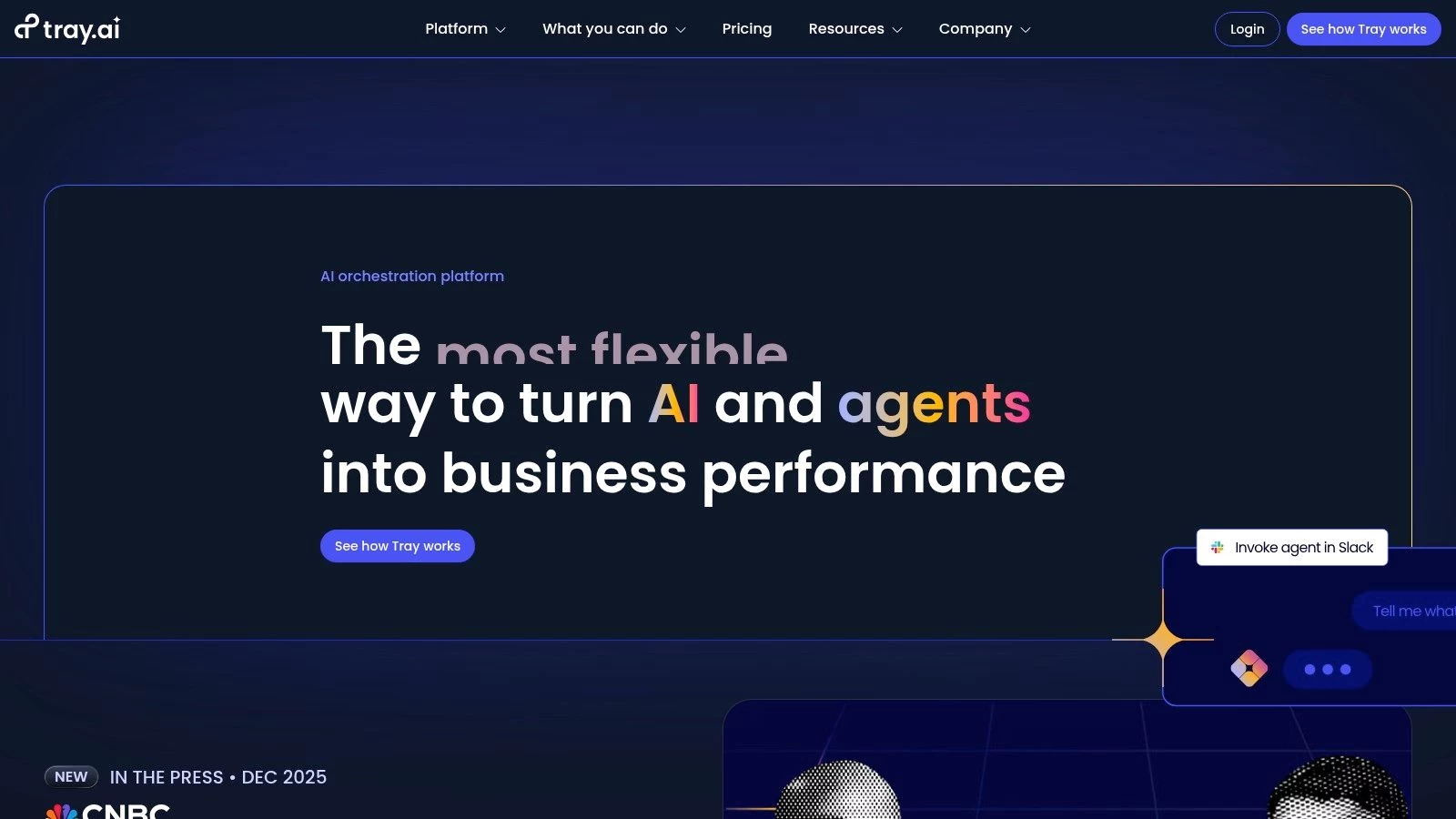
This platform is a strong contender for the best workflow automation software for larger teams or businesses looking to build scalable, embedded automations. Unlike simpler tools, Tray can handle intricate logic, conditional branching, and high-volume data processing with ease. For a drone operation, this could mean creating a workflow that ingests raw data from cloud storage, sends it to a processing engine via API, waits for the result, and then distributes the final orthomosaics or 3D models to different stakeholders based on project-specific rules, all without manual intervention.
Key Features & Considerations
- Integrations: Offers over 600 pre-built connectors with a Connector Builder for creating custom integrations.
- Workflow Logic: Features a powerful, low-code visual builder that supports complex, multi-step workflows and sophisticated data transformations.
- Scalability: Scales from departmental automation to full enterprise and embedded solutions for customer-facing products.
- Pricing Model: Pricing is not publicly listed and requires a quote. It's built around a task-based usage model, which can become unpredictable and costly for complex, high-frequency workflows. Add-ons for features like HIPAA compliance and SSO are available.
Visit Website: https://tray.ai
8. IFTTT
IFTTT, which stands for "If This Then That," is one of the original and most user-friendly automation platforms, excelling at simple, event-driven workflows. For drone operators, it’s particularly useful for connecting smart devices and consumer apps to business tools without complexity. Its strength lies in its simplicity and vast library of pre-built connections called "Applets," which allow you to create automations in seconds. For example, you could automatically log flight times to a Google Sheet whenever you enter a designated geofenced area or get an SMS alert when weather conditions change at a planned job site.
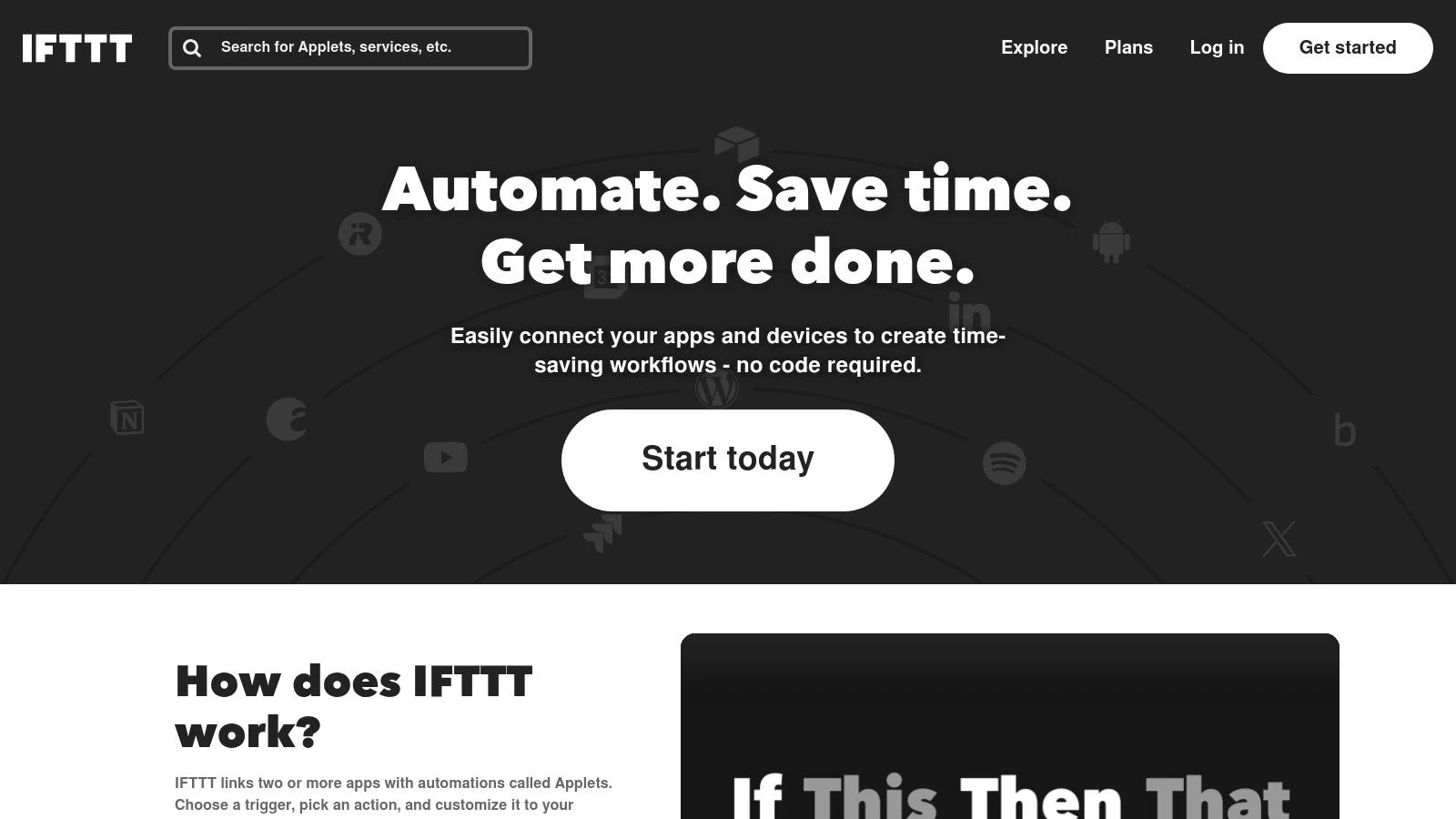
The platform has an extremely low barrier to entry, making it one of the best workflow automation software options for solo operators or those looking for quick, personal productivity hacks. While not built for complex, multi-step business logic, it's perfect for linear tasks like backing up photos from Instagram to Dropbox or creating Trello cards from specific emails. The mobile app is a key feature, allowing you to create and manage automations on the go, a significant advantage for operators working in the field.
Key Features & Considerations
- Integrations: Connects with over 900 services, with a strong focus on IoT, smart home devices, and popular consumer applications.
- Workflow Logic: Primarily uses simple "If This, Then That" triggers and actions. Paid tiers allow for multi-action Applets and conditional logic.
- Ease of Use: An incredibly simple interface with a huge library of published Applets that can be activated with a single click.
- Pricing Model: Offers a limited free plan. The Pro plan (around $2.50/month) unlocks multi-step Applets and faster execution, while the Pro+ plan (around $5/month) adds more advanced tools like webhooks and unlimited Applets.
Visit Website: https://ifttt.com
9. monday.com (Work Management Automations)
monday.com is a "Work OS" that powerfully combines project management with built-in workflow automation capabilities. For drone teams, its strength lies in managing the entire lifecycle of a project, from client intake to final deliverable, all within one visually intuitive platform. Instead of just connecting external apps, monday.com automates the actions that happen inside your projects. For example, you can create a rule that automatically assigns a pre-flight checklist to a pilot when a job's status changes to "Scheduled" or notifies the client via email once all aerial images are uploaded and marked "Complete."
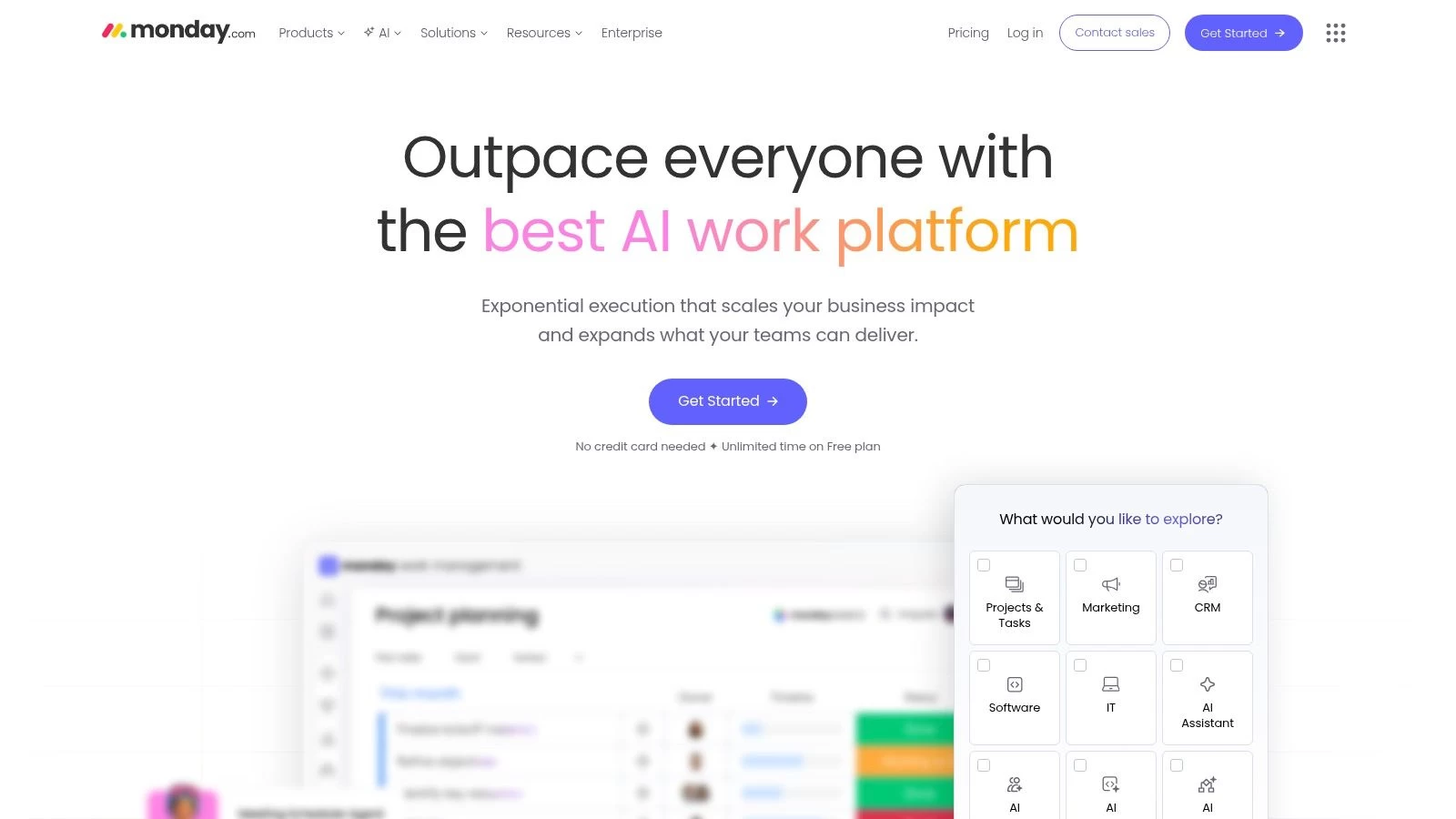
This platform excels at providing end-to-end visibility, bundling task management, collaboration, and automation into a single source of truth. The user-friendly, color-coded interface makes it one of the best workflow automation software options for teams that need to get up and running quickly with minimal training. The automations are built using simple "if this, then that" recipes, allowing drone operations managers to streamline equipment assignments, update project timelines, and manage client communications without writing any code. More advanced tiers also introduce an AI assistant to help build complex boards and formulas faster.
Key Features & Considerations
- Integrations: Offers over 200 integrations with popular tools like Slack, Dropbox, Google Drive, and Adobe Creative Cloud.
- Workflow Logic: No-code automations are built directly into project boards using pre-made and custom recipes.
- Built-in Tools: Features multiple project views (Kanban, Gantt, Timeline), customizable dashboards for reporting, and forms for client intake.
- Pricing Model: Has a free tier for individuals. Paid plans are per-seat and start at $9 per seat/month (billed annually) with a 3-seat minimum. Automation and integration actions are limited based on the plan, which can be a constraint for high-volume workflows.
Visit Website: https://monday.com
10. Airtable (Automations)
Airtable is a hybrid platform that blends the familiarity of a spreadsheet with the power of a relational database, making it exceptionally suited for building custom operational systems. For drone teams, it can serve as a central hub for everything from client management and project tracking to equipment inventory and flight log databases. Its native Automations feature allows you to build workflows directly within your data environment, eliminating the need for a separate tool for many common tasks. For example, you could configure an automation to automatically assign an inspector to a new site survey record or send a notification when a drone's maintenance is due.
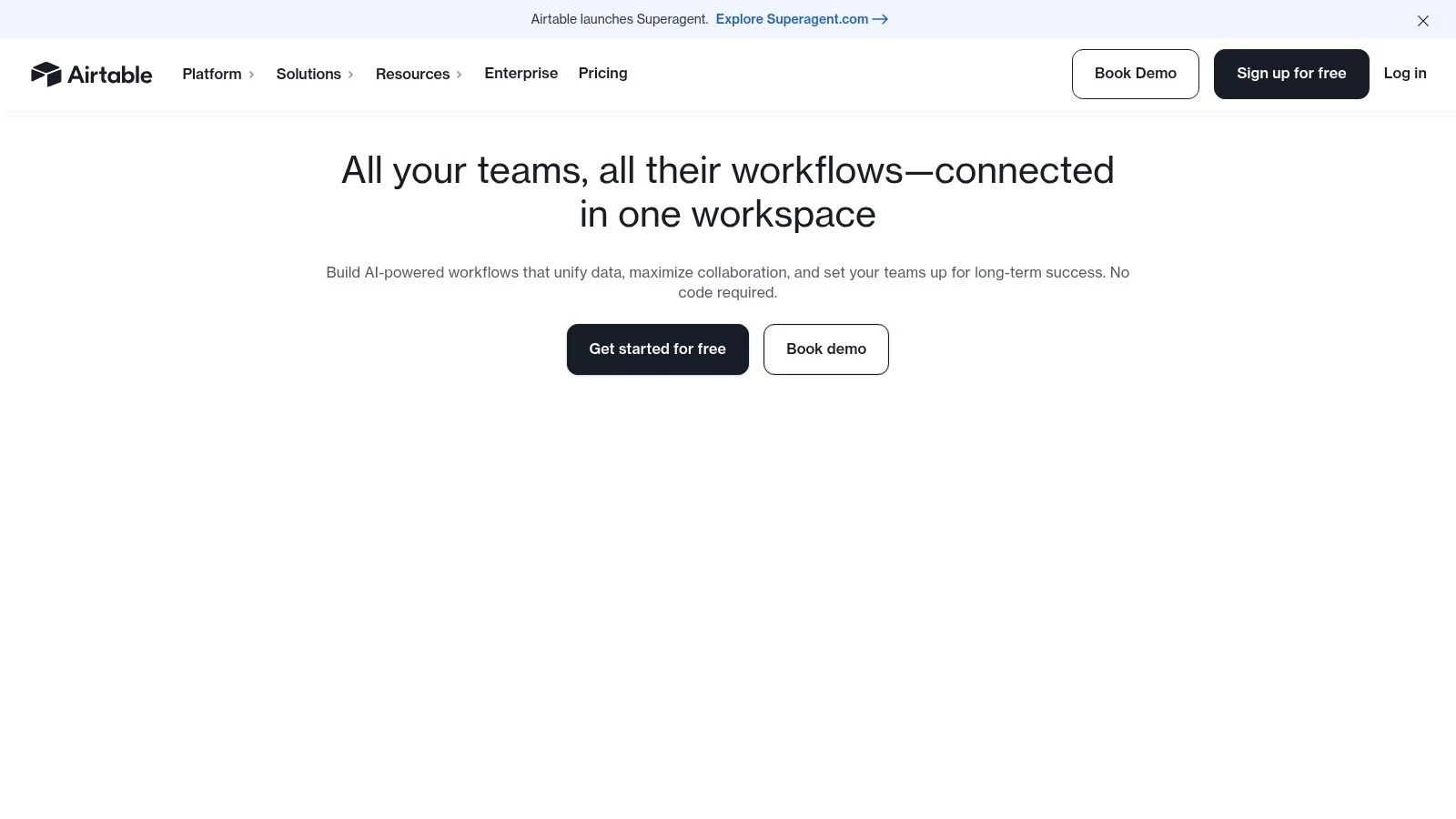
The platform's strength is its unparalleled flexibility. You can design a "base" from scratch that perfectly models your drone operations, then use its Interface Designer to create custom apps for your team to interact with that data. This combination makes it one of the best workflow automation software choices for teams that need a bespoke solution without writing code. The ability to trigger automations based on changes to your own data, such as a status field changing to "Completed," allows for highly contextual and efficient workflows that keep everyone in sync.
Key Features & Considerations
- Integrations: Connects with popular tools like Slack, Google Workspace, and Microsoft Teams, and can be extended via Zapier or Make for wider connectivity.
- Workflow Logic: Native automations support conditional logic ("if this, then that") and multi-step actions. Triggers can be based on data changes, form submissions, or schedules.
- Built-in Tools: Features include Interface Designer for creating custom user dashboards, Extensions for added functionality (e.g., charts, maps), and multiple data views like Kanban, Gantt, and Calendar.
- Pricing Model: Offers a free plan with limited records and automation runs. Paid plans start at $20 per user/month (billed annually) and unlock more records, automations, and advanced features like permissions and sync integrations.
Visit Website: https://airtable.com
11. Nintex Automation (Cloud/CE)
Nintex Automation is an enterprise-grade platform designed for organizations with complex, regulated, or process-heavy operations. For drone teams in sectors like government, utilities, or large-scale construction, it provides a robust suite that goes beyond simple task linking to include advanced forms, document generation (DocGen), process mapping, and eSignatures. This integrated approach allows you to build sophisticated, end-to-end workflows, such as a fully documented flight approval process that includes risk assessments, digital signatures from stakeholders, and automated report generation upon completion.
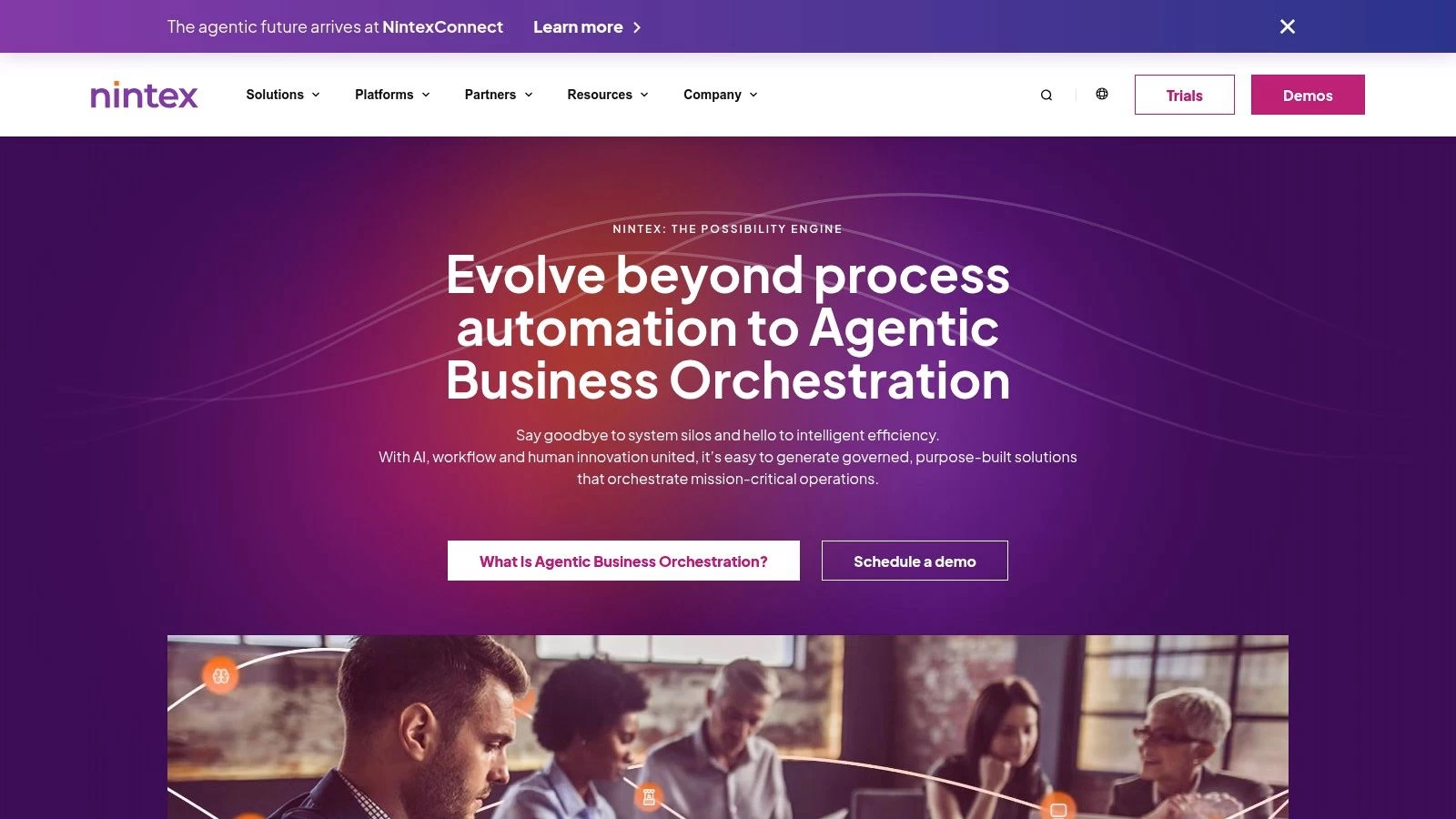
The platform's strength lies in its governance and compliance features, including a FedRAMP-authorized edition for US government work, making it one of the best workflow automation software choices for high-stakes environments. Instead of just connecting apps, Nintex focuses on digitizing entire business processes. For example, a drone team could automate the entire client onboarding process from an initial smart form to contract generation, eSignature, and final project setup in a management system, all within a secure and auditable environment. This level of control is crucial for enterprises that need to maintain strict operational standards.
Key Features & Considerations
- Comprehensive Suite: Offers an all-in-one solution with forms, workflow, Robotic Process Automation (RPA), DocGen, and eSign.
- Enterprise & Government Focus: Strong governance features and FedRAMP-authorized editions make it suitable for regulated industries.
- Process Mapping: Includes tools to visually map and analyze processes before automating them, helping to identify inefficiencies.
- Pricing Model: Skews toward enterprise customers with annual contracts. The complexity and cost may be prohibitive for smaller teams or solo operators, and feature availability varies significantly across its tiered plans (Essentials, Pro, Expert).
Visit Website: https://www.nintex.com
12. G2 (Workflow Management Software Category)
While not a direct automation tool itself, G2’s Workflow Management Software category is an indispensable resource for discovery and comparison. Think of it as a comprehensive marketplace where you can research, filter, and validate potential solutions based on thousands of verified peer reviews. For drone operators evaluating their options, it provides a crucial layer of social proof, helping you move beyond marketing claims to see how different platforms perform in real-world scenarios. You can quickly shortlist vendors, compare feature sets side-by-side, and get a feel for user satisfaction across different company sizes and industries.
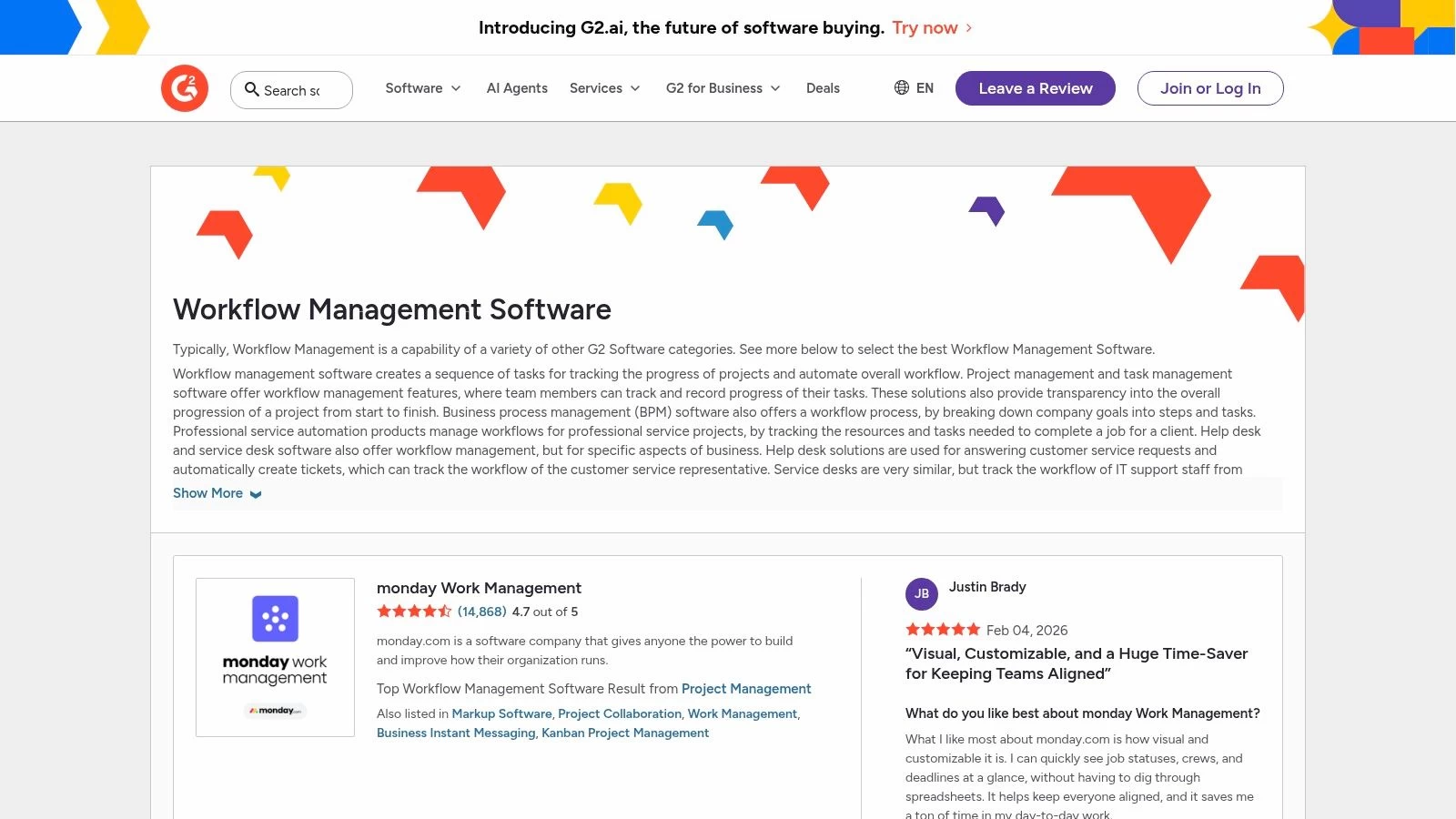
This platform is most valuable during the initial research phase when you're trying to build a list of the best workflow automation software to investigate further. The ability to filter by specific features like "reporting/analytics" or "task management" is particularly useful for drone teams with specific operational needs. G2's Grid reports offer a visual snapshot of the market landscape, plotting vendors based on user satisfaction and market presence, which can quickly surface leaders and niche players you may have otherwise missed. It’s an essential first stop for making an informed decision.
Key Features & Considerations
- Verified Reviews: Features real-time feedback and ratings from authenticated users, providing genuine insights into a tool’s performance.
- Advanced Filtering: Allows you to narrow down options by company size, industry, specific features, and user satisfaction ratings.
- Side-by-Side Comparison: Enables direct comparison of up to four different software products on features, pricing, and reviews.
- Pricing Information: Provides links to vendor sites and pricing pages, though some vendors may gate detailed pricing behind a sales demo. Review quality can vary, and rankings shift frequently.
Visit Website: https://www.g2.com/software/workflow-management
Top 12 Workflow Automation Tools — Side-by-Side Comparison
| Product | Core features | UX / Rating (★) | Value & Pricing (💰) | Target (👥) & USP (✨) |
|---|---|---|---|---|
| Dronedesk 🏆 | Flight planning, live NOTAMs, DJI auto‑sync, fleet & team management, airspace/proximity intelligence | ★★★★★ (5.0 / 455+) | 💰 Startup €11.50/mo → Enterprise €640/mo; 90‑day money‑back | 👥 Solo pilots → enterprise ops; ✨ End‑to‑end auditable drone operations, ~54min/job savings |
| Zapier | 7,000+ integrations, multi‑step Zaps, webhooks, AI helpers | ★★★★ | 💰 Tiered plans; task‑based billing (can grow costly) | 👥 Non‑technical teams; ✨ Vast app coverage & ready templates |
| Make (Integromat) | Visual scenario builder, routers, parallel processing, JS/Python code app | ★★★★ | 💰 Credit/usage model; competitive for high volume | 👥 Power users & engineers; ✨ Granular branching & high‑volume handling |
| Microsoft Power Automate | Cloud + desktop flows, RPA, process mining, deep M365 connectors | ★★★★ | 💰 Complex licensing; best value with Microsoft stack | 👥 M365/Enterprise shops; ✨ Native security, governance & RPA |
| n8n | Open‑source workflows, self‑host/cloud, large integration library | ★★★★ | 💰 Cost‑efficient self‑host; pay‑per‑execution cloud | 👥 Technical teams/self‑hosters; ✨ Unlimited steps & extensibility |
| Workato | Enterprise iPaaS, API platform, on‑prem agents, usage tracking | ★★★★ | 💰 Enterprise pricing (quote); usage‑based | 👥 Mission‑critical enterprises; ✨ Strong governance & scale |
| Tray (Tray.io / tray.ai) | Visual builder, Connector Builder, 600+ connectors, task metering | ★★★★ | 💰 Quote‑based; task‑metered usage | 👥 ISVs & enterprise integrators; ✨ Embedded integrations & AI agent |
| IFTTT | Applets, IoT/smart‑home triggers, webhooks | ★★★ | 💰 Low‑cost consumer tiers | 👥 Consumers & lightweight business use; ✨ IoT / smart‑device focus |
| monday.com (Automations) | Boards, automations, dashboards, multiple views | ★★★★ | 💰 Per‑seat pricing; automation limits by plan | 👥 Teams needing work management; ✨ Intuitive UI + integrated collaboration |
| Airtable (Automations) | Bases (DB+sheet), native automations, Interfaces | ★★★★ | 💰 Per‑seat / plan limits on automations | 👥 Ops & data teams; ✨ Flexible data modeling + in‑context automations |
| Nintex Automation | Forms, workflow, RPA, DocGen, eSign, FedRAMP options | ★★★★ | 💰 Annual enterprise pricing; trials available | 👥 Regulated & government orgs; ✨ Comprehensive enterprise suite |
| G2 (Workflow Mgmt) | Marketplace, verified reviews, category filters | ★★★★ | 💰 Free to browse; vendor pricing links | 👥 Buyers & shortlisters; ✨ Peer reviews & side‑by‑side comparisons |
Choosing the Right Automation Engine for Your Drone Operations
Navigating the landscape of workflow automation software can feel overwhelming, but the journey to operational efficiency begins with a clear understanding of your primary business challenges. Throughout this guide, we've explored a spectrum of powerful tools, from general-purpose integration platforms like Zapier and Make to comprehensive work management systems such as monday.com and Airtable. Each offers a unique approach to streamlining tasks and connecting disparate applications.
The central takeaway is this: the best workflow automation software isn't determined by the number of app integrations it boasts, but by how effectively it solves your most critical, high-stakes problems. For a drone operator, these problems are rarely about syncing a calendar with a CRM. They are about ensuring flight safety, maintaining regulatory compliance, managing complex project data, and delivering client reports efficiently.
Generalists vs. Specialists: A Core Decision
Your first critical decision point is choosing between a generalist tool and a specialist platform.
-
General-purpose automation platforms (like Zapier, Make, and Power Automate) are the versatile multi-tools of the software world. They excel at creating bridges between your existing business apps, such as accounting software, marketing platforms, and cloud storage. Their strength lies in their flexibility and vast integration libraries, making them ideal for automating administrative tasks that orbit your core operations.
-
Specialist drone operations platforms (like Dronedesk) are precision instruments designed for a specific, complex job. They don't just connect apps; they consolidate essential, industry-specific workflows into a single, cohesive system. This includes flight planning, automated risk assessments, LAANC authorizations, equipment management, and compliance logging. This integrated approach minimizes administrative overhead while fundamentally enhancing safety and creating a robust, auditable trail for every mission.
A Practical Framework for Your Selection Process
To find the right fit for your drone business, whether you're a solo pilot or managing a large enterprise fleet, follow a structured evaluation process. Don't get distracted by flashy features; focus on the foundational needs of your operation.
-
Identify Your Biggest Bottleneck: What single area of your workflow consumes the most time and creates the most risk? Is it pre-flight planning and paperwork? Client communication and reporting? Or is it syncing data between non-operational tools? Your answer points directly to the type of solution you should prioritize.
-
Map Your Core Operational Flow: List every step of a typical project, from initial client inquiry to final data delivery. This includes quoting, mission planning, airspace checks, risk assessments, on-site execution, flight logging, and invoicing. A purpose-built platform like Dronedesk is designed to manage this entire lifecycle, whereas a general tool would require you to stitch together multiple applications to achieve a similar result.
-
Consider Your Long-Term Compliance Needs: Regulatory requirements are non-negotiable and constantly evolving. A specialized platform builds compliance directly into your workflow, automatically generating the necessary documentation and logs. Relying on a patchwork of generalist tools places the full burden of compliance tracking squarely on your shoulders, increasing the risk of human error and oversight.
Ultimately, the most effective strategy often involves a hybrid approach. Start with a strong foundation: a dedicated drone operations platform that automates and standardizes your mission-critical tasks. From there, you can strategically leverage a general automation tool like Zapier or Make to connect that central hub to your wider business ecosystem, creating a truly seamless, end-to-end automated workflow.
Ready to see how a purpose-built platform can transform your operations? Dronedesk is the all-in-one management software designed specifically to automate the complex workflows of professional drone operators. Stop juggling spreadsheets and multiple apps, and start managing your entire business from a single, intuitive dashboard by visiting Dronedesk to start your free trial today.
 Drone Risk Assessment Controls That Work in the Field →
 FAA Drone License Costs Beyond the Knowledge Test →
 Drone Part 107 Operations: When a Waiver May Be Needed →
 Drone Operating Rules for Managing Contractors and Employees →
 BVLOS Drone Requirements for Building a Safety Case →
 Drone Pilot Test Mistakes That Cost Candidates Marks →
 FAA 107 License vs Part 107 Certificate: What’s the Difference? →
 Drone Airport Rules: A Field Checklist for Site Assessments →
 FAA Part 107 Record-Keeping Rules for Commercial Teams →
 How to Review a DJI Flight Log After an Unexpected Event →