
Aviation Maintenance Tracking Software - Boost Safety and Uptime
Think of aviation maintenance tracking software as the digital lifeblood of your aircraft or drone fleet. It's a single, central hub that meticulously logs every flight hour, every repair, every component swap, and every scheduled inspection. Gone are the days of paper logbooks and scattered spreadsheets. This isn't just a digital filing cabinet; it's a strategic shift from putting out fires to preventing them in the first place.
From Paper Logs to Predictive Platforms

The old way of tracking maintenance felt like running a library with a paper card catalog. Every event—a flight, a repair, a part replacement—was noted down by hand. It was slow, riddled with potential for human error, and getting a clear, up-to-the-minute picture of your fleet's health was next to impossible. Trying to find one specific maintenance entry could feel like hunting for a single book in a warehouse without a system.
Modern maintenance software throws that entire system out the window. It works more like a powerful, intelligent database that knows your aircraft inside and out. It turns the manual, often chaotic, chore of upkeep into a slick, automated workflow. Instead of just reacting when something breaks, operators can actually see problems coming.
Solving Critical Operational Challenges
At its core, this software is designed to tackle the fundamental headaches that plague aviation operations, whether you’re a solo pilot with one commercial drone or a manager overseeing a fleet of business jets. It brings clarity and control to a few key areas:
- Taming Complexity: Aircraft are a puzzle of thousands of parts, each with its own lifespan and maintenance schedule. The software keeps track of all of it, automatically. It sends you alerts for upcoming checks so nothing ever slips through the cracks.
- Ensuring Airtight Compliance: Aviation is built on a foundation of strict rules from bodies like the FAA. This software creates a bulletproof, easily searchable audit trail for every single action. Compliance reporting becomes a simple "point and click" task, not a frantic paper chase.
- Maximizing Aircraft Uptime: An aircraft sitting on the ground is an asset that’s losing money. By helping predict potential issues and making maintenance workflows more efficient, the software slashes unscheduled downtime. It keeps your assets in the air, where they belong.
By digitizing records and automating schedules, operators can shift their focus from administrative burdens to strategic fleet management, ensuring both safety and profitability. This transition is not just about convenience; it is a fundamental move toward safer, more efficient skies.
Ultimately, aviation maintenance tracking software becomes the single source of truth for your aircraft’s condition. It gives you the foresight and clarity you need to maintain peak performance, nail your safety standards, and run a tight ship in a very demanding industry.
The Core Features Every Operator Needs

When you start digging into any decent aviation maintenance tracking software, you'll find a handful of features that are absolutely non-negotiable. These aren't just bells and whistles; they're the engine of the whole system, turning maintenance from a reactive headache into a proactive, strategic part of your operation.
Think of it like having a hyper-efficient digital ground crew on call 24/7. Each feature has a specific job, but they all work together to keep your fleet safe and ready to fly. Let's break down the foundational tools that every operator—from the solo pilot to the sprawling enterprise—should demand from their software.
Centralized Asset and Fleet Management
At the very core, you need a single source of truth for your entire fleet. This is what centralized asset management delivers: a digital hangar where every aircraft, drone, and critical part has its own detailed profile. It’s so much more than a simple list; it's a living, breathing record.
This means you can see everything in one place, from a drone's total flight hours to the last time a specific propeller was serviced. No more hunting through scattered spreadsheets or dusty logbooks. For anyone managing more than a couple of assets, this unified view is critical for making smart decisions on the fly. It provides the detailed oversight needed for effective enterprise fleet maintenance strategies, ensuring nothing slips through the cracks.
Automated Maintenance Scheduling and Checks
Trying to track maintenance deadlines with a calendar or a spreadsheet is just asking for trouble. A core function of modern software is automated scheduling. It acts like a vigilant assistant that never misses a due date, tracking usage by flight hours, cycles, or time and automatically flagging when an inspection is coming up.
This automation is incredibly versatile, covering the full spectrum of maintenance events:
- Routine Inspections: Daily pre-flight checks and simple visual inspections.
- Scheduled Checks: Deeper dives like the A, B, C, or D checks for traditional aircraft, or 100-hour inspections for drones.
- Component-Specific Tasks: Alerts for parts with fixed lifespans, like batteries or rotors, so you can replace them before they fail.
It’s all about catching small issues before they snowball into big, expensive problems.
Digital Logbooks for Airtight Record-Keeping
Let's be honest, paper logbooks are a liability. They get lost, damaged, and filled with handwriting that’s impossible to decipher. Digital logbooks eliminate all of that by creating a secure, permanent, and instantly accessible record of every single action taken on an aircraft. Every flight, repair, and component swap is logged with a timestamp and the user's details.
The switch to digital logbooks is one of the biggest wins you'll see. It creates an unshakeable audit trail that makes pulling compliance reports for regulators like the FAA ridiculously easy, turning a process that once took days into a task that takes minutes.
This clean, chronological history is gold during an audit, when selling an asset, or just for analyzing your own operations.
Tracking Airworthiness Directives and Service Bulletins
Keeping up with mandatory updates from manufacturers and regulators is one of your most critical safety duties. A key feature here is the ability to automatically monitor and manage Airworthiness Directives (ADs) and Service Bulletins (SBs).
Picture this: the FAA issues an urgent AD for a drone model you have in your fleet. Instead of manually sifting through records, the software instantly pinpoints every affected asset. From there, it can generate work orders, assign the tasks to your team, and track the directive's completion across the board. This isn't just a time-saver; it’s a fundamental safety net that ensures no mandatory update ever gets missed.
Manual Paper Logs vs Automated Software Tracking
To really see the difference, it helps to put the old way and the new way side-by-side. The contrast highlights just how much efficiency and safety is gained by moving away from paper.
| Maintenance Task | Manual Method (Paper or Spreadsheets) | Automated Software Solution |
|---|---|---|
| Scheduling Inspections | Relies on manual calendar reminders, sticky notes, or spreadsheet formulas. Prone to human error. | Automatically tracks usage (hours, cycles) and triggers alerts when maintenance is due. |
| Recording Work | Handwriting entries in a physical logbook. Can be illegible, inconsistent, and easily lost or damaged. | Technicians log work via a mobile app with standardized fields, timestamps, and digital signatures. |
| Tracking Component Life | Manually updating a spreadsheet to track the age and usage of individual parts. Easy to miss a deadline. | Monitors lifespans of critical components and automatically flags them for replacement ahead of time. |
| AD/SB Compliance | Someone has to manually check for new directives, identify affected aircraft, and track completion on paper. | Instantly identifies affected assets, creates work orders, and tracks compliance across the entire fleet. |
| Generating Reports | Involves manually compiling data from multiple logbooks and files. Time-consuming and often inaccurate. | Generates comprehensive, regulator-ready audit reports with just a few clicks. |
Ultimately, while manual methods might seem "free," the cost in terms of time, risk, and potential compliance failures is enormous. Software turns these vulnerabilities into strengths.
Advanced Capabilities for Peak Performance

While the core features handle the daily grind, the advanced stuff is where aviation maintenance tracking software really earns its keep. This is what separates a digital logbook from a genuine strategic tool for your whole operation.
We're moving beyond just tracking what happened yesterday. The real power comes from using data to predict what’s coming next, turning your maintenance schedule from a reactive chore into a proactive, data-fueled advantage. These systems give you insights that were simply out of reach before, helping you make smarter calls, stop failures in their tracks, and run an incredibly tight ship.
Let's dig into the high-level functions that really make the best platforms shine.
Shifting from Reactive to Predictive Maintenance
Imagine getting a heads-up from your software that a motor is likely to fail next week—not finding out after it’s already grounded your aircraft. That's the magic of predictive maintenance. This isn't science fiction; it’s AI and machine learning algorithms chewing through mountains of data—flight telemetry, component history, even weather patterns—to spot the subtle clues that scream "impending failure."
Instead of just swapping parts on a fixed schedule, you move to condition-based servicing. It’s a complete game-changer.
- Maximizes Component Life: You get every last bit of safe operational life out of a part, replacing it based on actual wear, not just a date on the calendar. That saves a ton of money and cuts down on waste.
- Reduces Unscheduled Downtime: Catching problems during planned maintenance windows means you virtually eliminate those painful and expensive Aircraft on Ground (AOG) surprises.
- Enhances Safety: Proactively flagging at-risk components adds a powerful layer of safety, helping to prevent failures before they can ever happen in the air.
Predictive maintenance essentially turns your historical data into a crystal ball. It gives you the foresight to act before a tiny hiccup spirals into a critical failure and is easily one of the biggest leaps forward in modern aviation maintenance.
This is especially huge for drone operations. Components like batteries, props, and motors wear out at wildly different rates. Analyzing flight data shows you which assets are taking the most abuse, so you can service them intelligently, boosting both reliability and your bottom line.
Seamless Compliance and Instant Audit Trails
Let's be honest, nobody enjoys facing an audit from a regulator like the FAA. It can be a stressful, paper-chasing nightmare. Advanced software flips that script completely. Every single action—every sign-off, every part swap—is digitally logged, timestamped, and tied to a specific user and asset. The system builds a perfect, bulletproof audit trail for you, automatically.
When the auditors show up, you can skip the frantic search through binders and file cabinets. Just a few clicks, and you can generate a comprehensive, regulator-ready report and have it in their inbox in seconds. This "click-and-send" compliance takes the manual headache out of the equation and nearly eliminates the risk of documentation errors.
Integrated Inventory and Parts Management
You can't fix what you don't have. Solid maintenance depends on having the right parts ready to go. The best software platforms include an integrated inventory management module that links your stockroom directly to your maintenance workflow.
The system keeps tabs on every single spare part, from the smallest screw to a full engine assembly. When a mechanic creates a work order, the software can instantly check if the parts are in stock and even flag items that are running low and need to be reordered. That direct connection makes sure your techs have what they need, when they need it, killing delays caused by an empty parts bin.
Robust Integrations with Flight Operations
Manual data entry is the enemy of accuracy. It’s where mistakes creep in. Top-tier software tackles this head-on with robust integrations, creating a connected system where data just flows automatically. A perfect example is a direct sync with flight logging platforms.
For anyone running drones, this is a massive win. An integration with a system like DJI’s flight logger means that as soon as a drone lands, its flight hours and cycles are instantly pushed into the maintenance platform. That data automatically updates the usage records for the airframe and every component you're tracking—batteries, props, gimbals, you name it. There is no manual entry, no guesswork, and no chance of error. This automation guarantees your maintenance timers are always dead-on accurate, making your entire safety program that much stronger.
How to Choose the Right Software for Your Fleet
Picking the right aviation maintenance tracking software is a bit like choosing a co-pilot. It’s a decision that will have a direct impact on the safety, efficiency, and ultimately, the profitability of your entire operation. It’s easy to get lost in feature lists and marketing jargon, but the real trick is to look past the flashy dashboards and focus on what actually fits your specific needs.
This isn’t just about finding the cheapest subscription. It's about finding a partner that can grow with you and understanding the total value it brings. Whether you're a solo operator with a single drone or managing a diverse fleet, a structured approach will make sure you invest in a solution that solves problems, not one that creates them.
Start with Scalability and Accessibility
Where you are today might not be where you are in a year. The first question you should always ask is: can this software scale with my business? A platform that’s perfect for two drones might completely fall apart when you’re trying to manage twenty. Look for solutions that offer flexible plans, allowing you to easily add more assets, users, and features as you expand without going through a painful migration.
Just as important is mobile access. Your maintenance crew isn't chained to a desk; they’re out in the field, in hangars, or on-site. A powerful desktop platform is totally useless if your mechanics can’t pull it up on a tablet or phone. True mobile functionality means your team can log repairs, sign off on checks, and access crucial data right there beside the aircraft. That's how you get real-time accuracy and cut out delays.
The best software meets your team where they work. Prioritizing a robust, intuitive mobile app isn't a luxury—it's a fundamental requirement for a modern, efficient maintenance workflow.
Evaluate Integration and Support
No software lives in a bubble. Its real power comes from its ability to talk to your other systems, turning it from a simple tool into an operational command center. You need to look closely at the platform’s integration capabilities. For instance, can it automatically sync flight logs from sources like DJI? That one feature alone can save hundreds of hours of admin work and prevent countless manual entry mistakes.
A good Application Programming Interface (API) is also a must-have. An API allows you to build custom connections to other business tools you depend on, like your accounting or project management software. This creates a seamless flow of information across your whole operation. Speaking of connections, a big decision is whether to adapt an existing solution or build something from scratch. You can get a better handle on the pros and cons of custom software versus off-the-shelf solutions to help you decide.
And don’t forget the human side of things: customer support. When an issue pops up—and trust me, it will—you need responsive, knowledgeable people on the other end. Ask potential vendors about their support channels, what their typical response times are, and what kind of help they offer with getting started. A great product backed by poor support can quickly become a massive headache.
Create a Vendor Evaluation Checklist
To keep your decision objective, it helps to use a checklist to compare potential vendors side-by-side. This forces you to ask the right questions and measure each option against the same important criteria.
Before we dive into the table, let’s set the stage. You're looking for a partner, not just a product. This checklist is your guide to vetting them thoroughly.
| Evaluation Criteria | Why It Matters | Questions to Ask Vendors |
|---|---|---|
| Total Cost of Ownership (TCO) | The subscription price is just the beginning. Hidden costs can blow your budget. | What are the fees for implementation, training, data migration, and adding users? Is support included or extra? |
| Scalability & Flexibility | Your needs will change. The software must be able to grow with you without a major overhaul. | What are the limits on assets, users, or data? How easy is it to upgrade or downgrade my plan? |
| Mobile Accessibility | Maintenance happens in the field, not at a desk. The app must be fully functional. | Is there a native mobile app for iOS and Android? Can all core tasks be completed on a mobile device? |
| Integration Capabilities (API) | A siloed system creates more work. It needs to connect with your other essential tools. | Do you have a well-documented API? What pre-built integrations do you offer (e.g., DJI, accounting software)? |
| Compliance & Audit Trails | You need to be able to prove compliance to regulators (like the FAA) instantly. | Can the system generate audit-ready reports? Are all changes and sign-offs logged with timestamps? |
| User Experience (UX/UI) | If it's hard to use, your team won't use it. Adoption is everything. | Can we get a live demo or a free trial? How intuitive is the interface for non-technical users? |
| Customer Support | When things go wrong, you need fast, effective help from real experts. | What are your support hours and channels (phone, email, chat)? What's your average response time? |
| Data Security & Backup | Your operational data is sensitive and critical. It needs to be protected. | How is my data encrypted? What is your backup frequency and data recovery process? |
Using a structured table like this removes emotion and marketing fluff from the equation. It forces you to focus on the practical, day-to-day realities of using the software.
The global aviation maintenance software market is booming—valued at around USD 2.45 billion, it's expected to hit USD 5.5 billion by 2035. This isn't just a random statistic; it shows how critical these platforms have become for safety and operational efficiency. This growth underscores the need to pick a system that's built for the future and can help you effectively manage the entire lifecycle of your assets. To get a better grasp of this, our guide on equipment lifecycle management is a great place to start.
Making a Smooth Transition to Your New System
Bringing new software into your operation can feel like a massive undertaking. Let's be honest, it can be. But with a bit of planning, you can turn a potential headache into a genuine strategic upgrade. The secret is having a clear roadmap that focuses on clean data, getting your team on board, and creating a fully connected system. Moving away from a jumble of spreadsheets and paper logs is a huge step, and getting it right from the start makes all the difference.
The first hurdle is always the data. Think of it as moving your aircraft's entire service history to a new, state-of-the-art facility. Every single record—from flight hours to past repairs—has to be transferred perfectly to maintain a complete and compliant history.
Starting with Clean Data Migration
The success of your new aviation maintenance tracking software comes down to the quality of the data you put into it. Before you do anything else, you need to meticulously organize your existing records, whether they're in spreadsheets or dusty logbooks. This is your "spring cleaning" phase, and it's non-negotiable. It means standardizing formats, correcting mistakes, and making sure everything is there before you even think about hitting "import."
A successful software implementation is built on a foundation of clean, reliable data. Taking the time to organize your historical maintenance records before migration isn't just a best practice—it's the single most important step to guarantee accuracy and user trust in the new system.
Modern platforms are built to make this as painless as possible. Many have built-in import tools that can map columns from a CSV file straight to the right fields in the software. This cuts down on hours of manual entry and pretty much eliminates the risk of human error.
The process below shows a simple flow for picking a platform that actually fits your needs—a crucial first step before any migration starts.

Taking a structured approach like this ensures the system you choose not only has the features you need but also makes critical jobs like data migration a whole lot simpler.
Driving User Adoption and New Workflows
Once your data is safely in its new home, the focus shifts to your team. A smooth transition lives or dies by user adoption. This is all about effective training and creating new workflows that are simple and easy to follow. Don't just show them which buttons to click; explain why the new system is better and how it will make their jobs easier and safer.
This is where the industry's move to the cloud has been a game-changer. Today, cloud solutions are king, with industry analysis showing they make up roughly 61% of all deployments. This shift away from clunky, on-premise systems makes training and access far easier, as team members can log in from any device, anywhere.
To get things rolling, you need to establish clear, standardized procedures for everyday tasks:
- Logging a Flight: Define the exact steps for syncing flight data or entering it by hand.
- Creating a Work Order: Show the team how to document an issue and assign it for repair.
- Completing an Inspection: Standardize how technicians fill out digital checklists and sign off on their work.
Integrating for a Unified Operational View
The final piece of the puzzle is integration. Your maintenance software shouldn't be an island. When you connect it with your other essential tools, you create a powerful, unified system that gives you the complete picture of your operations.
This is absolutely vital for drone operators. Integrating your maintenance platform with flight logging apps or a broader UAS fleet management system automates the mind-numbing task of tracking component hours. Every flight you log automatically updates the usage stats for the airframe, batteries, and props, ensuring your maintenance schedule is always spot-on. That kind of automation is the bedrock of a well-run drone program.
Measuring the True Impact on Your Operations
Bringing in new aviation maintenance tracking software is a big deal, and let's be honest, the real question isn't about the bells and whistles—it’s about the results. How do you actually prove the platform is worth the money? The key is to get beyond vague feelings of "being more efficient" and start looking at the cold, hard data.
To really get a grip on the value, you have to define and track the right Key Performance Indicators (KPIs). Think of these as the vital signs for your maintenance operation; they show you real, tangible improvements over time. It's not enough to just get the software running; you need to set clear metrics from the start and understand how to measure project success to see what it's truly doing for you.
Key Performance Indicators to Watch
First thing's first: get a baseline of your performance before you flip the switch on the new software. Then, keep a close eye on these core metrics:
- Aircraft Availability Rate: This is the big one. A higher rate means your aircraft are ready to fly more often, which is a direct line to revenue. Simple as that.
- Reduced Unscheduled Downtime: Start tracking the hours you lose to surprise repairs. When you see this number plummet, it’s a clear sign that your proactive maintenance is working and catching problems before they ground you.
- Mean Time Between Failures (MTBF): This metric is all about asset reliability. As your maintenance gets smarter and more data-driven, you should see the average time between component failures stretch out considerably.
- Administrative Hours Saved: Tally up the time your team used to burn on paperwork, digging through logbooks, and manual compliance checks. Every hour you cut is a direct saving on labor costs.
Measuring these KPIs gives you a clear, data-backed story to tell. You can stop saying "we feel more organized" and start saying "we've boosted fleet availability by 15% and cut our compliance paperwork time in half."
Calculating Your Return on Investment
Calculating your Return on Investment (ROI) is how you build the business case to justify the software's price tag. It’s a pretty straightforward formula that pits the financial gains against the cost of the platform.
Your ROI calculation should pull in tangible savings from a few key areas. Start with the cost of AOG (Aircraft on Ground) situations you've prevented—each one of those can save you thousands. Next, add in the extended life you get out of components thanks to condition-based monitoring, which slashes replacement costs. Finally, don't forget the value of fines you've avoided because of perfect, automated audit trails.
The massive investment flowing into this technology shows just how valuable it is. For example, the U.S. market for MRO software is on track to hit USD 3.37 billion by 2025, all because operators need to manage complex fleets and airtight regulations. You can find more insights about this growing market on Mordor Intelligence.
When you add it all up—the savings from better efficiency, improved safety, and slashed admin overhead—the right software doesn't just cost money. It actively makes you money, paying for itself many times over.
Frequently Asked Questions
Jumping into the world of aviation maintenance tracking software can stir up a lot of questions, especially if you're finally ditching paper logs or spreadsheets. We get it. To help clear things up, here are some straight answers to the questions we hear most often.
These are the nuts-and-bolts concerns that operators have, from how big your fleet needs to be to what it actually takes to get started.
Is This Software Only for Large Airlines?
Not a chance. While the big airlines were certainly the first to jump on board, today’s maintenance software is built for everyone, from the solo drone pilot to the growing fleet. For smaller teams, it’s a lifesaver—automating those critical compliance tasks that are so easy to forget.
It keeps a constant eye on component health to head off expensive failures before they happen. Plus, it gives you a professional maintenance history that clients and insurers love to see. Modern platforms level the playing field, bringing top-tier safety tools down to a price that makes sense for any operation.
How Hard Is It to Switch from Spreadsheets?
Honestly, it’s a lot smoother than you might think, as long as you pick the right platform. The best tools out there have simple ways to import your data straight from your spreadsheets. The key is to spend a little time tidying up your current logs before you start moving things over.
That initial effort to clean up your data is a small price to pay for the long-term gains in efficiency, accuracy, and compliance. Think of it as a one-time investment that pays dividends for years.
Most companies also have dedicated support teams and step-by-step guides to walk you through it, so you’re not left guessing. They want to make the switch as painless as possible.
Does This Software Sync with My Drone Flight Logs?
Yes, and for drone operators, this is an absolute game-changer. The top platforms integrate directly with manufacturers like DJI to automatically pull your flight logs after every single mission. That sync instantly updates the flight hours and cycles for your drone and every tracked component—batteries, props, gimbals, you name it.
This completely gets rid of manual data entry, which is where mistakes almost always creep in. It means your maintenance schedule is always based on precise, up-to-the-minute data, making your whole operation safer and far more reliable.
Ready to stop chasing paperwork and start automating your maintenance workflows? See how Dronedesk can give you a clear, compliant, and efficient view of your entire drone operation. Learn more about Dronedesk and start your free trial today.
 FAA Drone Licence Requirements for Commercial Pilots →
 FAA BVLOS Waivers Granted: What Successful Cases Show →
 How to Export DJI Flight Logs for Incident Reviews →
 Drone Safety and Legal Duties for Business Operations →
 EASA Drone Regulations: Open, Specific and Certified Categories →
 What the BVLOS ARC Report Means for UAS Operators →
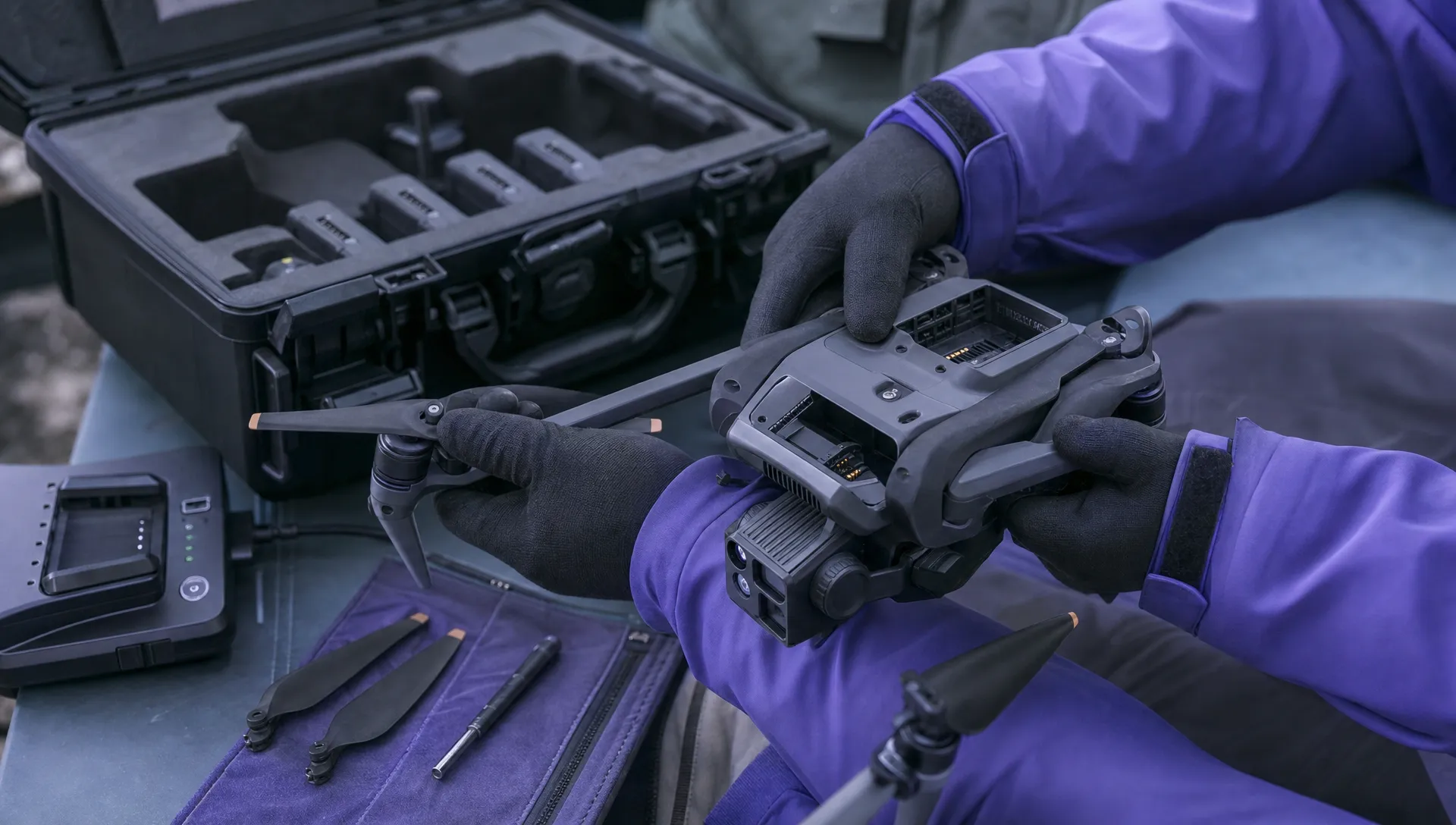 Free Drone Pre-Flight Checklist for Commercial Missions →
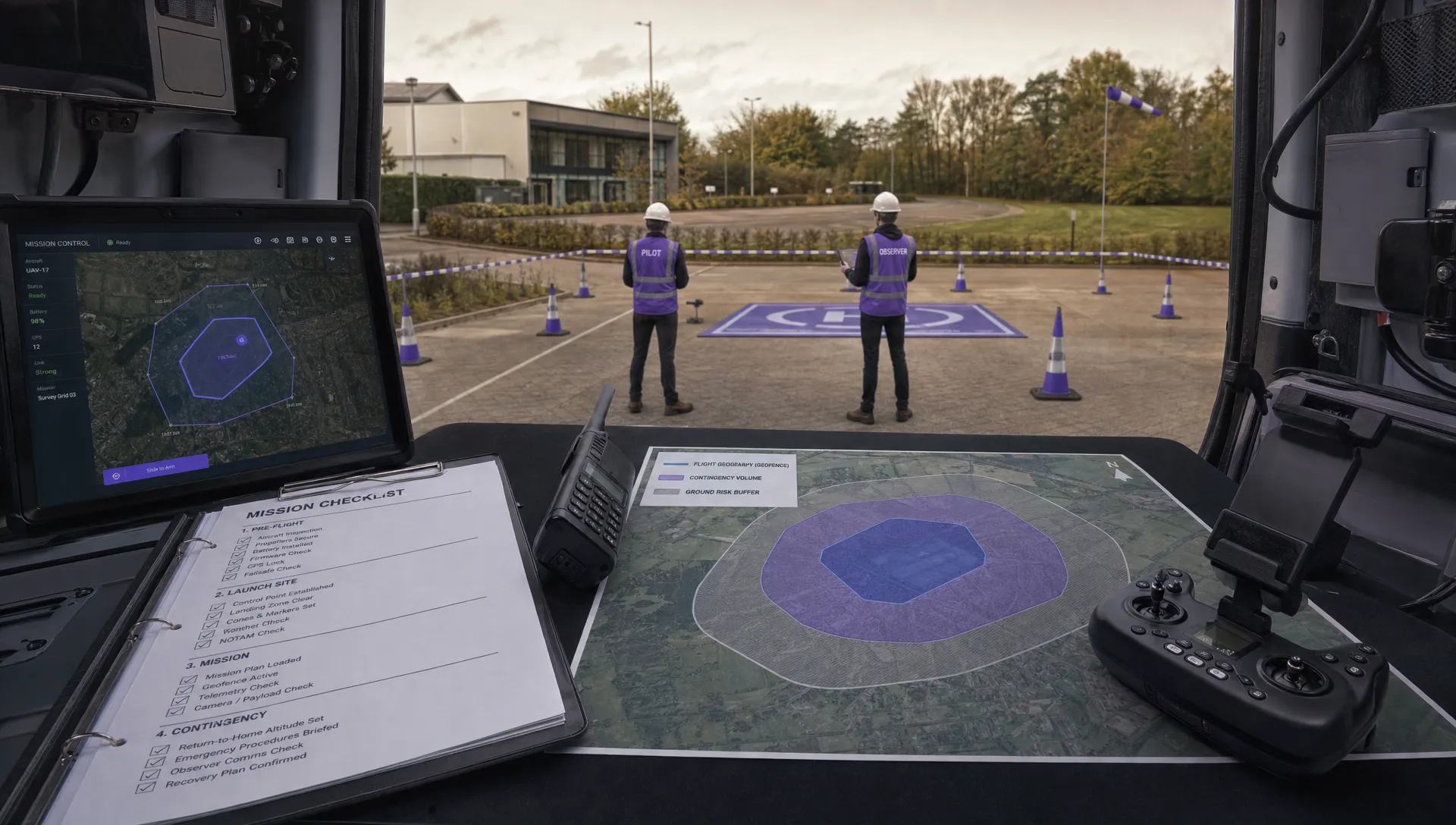 Contingency Volume and Flight Risk Buffer Explained →
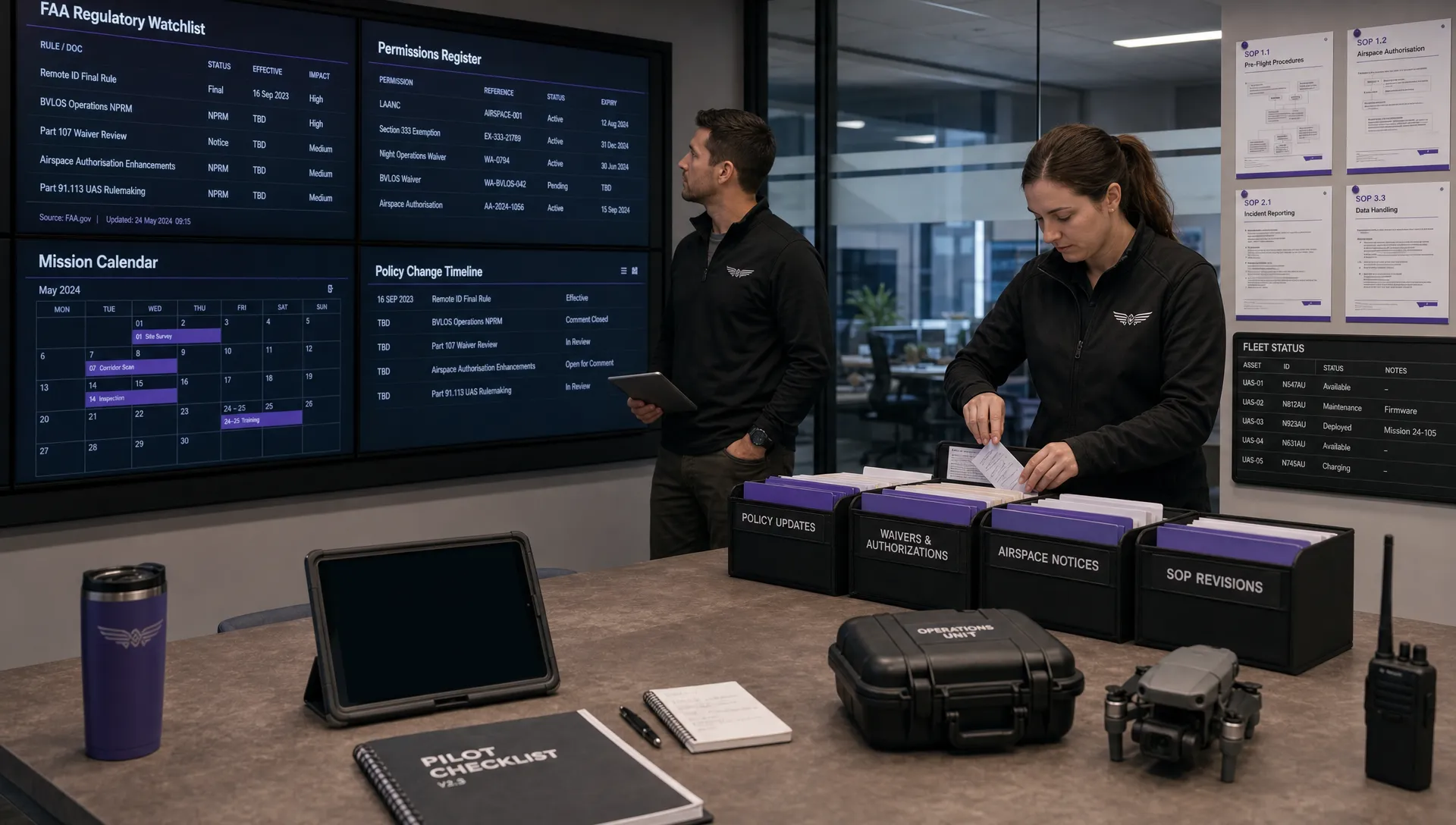 FAA Policy Changes That Commercial Drone Teams Should Track →
 Drone Night Flying Rules and Pre-Flight Checks →