
Automating Repetitive Tasks A Guide for Drone Operators
Automating repetitive tasks in your drone business simply means using software to handle the monotonous but necessary admin work—things like pre-flight checklists, churning out client reports, and logging every minute of flight time. This isn't just about saving a few minutes here and there; it's about reclaiming huge chunks of your day, slashing human error, and freeing yourself up to focus on what actually moves the needle: flying missions and analyzing the data you collect.
For any professional drone pilot, this is the secret to scaling your business without burning out.
Why Automating Drone Operations Is No Longer Optional
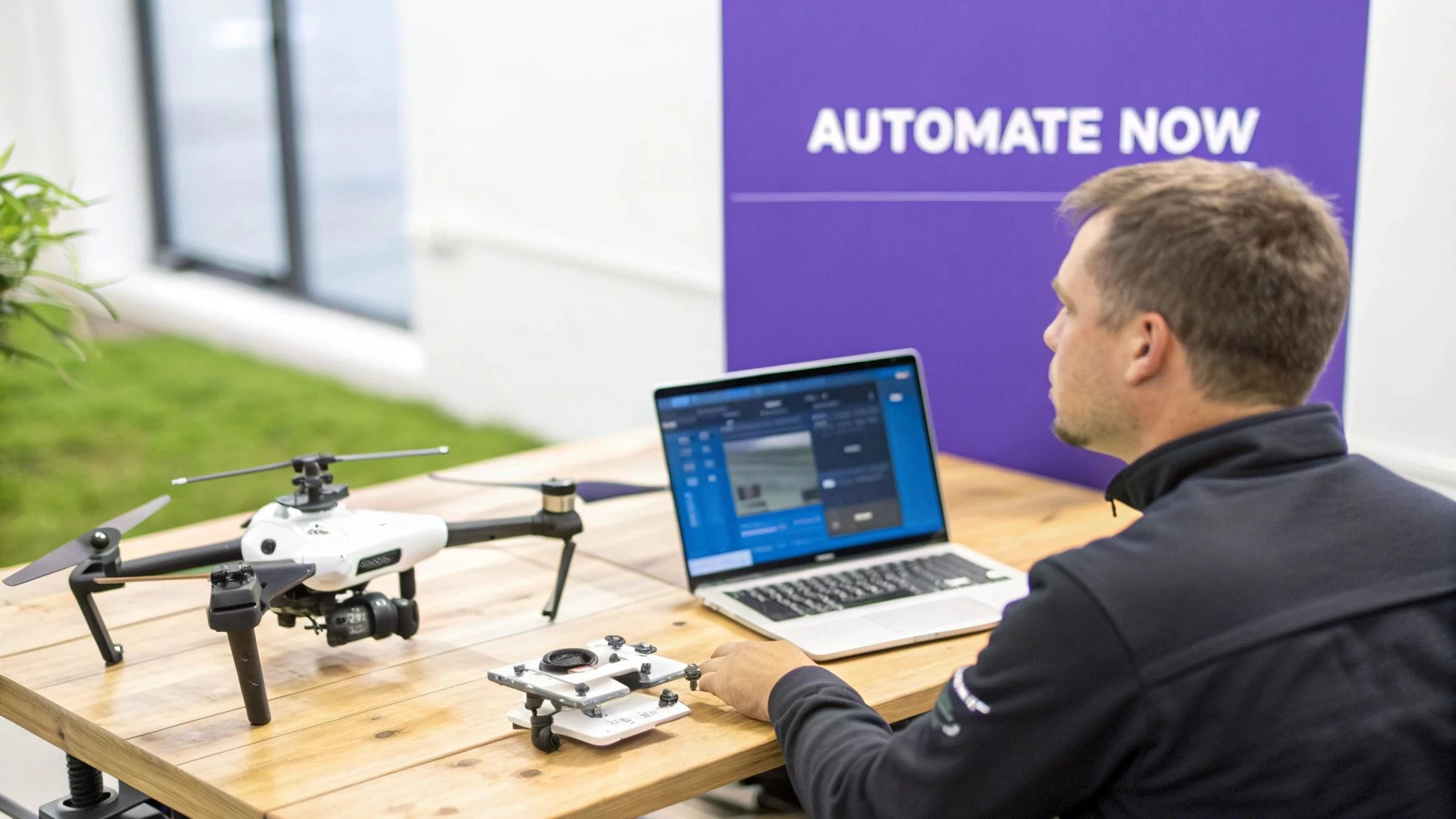
If you're a professional drone operator, you know the drill. The thrill of being in the air is often buried under a mountain of paperwork that just drains your time and energy. Think about it: painstakingly filling out the same risk assessments, manually logging flight hours, and piecing together client reports. These jobs are critical, but they're also incredibly tedious.
This manual grind doesn't just slow you down—it actively holds your business back. Every hour you spend shuffling papers is an hour you're not out flying, marketing your services, or honing your skills. This is exactly why automating those repetitive tasks has become a strategic necessity, not just a nice-to-have.
The True Cost of Manual Processes
Relying on manual processes opens the door to inconsistencies and mistakes that can have real consequences, from compliance headaches to unhappy clients. A forgotten checklist item or a slightly off flight log might seem minor, but those little errors add up, creating unnecessary risk and chipping away at your professional reputation.
Automation hits these pain points head-on by building standardized, repeatable workflows right into your operations. Making that shift brings some immediate, powerful advantages:
- Sky-high Productivity: When you're not bogged down by admin, you can take on more jobs. More jobs mean more revenue. Simple as that.
- Compliance Made Easy: Automated systems ensure every required step is completed and documented, making regulatory adherence almost effortless.
- Pinpoint Accuracy: By cutting out manual data entry, you dramatically lower the chances of human error messing up your records and reports.
- Happier Clients: With more time on your hands, you can focus on great communication and delivering top-notch results, which is key to building strong client relationships.
The global automation market is on track to hit $226.8 billion in 2025, with businesses slashing operating costs by up to 30% through smart investments. In fact, a staggering 92% of users report working faster with these tools, proving the massive efficiency gains that are on the table.
When you embrace tools built for drone pros, you stop just running a service and start building a scalable, efficient business. If you're curious, we took a deep dive into how AI and automation are revolutionising drone operations. And to get a broader perspective on the benefits, it's worth checking out these 7 reasons to automate workflows with a low-code platform.
Pinpointing Your Biggest Workflow Time Sinks
Before you can start automating tasks, you have to know what’s actually eating up your time. It’s one thing to feel busy, but it’s another to know exactly which recurring jobs are the real culprits. To get past the guesswork, you need to do a quick, honest audit of your daily grind.
For just one week, track your time. Seriously. It doesn't have to be fancy—a simple notebook or a spreadsheet will do the trick. The idea is to get a clear picture of where your hours are going, from the moment a client inquiry hits your inbox to the final file delivery.
You'll start to see patterns pretty quickly. Are you spending a huge chunk of your day building risk assessments from scratch for jobs that are nearly identical? Or maybe it's that post-flight ritual of transferring files, logging flight details, and backing up data that’s stealing your evenings.
Categorize Your Operational Tasks
Once you’ve got a week's worth of data, start sorting your activities into three main buckets. This is where the big bottlenecks usually reveal themselves.
- Pre-Flight Admin: This is all the upfront stuff. Think client onboarding, quoting, building flight plans, checking airspace, and getting safety documents like RAMS ready.
- In-Flight & On-Site Duties: Flying is the main event, of course, but this bucket also includes things like manual flight logging, keeping track of battery cycles, and doing on-the-spot equipment checks.
- Post-Flight Wrap-Up: This is often a massive time sink. It covers everything from data wrangling and creating client reports to logging flight and maintenance hours and chasing invoices.
This simple breakdown can be incredibly revealing. A solo pilot shooting real estate might realize that creating custom proposals for every single property is their biggest time drain. A multi-pilot inspection team, on the other hand, could discover their primary headache is merging flight logs from different pilots into one compliance report.
Think of it this way: if a task feels like you’re constantly reinventing the wheel for every single job, it’s a prime candidate for automation. The goal isn't to eliminate your work, but to eliminate the rework.
To help you get started, let's look at some of the most common time-wasters I see operators dealing with, and what that means in terms of automation potential.
Common Drone Operation Time Sinks and Their Automation Potential
| Task Category | Specific Repetitive Task | Typical Time Spent (Per Job) | Automation Opportunity |
|---|---|---|---|
| Pre-Flight Admin | Creating flight plans from scratch | 30-60 mins | Use project templates with pre-set checklists, risk assessments, and site plans. |
| Pre-Flight Admin | Manually checking airspace and weather | 15-30 mins | Integrated airspace/weather tools that auto-populate plans with current data. |
| Pre-Flight Admin | Generating quotes and client agreements | 20-45 mins | Template-based quoting systems that can be sent and approved digitally. |
| Post-Flight Wrap-Up | Manually logging flight and battery data | 15-30 mins | Automated flight log ingestion from flight apps or direct drone connections. |
| Post-Flight Wrap-Up | Compiling data for compliance reports | 60-120 mins | One-click report generation that pulls from all logged flights and maintenance. |
| Post-Flight Wrap-Up | Creating and sending client deliverable reports | 30-90 mins | Customizable report templates that automatically include job details and branding. |
This table should give you a good starting point for your own audit. Pinpointing where your hours are really going is the first step toward reclaiming them.
Finding Your Automation Sweet Spot
Now, go back to your categorized list and highlight the tasks that are both high-frequency and low-complexity. These are your golden opportunities. Manually filling out a pre-flight checklist is a perfect example. You do it for every flight, and the steps are nearly identical each time. That’s a sweet spot.
Let’s look at how this plays out for two different types of operators:
- For the Solo Real Estate Photographer: Their biggest pre-flight pain is manually creating quotes and service agreements. Post-flight, it's individually watermarking and uploading photo galleries for each client.
- For the Multi-Pilot Inspection Team: Their pre-flight bottleneck is assigning pilots and specific gear for recurring inspection routes. Post-flight, the nightmare is compiling every pilot's individual logs into a single master report for compliance.
The solo pilot could save hours every week with a system that uses templates to spit out quotes. For the inspection team, a platform that automates scheduling and pulls all flight data into one place is a total game-changer. The problems are different, but the solution comes from the same principle: find the redundant effort and crush it with automation.
You can see exactly how this works in the real world by reading up on how automated flight logging and reporting saves drone teams hours every week. Taking the time to do this foundational audit gives you a clear, actionable roadmap for where to start.
Building Your First Automated Drone Workflows
Alright, let's move from theory to practice. This is where the magic happens and where you start to see real, tangible results from automation. You've already done the hard work of pinpointing your biggest time-wasters, so now it's time to build some smart workflows in a platform like Dronedesk.
The secret is to start small. Pick one high-impact, repetitive process that you can automate quickly. Get that win on the board, feel the immediate benefit, and then build on that success.
Automating Client Intake and Job Setup
Let's kick things off with one of the most universal bottlenecks for any drone operator: setting up a new job. Every time a new client gives you the green light, a whole cascade of manual tasks usually follows—creating a new project folder, drafting a risk assessment from scratch, piecing together a flight plan. We can automate almost all of it.
Your first big win is to standardize how every project begins. In Dronedesk, the key to this is using Job Templates. Just think of a template as a pre-built skeleton for a specific type of job, like a standard roof inspection or a real estate photoshoot.
Here’s a real-world example of how it plays out:
- Build a Master Template: First, you'll create a "Standard Roof Inspection" template. This will include your default pre-flight checklist, a generic risk assessment that covers all the usual hazards (like birds, power lines, and nosy neighbours), and placeholders for site-specific details.
- Generate a New Job Instantly: The next time a client books a roof inspection, you just select that template. Boom. Dronedesk immediately spins up a new job, pre-loaded with all those essential documents.
- Add the Final Touches: All that's left for you to do is drop in the client-specific info, like the exact address and any unique risks you spotted on Google Maps. A task that used to eat up 30-45 minutes of admin time is now done in less than five.
This single piece of automation tackles a major headache right at the start of your workflow. It's not just about clawing back time; it’s about enforcing consistency and making sure no critical safety steps get missed when you're flat-out busy.
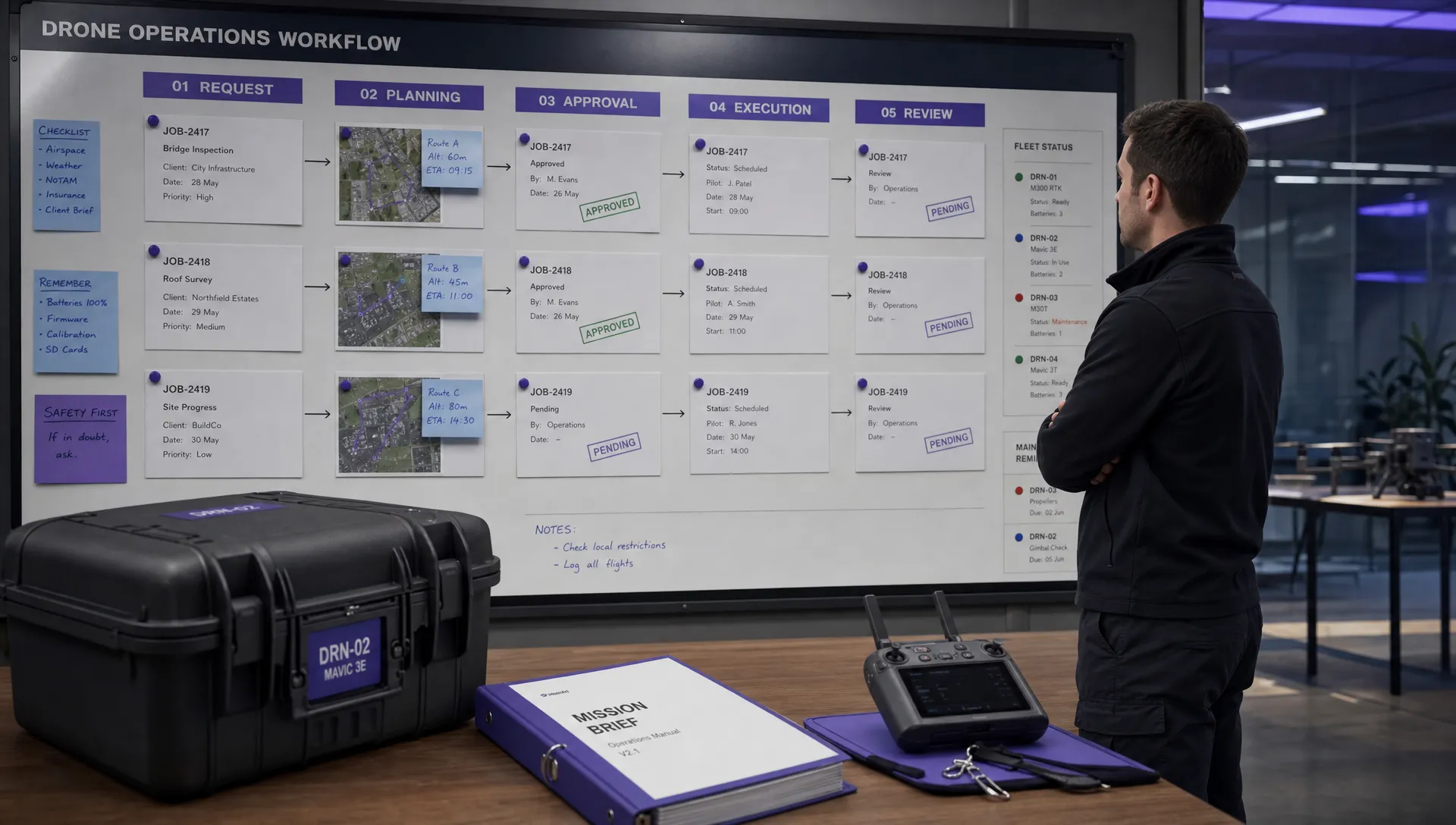
This is the basic flow: audit your time, categorize the tasks, and then zero in on what's ripe for automation.
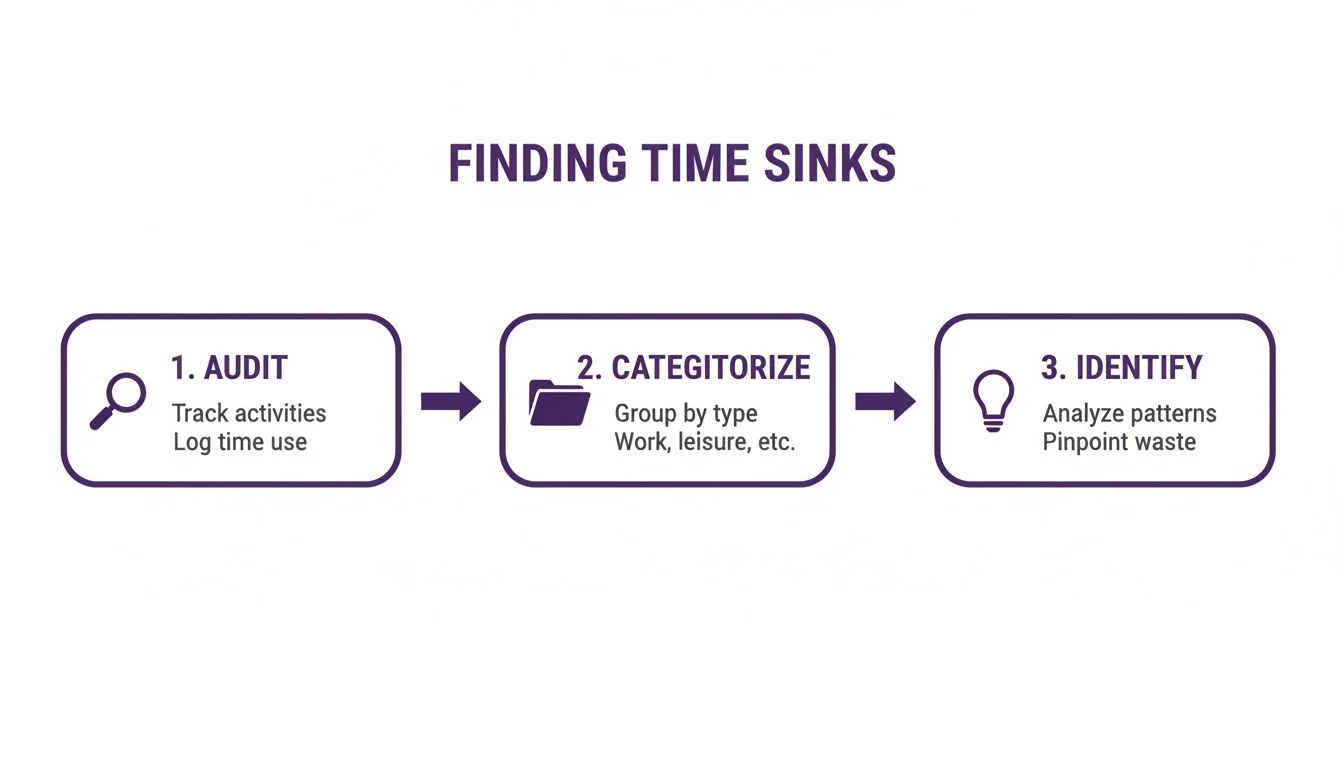
Following this simple process moves you from feeling swamped by admin to having a clear, actionable plan to get your time back.
Building More Advanced Workflows
Once you've nailed the basics, you can start layering in more powerful automations. A fantastic next step is tackling recurring jobs—a common scenario for things like industrial inspections or agricultural surveys.
Let's say you've landed a contract to inspect 20 solar farms every quarter. Manually setting up those 20 jobs four times a year is a monster of an admin task. It's tedious and ripe for human error.
Instead, you can build an automated workflow that handles the whole thing. You'd set up a recurring job schedule that automatically generates all the project files, pre-fills the risk assessments with known site data, and even assigns the tasks to a specific pilot. The system does the heavy lifting, ensuring nothing ever slips through the cracks.
The ultimate goal here is to create a system where your only manual touchpoints are for final review and approval. When you automate the creation of RAMS documents and integrate airspace checks directly into your flight plans, you’re building a smarter, safer, and far more efficient operation.
You’re not alone in this, either. Research shows that nearly six in ten companies (58%, to be exact) have adopted business process automation to crush these kinds of repetitive tasks. This shift leads to huge improvements in quality, productivity, and costs, with businesses saving an average of $46,000 a year. For drone pros, automating things like client management and compliance paperwork delivers the exact same benefits, directly translating into less time behind a desk and more time flying.
By starting with a simple, high-value workflow and gradually adding more complexity, you can fundamentally change how your business runs, one step at a time. Of course, having the right tools is crucial. Make sure you check out our guide on the best workflow automation software to find the platform that's the perfect fit for you.
How to Measure Your Automation Success and ROI
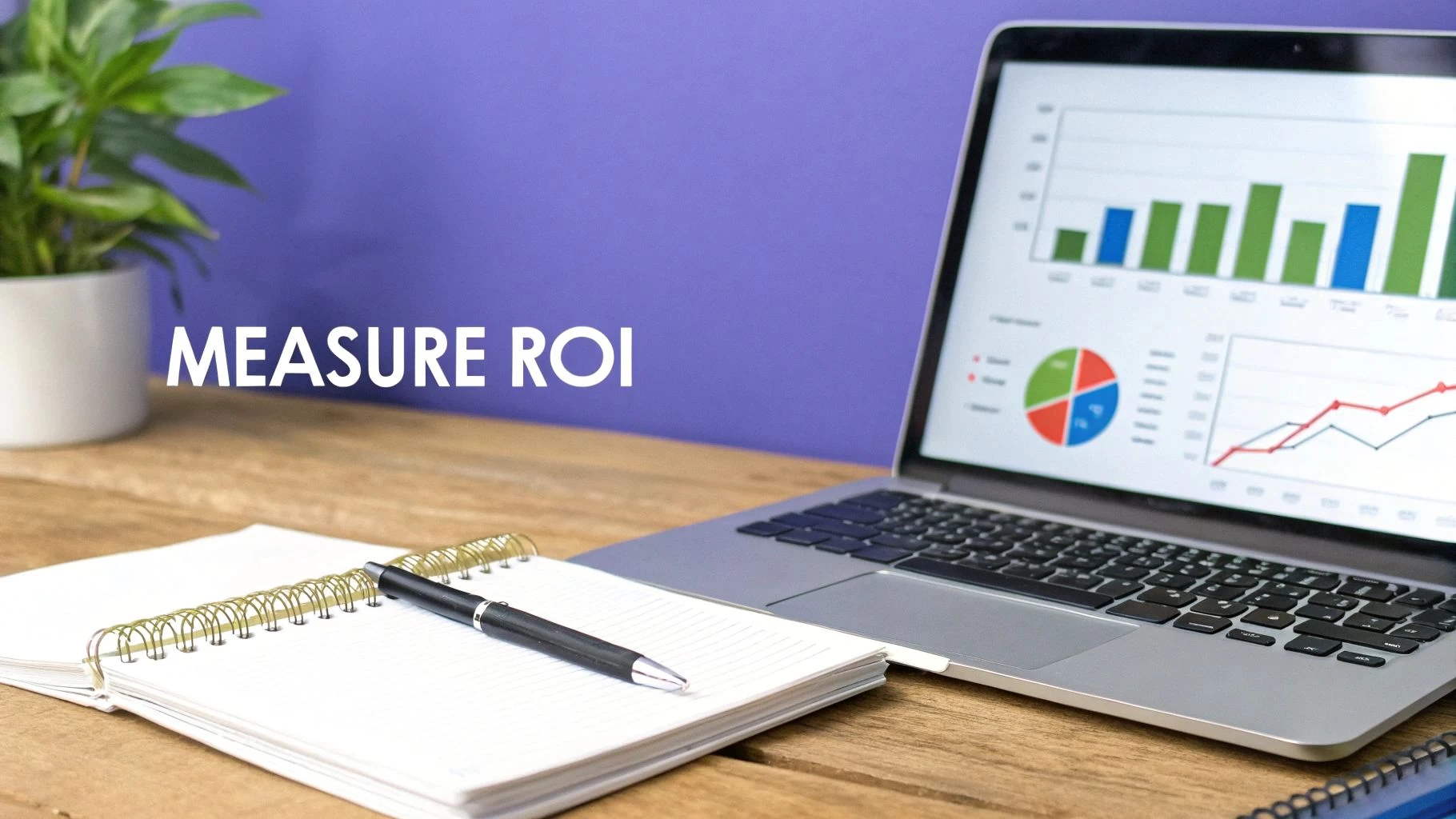
It’s one thing to feel more efficient after setting up your automations, but proving it with cold, hard data is what really counts. Without clear metrics, "saving time" is just a nice idea floating in the ether. By actually measuring your success, you can calculate a real Return on Investment (ROI), justify what you’re spending on software, and make smarter calls on what to automate next.
And don't worry, you don't need a finance degree for this. At its heart, ROI is about putting a dollar value on the time you've saved and the mistakes you've avoided. It's about showing the tangible, positive impact on your bottom line.
Calculating Your Time-Savings ROI
The most direct way to see the payoff is to quantify the hours you’ve clawed back. Remember those time-sucking tasks you identified earlier? Now it's time to measure the difference automation has made.
Here’s a simple formula to get you started:
(Hours Saved Per Week) x (Your Hourly Rate) x 52 Weeks = Annual ROI
Let's say you've automated things like client onboarding and churning out standard reports, saving yourself four hours a week. If you value your time at $75/hour, the math is pretty compelling:
4 hours/week $75/hour 52 weeks = $15,600 in annual value.
That’s $15,600 worth of time you can now pour into things that actually make you money—flying more missions, marketing your services, or learning a new skill. The numbers speak for themselves.
Tracking Key Performance Indicators
Good automation goes beyond just saving time; it strengthens your entire operation. This is where tracking Key Performance Indicators (KPIs) comes in, giving you a wider view of the impact. If you’re using a platform like Dronedesk, you can see many of these vital signs right from your dashboard.
Here are a few operational KPIs to keep an eye on:
- Increased Job Capacity: Start tracking the number of jobs you complete each month. If you're now handling 25 jobs a month compared to 18 previously, that’s a concrete sign of improved capacity.
- Reduced Compliance Errors: Keep a tally of administrative slip-ups, like incomplete flight logs or missed checklist items. A drop in these errors shows you're tightening up compliance and slashing operational risk.
- Faster Project Turnaround: Measure the average time it takes from getting a job confirmation to sending the final deliverable. Even shaving a day or two off your turnaround time can make a huge difference in client satisfaction.
For a deeper dive into delivery performance, it's worth understanding what DORA Metrics are. While they come from the software world, the core ideas about deployment frequency and change lead times are surprisingly relevant for improving how you deliver drone services.
By 2026, automation won't be a "nice-to-have"—it'll be essential, driven by labor shortages and global pressures. With 88% of firms expected to use AI and investors seeing 200-300% ROI from these technologies, the message is clear: automating the grind unlocks significant growth and resilience. Discover more insights about these automation trend findings on scio-automation.com.
Common Automation Pitfalls and How to Avoid Them
Jumping into automation can feel like a massive upgrade for your drone business, but the road to real efficiency has a few common speed bumps. It's tempting to think that just buying a piece of software is the magic fix, but success really comes down to being smart and deliberate in how you use it.
One of the biggest mistakes I see operators make is trying to automate everything all at once.
This "all-or-nothing" approach is a classic recipe for frustration. When you try to build a dozen complex workflows at the same time, you almost always end up with a system that’s clunky, confusing, and doesn't quite do what you hoped. The real key is to start small.
Find one high-frequency, low-complexity task—something like generating a standard pre-flight checklist—and automate it perfectly. Once that single workflow is running like clockwork and you can actually feel the time it's saving you, then you can move on to the next one. This step-by-step method ensures each part of your system is rock solid before you build on top of it.
Forgetting the Human Element
Another major pitfall is trying to automate tasks that genuinely need a human brain. While software is fantastic at handling data, numbers, and rule-based processes, it simply can’t replicate critical thinking, creative problem-solving, or the subtle art of client communication.
For instance, trying to fully automate the final review of a complex site risk assessment, or crafting a personalized follow-up email after a particularly tricky job, will probably do more harm than good. These moments demand your hard-earned expertise and judgment.
- Good Automation Target: Automatically generating a first draft of a risk assessment based on a job template.
- Bad Automation Target: Automatically submitting that risk assessment to a client without a final human review and sign-off.
The whole point of automating repetitive tasks is to free up your mental bandwidth for the high-value work, not to cut yourself out of the loop entirely. Always draw a clear line between the monotonous admin and strategic, human-led decision-making.
A common mistake is seeing automation as a "set it and forget it" tool. In reality, your automated workflows are living parts of your business. They need a check-up every now and then to make sure they're still effective and aligned with how you actually work.
Neglecting Team Buy-In and Training
If you run a team, just dropping a new automated system on them without any explanation or training is a surefire way to get pushback. Your pilots and staff need to understand why the change is happening and how it's going to make their jobs easier, not harder.
Before you roll out new workflows in a platform like Dronedesk, hold a quick training session. Walk them through the new process, clearly explain the benefits (e.g., "This new template will save you 15 minutes on every post-flight report"), and be genuinely open to their feedback.
When your team sees automation as a tool that helps them get home on time, rather than another corporate mandate that complicates their day, you’ll find they get on board pretty quickly. This collaborative approach turns the transition from a top-down order into a shared effort to build a more efficient and less stressful operation for everyone.
Got Questions About Automating Your Drone Ops?
It's only natural to have a few questions before you dive in and start changing up your workflow. Taking the leap into automation is a big move, and it’s smart to figure out exactly how it’s going to work for your specific business. Let's run through some of the most common things drone operators ask when they start looking at automating the repetitive stuff.
One of the first questions I always hear is, "How long is this actually going to take to set up?" The good news is you don’t need to flip your entire business on its head overnight. With a platform like Dronedesk, you can start seeing a return on your time in just a couple of hours.
My advice? Start small. Pick one simple, repeatable task to automate first—maybe use a template for your pre-flight checklists. This little win can easily save you 10-15 minutes per job. That adds up fast and gives you the confidence to start tackling the bigger, more time-consuming processes.
Will This Actually Scale with My Business?
Scalability is another big one. A solo operator might think automation is overkill, while a growing team might worry they'll outgrow a new system in six months. The beauty of modern platforms is that they're built to be flexible.
If you're a one-person show, automating things like client intake or report generation frees you up to spend more time marketing your business or, you know, actually flying missions. For a team, the benefits just multiply. Automation makes sure everyone is following the same compliant procedures, takes the headache out of scheduling pilots and gear, and pulls all your flight data into one place.
There's a common myth that automation is just for the big enterprise players. The truth is, automating repetitive tasks delivers huge benefits at any scale. It can help a solo pilot run their business with the efficiency of a five-person team.
How Does This Help My Specific Niche?
Automation isn't some one-size-fits-all magic bullet; its real impact depends on what you do. A creative cinematographer has a completely different set of problems than a technical surveyor, and a good automation strategy addresses each of them specifically.
- For Surveying & Inspection: The biggest wins here come from standardizing how you collect and report data. Using automated job templates with pre-set risk assessments and checklists means every single mission is consistent and compliant. For industrial clients who demand precision and paperwork, that's a game-changer.
- For Creative Cinematography: While you can't automate creativity, you can absolutely automate the business side of things. It can handle the quoting, client approvals, and equipment logging that bogs you down, letting you focus entirely on getting that perfect shot.
At the end of the day, bringing automation into your workflow is all about strategically getting rid of the friction. It doesn't matter if you're a team of one or twenty; it lets you put your expertise where it counts, boosting both your efficiency and the quality of your work.
Ready to stop wasting time on paperwork and start focusing on flying? Dronedesk gives you the tools to automate your entire drone operation, from client intake to final reporting. Start your free trial today and see how much time you can save!
 FAA Small UAS Rule: Key Requirements for Operators →
 How to Build a Drone Pilot Flight Log That Is Audit Ready →
 FAA Drone Licence Requirements for Commercial Pilots →
 FAA BVLOS Waivers Granted: What Successful Cases Show →
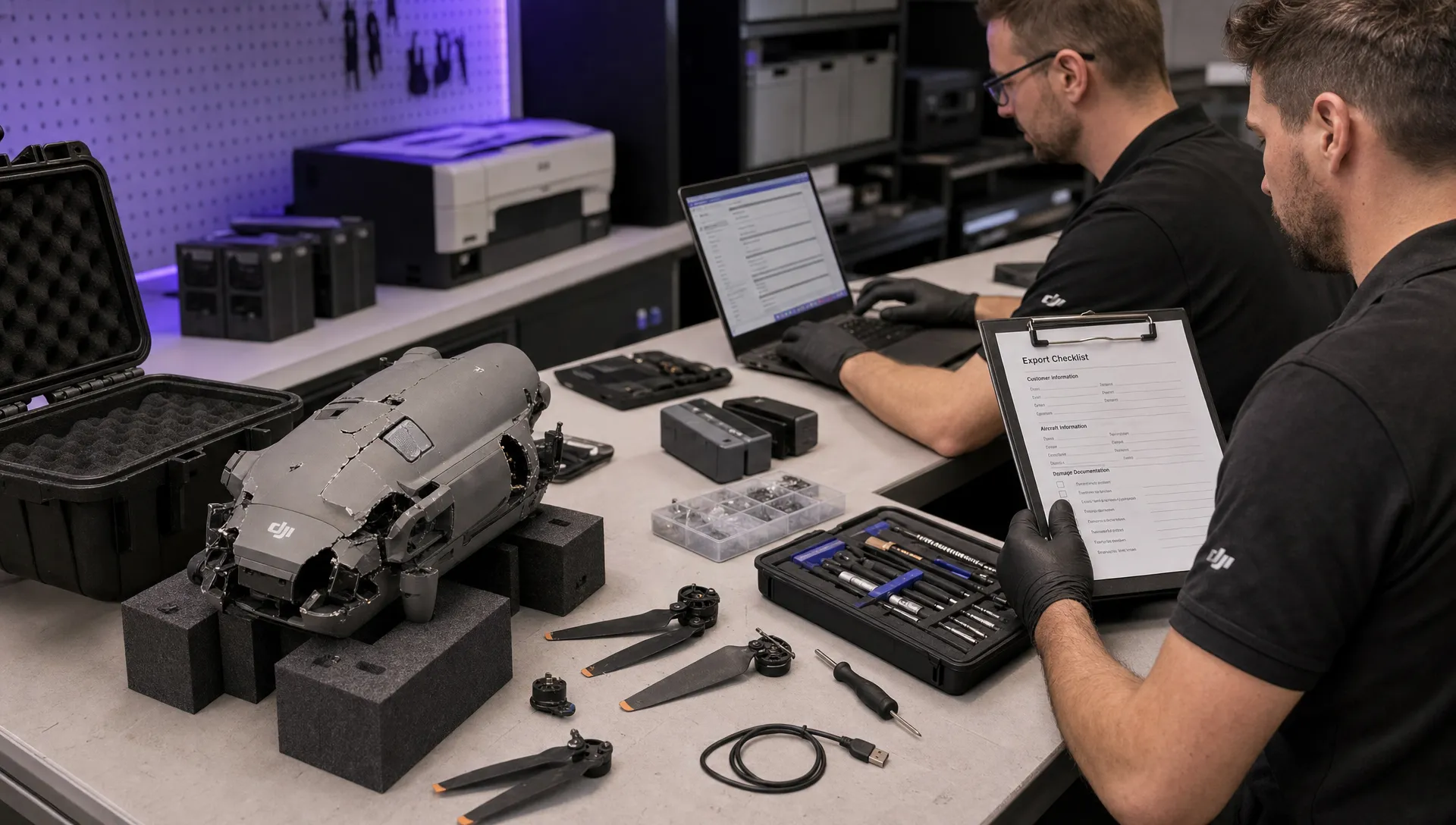 How to Export DJI Flight Logs for Incident Reviews →
 Drone Safety and Legal Duties for Business Operations →
 EASA Drone Regulations: Open, Specific and Certified Categories →
 What the BVLOS ARC Report Means for UAS Operators →
 Free Drone Pre-Flight Checklist for Commercial Missions →
 Contingency Volume and Flight Risk Buffer Explained →