
What to Look for in Drone Management Software
Choosing drone management software is no longer just an admin decision. For commercial operators, survey teams, utilities and emergency services, it affects safety, compliance, job turnaround, team visibility and client confidence.
The challenge is that many tools sound similar at first glance. Some are excellent for mapping. Some focus on fleet records. Some are little more than digital forms. The right platform should help you manage the whole operational lifecycle, from enquiry and planning through to risk assessment, flight logging, reporting and audit evidence.
Here is what to look for before you commit.
Start with the operation you actually run
Before comparing features, define the complexity of your drone operation. A solo photographer accepting last-minute jobs does not need the same setup as a utility company inspecting critical infrastructure, and an emergency service drone unit has different pressures again.
Good drone management software should fit the way you work today while giving you room to scale. If it only solves one narrow problem, such as storing flight logs, you may quickly find yourself back in spreadsheets, shared drives and duplicated paperwork.
| Operation type | Typical priorities | Software capabilities to prioritise |
|---|---|---|
| Solo drone operator | Fast planning, professional paperwork, low admin | Flight planning, risk assessments, client records, flight logs |
| Survey company | Repeatable workflows, multiple jobs, asset and client history | Job management, fleet management, team visibility, reporting |
| Utility company | High-volume inspections, asset-based planning, compliance evidence | Structured planning, team management, audit-ready records, data reporting |
| Emergency services | Rapid deployment, standard procedures, accountability | Predefined checklists, team readiness, flight logging, operational oversight |
| Specialist operator | Complex permissions, repeat clients, unusual risks | Configurable risk assessments, document control, evidence trails |
The more pilots, aircraft, sites and clients you manage, the more important it becomes to choose a system built for operations management rather than a collection of disconnected tools.
1. Flight planning that brings critical information together
Flight planning is where many operators lose the most time. If your team has to check airspace, weather, ground risks, nearby infrastructure, site notes and previous job information in separate places, mistakes become easier and planning becomes slower.
Effective drone management software should help you answer the essential planning questions quickly:
- Is the location suitable for the intended operation?
- What airspace or proximity considerations apply?
- What hazards are present on or near the site?
- Which permissions, notifications or client approvals are required?
- Which pilot, aircraft and equipment are best suited to the task?
- What records need to be created before and after the flight?
For UK operators, planning should also support the expectations set out in relevant Civil Aviation Authority guidance. The UK CAA drone guidance is a useful reference point when thinking about operational responsibilities, pilot competency, airspace and safety.
Look for planning workflows that reduce manual copying and pasting. If a platform can retain site information, reuse previous job data and link the plan to the final flight log, it is much more useful than a tool that simply produces a standalone PDF.
2. Built-in risk assessments and configurable checklists
Risk assessment is not just a compliance task. It is a way of making sure every member of the operation understands the hazards, mitigations and go or no-go criteria before anyone takes off.
The best drone management software should make risk assessments easy to complete, consistent across the organisation and adaptable to different job types. A roof inspection in a town centre, a linear infrastructure survey and a search operation in poor light all need different levels of control.
Configurable checklists are especially valuable because they help standardise routine tasks without forcing every operation into the same template. Pre-flight, on-site, battery, payload, client briefing and post-flight checks can all be handled more consistently when they are part of the same operational workflow.
When evaluating this area, ask whether the software allows you to:
- Create and reuse risk assessment templates
- Adapt checklists for different aircraft, clients or mission types
- Record who completed each stage and when
- Keep evidence with the job record for future review
- Update templates as your procedures improve
This matters even more for teams. A checklist in one pilot's notebook is not a team process. A configurable checklist inside a shared system is much easier to monitor, improve and audit.
3. Audit-ready flight logging
Flight logs are often treated as a chore until a renewal, client audit, incident review or internal safety check makes them urgent. At that point, missing or inconsistent records become a serious problem.
Good drone management software should make logging flights simple enough that pilots actually do it, while producing records detailed enough for management and compliance needs. At minimum, you should be able to connect each flight to the relevant job, pilot, aircraft, location, date, duration and operational notes.
For larger organisations, consistency is the key issue. If every pilot logs flights in a different format, reporting becomes unreliable. If logs are stored in personal spreadsheets, the organisation has no single operational record.
Ask whether the platform can provide a clear audit trail from planning to flight completion. A strong system should help you see what was planned, what was approved, what checks were completed, what happened during the operation and what was recorded afterwards.
4. Fleet management that goes beyond a list of drones
A drone fleet is more than aircraft names and serial numbers. It can include batteries, controllers, payloads, sensors, maintenance records, insurance details, firmware status and supporting documents.
At small scale, a spreadsheet may feel manageable. At team scale, it becomes a weak point. You need to know whether the correct aircraft is available, whether it is serviceable, whether the right accessories are assigned and whether any maintenance actions are due.
Strong fleet management should help you maintain confidence in operational readiness. For survey companies and utility teams, this can prevent costly delays. For emergency services, it can be the difference between deploying immediately and discovering an issue under pressure.
When comparing platforms, look for clarity rather than complexity. Fleet records should be easy to update, easy to search and clearly linked to flight activity. If a maintenance record or aircraft document cannot be found quickly, the system is not doing its job.
5. Team management and competency visibility
As soon as more than one pilot is involved, team management becomes a core requirement. You need to know who is available, who is qualified, who has the right experience and who has completed required checks or training.
This is particularly important for organisations with distributed teams. A utility company may have pilots across regions. A survey business may rely on internal staff and trusted subcontractors. An emergency service may need to deploy the nearest qualified operator at short notice.
The software should make it easy to maintain pilot profiles, monitor credentials and connect people to jobs. It should also support management oversight without creating unnecessary admin for pilots in the field.
Look for a balance between control and usability. If the system is too rigid, teams will work around it. If it is too loose, managers lose visibility.
6. Client and job management built into the operational workflow
Drone operations are also service operations. Clients expect clear communication, professional documents, reliable scheduling and prompt delivery. If client information sits in one system and flight planning sits somewhere else, your team may duplicate work and miss context.
This is where client management and CRM-style features can be valuable. The goal is not to turn pilots into sales administrators. The goal is to keep the client, site, quote, job, plan, documents and flight history connected.
Client experience matters in every appointment-led service business. For example, Lumina Skin Sanctuary presents services and consultation options in a way that makes the customer journey clear before a booking is made. Drone operators can apply the same principle by making enquiries, site details, permissions, deliverables and post-flight reports feel organised from the first contact.
For commercial drone companies, this can support repeat work. For public sector or enterprise teams, it can improve internal stakeholder confidence. In both cases, the software should help you present a professional operation without creating more paperwork.
7. Reporting that helps you make better decisions
Reporting is often overlooked during software selection. Most teams focus on planning and logging first, then realise later that they also need to answer management questions.
Useful reporting can help you understand:
- How many flights are being completed
- Which aircraft are used most often
- How much time is spent planning and operating
- Which clients or sites generate repeat work
- Whether logs, checks and risk assessments are being completed consistently
- Where maintenance, training or process improvements are needed
For commercial operators, reporting supports pricing, resource planning and business development. For utilities and emergency services, it supports governance, readiness and accountability.
Be cautious of systems that collect data but make it hard to extract. Data reporting should be practical, not just decorative. You should be able to get information out when you need it, especially for reviews, renewals and internal reporting.
8. Usability in the office and in the field
A powerful system is only valuable if people use it. Drone software often fails because it is designed for managers but frustrates pilots, or it works for pilots but gives managers too little oversight.
During a demo or trial, test the everyday workflow. Do not only ask what the system can do. Ask how many steps it takes to do it.
Pay attention to simple questions:
- Can a pilot plan a routine job without needing support?
- Can field records be completed quickly?
- Are repeated jobs easy to clone or adapt?
- Can managers find the information they need without chasing people?
- Are templates easy to update when procedures change?
Adoption matters because incomplete use creates incomplete records. If your chosen software adds friction, your team will quietly return to email, spreadsheets and paper forms.
9. Security, permissions and organisational control
Drone operations often involve sensitive data. This might include infrastructure sites, emergency incidents, private property, client assets or commercially confidential survey work.
Your drone management software should support appropriate control over users, data and documents. The level of security you need will depend on your organisation, but you should still ask clear questions before adopting any platform.
Consider whether the software can support user access levels, secure document storage, reliable backups and clear ownership of operational data. If you work with enterprise clients, public sector organisations or critical infrastructure, you may also need to involve IT, procurement or information governance teams early in the buying process.
Security is not just a technical concern. It is also about operational discipline. A centralised system with clear access rules is usually safer than sensitive job information spread across inboxes and local drives.
10. Scalability without unnecessary complexity
The right system should not only handle your current operation. It should help you grow without forcing a major process rebuild every few months.
Scalability means different things in different organisations. For a solo operator, it might mean bringing in a second pilot. For a survey company, it might mean managing several crews and repeat clients. For a utility, it might mean coordinating hundreds or thousands of assets. For emergency services, it might mean building a structured drone capability across stations or departments.
Avoid buying purely for the operation you have today if you already know growth is likely. At the same time, avoid overbuying a complex enterprise tool if your team needs something simple, fast and practical.
A scalable platform should let you standardise processes, add users, manage more jobs and maintain clean records without multiplying admin.
A practical evaluation scorecard
Use a simple scorecard when comparing vendors. It helps you move beyond sales claims and focus on operational fit.
| Evaluation area | Questions to ask | Why it matters |
|---|---|---|
| Flight planning | Does it bring planning information into one workflow? | Reduces missed steps and duplicated research |
| Risk assessment | Can templates be adapted to your operations? | Keeps safety processes consistent but flexible |
| Checklists | Can pilots complete standard checks easily? | Improves field discipline and evidence capture |
| Flight logging | Are logs linked to jobs, pilots and aircraft? | Creates reliable records for audits and reviews |
| Fleet management | Can aircraft and supporting records be tracked clearly? | Supports readiness and maintenance control |
| Team management | Can you see pilot credentials and responsibilities? | Helps assign work safely and efficiently |
| Client management | Are clients, sites and jobs connected? | Improves service quality and reduces rekeying |
| Reporting | Can you extract useful operational data? | Supports management, compliance and growth |
| Usability | Will pilots and managers actually use it? | Determines whether the system succeeds in practice |
| Scalability | Can it support your next stage of growth? | Avoids another software change too soon |
Red flags to watch for
Not every platform marketed as drone management software will support full operational control. Be especially careful if you see these warning signs:
- The system only solves one task and leaves the rest to spreadsheets
- Risk assessments are fixed and cannot reflect your real procedures
- Flight logs are not linked to aircraft, pilots or jobs
- Reporting is limited to basic exports with little operational insight
- It takes too many clicks to complete routine work
- The vendor cannot explain how the platform supports compliance evidence
- The software is designed for one pilot but marketed to teams
- Your pilots find it confusing during a trial
A flashy interface is not enough. The platform must hold up under real operating conditions, including short-notice jobs, repeat sites, multiple pilots, changing weather and client pressure.
How Dronedesk fits the checklist
If you are benchmarking options, it is useful to compare them against a platform designed specifically for drone operations management and flight planning.
Dronedesk's published features include client management, fleet management, team management, airspace intelligence, proximity intelligence, flight planning, flight logging, data reporting, configurable checklists and risk assessments. That combination is important because it connects the administrative and operational parts of drone work rather than treating them as separate tasks.
Dronedesk also publishes customer satisfaction survey results, including feedback on time saved in flight planning, user-friendliness, reliability and support. If time savings and customer satisfaction are part of your buying criteria, reviewing this type of evidence can be more useful than relying on generic software claims.
The key question is not whether a platform has the longest feature list. It is whether it reduces friction across the whole operation while improving safety, professionalism and record quality.
Implementation tips before you switch
Choosing the software is only half the job. A smooth rollout depends on how you introduce it to the team.
Start by mapping your current workflow from enquiry to final log. Identify where information is duplicated, where records go missing and where pilots spend unnecessary time. Then configure the software around real processes rather than copying old spreadsheet habits into a new system.
It is usually best to begin with a controlled rollout. Choose a small number of typical jobs, test the templates, gather feedback from pilots and refine the workflow before making it mandatory across the organisation.
You should also decide who owns the system internally. Someone needs to maintain templates, review data quality, update procedures and make sure new users are onboarded properly. Without ownership, even good software can become messy over time.
Finally, treat implementation as a safety and productivity improvement, not just an IT change. When the team understands why the system matters, adoption is usually much easier.
Frequently Asked Questions
What is drone management software? Drone management software helps operators manage the administrative and operational lifecycle of drone work. This can include flight planning, risk assessments, checklists, flight logs, fleet records, team management, client information and reporting.
Is drone management software the same as drone mapping software? No. Mapping software is usually focused on capturing, processing or analysing imagery and survey data. Drone management software is focused on running the operation around the flight, including planning, compliance records, people, assets and logs.
When should I move away from spreadsheets? You should consider dedicated software when planning takes too long, records are hard to find, multiple pilots are involved, clients expect professional documentation or compliance evidence is becoming difficult to manage consistently.
What should UK drone operators prioritise? UK operators should prioritise structured planning, clear risk assessments, reliable flight logs, pilot competency records and evidence that supports their operational responsibilities. The exact requirements depend on the nature and category of operation.
How do I compare drone management software fairly? Use the same sample job in each platform. Test how long it takes to plan, assess risk, assign a pilot, record the flight and produce the documentation you need. Include both managers and pilots in the evaluation.
Does a small drone business need an all-in-one platform? Not always, but small operators can still benefit if the platform saves time, improves professionalism and keeps records organised. The deciding factor is whether the software reduces admin without adding unnecessary complexity.
Ready to choose a better way to manage drone operations?
The best drone management software should make your operation safer, clearer and easier to run. It should reduce duplicated admin, support compliant workflows and give you confidence that your pilots, aircraft, clients, jobs and records are under control.
If you want an all-in-one platform built around real drone operations, explore Dronedesk and see how it can support flight planning, risk assessments, checklists, fleet and team management, flight logging, reporting and more.
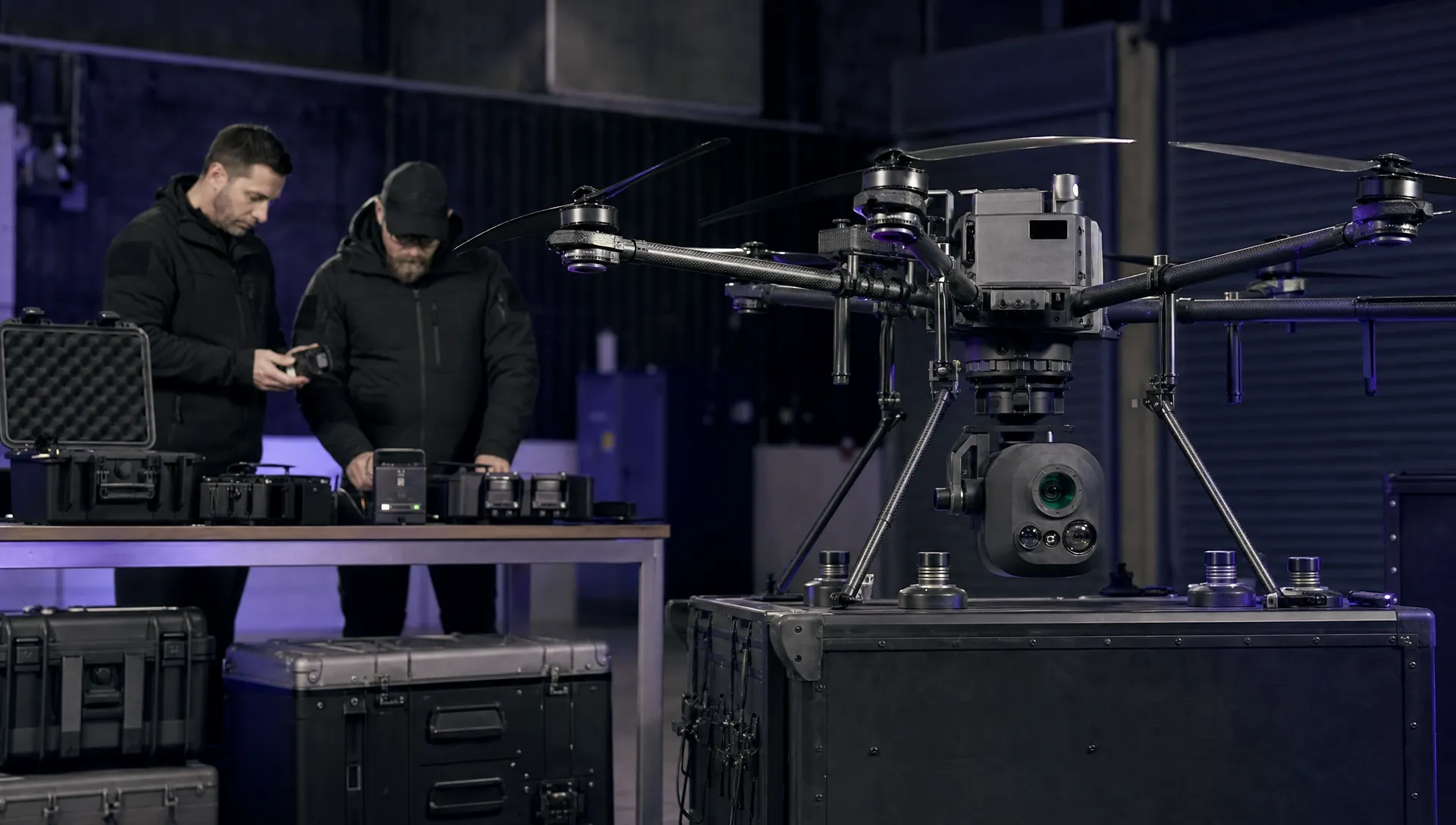 Drone Manufacturers Compared for Enterprise Operations →
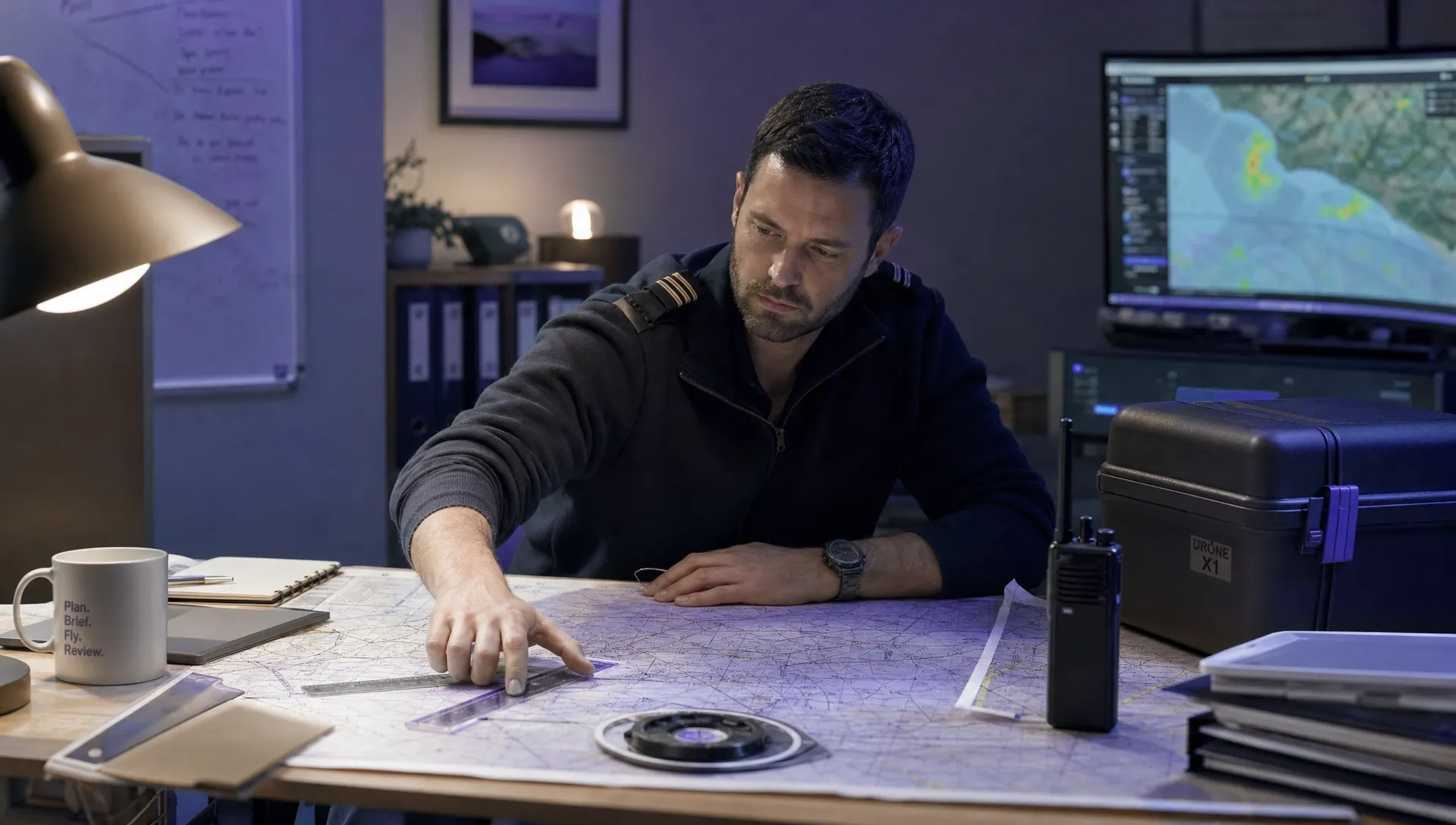 How to Prepare for the Drone Licence Test →
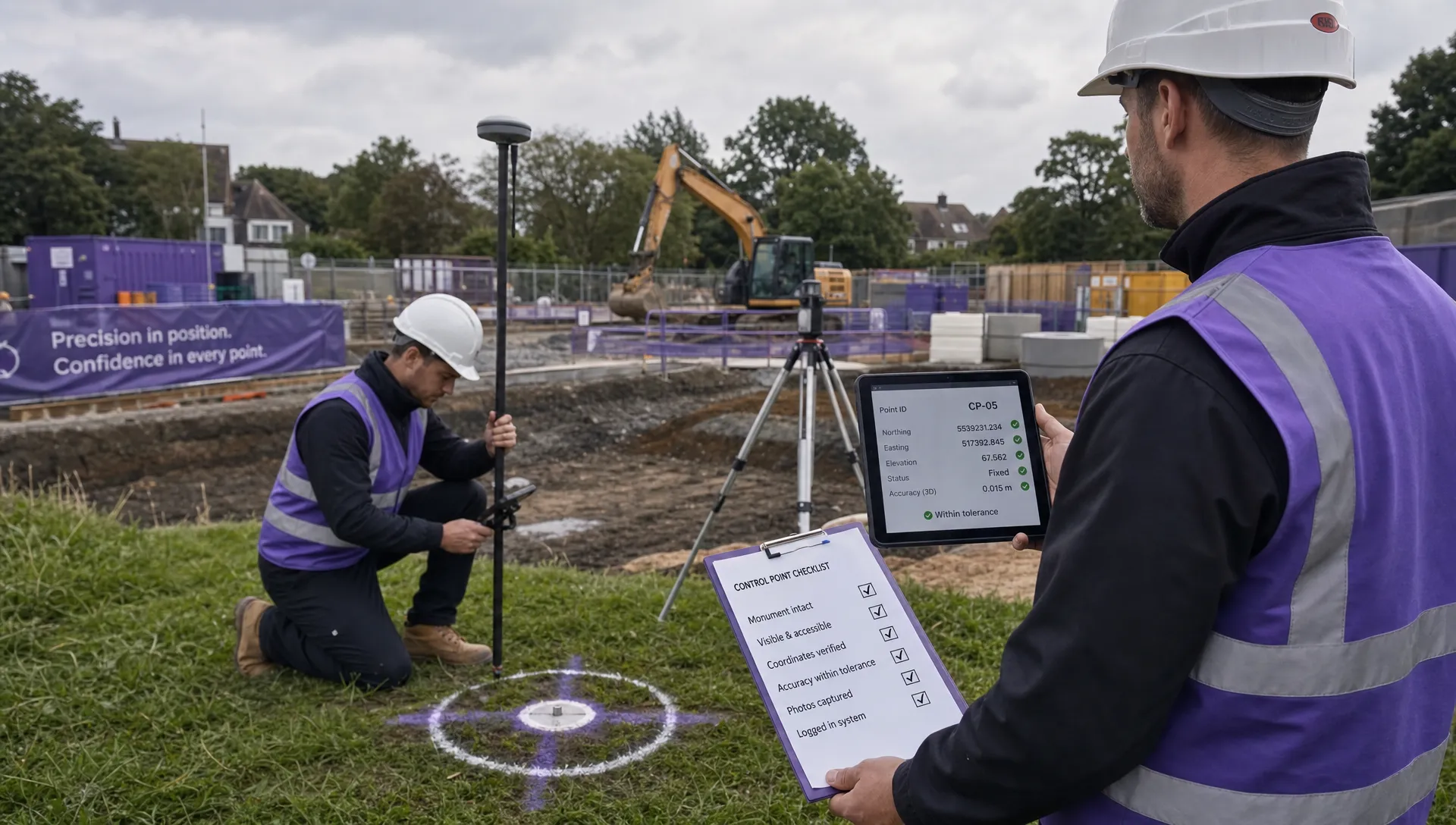 How to Choose a Drone Mapping Service for Your Project →
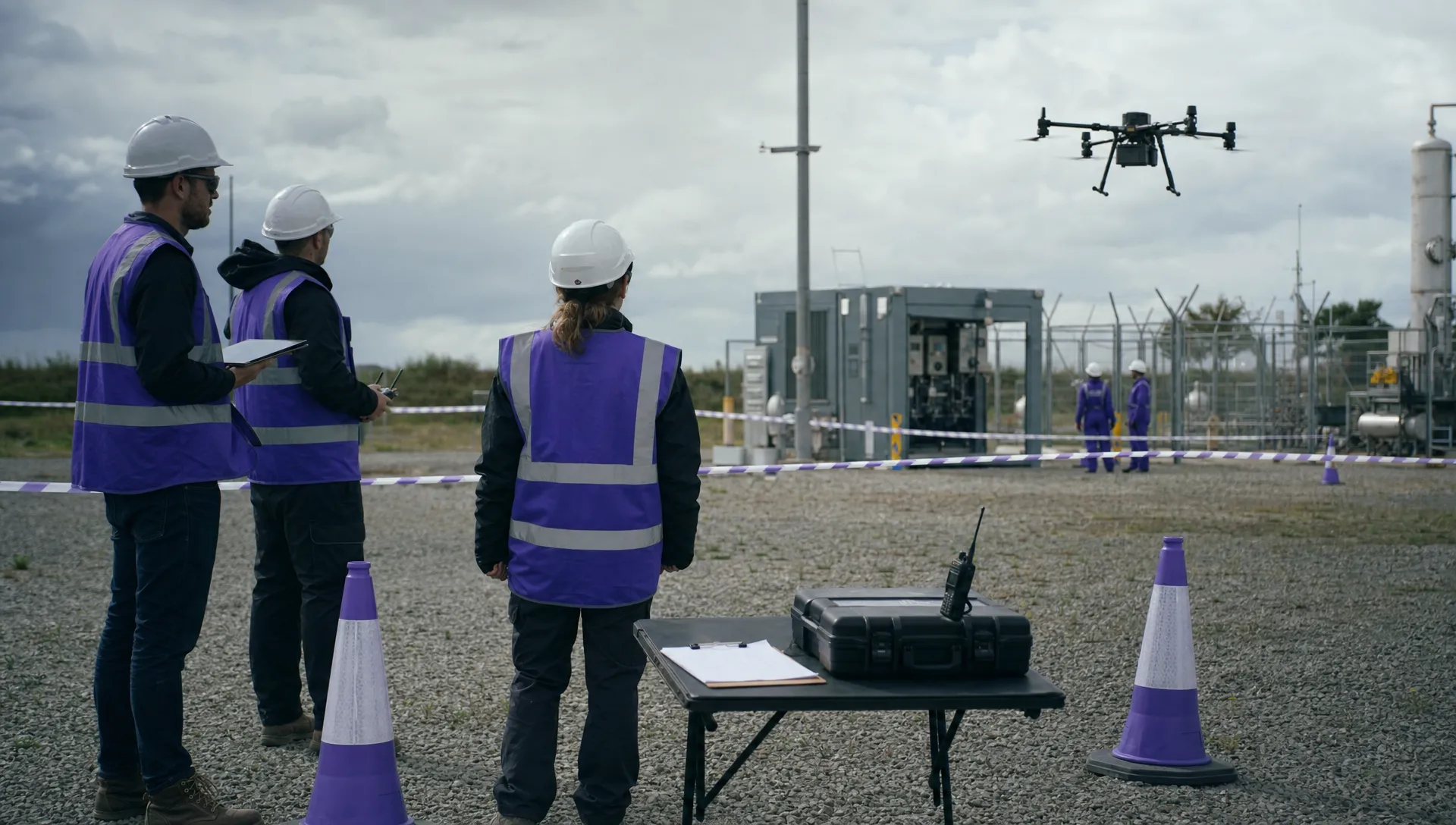 Drone Safety Rules That Every Commercial Team Needs →
 Airport Drone Rules: How to Plan Flights Without Surprises →
 FAA Part 107 Licence: Your Step-by-Step Application Guide →
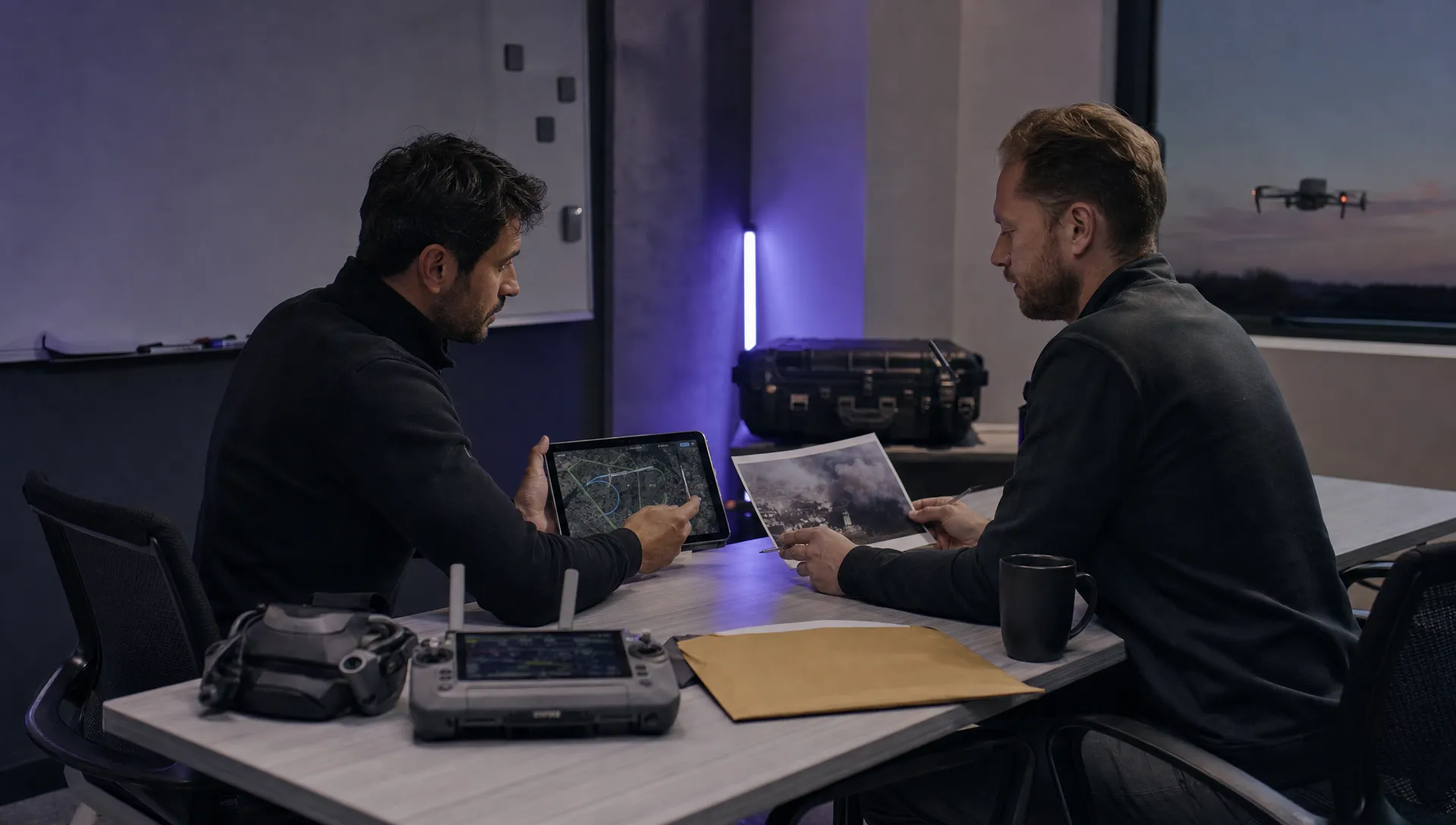 How to View DJI Flight Logs Online Safely →
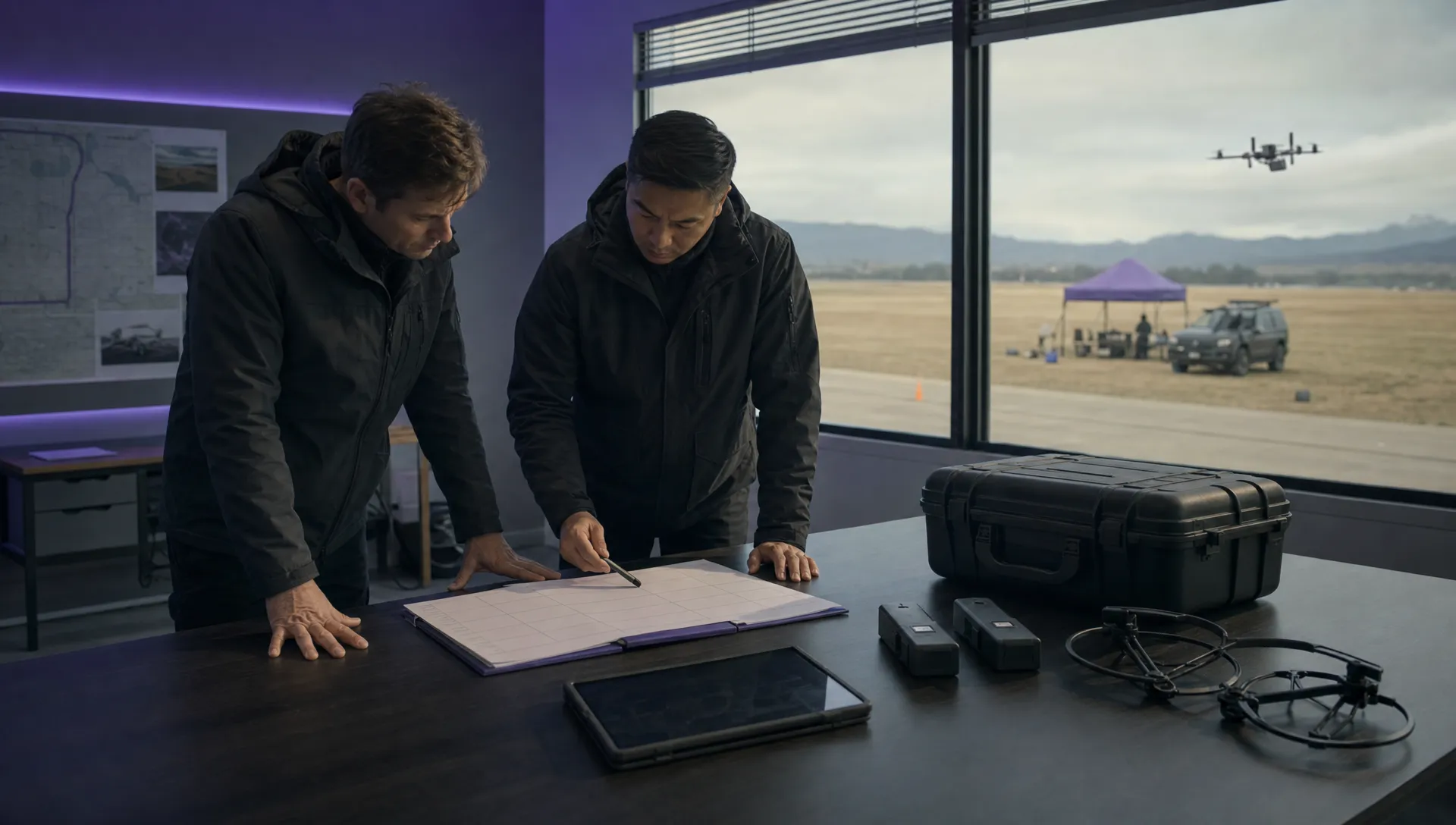 What Part 107 Covers Beyond the Pilot Certificate →
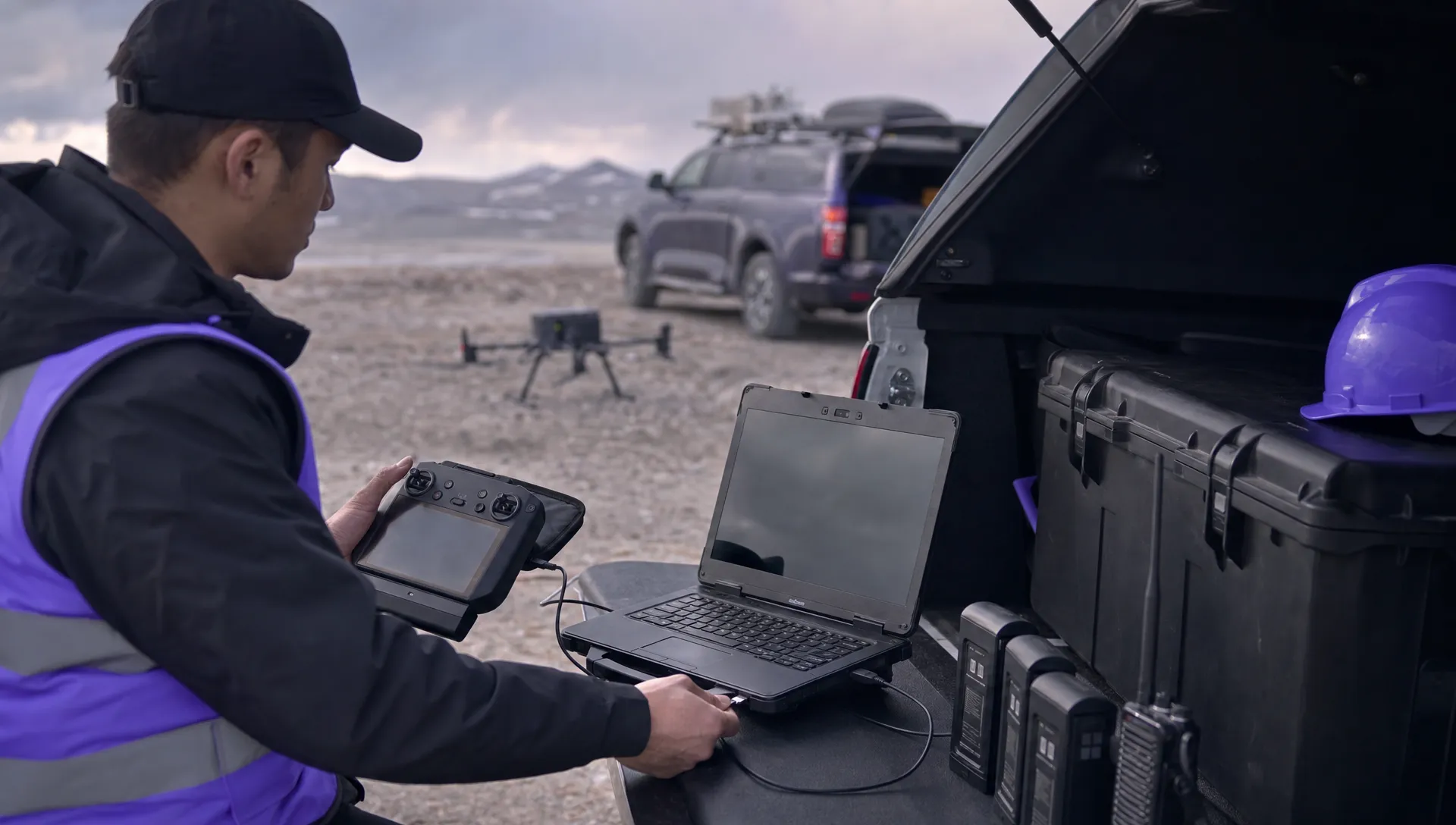 How to Download and Read a DJI Flight Log →
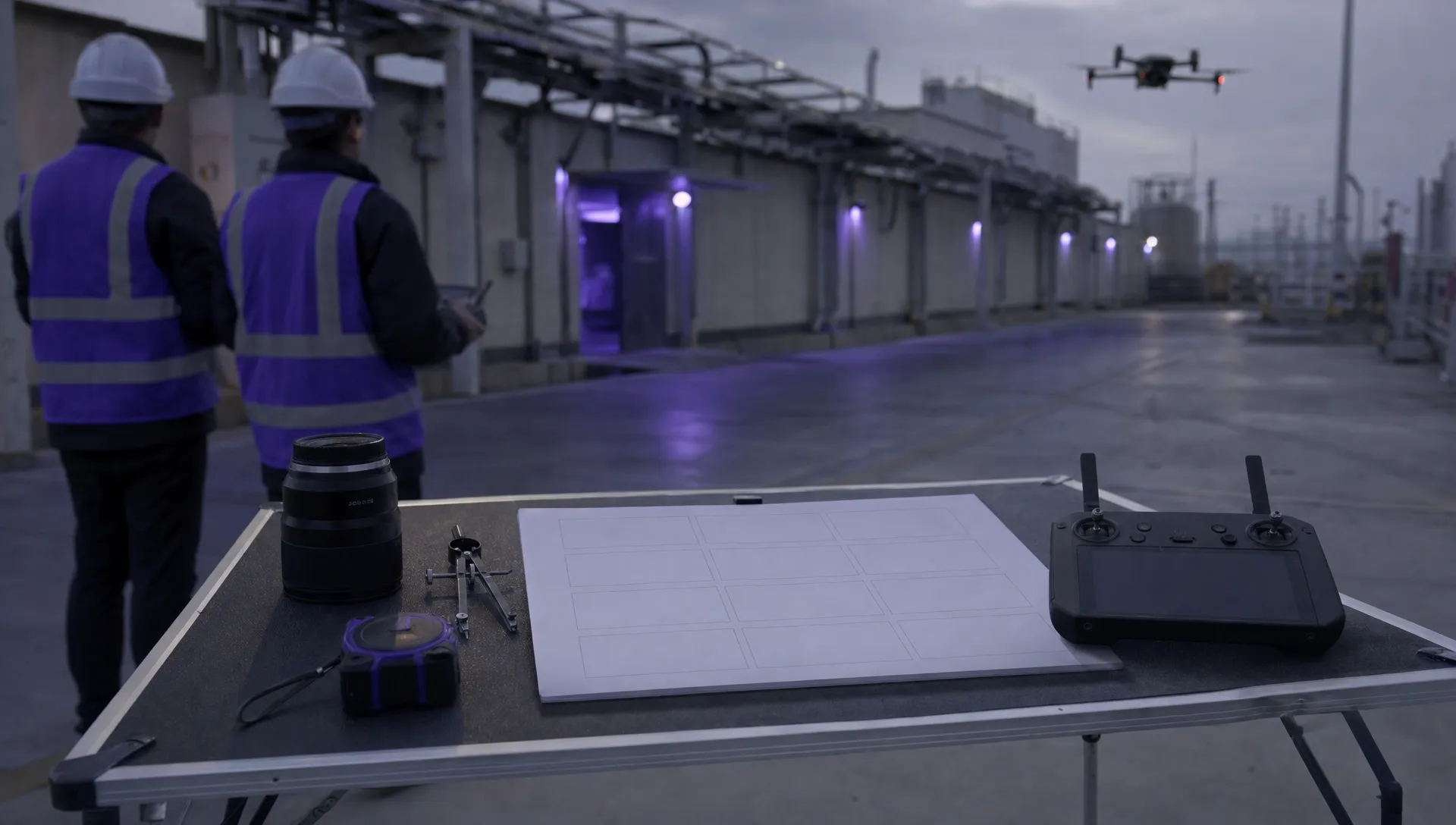 Drone Videography Planning Tips for Professional Crews →