
Your Guide to Remote ID Drone Compliance
At its simplest, a remote ID drone is just a drone with a digital license plate. This tech broadcasts key identification and location info while in the air, allowing authorities—and even the public—to see who is flying where. Think of it exactly like a license plate on a car; it brings accountability to the skies.
What Every Pilot Needs to Know About Remote ID
The FAA's Remote ID rule wasn't just another regulation; it was a fundamental shift for the entire drone industry. It’s the cornerstone for building a safer, more integrated national airspace. For us pilots, getting to grips with this rule isn't just about ticking a compliance box—it's about understanding our part in this new chapter of aviation.
This is the natural evolution of airspace management. As more and more drones take flight for both fun and business, a system to keep everyone accountable becomes non-negotiable. Remote ID offers a straightforward, electronic way to tell the compliant, professional pilots from those who might be flying recklessly or in restricted areas.
Why Remote ID Matters To You
The core purpose here is enhancing safety and security. It gives the FAA, law enforcement, and other federal agencies the ability to identify a drone and find its operator on the ground while it's still flying. This is a massive deal for responding to potential threats or investigating an incident.
But the benefits go way beyond just enforcement. For commercial drone pilots, Remote ID is the key that unlocks more advanced, high-value operations. In fact, the FAA has made it a mandatory prerequisite for many of the most complex types of missions, including:
- Flights Over People: Operating over crowds is a high-stakes game. Remote ID provides an essential layer of safety and accountability.
- Flights at Night: Just like flying over people, nighttime operations carry more risk. Remote ID adds a crucial element of transparency for authorities.
- Beyond Visual Line of Sight (BVLOS): The future of drone operations is BVLOS, and that future depends entirely on a networked airspace where every aircraft is known. Remote ID is step one.
This push for Remote ID has completely reshaped the drone market. Manufacturers are building it into new models, and operators have to factor it into their workflow. Unless you're flying in a specially designated FRIAs (FAA-Recognized Identification Area), you either need a drone with Remote ID built-in or an add-on broadcast module. You can learn more about the specifics in our complete FAA Remote ID guide.
To help you keep track of the essentials, here’s a quick summary of what you need to know.
Remote ID Compliance at a Glance
This table breaks down the core requirements and key dates for Remote ID compliance for drone operators.
| Requirement | Compliance Deadline | Applies To |
|---|---|---|
| Drone pilots must comply with the final Remote ID rule. | September 16, 2023 | All drone pilots required to register their UAV. |
| Drone manufacturers must produce Standard Remote ID drones. | December 16, 2022 | All manufacturers creating drones for sale in the US. |
Understanding these dates is critical for ensuring your operations remain fully compliant and you're prepared for the modern airspace environment.
Addressing Common Misconceptions
One of the first things pilots ask about is privacy, and that's a fair question. It’s really important to be clear about what information is—and isn't—being broadcasted. Remote ID does not publicly transmit your personal details like your name, address, or phone number.
The system broadcasts the drone's unique serial number, its live location and altitude, its speed and direction, and the location of the control station. Only authorized officials like the FAA or law enforcement can connect that serial number back to your registration data.
This approach strikes a smart balance. It creates accountability in the airspace without throwing your personal information out there for any curious bystander with an app to see. By understanding these core principles, you’ll be far better equipped to fly safely, legally, and confidently.
Choosing Your Path to Compliance
Navigating the world of Remote ID regulations means figuring out your options. The FAA has laid out two main paths to get your drone compliant, and each one fits different types of aircraft and pilots. The right choice for you will really boil down to your drone's age, its design, and what you need to do with it.
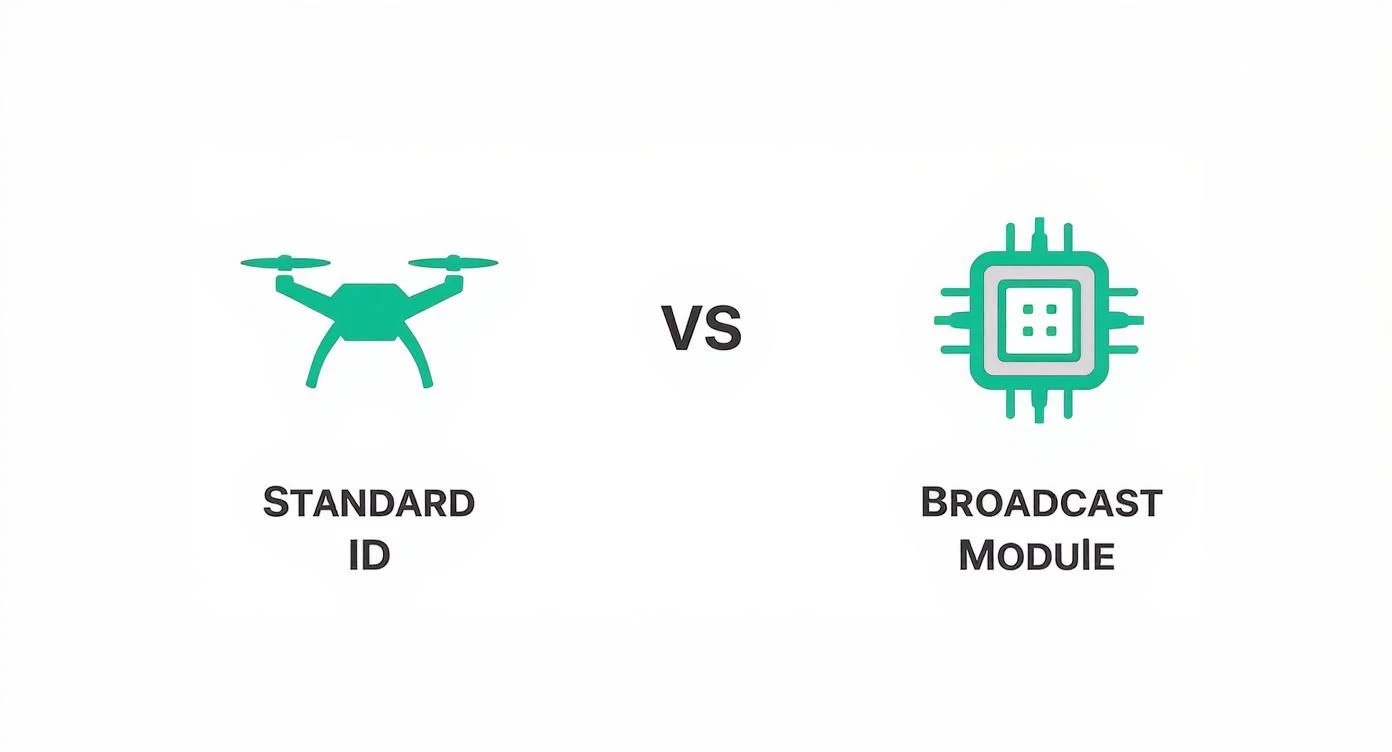
The two main choices are Standard Remote ID and a Broadcast Module. A good way to think about it is like a new car’s built-in satnav versus an older car that needs a portable GPS unit plugged into the dash. They both get you where you're going, but how they're integrated and how you use them are totally different.
Understanding Standard Remote ID
Standard Remote ID is the built-in, straight-from-the-factory solution. Any drone made or sold after December 16, 2022, is legally required to have this capability baked right into its hardware and firmware. It's the most hassle-free way to comply.
For the pilot, this is a dream. There’s no extra gadget to buy, bolt on, or remember to charge. The Remote ID system is just part of the drone. When you power up your aircraft, the system kicks in automatically and starts broadcasting the necessary info. This tight integration also means the drone simply won't take off unless the Remote ID system is working as it should.
A key advantage of Standard Remote ID is its direct connection to the drone's flight controller. This allows it to broadcast not only the drone's position but also the location of your control station, giving authorities a much clearer picture of the whole operation.
This path is perfect for pilots who want a simple, "it just works" experience right out of the box. All the major manufacturers have rolled this tech into their new models, making it the default for anyone buying a new drone today.
The market’s reaction to this rule has been huge, especially with big players like DJI leading the charge. By 2025, DJI's sheer dominance profoundly shapes how Remote ID is adopted, considering their drones make up about 83.48% of all drone detections in contested airspaces worldwide. With that kind of market share, their integration of Standard Remote ID pretty much sets the bar for the entire industry. You can dive deeper into the drone market stats on TheDroneGirl.com.
When to Use a Broadcast Module
So, what if you're flying a drone that was made before the deadline? Or maybe you've built your own custom rig that doesn't have Remote ID built-in? This is exactly where the Broadcast Module steps in. A broadcast module is a small, self-contained device you attach to your drone.
Think of it as an external "add-on" with its own power source and GPS. It does the exact same job as a Standard Remote ID system: broadcasting all the required identification and flight data. These modules are a flexible and pretty affordable way to bring your older—but still perfectly good—drones up to code.
Here’s a quick look at how the two approaches stack up:
| Feature | Standard Remote ID | Broadcast Module |
|---|---|---|
| Integration | Built-in from the factory | External add-on device |
| Setup | Automatic upon registration | Requires installation & pairing |
| Power Source | Uses the drone's main battery | Often has its own internal battery |
| Cost | Included in the drone's price | Separate purchase ($30 - $150+) |
| Best For | New drones, simplicity | Older or custom-built drones |
When you're picking a module, you've got a few things to consider. You'll need to think about its weight, size, and how you'll mount it to your drone. Some have their own rechargeable battery, while others might tap into your drone's receiver for power. The most important thing is to choose an FAA-approved module that fits your aircraft without messing with its flight performance or balance. This route gives pilots the freedom to keep flying their trusted gear while staying on the right side of the latest airspace safety rules.
A Step-by-Step Guide to Becoming Compliant
Alright, you know your options for Remote ID compliance. Now it’s time to actually get it done. Let's walk through the exact steps, whether your drone has it built-in, you're adding a module, or you plan to fly exclusively in a FRIA.
Following these instructions will make sure you’re ready for takeoff, legally speaking. The process is pretty straightforward, but you’ll want to pay close attention to the details, especially when you’re in the FAA’s DroneZone portal.
Registering a Drone with Standard Remote ID
If you're flying a newer drone, you've got the easiest path. Standard Remote ID is already part of the aircraft, so all you have to do is tell the FAA about it. This happens over at the FAA DroneZone website.
Here’s how you do it:
- Log into FAA DroneZone: Head to the official FAA DroneZone site and get into your account. This is where all your drone registration lives.
- Add a New Drone: Go to your inventory and choose the option to add a new drone. It’ll ask for the usual stuff: make, model, and the aircraft serial number.
- Enter the Remote ID Serial Number: This part is critical. The Standard Remote ID serial number is a long string of characters, usually much longer than the drone's regular serial number. You can typically find it in the battery compartment or tucked away in the drone’s software (like in the DJI Fly app). Do not mistake this for the regular flight controller serial number.
Once you’ve entered that number and saved it, your drone is officially registered as Remote ID compliant. Simple as that.
Installing and Registering a Broadcast Module
Got an older drone or a custom build? No problem. A broadcast module is your ticket to compliance. These are small, self-powered gadgets that you attach to your drone to broadcast the required location and identification info.
First, you need to buy an FAA-approved broadcast module. You can find them for anywhere from $30 to over $150, depending on the size, weight, and how it’s powered. Some have their own battery, others tap into your drone's power.
Pro Tip: When you mount the module, stick it somewhere with a clear view of the sky. This ensures it gets a solid GPS lock. Keep it away from other antennas or electronics to avoid interference, and double-check that it doesn't throw off your drone's center of gravity.
After you've physically attached the module, the final step is registering its serial number with the FAA.
- Log into FAA DroneZone: Jump back into your DroneZone account.
- Edit Your Drone’s Registration: Find the drone you've just equipped with the module in your inventory and click "edit."
- Add the Module’s Serial Number: You’ll see a field specifically for the Remote ID broadcast module serial number. Type in the number printed on your module and save.
By linking that module's serial number to your drone's registration, you’ve just made your trusty older aircraft fully compliant with the remote id drone rule.
Flying in a FRIA
There's one more path to compliance that doesn't involve any broadcasting tech at all: flying inside an FAA-Recognized Identification Area (FRIA).
FRIAs are very specific, geographically-defined areas where drones are allowed to fly without Remote ID. These are usually set up by community organizations like AMA clubs or educational institutions.
- How it Works: The organization that sponsors the FRIA has been approved by the FAA to manage a safe, contained airspace for drone flights. As long as you stay strictly within the FRIA's boundaries, you can legally fly a drone that isn't broadcasting Remote ID.
- Finding a FRIA: The FAA maintains an online UAS Facility Map that shows all the approved FRIA locations across the country. It's the perfect tool for finding a compliant flying spot near you before you head out.
This is a fantastic option for hobbyists who do most of their flying at a local club field. Just remember, the moment you take that drone outside the FRIA’s borders, it has to be compliant with either Standard ID or a broadcast module.
How Remote ID Is Shaping the Future of Drone Flight
Remote ID is way more than just another FAA rule to follow; it's the bedrock technology that's building the future of advanced drone operations. The best way to think about it isn't as a limitation, but as the essential framework that allows the entire industry to move forward safely and efficiently. It’s the digital infrastructure our skies have been waiting for.
This technology is what finally makes more complex missions possible—missions that used to be impractical or required a mountain of paperwork for expensive waivers. By creating a transparent and accountable airspace, Remote ID unlocks entirely new operational capabilities for commercial pilots. It shifts compliance from being a simple checkbox to a genuine strategic advantage. We dive deeper into how FAA Remote ID boosts your drone business in another one of our articles.
Unlocking Advanced Operations
Before Remote ID, flights over people or beyond the pilot's line of sight (BVLOS) were exceptionally difficult to get approved. The risk was just too high without a reliable way to track and identify drones in real-time. Now, being compliant is the first step for these high-value missions.
- Flights Over People: Giving authorities real-time drone location data adds a crucial layer of security for flying over crowds at events, construction sites, or public spaces.
- Beyond Visual Line of Sight (BVLOS): For long-range jobs like pipeline inspections or large-scale agricultural surveys, Remote ID is non-negotiable. It's the key that unlocks a system where drones can safely cover huge distances.
By broadcasting its position, a remote id drone makes these advanced flights a reality, opening up brand new markets and revenue streams for professional operators.
Building Trust Through Transparency
Let's be honest, a major hurdle for widespread drone adoption has always been public perception. Scary stories of drones buzzing airports or snooping over private property have created a real sense of unease. Remote ID is a powerful way to build public trust by simply demystifying what's flying overhead.
When law enforcement and the public know that the drones in their airspace are identifiable and accountable, it completely changes the conversation. This transparency helps normalize the presence of drones, paving the way for services like automated package delivery and emergency response to become a part of everyday life.
This shift is also creating a massive economic opportunity. The remote drone identification system market is projected to grow from an estimated USD 3.95 billion in 2025 to USD 5.78 billion by 2035. This growth shows just how critical Remote ID is for enabling a safer, more expansive drone ecosystem. You can check out more insights about this growing market on prophecymarketinsights.com.
Addressing Privacy and Looking Ahead
Naturally, broadcasting a drone’s location brings up some valid questions about privacy. It’s important to understand exactly what information is being shared. The Remote ID signal broadcasts the drone's serial number, location, and speed—not your personal data. Your name and address are kept secure.
Only authorized officials, like the FAA and law enforcement, can use that broadcasted serial number to access the protected registration database. The system is designed to create accountability without sacrificing the pilot's personal privacy.
Ultimately, Remote ID is the cornerstone for a future Unmanned Traffic Management (UTM) system. Just imagine a sky buzzing with delivery drones, air taxis, and inspection aircraft all communicating and navigating around each other seamlessly. That kind of intricate, automated system is impossible without a universal way for every aircraft to identify itself. Remote ID is that method, and it's setting the stage for the next generation of aviation.
Managing Your Fleet's Compliance with Dronedesk
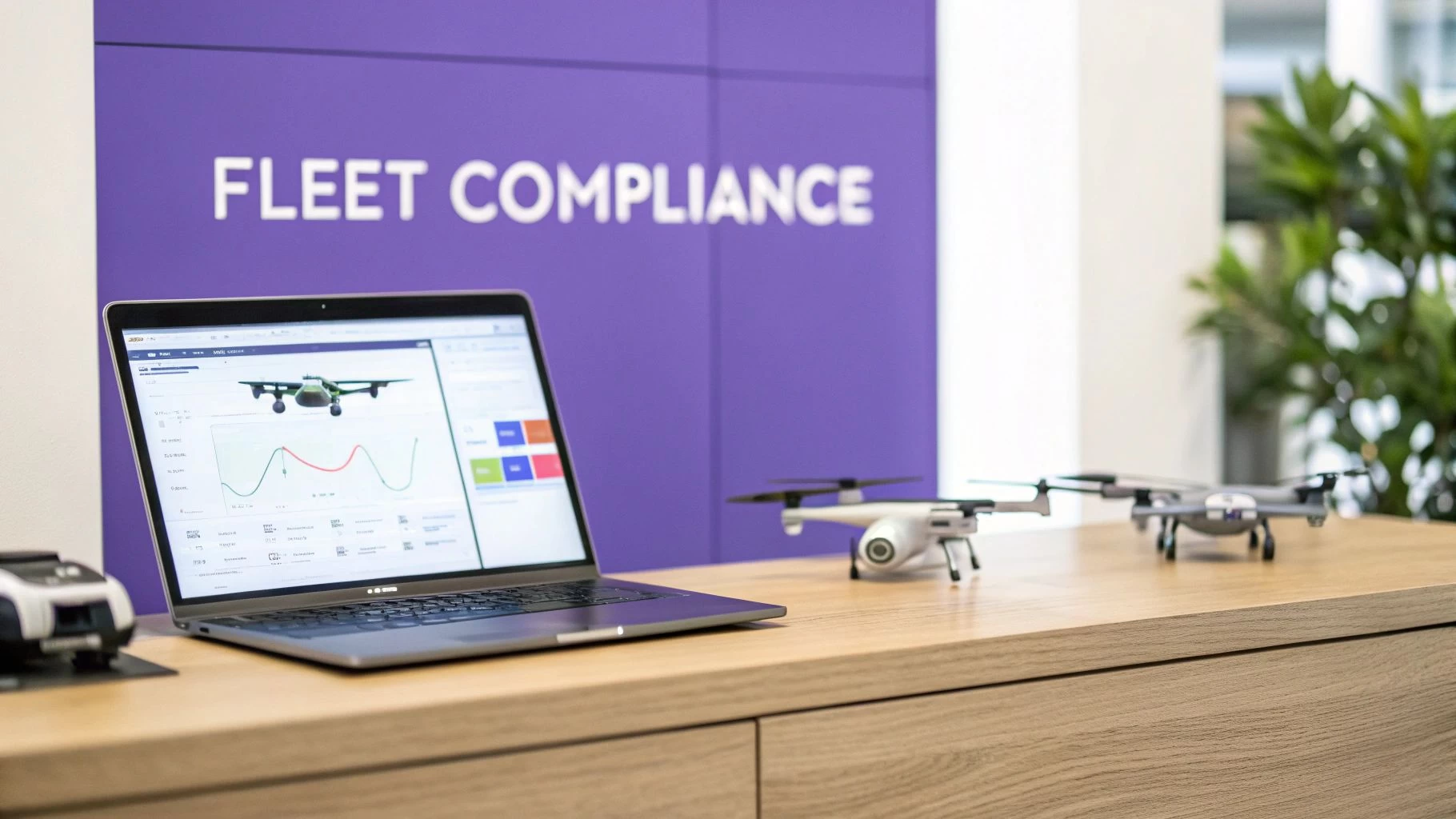
Keeping tabs on Remote ID for one drone is simple enough. But what about when you’ve got five, ten, or even fifty aircraft in your fleet? Suddenly, you're juggling which ones have Standard Remote ID and which ones are using a broadcast module. It can turn into a logistical nightmare, fast.
This is exactly where relying on scattered spreadsheets and manual checklists starts to fall apart. A proper drone management platform isn't just a nice-to-have; it's essential for a professional operation. Something like Dronedesk gives you a central hub for everything, turning compliance from a box-ticking chore into a seamless part of your workflow.
Centralizing Your Fleet's Remote ID Status
The biggest headache for any fleet manager is keeping a clear, up-to-the-minute record of every single asset. Dronedesk gets this right by giving you a single dashboard to track all the vital details for every remote id drone in your hangar.
You can log the specific details for each aircraft, making sure nothing ever slips through the cracks. This includes:
- Compliance Type: Mark whether a drone is using its built-in Standard Remote ID or is fitted with an external Broadcast Module.
- Serial Numbers: Keep both the aircraft serial number and the unique Remote ID serial number in one place, ready for FAA registration or on-site verification.
- Maintenance Records: Log when modules were installed, batteries were checked, or firmware was last updated to ensure you're always good to go.
Having everything in one place means you can see your entire fleet’s compliance status at a glance. You’ll spot any potential issues long before they can cause a problem on a job.
By keeping all your drone and pilot information in one place, you create a single source of truth for your operations. This not only streamlines compliance but also simplifies team management, asset tracking, and mission planning, saving valuable administrative time.
Integrating Compliance into Flight Planning
Real operational efficiency happens when compliance checks are baked right into your mission planning. This is where a platform like Dronedesk really shines, moving way beyond simple record-keeping to become an active part of your pre-flight routine.
The flight planning tools are built for how operators actually work. When you plan a mission, Dronedesk automatically pulls in critical airspace data, showing you restricted zones, TFRs, and any other hazards. This instant airspace intelligence helps you make safer, more informed decisions every time you fly.
When you combine your fleet data with mission planning, you get a powerful, compliant workflow. You can assign specific, Remote ID-compliant drones to jobs that require them, generate detailed risk assessments, and automatically log all the flight details. Remote ID just becomes one component of a professional, efficient, and fully documented operation.
To see how all these pieces fit together, take a look at the full range of Dronedesk compliance features designed to help professional pilots stay ahead of the game.
Answering Your Top Remote ID Questions
As Remote ID becomes a standard part of flying, a lot of pilots have questions about what it really means for their day-to-day operations. The rules can feel a bit tangled at first glance, but the core ideas are actually pretty simple. Let's clear up some of the most common points of confusion so you can fly with complete confidence.
From penalties and privacy to how the rules affect different types of flyers, getting straight answers is the best way to stay compliant and safe. Below, we're tackling the top questions pilots are asking about the remote id drone regulations.
What If I Fly Without Remote ID?
Let's be direct: ignoring the Remote ID rule is not a good idea. The FAA treats non-compliance seriously because it undermines the very safety and accountability the system was built for. Flying a drone that needs Remote ID without it being active is a violation of federal regulations. Period.
This can lead to some pretty significant enforcement actions from the FAA. Depending on how and where you were flying, the penalties can range from:
- Official warning letters from the FAA.
- Substantial fines that can easily run into thousands of dollars.
- Suspension or even permanent revocation of your Part 107 pilot certificate.
Think of it like driving a car without a license plate. The rules are there to make sure everyone in the airspace is identifiable and accountable, and the consequences for breaking them reflect that.
Can Anyone See My Personal Information?
This is probably the biggest worry for most pilots, and the answer is a firm no. Your personal, private information is not being broadcast for the public to see. While anyone with a compatible app on their smartphone can pick up a Remote ID signal, the data they can actually see is limited and anonymous.
The system was designed from the ground up to balance accountability with privacy. The public broadcast only includes operational data about the drone itself.
The information broadcasted includes the drone's unique serial number, its current location and altitude, its velocity, and the takeoff location of the control station. It does not include your name, address, or phone number.
Only authorized law enforcement and FAA officials have the clearance needed to connect that broadcasted serial number with the secure FAA registration database. This setup allows them to identify the operator if there's a safety or security issue, all while keeping your personal details shielded from public view.
Does Remote ID Apply to Recreational Flyers?
Yes, the Remote ID rule applies to almost everyone. It doesn't matter if you're flying for commercial purposes under Part 107 or just for fun as a recreational pilot. If your drone is heavy enough to require FAA registration (that’s anything weighing 0.55 pounds or more), it must comply with Remote ID.
There is one major exception, though. You don't need to broadcast Remote ID if you are flying your drone strictly within the boundaries of an FAA-Recognized Identification Area, or FRIA. These are specific locations, often run by flying clubs or schools, that are approved by the FAA for flights without Remote ID.
Putting It All Into Practice
Alright, let's bring this all together. At the end of the day, Remote ID isn't just another box to tick. It’s the groundwork being laid for a future where drones are a fully integrated, trusted part of our skies. Getting yourself compliant is pretty simple when you know the steps.
Think of it less as a chore and more as stepping up to your professional responsibilities. It’s what separates the pros from the amateurs. Here’s a final checklist to make sure your remote id drone operations are ready to go, every single time.
Your Final Pre-Flight Checklist
Before you even think about heading out to a job, run through these quick steps. Make this a habit, part of your muscle memory for every single flight.
-
Know Your Gear: First, how is your drone compliant? Is it a newer model with Standard Remote ID built right in? Or are you using an older drone that needs an external Broadcast Module clipped on? This is your starting point.
-
Check the FAA DroneZone: Next, pop over to the FAA DroneZone website. Make sure your drone's registration is active and, critically, that the Remote ID serial number is correctly entered in your aircraft inventory. A typo here is a simple mistake that can ground you.
-
Verify the Broadcast: Finally, right before you take off, pull out your phone and open a scanner app. Confirm that your drone is actually broadcasting its signal. Don't just assume it's working—check it.
This whole process takes less than a minute, but it gives you total peace of mind that you're flying legally and safely.
Treat these three steps like a pilot’s final cockpit check. They’re your last chance to catch an issue before it becomes a real problem, protecting you from hassle and fines while showing you operate professionally.
Getting this stuff right isn't just about following the rules. It shows clients, regulators, and the public that you're a serious, accountable operator who can be trusted.
Keeping track of all these compliance details for a single drone is one thing, but managing it for a whole fleet can become a real headache. That's where a tool like Dronedesk comes in. It gives you one place to track all your aircraft registrations, plan compliant missions, and automatically log every flight. If you want to simplify your workflow, it's worth a look.
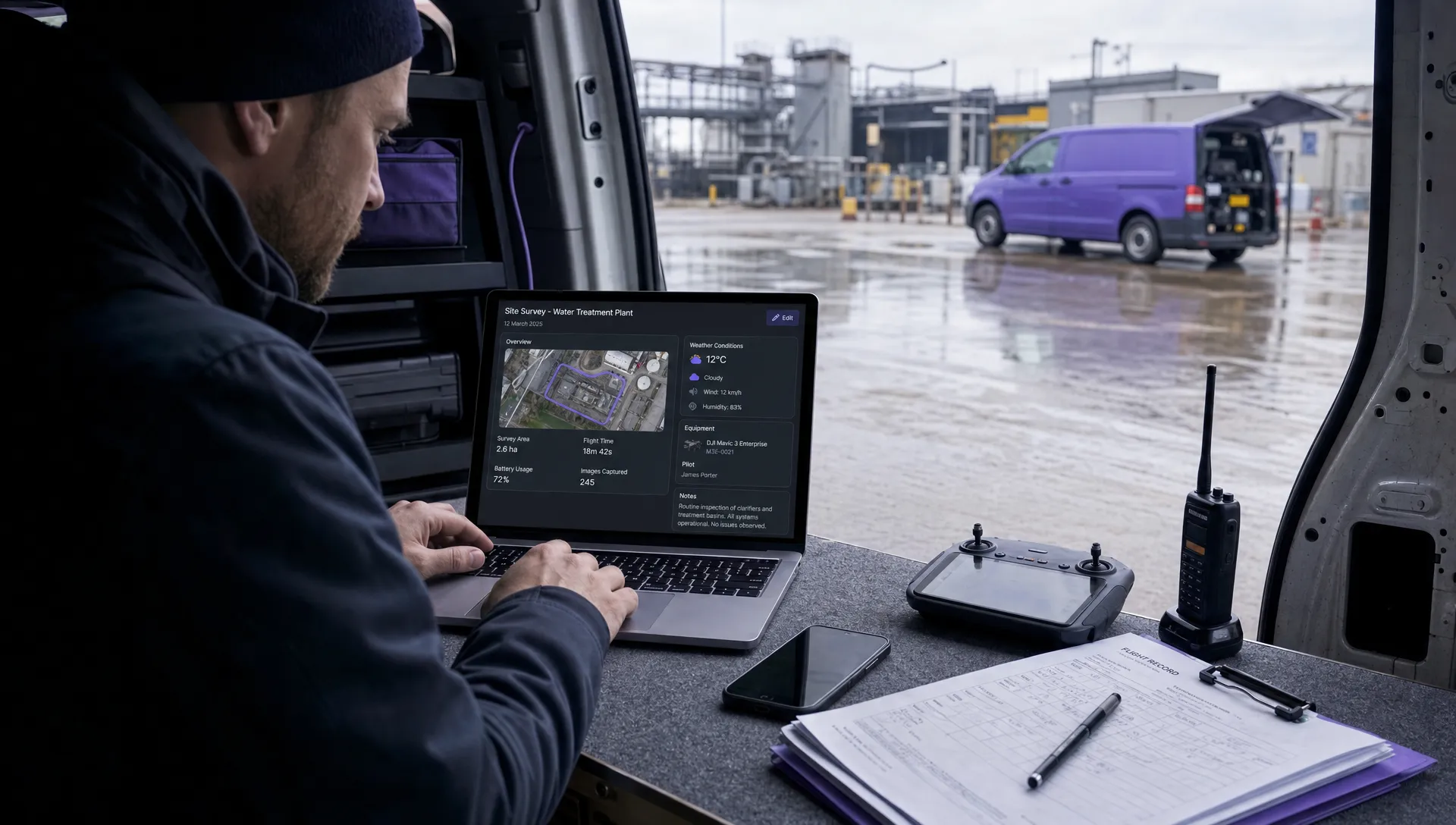 Drone Airspace Rules: How to Document Your Site Checks →
 How to Evaluate a Free Drone Logbook Before Using It →
 FAA Part 107 Test: How to Master Airspace Questions →
 Drone Risk Assessment Controls That Work in the Field →
 FAA Drone License Costs Beyond the Knowledge Test →
 Drone Part 107 Operations: When a Waiver May Be Needed →
 Drone Operating Rules for Managing Contractors and Employees →
 BVLOS Drone Requirements for Building a Safety Case →
 Drone Pilot Test Mistakes That Cost Candidates Marks →
 FAA 107 License vs Part 107 Certificate: What’s the Difference? →