
Litchi Drone App: Master Autonomous Missions and Flight Planning
Ever feel like you’ve hit a wall with what your drone’s standard app can do? You see those silky-smooth, complex cinematic shots online and wonder how they’re made. The secret is often a powerful co-pilot: the Litchi drone app. It’s the tool that lets your drone fly those impressive, automated flight paths you thought were only for high-end film crews.
What Is the Litchi Drone App
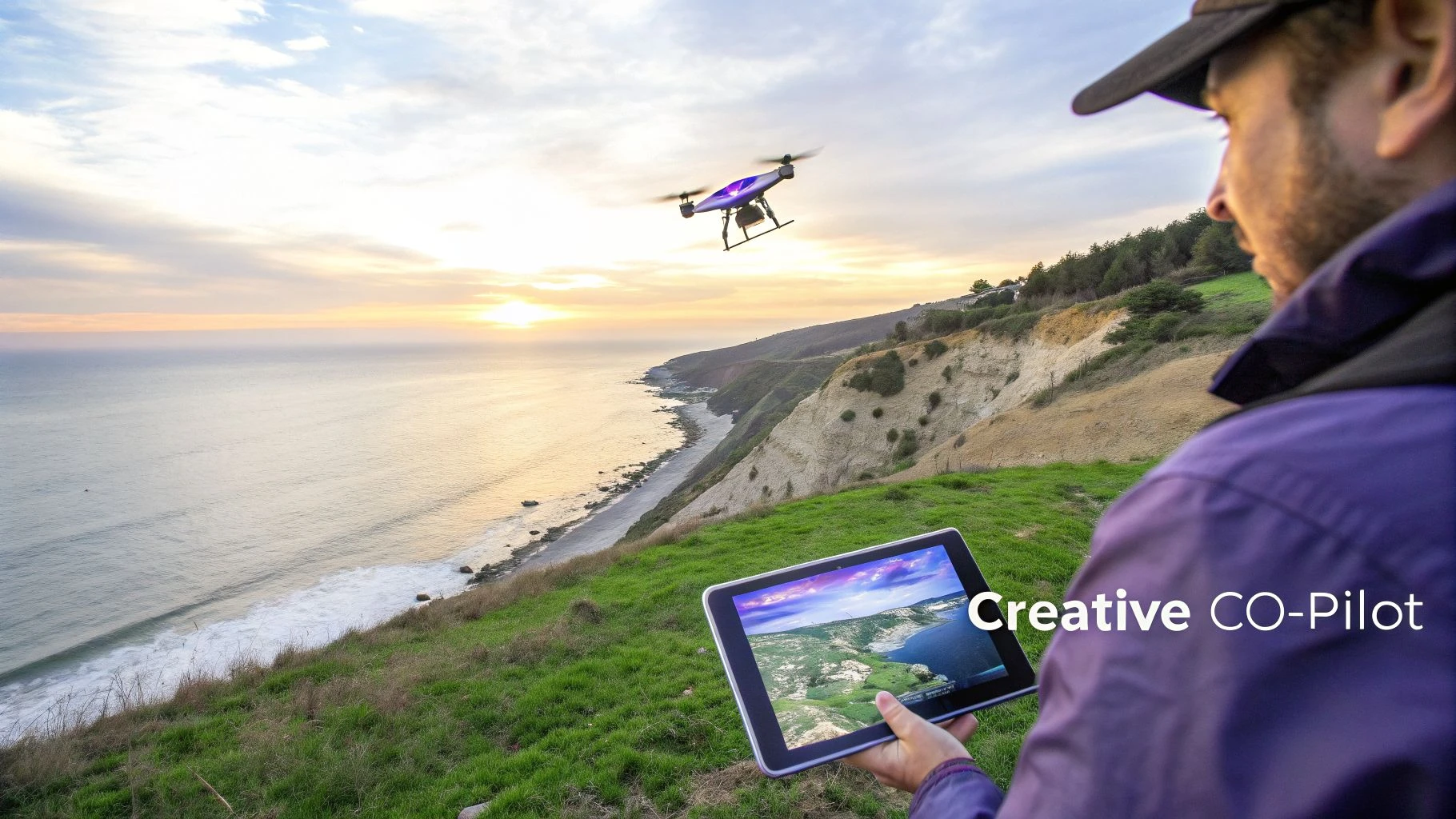
Think of Litchi as the pro-level upgrade for your DJI drone's brain. It’s a third-party app that can either supplement or completely replace the manufacturer's software, like DJI Fly. While the standard apps are great for getting in the air quickly and sharing content, they're built for simplicity. Litchi, on the other hand, is built for precision, complex automation, and total creative control.
Here’s a good way to picture it: using the standard app is like shooting handheld with a camera—every pan, tilt, and push is on you. Litchi is like having a pre-programmed dolly on a track. You design the shot, set the camera’s path, speed, and focus points ahead of time, and then let the equipment execute it perfectly.
To give you a clearer picture, here’s a quick comparison of what you get with a standard manufacturer's app versus what Litchi brings to the table.
Litchi App vs Standard App At-a-Glance
| Feature | Standard App (e.g., DJI Fly) | Litchi Drone App |
|---|---|---|
| Mission Planning | Basic "QuickShots" or simple flight paths. | Advanced pre-flight waypoint missions planned on a map. |
| Flight Automation | Limited to pre-set maneuvers like circle or helix. | Fully customizable autonomous modes (Waypoint, Orbit, Follow). |
| Camera Control | Manual control during flight or basic automation. | Fine-grained control over camera angle, focus, and actions at each waypoint. |
| Offline Missions | Requires a constant signal to function properly. | Can continue pre-planned missions even with intermittent signal loss. |
| Data Export | Basic flight log export, often limited. | Easily export missions as CSV files and sync flight logs to third-party services. |
| Cross-Platform | Tied to the manufacturer's ecosystem. | Mission plans can be created on a desktop and synced to any mobile device. |
As you can see, Litchi isn't just a different interface; it unlocks a whole new level of operational capability.
The Power of Pre-Planned, Autonomous Flight
The real magic of Litchi is in its intelligent flight modes. These aren’t just simple pre-sets; they give you the power to execute complex aerial shots that are nearly impossible to fly by hand.
- Waypoint Missions: This is Litchi’s crown jewel. You can sit at your computer and map out an entire flight path point-by-point, setting the altitude, speed, camera angle, and even what the camera should do at each point. Once you're on-site, just load the mission and hit "Go."
- Orbit Mode: Forget trying to manually fly a perfect circle. With Orbit, you just define your subject and the radius, and Litchi flies a flawlessly smooth circle around it. It’s perfect for those dramatic reveal shots.
- Track and Follow Modes: These modes use your device’s computer vision to lock onto a person or vehicle. Track keeps the camera on the subject while you fly manually, and Follow lets the drone autonomously trail a subject based on your mobile device's GPS signal.
For professional pilots, one of Litchi's most critical features is its ability to continue a pre-planned mission even if the signal between the controller and drone cuts out. This is a game-changer for long-range inspections or complex cinematic sequences in challenging environments where a stable connection isn't guaranteed.
Why It's a Go-To for Pros and Hobbyists
For enthusiasts, the Litchi drone app opens a door to capturing stunning, movie-quality footage that used to require a dedicated camera operator. But for commercial pilots, the advantages are about efficiency, repeatability, and compliance.
Surveyors can design precise, repeatable grid patterns for mapping missions. Filmmakers can nail the exact same shot across multiple takes or different days. The value here is consistency.
Litchi also slots neatly into a professional workflow. As we cover in our guide to choosing a drone control app, the ability to plan, save, and export missions and flight logs is non-negotiable for business use. Litchi excels here, automatically syncing flight data with platforms like Airdata and allowing missions to be saved and shared, which is essential for record-keeping and team collaboration.
Mastering Litchi's Core Intelligent Flight Modes
Sure, the standard manufacturer's app gets your drone in the air. But the Litchi drone app is what turns it into a serious filmmaking tool. This is where you graduate from just flying and start directing your drone for shots you simply can't pull off by hand.
Litchi's secret sauce is its suite of intelligent flight modes. Think of them as having an automated, and very precise, film crew at your disposal. Instead of wrestling with two joysticks to nail a smooth, cinematic shot, you just tell the app what you want, and it does the heavy lifting for you.
Waypoint Mode: The Automated Director
For my money, Waypoint is the most powerful feature in the entire Litchi drone app. It lets you map out an entire, complex flight path on a big screen before you even step outside.
Imagine being a film director storyboarding a scene. That's you in Waypoint mode. You plot points on a map and, for each one, you set specific instructions:
- Altitude: Control the drone's height at every single point.
- Speed: Set exactly how fast the drone moves between waypoints.
- Gimbal Pitch: Program smooth, automatic camera tilts.
- Heading: Point the drone in one direction while it flies in another.
Once you’re on location, you just load the mission and hit go. The drone flies the entire sequence perfectly. It’s a game-changer for complex shots over tricky terrain, or for creating repeatable flights for things like time-lapses or tracking construction progress.
Pro Tip: Don't forget to use Points of Interest (POIs) in your Waypoint missions. A POI is a specific spot on the map you tell the drone to look at. As it flies its path, the camera will stay locked onto that POI, creating stunning parallax effects and perfect arcs around a subject, all automatically.
Orbit Mode: The Perfect Reveal
Ever tried to fly a perfect circle around a building or a statue by hand? It's next to impossible. The result is almost always a wobbly, jerky mess that's unusable.
Litchi's Orbit mode makes this a one-tap operation. Think of it as putting your subject on a virtual turntable. You just fly to where you want the circle to start, set the center point (your subject), and define the radius. Litchi takes it from there, flying a buttery-smooth circle while keeping the camera pointed squarely at the center. It's brilliant for:
- Real estate videos that need a clean shot of the whole property.
- Dramatic reveals of landmarks or stunning landscapes.
- Capturing 360-degree imagery of an object for 3D modelling.
Follow and Track: Your Personal Camera Operator
Litchi gives you two fantastic modes for following moving subjects. People often lump them together, but they work quite differently.
Follow Mode is the simpler of the two. It uses your phone or tablet's GPS to make the drone tag along behind you. It’s like having an aerial cameraman on a leash, perfect for filming yourself hiking, biking, or driving, especially out in the open.
Track Mode is where things get clever. It uses your device's camera and processor to visually lock onto a subject—a person, a car, a boat—and follow it. This frees you up to fly the drone manually while Litchi handles all the camera work, keeping your subject perfectly in frame. It's the closest you can get to having a dedicated camera operator on a two-person crew, all in one app.
Advanced Mission Planning for Professional Workflows
While Litchi’s intelligent flight modes are fantastic for getting dynamic shots in the field, the real game-changer for professional pilots happens back at the desk with the Litchi Mission Hub. Think of it as your flight’s command centre. It’s a web-based platform where you can meticulously plan out every detail of a complex mission on a big screen, long before your drone ever leaves its case.
This is a huge leap from squinting at a tiny phone screen on-site. The Mission Hub lets you build intricate waypoint missions with a level of precision that’s absolutely essential for commercial work. You can click to drop dozens of waypoints on a satellite map, tweaking the exact altitude, flight speed, and even gimbal movements for every single point along the path.
Designing Repeatable and Compliant Missions
Being able to create and save these missions is more than just a nice feature; it’s the bedrock of professional drone operations. Picture a surveyor who needs to track progress on a construction site every month.
With the Mission Hub, they can design a perfect grid pattern that covers the entire site. That same mission can be flown again and again, ensuring the data captured each month is consistent and easy to compare. This kind of repeatability is vital for creating accurate progress reports and detailed 3D models.
Here are the core autonomous modes you can plan and fly using the litchi drone app.
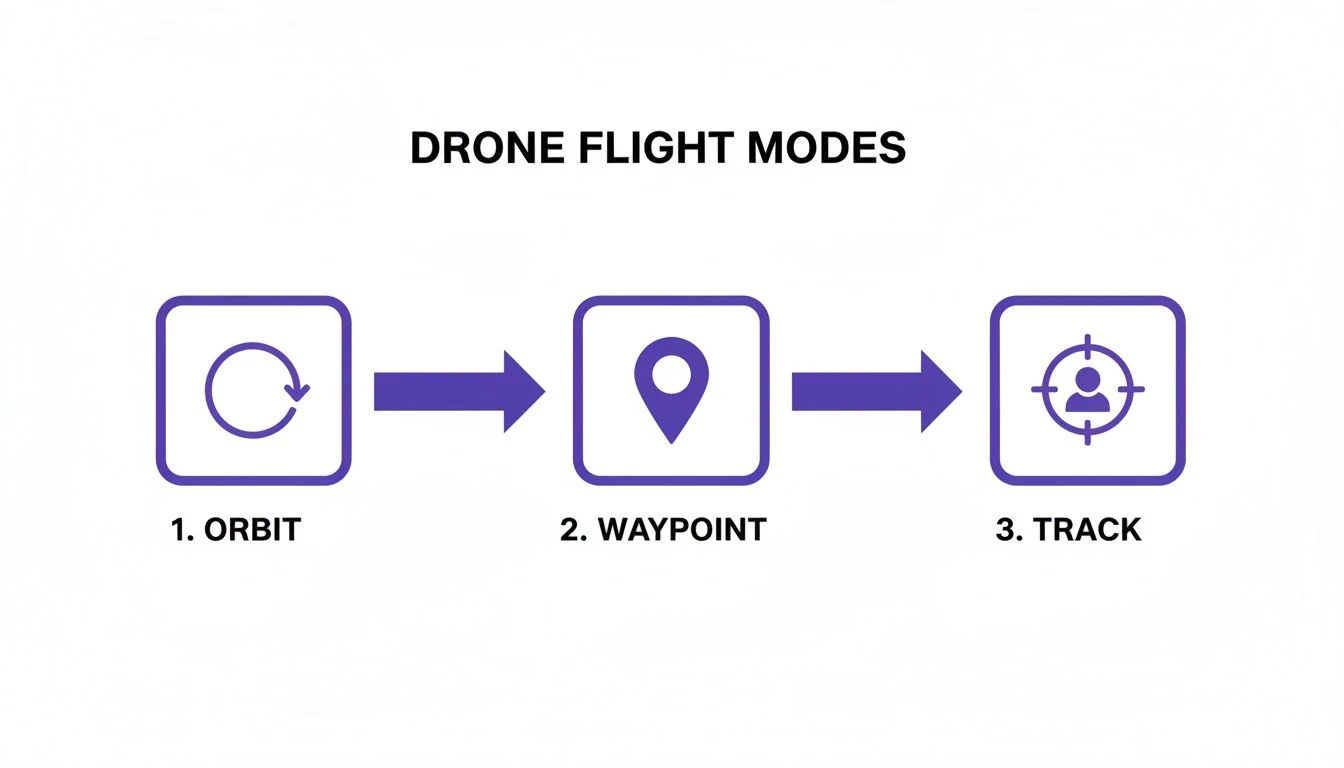 Each mode has its own job, from the sweeping circles of Orbit to the pre-planned precision of Waypoint and the subject-following smarts of Track.
Exporting for Documentation and Integration
One of the key features for any serious pro is the ability to export mission plans. The Litchi Mission Hub lets you export your carefully designed flight paths as KML or CSV files.
This might sound like a small detail, but the operational benefits are massive. A CSV file with every waypoint, coordinate, and altitude can be attached to a job file in a drone operations platform like Dronedesk, creating a permanent, auditable record of the planned flight for compliance and billing.
Managing your data outside the app is a critical piece of the professional puzzle. For a deeper look at what separates the pro tools from the hobbyist apps, check out our complete guide to essential drone flight planner tools.
Litchi also helps tidy up your post-flight workflow. You can set your flight logs to automatically sync with third-party services like Airdata. This means every flight—whether it was a pre-planned mission or just a manual flight—is automatically logged and documented. This creates a bulletproof record for operational oversight, client reports, and proving legal compliance, which is non-negotiable for any commercial pilot.
Your Drone Compatibility and Essential Setup Guide
So, you're thinking about adding the litchi drone app to your toolkit. The first question on every pilot's mind is always the same: "Will it actually work with my drone?" It's a fair question, and thankfully, Litchi has a pretty impressive track record, supporting a huge range of popular DJI aircraft from the Mavic, Phantom, Air, and even the original Mini series.
But here's the catch—it's not a one-size-fits-all deal, especially with DJI's newer models. Because of how DJI handles its software development kits (SDKs), Litchi's support is now split. The classic "Litchi for DJI" app covers a massive back-catalogue of drones, but for the latest gear like the Mini 3/4 Pro or the Mavic 3 series, you'll need the newer "Litchi Pilot" beta app. Before you spend a penny, always double-check the official Litchi website for their latest compatibility list.
Getting Started with Litchi
Once you've confirmed your drone is on the list, getting set up is pretty painless. First, you'll need to buy and download the right version of the app for your phone or tablet (iOS or Android). A quick heads-up: the licenses are platform-specific. If you fly with both an iPhone and an Android tablet, you'll have to buy the app on both app stores.
With the app installed, make sure to force-close any official DJI apps running in the background to avoid any software squabbles. Then, power up your drone and controller and plug in your mobile device. For a more detailed walkthrough on that connection, check out our guide on how to connect your drone to your phone. Litchi should then fire up, recognise your drone, and show you the live camera feed and telemetry.
A word of warning: Litchi is a powerful piece of software. Before you even think about your first flight, dive into the safety settings. Never assume your settings from the DJI app will carry over. Always check.
Pre-Flight Safety Checklist
Before you let your drone fly its first autonomous mission, you absolutely must spend a few minutes configuring the critical safety settings inside the Litchi app. This is your safety net, governing how the drone will react if something goes wrong.
- Return-to-Home (RTH) Altitude: Set this high enough to clear every tree, building, or hill in your flight area. Don't eyeball it; be generous.
- Signal Loss Behavior: What happens if the drone loses connection? The best bet is almost always "Return-to-Home." This tells the drone to come back to its takeoff spot automatically.
- Battery Level Warnings: Be conservative here. Set your low and critical battery warnings to sensible levels, like 30% and 20%. This gives you plenty of time to get the drone back and land it safely.
Spending five minutes on these checks isn't just good practice; it's what separates a successful flight from a very bad day. It ensures your experience with the litchi drone app is a safe one.
How Professionals Use Litchi for Real-World Results
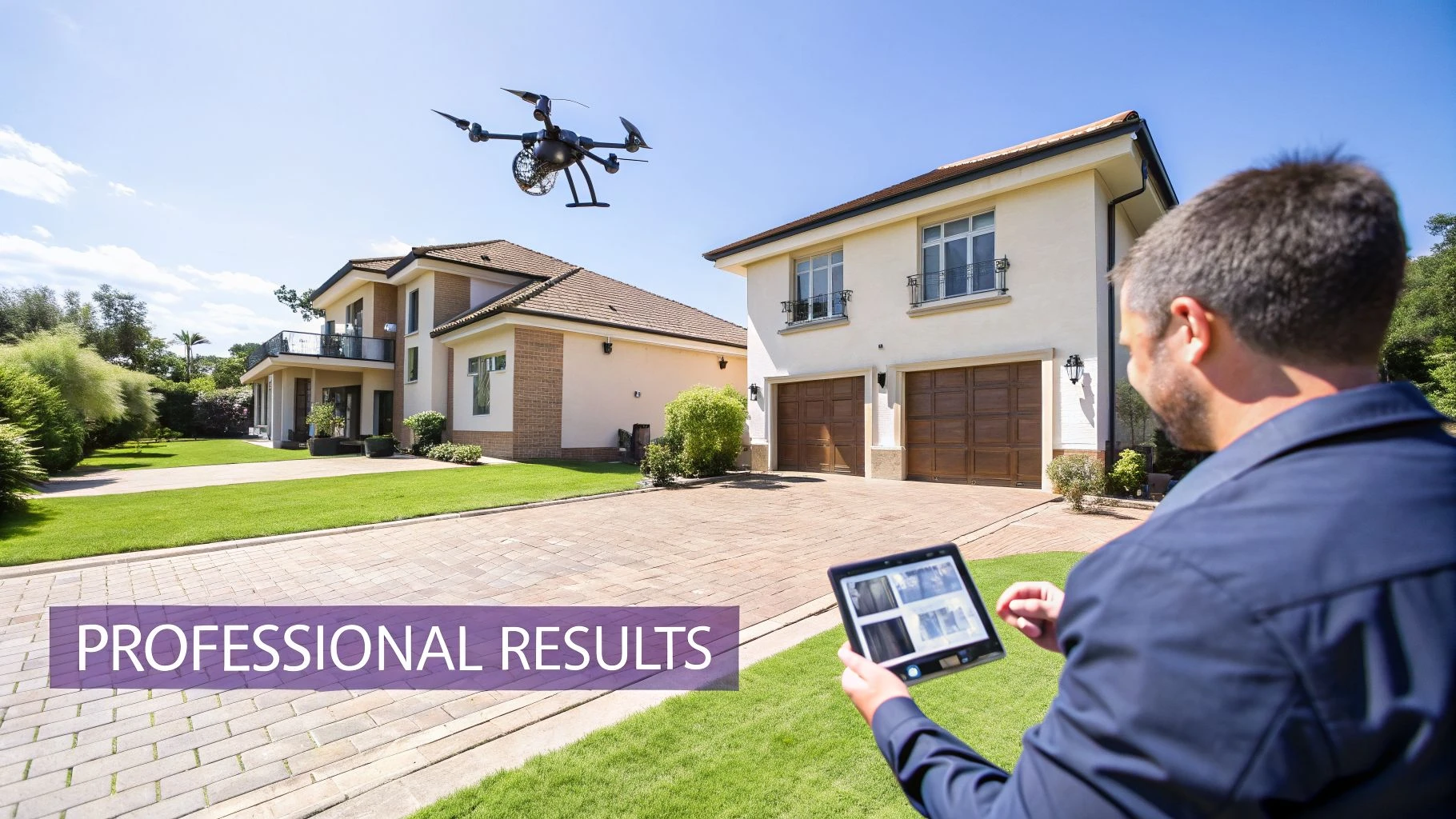
It’s one thing to talk about intelligent flight modes, but it's another to see them deliver in the hands of a pro. The Litchi drone app isn't just a fun tool for hobbyists; it’s where commercial pilots turn to get repeatable, hyper-precise results that are next to impossible to pull off flying manually.
Professionals across different industries use Litchi to turn complicated shot lists and data collection jobs into simple, automated missions. Let's dig into a few real-world examples to see how these features translate into money in the bank.
Cinematography and Creative Filmmaking
Picture this: you’re a filmmaker trying to get that perfect, sweeping reveal of a mountain ridge at sunrise. Flying the drone up while perfectly tilting the gimbal down is a recipe for jerky, unusable footage. It's a classic shot that separates the pros from the amateurs.
This is where Litchi’s Waypoint mode is an absolute game-changer.
Before even leaving the office, you can plot a multi-point flight path using the Litchi Mission Hub. You can set a low starting point, a slow and steady ascent speed, and program a buttery-smooth gimbal tilt that reveals the sun just as it crests the peak.
Once you're on location, you just launch the drone and hit "Go." The drone flies the path flawlessly, giving you that breathtaking shot you envisioned. The best part? You can run that same exact mission over and over until the light is absolutely perfect. Good luck doing that by hand.
Real Estate and Property Marketing
In the world of real estate, high-quality visuals sell properties faster. If you're providing real estate drone photography services, a shaky, amateur-hour video tour of a luxury home just isn't going to cut it.
An easy way to get a polished, professional shot is with Litchi’s Orbit mode. You simply fly the drone to a good vantage point, set the house as the center point, define your circle, and let the drone do the work. It will execute a perfect, silky-smooth circle around the property.
This single automated shot instantly elevates the production value, providing a dramatic establishing shot that elegantly showcases the home and its surroundings from every angle. It's a quick, efficient way to produce content that grabs buyer attention.
It’s a simple, one-tap move that delivers a shot straight out of a big-budget production, making that property stand out in a sea of listings.
Asset Inspection and Surveying
When it comes to industrial inspection and surveying, repeatability and data accuracy are everything. Think of an inspector on a solar farm who needs to document the condition of thousands of panels. They need 100% coverage and consistent data to compare year after year.
Using the Litchi Mission Hub, the inspector designs a precise grid pattern that covers the entire solar farm. They can lock in the flight altitude for optimal photo resolution, set the camera angle to avoid glare, and define the exact image overlap needed for creating a 3D model.
That mission is then saved. Months or even years later, it can be re-flown with the exact same parameters.
On site, the drone autonomously flies the grid, capturing thousands of images with methodical precision. This guarantees complete coverage and creates a reliable dataset for tracking panel damage or degradation over time. It’s this kind of automated workflow that makes the Litchi drone app an indispensable tool for asset management and data-driven inspections.
Matching Litchi Flight Modes to Professional Tasks
Choosing the right flight mode can feel overwhelming, but it's really about matching the tool to the job. This table breaks down which Litchi modes are best suited for common professional tasks, helping you work smarter, not harder.
| Professional Task | Recommended Litchi Mode | Key Benefit |
|---|---|---|
| Cinematic reveals & complex shots | Waypoint | Pre-plan intricate flight paths with precise camera controls for flawless, repeatable results. |
| Real estate property showcases | Orbit | Creates perfectly smooth circular shots around a point of interest, adding high production value. |
| Structural inspections (towers, turbines) | Orbit or Waypoint | Ensures consistent 360-degree coverage of a vertical asset from a safe distance. |
| Agricultural field mapping | Waypoint (Grid) | Automates large-area coverage for creating orthomosaic maps and health assessments. |
| Solar farm or roof inspections | Waypoint (Grid) | Guarantees 100% coverage and provides consistent, repeatable data for comparison over time. |
| Follow-cam action shots (sports, vehicles) | Track or Follow | Keeps a moving subject perfectly framed without the need for a separate camera operator. |
| Large-scale landscape panoramas | Panorama | Automates the capture of multiple photos, ensuring correct overlap for seamless stitching later. |
Think of these modes as your automated flight crew. By letting the app handle the complex stick movements, you're freed up to focus on what really matters: framing the perfect shot and delivering exceptional data to your clients.
Frequently Asked Questions About the Litchi Drone App
Got a few questions before diving into the Litchi drone app? You're not alone. Let's tackle some of the most common queries we see from pilots considering the switch.
Can I Use Litchi Without an Internet Connection?
Yes, you absolutely can, and this is one of Litchi’s biggest selling points for anyone working out in the field. The trick is to do your prep work before you head out.
Plan your entire flight in the Mission Hub while you've got a connection, and make sure to cache the map data for your operational area.
Once you're on-site, you can load and fly your pre-planned waypoint missions completely offline. The drone stores the whole plan, so it'll complete the mission even if it loses its connection to your controller.
Does Using the Litchi Drone App Void My Warranty?
This is a common worry, but using a third-party app like Litchi doesn't automatically void your drone's warranty. Manufacturers, including DJI, typically need proof that the app was the direct cause of a crash or malfunction.
If your drone goes down due to a hardware failure that has nothing to do with the software, your warranty should be fine. However, if the flight logs point to an incorrect setting or a bug within the third-party app as the culprit, your claim could be rejected. It’s a good reminder to always double-check your safety settings in Litchi before every single flight.
How Does Litchi Handle Flight Logs for Compliance?
Litchi makes professional record-keeping pretty straightforward. The app automatically creates detailed flight logs for every operation you fly.
For more powerful analysis and compliance management, you can set the app to automatically sync these logs with services like Airdata UAV. You can also export the logs manually, giving you a full, auditable record for every job—absolutely crucial for staying on top of your professional obligations.
Planning missions and logging flights for compliance can be a real time-sink. Dronedesk is designed to automate this entire workflow, bringing everything from risk assessments to flight logs into one central hub, saving you serious admin time on every single job. Find out how you can streamline your operations at Dronedesk.
 Drone Pilot Test Mistakes That Cost Candidates Marks →
 FAA 107 License vs Part 107 Certificate: What’s the Difference? →
 Drone Airport Rules: A Field Checklist for Site Assessments →
 FAA Part 107 Record-Keeping Rules for Commercial Teams →
 How to Review a DJI Flight Log After an Unexpected Event →
 Drone Laws Around the World: A Pre-Flight Research Framework →
 How to Compare Drone Survey Services for Complex Sites →
 How to Start a Drone Mapping Business With a Clear Workflow →
 Class C Airspace Drone Rules for Commercial Flights →
 How to Create a Drone Job Pack for Every Mission →