
How to View DJI Flight Logs Online Safely
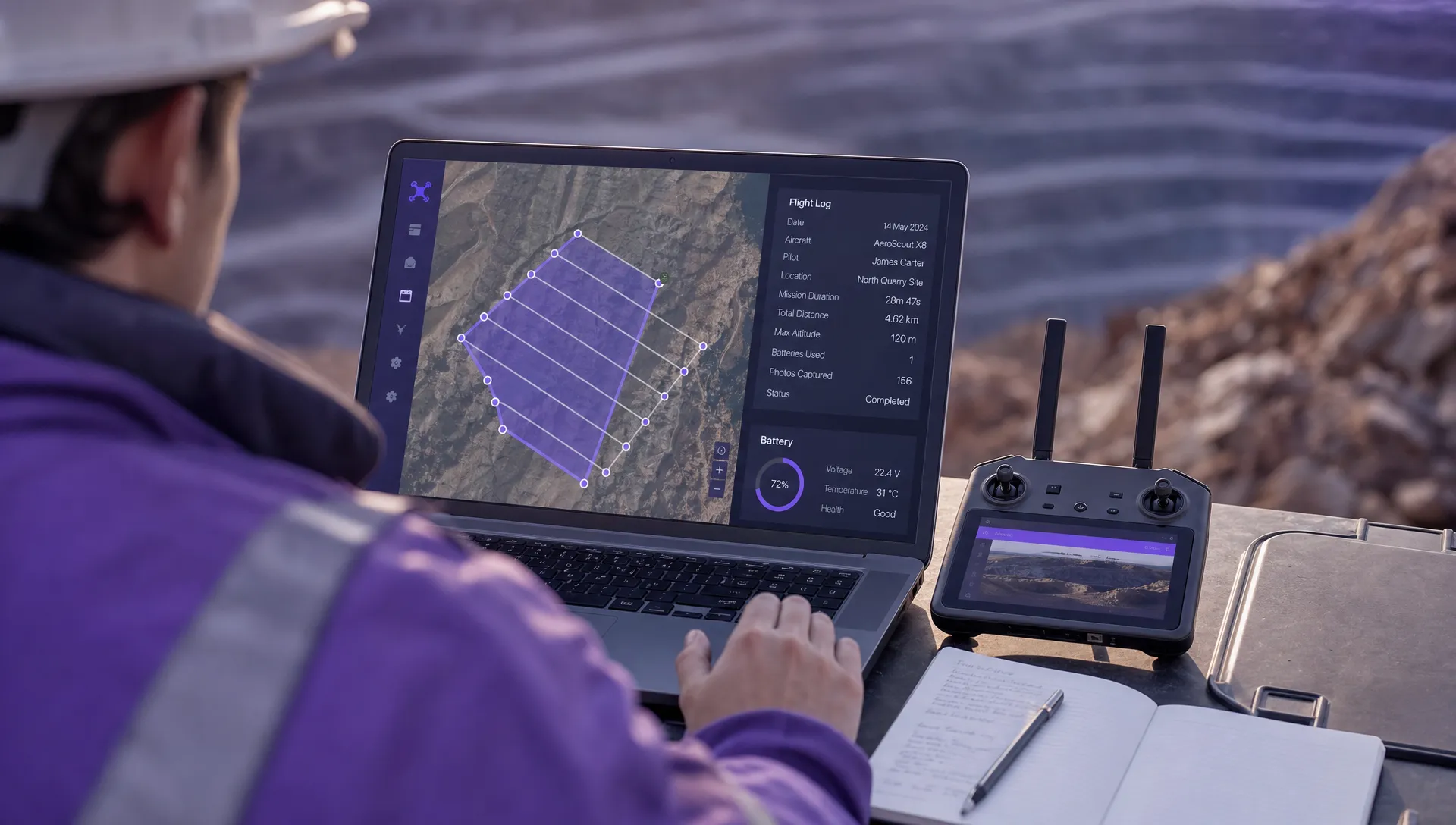
Viewing DJI flight logs online is useful for troubleshooting, client reporting, pilot debriefs and incident review. It can also expose more than many operators realise. A single log may show a launch point, home point, flight path, timestamps, pilot behaviour, aircraft identifiers, battery warnings and the exact location of a client asset.
For a hobby flight, that might be mildly sensitive. For survey companies, utility operators and emergency services, it can reveal commercially confidential sites, critical infrastructure, response locations or personal data. The aim is not to avoid online tools altogether. The aim is to choose the right route, share the minimum data needed and keep an auditable operational record.
This guide explains how to view DJI flight logs online safely, what to check before uploading a log file and how to turn flight data into useful records without creating unnecessary data risk.
What DJI flight logs can reveal
A DJI flight log is not just a line on a map. Depending on the drone, app, controller and firmware version, it can contain a detailed operational history of a flight. The exact fields vary, but logs commonly include route information, altitude, speed, GPS quality, battery state, system warnings, control inputs and timestamps.
That information can be operationally valuable. It can help you confirm whether a flight stayed within the planned area, review why a low battery warning occurred or provide evidence that a site was captured as requested. It can also become sensitive when it is uploaded to a third-party platform, shared with a client or attached to a support ticket without review.
In the UK, flight records can also intersect with data protection. If a log can identify a pilot, client, landowner, incident location or member of the public, treat it as potentially personal data. The ICO data protection principles are a useful baseline: collect what you need, use it for a clear purpose, keep it secure and do not retain it longer than necessary.
Know which DJI record you are handling
Before you upload anything, identify the type of record you have. People often use “DJI flight log” to mean several different things, but the safety implications are not the same.
| Record type | What it is usually used for | Safety consideration |
|---|---|---|
| App flight record | The flight history recorded by apps such as DJI Fly, DJI GO 4 or DJI Pilot 2 | Often enough for route review, pilot debriefs and basic troubleshooting |
| Aircraft DAT or black box data | Deeper aircraft telemetry used for technical diagnosis | Treat as highly sensitive and avoid uploading to unknown tools |
| Controller or mobile device logs | Records stored on the remote controller, phone or tablet | May include account, device or operational context beyond the flight itself |
| Cloud-synced flight records | Flight history synced through a DJI account or enterprise workflow | Check account access, organisation policy and retention settings |
| Operational flight log | The business record of the job, pilot, aircraft, plan, risks and outcome | Best kept inside a controlled operations management process |
For most routine reviews, you do not need to upload every file you can find. Start with the least sensitive version that answers the question. If a client only needs evidence that the task was flown, a structured operational flight log or redacted map export may be safer than a raw telemetry file.
Safe ways to view DJI flight logs online
There are several ways to view DJI flight logs online. The safest option depends on why you need the log, who needs access and whether the flight involved sensitive locations.
| Method | Best for | Safer practice |
|---|---|---|
| DJI app account sync | Reviewing your own flight history across devices | Use individual accounts, strong passwords and only sync what your organisation permits |
| DJI enterprise workflow | Teams using enterprise DJI systems | Follow your organisation’s access, export and retention policy |
| Vetted third-party viewer | Visual route review, analysis or troubleshooting | Check privacy terms, deletion options, public sharing defaults and data location |
| Operations management platform | Centralising job records, pilots, aircraft, checks and flight outcomes | Store the operational record separately from raw telemetry where needed |
| Manufacturer support channel | Warranty, crash analysis or technical support | Share only through official channels and keep a copy of what was sent |
Want to look inside your own flight records? The Dronedesk DJI Log Viewer reads
DJIFlightRecordfiles straight in your browser, including the encrypted logs from recent aircraft that older free viewers cannot open. You get the flight path on a map, full telemetry, every warning the aircraft raised, and a PDF report you can keep. No account needed, and your log is not stored on our servers.
In DJI Fly, flight records are commonly accessed through the profile or flight data area of the app. In DJI GO 4, older aircraft users often find them under the flight record section. In DJI Pilot 2, wording and location can vary by controller, firmware and enterprise setup. If your organisation uses a managed DJI environment, follow that workflow rather than moving files manually to a personal device.
The key safety point is simple: viewing a log online is not automatically unsafe, but uploading raw flight data to an unknown web tool is rarely appropriate for professional work.
A safer workflow for viewing a DJI flight log online
A disciplined process prevents most data exposure problems. Use this workflow whenever you need to inspect or share a DJI flight log online.
- Start with the operational purpose: Decide whether you are reviewing pilot performance, investigating a warning, answering a client query, supporting an insurance matter or updating compliance records. The purpose determines how much data you need.
- Review locally first: Open the flight in the DJI app or controller interface before exporting. If the answer is visible locally, you may not need to upload the raw log anywhere.
- Create a controlled source copy: Keep an untouched copy of the original file in a secure location if the flight may be needed for audit, incident review or client evidence.
- Use trusted accounts only: Do not sync operational records through shared personal accounts. Use named accounts, multi-factor authentication where available and offboarding procedures when staff leave.
- Minimise what you upload: If a screenshot, PDF, CSV summary or redacted map is enough, avoid sharing full telemetry.
- Record where the data went: Note which platform or recipient received the log, when it was shared and why. This is especially important for incidents and public sector operations.
This might feel heavier than simply dragging a file into an online viewer, but it saves time later when a client, insurer, regulator or internal manager asks how the record was handled.
Security checks before using an online flight log viewer
If you do decide to use an online DJI flight log viewer, treat it like any other cloud service that processes operational data. The UK National Cyber Security Centre’s cloud security guidance is a helpful benchmark for assessing services that store or process business information.
| Check | What to look for | Why it matters |
|---|---|---|
| Ownership and reputation | Clear company details, support routes and a legitimate business presence | Anonymous tools are risky for commercial or emergency service logs |
| Upload security | HTTPS, account protection and no forced public sharing | Logs should not be exposed while being uploaded or viewed |
| Data retention | A clear deletion process and retention policy | You need to know whether the file remains on the service after viewing |
| Access controls | Private projects, limited sharing and revocable links | Public map links can reveal launch points and sensitive routes |
| Data location | Information about hosting or processing regions | Some contracts or public sector policies restrict where data can be processed |
| Terms of use | No broad rights to reuse, publish or train on your uploaded data | Flight logs are operational records, not free sample data |
Be particularly cautious with incident logs. If a flight involved a crash, near miss, police operation, fire response, utility inspection or disputed client deliverable, do not upload the raw record to an online tool just to “have a look”. Preserve the original, follow your organisation’s incident process and use official support routes when required.
Protect the details that matter most
The most sensitive part of a DJI flight log is often not the drone telemetry itself. It is the context around it. A route line over a rural field may be harmless until it is combined with a client name, work order, asset type and inspection date.
For survey companies, logs may reveal client sites, development boundaries, access points and timings. For utility companies, they may expose substations, overhead line routes, telecoms assets, water infrastructure or inspection schedules. For emergency services, a log may show a live incident location, command point, casualty search area or sensitive public safety operation.
Before sharing a log externally, remove unnecessary context. Rename files so they do not include client names or incident references. Crop screenshots to show only the necessary area. Avoid showing the home point if it reveals a pilot’s address, station, depot or covert launch location. When providing evidence to a client, share the operational conclusion first and raw telemetry only when there is a clear need.
Do not confuse telemetry with compliance records
A DJI flight log tells you what the aircraft and app recorded. It does not, by itself, prove that the operation was properly planned, approved, crewed, risk assessed and closed out.
For professional operators, the stronger record is a combination of pre-flight planning, airspace review, site assessment, risk controls, pilot and aircraft details, checklists, flight outcome and supporting telemetry where needed. If a flight log shows repeated warnings, a lost link event, poor GPS quality or a route deviation, the follow-up should sit inside your operational process rather than being left as a file on someone’s laptop.
Dronedesk is designed for this wider operational record. Its drone operations management features include flight planning, flight logging, configurable checklists, risk assessments, airspace intelligence, proximity intelligence, data reporting, fleet management, team management and client management. That makes it a practical place to manage the job record around a DJI flight, while still keeping DJI source files where your support, audit or incident process requires them.
If your post-flight review identifies a planning weakness, do not only annotate the log. Update the risk process for future work. Dronedesk also has a guide on building a drone flight risk assessment that works, which is useful when telemetry highlights repeatable operational hazards.
Common mistakes when viewing DJI flight logs online
The most common error is uploading first and thinking about data sensitivity afterwards. Once a raw log has been processed by an unknown service or shared through a public link, it is hard to regain control.
Another mistake is relying on a single personal DJI account for team operations. Shared accounts weaken accountability. If several pilots use the same login, it becomes harder to prove who flew, who synced the data and who accessed the record later.
Operators also underestimate screenshots. A map screenshot can reveal a home point, exact flight route, site access route or timestamp even when the raw file is not shared. If you need a visual for a report, create a version that removes unnecessary detail.
Finally, do not treat the online viewer as the archive. Viewers are useful analysis tools, but the authoritative record should be held in a location controlled by your organisation, with sensible naming, retention and access controls.
Suggested retention approach
There is no single retention period that fits every operator. Your approach should reflect your operations manual, insurance conditions, client contracts, incident reporting needs and data protection obligations.
For routine flights, keep enough information to support operational accountability and client delivery. For incidents, complaints, warranty issues or insurance matters, preserve original records until the matter is resolved and any required retention period has passed. If logs include personal data, storage limitation under UK GDPR means you should not keep identifiable data indefinitely without a reason.
A simple policy is better than ad hoc judgement. Define who can export DJI logs, where original files are stored, when online viewers may be used, who approves external sharing and when records are deleted or archived. Train pilots and office staff on the policy because data leaks often happen during routine admin, not complex investigations.
Quick checklist before you upload a DJI flight log
Use this checklist before putting any DJI flight log online:
- Confirm the purpose for viewing or sharing the log.
- Check whether local review in the DJI app is enough.
- Keep an untouched source copy if the flight may be audited or investigated.
- Remove client names, incident references and unnecessary location context from file names.
- Check the online service’s privacy terms, deletion process and sharing settings.
- Avoid public links unless the data is deliberately intended for public release.
- Record where the log was uploaded, who accessed it and why.
- Store the final operational record in your organisation’s approved system.
That final point matters. Safe flight log handling is not only about the viewer you choose. It is about the whole chain of custody, from aircraft and controller through to client report, audit file or incident review.
Frequently Asked Questions
Can I view DJI flight logs in a web browser? Sometimes, depending on the tool or enterprise workflow you use. DJI consumer apps generally focus on viewing flight records inside the app, while enterprise platforms and third-party services may provide browser-based viewing. Always check the data sensitivity before uploading a raw log to any web service.
Is it safe to upload DJI flight logs to an online viewer? It can be safe if the service is reputable, private by default and aligned with your organisation’s data policy. It is not safe to upload sensitive client, utility or emergency service logs to unknown tools without checking retention, access controls and sharing settings.
Where do I find DJI Fly flight records? In DJI Fly, flight records are usually accessed through the profile or flight data area of the app, although wording can change with app versions. If you use an enterprise controller or DJI Pilot 2, follow the controller and organisation workflow for flight records.
Do DJI flight logs contain personal data? They can. A log may identify a pilot, account, device, client location, launch point or operational event. If the log can be linked to a living person or sensitive operational context, handle it with data protection and confidentiality in mind.
Should I delete DJI flight logs after viewing them online? Do not delete records that may be needed for compliance, support, insurance, incident investigation or client evidence. For routine logs, follow your organisation’s retention policy and delete or archive records when there is no longer a valid reason to keep them.
Can Dronedesk replace my DJI flight log viewer? Dronedesk is not presented here as a raw DJI telemetry parser. It supports the wider drone operations record, including flight logging, planning, checklists, risk assessments, fleet and team information. Use DJI source records where needed and keep your operational evidence organised in a controlled workflow.
Bring safer flight records into your operations workflow
Viewing a DJI flight log online should be a controlled part of your operation, not a quick upload to the first viewer you find. The safest teams decide why the log is needed, minimise what they share, keep original records secure and connect the flight data to planning, risk and reporting.
If you want one place to manage the operational side of your drone work, explore Dronedesk. It helps drone operators organise planning, checklists, risk assessments, flight logging, reporting, teams, fleets and clients in a single web platform, so your flight records sit inside a clearer operational process.
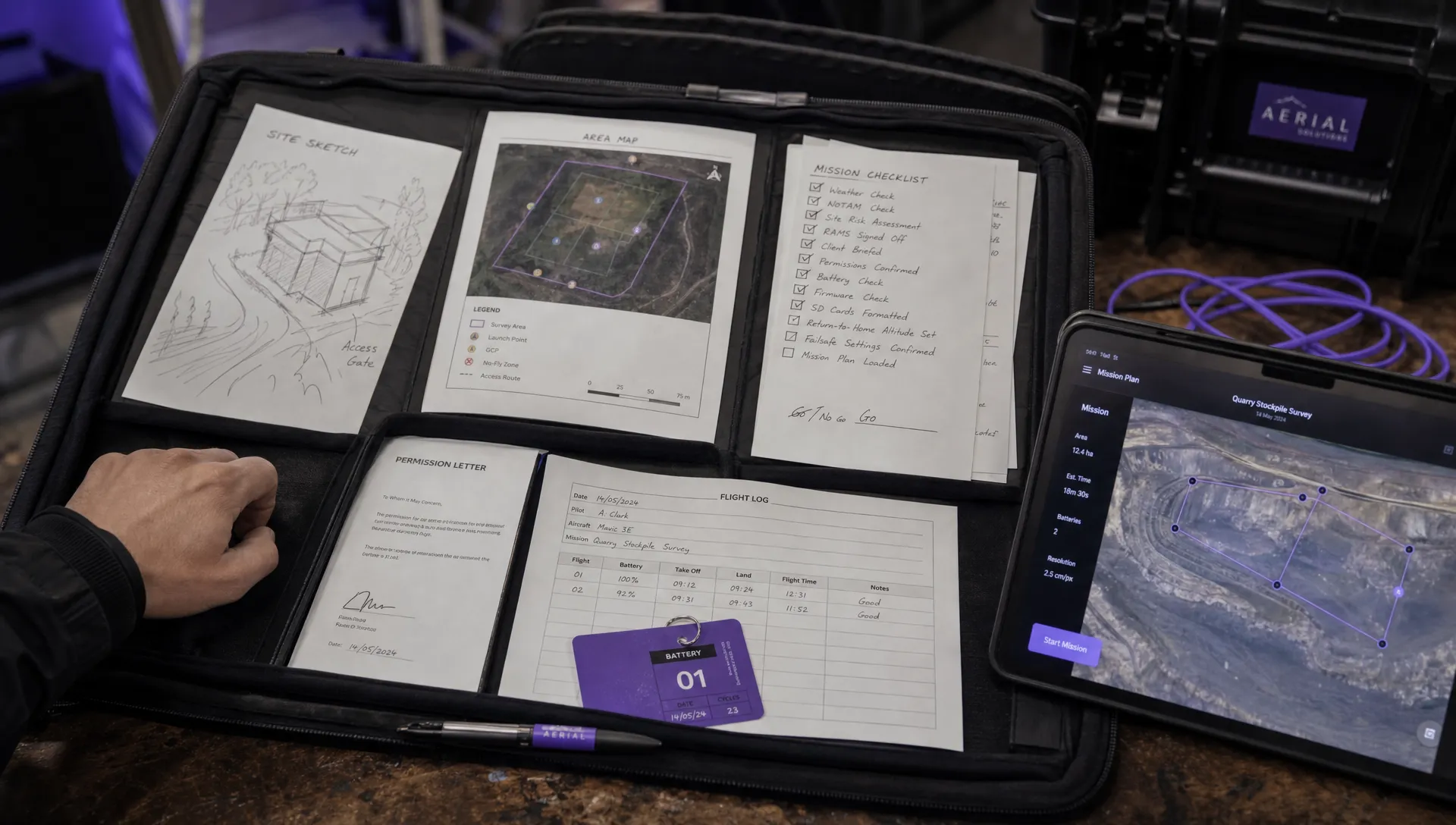 How to Create a Drone Job Pack for Every Mission →
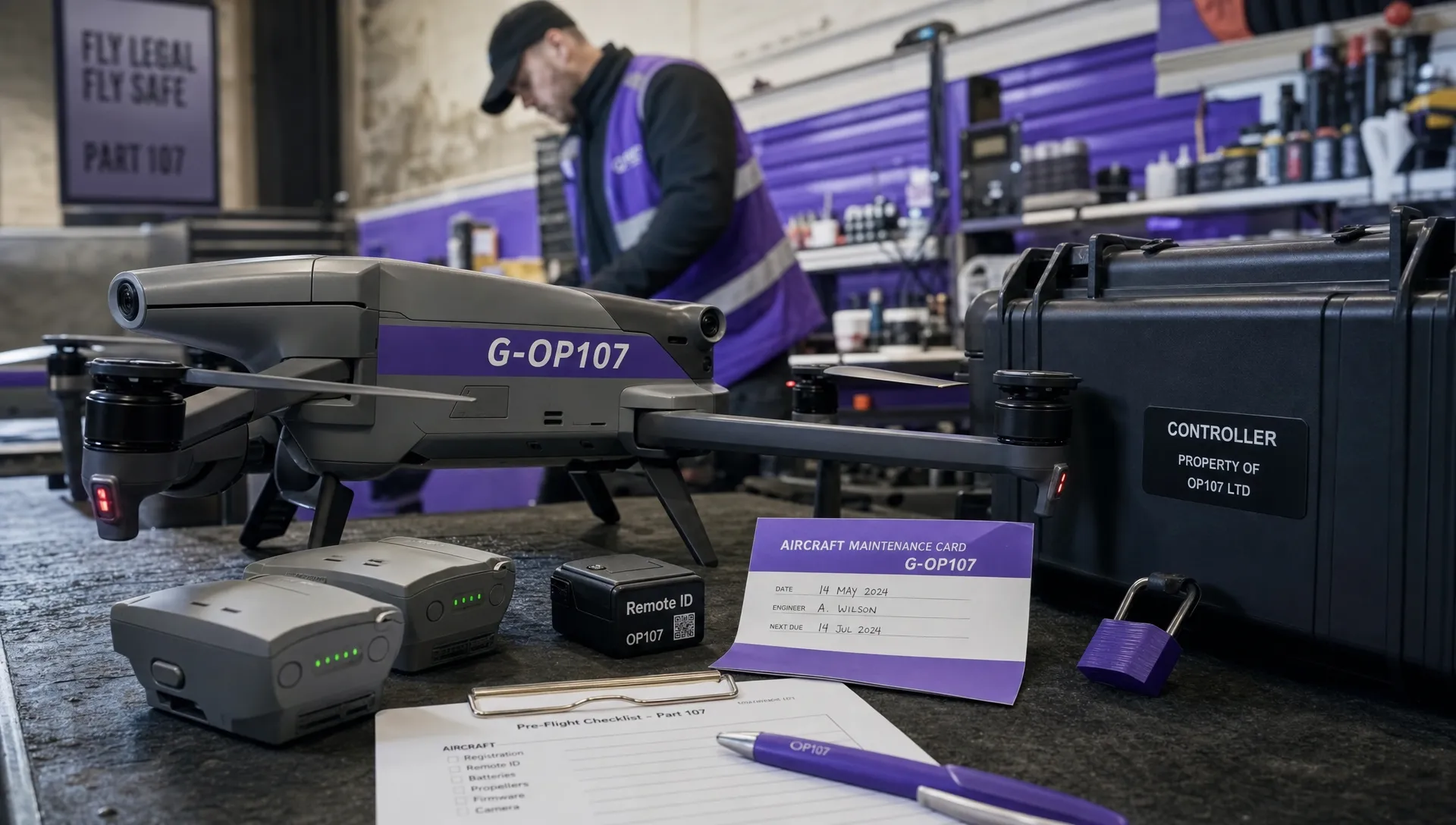 FAA Small UAS Rule: Key Requirements for Operators →
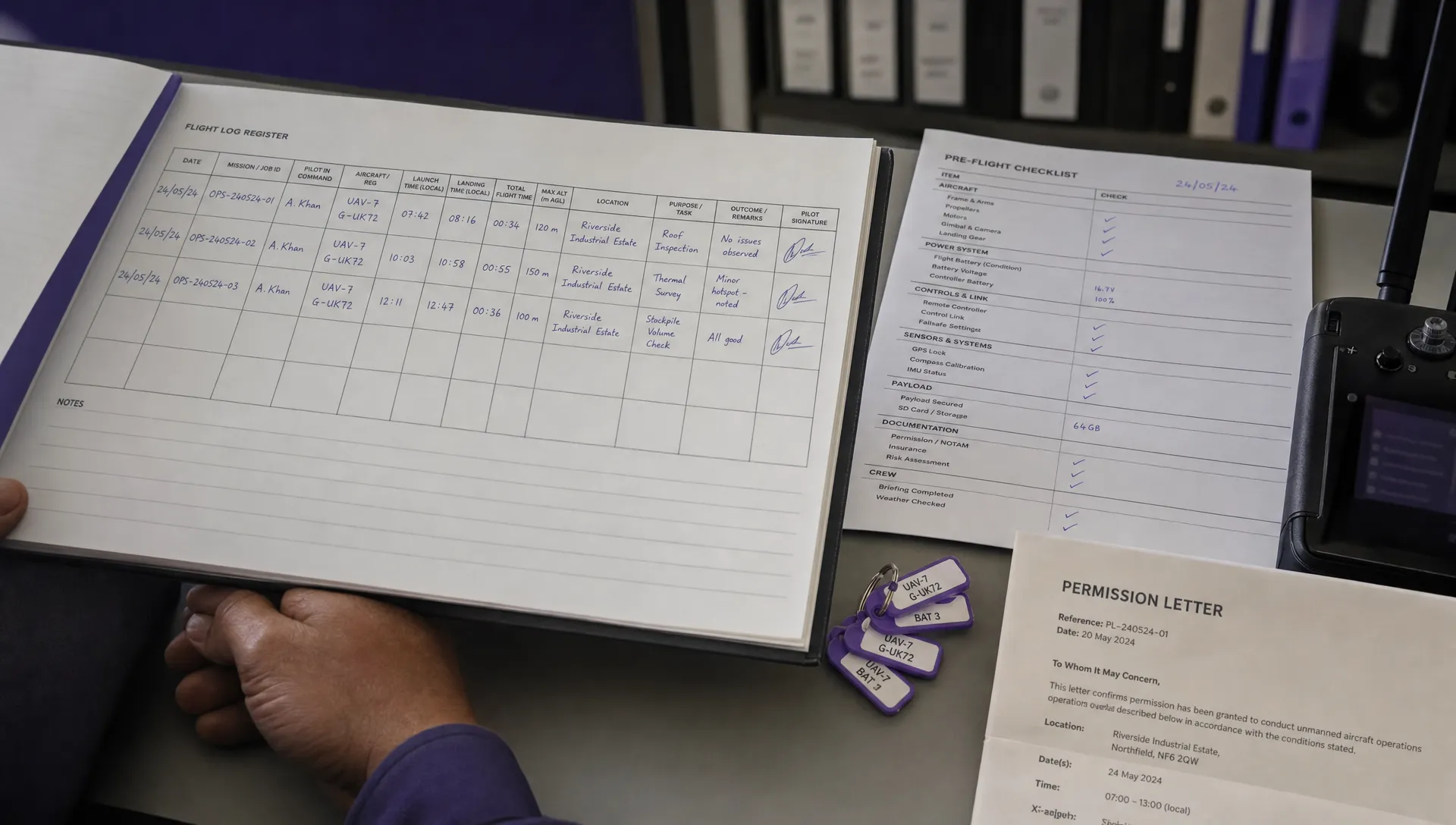 How to Build a Drone Pilot Flight Log That Is Audit Ready →
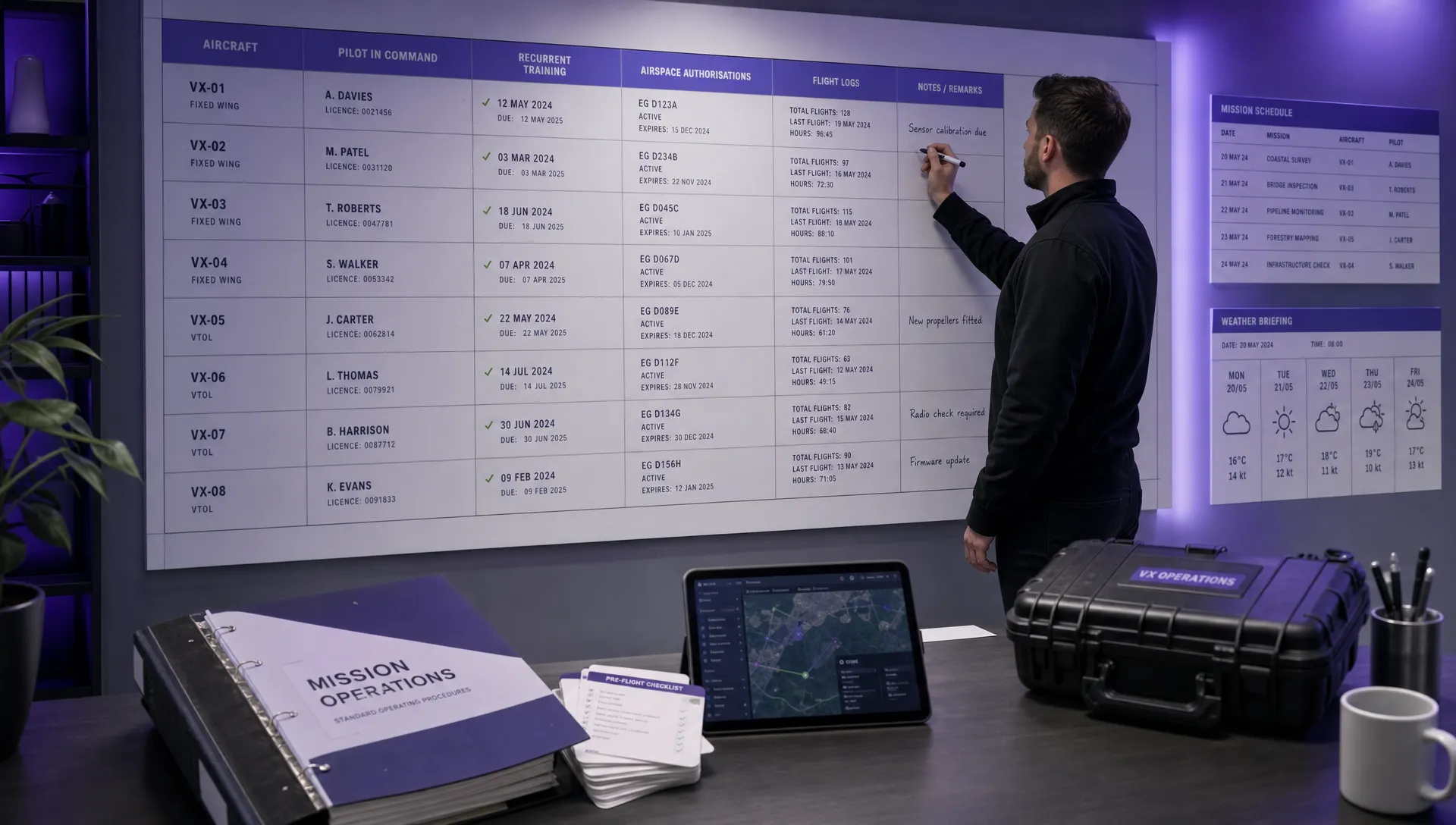 FAA Drone Licence Requirements for Commercial Pilots →
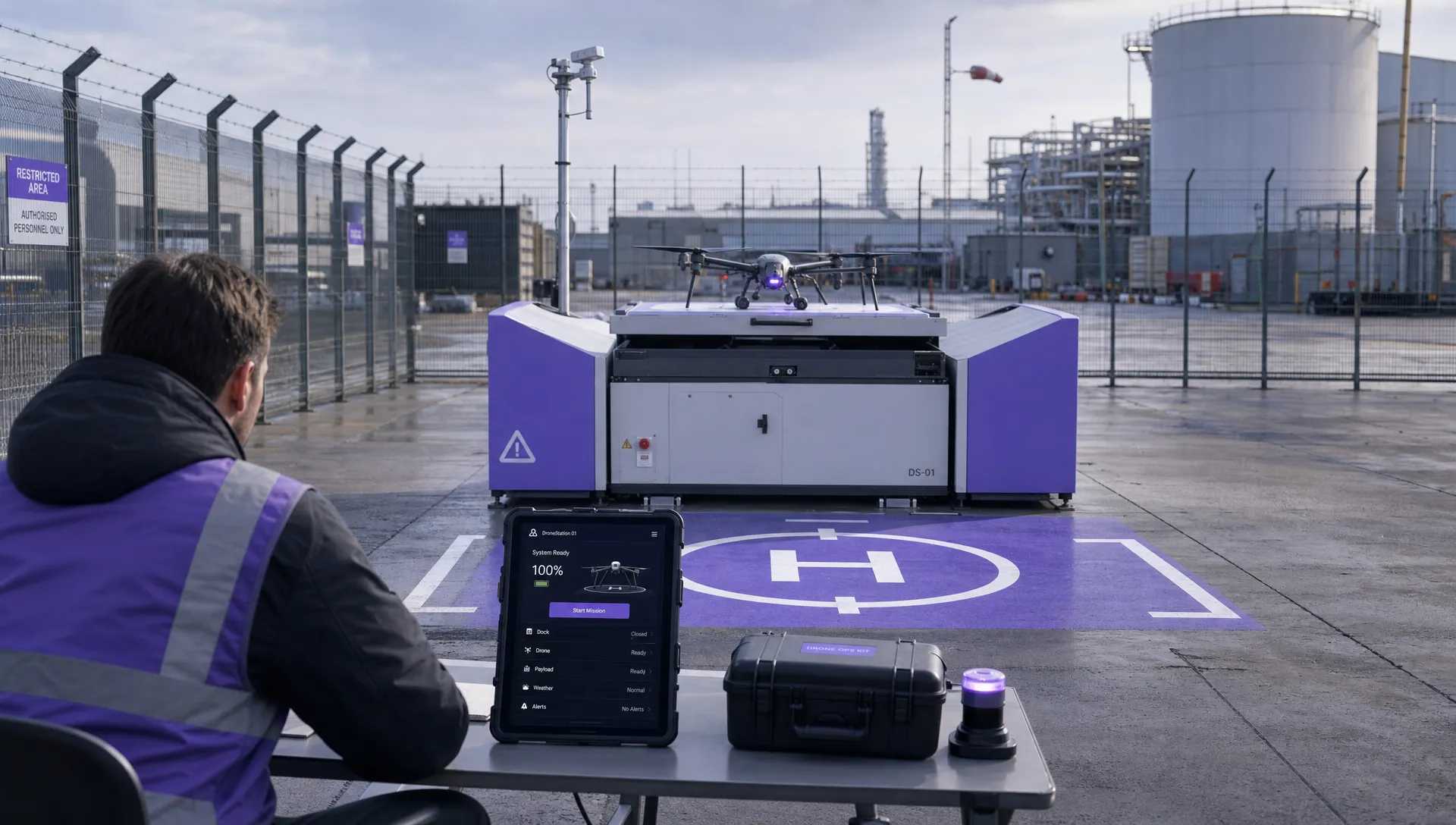 FAA BVLOS Waivers Granted: What Successful Cases Show →
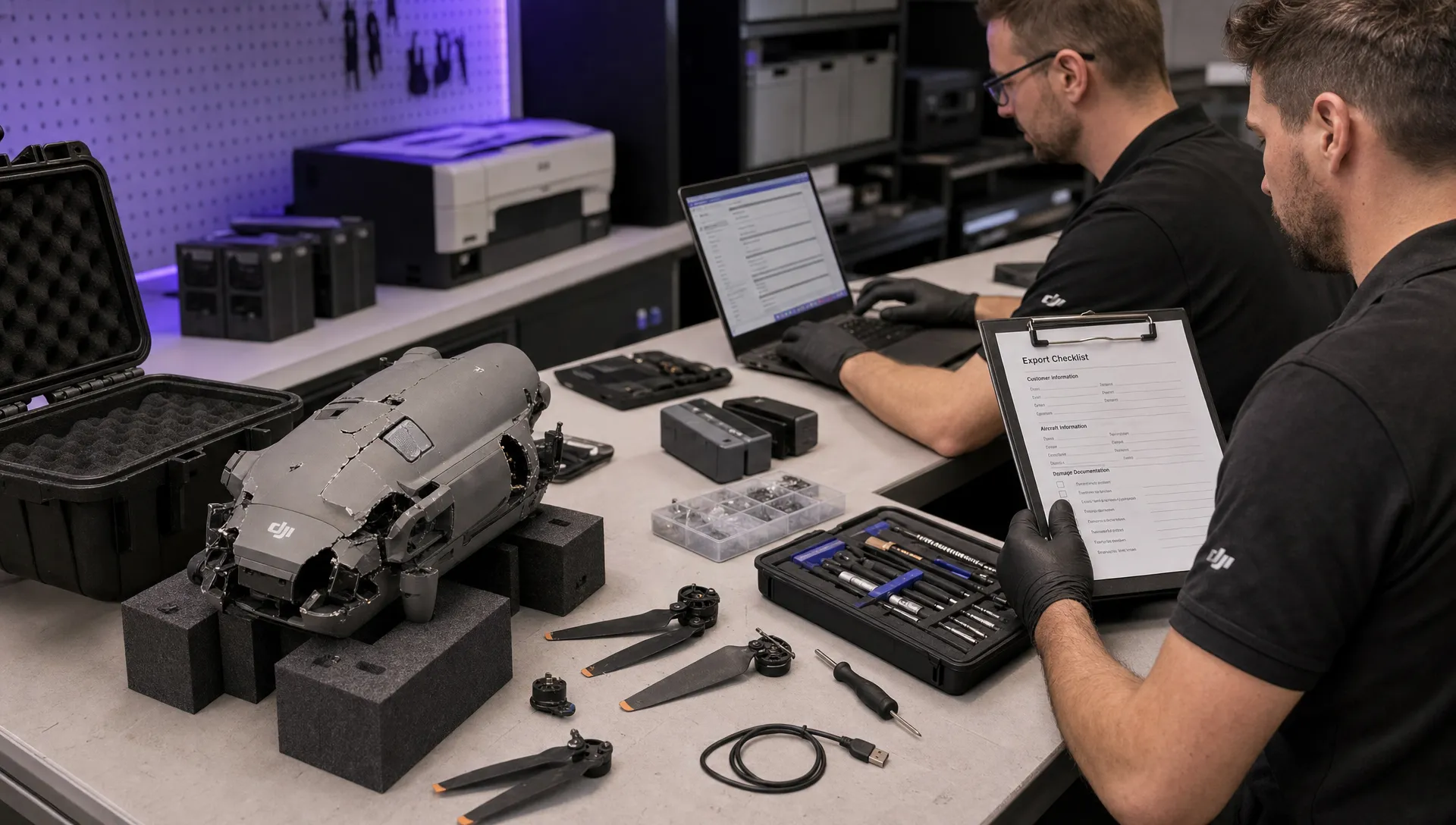 How to Export DJI Flight Logs for Incident Reviews →
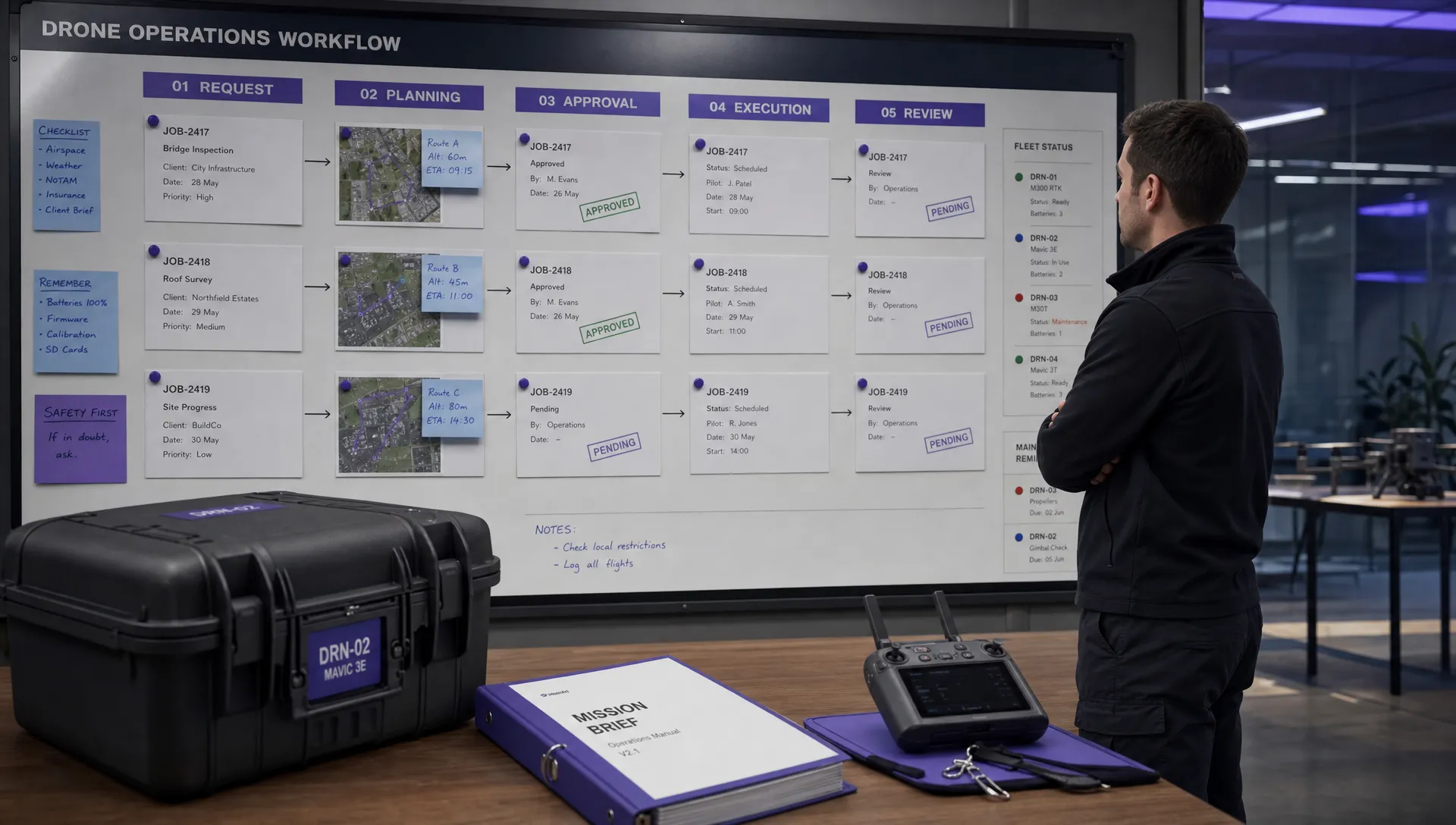 Drone Safety and Legal Duties for Business Operations →
 EASA Drone Regulations: Open, Specific and Certified Categories →
 What the BVLOS ARC Report Means for UAS Operators →
 Free Drone Pre-Flight Checklist for Commercial Missions →