
How to Create a Drone Job Pack for Every Mission
Every drone mission creates decisions that need to be made, recorded and defended if something changes on site. A well-built drone job pack brings those decisions together so the pilot, observer, operations manager, client and any approving body can see the same plan.
The pack does not need to be a 60-page PDF for every take-off. For a low-risk roof inspection, it might be a concise digital folder with the brief, airspace check, risk assessment, aircraft status, checklist and flight log. For a utility inspection, emergency response deployment or complex survey, it may include permissions, maps, stakeholder contacts, method statements, crew roles, escalation routes and detailed data requirements.
The aim is simple: make every mission repeatable, auditable and safe without burying the team in paperwork.
What is a drone job pack?
A drone job pack is the operational file for a specific mission or group of closely related flights. It contains the information needed to plan, approve, execute and close out the job.
A good pack answers six practical questions:
| Question | What the pack should prove |
|---|---|
| Who? | The client, pilot, crew, observers and accountable manager are identified. |
| Where? | The operating site, boundaries, take-off areas, landing areas and nearby hazards are clear. |
| What? | The mission objective, aircraft, payload and deliverables are defined. |
| When? | The planned date, timing windows, weather limits and site access details are known. |
| How? | The flight method, risk controls, checklists and communication plan are documented. |
| What if? | Emergency procedures, contingency landing areas and escalation contacts are ready. |
The format matters less than the discipline. Some operators use a single PDF. Others use a digital operations platform, shared folder or structured job record. What matters is that the pack is current, accessible to the right people and detailed enough for the mission risk.
Why every mission needs a consistent job pack
Consistency is what turns mission planning from a memory exercise into an operating system. When every job is built from the same structure, teams are less likely to miss airspace checks, expired documents, battery constraints, site hazards or client-specific requirements.
For commercial operators, the pack is also evidence. If a client asks how the work was controlled, the answer is not hidden across emails, screenshots and pilot notebooks. If an incident or complaint occurs, the pack shows what was known before the flight, what controls were planned and what actually happened.
In the UK, the Civil Aviation Authority’s drone guidance makes clear that operators must understand the rules that apply to their aircraft, location and type of operation. A job pack helps translate those obligations into a mission-level workflow. It is not a substitute for competent decision-making, but it gives that decision-making a structure.
For survey companies, utilities and emergency services, this structure becomes even more valuable as job volume grows. Multiple pilots may work across different sites, assets and clients. Without a consistent pack, quality depends too heavily on individual habits.
The core sections of a drone job pack
The best job packs are complete but not bloated. They include enough detail to support safe flight and client delivery, then remove anything that does not help someone make a better decision.
1. Job summary and client brief
Start with the basics. The job summary should define the client, site, mission purpose and required output. Aerial survey, thermal inspection, orthomosaic mapping, progress photography and incident overwatch all need different planning assumptions.
Include the client’s success criteria. For example, a construction progress shoot may require repeatable angles and timestamps. A utility inspection may require coverage of specific assets, defects or chainage. An emergency services mission may prioritise live situational awareness over polished data deliverables.
This section should also record site access arrangements, induction requirements, permitted working hours, landowner permissions and any client-imposed restrictions.
2. Regulatory basis and operating permissions
The pack should show why the operation is lawful. That usually means recording the relevant operating category, pilot competency, insurance status and any permissions or authorisations required for the mission.
For some flights, the evidence may be straightforward. For higher-risk or more complex work, the pack may need to include an Operational Authorisation, site-specific permissions, coordination records or written approval from stakeholders such as landowners, aerodrome operators or infrastructure owners.
Avoid treating this section as a generic compliance dump. Include the documents relevant to the job and make it clear which limits or conditions apply to the planned operation.
3. Site survey and operating area
A site survey turns a map location into an operational environment. It should identify take-off and landing areas, emergency landing options, public access routes, buildings, roads, railways, water, livestock, overhead cables, masts, trees and electromagnetic interference risks.
For repeat clients or fixed infrastructure routes, the site survey may evolve into a reusable site profile. Even then, it should be reviewed before each mission because access, temporary works, ground activity and local restrictions can change quickly.
A strong site section usually includes annotated maps, access notes, photographs where useful and a clear definition of the operating boundary. The pack should also define any exclusion zone or separation method that will be used on site.
4. Airspace and proximity intelligence
Airspace checks should be saved into the job pack, not left as temporary browser tabs. Capture controlled airspace, flight restriction zones, NOTAMs, aerodromes, heliports, prisons, emergency restrictions, sensitive sites and any other proximity concerns relevant to the mission.
For complex sites, include the decision made from the check. For example, “operation remains outside FRZ”, “coordination requested from aerodrome” or “flight window changed due to temporary restriction”. This is more useful than a screenshot alone because it records the operational judgement.
Proximity intelligence is broader than airspace. It includes nearby schools, roads, crowds, rail lines, industrial sites and critical infrastructure. The goal is to understand who or what could be affected by the flight.
5. Aircraft, payload and equipment readiness
The job pack should identify the aircraft, payload and supporting equipment planned for the mission. It should also confirm that maintenance status, firmware, batteries, memory cards, sensors, controllers and any specialist equipment are suitable for the task.
For survey work, this section may include RTK setup, ground control requirements, camera settings, overlap targets and file naming conventions. For inspection work, it may include thermal calibration checks, zoom requirements, lighting constraints and minimum stand-off distances.
Do not leave data capture requirements to chance. If the deliverable depends on a specific sensor, resolution, format or flight pattern, write it into the pack.
6. Crew roles and communication plan
The pack should identify who is doing what. For single-pilot jobs, that may be simple. For larger operations, record the remote pilot, visual observers, payload operator, site contact, client representative and any incident command or safety roles.
The communication plan should include call signs where relevant, mobile numbers, radio channels, hand signals, check-in times and lost communication procedures. Emergency services missions may also need alignment with the incident commander’s communication structure.
This section is not just administrative. Clear role allocation prevents confusion when the site gets busy, weather changes or members of the public approach the operating area.
7. Risk assessment and method statement
The risk assessment should be specific to the mission. Generic hazards are useful as prompts, but the pack must show how those hazards apply at this site on this day.
Good risk controls are practical. “Maintain separation from public footpath using cones and observer” is more useful than “avoid people”. “Abort flight if wind exceeds aircraft or company limit” is stronger when the limit is written down and linked to the aircraft being used.
If you need a deeper structure for this section, Dronedesk has a guide on how to build a drone flight risk assessment that works. The key principle is to connect each control to a real operational decision.
8. Weather limits and go/no-go criteria
Weather belongs inside the pack because it directly affects safety, image quality and deliverability. Record forecast sources, wind limits, precipitation limits, visibility, temperature constraints and any mission-specific triggers.
A mapping job may be postponed because the light is poor or wind would reduce image quality. A thermal inspection may need a particular temperature differential. An emergency response flight may proceed in conditions that would be unsuitable for a routine media job, provided the operation remains within legal, aircraft and organisational limits.
Write the decision criteria in plain language so the remote pilot is not pressured into improvising under client expectations.
9. Checklists and on-site briefing
A checklist is where the plan meets the real site. Your pack should include pre-deployment, arrival, pre-flight, take-off, in-flight, landing and post-flight checks appropriate to the mission.
The on-site briefing should cover the task, boundaries, hazards, crew roles, communication method, emergency actions and abort criteria. For multi-person teams, ask for acknowledgement rather than assuming everyone has absorbed the plan.
Configurable checklists are especially useful because not every job needs the same prompts. A confined industrial inspection and a rural mapping flight should not force pilots through identical irrelevant questions.
10. Flight logs, evidence and close-out
The job pack is not complete when the aircraft lands. Close-out records should include actual flight times, aircraft used, pilot, battery cycles where relevant, weather observations, deviations, incidents, maintenance issues, client notes and delivered outputs.
This final section turns the pack into an audit trail. It also improves future planning because the team can see what worked, what changed and what should be updated before the next mission.
A practical drone job pack structure
The table below gives a balanced structure you can adapt to most commercial operations.
| Pack section | Minimum content | Add for complex missions |
|---|---|---|
| Job brief | Client, site, objective, deliverables | Asset list, survey specification, stakeholder requirements |
| Compliance | Operating category, pilot competency, insurance | Authorisations, approvals, coordination records |
| Site intelligence | Map, access, take-off area, hazards | Annotated photos, exclusion zones, security arrangements |
| Airspace | Airspace check, restrictions, NOTAM review | Aerodrome coordination, temporary restriction evidence |
| Equipment | Aircraft, payload, batteries, maintenance status | RTK, GCPs, specialist sensors, redundancy plan |
| Risk controls | Site-specific risk assessment | Method statement, dynamic risk process, escalation triggers |
| Crew | Pilot and site contact | Observers, payload operator, incident command links |
| Weather | Forecast, limits, go/no-go decision | Mission-specific light, thermal or data quality constraints |
| Execution | Checklists, briefing, flight method | Phase plan, route cards, shift handover notes |
| Close-out | Flight logs, issues, deliverables | QA notes, client sign-off, lessons learned |
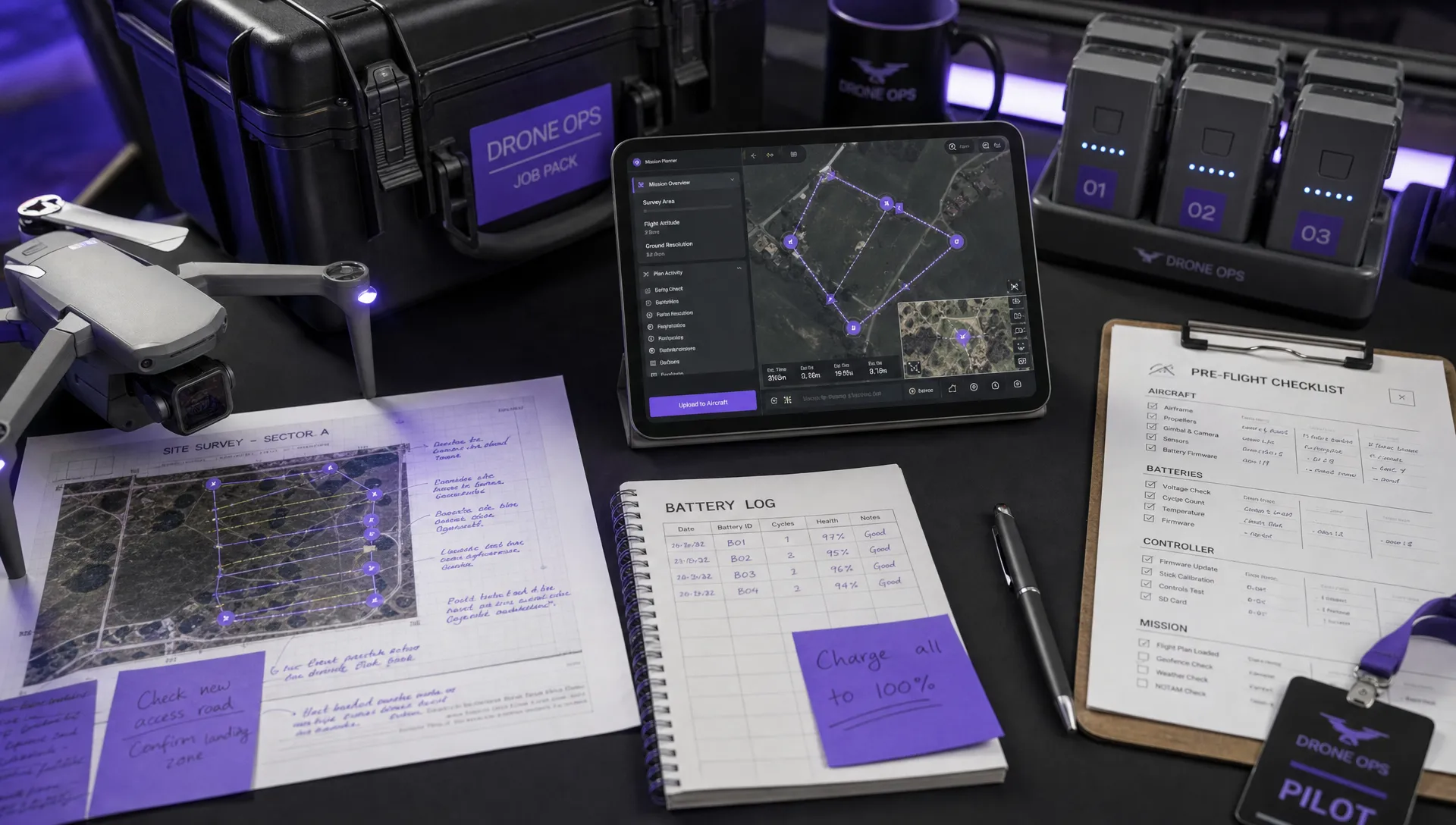
How to build the pack without slowing the team down
A job pack should make operations easier, not create paperwork for its own sake. The best approach is to build a standard framework, then scale it by risk and mission type.
Start with a repeatable template
Create one master structure that every job follows. Keep the headings consistent so pilots know where to find information. Then define which fields are mandatory for all missions and which apply only to specific categories, clients or risk levels.
A low-risk repeat flight might only need a short pack, but it should still follow the same sequence. This consistency helps reviewers spot gaps quickly.
Build from known data, then validate it
Reusable client, fleet, pilot and site records can reduce duplicate entry, but they should never replace pre-flight judgement. If a site profile says there is a clear take-off area, the pilot still needs to confirm that the area is available on the day.
Digital records are useful because they can keep related information together. On the Dronedesk features page, the platform lists client management, fleet management, team management, airspace and proximity intelligence, flight planning, flight logging, data reporting, configurable checklists and risk assessments. Those are the kinds of building blocks operators need when they want job information, planning actions and post-flight records to sit in a connected workflow.
Use version control
A job pack often changes before the flight. Access arrangements change, a pilot is swapped, weather moves the flight window or a client adds a deliverable. Make sure the pack shows the latest version and that older assumptions are not accidentally used on site.
For higher-risk work, record who approved the pack and when. If the remote pilot makes a dynamic change on site, record the reason in the close-out notes.
Keep the pack accessible offline where needed
Some sites have poor mobile signal. Utilities, rural surveys, emergency deployments and industrial locations can all leave teams without reliable connectivity. If your pack is digital, plan how pilots will access essential information offline or export a mission brief before travelling.
At minimum, the crew should have access to site contacts, emergency actions, permissions, maps, checklists and operating limits without relying on a live connection.
Tailoring the job pack by mission type
Every mission needs a pack, but not every pack needs the same depth. Scale the documentation to the operational risk, client expectations and complexity of the deliverable.
| Mission type | Job pack emphasis |
|---|---|
| Aerial photography and video | Client brief, shot list, permissions, public separation, weather and light conditions |
| Mapping and surveying | Survey specification, flight pattern, overlap, GCPs, coordinate system, data QA process |
| Utility inspection | Asset lists, access control, proximity hazards, stakeholder coordination, defect reporting workflow |
| Emergency services | Rapid deployment brief, command structure, live risk assessment, communication plan, evidence handling |
| Construction monitoring | Repeatable capture points, site induction, crane and plant activity, client reporting cadence |
| Training operations | Student records, instructor roles, exercise plan, operating area controls, debrief notes |
Utility work deserves particular discipline because teams may be planning around critical infrastructure, access constraints and repeated asset inspections. Dronedesk’s utility company case study gives useful context on how structured flight planning supports infrastructure inspection programmes at scale.
Emergency services need a different mindset. The job pack may be shorter at deployment, but the structure should already exist before the incident. Pre-approved templates, common operating areas, role cards and clear escalation routes help teams move quickly without abandoning governance.
Survey companies should pay close attention to data requirements. A technically safe flight can still fail commercially if the data cannot be processed, aligned or delivered in the format the client expects.
Common drone job pack mistakes
Most weak job packs fail for predictable reasons. They either contain too little operational detail or so much generic material that the important decisions disappear.
| Mistake | Why it causes problems | Better approach |
|---|---|---|
| Using the same generic risk assessment for every site | Hazards and controls may not match the real operating environment | Start with a template, then force site-specific controls |
| Saving airspace checks separately from the job | The team may not know what was checked or when | Store the check and the decision in the mission record |
| Treating client emails as the job brief | Requirements can be missed or misunderstood | Convert client requirements into a structured brief |
| Forgetting close-out records | Lessons, issues and evidence are lost after landing | Make flight logging and post-flight notes part of the pack |
| Overloading pilots with irrelevant forms | Important checks get skimmed | Scale checklists by mission type and risk level |
| Not updating the pack after changes | Crews may act on outdated assumptions | Use version control and confirm the current plan during briefing |
A useful test is to hand the pack to a competent pilot who has not been involved in the planning. If they cannot understand the mission, limits, hazards and deliverables within a few minutes, the pack needs work.
What to review before releasing the pack
Before a job pack is approved or shared with the crew, review it against the actual mission rather than the template. The question is not “have all boxes been completed?” It is “could the crew safely and confidently execute this job from the information provided?”
Check that the operating location is unambiguous, permissions match the intended activity, the aircraft is suitable, the pilot is competent for the task and the risk controls can realistically be applied on site. Review whether the client deliverables are clear enough to avoid disputes after the flight.
For team operations, confirm that everyone knows where the pack lives and which version is current. For client-facing work, consider whether a simplified external version is needed. Clients rarely need every internal checklist, but they often appreciate a clear method statement, safety summary and evidence of competent planning.
Frequently Asked Questions
Do I need a drone job pack for every flight? Yes, if the flight is part of a professional operation, but the pack should be proportionate. A simple low-risk job may need a concise pack, while a complex inspection or emergency deployment needs more detail.
What format should a drone job pack be in? It can be digital, PDF-based or held inside an operations management platform. The format is less important than accuracy, accessibility, version control and a clear structure.
Who should approve the job pack? This depends on your organisation and operating procedures. Many operators have the remote pilot prepare or review the pack, with an operations manager or accountable person approving higher-risk missions.
How long should I keep completed job packs? Follow your operations manual, client contract, insurance requirements and applicable regulatory expectations. Many operators retain job packs as part of their flight records and audit trail.
What is the difference between a job pack and a risk assessment? The risk assessment is one section of the job pack. The full pack also includes the job brief, permissions, airspace checks, equipment readiness, crew roles, checklists, flight logs and close-out records.
Build job packs your team can actually use
A strong drone job pack is not about creating more admin. It is about giving every mission the same reliable backbone: clear scope, known risks, documented controls, ready equipment and complete records.
If your operation is moving beyond spreadsheets, email trails and disconnected folders, Dronedesk brings core drone operations management tools into one web platform, including flight planning, risk assessments, checklists, fleet records, team records and flight logging. That makes it easier to create a repeatable planning workflow for every mission without losing the detail that keeps operations safe and accountable.
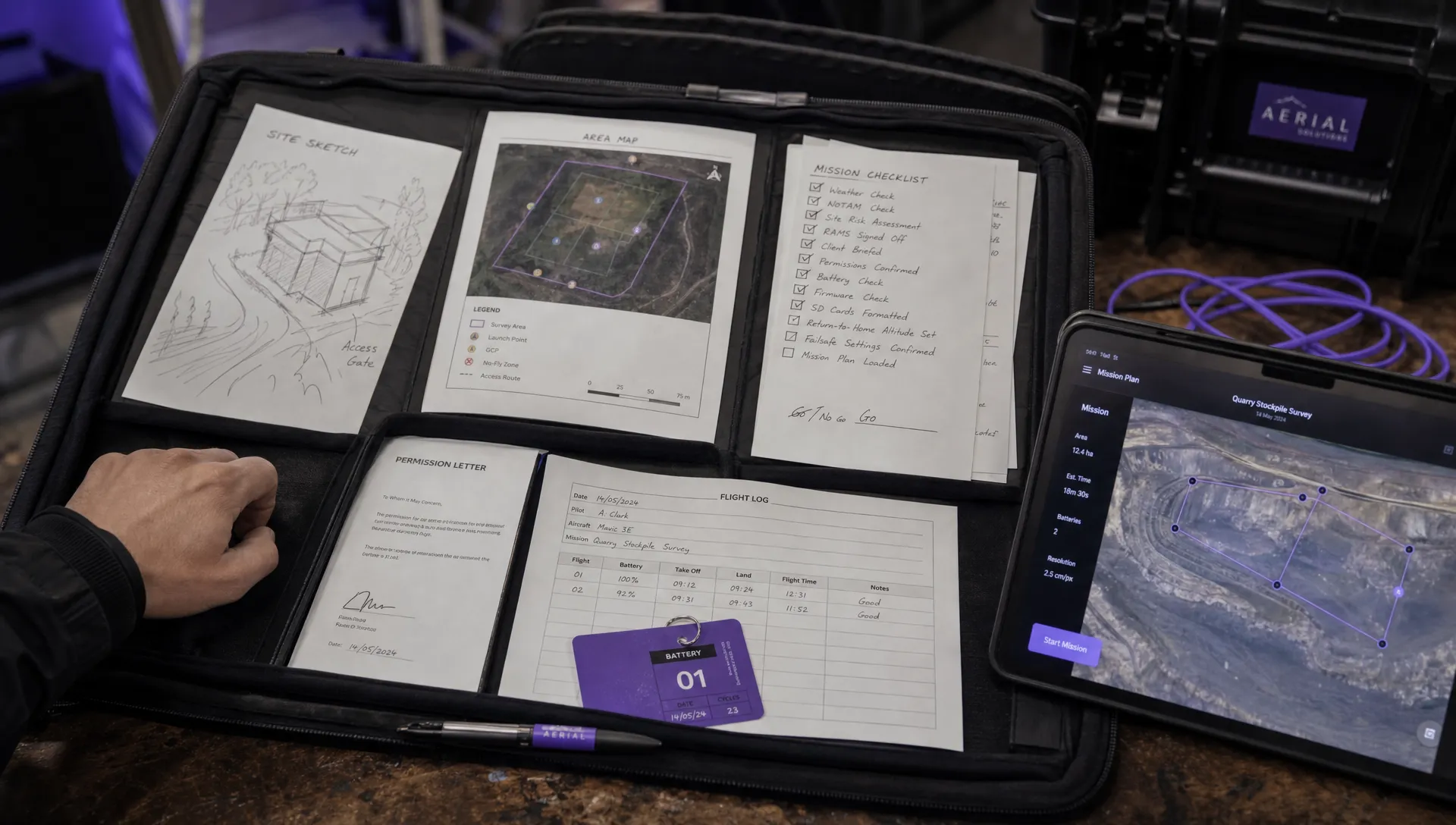 How to Create a Drone Job Pack for Every Mission →
 FAA Small UAS Rule: Key Requirements for Operators →
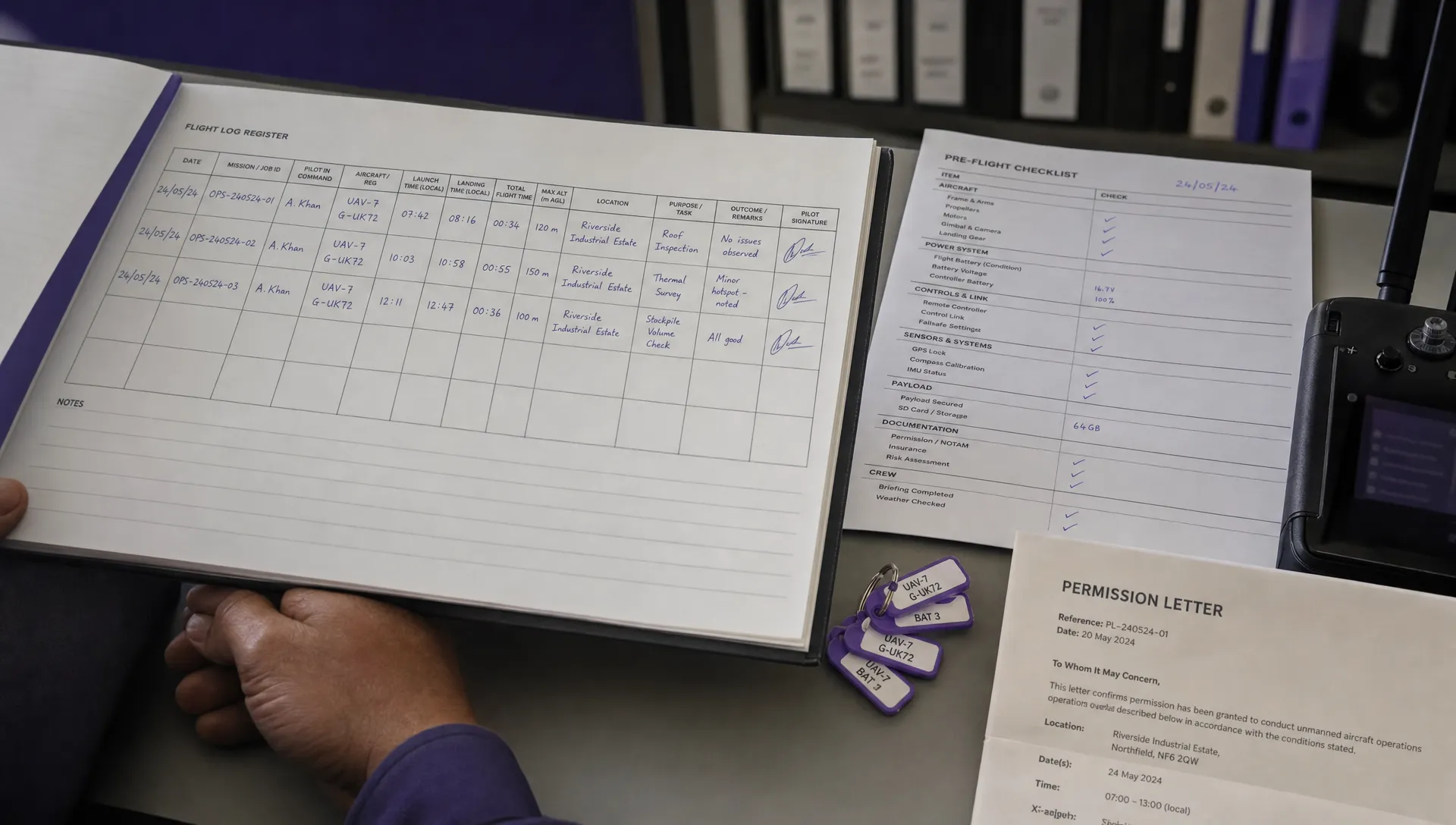 How to Build a Drone Pilot Flight Log That Is Audit Ready →
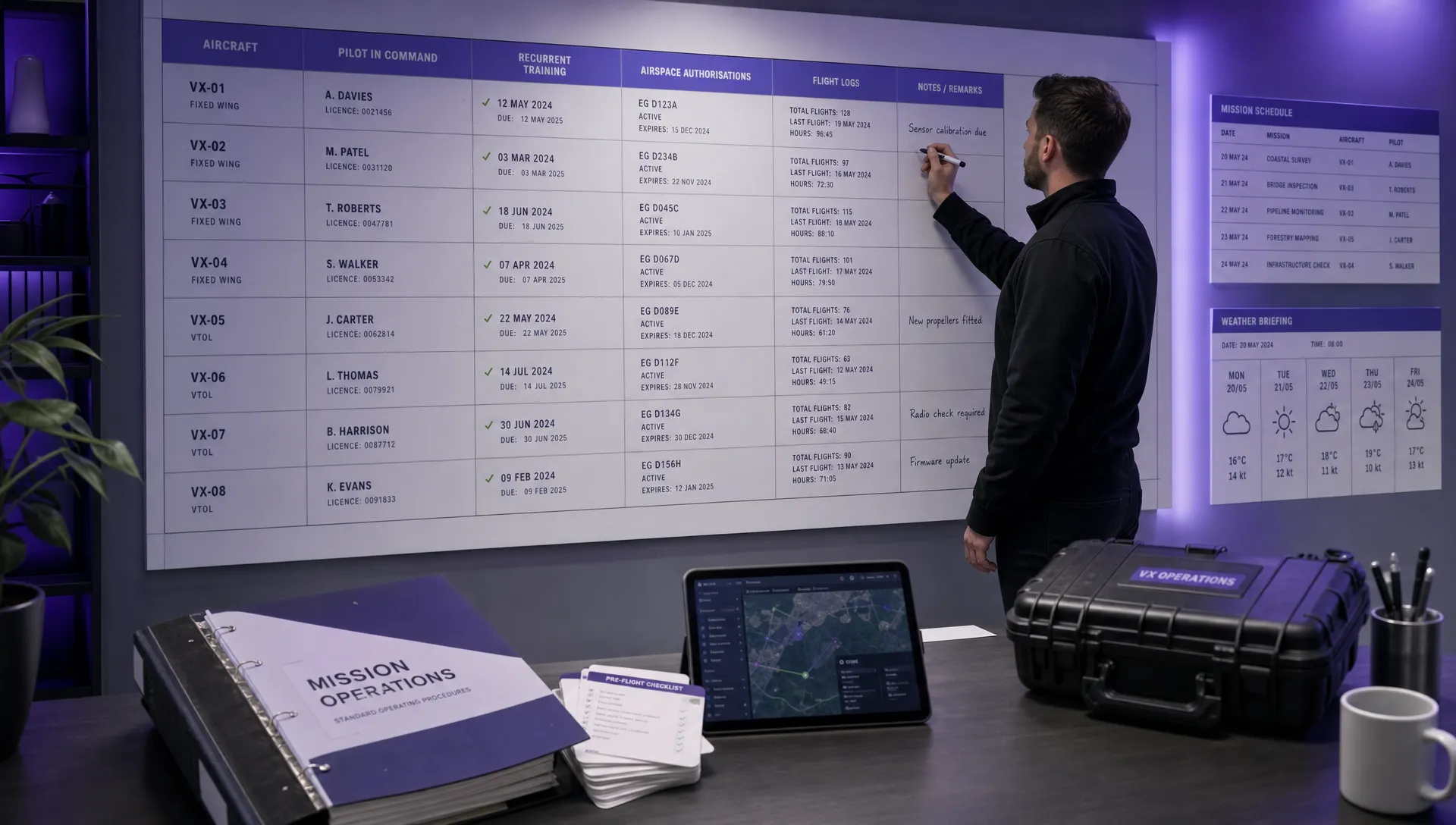 FAA Drone Licence Requirements for Commercial Pilots →
 FAA BVLOS Waivers Granted: What Successful Cases Show →
 How to Export DJI Flight Logs for Incident Reviews →
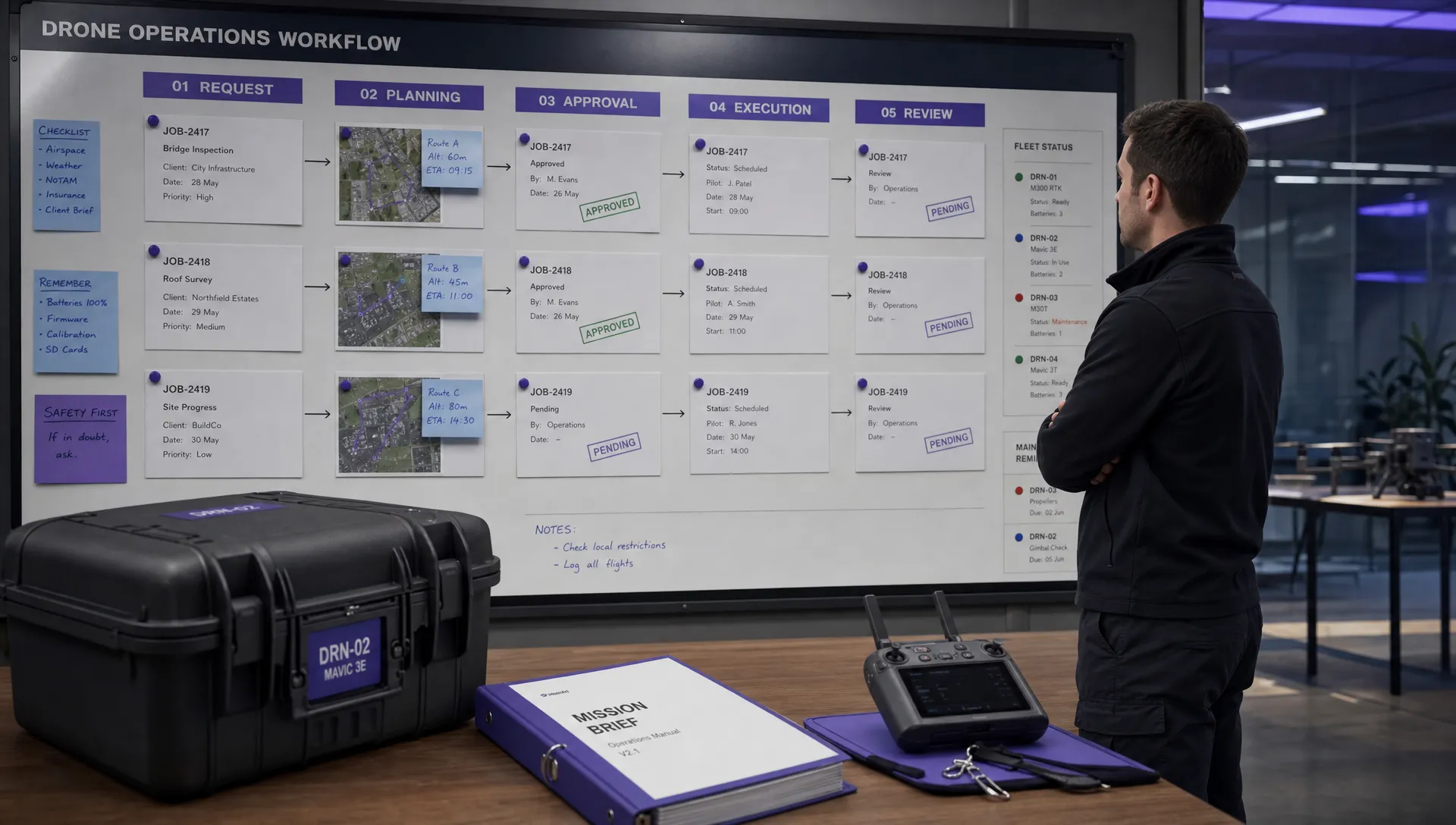 Drone Safety and Legal Duties for Business Operations →
 EASA Drone Regulations: Open, Specific and Certified Categories →
 What the BVLOS ARC Report Means for UAS Operators →
 Free Drone Pre-Flight Checklist for Commercial Missions →