
Free Drone Pre-Flight Checklist for Commercial Missions
For commercial drone work, the pre-flight checklist is more than a pilot habit. It is a repeatable safety control, an audit trail and a simple way to stop small oversights turning into delayed jobs, damaged aircraft or compliance problems.
The checklist below is designed for commercial missions such as surveys, inspections, utilities work, construction progress capture, emergency response support and media production. It is written for UK operators, but the structure is useful anywhere if you adapt it to your local aviation rules, client requirements, insurance conditions and operations manual.
Use it as a starting point, not as legal advice. Before flying, always check the latest requirements from the UK Civil Aviation Authority, your Operational Authorisation if you have one, the site owner and any task-specific procedures.
Why commercial drone missions need a formal pre-flight check
A commercial drone flight usually has more moving parts than a casual flight. There may be a client waiting for deliverables, a site contact controlling access, members of the public nearby, restricted airspace, multiple batteries, specialist payloads, observers, data capture requirements and documented risk controls.
UK drone rules are framed around operational risk and category, not simply whether the flight is paid work. A commercial mission might be possible in the Open category if it meets the limits, or it might need a Specific category Operational Authorisation because of the location, aircraft, people nearby or operating method. The CAA's CAP 722 guidance remains a key reference for unmanned aircraft operations in UK airspace.
A good pre-flight checklist helps the remote pilot answer four practical questions before the aircraft leaves the ground:
| Question | What the checklist should confirm |
|---|---|
| Are we allowed to fly here today? | Airspace, permissions, NOTAMs, site access, insurance and category requirements have been checked. |
| Is the aircraft fit for the task? | Airframe, propellers, batteries, controller, firmware, sensors and payload are serviceable. |
| Is the site controlled? | People, vehicles, animals, obstructions, emergency landing areas and crew positions are understood. |
| Can we prove what we did? | The risk assessment, crew briefing, decisions, logs and any defects are recorded. |
The value is consistency. When every pilot follows the same process, managers can spot gaps, onboard new crew more easily and demonstrate a controlled operating culture if records are ever reviewed.
Free drone pre flight checklist (copy and customise)
Use this free drone pre flight checklist before every commercial mission. For each item, record pass, fail or not applicable. If an item fails, pause the mission until the issue is resolved, escalated or the flight is cancelled.
The wording is deliberately practical rather than legalistic. You should customise it for your aircraft type, operating category, client sector and approved procedures.
1. Mission authorisation and paperwork
| Check | Pass condition | Status |
|---|---|---|
| Job details confirmed | Client, site address, task objective, date, time window and deliverables are clear. | ☐ |
| Operating category confirmed | The flight fits the Open category, Specific category authorisation or other applicable approval. | ☐ |
| Pilot assigned | Remote pilot is competent, current and briefed for the aircraft and mission type. | ☐ |
| Crew assigned | Observers, payload operators or support staff understand their roles. | ☐ |
| Insurance checked | Cover is valid for the aircraft, task, location and client requirements. | ☐ |
| Site permission confirmed | Landowner, site manager or asset owner has granted access where required. | ☐ |
| Risk assessment completed | Hazards, mitigations, residual risk and go/no-go triggers are documented. | ☐ |
| Client or site rules reviewed | Induction requirements, PPE, working hours and restricted areas are understood. | ☐ |
| Emergency contacts available | Site contact, emergency services route, nearest hospital if relevant and internal escalation details are recorded. | ☐ |
| Data requirements confirmed | Required imagery, video, mapping settings, naming conventions and handover method are clear. | ☐ |
2. Site, airspace and weather
| Check | Pass condition | Status |
|---|---|---|
| Coordinates verified | Launch point, operating area and boundaries match the planned mission. | ☐ |
| Airspace reviewed | Controlled airspace, flight restriction zones, danger areas, restricted areas and prohibited areas have been checked. | ☐ |
| NOTAMs checked | Temporary restrictions, air displays, emergency restrictions and other notices have been reviewed. | ☐ |
| Nearby aviation activity assessed | Aerodromes, helipads, hospitals, military sites and low flying routes have been considered. | ☐ |
| Weather suitable | Wind, gusts, visibility, precipitation, temperature and cloud base are within aircraft and operational limits. | ☐ |
| Take-off and landing area selected | Area is level, clear, controlled and suitable for the aircraft type. | ☐ |
| Emergency landing areas identified | At least one suitable contingency landing area is available and not obstructed. | ☐ |
| Obstacles identified | Trees, cranes, masts, cables, buildings, vehicles and terrain have been assessed. | ☐ |
| People and property considered | Separation from uninvolved people, roads, buildings, livestock and sensitive areas is adequate. | ☐ |
| Sun position and lighting assessed | Glare, shadows, low light and image quality issues have been considered. | ☐ |
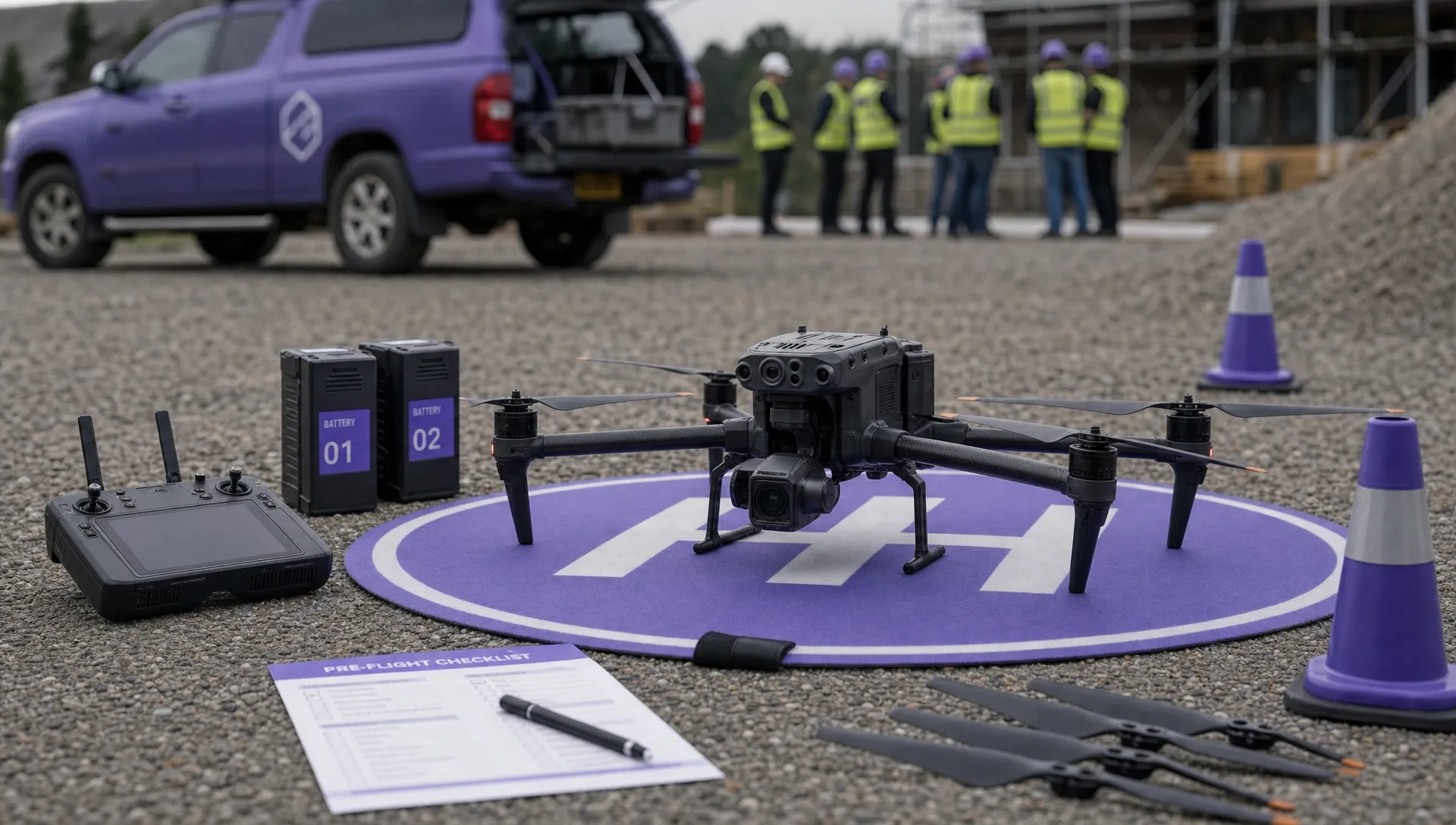
3. Aircraft, payload and control equipment
| Check | Pass condition | Status |
|---|---|---|
| Correct aircraft selected | Aircraft is suitable for the task, environment, payload and planned flight time. | ☐ |
| Operator ID displayed where required | Identification is present, legible and correctly attached. | ☐ |
| Airframe inspected | Body, arms, landing gear, vents and attachment points show no cracks, looseness or damage. | ☐ |
| Propellers inspected | Props are correctly fitted, secure and free from chips, cracks or deformation. | ☐ |
| Motors checked | Motors rotate freely with no unusual resistance, debris or damage. | ☐ |
| Payload secure | Camera, gimbal, sensor, RTK module or other payload is mounted correctly and calibrated if required. | ☐ |
| Lens and sensor clean | Lens, filters and sensors are clean, appropriate and free from condensation. | ☐ |
| Firmware and app status checked | No unplanned updates are required at the site and there are no critical warnings. | ☐ |
| Controller checked | Controller, antennas, screen, cables and mounts are serviceable and secure. | ☐ |
| Storage available | Memory cards or onboard storage have sufficient capacity and are formatted if appropriate. | ☐ |
| GNSS and compass status normal | Positioning, compass and IMU status show no warnings before take-off. | ☐ |
| Return-to-home settings reviewed | Home point, altitude and loss-of-signal action suit the site and obstacles. | ☐ |
4. Batteries, power and spares
| Check | Pass condition | Status |
|---|---|---|
| Flight batteries charged | Batteries have adequate charge for the planned sortie, reserve and contingencies. | ☐ |
| Battery health checked | Cycle count, cell balance, swelling, damage and error messages are acceptable. | ☐ |
| Battery temperature suitable | Batteries are within manufacturer limits for safe operation. | ☐ |
| Controller charged | Controller, screen device and any external monitor have enough power. | ☐ |
| Payload power checked | Camera, sensor, RTK rover, lights or other accessories are charged or powered. | ☐ |
| Spare batteries available | Number of batteries matches mission duration, weather and reflight allowance. | ☐ |
| Charging plan confirmed | Safe charging location, vehicle charging or site power plan is available if needed. | ☐ |
| Spares and tools packed | Props, tools, landing mat, cones, signage, cleaning kit and relevant cables are available. | ☐ |
| Fire safety considered | Suitable battery storage and fire response equipment are available for the operating environment. | ☐ |
5. Crew briefing and final launch checks
| Check | Pass condition | Status |
|---|---|---|
| Mission brief completed | Objective, route, altitude, boundaries, expected duration and abort triggers are understood. | ☐ |
| Roles confirmed | Remote pilot, observer, payload operator and site contact responsibilities are clear. | ☐ |
| Communication tested | Radios, phones, hand signals or verbal calls work across the operating area. | ☐ |
| Exclusion area controlled | Cones, signs, barriers or crew positioning prevent uninvolved people entering the launch area. | ☐ |
| Dynamic risk assessment completed | Conditions on arrival still match the plan, or changes have been assessed. | ☐ |
| Emergency procedures briefed | Flyaway, lost link, low battery, incursion, crash and injury procedures are understood. | ☐ |
| Final 360 degree scan complete | Airspace, people, vehicles, animals and obstacles are clear immediately before take-off. | ☐ |
| Home point confirmed | Aircraft has recorded the correct home point and RTH behaviour is suitable. | ☐ |
| Telemetry normal | Battery, GNSS, controller link, payload, warnings and flight mode are normal. | ☐ |
| Go/no-go decision recorded | Remote pilot confirms the mission may proceed, or records the reason for cancellation. | ☐ |
How to use the checklist without slowing the job down
A checklist only works if it fits the way your team actually operates. If it is too vague, pilots tick it without thinking. If it is too long, they may treat it as admin rather than a safety control. The best approach is to separate checks by timing.
| Timing | What to check | Why it matters |
|---|---|---|
| Before leaving base | Authorisations, client details, aircraft, batteries, payload, spares and weather trend. | Prevents wasted travel and missing equipment. |
| On arrival | Site access, people, obstacles, airspace updates, weather and dynamic risk assessment. | Confirms the plan still matches reality. |
| Immediately before take-off | Aircraft warnings, RTH, crew readiness, exclusion area, telemetry and final scan. | Catches last-minute hazards. |
| Between sorties | Battery condition, aircraft damage, weather changes, people moving into the area and storage capacity. | Stops repeat flights becoming complacent. |
For regulated commercial work, keep the checklist connected to your risk assessment and flight log. A ticked form on its own is less useful than a complete record showing what was planned, what changed, who made the decision and what was flown.
If your current process is spread across paper forms, spreadsheets and messaging apps, an operations platform can reduce the chance of missing a step. Dronedesk lists configurable checklists, risk assessments, flight planning, flight logging, client management, fleet management, team management, airspace intelligence and proximity intelligence among its drone operations management features, which makes it easier to standardise the process across pilots and aircraft without inventing a new admin system from scratch.
For higher risk work, your checklist should sit alongside a structured risk assessment rather than replace it. If that is the area you need to tighten up, this guide to building a drone flight risk assessment that works is a useful companion. For missions close to aerodromes or controlled airspace, it is also worth reviewing how to plan flights near airports without surprises.
Common commercial mission failures this checklist helps prevent
Many drone incidents and aborted jobs come from ordinary oversights rather than dramatic failures. A pre-flight checklist reduces those risks by making the obvious hard to miss.
| Failure | How the checklist helps |
|---|---|
| The launch point changes at the site | Forces the pilot to recheck airspace, obstacles, emergency landing areas and people nearby. |
| The aircraft has a propeller defect | Requires a physical inspection before take-off and between sorties. |
| RTH altitude is unsuitable | Prompts a review against trees, cranes, buildings, terrain and masts. |
| Batteries look charged but are unhealthy | Separates charge level from battery health, swelling, cell balance and temperature. |
| The client expects a different output | Confirms deliverables, capture settings and data handover before flight. |
| A temporary restriction appears | Includes NOTAMs and dynamic airspace checks close to the flight time. |
| The site becomes busier than planned | Requires a dynamic risk assessment and a fresh go/no-go decision. |
| Memory cards fill up mid-task | Checks storage capacity before launch, not after the key pass has been flown. |
The aim is not to eliminate judgement. It is to give the remote pilot a reliable structure for using judgement under time pressure, with enough evidence to show how the decision was made.
Customising the checklist for different commercial missions
The core checks above apply to most commercial operations, but the best version of your checklist should reflect the mission type. A roof survey does not need the same data controls as a blue light incident, and a utility inspection has different hazards from a construction progress flight.
Survey and mapping missions
For mapping, add checks for ground control points, coordinate reference systems, overlap settings, flight line orientation, RTK status, image interval, shutter speed, storage naming and reflight criteria. If the client needs repeatable outputs over time, include a check for consistent altitude, camera angle, route and lighting constraints.
Utility and infrastructure inspections
For power, telecoms, highways, rail, water and industrial assets, add checks for asset owner permission, isolation requirements, electromagnetic interference risks, standoff distances, moving plant, traffic management, confined access routes and site-specific emergency procedures. If the drone is being used near live infrastructure, the pre-flight brief should make abort triggers especially clear.
Emergency services and incident support
Emergency services work can involve fast-changing hazards, multiple agencies and sensitive information. Add checks for incident command approval, airspace deconfliction, evidence handling, public privacy, radio channels, blue light vehicle movement, helicopter activity and a clear handover process. The dynamic risk assessment is particularly important because the scene may change minute by minute.
Multi-pilot or fleet operations
If several pilots use the same aircraft pool, standardisation matters. Add checks for aircraft allocation, maintenance status, defect reporting, pilot currency, battery ownership, payload booking and post-flight handover. For growing teams, this is where dedicated fleet workflows become more reliable than shared spreadsheets, especially when defects, documents and flight records need to be traceable.
Frequently Asked Questions
Is this checklist suitable for UK commercial drone operations? It is a practical starting point for UK commercial missions, but it must be adapted to your operating category, aircraft, CAA authorisations, operations manual, client requirements and site rules.
Do commercial drone pilots always need CAA Operational Authorisation? No. In the UK, the requirement depends on the risk and operating category, not simply whether you are being paid. Some commercial work can be flown in the Open category if all limits are met. Higher risk work may require Specific category Operational Authorisation.
Should I complete a pre-flight checklist for every battery? You should complete the full mission check before the operation and repeat key safety checks between sorties, especially battery condition, propeller condition, weather, people nearby, aircraft warnings and storage capacity.
Can I use the same checklist for every drone? Use the same core structure, but add aircraft-specific checks for each model, payload and mission type. A small camera drone, thermal inspection drone and heavy lift platform should not share identical technical checks.
Is a digital checklist better than paper? Paper can work for simple operations, but digital checklists are easier to standardise, store, retrieve and connect to flight records, risk assessments, aircraft details and team responsibilities.
Turn your checklist into a repeatable operating process
A free checklist is a good first step. The bigger win is making sure the right checklist is used on every job, by every pilot, with the records stored alongside the mission plan, aircraft details, risk assessment and flight log.
Dronedesk brings commercial drone operations management into one web platform, including planning, configurable checklists, risk assessments, logging, fleet details, team management and reporting. If your operation is moving beyond ad hoc documents, it can help you build a more consistent workflow from client request to completed flight record.
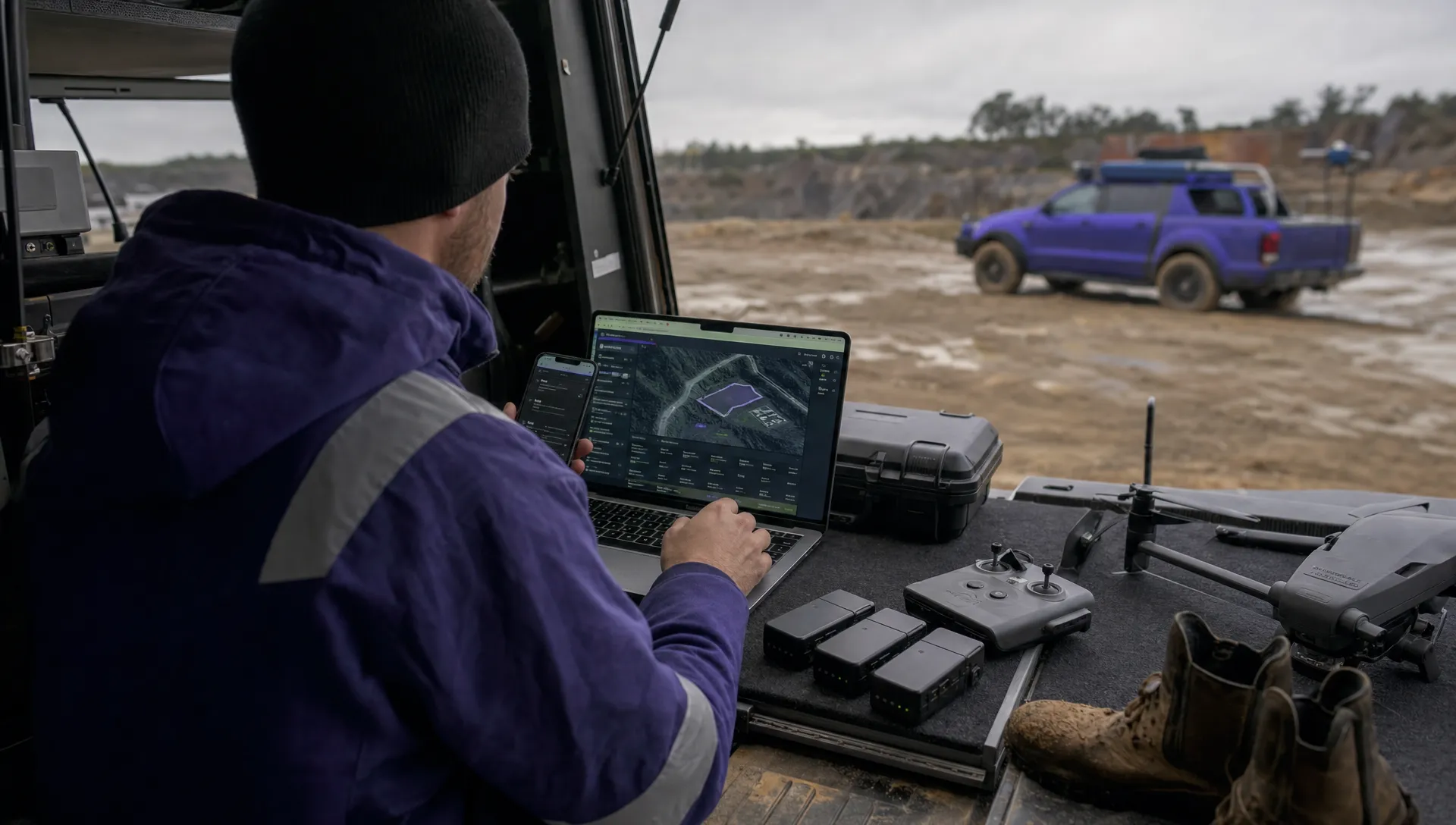 Drone Operating Rules for Managing Contractors and Employees →
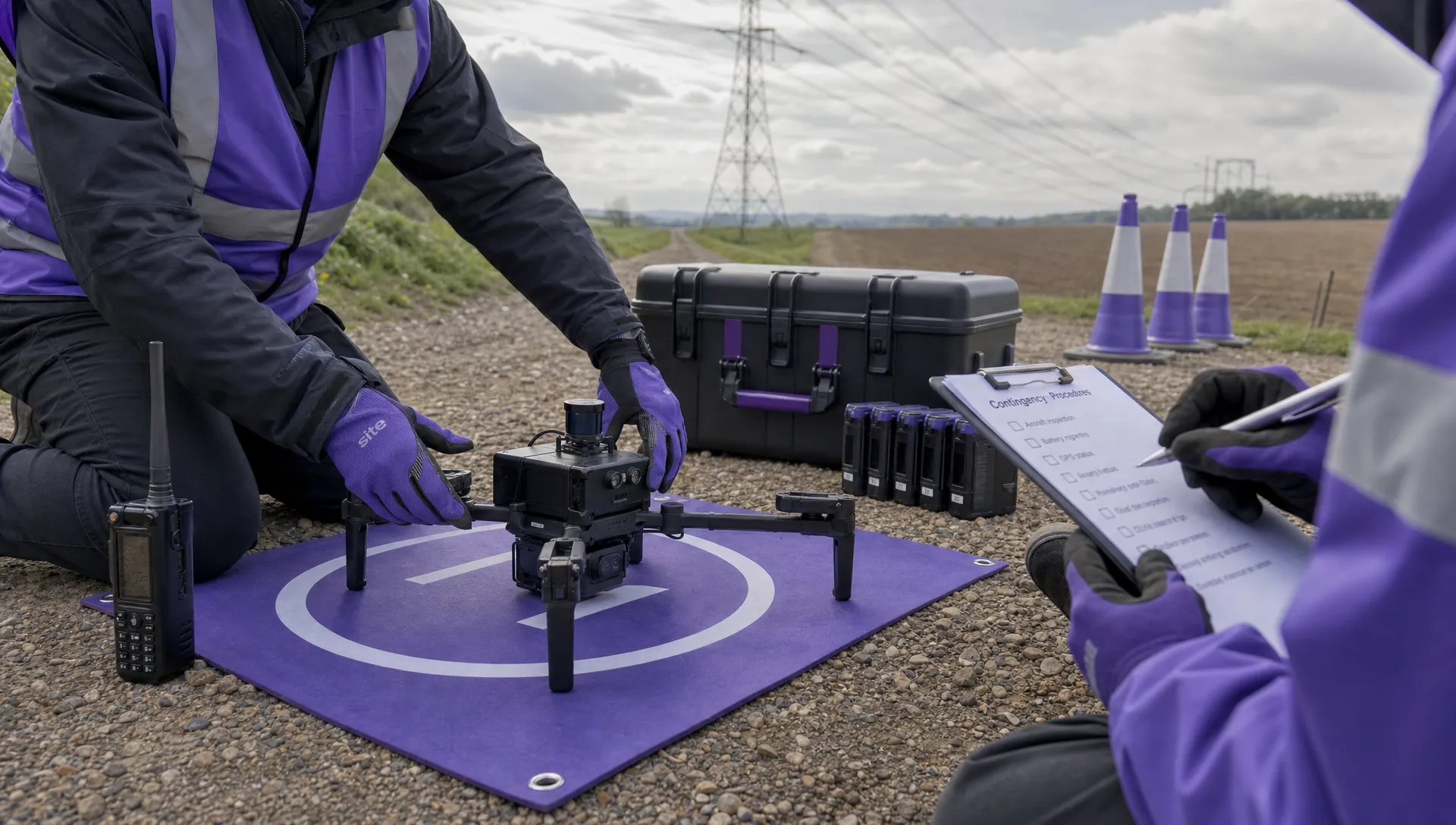 BVLOS Drone Requirements for Building a Safety Case →
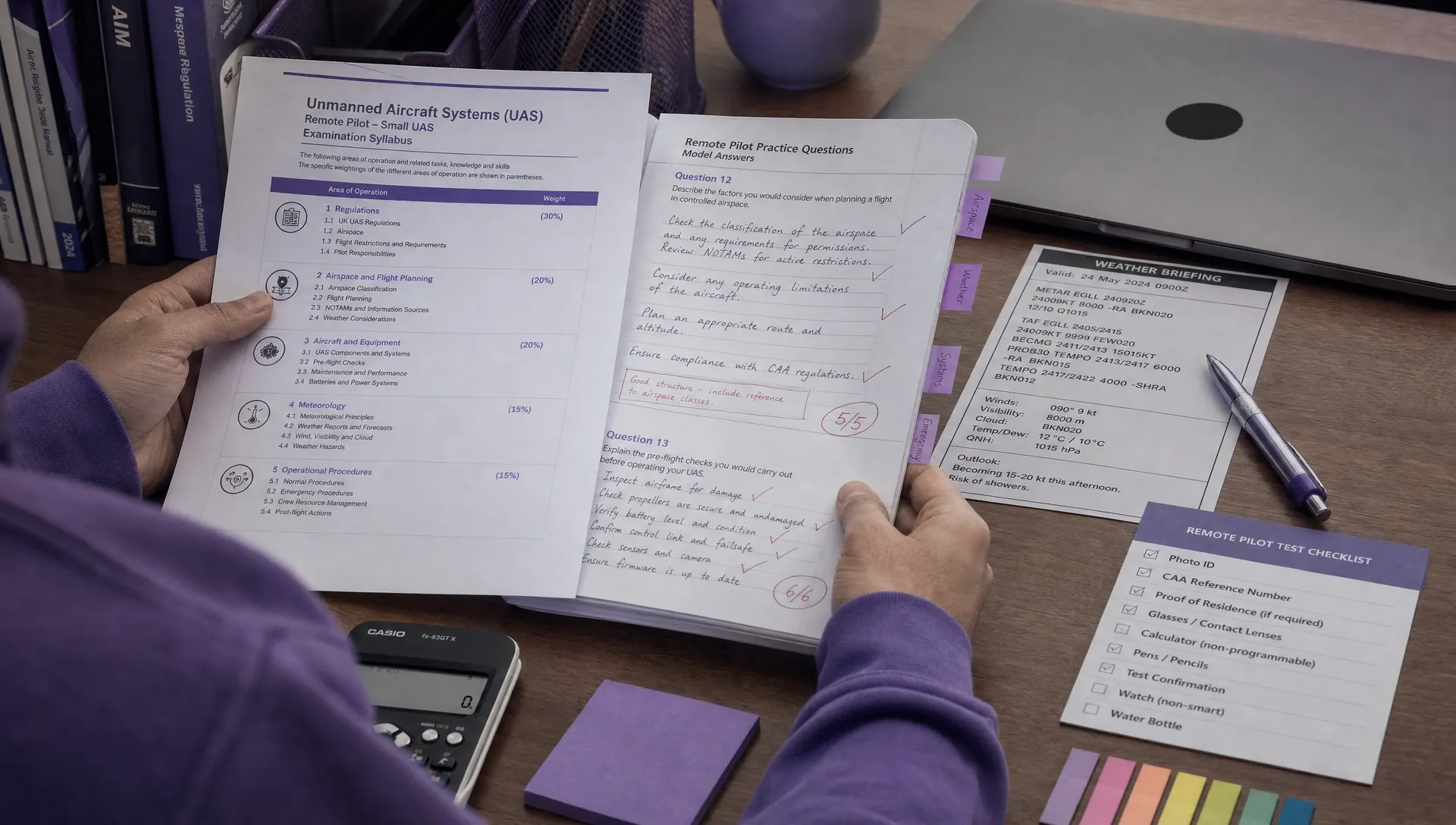 Drone Pilot Test Mistakes That Cost Candidates Marks →
 FAA 107 License vs Part 107 Certificate: What’s the Difference? →
 Drone Airport Rules: A Field Checklist for Site Assessments →
 FAA Part 107 Record-Keeping Rules for Commercial Teams →
 How to Review a DJI Flight Log After an Unexpected Event →
 Drone Laws Around the World: A Pre-Flight Research Framework →
 How to Compare Drone Survey Services for Complex Sites →
 How to Start a Drone Mapping Business With a Clear Workflow →