
How to Build a Drone Pilot Flight Log That Is Audit Ready
An audit-ready flight log does not start with the regulator. It starts with a simple question: if someone challenged a flight six months from now, could you prove what was planned, who was responsible, what actually happened and what you did about any exceptions?
For commercial drone operators, survey teams, utilities and emergency services, a drone pilot flight log is more than a diary of take-off and landing times. It is the operational record that connects the client brief, aircraft status, pilot competence, airspace checks, weather, risk assessment, permissions, flight outcome and follow-up actions.
When that record is complete, consistent and easy to retrieve, audits become routine. When it is scattered across pilot notebooks, controller telemetry, WhatsApp messages and shared drives, every client audit or safety review becomes a reconstruction exercise.
What makes a drone pilot flight log audit ready?
An audit-ready log has five qualities: it is complete, contemporaneous, traceable, evidence backed and controlled. In plain English, it records the right information at the right time, links to the supporting documents and makes it clear who created, reviewed or changed the entry.
The exact requirements depend on your jurisdiction, Operational Authorisation, operations manual, insurer and client contract. In the UK, the Civil Aviation Authority's CAP 722 sets out the wider framework for unmanned aircraft system operations. Your internal procedures should translate that framework into practical records your pilots can complete reliably in the field.
Auditors rarely want a beautifully designed form for its own sake. They want answers to practical questions: was the flight authorised, was the aircraft fit to fly, were the crew competent, were the risks managed and did the actual flight stay within the planned limits?
Start by defining what you are logging
Before choosing fields or software, agree the basic structure of your records. Many weak logs fail because teams use the word "flight" differently. One person means a client job, another means a battery cycle and another means the whole day on site.
For audit purposes, use clear definitions:
| Record type | What it should represent | Example |
|---|---|---|
| Operation or job | The overall task requested by the client or internal department | Roof inspection at Site A on 14 September |
| Flight or sortie | One take-off to one landing, usually linked to a battery or defined aircraft session | Flight 03, Mavic 3E, Battery B2, 10:14 to 10:31 |
| Aircraft record | The aircraft's identity, maintenance status and technical history | Aircraft serial, firmware, inspection status, defects |
| Pilot record | The remote pilot's role, qualifications, recency and assignment | Pilot name, competency reference, duty time if used |
For a simple one-battery job, these records may feel almost identical. For a utility corridor survey with multiple aircraft, several pilots and repeated battery changes, the distinction matters. The job record shows why the team was there. The flight entries show what actually happened.
Build the log around audit questions
A useful drone pilot flight log should help you answer the same questions every time. If a field does not support safety, compliance, investigation, maintenance, billing or client reporting, challenge whether it belongs in the core log.
Your log should answer these questions without relying on memory:
- Who authorised the operation and who acted as remote pilot for each flight?
- Which aircraft, payload and batteries were used?
- Where did the flight take place, including the operating area and take-off or landing points?
- What airspace, site, landowner, client or emergency permissions applied?
- What risk assessment, method statement, checklist or operational procedure was used?
- What were the forecast and actual conditions, including any limits relevant to the aircraft or authorisation?
- What actually happened, including timings, deviations, defects, incidents, near misses and no-go decisions?
This approach keeps the log focused. It also makes your records easier to defend because every field has a reason to exist.
Essential fields for an audit-ready flight log
There is no single universal template that fits every operator, but the categories below form a strong baseline. Adapt them to your operational authorisation, operating procedures and client requirements.
| Category | Fields to capture | Why it matters in an audit |
|---|---|---|
| Mission identity | Job ID, client, site name, task type, operation date, internal reference | Links the flight to the commercial or operational purpose |
| Regulatory context | Operation category, authorisation reference if applicable, permissions, exemptions or waivers | Shows the flight was conducted under the right framework |
| Crew | Remote pilot, observers, payload operator, supervisor, role changes, pilot sign-off | Establishes accountability and competence |
| Aircraft and payload | Aircraft ID, serial number, operator ID where relevant, payload, firmware if tracked, maintenance status | Connects the flight to aircraft airworthiness and configuration |
| Batteries and equipment | Battery IDs, controller, launch equipment, safety kit, specialist sensors | Helps investigate performance issues, defects and maintenance trends |
| Location | Address, coordinates, operating area, take-off point, landing point, emergency landing areas | Proves where the operation occurred and supports airspace review |
| Airspace and proximity checks | Controlled airspace, aerodromes, restrictions, NOTAMs, nearby hazards, permission evidence | Demonstrates pre-flight situational awareness |
| Weather | Forecast source, observed wind, visibility, precipitation, temperature, cloud considerations if relevant | Shows conditions were checked against limits |
| Risk controls | Risk assessment reference, checklist reference, cordon controls, public separation, emergency plan | Connects planning to actual on-site controls |
| Flight details | Take-off time, landing time, duration, maximum height, route or area flown, mode, return-to-home settings if recorded | Reconstructs what happened during the sortie |
| Outcome | Completed, partially completed, abandoned, no-go, client deliverable status, data captured | Supports reporting, billing and operational review |
| Exceptions | Deviations, incidents, near misses, defects, lost link events, privacy concerns, corrective actions | Shows problems were captured and followed up |
| Approval and review | Pilot declaration, supervisor review, timestamp, edit history, export reference | Provides confidence in record integrity |
Do not turn every log entry into a novel. The aim is structured evidence, not long prose. Use dropdowns and standard terms where possible, then reserve free-text notes for exceptions, site-specific context and lessons learned.
Link the log to planning, checklists and risk assessments
A flight log should not duplicate your full planning pack. It should point to the exact version of the documents used for that flight. If your team updates a risk assessment after a site visit, the log needs to show which version applied at take-off.
At minimum, link each flight to the relevant planning record, risk assessment, pre-flight checklist and post-flight checklist. If you are refining your process, Dronedesk has a separate guide on building a practical drone flight risk assessment that complements the logging approach described here.
This matters during audits because planning documents prove intent, but the flight log proves execution. A risk assessment might state that the pilot would maintain a sterile take-off area. The log and checklist should show that the control was confirmed on the day or record why the flight did not proceed.
Dronedesk brings together capabilities such as client management, fleet and team management, airspace and proximity intelligence, flight planning, flight logging, data reporting, configurable checklists and risk assessments. You can review the current platform capabilities on the Dronedesk features page.
Capture evidence, not just statements
The difference between "checked airspace" and an audit-ready record is evidence. A good log gives an auditor enough context to verify the entry without asking the pilot to retell the day from memory.
Useful evidence may include airspace check outputs, permission emails, site maps, weather screenshots, client tasking documents, signed checklists, photos of the operating site, telemetry exports, defect images and incident reports. The right evidence depends on the job. A low-risk open area mapping flight may need less supporting material than a congested area inspection, an airport-adjacent job or a public safety deployment.
Telemetry from the aircraft or controller is valuable, but it is not a complete flight log by itself. It can show a track, altitude, speed and time. It usually will not prove who briefed the observer, which permission was in force, whether a site cordon was established or why the pilot chose to abandon a flight.
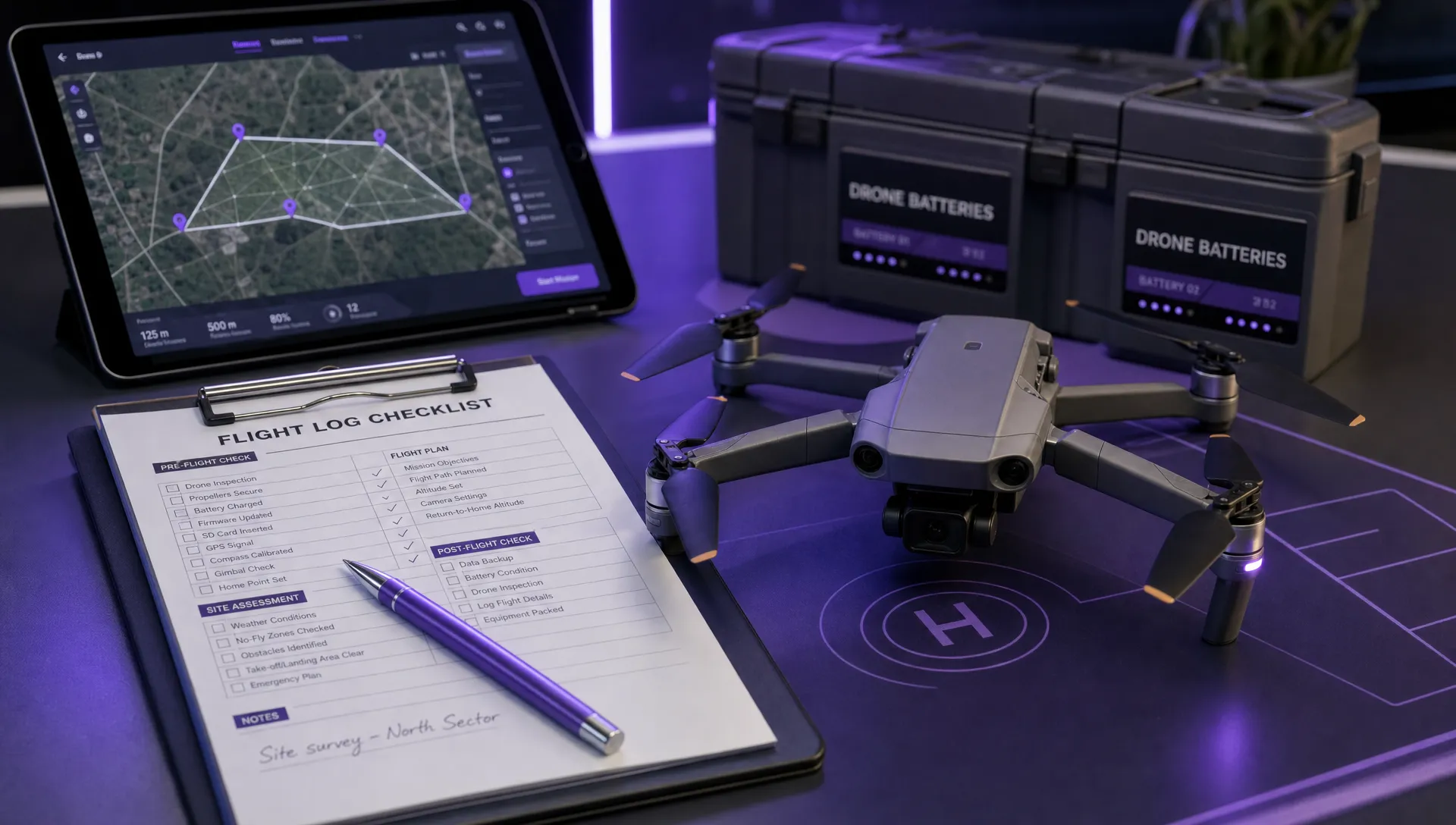
Use a workflow pilots can follow in the field
Audit readiness depends on behaviour as much as form design. If the process is awkward, pilots will complete logs late, skip fields or enter generic notes. Build the workflow around the rhythm of a real job.
Before the flight
Create the job record before deployment. Assign a job ID, client or incident reference, site, task purpose, planned crew, aircraft, payload and expected operating area. Attach or link the permissions, planning notes, risk assessment and checklist that will be used on site.
This is also the best time to check aircraft availability, maintenance status and pilot assignment. For larger teams, this prevents the common audit problem where the aircraft log says one thing, the job folder says another and the pilot's own notes introduce a third version.
On site before take-off
The remote pilot should confirm actual conditions, site hazards, crew briefing, take-off area, emergency landing options and any changes from the plan. If conditions fall outside limits, log the no-go decision. Cancelled flights are often some of the most valuable safety records because they show your team is willing to stop when controls are not adequate.
Use clear exception notes. "Wind higher than forecast, gusts exceeding internal site limit, operation postponed" is more useful than "weather bad". If the pilot updates the risk assessment or adds a dynamic control, the flight log should reference that change.
During and after the flight
Record actual take-off and landing times, battery IDs, flight duration, aircraft used and any relevant deviations. If you run multiple sorties on one job, create a separate entry for each sortie or use a structure that makes each take-off and landing unambiguous.
Complete the post-flight section as soon as practical, ideally the same day. Capture defects, incidents, data issues, incomplete coverage, client notes and maintenance follow-up. If the aircraft needs inspection before its next use, the log should trigger that action rather than leaving it buried in a free-text comment.
A sample drone pilot flight log template
Use this template as a starting point, then adjust it for your category of operation, organisation size and client sector.
| Field | Example entry | Notes |
|---|---|---|
| Job ID | UTL-2026-041 | Use a consistent numbering system |
| Client or department | North Region Utilities | Include internal cost centre if required |
| Site | Pumping station, Site 17 | Add address, grid reference or coordinates |
| Task | Thermal roof and asset inspection | Keep task descriptions specific |
| Operation framework | Specific category, OA reference recorded | Use the wording relevant to your jurisdiction |
| Date | 14 September 2026 | Use one date format across the organisation |
| Remote pilot | A. Patel | Link to pilot record where possible |
| Supporting crew | Visual observer, site contact | Include role, not just name |
| Aircraft | UAS-004, serial recorded | Match the fleet register exactly |
| Payload | Thermal camera | Record specialist payloads and sensors |
| Batteries | B04, B07 | Log each battery used per sortie |
| Risk assessment | RA-UTL-041 v2 | Link to the exact version |
| Checklist | PF-OPS-02 completed | Keep pre-flight and post-flight evidence |
| Permissions | Landowner approval and site induction complete | Attach permission evidence where relevant |
| Weather | Forecast checked, actual wind within site limit | Record source and actual observations |
| Take-off and landing | 10:14 to 10:31 local | Use a clear timezone policy |
| Maximum height | Within planned limit | Avoid vague entries where precise data is available |
| Outcome | Completed, data uploaded for processing | Note partial coverage or reflight needs |
| Exceptions | No incidents, no defects | Require a positive nil return, not a blank field |
| Pilot declaration | Signed and timestamped | Confirms the record is complete |
| Reviewer | Operations manager, reviewed 15 September | Useful for higher-risk or client-audited work |
The "nil return" principle is worth adopting. Blank fields create uncertainty. If there were no incidents, no defects or no deviations, say so. That small habit saves time during investigations because reviewers do not have to guess whether a field was missed.
Common mistakes that weaken flight logs
Most poor logs are not caused by careless pilots. They are caused by unclear processes, duplicated forms and systems that do not match how the team actually works.
Watch for these issues:
- One line per job when the operation actually involved multiple sorties, batteries or aircraft.
- Retrospective completion days or weeks later, especially with generic weather and airspace notes.
- No link between the flight log and the risk assessment version used on the day.
- Missing no-go records, aborted flights or partial completions.
- Inconsistent aircraft names, battery labels or pilot identifiers.
- Free-text entries where standard terms would make reporting easier.
- Deviations recorded in pilot notes but not carried through to corrective actions.
A monthly quality review can catch these problems early. Select a small sample of completed jobs, then check whether a manager could reconstruct the operation from the records alone. If not, refine the fields, workflow or training.
Retention, access control and data protection
An audit-ready log must still be available when someone asks for it. Set a retention period based on your operational authorisation, operations manual, regulator guidance, insurance policy, client contract and internal risk appetite. If those sources differ, choose a policy that is defensible and document why.
Access control matters too. Decide who can create, edit, approve, archive and export flight logs. If a record is edited after completion, the system should preserve enough history to explain what changed and who made the change. For public safety and critical infrastructure work, this can be especially important because records may later support incident review, disclosure requests or legal proceedings.
Flight logs can also contain personal data. Pilot names, signatures, location data, client contacts and links to imagery may fall within data protection obligations. The UK's Information Commissioner's Office guidance is a useful starting point for understanding how UK GDPR applies to organisational records.
Spreadsheet, folder or operations platform?
A spreadsheet can work for a solo pilot with low volume, provided it is backed up, controlled and used consistently. It becomes harder to defend as the operation grows because the log is only one part of the audit trail.
| Requirement | Spreadsheet risk | Dedicated operations platform benefit |
|---|---|---|
| Consistent fields | Pilots add columns, rename values or skip cells | Standardised forms and structured entries |
| Evidence links | Files move, links break or permissions change | Documents can be linked to the relevant job or flight |
| Fleet traceability | Aircraft and battery names drift over time | Logs can connect to defined fleet records |
| Team accountability | Hard to manage roles, reviews and edits | User roles and review workflows are easier to manage |
| Reporting | Manual filtering and copy-paste summaries | Operational data can be reported more consistently |
| Audit export | Time-consuming to assemble job packs | Records are easier to retrieve and share |
If your team is juggling multiple pilots, aircraft, payloads and maintenance records, the flight log should be considered part of your wider fleet system. Dronedesk's drone fleet management guide covers the operational signs that spreadsheets are becoming a bottleneck.
How to roll out a better flight log standard
Changing the template is the easy part. Changing habits takes a little more structure. A practical rollout can be completed without overwhelming the team.
- Map your obligations: Review your operational authorisation, operations manual, client contracts, insurance conditions and internal safety procedures.
- Define your record types: Agree what counts as a job, flight, sortie, aircraft record, battery record and maintenance action.
- Standardise the fields: Use required fields, dropdowns and naming conventions for pilots, aircraft, batteries, sites and outcomes.
- Pilot the process: Test the log on a real job and ask pilots which fields were unclear, duplicated or hard to complete on site.
- Train for exceptions: Make sure pilots know how to record no-go decisions, deviations, defects, privacy concerns and incidents.
- Review samples monthly: Check a handful of jobs for completeness, evidence, consistency and follow-up actions.
- Improve the template: Adjust the process when audits, incidents or client reviews reveal gaps.
The goal is not to create a perfect form on day one. It is to create a reliable operating habit where every flight leaves behind a clear, searchable and defensible record.
Frequently Asked Questions
Is a drone pilot flight log legally required in the UK? It depends on the type of operation, your authorisation and your operations manual. Many commercial and Specific category operators will have record-keeping obligations through their procedures or authorisation. Even where a detailed log is not explicitly required, it is a strong safety, insurance and client assurance practice.
What is the difference between a flight log and a maintenance log? A flight log records what happened during an operation or sortie. A maintenance log records aircraft condition, inspections, defects, repairs and airworthiness actions. They should be linked because a flight may create a defect and a maintenance action may determine whether the aircraft is available for the next flight.
Can aircraft telemetry replace a written flight log? No. Telemetry is useful supporting evidence, but it does not usually capture permissions, crew briefings, risk controls, pilot declarations, site decisions or corrective actions. Use telemetry to support the log, not replace it.
How soon should a flight log be completed? Complete it as soon as practical, ideally on the same day as the flight. Contemporaneous records are more credible because details such as weather, site changes and decision-making are still fresh.
Should I log cancelled or no-go flights? Yes. A no-go decision can be a valuable safety record. It shows the pilot assessed the conditions, compared them with operational limits and chose not to fly when the controls were not sufficient.
What should emergency services add to their logs? Emergency services may need to include incident numbers, tasking authority, command structure, operational objective, evidence handling notes, data sharing decisions and any constraints linked to privacy or public safety. These fields should align with the organisation's wider incident management procedures.
Build a flight log you can defend
An audit-ready drone pilot flight log is not about collecting more paperwork. It is about creating a reliable chain from plan to flight to outcome, with enough evidence to prove that your team operated safely and within its procedures.
If your current records are split between spreadsheets, folders, email threads and pilot notebooks, Dronedesk can help centralise key parts of drone operations management, including flight planning, flight logging, risk assessments, checklists, fleet management, team management and reporting. Explore Dronedesk to see how a structured operational workflow can support safer, cleaner and more auditable drone operations.
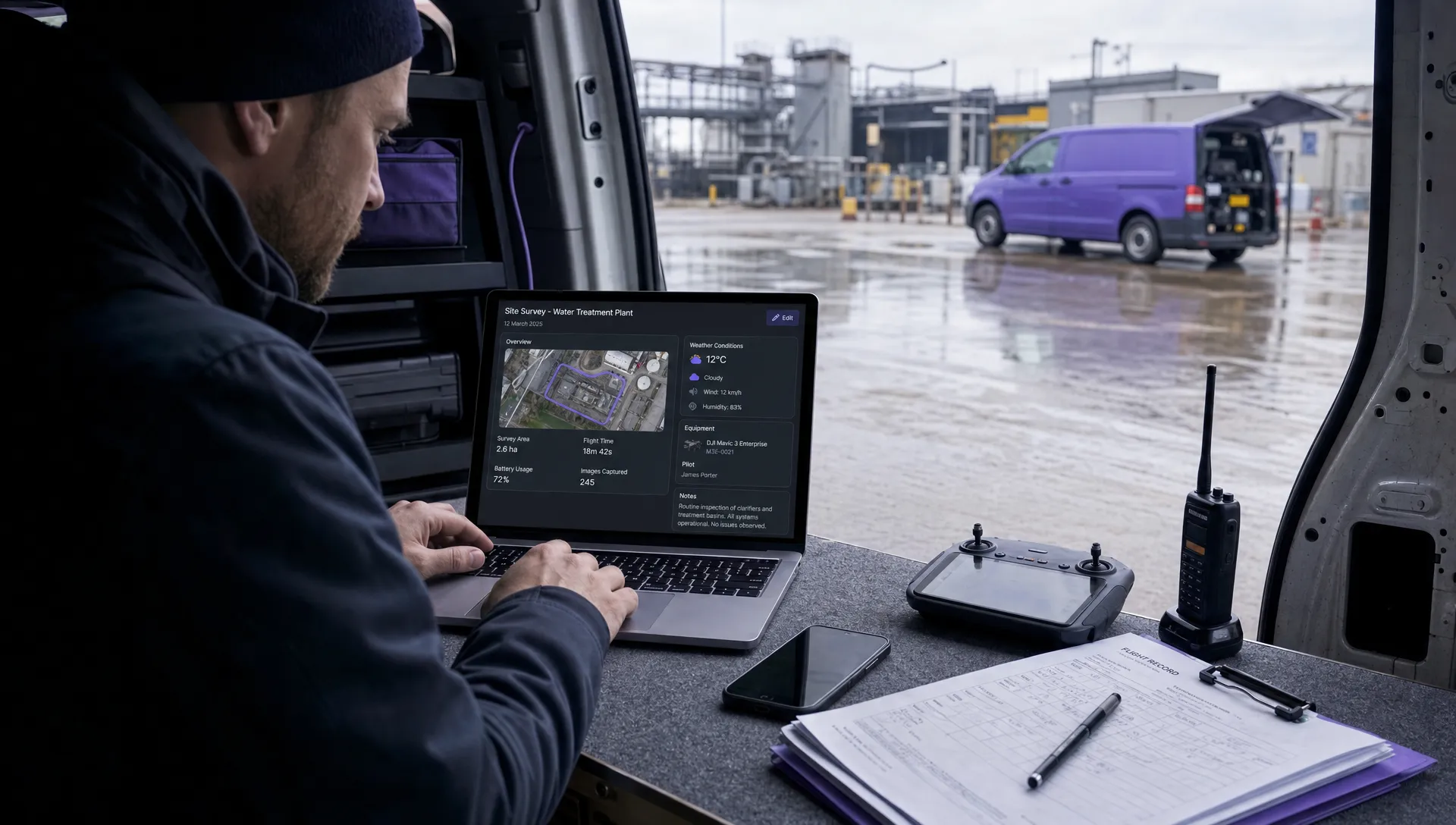 Drone Airspace Rules: How to Document Your Site Checks →
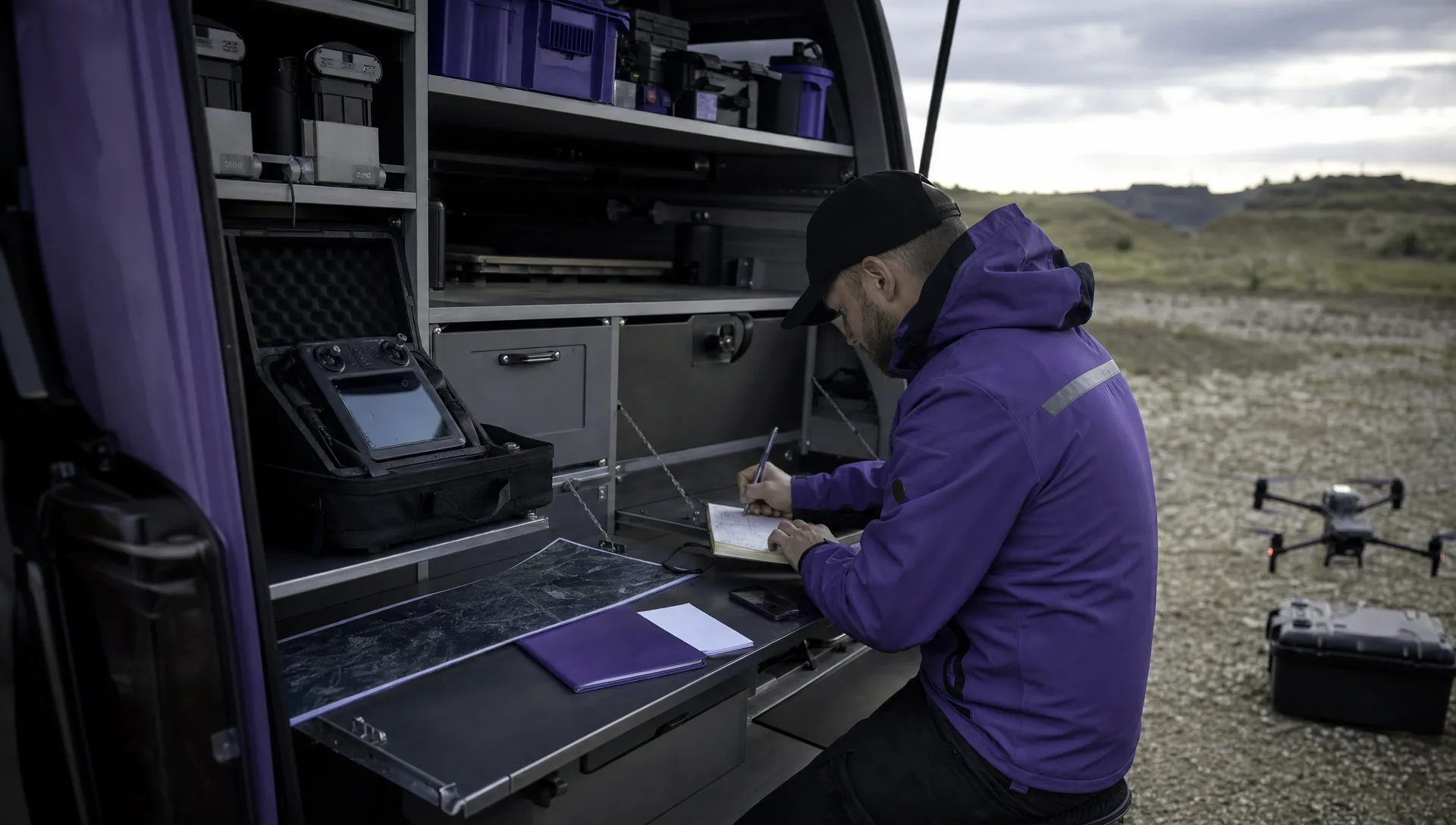 How to Evaluate a Free Drone Logbook Before Using It →
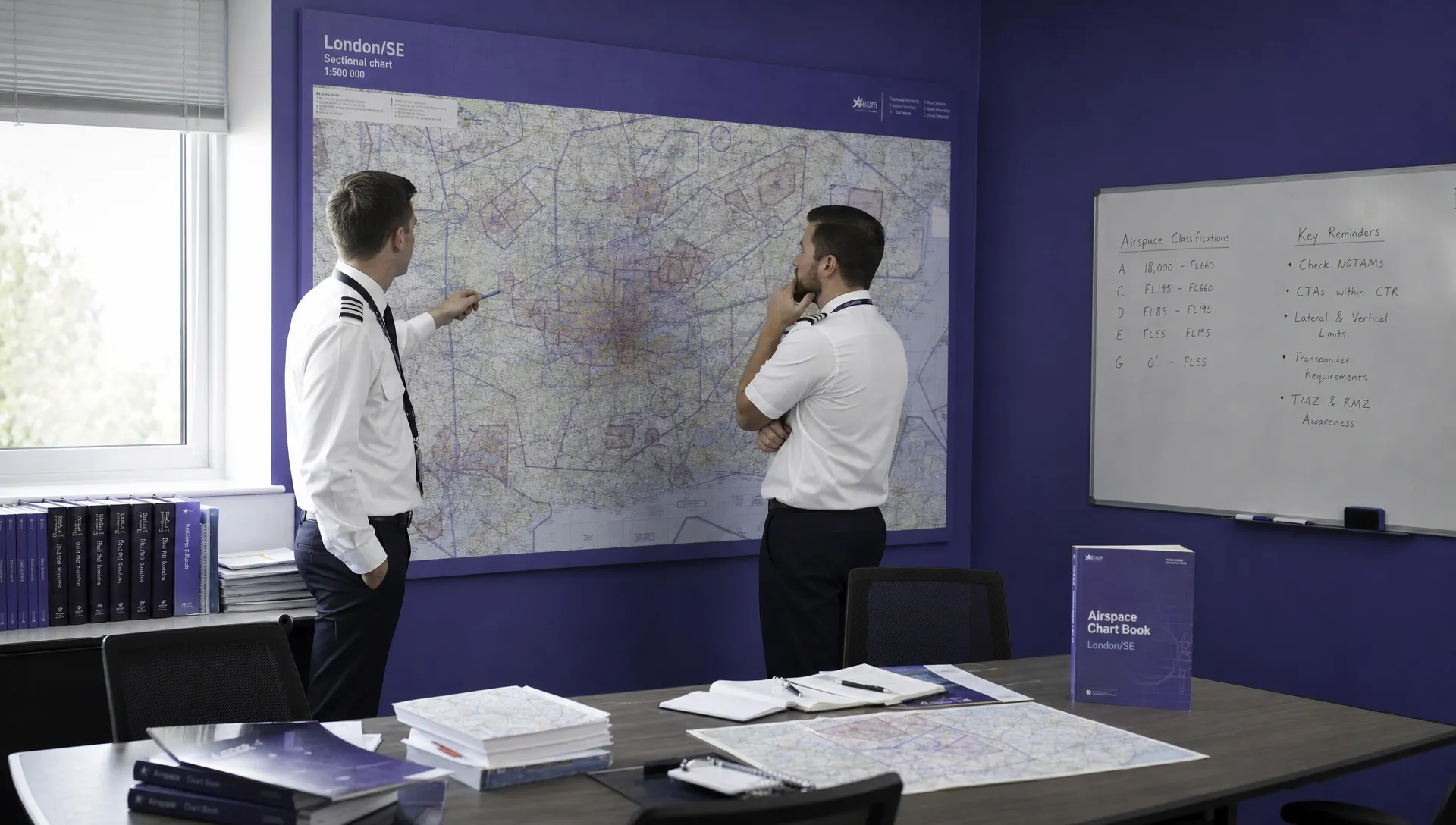 FAA Part 107 Test: How to Master Airspace Questions →
 Drone Risk Assessment Controls That Work in the Field →
 FAA Drone License Costs Beyond the Knowledge Test →
 Drone Part 107 Operations: When a Waiver May Be Needed →
 Drone Operating Rules for Managing Contractors and Employees →
 BVLOS Drone Requirements for Building a Safety Case →
 Drone Pilot Test Mistakes That Cost Candidates Marks →
 FAA 107 License vs Part 107 Certificate: What’s the Difference? →