
How to Review a DJI Flight Record After a Mission
A DJI flight record is one of the most useful things you can look at after a mission, but it is often underused. Many operators land, pack the aircraft away, copy the imagery and move on. That leaves valuable evidence sitting in the app: the route flown, warnings received, battery behaviour, signal quality, altitude changes and the timing of key events.
For commercial drone operators, survey companies, utilities and emergency services, reviewing that record is not just a technical exercise. It supports safer repeat missions, better client reporting, stronger internal learning and clearer evidence if a flight is ever questioned. The aim is not to turn every job into a forensic investigation. It is to build a short, consistent post-flight habit that catches the details you would otherwise miss.
What a DJI flight record shows
A DJI flight record is the app-side log created by DJI flight control apps such as DJI Fly, DJI GO 4 or DJI Pilot 2. It normally contains a replayable history of the flight, with telemetry and event information recorded at frequent intervals.
The exact data available depends on the aircraft, controller, app version, firmware and settings, but a typical record may include:
- Aircraft position and route trace
- Take-off point, landing point and home point information
- Flight time, distance and speed
- Altitude relative to the take-off point
- Battery level and return-to-home prompts
- GPS/GNSS status and satellite count
- Remote controller signal strength
- Warnings, mode changes and automated actions
- Gimbal direction and some camera-related events
It is important to understand the limits of the record. A DJI flight record is very useful operational evidence, but it is not a complete substitute for your operational log, risk assessment, maintenance record, client brief or incident report. It tells you what the aircraft and app recorded. It does not capture every human decision, ground hazard, observer call, third-party interaction or site condition.
| Record source | What it is useful for | Important limitation |
|---|---|---|
| DJI app flight record | Quick post-flight replay, route confirmation, warnings and battery review | Data depends on the app, aircraft and whether the record was saved correctly |
| Aircraft onboard logs | Deeper technical diagnosis, often requested by manufacturers or support teams | May be harder to access and interpret without specialist tools |
| Your operational flight log | Compliance evidence, pilot notes, job context and sign-off | Only as good as the information entered by the team |
| Media metadata | Image location, capture time and camera details | Does not explain flight decisions or aircraft warnings |
The best post-mission review combines the DJI flight record with your planned mission details, site notes and operational paperwork.
Where to find a DJI flight record after landing
The menu names change across DJI apps and firmware updates, so treat the following as a practical guide rather than a fixed set of instructions.
In DJI Fly, flight records are usually accessed from the profile area, often through Profile and then More or Flight Data Center. In DJI GO 4, operators commonly find them under Me and Flight Record. In DJI Pilot 2, the record area may appear as Flight Records, Data Centre or a similar option depending on the controller and firmware.
Once you have opened the relevant record, check that the mission you want is present and complete. If you fly multiple sorties in one day, confirm the time, aircraft, location and duration before relying on the wrong log.
You can usually review the flight inside the DJI app as a map replay. If you need to preserve or analyse the file, you may be able to export it from the mobile device or controller. DJI app flight records are often stored as .txt log files in an app-specific DJI folder, although the folder path varies by operating system, controller type and app version. If DJI account syncing is enabled, flight records may also be available across devices logged into the same account.
Before using a third-party log viewer or converter, consider data privacy. Flight records can contain sensitive information about infrastructure sites, client locations, emergency service activity and operating patterns. For utility inspections, policing, rescue work and critical national infrastructure, treat log files as operational data, not casual screenshots.
Want to look inside your own flight records? The DJI flight log viewer reads
DJIFlightRecordfiles straight in your browser, including the encrypted logs from recent aircraft that older free viewers cannot open. You get the flight path on a map, full telemetry, every warning the aircraft raised, and a PDF report you can keep. No account needed, and your log is not stored on our servers.
Preserve the record before you start interpreting it
If the mission was routine and uneventful, a normal review inside the app may be enough. If there was an anomaly, near miss, complaint, equipment fault or unexpected aircraft behaviour, preserve the original data before making changes.
A sensible approach is to record the app version, aircraft firmware, controller firmware, aircraft serial number, battery identifier, pilot, date, site and mission reference. Save the DJI flight record file if your workflow allows it, and take screenshots of key warnings or route sections while the app still displays them clearly. If you may need manufacturer support, do not delete the app, clear cache, factory reset the controller or overwrite relevant data until the log has been secured.
This is also the point to gather context. A flight record with a strong wind warning means more when you can compare it with your pre-flight weather check, on-site observations and pilot notes. A return-to-home event means more when you know whether it was manually triggered, automatically triggered or briefed as part of the contingency plan.
A practical post-mission DJI flight record review
A good review is structured. You are trying to answer three questions: did the aircraft do what was planned, did anything happen that changes future risk, and what needs to be documented or actioned?
Confirm the mission basics
Start with the simple facts. Check the date, time, duration, aircraft, battery, pilot, site and take-off location. Compare the record with your job sheet or flight log. If your organisation uses multiple aircraft or pilots on the same site, this prevents confusion later.
Pay particular attention to the home point. Was it recorded before take-off? Was it in the expected place? Did it update during the flight? A poorly placed home point can turn a simple failsafe into a hazard, especially near roads, water, buildings or emergency response activity.
Replay the route against the plan
Use the app replay to compare the actual route with the planned operating area. Look for unplanned excursions, holding patterns, unexpected drift or prolonged hovering in places that were not part of the task.
For survey and inspection work, this helps verify that the asset, corridor, roof, facade, structure or land parcel was covered as intended. For emergency services, it helps establish what was searched, when it was searched and whether any area needs to be revisited.
If your route differed from the plan, document why. A valid reason might be a dynamic hazard, a changed client requirement, poor GNSS reception, a cordon change or an instruction from the incident commander. The important thing is to avoid unexplained differences between the flight plan and the flight record.
Review altitude and separation carefully
Do not treat the maximum altitude value as the whole story. DJI app altitude is typically shown relative to the take-off point, not as a perfect measure of height above the ground beneath the aircraft throughout the flight. On sloping ground, near cliffs, over valleys or around tall structures, that distinction matters.
Check whether the flight remained within the planned vertical limits, whether the aircraft operated near obstacles, and whether terrain changed significantly. If the aircraft climbed higher than expected, identify whether that was commanded by the pilot, caused by an automated return-to-home climb, or associated with obstacle avoidance or mapping settings.
For UK operators, the CAA’s CAP 722 guidance remains an important reference point for unmanned aircraft operations. Your internal review should align with the procedures and permissions that apply to your operation.
Check warnings and mode changes
Warnings are often the most valuable part of the review. Do not only look for dramatic messages. Small warnings can reveal trends before they become serious: intermittent compass issues at a site, repeated signal degradation behind a structure, low satellite count at take-off, obstacle sensor limitations or recurring battery temperature problems.
Pay attention to flight mode changes. If the aircraft moved from a stable GPS-assisted mode into a more limited mode, even briefly, ask why. Was it expected because of the environment? Did the pilot respond correctly? Does the next risk assessment need to include a stronger control measure?
This is where the flight record links directly back to operational safety. If your post-flight review identifies a recurring hazard, update the next mission plan rather than treating the log as a standalone archive. Dronedesk’s guide to building a drone flight risk assessment that works is a useful companion when turning lessons learned into practical controls.
Examine battery behaviour
Battery review should cover more than the percentage at landing. Look at the take-off level, low battery prompts, return-to-home threshold, flight time, temperature-related warnings and any sudden drops. A battery that consistently lands with a very low margin may indicate poor planning, stronger-than-expected wind, heavy payload impact or unrealistic sortie length.
Where your aircraft and app expose battery health information, compare the record with your fleet maintenance process. If one battery repeatedly triggers warnings, behaves differently from others or gives noticeably shorter endurance, quarantine it until it has been checked according to your procedures.
Assess signal, GNSS and environmental clues
A flight record can reveal environmental patterns that were not obvious during the mission. Signal loss near a particular building, GNSS instability near a metal structure, high wind warnings above roof level or repeated obstacle sensor alerts can all inform future planning.
For utility companies and survey teams, these patterns are especially useful. They help build site intelligence over time. If a substation, mast, railway cutting, harbour, bridge or industrial estate repeatedly produces the same warnings, that knowledge should be fed back into site briefing notes and control measures.
| What you see in the record | What it may indicate | Sensible follow-up |
|---|---|---|
| Repeated strong wind warnings | Wind shear, exposed elevation or marginal weather window | Review forecast assumptions and payload limits before repeat work |
| Short signal dropouts in the same area | Obstruction, interference or poor pilot position | Adjust pilot location, observer placement or flight path |
| Low satellite count at take-off | Poor sky view, urban canyon or unsuitable launch point | Choose a better launch area and allow more time before take-off |
| Unexpected RTH event | Battery threshold, signal loss or pilot action | Confirm trigger, pilot response and landing area suitability |
| Route outside planned boundary | Poor planning, poor situational awareness or justified tactical deviation | Record the reason and update procedures if needed |
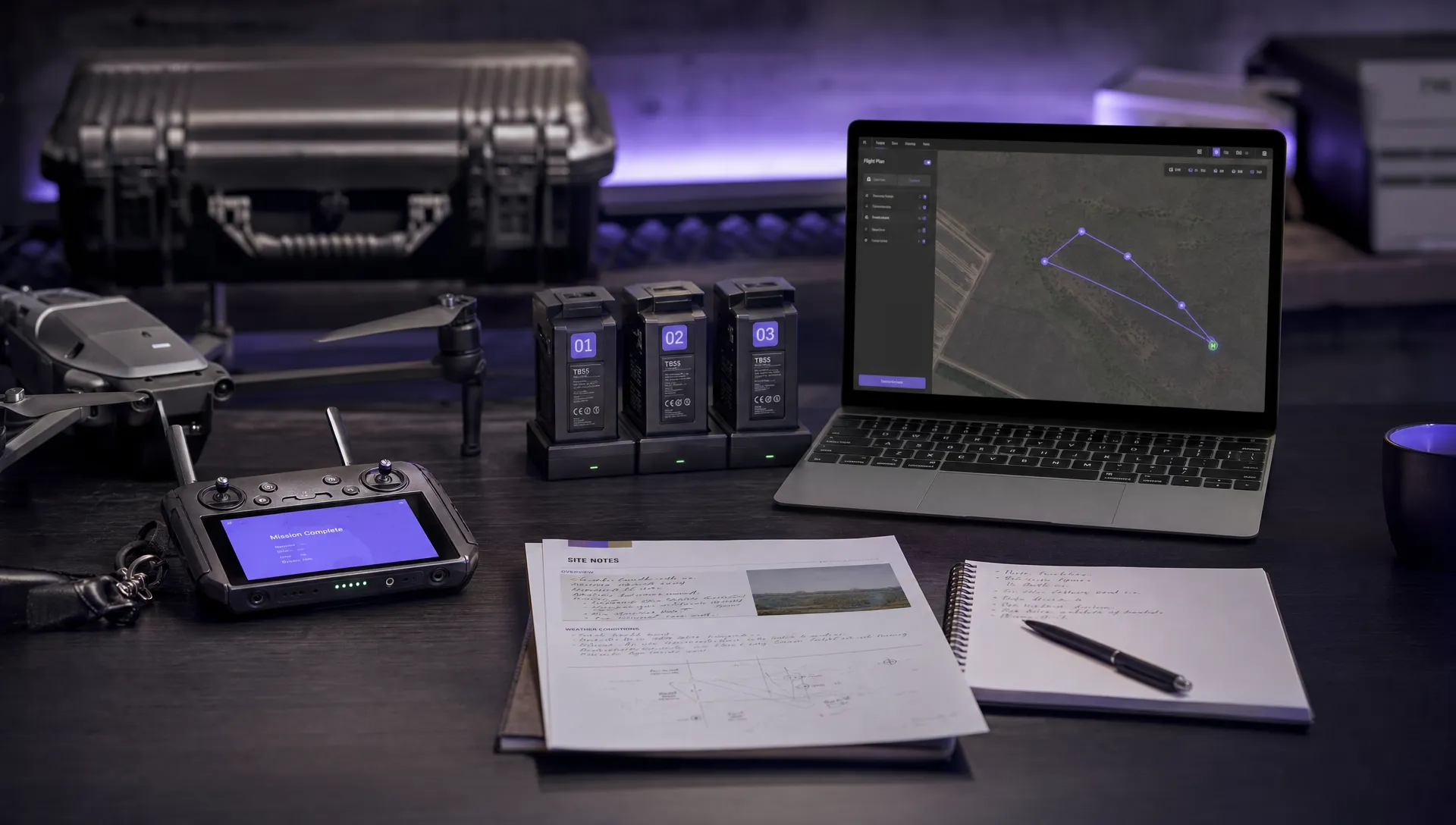
Turn the review into a clear flight log entry
Once you have reviewed the DJI flight record, summarise the outcome in your operational log. The goal is not to copy every telemetry value. The goal is to record the facts that matter for compliance, safety, client reporting and future planning.
A strong post-flight entry normally includes the mission reference, aircraft, battery or batteries used, pilot, crew, location, start and finish times, purpose of flight, confirmation that the task was completed, any warnings, any deviations from plan, and any follow-up actions.
If the flight was uneventful, say so clearly. For example, note that the route was flown as planned, no abnormal warnings were recorded, battery margin was acceptable and imagery was captured. If there were issues, be specific rather than vague. A note such as signal reduced briefly behind west elevation, aircraft remained controllable, pilot repositioned and no further warnings occurred is far more useful than signal issue.
For larger teams, this is where spreadsheets and informal notes start to fall short. A structured system makes it easier to connect flight records with aircraft, batteries, pilots, clients, sites and maintenance history. If your operation is growing, Dronedesk’s drone fleet management guide explains when basic tracking becomes difficult and what to look for in a more robust workflow.
Create a repeatable review checklist
The best review process is short enough that pilots actually use it. A 10-minute checklist after each mission is usually more valuable than a perfect process that only happens after incidents.
Your checklist should reflect your operation, but the core questions are consistent:
- Was the flight completed as planned?
- Did the route remain within the planned operating area?
- Were altitude, separation and airspace controls maintained?
- Were any warnings, RTH events or mode changes recorded?
- Did the battery perform as expected?
- Were there signal, GNSS, compass or obstacle sensing concerns?
- Was the payload or data capture successful?
- Are there actions for maintenance, training, client follow-up or the next risk assessment?
For organisations that need a more formal process, Dronedesk provides an all-in-one web platform for drone operations management with features including flight planning, flight logging, configurable checklists, risk assessments, fleet management, team management, client management, airspace intelligence, proximity intelligence and data reporting. You can see the current platform capabilities on the Dronedesk features page.
The key point is that your DJI flight record review should not live in isolation. It should feed into the same operational system that holds your plans, risk assessments, checklists, logs and follow-up actions.
When a DJI flight record needs deeper investigation
Most records only need a routine review. Some deserve more attention. Escalate the review if the aircraft behaved unexpectedly, failed to respond to control inputs, initiated an unplanned failsafe, suffered a collision or hard landing, entered an unexpected flight mode, showed abnormal battery behaviour, or generated warnings that the pilot did not understand.
In those cases, avoid quick assumptions. A route replay may show what happened, but not always why it happened. The cause might be environmental, procedural, technical or a combination of all three. Compare the DJI record with pilot statements, observer notes, weather data, site photographs, maintenance records and any aircraft or controller logs available.
If there is a safety occurrence, follow your organisation’s reporting procedure and the regulatory obligations that apply to your operation. For manufacturer support, DJI or a maintenance provider may ask for original logs, firmware versions and aircraft details. Keep copies of what you send and what you receive back.
Common mistakes to avoid
One common mistake is reviewing only the video or photos. Media confirms what the camera saw, but it rarely explains battery margin, signal degradation, GNSS quality or automated safety actions.
Another is relying too heavily on a single headline figure, such as maximum altitude or maximum distance. Those values are useful, but they need context. A short flight close to the pilot can still contain a serious warning. A long flight can be perfectly controlled if it was planned and authorised correctly.
Operators also sometimes forget that synced DJI records are not the same as an internal operational record. Account syncing can be useful, but your organisation still needs a controlled way to document who flew, why they flew, under what authority, with what equipment and with what outcome.
Finally, avoid treating every warning as either meaningless or catastrophic. The value is in patterns. One brief signal warning behind a building may be easily explained. The same warning on every visit to the same site tells you something important about your operating environment.
A simple DJI flight record review template
Use a consistent template so that every pilot records information in the same way. This makes audits, client queries, maintenance reviews and lessons learned much easier.
| Field | What to record |
|---|---|
| Mission reference | Job number, client, site or incident reference |
| Aircraft and battery | Aircraft model, aircraft ID and battery ID if used in your system |
| Pilot and crew | Remote pilot, observers and any role changes |
| Flight record checked | Yes or no, plus app used and record time |
| Route review | Flown as planned or explanation of deviations |
| Warnings | Exact warning text where practical, plus pilot response |
| Battery review | Start level, landing level and any abnormal behaviour |
| Data capture | Imagery, video, mapping or inspection data captured successfully |
| Actions | Maintenance, reporting, retraining, client note or next-flight control |
This does not need to be complicated. The discipline is in doing it consistently, not writing long reports for every normal flight.
Frequently Asked Questions
Can a DJI flight record replace my operational flight log? No. It can support your operational flight log, but it should not replace it. The DJI record shows app and aircraft data, while your operational log should capture mission context, crew, purpose, approvals, site conditions, decisions and follow-up actions.
How soon should I review a DJI flight record after a mission? Ideally, review it before the pilot leaves the site or as part of the same-day close-out. Details are fresher, warnings are easier to interpret and any missing information can be captured before equipment is packed away or reassigned.
What is the difference between a DJI flight record and a DAT file? A DJI flight record is usually the app-side record used for quick replay and operational review. DAT files are deeper technical logs stored by the aircraft or controller in some DJI systems. DAT logs can be useful for diagnostics but are often harder to access and interpret.
Should I sync DJI flight records to my DJI account? Syncing can make records easier to access across devices, but it may also raise data governance and privacy considerations. Organisations working on sensitive sites should decide this through an internal policy rather than leaving it to individual pilot preference.
What should I do if the flight record shows an unexpected warning? Record the exact warning, check when it occurred, compare it with the route and pilot actions, and decide whether it needs maintenance, retraining, a risk assessment update or formal reporting. If in doubt, preserve the original log and escalate internally.
Make post-flight review part of your operation
A DJI flight record is most valuable when it becomes part of a repeatable operational workflow. Reviewing it after each mission helps you prove what happened, spot weak signals early and improve the next flight plan.
If you want to bring flight planning, checklists, risk assessments, flight logging, fleet records and reporting into one connected workflow, explore Dronedesk. It gives drone teams a structured way to manage the admin around safe, compliant and productive operations.
 FAA Small UAS Rule: Key Requirements for Operators →
 How to Build a Drone Pilot Flight Log That Is Audit Ready →
 FAA Drone Licence Requirements for Commercial Pilots →
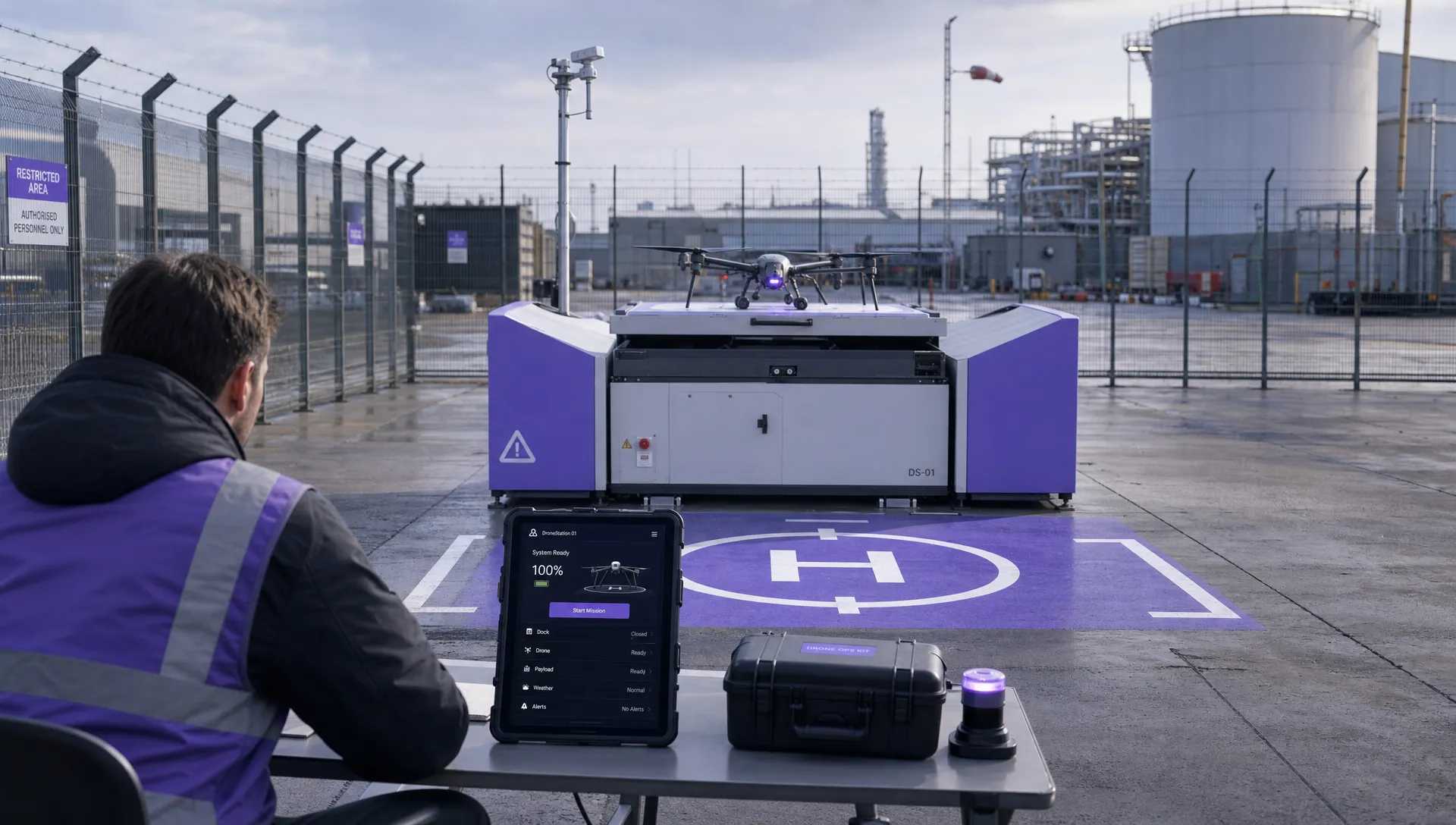 FAA BVLOS Waivers Granted: What Successful Cases Show →
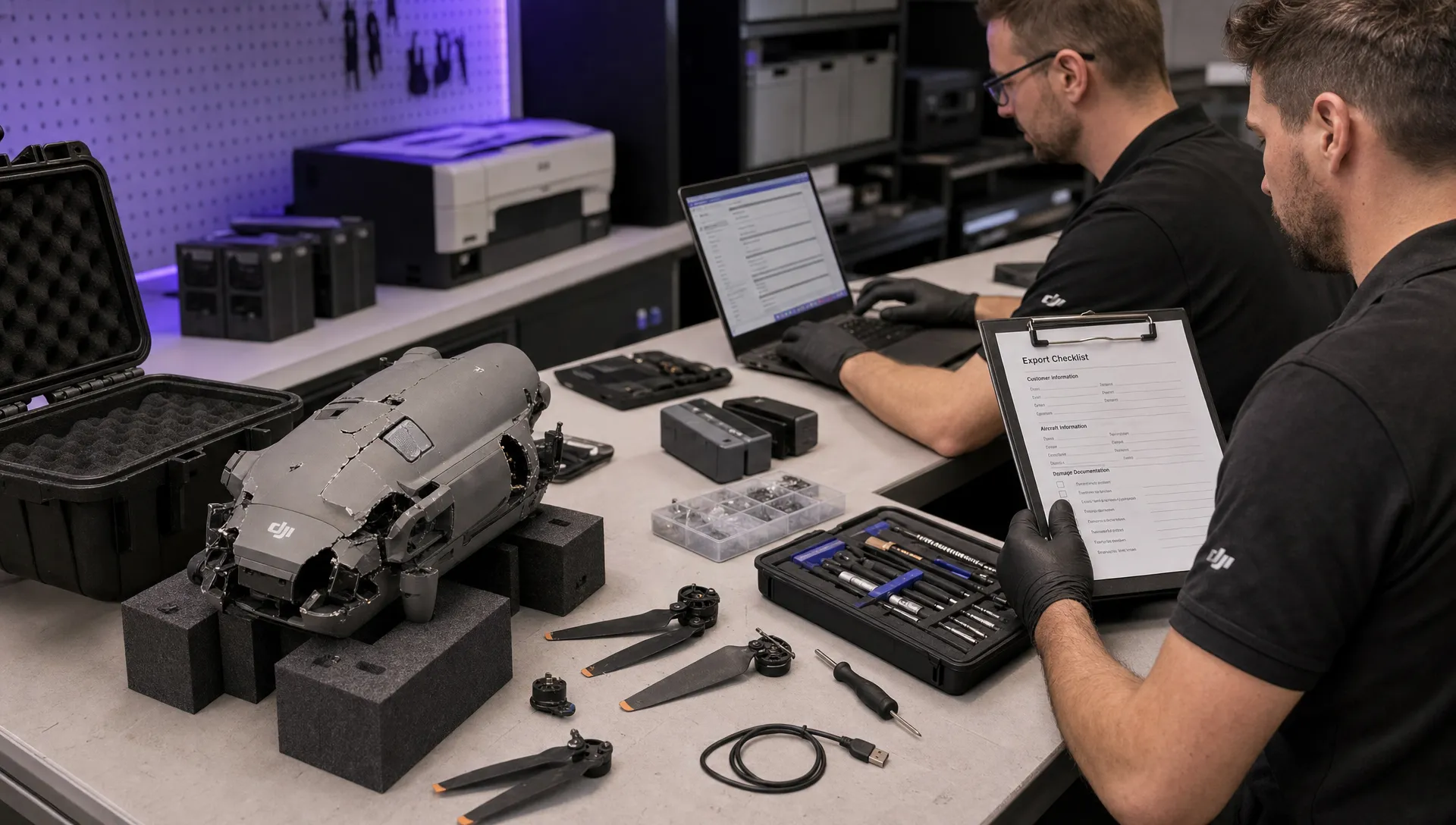 How to Export DJI Flight Logs for Incident Reviews →
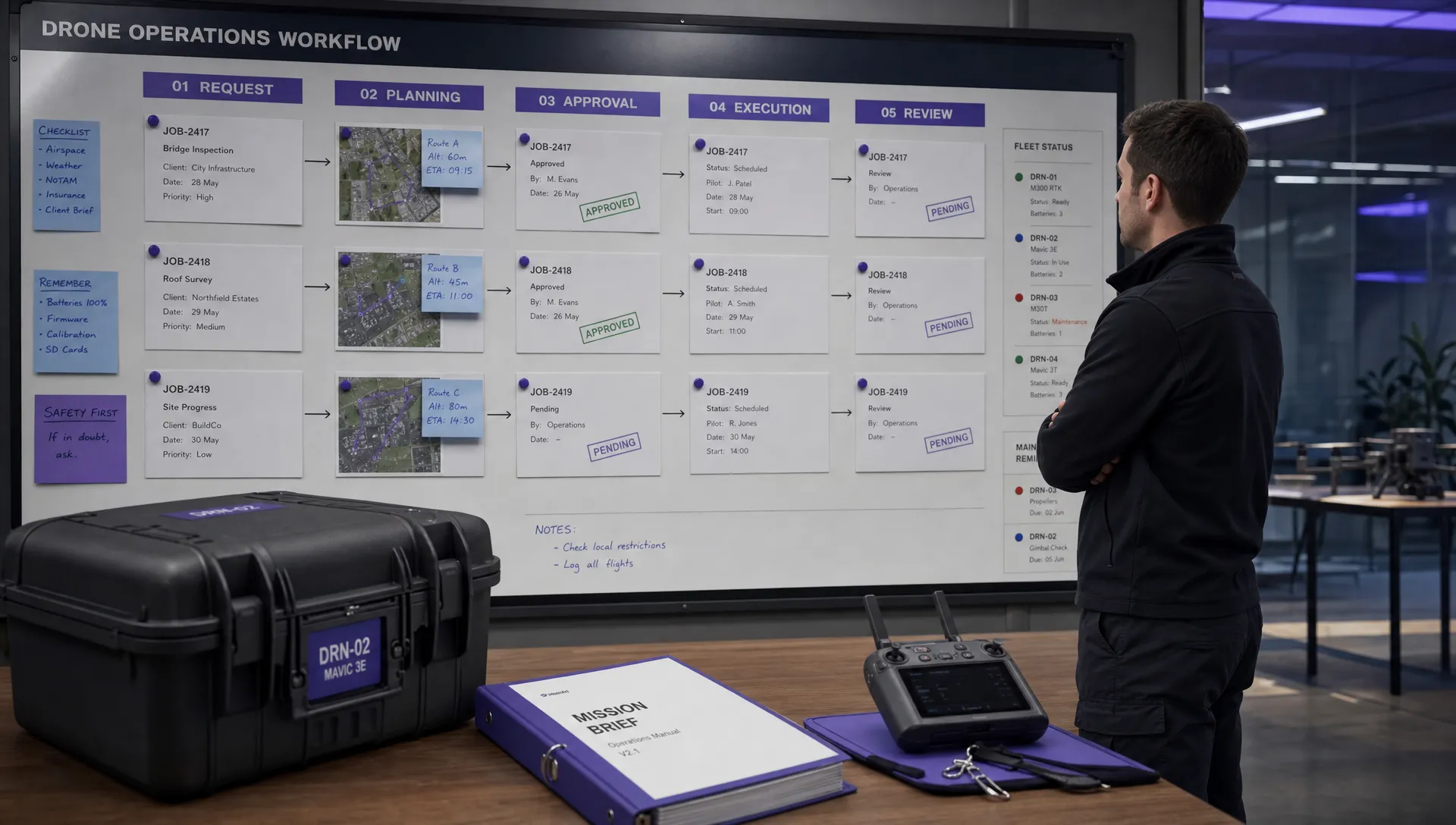 Drone Safety and Legal Duties for Business Operations →
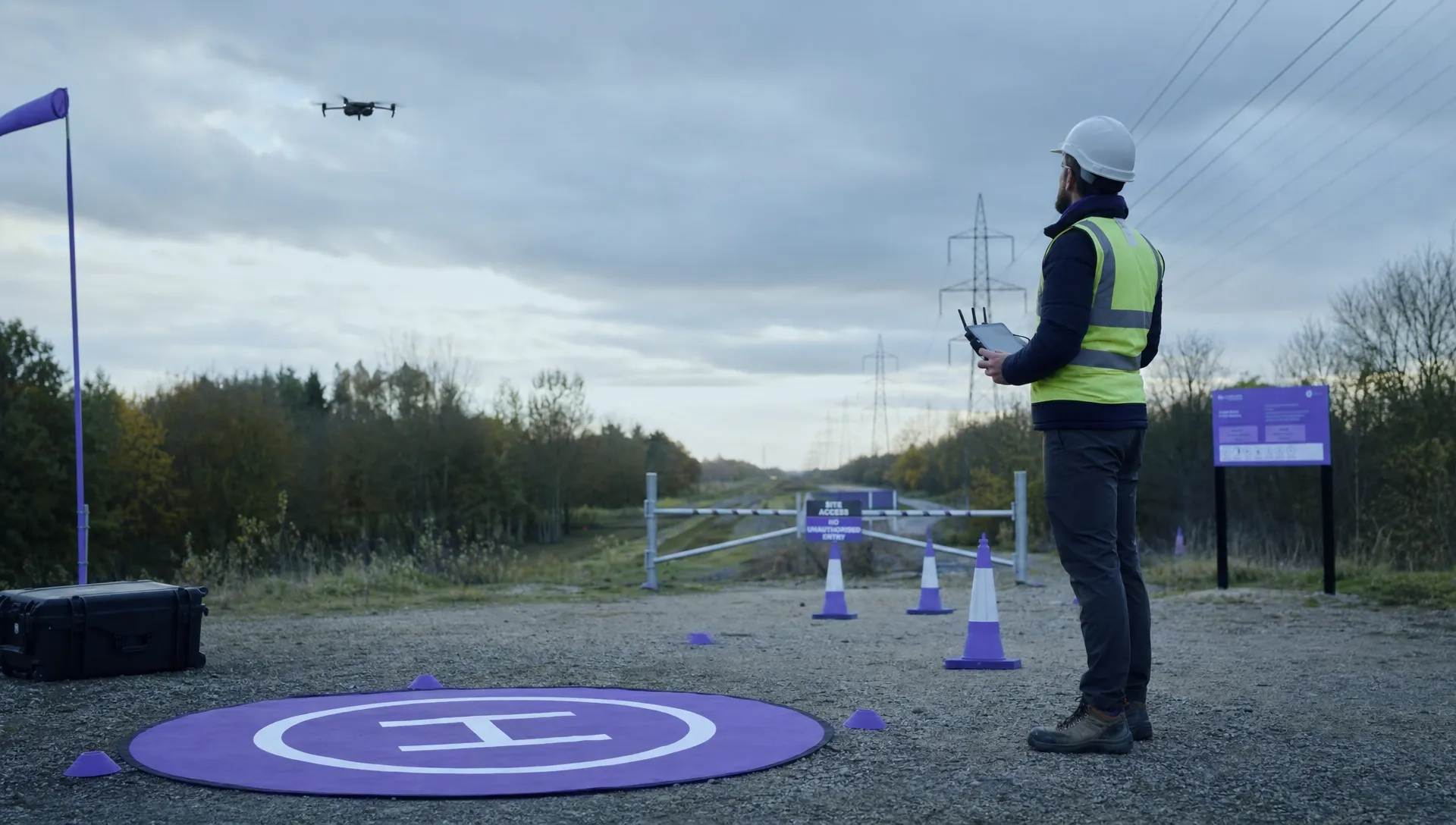 EASA Drone Regulations: Open, Specific and Certified Categories →
 What the BVLOS ARC Report Means for UAS Operators →
 Free Drone Pre-Flight Checklist for Commercial Missions →
 Contingency Volume and Flight Risk Buffer Explained →