
How to Evaluate a Free Drone Logbook Before Using It
A free drone logbook can be a sensible way to record flights when you are starting out, testing a new workflow or running a small number of lower risk jobs. Before it becomes the record your team relies on, evaluate it with the same care you would apply to an aircraft, battery or safety process. The wrong choice can leave gaps in evidence, create duplicate admin and make client queries harder to answer.
For commercial drone operators, survey companies, utility teams and emergency services, flight records are operational evidence. They connect pilots, aircraft, locations, risk controls, maintenance notes and job outcomes. A neat interface is helpful, but it is not enough if the tool cannot preserve the details you may need months later.
Why a free drone logbook needs scrutiny before live operations
Good records let you reconstruct what happened before, during and after a flight. If there is an incident, complaint, warranty issue or client dispute, vague notes are not much use. You need records that are complete, searchable and credible.
Free tools vary widely. Some are genuinely useful for small operations. Others are basic forms with limited exports, unclear data retention or no way to link flights to aircraft maintenance, batteries, pilots and job documentation. Evaluation is not about rejecting free software. It is about knowing exactly what you are trusting it to do.
Start with compliance and operational evidence
A free drone logbook that cannot connect a flight record to the pilot, aircraft, location and relevant operational context is not ready for professional use. Your obligations depend on your country, operation category, authorisations and client contract, so always verify current requirements through official sources.
For UK operations, start with the CAA drone guidance. US operators should check the FAA page on small unmanned aircraft systems under Part 107. European operators can refer to the EASA overview of drone regulations. These sources should take priority over any software vendor checklist.
Baseline fields to test
The fields below are not a universal legal checklist. They are a practical baseline for judging whether a logbook can support safe, auditable operations.
| Record area | What to check | Why it matters |
|---|---|---|
| Date, time and duration | Planned and actual flight times | Helps reconstruct the operation and identify discrepancies |
| Pilot and crew | Remote pilot, observers and supporting team members | Links responsibility and competence to the flight |
| Aircraft and battery | Aircraft ID, battery ID and relevant status notes | Supports fleet tracking and maintenance decisions |
| Location | Take-off area, operating area and landing area | Gives context for airspace, hazards and client reporting |
| Weather | Conditions before and during the flight | Helps evidence go or no-go decisions |
| Airspace and permissions | Airspace checks, permissions and constraints | Shows how the operation was planned and controlled |
| Risk assessment reference | Link or ID for the risk assessment used | Connects the flight to the safety case behind it |
| Incidents and defects | Abnormal events, damage, errors and follow-up actions | Prevents important safety information being lost |
If the tool cannot record these fields cleanly, check whether it allows custom fields. If it does not, you may end up storing critical details in unstructured notes, which makes later review harder.
Check data ownership, export and continuity
A free drone logbook is only useful if you can take your records with you. Before entering real client or operational data, test the export process with sample flights. Look for CSV or spreadsheet exports for analysis and PDF exports for sharing with auditors, insurers or clients. If the tool allows attachments, check whether attachments are included in exports or trapped inside the platform.
Ownership also matters. The account should belong to the organisation, not only to the pilot who happened to sign up first. Ask what happens if that person leaves, loses access or closes the account. For teams, a single personal login is fragile and may create access control problems.
Continuity is the final test. Free services can change limits, remove features or shut down. That does not make them bad, but it does mean you need a backup routine. If there is no automated backup option, schedule manual exports and store them somewhere your organisation controls.
Test the data model against real jobs, not demo flights
A free drone logbook may capture date, time and aircraft but miss the structure needed for professional work. Test it against the jobs you actually fly, not an idealised five minute flight in an empty field.
For survey companies, the log may need to link flights to projects, deliverables, ground control notes and repeat site visits. Utility operators may need asset IDs, access restrictions, outage windows, defect observations and battery rotation history. Emergency services may need fast entry, clear crew records and a way to preserve information from reactive deployments without slowing the response.
Build three representative sample records before adopting the tool. Use a routine mapping job, a sensitive infrastructure inspection and a multi pilot operation where batteries are swapped during the task. If the system becomes messy during testing, it will probably be worse during poor weather, time pressure or a client escalation.
Review security, access controls and audit trails
A free drone logbook used for critical infrastructure, emergency callouts or client sites may hold sensitive information. Treat it as an operational system, not a casual notebook.
Check whether the provider explains how accounts are secured, whether multi-factor authentication is available and whether team permissions can be separated. A solo pilot may not need complex access controls, but a utility contractor or emergency services unit usually needs to know who can view, edit and export records.
Audit trails are often overlooked. If a flight record changes after the event, the system should ideally show who changed it and when. Without that, accidental edits or retrospective corrections can be difficult to explain. At minimum, create an internal process that says when records are final, who can amend them and how corrections are documented.
Run an end to end workflow test before committing
A free drone logbook should survive a realistic rehearsal, not just a quick demo. Choose a completed job and recreate the whole process from first client request to final flight record. Include planning notes, crew allocation, aircraft selection, checklists, risk assessment references, airspace checks, flight details, exceptions and post-flight actions.
This test quickly reveals whether the tool is a logbook or part of a wider operations process. If your evaluation exposes weak safety documentation, Dronedesk's guide on how to build a drone flight risk assessment that works is a useful companion when reviewing what should sit alongside each flight record.
After the flight, test how imported or uploaded data can be analysed. DJI operators can also compare exported data with Dronedesk's DJI flight log analysis tool to understand what can be inspected outside the logbook itself. The goal is to avoid discovering export or analysis problems only after an incident or client query.
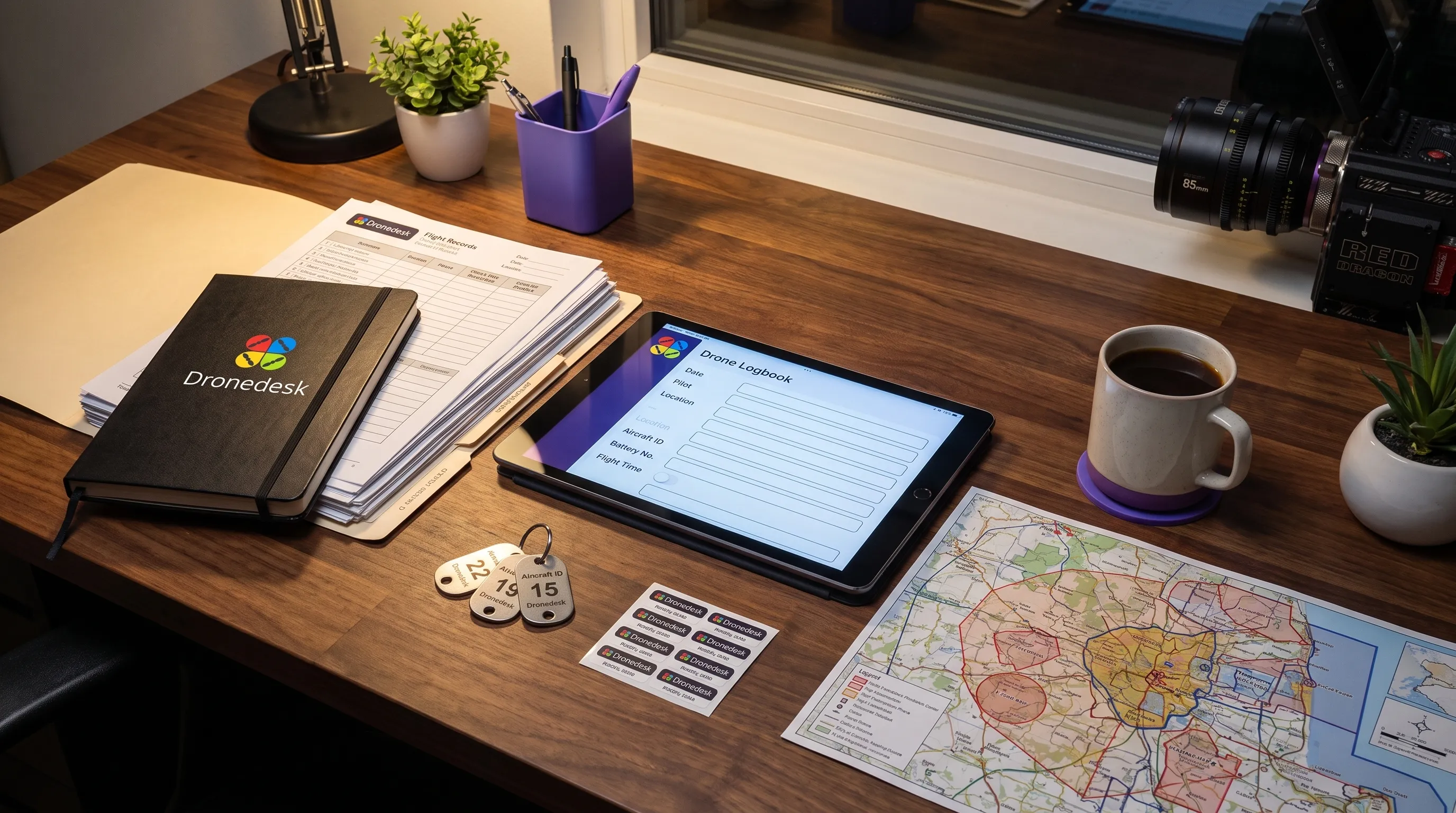
Look for limits hidden behind free access
A free drone logbook can be free because it is simple, subsidised or limited. The limits are not always a problem, but they need to be visible before you rely on the tool for live work.
| Limit to check | Why it can become a problem |
|---|---|
| Number of flights | Historical records may become inaccessible or costly to export |
| Number of pilots | Team growth may force shared logins or fragmented records |
| Number of aircraft | Fleet history may be split across tools or spreadsheets |
| Attachment storage | Photos, permissions and site notes may sit outside the record |
| Export frequency | You may not be able to maintain a reliable backup routine |
| Support availability | Urgent access issues may not be resolved quickly |
| Offline access | Field teams may struggle where connectivity is poor |
| Retention policy | Old records may not be kept as long as your organisation needs |
Free is acceptable when the limitations match your risk profile. It becomes expensive when a missing export, hidden cap or weak support route forces a rushed migration during an active project.
Decide whether the logbook fits your operating model
A standalone logbook can be fine for a solo pilot with simple jobs, a low flight volume and a separate method for storing permissions, risk assessments, maintenance and client information. It is less suitable when multiple people need a shared operational picture.
A free drone logbook is rarely the weak point because it is free. It becomes weak when it sits outside the way your organisation plans, approves, flies and reviews work. If records have to be copied between spreadsheets, email threads, PDFs and flight apps, the risk of missing or inconsistent information increases.
If your operation needs flight records connected to the rest of the job, an operations management platform may be a better fit. Dronedesk's features page lists client management, fleet management, team management, airspace intelligence, proximity intelligence, flight planning, flight logging, data reporting, configurable checklists and risk assessments. That broader structure is worth considering when a simple logbook no longer reflects how your team actually works.
Red flags that should make you pause
Some issues are inconvenient. Others should stop you entering real operational data until they are resolved.
- No clear export option for all records
- No explanation of privacy, security or data retention
- No way to separate users, roles or account ownership
- No fields for aircraft, batteries, crew or abnormal events
- No way to attach or reference permissions and risk assessments
- No support route for access problems or data recovery
- No practical way to correct records without losing accountability
One red flag is not an automatic disqualification. A small operation may knowingly accept a limitation and control it through internal procedures. The key is to record the decision, understand the risk and avoid pretending the tool does more than it does.
Frequently Asked Questions
Is a spreadsheet acceptable for drone flight records? A spreadsheet can be acceptable for a small operation if it is controlled, backed up and consistently used. A free drone logbook may be more convenient, but the deciding factor is whether the records are complete, exportable and reliable.
Do drone regulations require a digital logbook? Requirements vary by jurisdiction, operation type and authorisation. Many obligations focus on being able to demonstrate safe and compliant operation rather than using a particular app. Always check the current wording from the relevant regulator before relying on any template.
What should I export before choosing a logbook? Export sample flights, aircraft records, pilot records, attachments and any maintenance or incident notes. Check that the export is readable without the original app and that it preserves dates, IDs and relationships between records.
When should I move beyond a free tool? Consider moving when you have multiple pilots, multiple aircraft, demanding clients, sensitive sites, repeat inspections or a need to connect flight records with planning, risk assessments, checklists and reporting.
Choose records you can defend later
The best logbook is not the one with the longest feature list. It is the one your organisation can explain, maintain and defend when someone asks what happened on a particular job.
Before adopting any free tool, run a real workflow test, export the data, review the security model and decide where the tool fits in your wider operating procedures. If it passes those checks, it may be a useful starting point. If it fails them, find out before your next audit, claim or client escalation depends on the answer.
 How to Evaluate a Free Drone Logbook Before Using It →
 FAA Part 107 Test: How to Master Airspace Questions →
 Drone Risk Assessment Controls That Work in the Field →
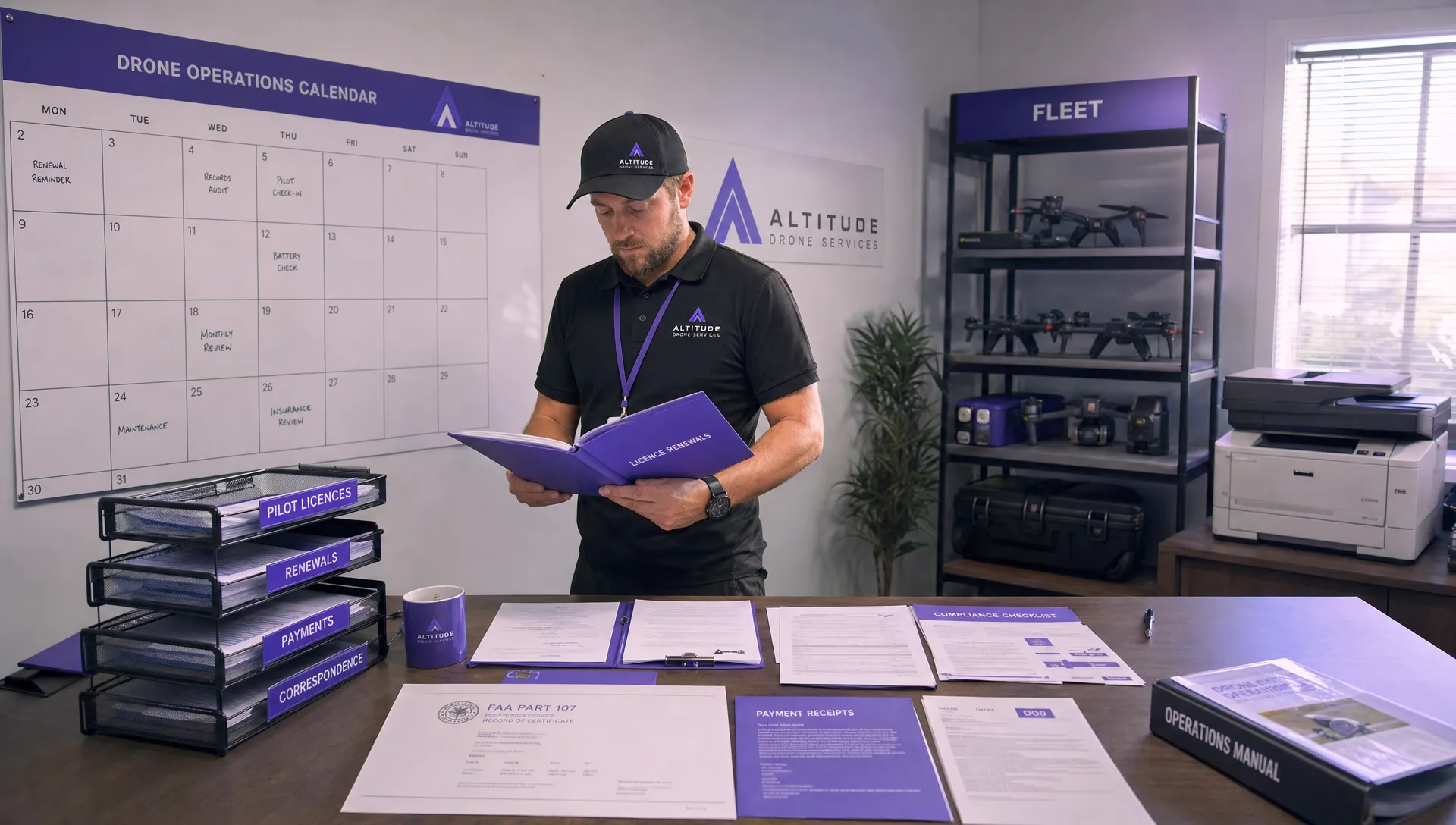 FAA Drone License Costs Beyond the Knowledge Test →
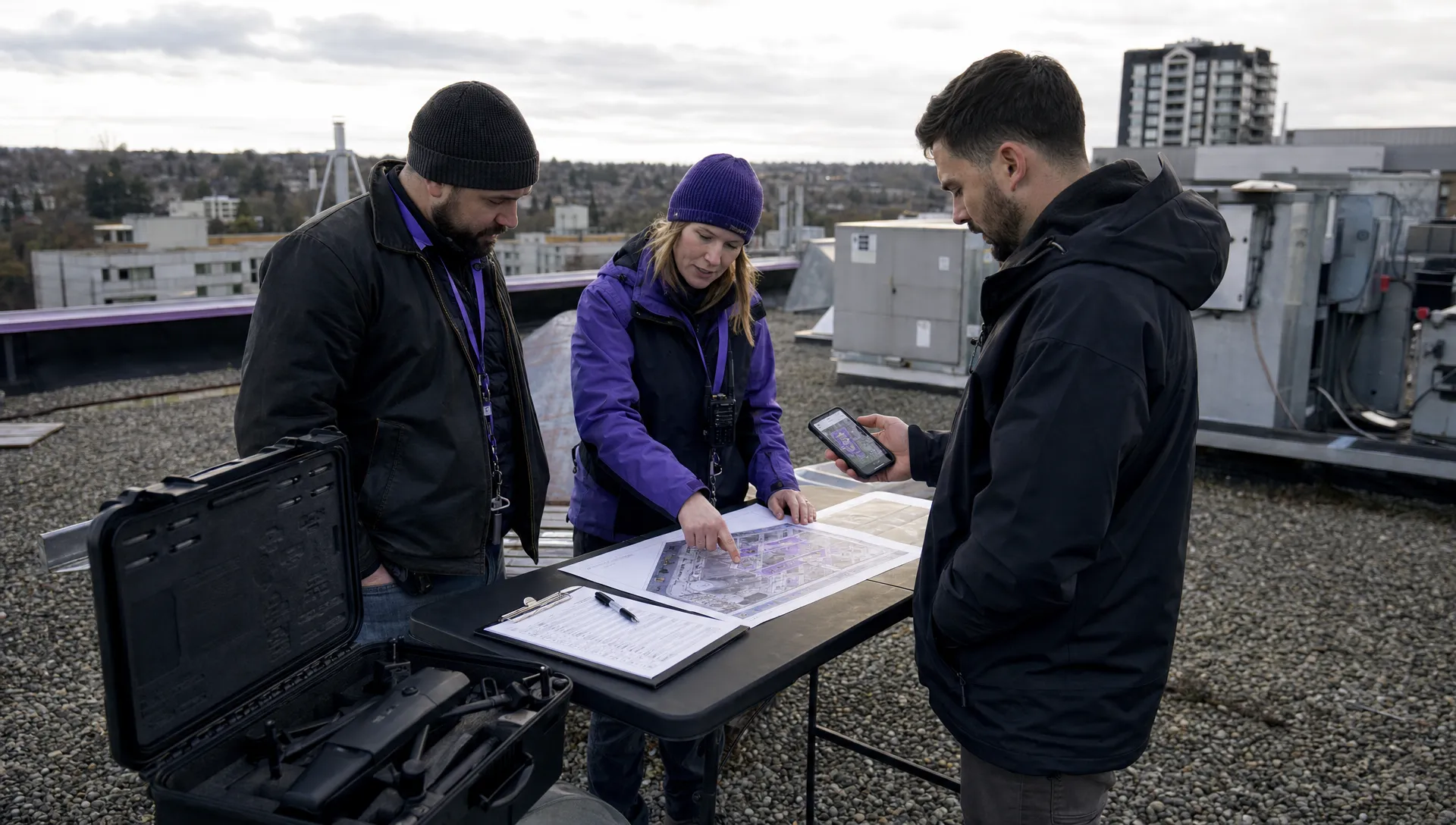 Drone Part 107 Operations: When a Waiver May Be Needed →
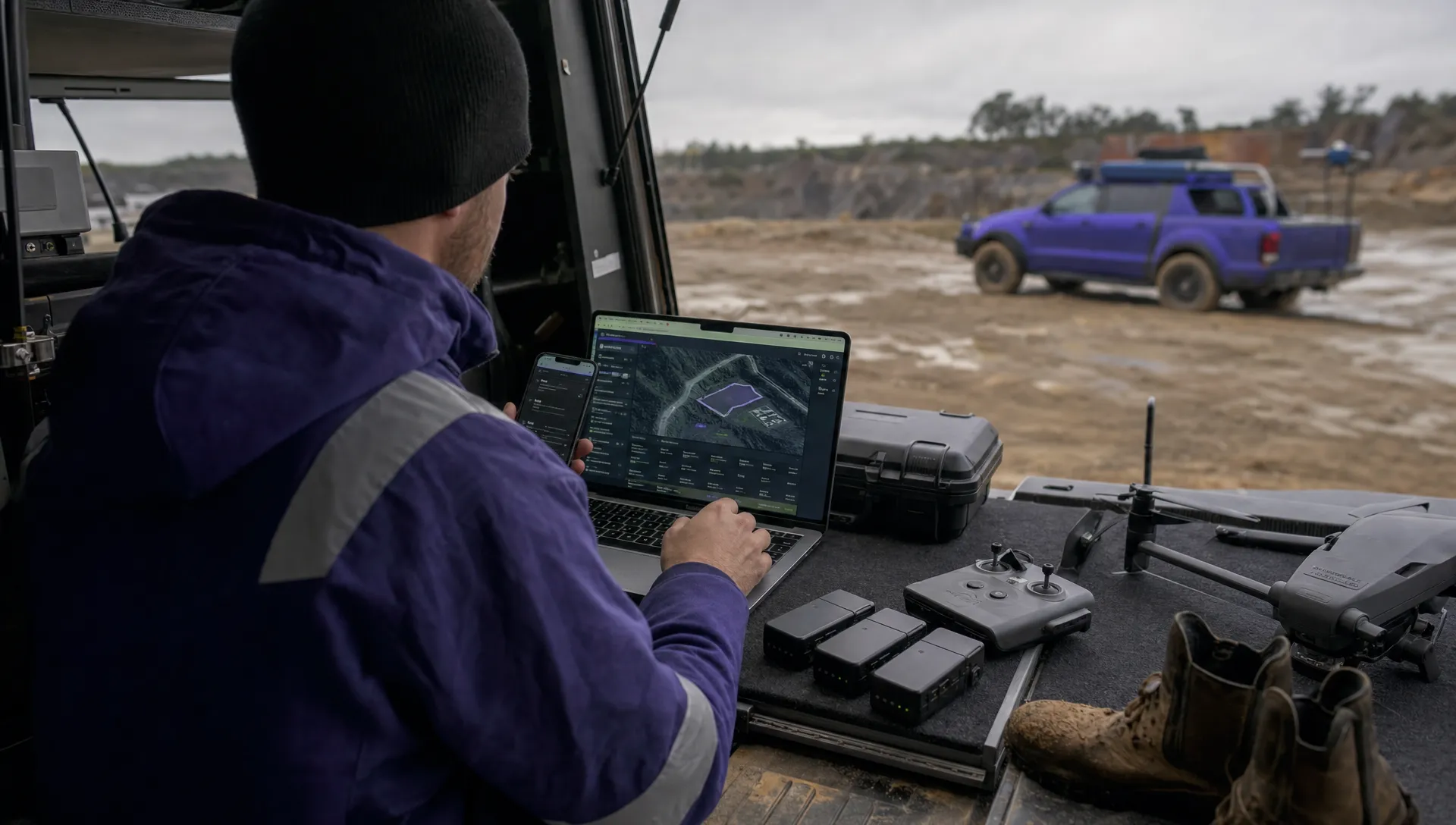 Drone Operating Rules for Managing Contractors and Employees →
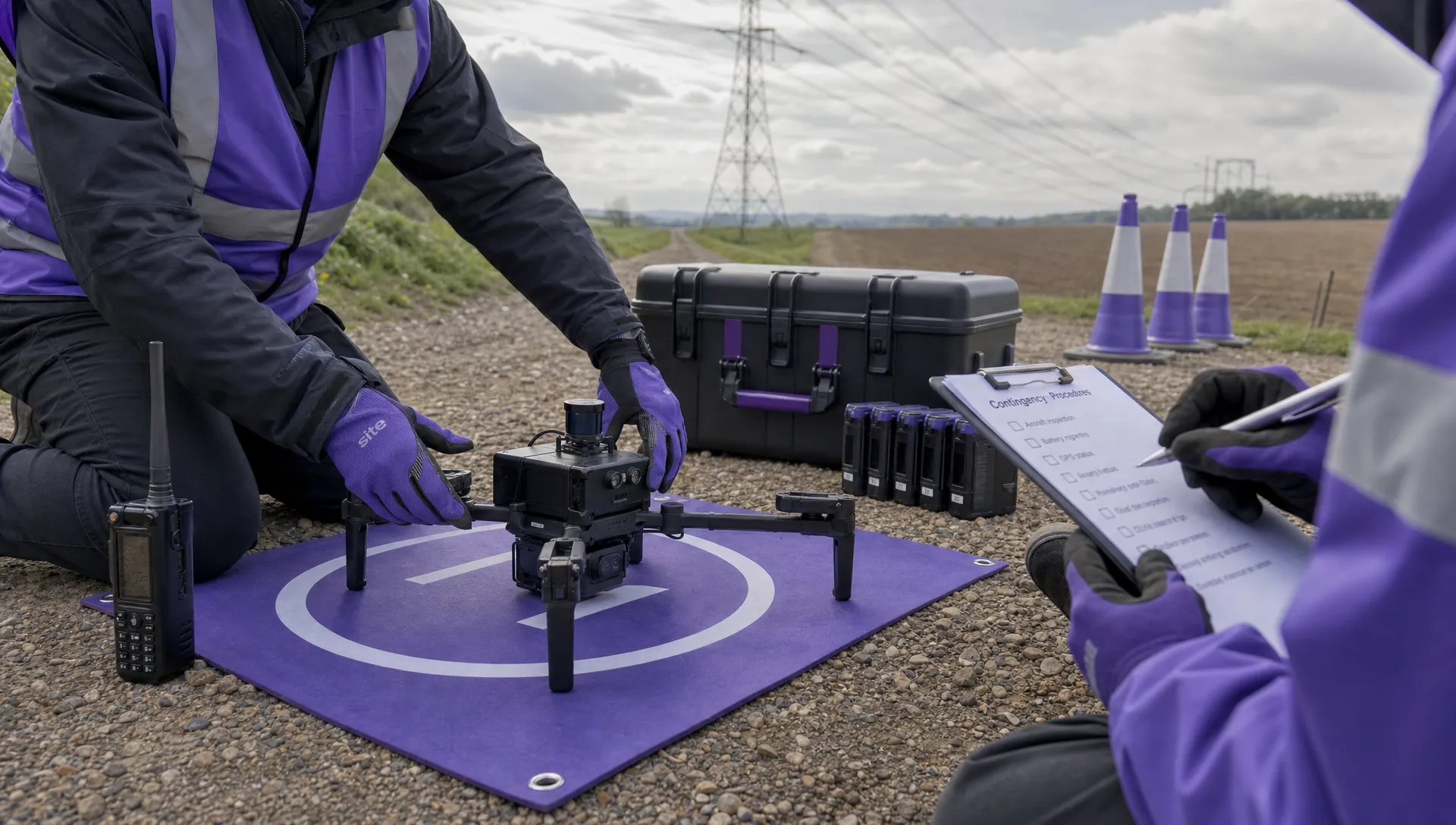 BVLOS Drone Requirements for Building a Safety Case →
 Drone Pilot Test Mistakes That Cost Candidates Marks →
 FAA 107 License vs Part 107 Certificate: What’s the Difference? →
 Drone Airport Rules: A Field Checklist for Site Assessments →