
Drone Mapping Explained for Commercial Operators
Drone mapping has become one of the most valuable commercial drone services because it turns aerial data into measurable, repeatable site intelligence. For construction teams, surveyors, quarry managers, utilities, estate owners and environmental consultants, a good drone map can reduce site visits, improve progress reporting and create a reliable visual record of change over time.
But drone mapping is not simply flying a grid and uploading photos. Commercial operators need to understand the difference between a nice-looking aerial image and a defensible mapping deliverable. That means getting the brief right, planning the flight safely, capturing the data consistently, processing it correctly and keeping the operational evidence to back it up.
This guide explains drone mapping from a commercial operator’s perspective: what it is, what clients actually buy, how accuracy works, what to plan for and where operations management fits into a professional workflow.
What is drone mapping?
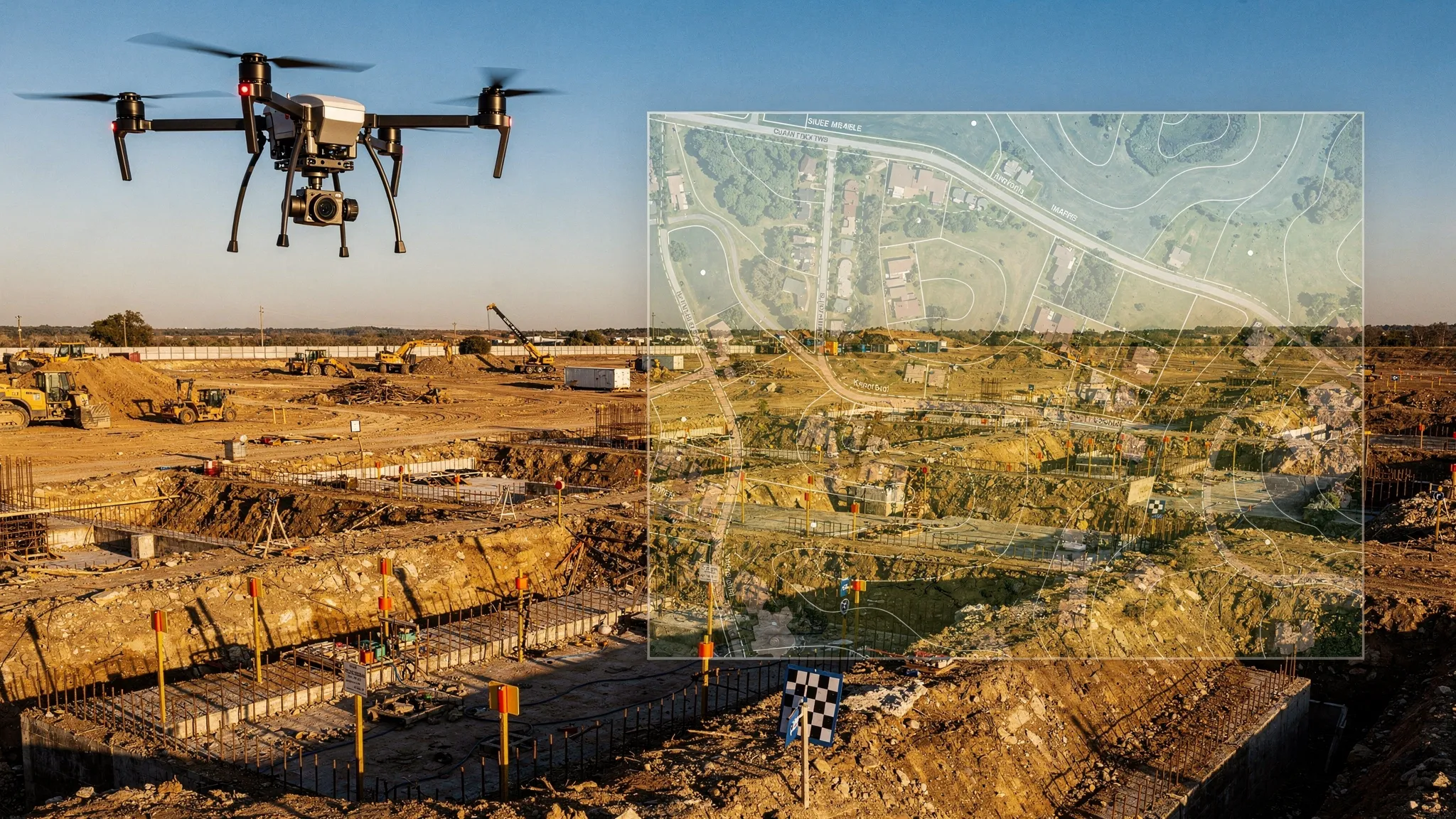
Drone mapping is the process of collecting aerial imagery or sensor data with a drone and converting it into georeferenced maps, models or measurements. In practical terms, the drone captures overlapping images, or LiDAR measurements, and specialist software reconstructs the site into outputs such as orthomosaics, point clouds, 3D models, elevation models and volume calculations.
The most common method is photogrammetry. This uses many overlapping photographs to identify common points from different angles, then calculates camera positions and builds a measurable model of the area. LiDAR mapping uses laser pulses to measure distances directly, which can be especially useful for vegetation penetration, linear infrastructure and complex terrain, although it usually requires more expensive sensors and a different processing workflow.
For commercial operators, the key point is simple: drone mapping is a data product, not just an aerial photography product. The value is in repeatability, accuracy, interpretation and documentation.
Drone mapping versus aerial photography
Aerial photography usually focuses on visual impact. The client wants attractive images or video from a useful perspective. Drone mapping focuses on measurement and spatial accuracy. The client wants to answer questions such as how much material is on site, how far a project has progressed, where assets are located or how the terrain has changed.
That changes the way you fly. A mapping mission usually needs planned flight lines, consistent altitude, high image overlap, controlled camera settings and careful attention to ground control or RTK/PPK positioning. Oblique imagery may be needed for 3D models, while nadir imagery, straight down, is often used for orthomosaics and surface models.
It also changes the way you sell the job. A client buying a drone map may care less about the drone model and more about deliverables, coordinate systems, file formats, accuracy tolerance, turnaround time and how your results can be integrated into their existing workflow.
Common commercial drone mapping use cases
Drone mapping is useful wherever a client needs a current, measurable view of a site. The strongest commercial opportunities tend to be in sectors where change is frequent, physical access is difficult, or traditional survey methods are costly and time-consuming.
Typical use cases include construction progress monitoring, earthworks measurement, quarry stockpile calculations, roof and asset condition records, agricultural field mapping, environmental monitoring, utilities corridor inspection, planning support and site logistics. For many clients, the biggest benefit is not one single map, but repeatable mapping at regular intervals so they can compare change over time.
A monthly construction orthomosaic, for example, can help project teams compare progress against drawings. A quarry operator may use repeated surveys to track stockpile volumes. An estate owner may need a clear map of drainage, access routes and boundaries for planning discussions. The commercial operator’s role is to translate that business need into a safe, technically sound data capture plan.
The main drone mapping deliverables
Different clients use the phrase drone mapping to mean different things. Before quoting, make sure you know exactly what output they expect. The table below summarises the most common deliverables.
| Deliverable | What it is | Common commercial use | Key consideration |
|---|---|---|---|
| Orthomosaic | A corrected, georeferenced 2D image made from many photos | Site maps, construction progress, asset records | Needs suitable overlap, consistent imagery and correct georeferencing |
| Digital Surface Model (DSM) | Elevation model including buildings, vegetation and objects | Surface analysis, drainage overview, site comparison | Represents visible surfaces, not bare earth |
| Digital Terrain Model (DTM) | Elevation model of the ground surface with objects removed | Earthworks, terrain modelling, flood or drainage studies | May require classification, manual cleanup or LiDAR depending on vegetation |
| Point cloud | Dense 3D set of measured points | Survey workflows, modelling, measurements | Accuracy depends on capture method, control and processing quality |
| 3D mesh | Textured 3D model derived from imagery | Visualisation, heritage, planning, stakeholder engagement | Often visually impressive but not always the best measurement product |
| Contours | Lines showing equal elevation | Planning, design support, site interpretation | Must be generated from a suitable elevation model |
| Volume report | Calculation of stockpile, cut or fill quantities | Quarries, aggregates, construction, landfill | Needs clear boundaries, control and agreed methodology |
| Inspection map or report | Annotated map with findings and imagery | Roofs, utilities, estates, assets | Requires structured observations and client-friendly reporting |
A professional proposal should state the deliverables clearly. A vague promise to provide a drone survey or site map can quickly lead to scope creep, especially if the client later expects CAD-ready data, centimetre accuracy, or multiple output formats that were never priced.
How a commercial drone mapping job works
A reliable drone mapping workflow starts before anyone arrives on site. The flight itself may be quick, but the commercial outcome depends on scoping, planning, capture quality, processing and record keeping.
Start with the client decision, not the drone
The first question is not which drone to fly. It is what decision the client needs to make from the data. Are they checking progress, measuring stockpiles, creating planning visuals, validating earthworks, or building a long-term record of an asset?
Once that is clear, you can define the output, required resolution, expected accuracy, file formats and delivery method. This is also the point to ask whether they need the data in a particular coordinate reference system, whether they have existing control points, and whether the outputs need to align with CAD, BIM or GIS systems.
Plan the flight around the deliverable
A mapping flight plan should reflect the output. Orthomosaics often use a nadir grid with high forward and side overlap. 3D models may require crosshatch or oblique imagery. Tall structures, steep terrain, reflective surfaces and vegetation can all influence the capture plan.
Commercial operators should also consider battery strategy, take-off and landing points, site access, communication with site management, emergency procedures, weather limits, sun angle and the effect of wind on image consistency. Mapping is highly sensitive to poor capture. Motion blur, underlap, inconsistent exposure and missed edges can create processing problems that are difficult to fix later.
Use ground control when the job requires it
Ground control points, checkpoints, RTK and PPK positioning are central to mapping accuracy. Not every job needs the same level of control. A simple visual progress map may not justify a full survey control workflow, while a volume calculation used for commercial decisions almost certainly needs tighter controls.
The important distinction is between relative accuracy and absolute accuracy. Relative accuracy describes how well features line up within the model. Absolute accuracy describes how well the model aligns with real-world coordinates. A model can look internally consistent but still be shifted in real-world position if it is poorly georeferenced.
Check the data before leaving site
Commercial operators should build field quality assurance into every mapping job. Before packing away, check that the full area is covered, images are sharp, overlap is sufficient and any control points are visible. If the site is remote or access is difficult, discovering a data gap during processing can be expensive.
A simple repeatable checklist helps: aircraft status, memory cards, camera settings, flight coverage, ground control photos, battery logs, weather record and any site anomalies. This is one area where structured operations management can save a lot of rework.
Process, validate and deliver
After capture, the imagery or sensor data is processed in mapping software. Processing may include image alignment, sparse and dense point cloud generation, mesh creation, elevation model creation, orthomosaic generation, georeferencing, classification, measurements and export.
Validation matters. If the job has accuracy requirements, use independent checkpoints rather than relying only on processing software confidence indicators. Provide enough context for the client to understand the output, such as capture date, coordinate system, ground sample distance, known limitations and measurement methodology.
Accuracy: what commercial operators must understand
Accuracy is one of the most misunderstood parts of drone mapping. Clients often ask for survey-grade accuracy without knowing what that means, while operators can be tempted to quote centimetre-level figures based only on a drone specification.
A professional answer is more nuanced. Accuracy depends on the drone, camera, flight height, image quality, overlap, ground control, positioning method, processing settings, terrain, vegetation, lighting and the way the output is validated.
| Accuracy factor | Practical question | Why it matters |
|---|---|---|
| Ground Sample Distance (GSD) | How much ground does each pixel represent? | Lower GSD can show more detail, but it does not guarantee positional accuracy by itself |
| Ground control | Are surveyed markers used on site? | Helps align the model to real-world coordinates and improves confidence |
| Checkpoints | Are independent points used to validate the model? | Provides evidence of accuracy rather than relying on assumptions |
| RTK or PPK | Is high-precision GNSS positioning used? | Can reduce or simplify ground control needs when used correctly |
| Flight overlap | Is there enough overlap for the surface and terrain type? | Poor overlap can cause gaps, distortion or failed processing |
| Camera settings | Are images sharp and consistently exposed? | Blurred or inconsistent images reduce model quality |
| Coordinate system | Does the output match the client’s required system? | Prevents integration problems with CAD, GIS or survey data |
The safest commercial practice is to specify accuracy requirements in writing and match the workflow to the promise. If a deliverable will be used for engineering design, legal boundaries, payment quantities or high-value decisions, consider involving an appropriately qualified survey professional and agree the methodology before flying.
UK compliance and operational responsibilities
In the UK, drone rules are risk based rather than simply commercial versus recreational. A paid mapping job may fall within the Open category or may require Specific category permissions depending on the aircraft, location, proximity to uninvolved people, airspace and operational risk. Operators should keep up to date with the CAA’s CAP 722 guidance and the Drone and Model Aircraft Code.
Commercial mapping also brings non-aviation responsibilities. You may need landowner permission, site induction, RAMS, coordination with site managers, insurance evidence, data protection considerations and clear communication with people who may be affected by the operation.
Privacy is especially important because mapping can capture people, vehicles, homes and business activity. The UK Information Commissioner’s Office provides guidance on video surveillance and data protection. In practice, operators should minimise unnecessary capture, secure the data, define retention periods and be transparent with clients about how imagery is stored and shared.
For commercial operators, compliance is not a box-ticking exercise. It is part of the product. Clients in construction, utilities, public sector, quarries and infrastructure often need to see that the job was planned, risk assessed and logged properly.
Choosing the right drone mapping stack
A commercial mapping stack normally has several layers. The drone and sensor capture the data. The mission planning tool helps fly repeatable routes. The processing platform turns data into maps and models. GIS, CAD or analysis tools help interpret and share the results. Operations management software keeps the business and compliance workflow under control.
The right combination depends on your market. A roof inspection company, a quarry survey team and a utility corridor operator may all use drone mapping, but their requirements are very different. Before investing in software or hardware, think about the outputs you need to produce repeatedly, the accuracy your clients will pay for and the operational burden your team can realistically manage.
If you are comparing photogrammetry and processing platforms, Dronedesk has a dedicated drone mapping software comparison guide that looks at common options and where each type of tool fits.
Scoping and pricing drone mapping work
Drone mapping pricing should reflect more than time in the air. The flight may only take 30 minutes, but the job may also include pre-site research, permissions, risk assessment, travel, ground control, site coordination, processing, quality checks, reporting, revisions, storage and client support.
Underpricing often happens when operators quote based only on acreage or flight time. Site complexity can matter more than size. A small city-centre site with airspace constraints, cranes, people, access issues and a tight delivery deadline may be more expensive to deliver safely than a larger rural site.
Useful scoping questions include:
- What will the client use the map or model for?
- What outputs and file formats are required?
- Is a specific accuracy tolerance needed?
- Are ground control or checkpoints available?
- Does the site have access restrictions, inductions or operating hours?
- Will this be a one-off job or a repeat mapping programme?
- Who will review and approve the deliverables?
A good proposal should define what is included and what is not. For example, an orthomosaic for visual progress tracking is not the same as a topographic survey suitable for design. A stockpile volume report is not the same as an unverified 3D model. Clear language protects both the operator and the client.
Quality assurance: the difference between data and a deliverable
A drone mapping deliverable should be repeatable and explainable. That requires quality assurance at each stage of the job, not just at the end.
In the field, quality assurance means checking flight coverage, image sharpness, exposure, control point visibility, GNSS status, weather and any deviations from the plan. During processing, it means reviewing alignment quality, identifying gaps or distorted areas, checking control residuals where applicable and verifying the output against checkpoints or known site features.
Before delivery, consider providing a short notes section with the map or report. Include the date and time of capture, coordinate system, GSD, method used, any known limitations and any areas excluded from measurement. This can prevent misunderstandings later, especially when the data is shared with stakeholders who were not involved in the original brief.
Common drone mapping mistakes to avoid
Many commercial mapping problems come from mismatched expectations rather than bad flying. The operator delivers what they thought the client wanted, but the client expected something more technical, more accurate or easier to integrate.
Common mistakes include:
- Promising centimetre accuracy without defining the workflow, control or validation method.
- Treating a visually attractive 3D model as a measurement-ready survey output.
- Forgetting to ask about coordinate systems, CAD requirements or GIS compatibility.
- Flying with insufficient overlap for vegetation, complex structures or low-texture surfaces.
- Ignoring upload time, processing time and revision time when pricing.
- Leaving site before checking coverage and image quality.
- Capturing unnecessary personal data without considering privacy and retention.
- Keeping flight records, risk assessments and client details in scattered spreadsheets and folders.
The last point becomes more important as you grow. A solo operator might manage a few jobs manually, but repeat mapping programmes, multi-pilot teams and higher-value clients demand consistent records and repeatable workflows.
Where Dronedesk fits into drone mapping operations
Drone mapping software creates maps and models. Operations management software helps you run the commercial operation around those deliverables.
Dronedesk is built for drone operators who need to manage the admin, safety and compliance side of their work in one place. For mapping teams, that means bringing client management, fleet management, team management, airspace intelligence, proximity intelligence, flight planning, configurable checklists, risk assessments, flight logging and reporting into a structured workflow.
That matters because mapping jobs often involve repeat visits, multiple stakeholders, strict site rules and evidence-heavy deliverables. If you cannot show how the job was planned, who flew it, what aircraft was used, what checks were completed and what risks were assessed, the technical map is only half the story.
For growing teams, combining mapping tools with a solid operations layer can reduce admin load and make it easier to scale safely. If fleet control is becoming a challenge, the drone fleet management guide explains how to manage aircraft, pilots, maintenance and records as operations expand.
Frequently Asked Questions
What is drone mapping used for? Drone mapping is used to create measurable maps, models and reports for sites, assets and terrain. Common commercial uses include construction progress, quarry stockpile measurement, agriculture, environmental monitoring, utilities, estate management and infrastructure inspection.
Is drone mapping the same as surveying? Not always. Drone mapping can support surveying workflows, but a drone map is not automatically a professional survey. Survey-grade outputs depend on control, methodology, validation, coordinate systems and the qualifications required for the intended use.
How accurate is drone mapping? Accuracy varies widely. It depends on flight height, camera quality, overlap, ground control, RTK or PPK, processing settings and validation. Operators should agree accuracy requirements with the client before flying and avoid quoting generic accuracy claims without evidence.
Do I need ground control points for drone mapping? Not every mapping job needs ground control, but GCPs or independent checkpoints are strongly recommended when the output must align accurately with real-world coordinates or support important measurements such as volumes, earthworks or design decisions.
What software do commercial operators need for drone mapping? Most operators use a combination of mission planning software, photogrammetry or LiDAR processing software, analysis or GIS tools and operations management software. The best stack depends on your deliverables, accuracy requirements, budget and client workflow.
Make drone mapping easier to manage
Drone mapping can be a highly profitable service, but only when the operational foundations are solid. The best commercial operators do more than fly good data capture missions. They scope accurately, plan safely, document thoroughly and deliver outputs clients can trust.
Dronedesk helps drone operators manage the flight planning, compliance and administration that sit around mapping work, from client and fleet management to risk assessments, checklists, flight logging and reporting. If your mapping jobs are growing beyond spreadsheets and scattered folders, Dronedesk gives you a simpler way to keep everything organised, auditable and ready for the next flight.
 FAA Small UAS Rule: Key Requirements for Operators →
 How to Build a Drone Pilot Flight Log That Is Audit Ready →
 FAA Drone Licence Requirements for Commercial Pilots →
 FAA BVLOS Waivers Granted: What Successful Cases Show →
 How to Export DJI Flight Logs for Incident Reviews →
 Drone Safety and Legal Duties for Business Operations →
 EASA Drone Regulations: Open, Specific and Certified Categories →
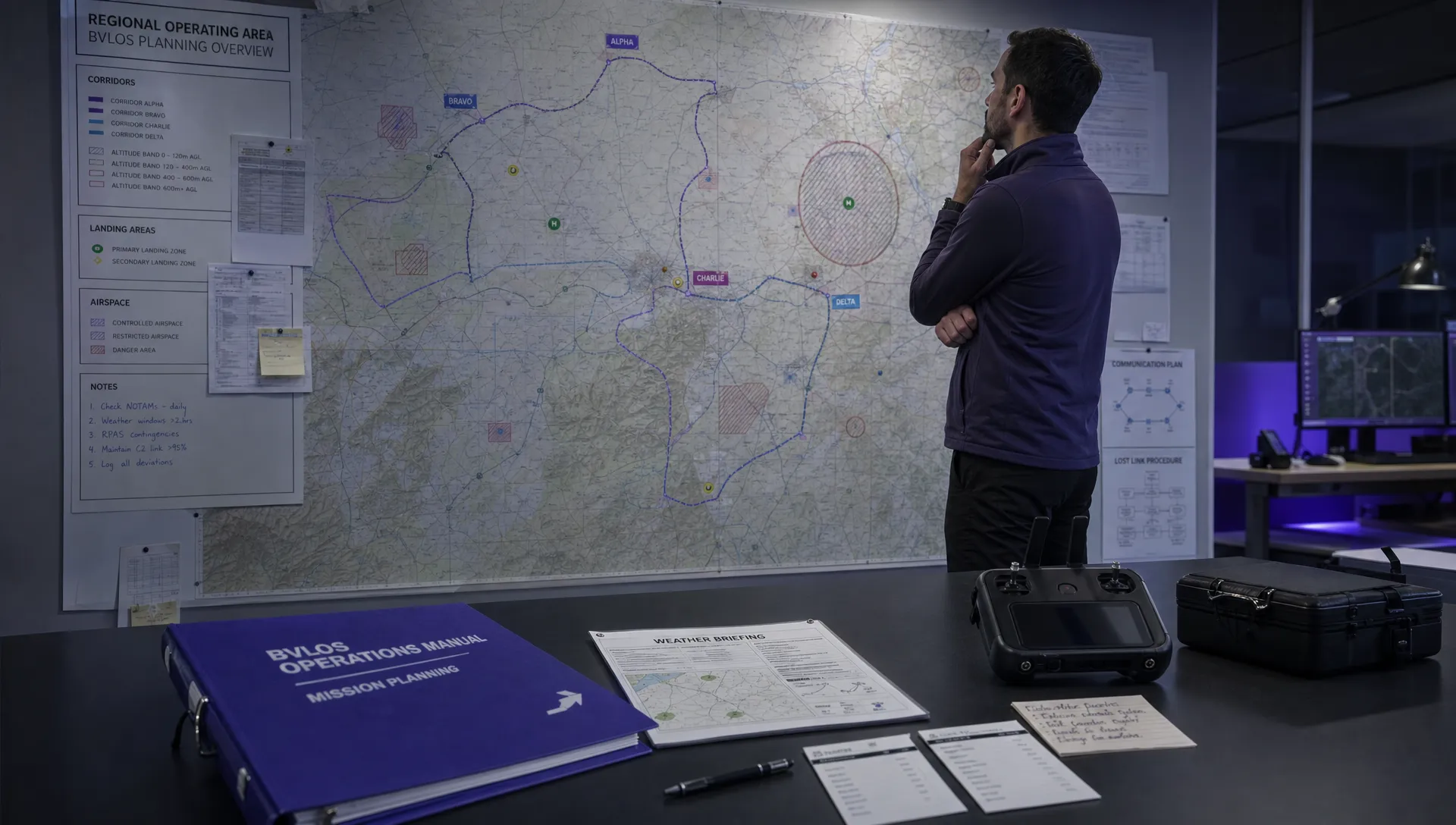 What the BVLOS ARC Report Means for UAS Operators →
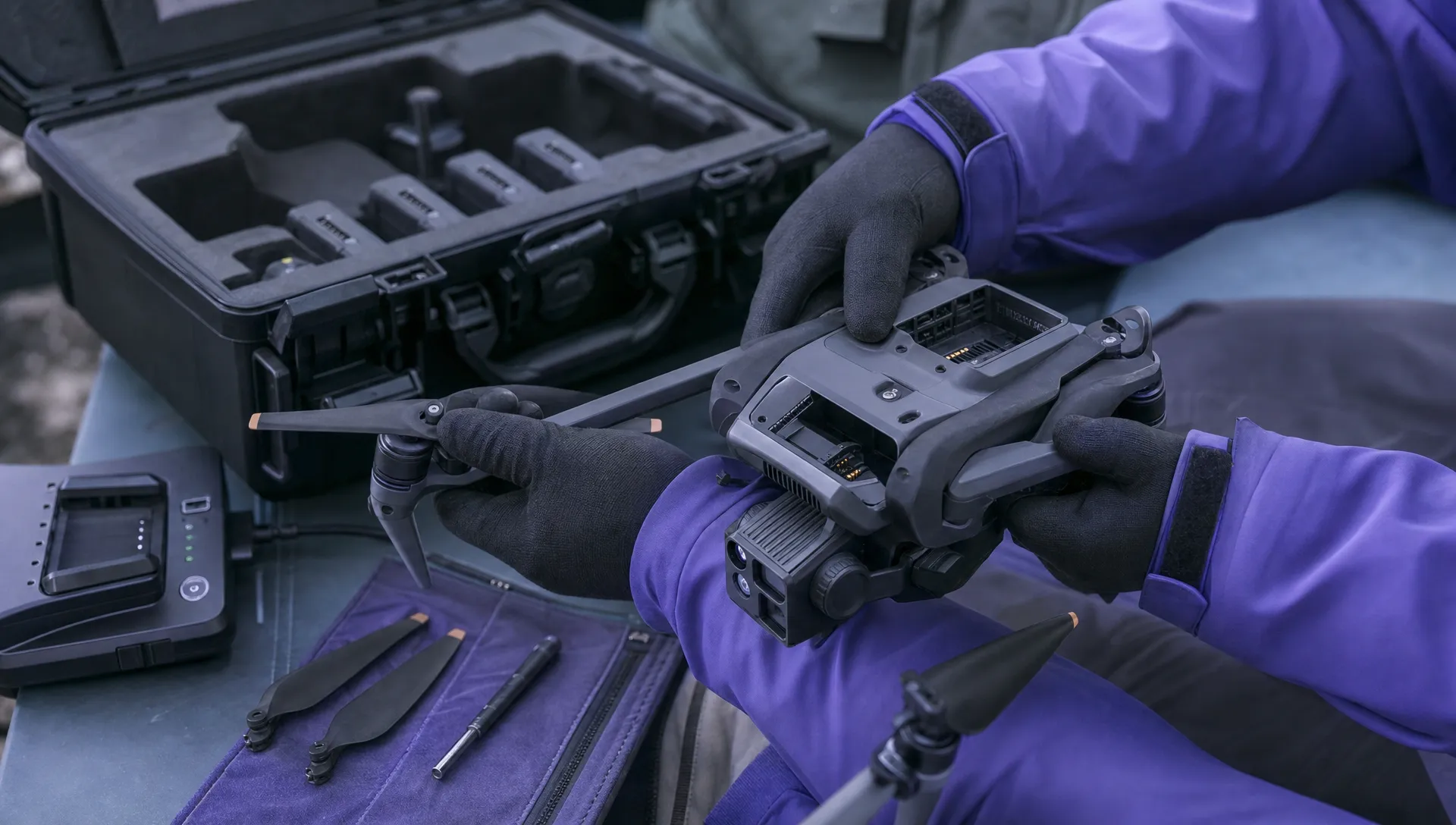 Free Drone Pre-Flight Checklist for Commercial Missions →
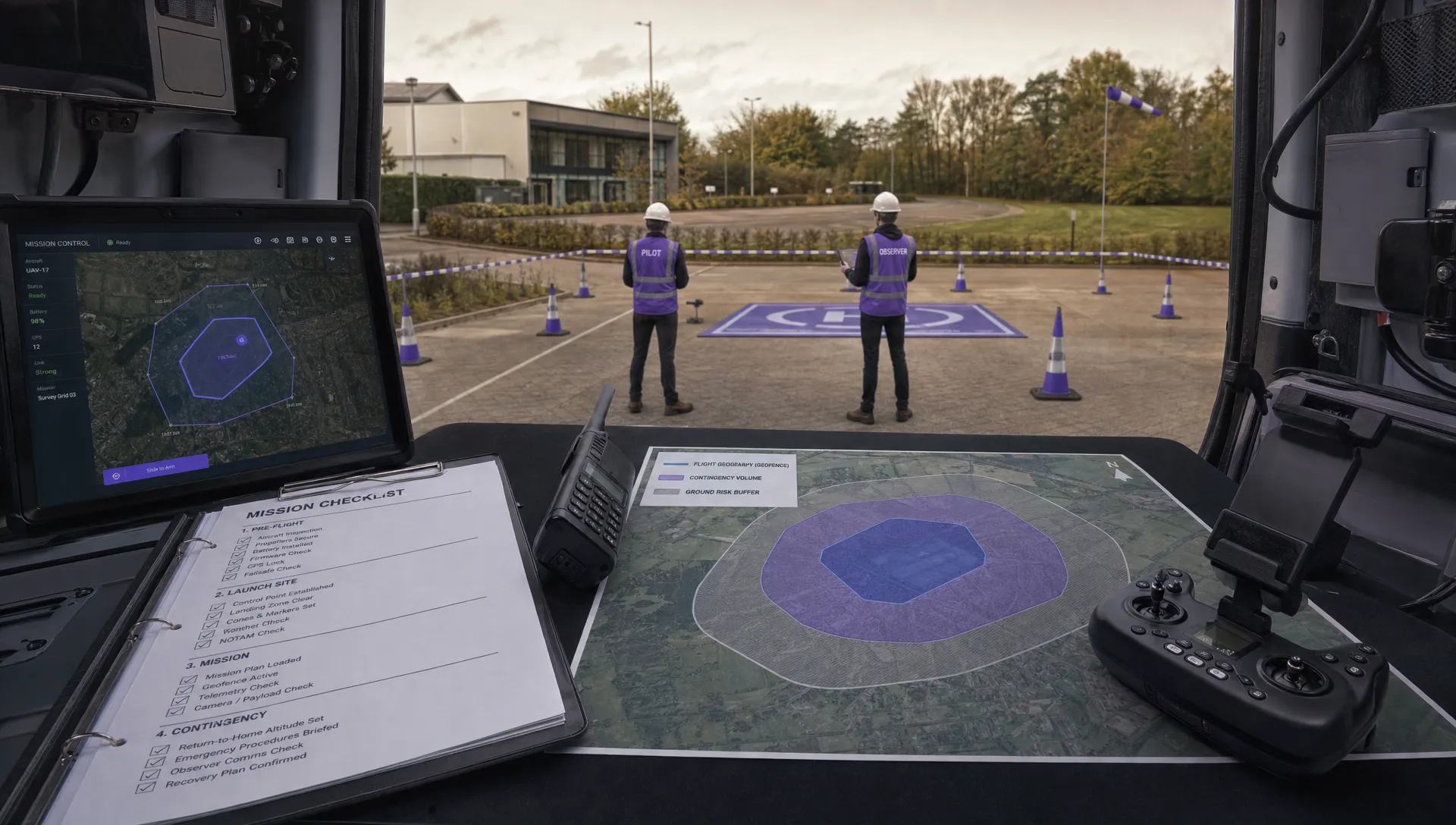 Contingency Volume and Flight Risk Buffer Explained →