
Top picks: top field service management software
Managing a mobile workforce, whether it's a team of drone pilots or traditional field technicians, presents a unique set of logistical challenges. From scheduling jobs and dispatching personnel to tracking assets, managing client data, and ensuring regulatory compliance, the operational complexity can quickly become overwhelming. This is where effective field service management (FSM) software becomes essential, acting as a central command center for your entire operation.
This guide is designed to help you cut through the noise and identify the top field service management software that aligns with your specific needs. We’ll move beyond generic feature lists and provide an in-depth analysis of 12 leading platforms, with a special focus on their applicability for drone operations. To truly maximize efficiency in your mobile operations, understanding the nuances of modern field service management software is key.
Throughout this article, we will evaluate each solution on critical criteria, including:
- Core FSM Capabilities: Job scheduling, dispatching, and invoicing.
- Drone-Specific Features: Flight planning, airspace intelligence, and logging.
- Management Tools: Team, fleet, and client management.
- Reporting and Analytics: Performance dashboards and data insights.
Each review includes detailed pros and cons, pricing information, and screenshots to give you a clear view of the user experience. We will explore platforms ranging from industry giants like Salesforce and Microsoft to specialized tools like Dronedesk and Jobber. By the end, you'll have the information needed to select a platform that not only solves your current administrative headaches but also supports your business's growth. Let's find the right fit for your team.
1. Dronedesk
Dronedesk presents a powerful, all-in-one solution for managing professional drone operations, positioning itself as a strong contender for the top field service management software in this niche. It successfully replaces the typical patchwork of spreadsheets and disconnected apps with a single, unified platform. This integration allows operators to manage the entire job lifecycle from a single dashboard, covering initial client quotes and invoicing to detailed flight planning, risk assessments, and post-mission reporting.
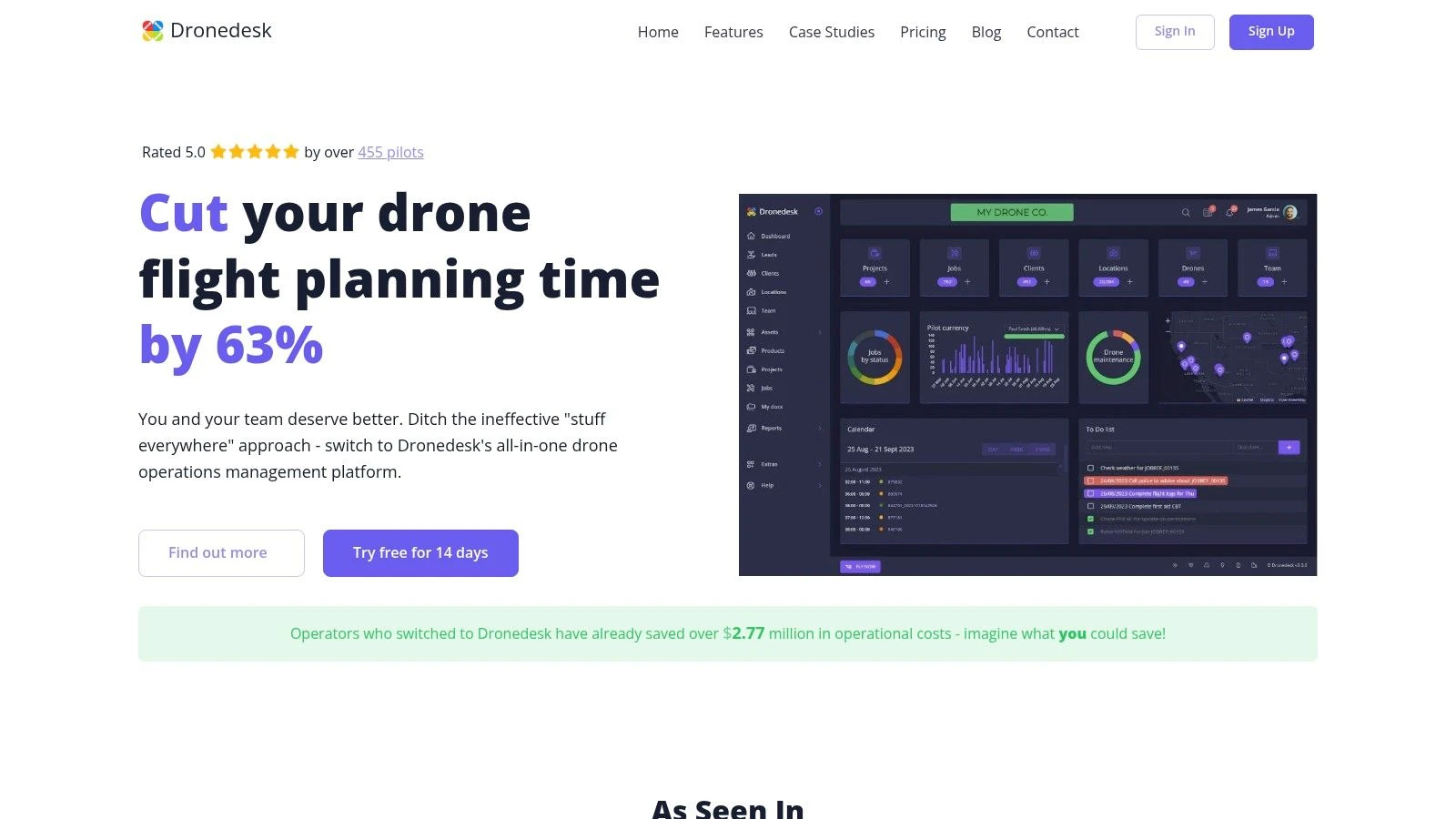
What sets Dronedesk apart is its deep focus on the practical realities of drone work. The platform directly syncs with DJI flight logs, automating a tedious but critical task. Its flight planning tools are exceptionally robust, incorporating multiple layers of airspace intelligence, NOTAMs, ground hazards, and hourly weather forecasts. This creates an auditable trail that supports regulatory compliance and enhances operational safety. For specialized tasks, platforms like Dronedesk can integrate with or provide advanced features for drone inspection services, improving accuracy and speed in field assessments.
Key Strengths & Use Cases
Dronedesk’s design benefits both solo operators and large enterprise teams. A freelance pilot can manage their entire business, from client communication to financial tracking, while a large organization can oversee fleet health, pilot certifications, and team deployment with precision. The ability to export comprehensive PDF job packs, including risk assessments and flight plans, is a significant time-saver for fieldwork and client delivery.
Real-World Impact: User testimonials and case studies confirm Dronedesk’s claim of reducing job planning time by over 50%. The platform even provides a 90-day money-back guarantee if it doesn't save you time.
Pricing & Access
Dronedesk offers a flexible pricing structure that scales with your business needs.
- STARTUP: £9/month for solo operators with a cap of three jobs per month.
- PRO: £19/month for unlimited jobs, with the option to add more users for £8/user/month.
- UNLIMITED: An enterprise-level plan at approximately £6,499/year for larger teams.
- Custom: Bespoke and white-label solutions are available through direct sales.
All plans come with a 14-day free trial, allowing you to test the full feature set. You can explore a deeper dive into these methods by reading their guide on field service management best practices.
Pros & Cons
| Pros | Cons |
|---|---|
| End-to-end management in one platform | Some offers (e.g., hardware discounts) are region-specific |
| Proven time savings with a money-back guarantee | Enterprise-tier pricing can be a significant investment |
| Scalable pricing from solo pilots to enterprise | Manual log uploads may be needed for non-DJI drones |
| Rich airspace intelligence for safer planning |
Website: https://dronedesk.io
2. Salesforce Field Service
For large-scale drone operations already integrated into the Salesforce ecosystem, Salesforce Field Service represents the gold standard for enterprise-grade management. It’s less of a standalone FSM and more of a powerful extension of the Salesforce Customer 360 platform, designed to connect every service touchpoint from initial customer contact to final project sign-off. Its core strength is its native integration with Salesforce CRM, allowing service data, client history, and asset information to flow seamlessly between sales, support, and field teams.
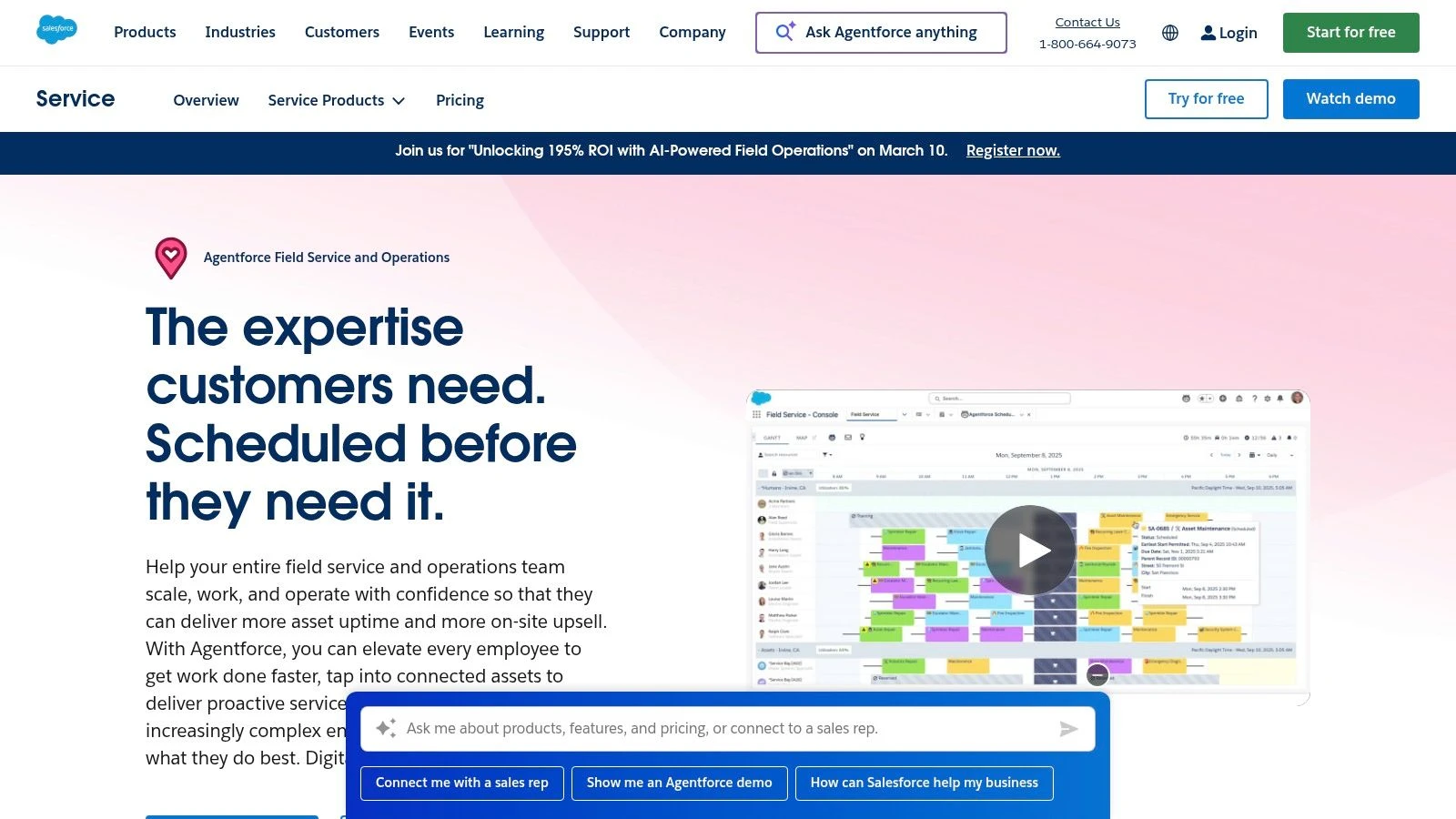
The platform is built for complexity, featuring AI-powered scheduling that can optimize drone pilot assignments based on skill set, location, and equipment availability. This makes it an excellent choice for multi-location teams managing complex inspection or surveying contracts. The offline-capable mobile app ensures pilots can access job details, update work orders, and log information even in remote areas without connectivity.
Use-Case & Implementation
Salesforce Field Service is ideal for enterprise drone programs in sectors like utilities, telecommunications, or large-scale construction where service jobs are directly tied to existing customer accounts, assets, and sales contracts tracked in Salesforce. Implementation often requires a certified systems integrator due to its complexity and the need to tailor it to specific business workflows.
Pricing and Access
Pricing is notoriously complex and tiered. It requires at least one existing Service Cloud license, with additional per-user licenses for dispatchers, technicians (pilots), and contractors. This structure can become costly, making it less suitable for smaller teams or solo operators.
- Pros: Native integration with Salesforce CRM, AI-driven scheduling, and a vast partner ecosystem.
- Cons: Expensive and complex pricing, steep learning curve, and overkill for organizations not already using Salesforce.
Website: https://www.salesforce.com/service/field-service-management/
3. Microsoft Dynamics 365 Field Service
For organizations deeply embedded in the Microsoft ecosystem, Dynamics 365 Field Service provides a powerful and familiar environment for managing drone operations. As a key component of Microsoft's business applications suite, its primary advantage is the tight, native connection to other Dynamics apps, Microsoft 365, and Azure. This integration creates a unified data flow from initial customer engagement in Dynamics 365 Sales to drone pilot dispatch and final reporting, all under a single, secure enterprise framework.
The platform is engineered for enterprise-scale service delivery, supporting complex work orders, asset management, and preventative maintenance schedules perfect for ongoing drone inspection contracts. With features like the Resource Scheduling Optimization (RSO) add-on and embedded Copilot AI assistance, it can automate pilot assignments and provide real-time support. The mobile app gives pilots access to crucial job data, while specific contractor licenses allow for seamless collaboration with third-party drone service providers.
Use-Case & Implementation
Dynamics 365 Field Service is best suited for large-scale drone programs in industries like manufacturing, energy, and public sector services that already rely on Microsoft for their core IT infrastructure. Its robust, role-based security and compliance make it a strong choice for regulated fields. Implementation typically involves a Microsoft partner to configure the system to match specific operational workflows and integrate it fully with existing business processes.
Pricing and Access
Licensing can be intricate, with costs varying based on user roles (full users vs. device licenses) and add-on modules. Recent pricing adjustments mean that businesses should carefully review new quotes and renewal terms. While powerful, this structure is generally geared toward larger enterprises and can be a significant investment.
- Pros: Tight integration with the Microsoft stack (Dynamics, Azure, 365), robust role-based security, and strong enterprise capabilities.
- Cons: Licensing nuances and complex product integrations, recent pricing adjustments require careful review of quotes.
Website: https://www.microsoft.com/en-us/dynamics-365/products/field-service/
4. Oracle Field Service (Oracle Fusion)
For organizations deeply embedded in the Oracle ecosystem, Oracle Field Service provides a mathematically precise approach to managing high-volume drone operations. Its distinguishing feature is a time-based, predictive engine that uses AI to forecast job duration and travel time with remarkable accuracy. This core capability powers its route optimization, ensuring pilots arrive at the exact promised time, a critical factor for service-level agreements (SLAs) in industries like telecommunications or emergency response. It is a key component of Oracle's wider Customer Experience (CX) and Fusion SaaS application suites.
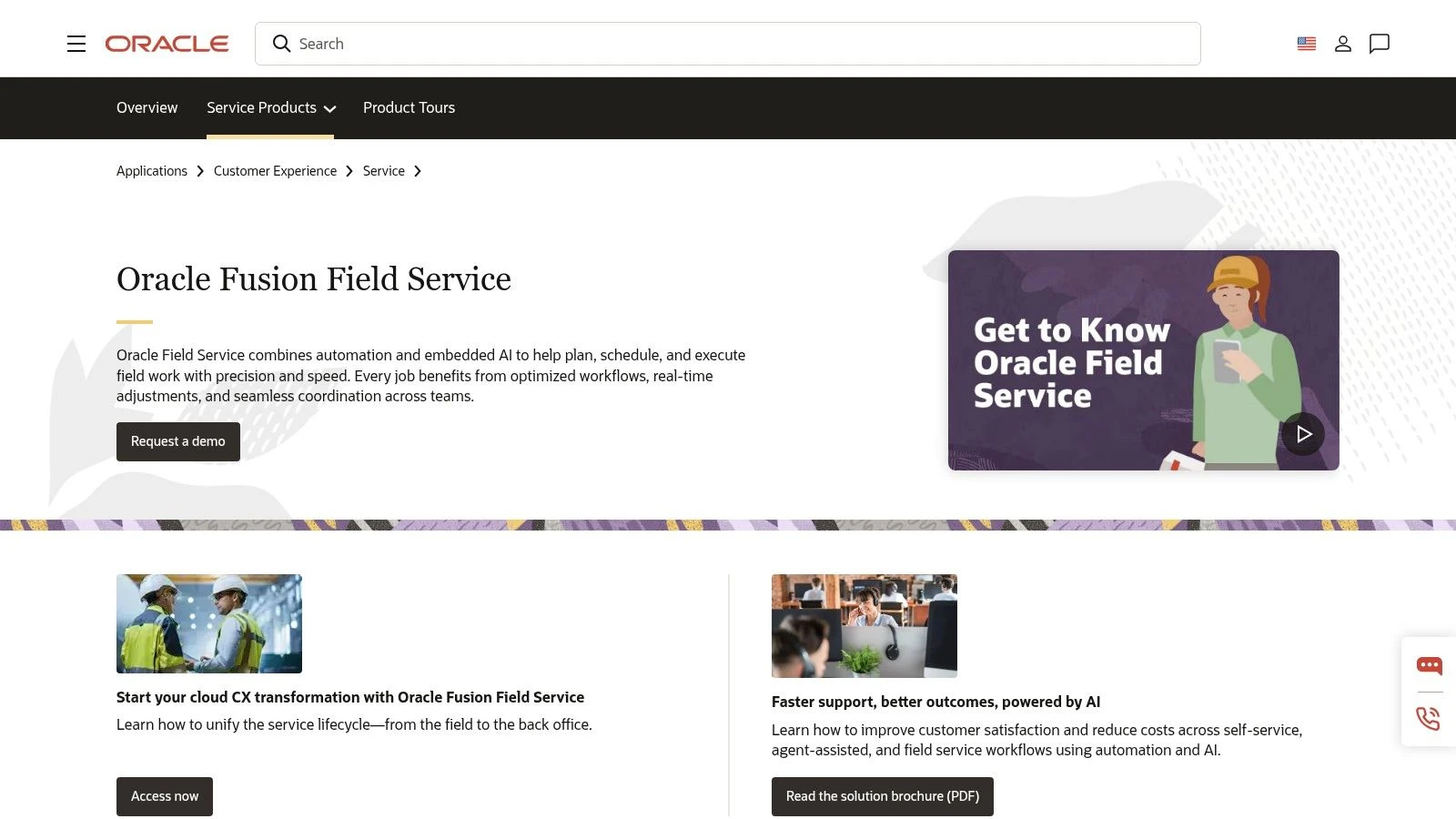
The platform excels at complex dispatch scenarios, automatically adapting to real-time events like traffic, job cancellations, or urgent requests. Its appointment and slot booking capabilities allow customers to self-select service windows, which the system then intelligently fills. Because it is part of the Oracle Fusion stack, it integrates directly with Oracle ERP and SCM for managing drone parts, reverse logistics for damaged equipment, and service contract enforcement, making it one of the top field service management software solutions for enterprises.
Use-Case & Implementation
Oracle Field Service is best suited for large-scale drone programs with high-density, short-duration jobs, such as insurance claim assessments, cellular tower inspections, or residential real estate photography. Implementation is an enterprise-level project, often requiring engagement with Oracle or certified partners to connect the system with existing Oracle ERP/SCM/CX instances and configure workflows.
Pricing and Access
Oracle does not publish its pricing publicly. Access and costs are determined through direct engagement with Oracle's sales team, and enterprise minimums are likely to apply. This commercial model requires a formal procurement process, positioning it for established companies rather than smaller drone service providers looking for a quick, self-service solution.
- Pros: Powerful, time-based scheduling at scale; cohesive integration with Oracle Fusion applications.
- Cons: Pricing is not public and likely expensive; complex implementation requires direct vendor engagement.
Website: https://www.oracle.com/applications/customer-experience/service/field-service-management/
5. ServiceTitan
ServiceTitan is a dominant force in field service management, specifically engineered for residential and commercial trades like HVAC, plumbing, and electrical services. While not built for drone operations, its powerful, all-in-one platform offers a compelling model for drone service companies looking to scale their B2C or B2B offerings with a trade-centric approach. Its main distinction is its deep integration of sales and marketing tools directly into the service workflow, including robust price books, multi-option proposals, and consumer financing.
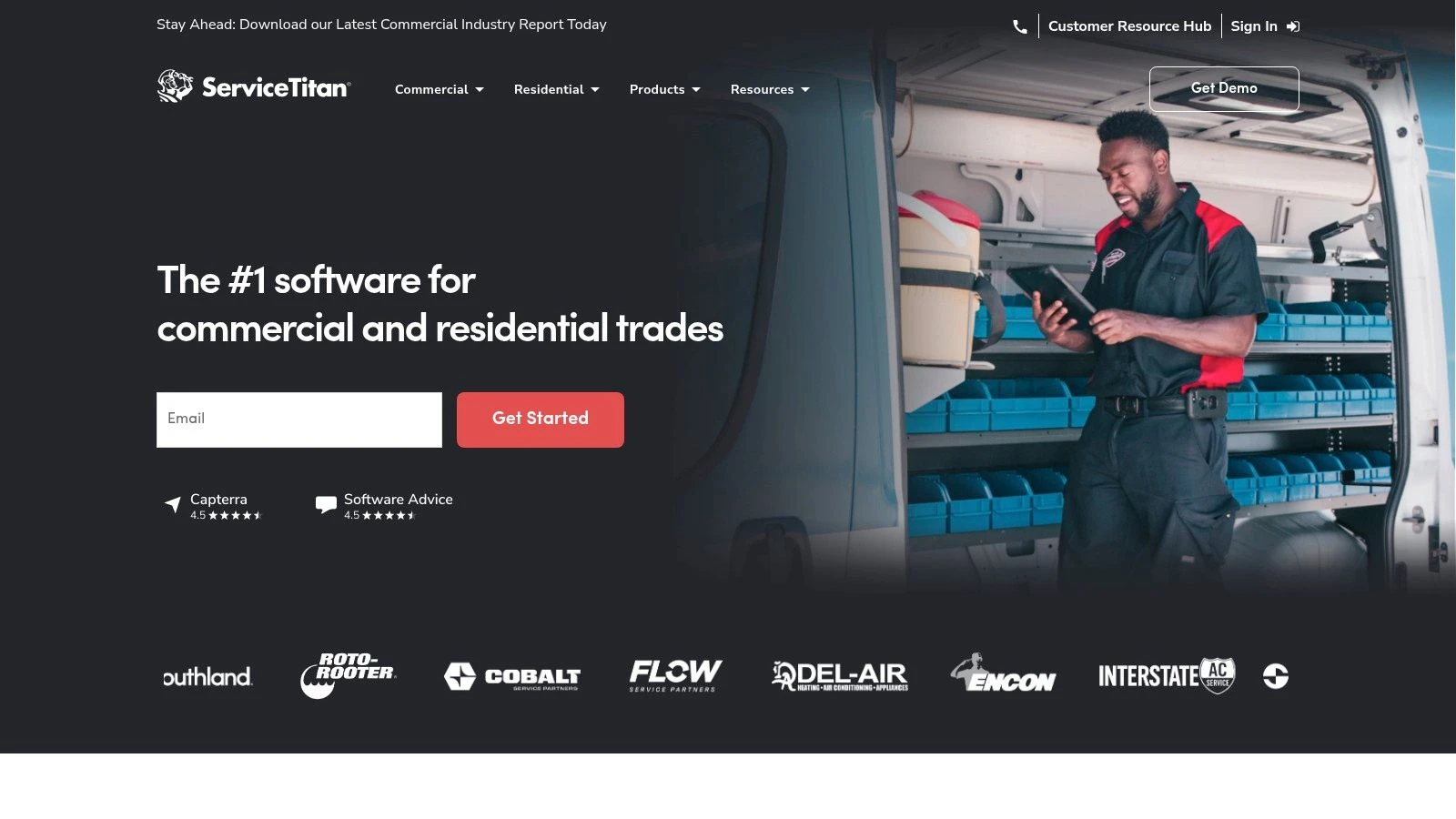
The platform is designed to manage every aspect of a job, from the initial customer call and marketing attribution to dispatching, job execution, and payment. The field mobile app allows pilots to access job details, build tiered "good, better, best" style quotes for services like roof inspections or real estate packages, and process payments on-site. This sales-focused framework is ideal for maximizing revenue per job, a valuable lesson for any service business. For companies that manage remote teams across different regions, its robust dispatch board provides excellent visibility and control.
Use-Case & Implementation
ServiceTitan is best suited for high-volume drone service providers in residential sectors (e.g., roof inspections, solar surveys, real estate photography) who want to adopt a professional trade service model. Its structure excels at managing franchise or multi-location operations. Implementation is a significant undertaking, often requiring dedicated onboarding specialists and data migration from existing systems to its proprietary price book and customer management formats.
Pricing and Access
Pricing is opaque and quote-based, tailored to the size and needs of each business. It is a premium-priced solution, with costs structured on a per-technician basis and additional fees for powerful add-on modules for marketing, payroll, and telephony. This makes it a substantial investment better suited for established, growing businesses rather than solo operators or small teams.
- Pros: Exceptional feature set for residential and commercial trades, integrated sales and marketing tools, and scales effectively for franchise models.
- Cons: Not designed for drone-specific workflows, opaque and high-cost pricing model, and can be overly complex for smaller service providers.
Website: https://www.servicetitan.com/
6. Jobber
Jobber is a popular and accessible field service management software built for small to medium-sized home service businesses, but its core functionalities translate effectively for solo drone operators and small drone service teams. It excels at simplifying the entire client lifecycle, from initial quote to final payment, through an intuitive interface. Its main draw is its ease of use and quick adoption, allowing small operators to manage jobs, clients, and financials without the complexity of enterprise-level systems.
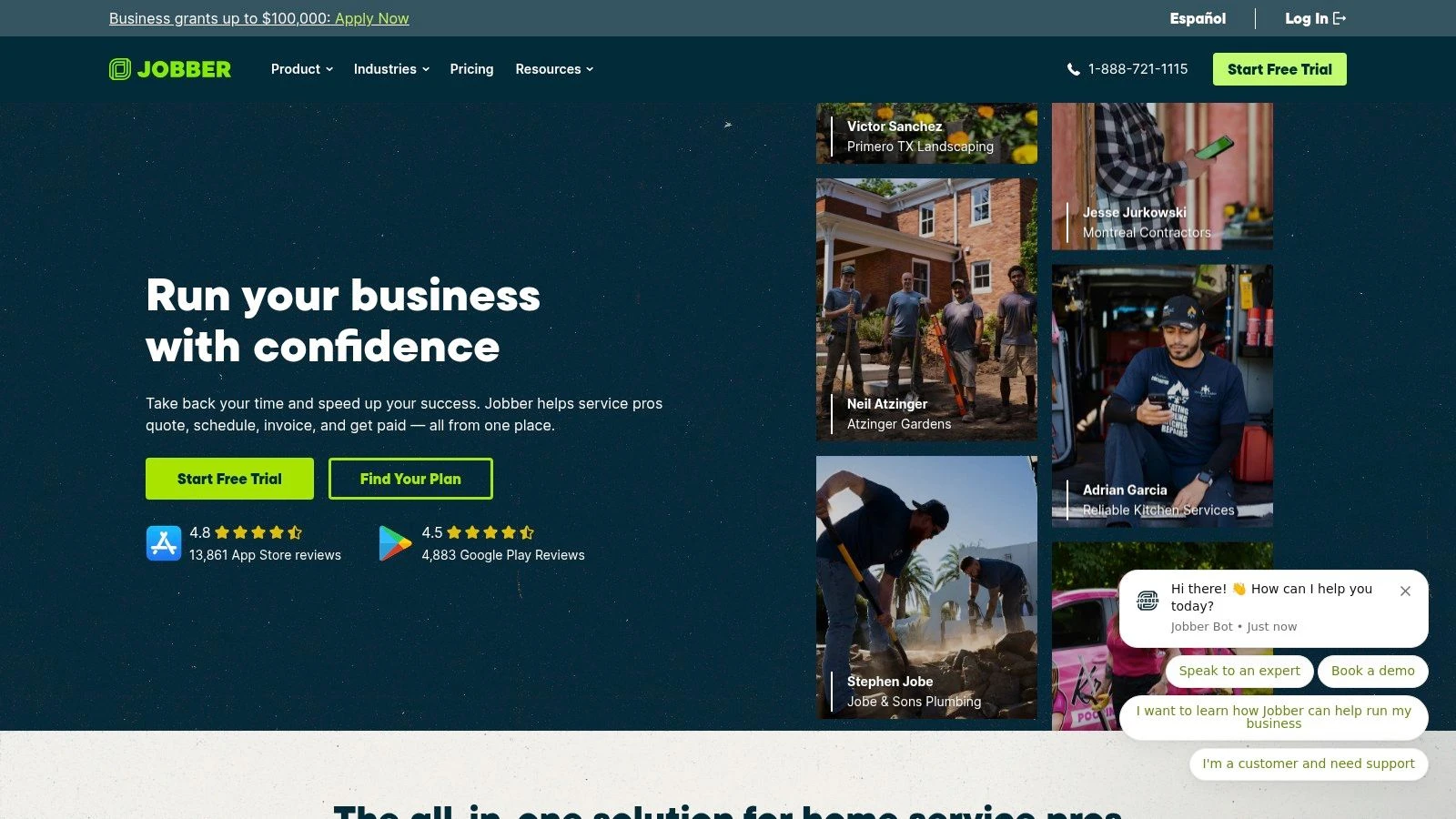
The platform provides a powerful mobile app with quoting, scheduling, dispatching, and GPS check-in features, making it a great tool for pilots on the go. Jobber’s client hub gives customers a self-service portal to approve quotes, check appointment details, and pay invoices online, which adds a professional touch to any drone business. While not drone-specific, its focus on fundamental FSM workflows helps small teams organize their operations and present a polished image to clients. If you want to dive deeper into streamlining your business, you can find ways to improve operational efficiency through better workflow management.
Use-Case & Implementation
Jobber is best suited for solo drone pilots or small teams focusing on services like real estate photography, local inspections, or agricultural mapping. Implementation is straightforward, with a setup process that can be completed in a few hours without needing specialized technical help. Its simplicity makes it a practical first step for operators transitioning from spreadsheets to a more formal management system.
Pricing and Access
Jobber offers transparent, tiered pricing plans designed for different team sizes, starting with a Core plan for one user. Higher-tier plans (Connect and Grow) support more users and add features like marketing automations and advanced reporting. This predictable structure makes it a good value proposition for growing teams that need essential FSM tools without a significant upfront investment.
- Pros: Quick to adopt, transparent pricing for solos and small teams, and excellent for fundamental quoting, scheduling, and payment workflows.
- Cons: Lacks drone-specific features, advanced reporting is limited, and some automations are locked behind higher-priced tiers.
Website: https://getjobber.com
7. Housecall Pro
While primarily known in the home services trades like HVAC and plumbing, Housecall Pro offers a compelling, user-friendly platform that can be adapted for drone service providers, especially those focusing on residential real estate photography or roof inspections. Its strength lies in its simplicity and mobile-first design, making it one of the fastest systems to get up and running. The platform excels at managing the entire customer lifecycle, from online booking and estimates to dispatching, invoicing, and payment processing, all from an intuitive app.
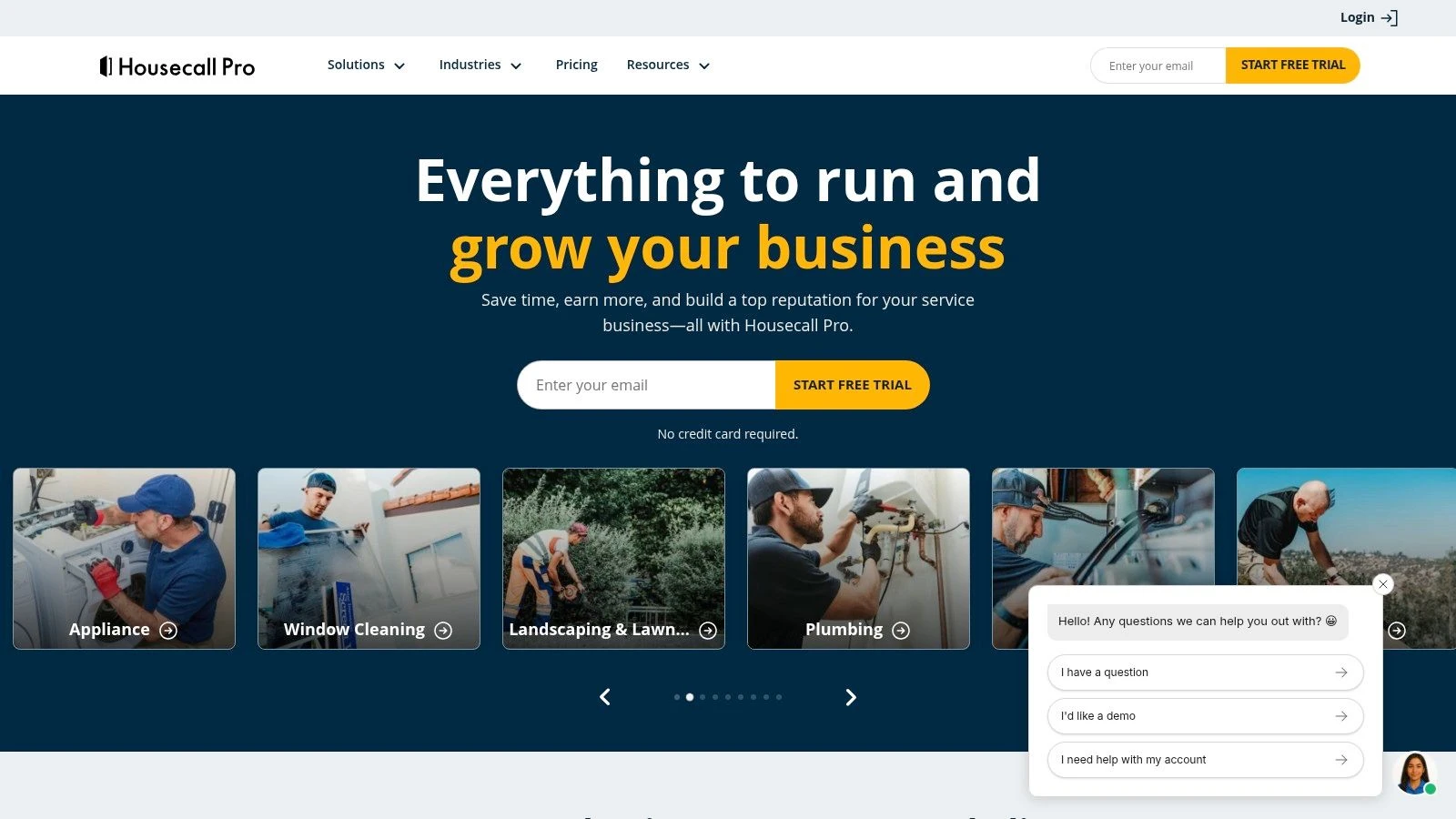
It stands out as a top field service management software choice for its smooth client communication tools, including automated job reminders and "on-my-way" texts, which add a professional touch to any service call. For drone businesses scaling from solo operations to small teams, Housecall Pro provides the essential tools without the overwhelming complexity of enterprise-grade systems. The inclusion of Spanish language support also broadens its accessibility for diverse teams.
Use-Case & Implementation
Housecall Pro is a great fit for solo drone operators or small teams performing high-volume, short-duration jobs like real estate shoots, property marketing videos, or basic roof assessments. Implementation is straightforward, with a focus on quick setup and minimal training. Its digital price book feature allows drone pilots to create standardized service packages, enabling consistent and rapid quoting on-site.
Pricing and Access
The platform offers transparent, tiered subscription plans (Basic, Essentials, and Max) based on the number of users. While the entry-level plan is affordable, key features like QuickBooks integration and advanced reporting are reserved for higher tiers. Some functionalities are also available as paid add-ons, which can increase the total cost, so careful plan selection is important.
- Pros: Very easy to use with an excellent mobile app, strong customer communication features, and fast setup.
- Cons: Not purpose-built for aviation, lacks drone-specific features like flight logging, and key integrations are gated behind more expensive plans.
Website: https://www.housecallpro.com
8. ServiceMax (including Asset 360 for Salesforce by PTC)
For organizations where the service lifecycle revolves around complex, high-value assets, ServiceMax provides an industrial-strength solution. It is an asset-centric platform designed for manufacturers and large-scale service organizations that manage intricate entitlements, warranties, and parts logistics. Its acquisition by PTC and the development of Asset 360 for Salesforce further cement its position as a top-tier choice for equipment-heavy operations, making it a powerful contender in the field service management software space.
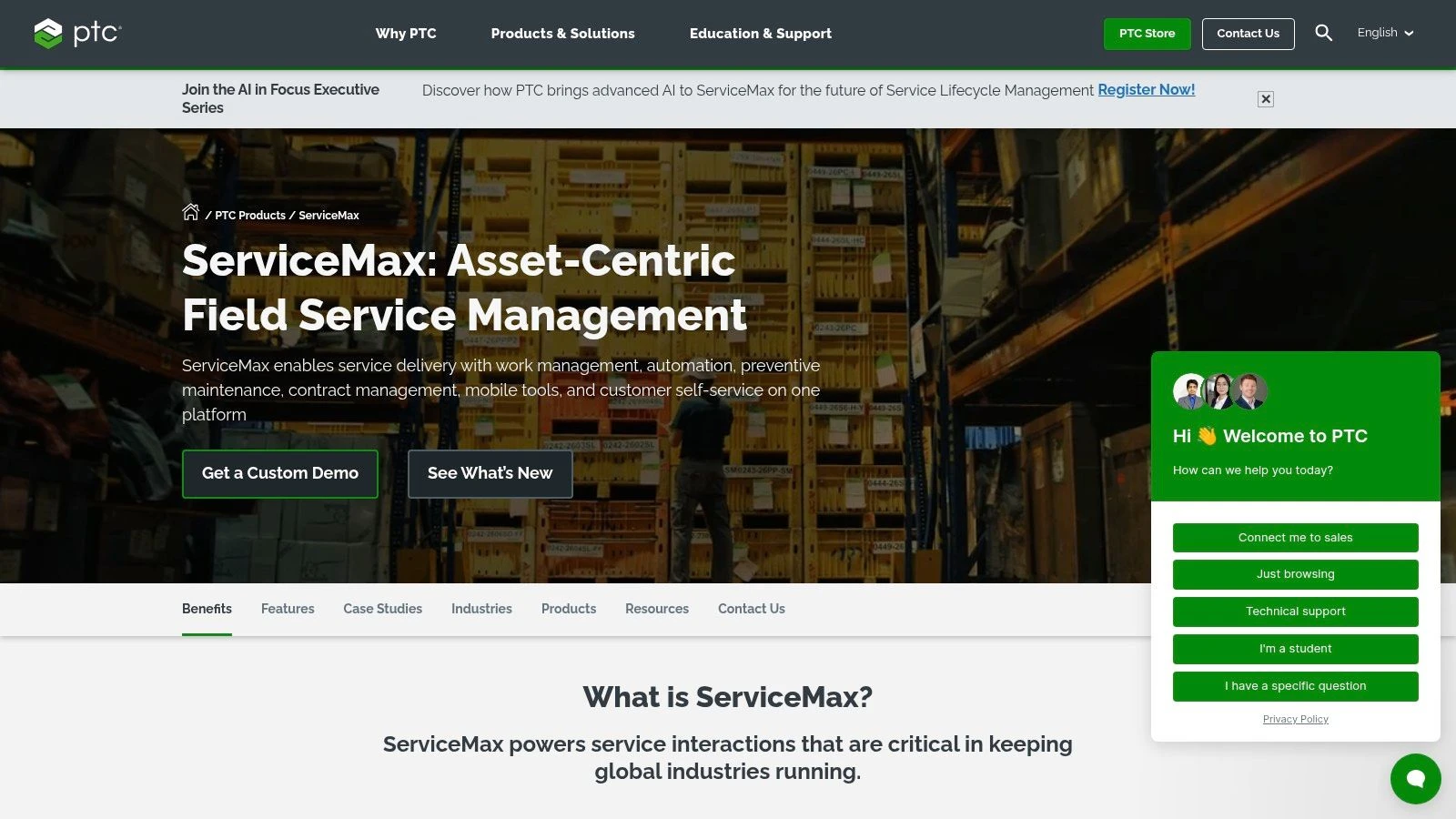
This platform excels at connecting every stage of the service chain, from initial work order to depot repair and parts return. For a drone service provider specializing in industrial equipment inspection (e.g., wind turbines, HVAC units), ServiceMax can track the service history of each individual asset, manage service level agreements, and ensure pilots have the correct work instructions. The Asset 360 component extends Salesforce’s capabilities, adding a deep layer of asset and installed-base management directly within that ecosystem.
Use-Case & Implementation
ServiceMax is best suited for enterprise drone programs embedded within manufacturing or heavy industry verticals. Think global drone teams servicing their own company's manufactured assets or large service providers with complex contracts tied to specific equipment. Implementation is a significant project, often requiring specialized consultants to configure the system to specific asset hierarchies and service workflows.
Pricing and Access
Pricing is entirely quote-based, with no public price lists available. The cost structure is built for enterprise budgets and reflects the platform's complexity and power. Due to its asset-centric nature and the required investment, it is generally not a fit for smaller drone teams or businesses focused on simpler job types.
- Pros: Purpose-built for complex, asset-heavy operations; deep Salesforce integration via Asset 360; and suited to global field teams.
- Cons: Quote-based pricing can be opaque and high; implementations are often long and costly; and it is overkill for non-asset-centric businesses.
Website: https://www.servicemax.com
9. simPRO
simPRO is a powerful field service management platform rooted in the trade services industry, making it a strong contender for drone operations that involve complex project work like electrical, HVAC, or facilities management. Its core strength lies in detailed job costing and quoting, allowing businesses to precisely manage profitability from initial estimate to final invoice. For drone service providers who offer tiered inspection packages or complex multi-stage survey projects, simPRO provides the tools to build accurate, multi-part quotes and track costs against them in real time.
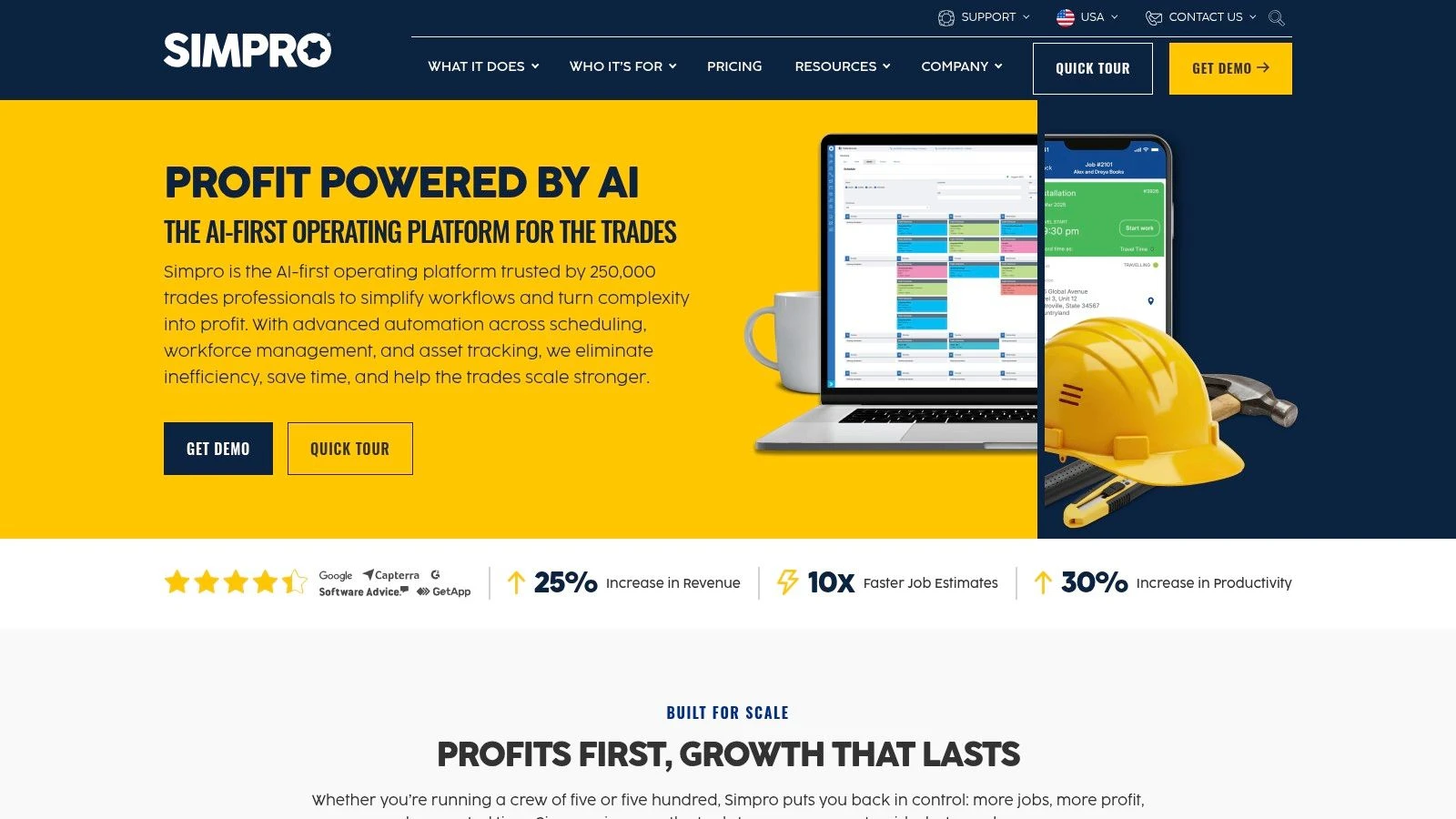
The platform’s mobile app empowers drone pilots in the field to manage job cards, fill out digital forms with conditional logic for safety checks or site assessments, and even process payments on-site through integrations like Square. With over 70 pre-built reports, it provides deep insights into business performance, making it one of the top field service management software choices for data-driven organizations.
Use-Case & Implementation
simPRO is best suited for established drone businesses that manage both one-off service calls and larger, multi-stage projects. Its robust project-to-service workflow is ideal for companies that perform initial installations or surveys and then transition to ongoing maintenance contracts. Implementation can be intensive, often requiring dedicated training to get the most out of its deep feature set and to standardize its use across all devices.
Pricing and Access
The company does not provide public pricing. Access is quote-based and tailored to the size and specific needs of the business, which can be a barrier for smaller operators looking for transparent, predictable costs. The total cost includes implementation and training packages.
- Pros: Deep trade-specific workflows, strong job costing capabilities, and support for field payments via integrations.
- Cons: Quote-based pricing is not transparent, implementation requires significant effort, and it may be overly complex for simple flight operations.
Website: https://www.simprogroup.com
10. Workiz
Workiz targets home service businesses with a unique proposition: deeply integrated communication tools. While not designed for drone-specific workflows, its focus on unifying job management with client communication makes it an interesting option for drone service providers concentrating on residential or small commercial jobs, such as real estate photography or roof inspections. Its key differentiator is a built-in VoIP phone system and two-way SMS, allowing all client interactions to be logged, recorded, and tied directly to a job record.
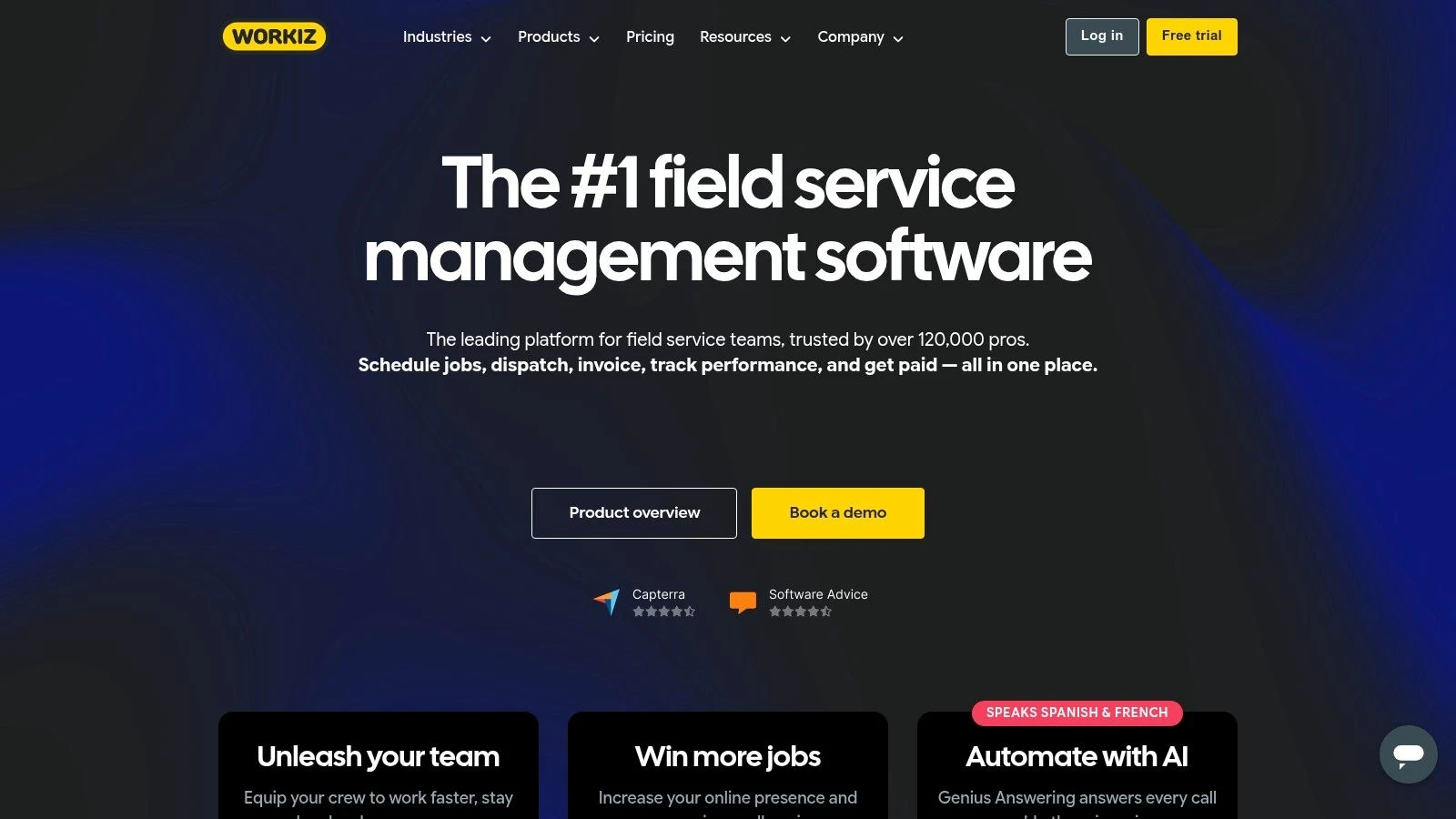
The platform streamlines the sales and service cycle, from online booking and estimates to invoicing and payment processing. This makes it a solid contender in the general category of top field service management software, especially for teams that live and die by their phone and text message responsiveness. The addition of AI-powered call answering further helps small teams capture every lead without being tethered to their phones.
Use-Case & Implementation
Workiz is best suited for small to medium-sized drone teams focused on high-volume, quick-turnaround services where client communication is constant. Think of aerial real estate shoots, small construction site progress reports, or local event coverage. Implementation is straightforward, with a clean interface that is easy to adopt. The core value is realized when teams fully commit to using its built-in phone and messaging system.
Pricing and Access
The platform offers clear, tiered bundles, including a free Lite plan for up to two users, which is excellent for solo operators or partners just starting. Paid plans scale up with more features and user seats. However, be aware that some of the most compelling features, like the AI answering service and advanced reporting, are often gated behind higher-tier plans or require separate add-on fees.
- Pros: Unique native communications stack (phone, SMS) built into the FSM, clear bundles, and a free entry option for very small teams.
- Cons: Some AI and phone features require additional paid plans; advanced reporting may be an add-on or limited by plan.
Website: https://www.workiz.com
11. FieldEdge
For service businesses rooted in traditional trades like HVAC, plumbing, and electrical work, FieldEdge offers a highly specialized solution that has been refined over decades. While not designed for drone operations, its inclusion in a list of top field service management software is warranted due to its deep focus on recurring service agreements and profitability, concepts from which drone service providers can learn. Its core strength is managing the entire lifecycle of a service-based customer, from initial quote and dispatch to recurring maintenance plans and invoicing.
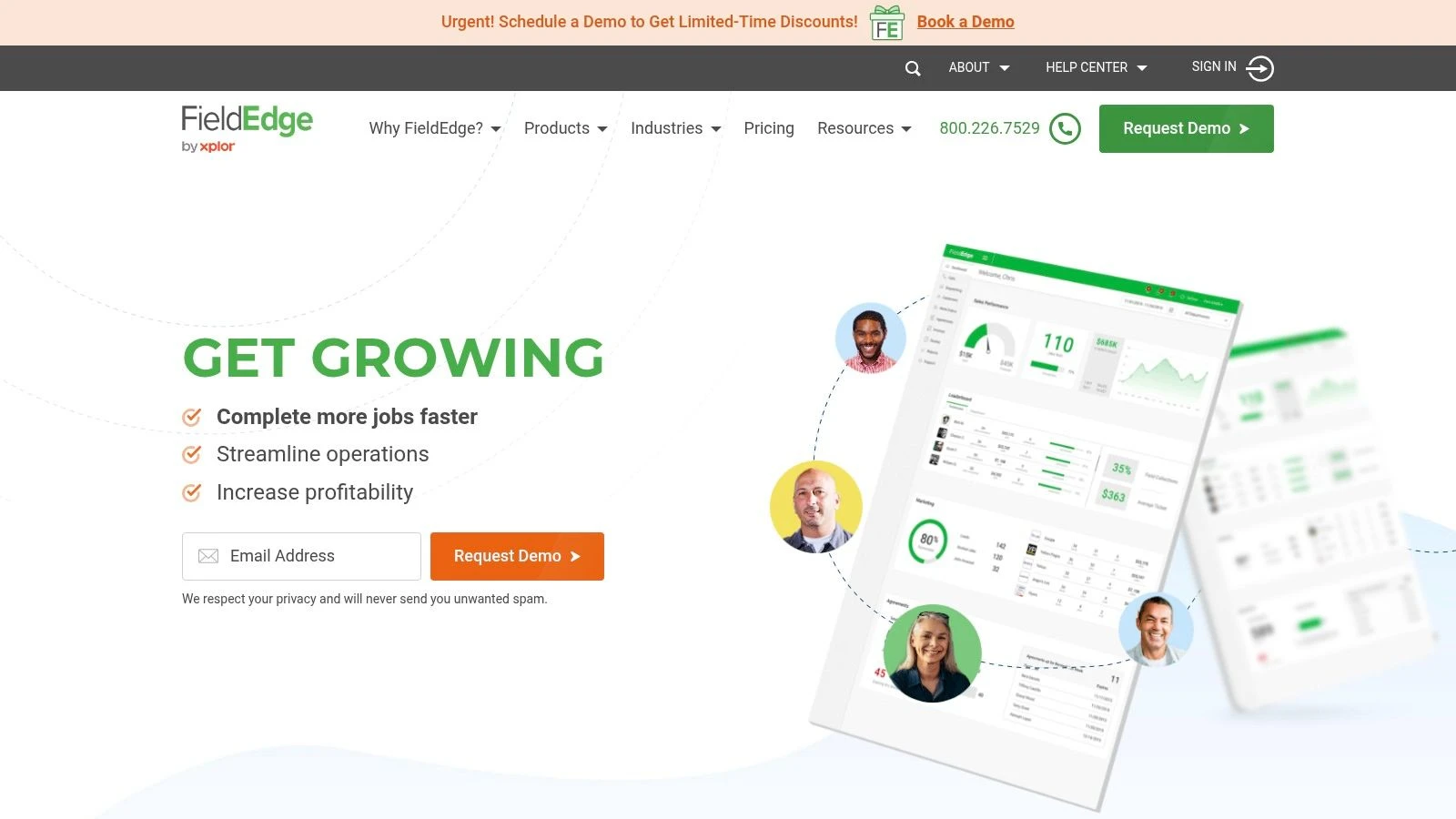
The platform shines with its “price book” functionality, allowing businesses to create detailed, flat-rate pricing structures that ensure consistent and profitable quoting on every job. This is paired with a robust mobile app for technicians and a dispatch board that gives office staff a clear view of all active and upcoming jobs. Its standout feature is the tight, two-way integration with QuickBooks, which automates much of the accounting process and reduces administrative overhead.
Use-Case & Implementation
FieldEdge is best suited for established service companies with a strong focus on residential or commercial maintenance contracts. A drone inspection business specializing in recurring roof or HVAC unit inspections could adapt its service agreement and flat-rate pricing models to build a more predictable revenue stream. Implementation involves a hands-on onboarding process, as the system is configured to align with specific trade workflows and accounting practices.
Pricing and Access
Pricing is not publicly available and requires a direct quote from their sales team. Third-party reports and user reviews frequently mention that FieldEdge has both setup and onboarding fees, which contribute to the total cost of ownership. This quote-based model is typical for software targeting established trade businesses rather than startups or solo operators.
- Pros: Deeply integrated with QuickBooks, strong focus on profitable service agreements and price books, and a long-standing reputation in the trades.
- Cons: Not designed for drone-specific workflows, quote-based pricing lacks transparency, and reported setup fees can be a barrier.
Website: https://fieldedge.com
12. IFS Cloud Field Service
For large-scale, asset-intensive drone operations in sectors like manufacturing, utilities, or telecommunications, IFS Cloud Field Service offers an enterprise-class solution. Its primary strength lies in its deep integration with Enterprise Resource Planning (ERP) and Enterprise Asset Management (EAM) systems. This creates a single source of truth connecting drone service jobs to the entire asset lifecycle, from initial deployment and maintenance schedules to reverse logistics and depot repair.
The platform is engineered for complex, global operations, providing end-to-end management of service contracts, warranties, and parts inventory. Its scheduling engine, powered by IFS.ai, optimizes pilot assignments by factoring in skills, real-time location, and service level agreements (SLAs). The mobile suite ensures drone pilots have access to all necessary tools and information to complete jobs efficiently, even when offline, and can manage complex workflows like parts returns directly from the field.
Use-Case & Implementation
IFS is best suited for multinational corporations managing thousands of assets where drone inspections are a critical component of a broader maintenance and service strategy. Think of a global telecom company using drones to inspect cell towers or a utility provider managing a vast network of power lines. Implementation is a significant undertaking that requires quote-based pricing and is best handled by a certified systems integrator with a clearly defined rollout plan.
Pricing and Access
Access to IFS is through custom, quote-based enterprise contracts, reflecting its focus on large, complex deployments. The cost and implementation effort make it impractical for smaller drone service businesses or teams that do not require deep ERP/EAM integration.
- Pros: Strong for global operations needing integrated logistics and SLAs, complete coverage of the service and asset lifecycle.
- Cons: Enterprise-level implementation effort, quote-based pricing, and best deployed with a systems integrator.
Website: https://www.ifs.com/solutions/field-service-management
Top 12 Field Service Management Software Comparison
| Solution | Core features | UX / Quality ★ | Value & Pricing 💰 | Target Audience 👥 | Unique Selling Points ✨ |
|---|---|---|---|---|---|
| Dronedesk 🏆 | Flight & job planning, fleet/maintenance, team/cert tracking, invoicing, DJI log sync | ★★★★★ (5.0) Intuitive, fast planning | 💰 Scalable: £9/mo → £19/mo → enterprise; 14‑day trial; 90‑day ROI guarantee | 👥 Solo pilots → Enterprise teams | ✨ DJI auto-sync, rich airspace/proximity data, configurable checklists, PDF job‑packs |
| Salesforce Field Service | Dispatch, AI scheduling, asset & inventory, CRM workflows | ★★★★☆ Enterprise-grade, powerful but complex | 💰 Expensive; often needs Service Cloud license | 👥 Enterprises using Salesforce | ✨ Native CRM tie-in, large partner ecosystem |
| Microsoft Dynamics 365 Field Service | Work orders, RSO, Copilot AI, mobile tech support | ★★★★☆ Secure, integrated with MS stack | 💰 Quote-based; best value if on Microsoft stack | 👥 Microsoft/ Dynamics customers, enterprises | ✨ Tight 365/Azure integration, Copilot assistance |
| Oracle Field Service (Fusion) | Time-based ETA routing, slot booking, Fusion workflows | ★★★★☆ Strong at scale; complex deployment | 💰 Enterprise pricing; contact sales | 👥 High-volume, complex dispatch operations | ✨ Predictive ETA engine & ERP/SCM integrations |
| ServiceTitan | Price books, dispatch, mobile, financing, marketing | ★★★★☆ Rich, trade-focused UX | 💰 Quote-based; add-ons can escalate cost | 👥 HVAC/plumbing/electrical trades, franchises | ✨ Built-in pricebook, financing & marketing stack |
| Jobber | Quoting, scheduling, dispatch, invoicing, payments | ★★★★ Quick adoption; SMB-friendly | 💰 Transparent plans; good SMB value | 👥 Solo operators & small service teams | ✨ Fast setup, client portal, easy mobile use |
| Housecall Pro | Online booking, estimates, pricebook, CRM, automations | ★★★★ Intuitive mobile workflows | 💰 Tiered bundles; add-ons may increase cost | 👥 Small trades teams | ✨ Strong mobile UX, multi-language support (Spanish) |
| ServiceMax (inc. Asset 360) | Entitlements, depot repair, installed-base, work orders | ★★★★ Asset-centric, robust for OEMs | 💰 Quote-based enterprise pricing | 👥 Manufacturers & asset-heavy service orgs | ✨ Deep installed-base & depot repair flows |
| simPRO | Job costing, quotes, inventory, mobile, extensive reports | ★★★★ Trade-focused; detailed reporting | 💰 Quote-based; implementation effort adds cost | 👥 Trade & project/service businesses | ✨ Deep job costing & 70+ prebuilt reports |
| Workiz | VoIP/SMS, AI answering, booking, checkout, pricebook | ★★★★ Built-in communications; clear bundles | 💰 Free Lite plan; tiered pricing | 👥 Small home-service teams | ✨ Native VoIP/SMS + AI answering |
| FieldEdge | Dispatch, price book, maintenance agreements, QuickBooks | ★★★★ Trade-aligned; hands‑on onboarding | 💰 Quote-based; possible setup/onboarding fees | 👥 HVAC & related trades | ✨ Tight QuickBooks integration, membership support |
| IFS Cloud Field Service | Scheduling optimization, depot repair, EAM/ERP tie‑ins | ★★★★ Enterprise-class, SI deployments | 💰 Quote-based enterprise pricing | 👥 Asset-intensive industries (utilities, telecom) | ✨ IFS.ai scheduling & end‑to‑end service lifecycle |
Choosing the Right FSM to Future-Proof Your Business
You've explored the diverse ecosystem of the top field service management software, from drone-specific powerhouses like Dronedesk to enterprise-grade platforms such as Salesforce Field Service and Microsoft Dynamics 365. The journey through these tools reveals a clear truth: the right software is not a one-size-fits-all solution. Instead, it's a strategic business decision that hinges on your unique operational scale, service offerings, and long-term vision.
Making the correct choice is fundamental to building a resilient and scalable drone service business. Your software stack becomes the central nervous system of your operations, directly influencing efficiency, client satisfaction, and ultimately, profitability. Getting this decision wrong can lead to operational bottlenecks, compliance headaches, and a frustrating experience for both your team and your clients.
Key Takeaways for Making Your Decision
Reflecting on the options detailed in this article, several core principles emerge to guide your selection process. Keep these points in mind as you weigh your options:
- Drone-Specific vs. General FSM: While general FSMs like Jobber or ServiceTitan offer robust business management tools, they often require extensive workarounds for aviation-specific needs like flight logging, airspace intelligence, and equipment maintenance tracking. A drone-native platform like Dronedesk builds these critical functions directly into its workflow.
- Scalability is a Must: A solo operator's needs differ vastly from those of a multi-state enterprise. Your chosen FSM should not only solve today's problems but also have a clear upgrade path. Consider how the software handles adding more pilots, administrative staff, and complex, multi-site projects.
- Integration Capabilities: No software exists in a vacuum. Evaluate how well a potential FSM integrates with your existing tools, particularly accounting software (like Xero or QuickBooks), CRM systems, and data processing applications (like Pix4D or DroneDeploy). A well-connected system prevents data silos and manual double-entry.
Your Actionable Next Steps
Feeling overwhelmed by the options is normal. To move forward with clarity, follow this structured approach to select the best FSM for your drone business.
- Define Your Non-Negotiables: Before you look at another demo, create a checklist. What are the absolute must-have features? This could include pre-flight risk assessments, automated flight logging, specific reporting outputs for regulatory compliance, or client portal access.
- Map Your Current Workflow: Sketch out every step of your process, from the initial client inquiry to final invoice payment. Identify the biggest pain points and time sinks. This map will be your guide for evaluating how each software can fix what's broken.
- Start with Trials and Demos: Shortlist two to three top contenders based on your list of non-negotiables. Sign up for free trials and actively use them for a real or simulated project. Pay close attention to the user interface, the support documentation, and the overall feel of the platform. Is it intuitive or confusing?
- Consider Implementation and Support: A powerful tool is useless if your team won't adopt it. Consider the learning curve. Does the provider offer onboarding assistance or accessible customer support? For larger teams, a phased rollout plan, starting with a small group of pilots, can ease the transition and gather valuable internal feedback.
Ultimately, selecting from the top field service management software is about more than just features; it's about investing in a partner for your business's growth. The right platform will feel less like software and more like an indispensable member of your team, automating the mundane so you can focus on what truly matters: delivering exceptional service from the skies.
Ready to see how a drone-native platform can organize your entire operation from a single dashboard? Dronedesk was built from the ground up to address the specific challenges drone professionals face, integrating flight planning, risk assessments, and business management in one place. Start your free trial of Dronedesk today and discover the most efficient way to manage and grow your drone business.
 Drone Pilot Test Mistakes That Cost Candidates Marks →
 FAA 107 License vs Part 107 Certificate: What’s the Difference? →
 Drone Airport Rules: A Field Checklist for Site Assessments →
 FAA Part 107 Record-Keeping Rules for Commercial Teams →
 How to Review a DJI Flight Log After an Unexpected Event →
 Drone Laws Around the World: A Pre-Flight Research Framework →
 How to Compare Drone Survey Services for Complex Sites →
 How to Start a Drone Mapping Business With a Clear Workflow →
 Class C Airspace Drone Rules for Commercial Flights →
 How to Create a Drone Job Pack for Every Mission →