
How to Check a Drone NOTAM Before Every Mission
A drone mission can be technically simple and still become unsafe or non-compliant if temporary airspace information is missed. A last-minute air display, police operation, parachute drop, military exercise or GNSS interference warning can change the risk profile of a job within minutes.
That is why checking a drone NOTAM should be a standard part of every pre-flight routine, not an occasional task reserved for complex projects. For commercial operators, survey teams, utilities and emergency services, the goal is not just to find a notice. It is to interpret it, decide what it means for the mission, brief the team and keep a record of the decision.
What is a drone NOTAM?
A NOTAM is an official aviation notice used to communicate information that is temporary, urgent or not yet included in permanent aeronautical publications. The acronym is still widely used by aviation information services, even as terminology has evolved in different countries.
For drone operators, a NOTAM may warn of temporary restrictions, unusual aviation activity, hazards, obstacles, navigation issues or other operations that could affect the safety or legality of a flight. You may hear people say drone NOTAM when they mean either of two things:
- A NOTAM that affects a drone flight, such as a temporary restricted area or parachuting activity.
- A NOTAM or aviation notification issued because of a drone operation, often for larger, higher-risk or unusual UAS activity.
In day-to-day planning, the first meaning is usually the important one. Before you fly, you need to know whether any current or upcoming NOTAMs overlap your operating area, altitude, route, time window or contingency area.
A NOTAM is not the same as permission to fly. It does not replace the CAA Drone and Model Aircraft Code, an Operational Authorisation, landowner permission, client site rules, privacy obligations or local security requirements. It is one part of your wider airspace and risk assessment.
Why NOTAM checks matter before every mission
Drone operations often happen at low altitude, but that does not make NOTAMs irrelevant. Temporary airspace restrictions can apply from the surface. Helicopters, emergency aircraft, military aircraft, parachutists, cranes, model aircraft events and other drones can all create conflicts at altitudes where UAS normally operate.
A proper NOTAM check helps you answer four practical questions:
- Is there a temporary restriction or hazard in or near the operating area?
- Is the notice active during the planned take-off, flight or recovery window?
- Does it affect the planned altitude, emergency route or holding area?
- What action is needed: proceed, amend, coordinate, obtain permission or cancel?
This matters for safety, but it also matters commercially. A missed restriction can lead to aborted flights, client delays, enforcement risk and reputational damage. For emergency services and utilities, it can also slow down time-critical work if airspace information has not been checked and recorded properly.
Where to check UK drone NOTAMs
For UK operations, the authoritative source is the UK Aeronautical Information Service. The NATS UK AIS portal provides official aeronautical information, including NOTAM briefing services. Operators should also follow the CAA Drone and Model Aircraft Code, which sets out the need to check where you can fly and understand airspace restrictions.
Drone planning apps and airspace maps can make this information easier to visualise, especially for field teams. They are useful for spotting relevant areas quickly, but for professional work you should understand the source of the data and how current it is. For higher-risk, time-critical or regulated operations, use official sources as your baseline and treat third-party tools as workflow support rather than a substitute for judgement.
If you operate outside the UK, use the official Aeronautical Information Service or air navigation service provider for that country. The principle is the same: check the relevant official NOTAM source for the airspace you will use, then record your interpretation and decision.
A practical workflow for checking a drone NOTAM
1. Define the mission area before searching
Start with the actual operating footprint, not just the client address. Include the take-off and landing site, planned flight area, maximum operating altitude, alternate landing points, emergency drift area and any route between work areas.
For linear infrastructure inspections, such as powerlines, railways, pipelines or roads, define the full corridor and break it into manageable sections. For emergency response, define the initial incident area and a sensible buffer, then update the search as the incident perimeter changes.
Also set the mission time window in UTC. This is essential in the UK because NOTAM times are normally published in UTC, while local summer time is BST. A simple one-hour conversion error can make an inactive notice look active, or worse, make an active notice look irrelevant.
2. Search the official NOTAM source
Use the UK AIS NOTAM briefing tools to search by area, route, aerodrome or FIR as appropriate. Avoid making the search radius too tight. A notice just outside your planned area may still affect your emergency procedures or indicate nearby aviation activity.
For typical drone missions, your search should account for:
- The planned operating area and a lateral buffer.
- The maximum flight altitude and any emergency climb profile.
- Nearby aerodromes, heliports, danger areas and restricted areas.
- The full time window, including setup, delays and recovery.
If your operation is near an aerodrome Flight Restriction Zone, controlled airspace or a known aviation site, a NOTAM check is not enough on its own. You still need to follow the relevant permission or coordination process.
3. Cross-check with airspace and site intelligence
After checking the official source, compare the result with your drone planning tools and operational data. This helps you spot issues that may not appear as NOTAMs, such as permanent airspace boundaries, protected sites, nearby infrastructure, ground hazards or local operating constraints.
Dronedesk supports this wider workflow by bringing flight planning, airspace intelligence, proximity intelligence, configurable checklists, risk assessments and flight logging into one operations management platform. That does not remove the need for pilot judgement, but it does make it easier to build NOTAM review into a repeatable pre-flight process.
4. Read the NOTAM, do not just glance at the map
A map overlay can show a warning area, but the text tells you what the notice actually means. Read the full NOTAM and check the location, validity period, schedule, altitude limits and operational instructions.
| NOTAM element | What to check | Why it matters for drone operations |
|---|---|---|
| NOTAM number | The unique reference and year | Allows you to record exactly what was checked |
| Location or FIR | The aerodrome, area or flight information region affected | Confirms whether it is relevant to your mission area |
| Start and end times | The B and C fields, normally in UTC | Shows whether it overlaps your flight window |
| Schedule | Any daily or intermittent active periods | Prevents false assumptions about all-day activity |
| Text description | The E field and any contact or permission details | Explains the restriction, hazard or activity |
| Lower and upper limits | The vertical extent of the notice | Shows whether it affects your planned altitude |
| Coordinates and radius | The lateral extent of the activity or restriction | Helps assess overlap with the operating area and buffer |
If the notice is unclear, treat it conservatively. Contact the named authority, air traffic unit, event organiser or relevant aviation information service if contact details are provided. Do not assume that a vague NOTAM is safe to ignore.
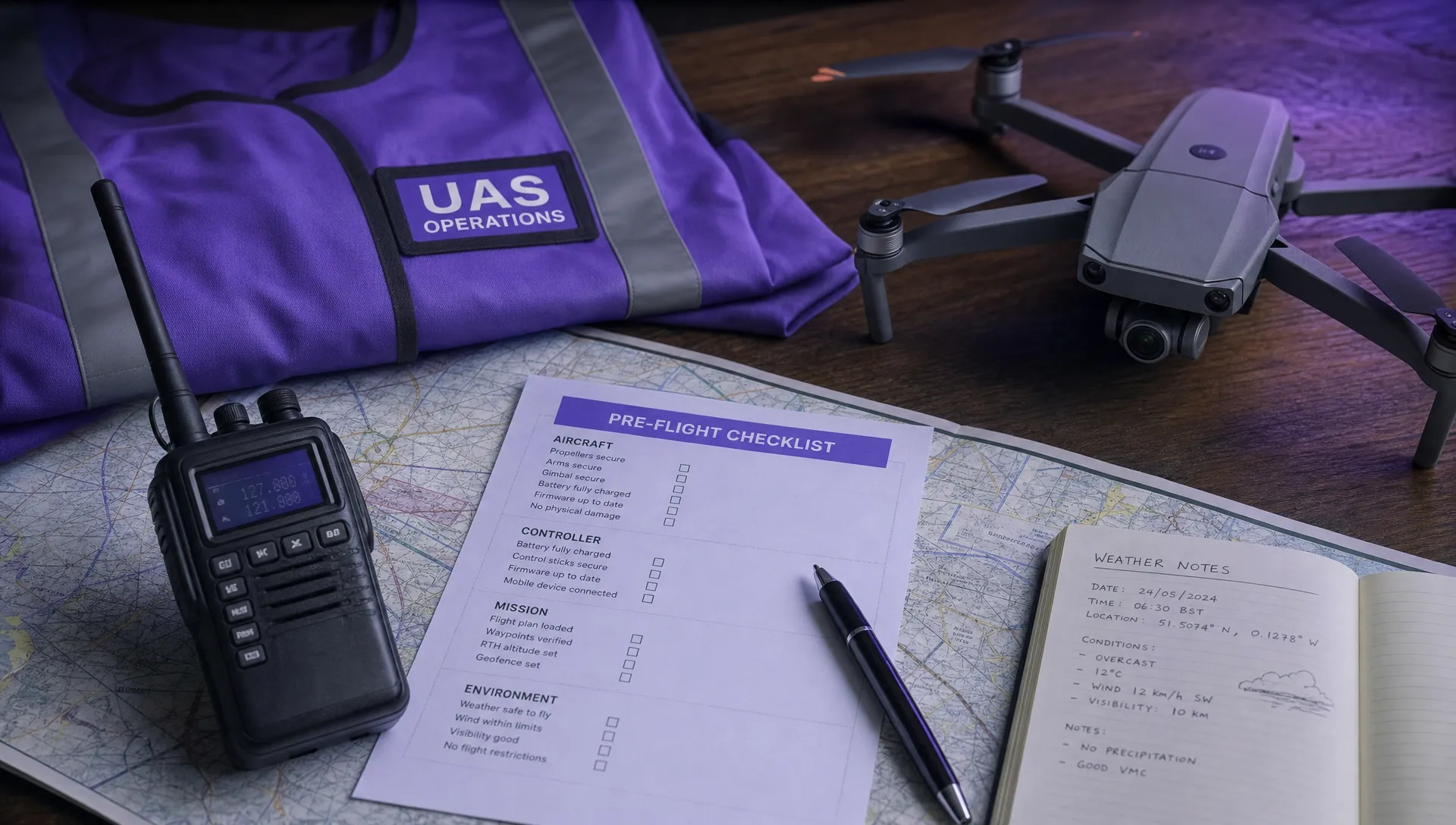
5. Decide what the NOTAM means for the flight
Once you understand the notice, make an operational decision. A NOTAM that is outside your area and altitude may simply be recorded as reviewed with no impact. A NOTAM that overlaps your area may require a change of time, reduced operating area, lower altitude, additional observers, direct coordination, formal permission or cancellation.
For example, if a temporary restricted area applies from the surface across your worksite during your planned survey, the decision is straightforward: do not fly unless you have the required authorisation. If a parachuting NOTAM is active nearby but outside your immediate area, you may need to widen visual scanning, amend the flight line, contact the site operator or delay until the activity ends.
The key is to avoid a binary approach where the team simply marks NOTAM checked. The useful output is a recorded decision based on the notice.
6. Record the check in the mission pack
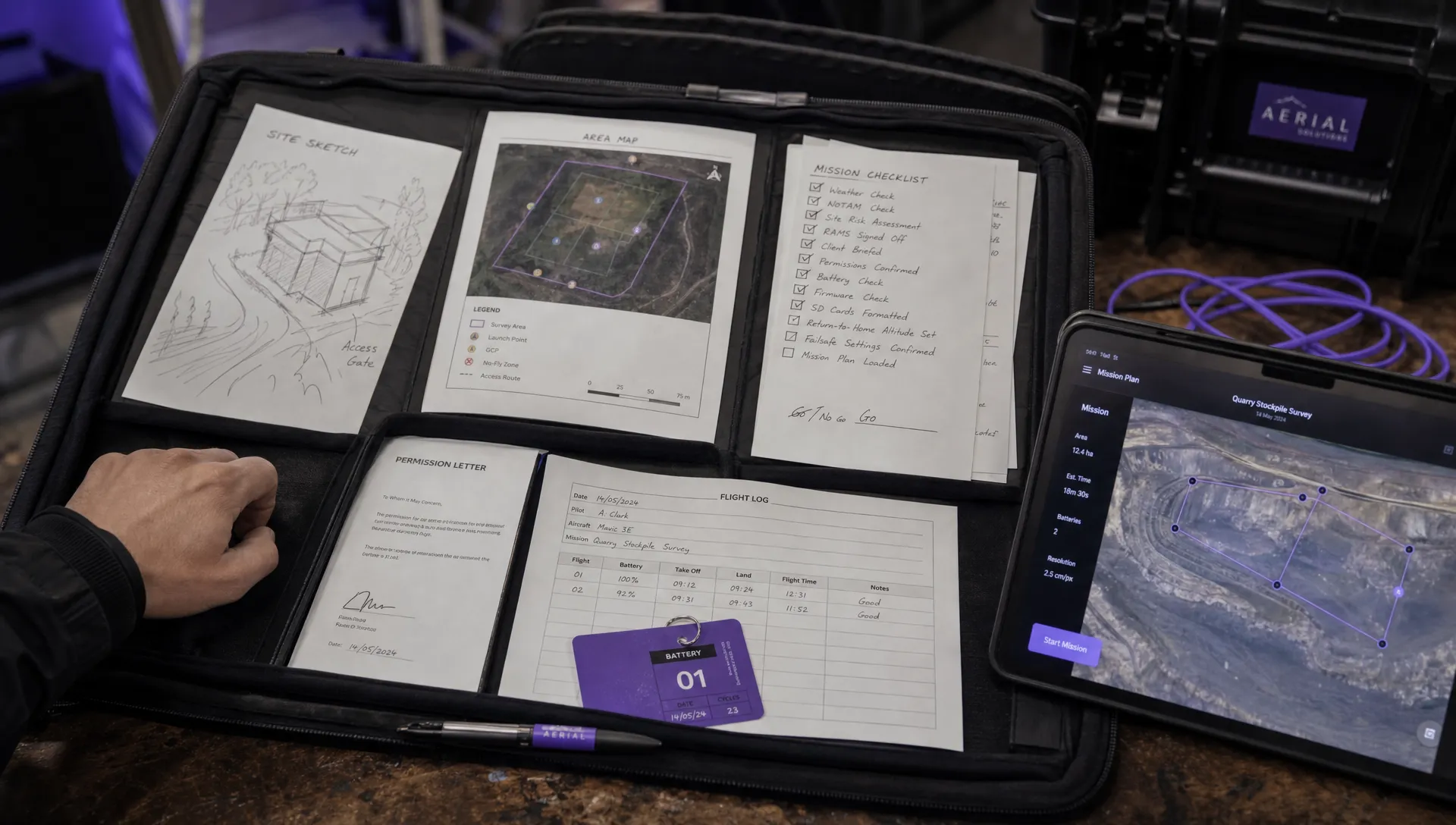
For professional operations, evidence matters. Record the date and time of the NOTAM check, the source used, relevant NOTAM references, the person who reviewed them and the decision made. If you use screenshots, make sure they show the time, area and notice details clearly enough to be useful later.
This record should sit alongside your airspace review, weather check, site survey, client brief and risk assessment. If your process needs tightening, Dronedesk has a practical guide on building a drone flight risk assessment that works, which is a useful companion to a stronger NOTAM workflow.
Common NOTAM types drone pilots should recognise
Some NOTAMs are obviously relevant to drones. Others can look like manned aviation information but still matter at low altitude. The table below highlights common categories worth watching.
| NOTAM topic | Why it matters | Typical drone response |
|---|---|---|
| Temporary restricted area | May prohibit flight from the surface without permission | Do not fly unless authorised |
| Air display, flypast or formation activity | Fast-moving aircraft may operate at low level | Avoid, reschedule or coordinate |
| Parachuting or gliding | People or aircraft may be operating in shared low-level airspace | Avoid the area or contact the site |
| Military exercise or low flying | Increased unpredictable aviation activity | Reassess timing, area and observers |
| Danger area activation | Entry may be unsafe or prohibited when active | Check status and remain clear unless permitted |
| Obstacle, crane or mast | May affect route planning and emergency procedures | Add to site hazards and amend route |
| GNSS interference | May affect positioning, return-to-home and geotagging | Consider postponing or applying non-GNSS mitigations |
| UAS activity | Another drone operation may be nearby | Coordinate or deconflict where possible |
Do not rely only on keywords. A NOTAM can be relevant even if it does not mention drones. Anything involving airspace restrictions, low-level aircraft, unusual activity, navigation disruption or temporary obstacles deserves attention.
Mistakes to avoid when checking drone NOTAMs
One common mistake is checking too early and never checking again. NOTAMs can be issued or amended after your initial planning. For commercial missions, check during planning, again before travel where practical and once more shortly before launch.
Another frequent error is ignoring time zones. UK NOTAMs normally use UTC. During British Summer Time, local time is one hour ahead of UTC. If your crew briefing is in local time, make the conversion obvious so everyone understands when a notice is active.
A third mistake is focusing only on the planned flight line. Your emergency area matters too. If a flyaway, forced landing or lost-link procedure could take the aircraft towards a temporary restriction or hazard, the NOTAM is operationally relevant even if the planned flight path looks clear.
Operators also sometimes assume that no NOTAM means no restriction. It does not. Permanent airspace, aerodrome Flight Restriction Zones, local bylaws, landowner controls, site security restrictions and privacy issues may still apply. A clean NOTAM check is not a complete permission check.
Finally, do not leave the interpretation in one person’s head. Brief the remote pilot, observers, payload operators and client-side site contacts where relevant. Everyone involved should know what has been checked, what constraints apply and what would trigger a stop or reassessment.
Example: applying a NOTAM check to a utility inspection
Imagine a team planning a substation inspection on the edge of a market town. The aircraft will remain below 120 metres, but the site sits near a helicopter route and five miles from a small aerodrome. The job is expected to take 90 minutes, with a two-hour window agreed with the client.
The team defines the site boundary, take-off area, emergency landing area and a buffer around the substation. They check official NOTAMs for the area and time window, then cross-check the airspace map and local constraints. One NOTAM shows parachuting activity several miles away between 1200 and 1600 UTC. Another warns of a crane near the town centre, outside the operating area but relevant to the drive-in site briefing.
The parachuting site does not overlap the substation, but it is close enough to be noted. The team records the NOTAM reference, briefs the observer to maintain extra awareness in that direction and confirms that the planned flight will finish before the busiest activity window. The crane is added to the site hazard notes but does not affect the route.
That is the difference between a tick-box check and an operational check. The team has not simply asked whether there is a NOTAM. It has decided what the notices mean for the mission.
Building NOTAM checks into a repeatable SOP
A good standard operating procedure should make NOTAM review unavoidable. It should define who checks, when they check, which sources they use, how they interpret overlap, how they escalate uncertainty and where they record the result.
For smaller operators, this may be a checklist item supported by a saved briefing PDF or screenshot. For larger teams, especially those managing multiple pilots, aircraft and clients, the process should be standardised across the organisation. If you are scaling beyond ad hoc admin, a structured approach to operations and fleet oversight becomes increasingly important, as covered in Dronedesk’s guide to drone fleet management.
The best SOPs also include a final go or no-go pause. Immediately before launch, the remote pilot should confirm that airspace, NOTAMs, weather, site conditions, crew readiness and aircraft status still support the flight. If something has changed, the mission should be reassessed before the aircraft leaves the ground.
Frequently asked questions
Is a drone NOTAM different from a normal NOTAM? Usually, no. Drone operators use the same NOTAM system as other aviation users. The phrase drone NOTAM normally refers to a NOTAM that affects a drone flight, or occasionally a notice issued because of a drone operation.
Where should UK drone pilots check NOTAMs? UK operators should use the official UK Aeronautical Information Service, provided through the NATS UK AIS portal, and follow CAA guidance on checking airspace and restrictions before flight. Drone planning tools can help visualise the information, but official sources remain the baseline for professional checks.
Do I need to issue a NOTAM for every drone flight? No. Routine drone flights do not automatically require a NOTAM. Some higher-risk, unusual, large-scale, BVLOS, high-altitude or event-related operations may require aviation notification or coordination depending on the authorisation and circumstances. Check the conditions of your Operational Authorisation and any instructions from the CAA or relevant airspace authority.
How close to take-off should I check NOTAMs? Check during planning, then refresh the check as close to take-off as practical. For long jobs, changing incident scenes or operations near busy airspace, you may also need to monitor updates during the mission window.
What should I do if a NOTAM overlaps my planned drone flight? Read the full notice, confirm the active time and altitude, then decide whether you need to reschedule, reroute, reduce altitude, coordinate, obtain permission or cancel. If the notice is unclear, treat it conservatively and seek clarification before flying.
Make NOTAM checks easier to manage
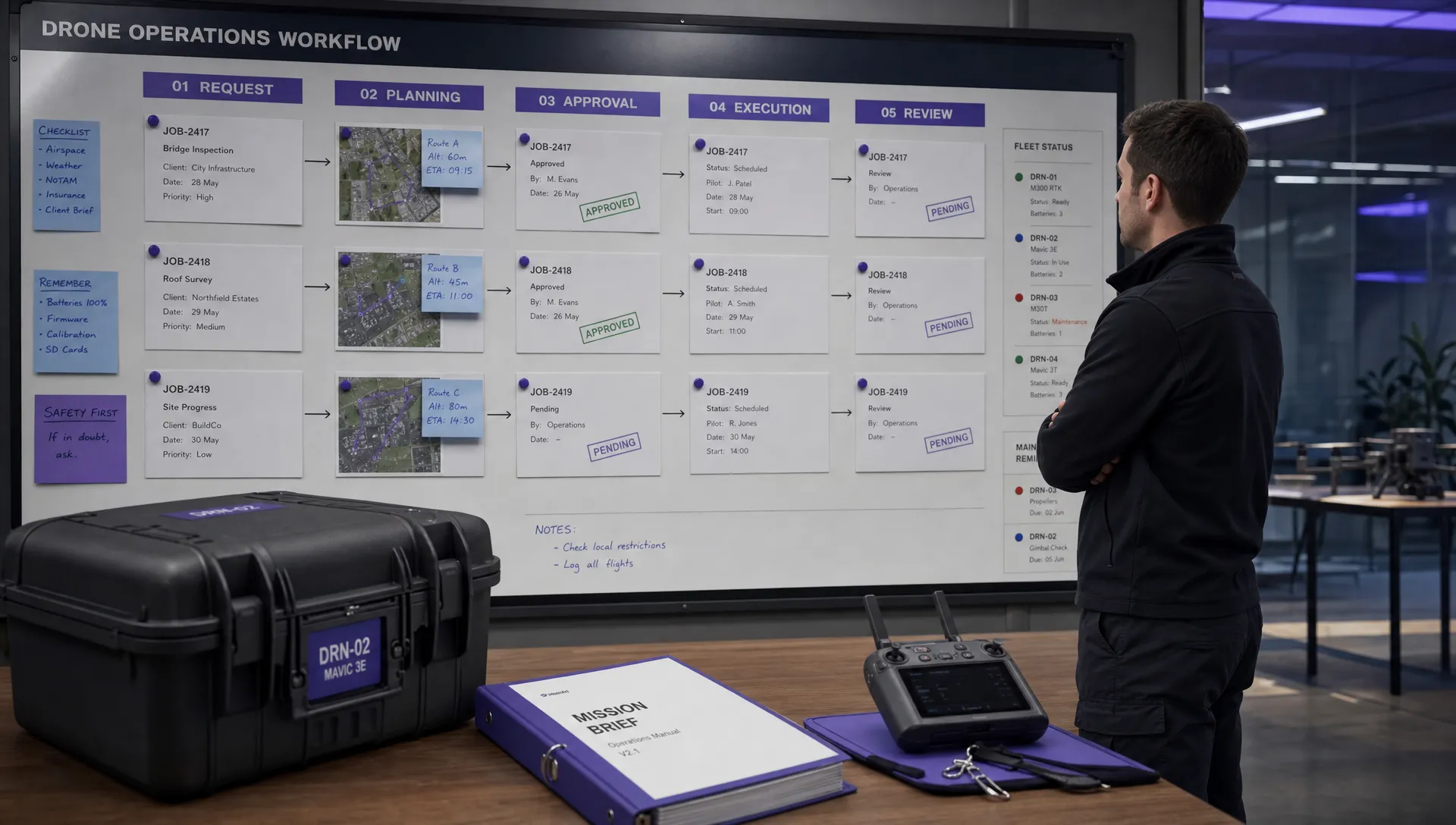
A reliable NOTAM check is not just an airspace task. It is part of a wider operations workflow covering planning, risk assessment, crew briefing, flight logging and evidence capture.
Dronedesk helps drone operators manage that workflow in one place, with tools for flight planning, airspace and proximity intelligence, configurable checklists, risk assessments, client management, fleet management, team management, flight logging and data reporting. If your current process relies on scattered screenshots, spreadsheets and memory, building NOTAM review into a structured mission workflow can make every flight easier to plan, brief and evidence.
 How to Start a Drone Mapping Business With a Clear Workflow →
 Class C Airspace Drone Rules for Commercial Flights →
 How to Create a Drone Job Pack for Every Mission →
 FAA Small UAS Rule: Key Requirements for Operators →
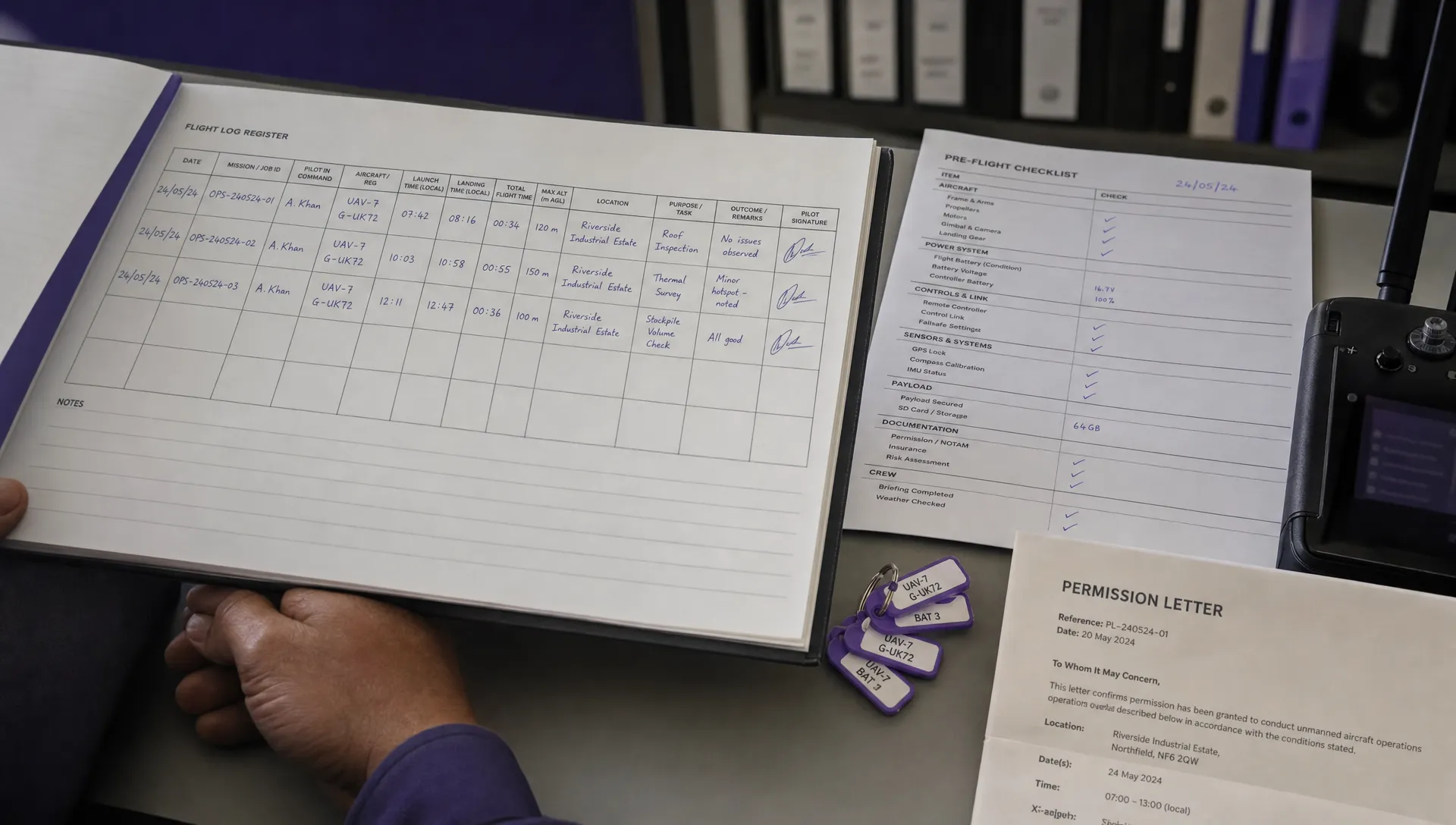 How to Build a Drone Pilot Flight Log That Is Audit Ready →
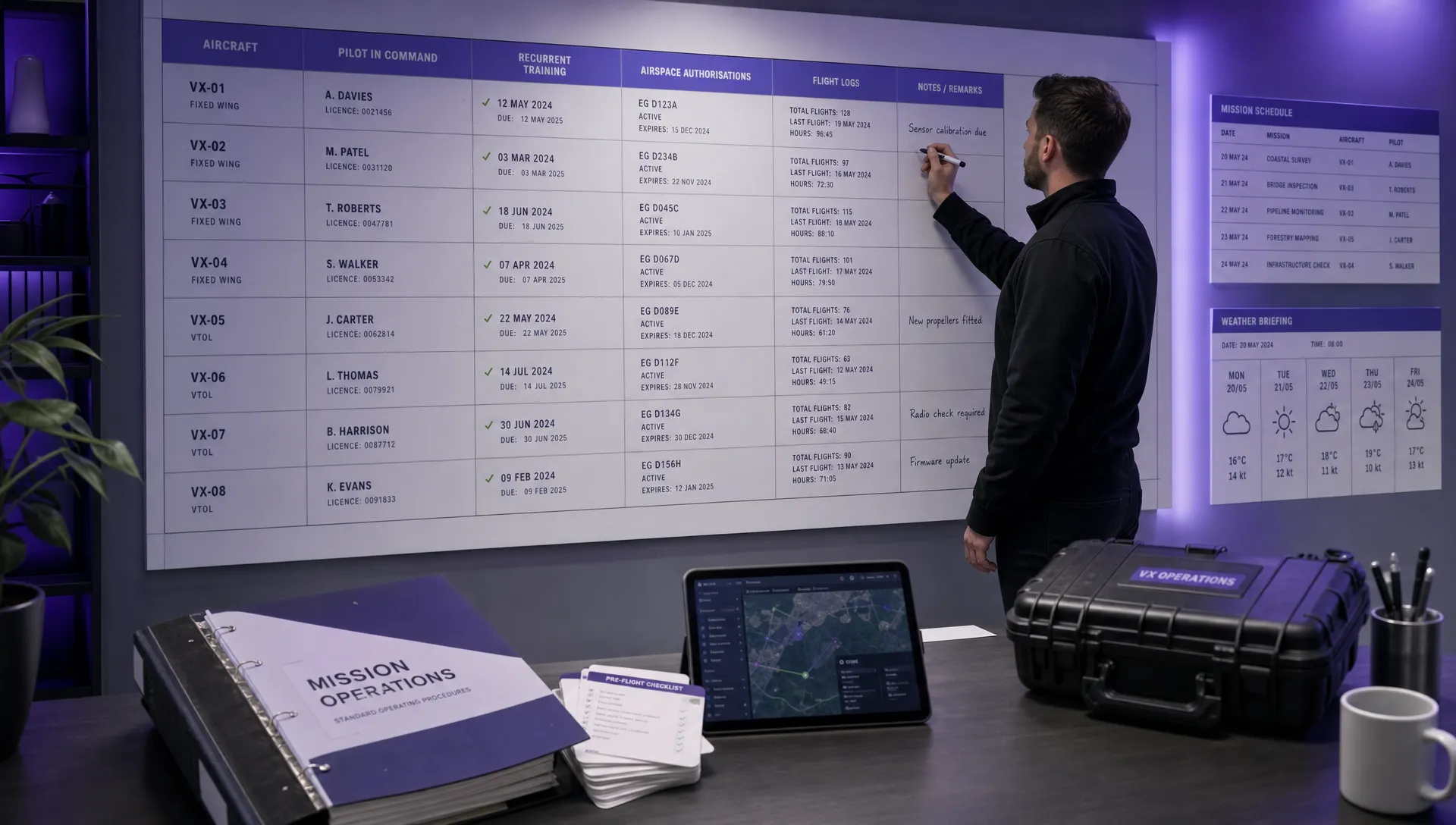 FAA Drone Licence Requirements for Commercial Pilots →
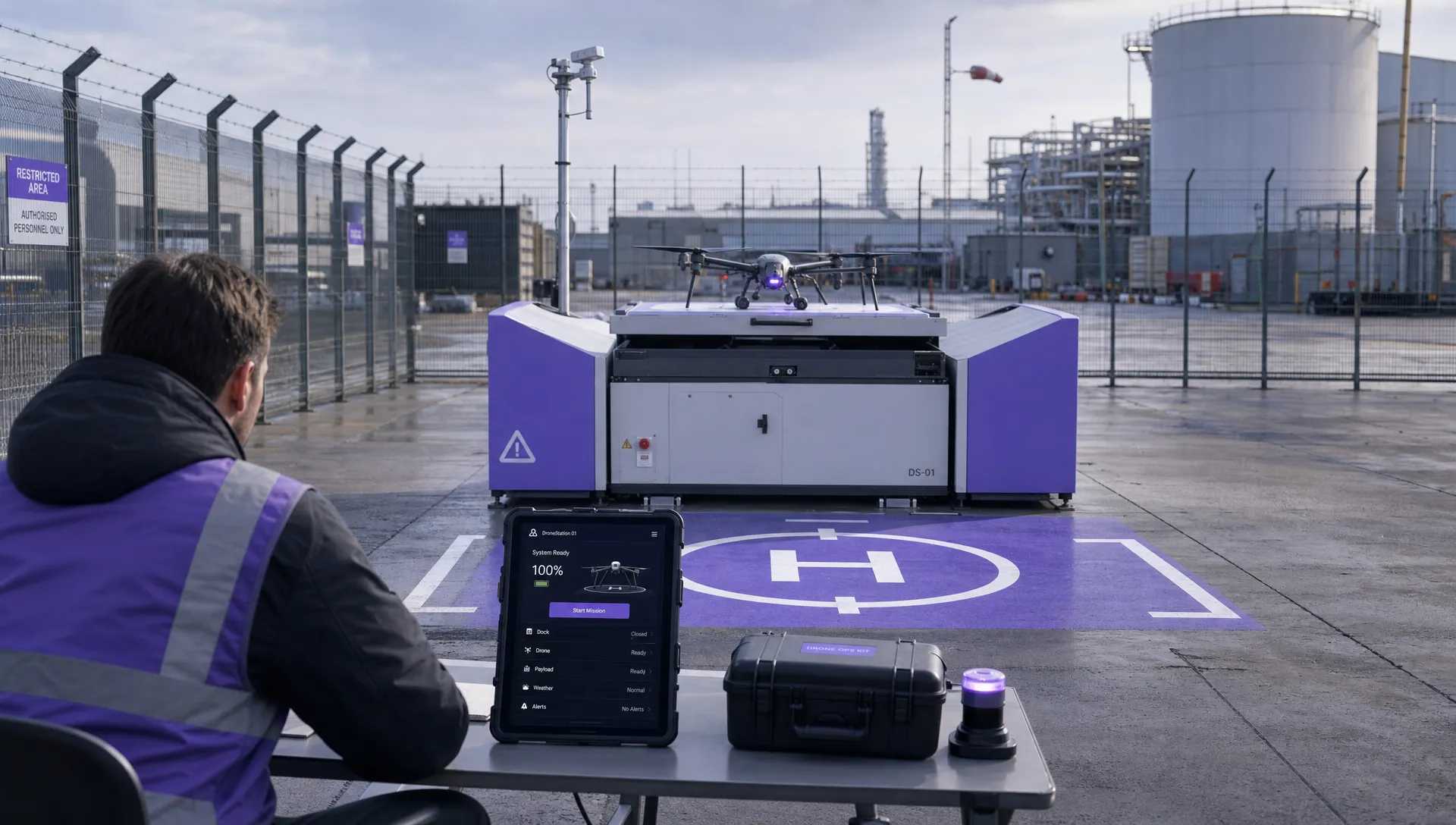 FAA BVLOS Waivers Granted: What Successful Cases Show →
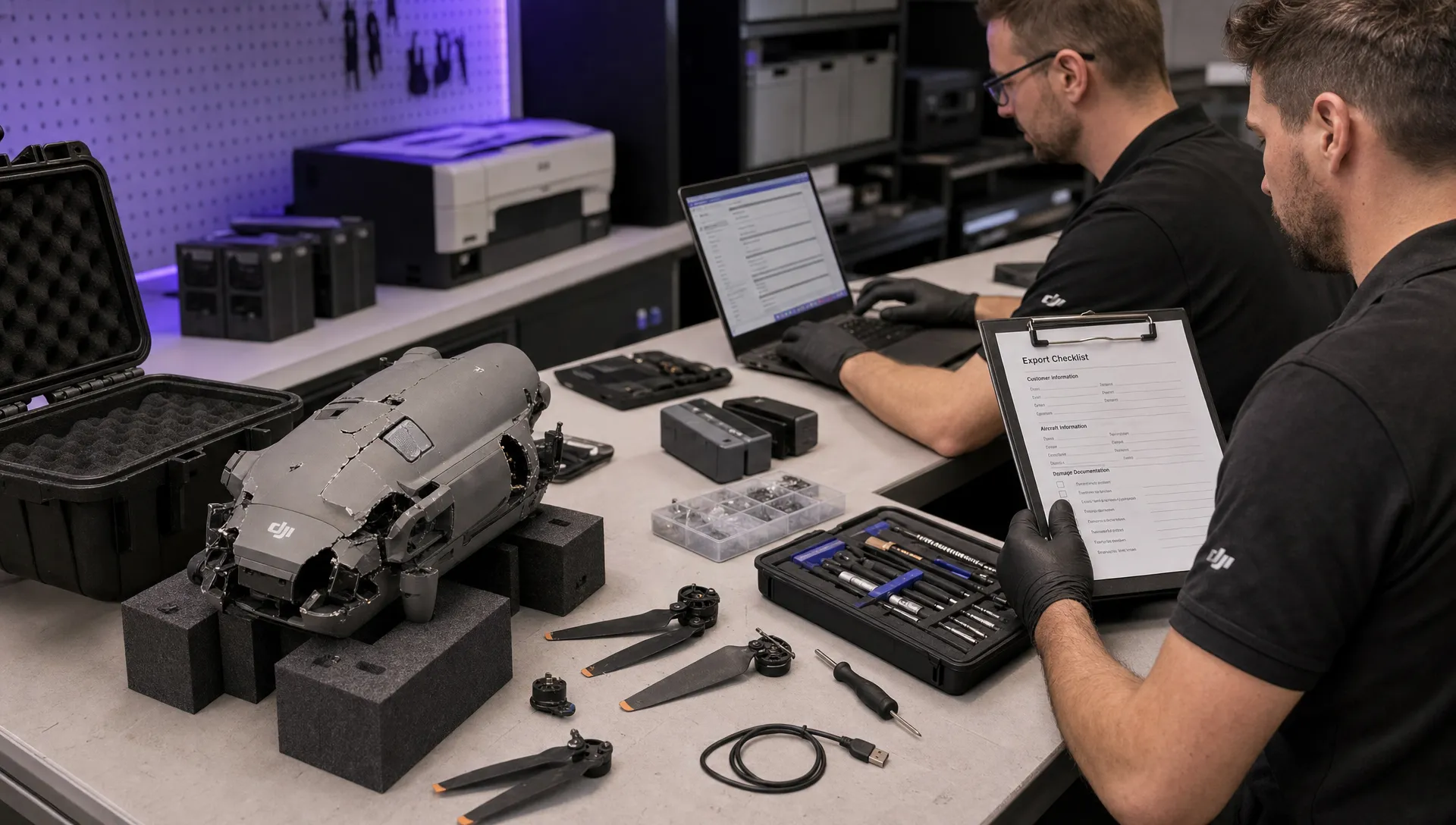 How to Export DJI Flight Logs for Incident Reviews →
 Drone Safety and Legal Duties for Business Operations →
 EASA Drone Regulations: Open, Specific and Certified Categories →